온라인 PDF 제작 도구: 순식간에 PDF 파일 만들기
Picsart 온라인 PDF 생성 도구로 세련되고 전문적이며 시각적으로 매력적인 PDF 파일을 만들어 보세요. 글꼴과 색상을 맞춤 설정하고 그래픽을 추가해 파일을 더욱 완성도 있게 다듬을 수 있습니다.
- 문서를 깔끔하게 정리하세요
- 텍스트와 비주얼을 함께 다듬으세요

AI 이미지 모델로 PDF 디자인하기
이미지 모델을 활용해 PDF를 완성도 높은 비주얼, 디자인 아이디어, 편집 가능한 에셋으로 바꿔 보세요.
템플릿을 둘러보고 PDF 만들기
Picsart 온라인 PDF 제작 도구에는 프로젝트에 사용할 수 있는 다양한 템플릿이 마련되어 있습니다. 다양한 템플릿 중에서 선택하고 손쉽게 맞춤 설정해 보세요.


Picsart 온라인 PDF 제작 도구로 간편하게 PDF 만들기
온라인 PDF 생성 도구를 사용하면 몇 초 만에 PDF 파일을 만들 수 있습니다. 번거로운 과정 없이 간편하게 완성해 보세요! 다양한 기능을 활용해 어떤 목적에든 맞는 문서를 만들 수 있습니다. 원하는 형식으로 정보를 입력하고 문서를 맞춤 설정한 다음 내보내기 버튼을 클릭하세요!

모든 상황에 어울리는 PDF 만들기
학생부터 CEO까지 누구나 Picsart의 템플릿으로 보고서를 세련된 PDF로 만들 수 있습니다. 필요한 모든 것이 준비되어 있어요. 템플릿을 선택하고 PDF 생성 도구에서 편집하기만 하면 됩니다. 텍스트를 추가하고 글꼴과 색상을 조정해 PDF 파일을 만들어 보세요. 내보낸 파일은 인쇄에 적합한 고화질로 완성됩니다!

Picsart PDF 제작 도구로 시간 절약하기
Picsart의 직관적인 사용자 인터페이스로 PDF를 빠르게 만들어 보세요. 탭이나 브라우저를 오갈 필요가 없습니다. 문서를 맞춤 설정하는 데 필요한 모든 기능을 한 페이지에서 이용할 수 있어요. 사용하기 쉬운 템플릿과 기본 제공 라이브러리의 디자인 에셋을 끌어다 놓고, 레이어를 이동해 바로 사용할 수 있는 고품질 PDF 파일을 만들어 보세요!


비즈니스 문서의 효과 극대화하기
Picart 온라인 PDF 제작 도구로 비즈니스에 어울리는 완성도 높은 문서를 만들어 보세요. 회사에 필요한 인상적인 제안서와 보고서를 만들 수 있습니다. 미리 디자인된 템플릿을 맞춤 설정해 브랜드에 개성을 더해 보세요. 로고를 넣고 내용을 편집한 다음 차트와 그래프를 추가하세요. 자신 있게 공유할 수 있는 브랜드 PDF가 완성됩니다!

PDF 제작 도구 FAQ
Picsart에서는 다양한 전문 템플릿을 선택할 수 있을 뿐 아니라 사진 편집 기능, AI 도구 등도 이용할 수 있습니다. 이 모든 기능을 활용해 나만의 개성이 담긴 PDF를 만들어 보세요.
Picsart 도구 최신 소식
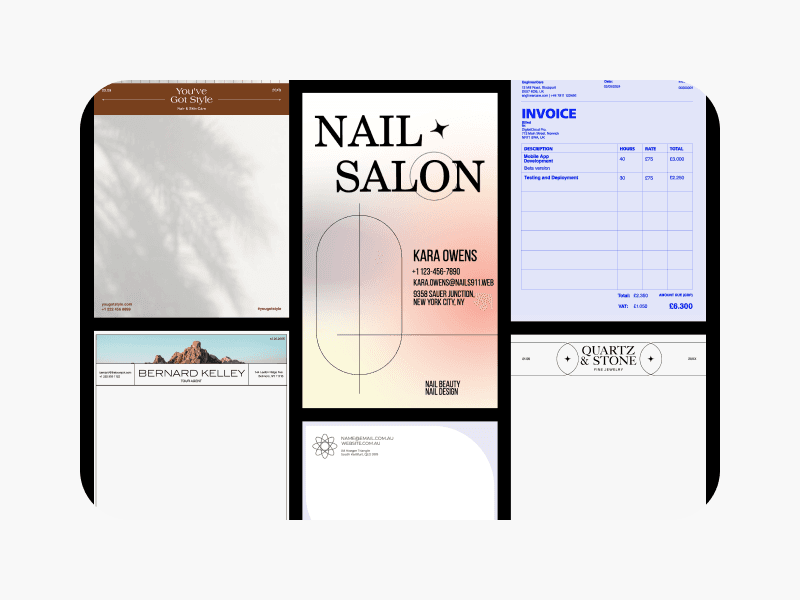
문서 제작 도구
Picsart 템플릿으로 매력적인 문서 디자인을 손쉽게 만들어 보세요.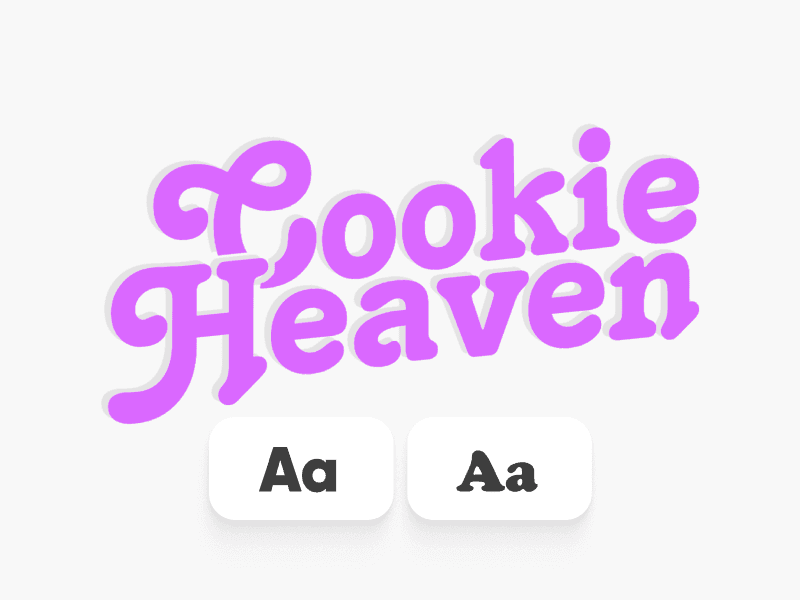
텍스트 편집기
Picsart 텍스트 편집 도구로 원하는 대로 텍스트를 편집하세요.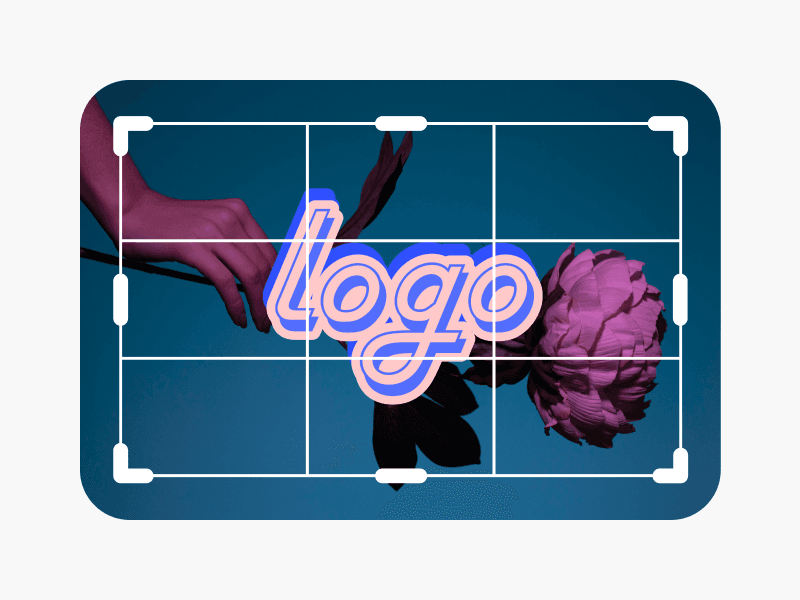
사진 편집기
Picsart AI 기반 사진 편집기로 사진을 빠르게 편집하세요.
이미지 뒤집기
AI 이미지 뒤집기 도구로 원하는 방향으로 이미지를 빠르게 뒤집으세요.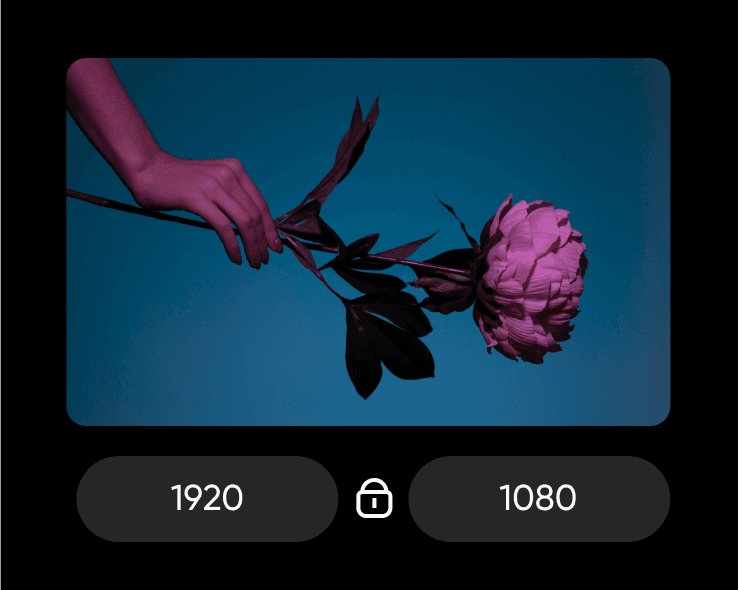
이미지 크기 조정
이미지 크기 조정 도구로 화질을 손상하지 않고 이미지 크기를 바꿔 보세요.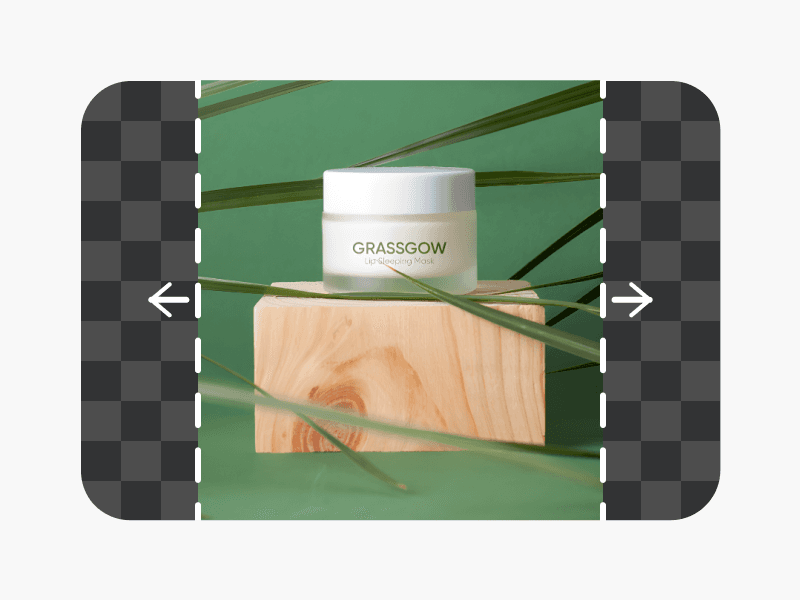
AI 이미지 확장
이미지 확장 도구로 이미지의 원래 경계 너머까지 배경을 확장하세요.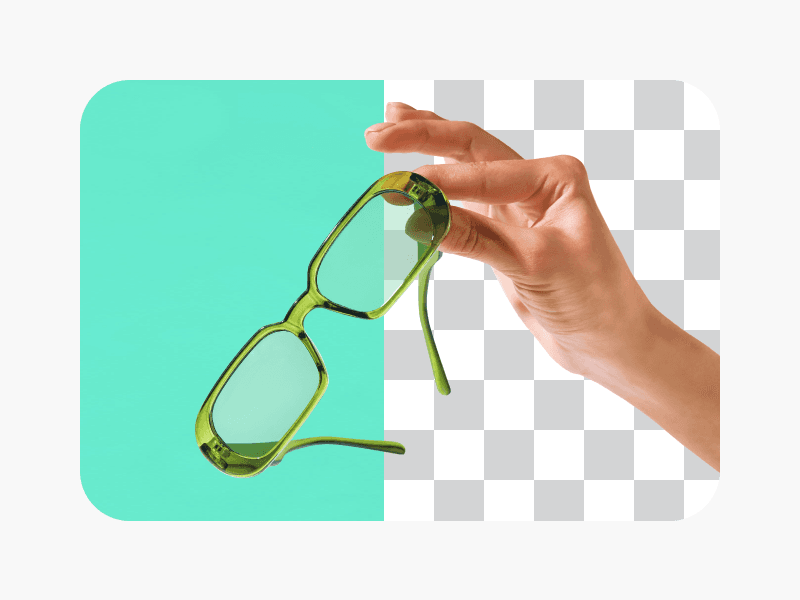
AI 배경 제거
배경 제거 도구로 이미지의 배경을 지워 보세요.
AI 배경 변경
배경 변경 도구로 이미지의 배경을 자유롭게 바꿔 보세요.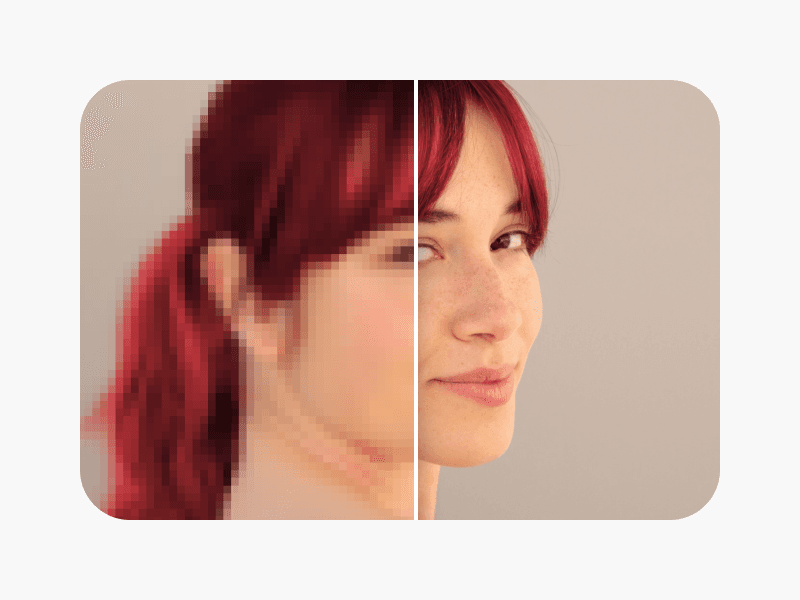
이미지 선명하게 만들기
AI 이미지 향상 도구의 흐림 보정 기능으로 흐릿한 이미지를 선명하게 만드세요.
업무, 지원서, 비즈니스에 필요한 PDF 디자인
Pro
Most popularAI tools for everyday creative work.
Ultra
Most powerfulHeavy AI usage for creators & teams.
Enterprise
Custom AI solutions for large organizations.
- Volume discounts on credit rate
- On-demand top-ups