프로페서가 기억하는 프로젝트로 만드세요
클래스에서 눈에 띄는 것은 좋은 아이디어만으로는 부족합니다 — 주목을 끄는 시각자료가 필요합니다.
Picsart는 여러분에게 프레젠테이션, 포스터, 소셜 미디어 그래픽 및 창의적인 프로젝트를 전문가처럼 만들 수 있는 AI 기반 디자인 도구를 제공합니다. 경험이 필요하지 않습니다. 무료로 사용할 수 있습니다. 몇 초 만에 시작하세요.
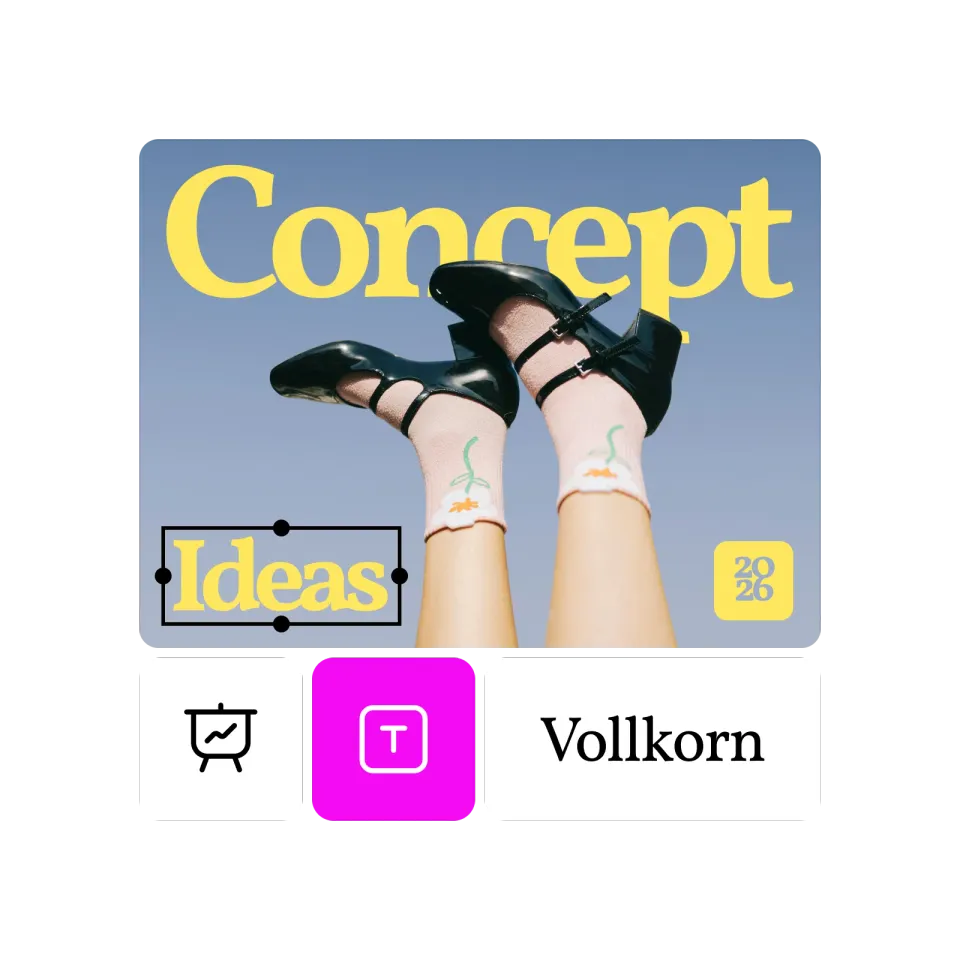

모든 과제를 포트폴리오 작품으로 변신
클래스 프레젠테이션이든 동아리 포스터든, Picsart는 미래 고용주에게 정말 보여주고 싶은 작품을 만드는데 도움을 줍니다. 숙제를 하면서 포트폴리오를 구축하세요.

마감 속도로 작업
새벽 2시에 벼락치기 하기도 합니다. Picsart의 AI 도구는 수 시간 아닌 몇 분 만에 품질 있는 시각자료를 만듭니다. 늦게 시작해도 여전히 인상적입니다. 템플릿과 AI는 막바지 준비를 오랜 시간 준비한 것처럼 보이게 만듭니다.

사용 비용이 없음
학생 예산은 빠듯합니다. Picsart의 무료 계층은 비용 없이 진정한 창의력을 제공합니다. 프리미엄 기능도 있지만, 무료 버전으로도 상당히 많은 것을 할 수 있습니다.
학생들이 Picsart를 사용하는 방법
주의를 끄는 슬라이드를 만드세요. 사용자 정의 그래픽, 일관된 스타일링 및 전문적인 마무리로 지루한 프레젠테이션을 기억에 남는 것으로 변환하세요.
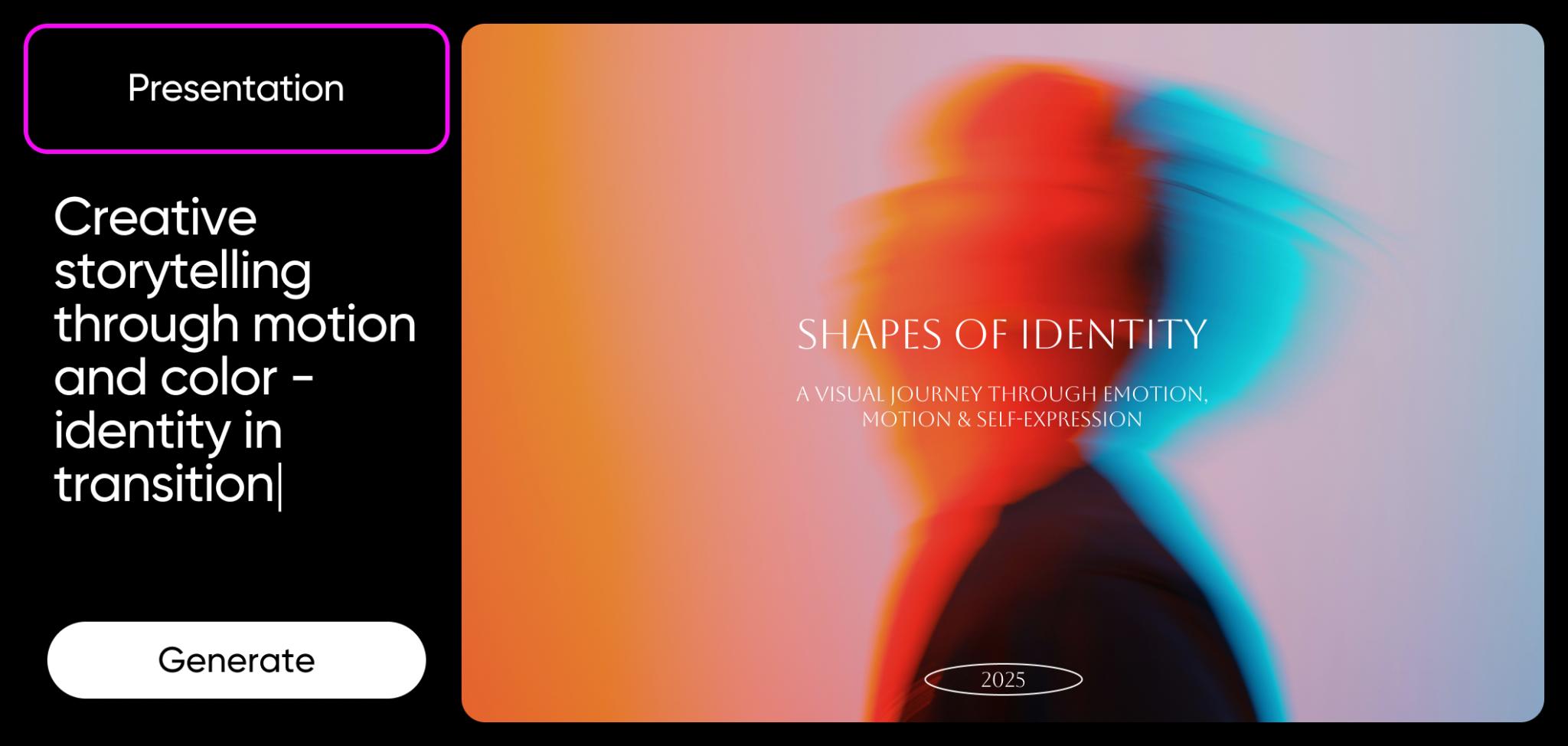
디자이너를 고용한 것처럼 보이세요 (사실은 아니지만)
여러분의 학우들은 파워포인트 클립 아트를 사용하고 있습니다. 여러분은 AI로 생성된 맞춤 시각자료, 전문 템플릿 및 모든 것을 깔끔하게 만드는 편집 도구를 사용하고 있습니다.
차이가 보입니다. 교수는 품질을 알아봅니다. 미래의 고용주는 포트폴리오를 봅니다.
지금은 두드러지는 작업을 시작하고, 그 습관을 통해 경력 전반에 걸쳐 혜택을 얻으세요.
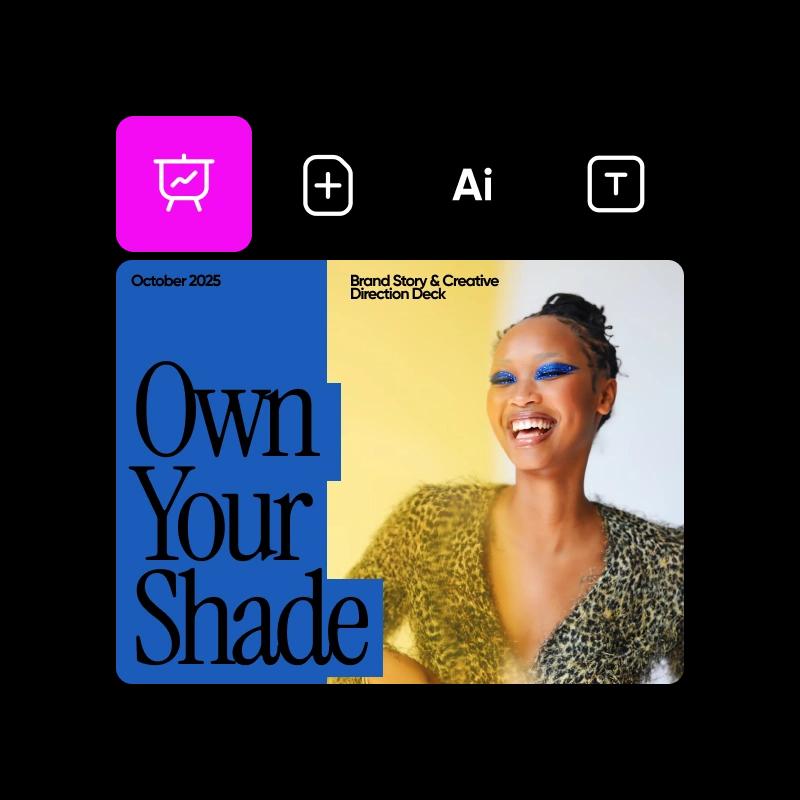
어디서나 활용할 수 있는 창의적 기술을 배우세요
시각적 커뮤니케이션은 디자인 직업 뿐만 아니라 모든 경력에서 중요합니다. 마케팅은 그래픽이 필요하고, 스타트업은 브랜드 자료가 필요합니다. 모든 프레젠테이션은 더 나은 시각자료에서 이익을 얻습니다.
지금 Picsart를 사용함으로써 창의적인 자신감과 실질적인 기술을 구축하여 졸업 후 어디서든 더 가치 있게 만듭니다.
게다가, 정말 재미있습니다.
모든 프로젝트를 위한 무료 도구
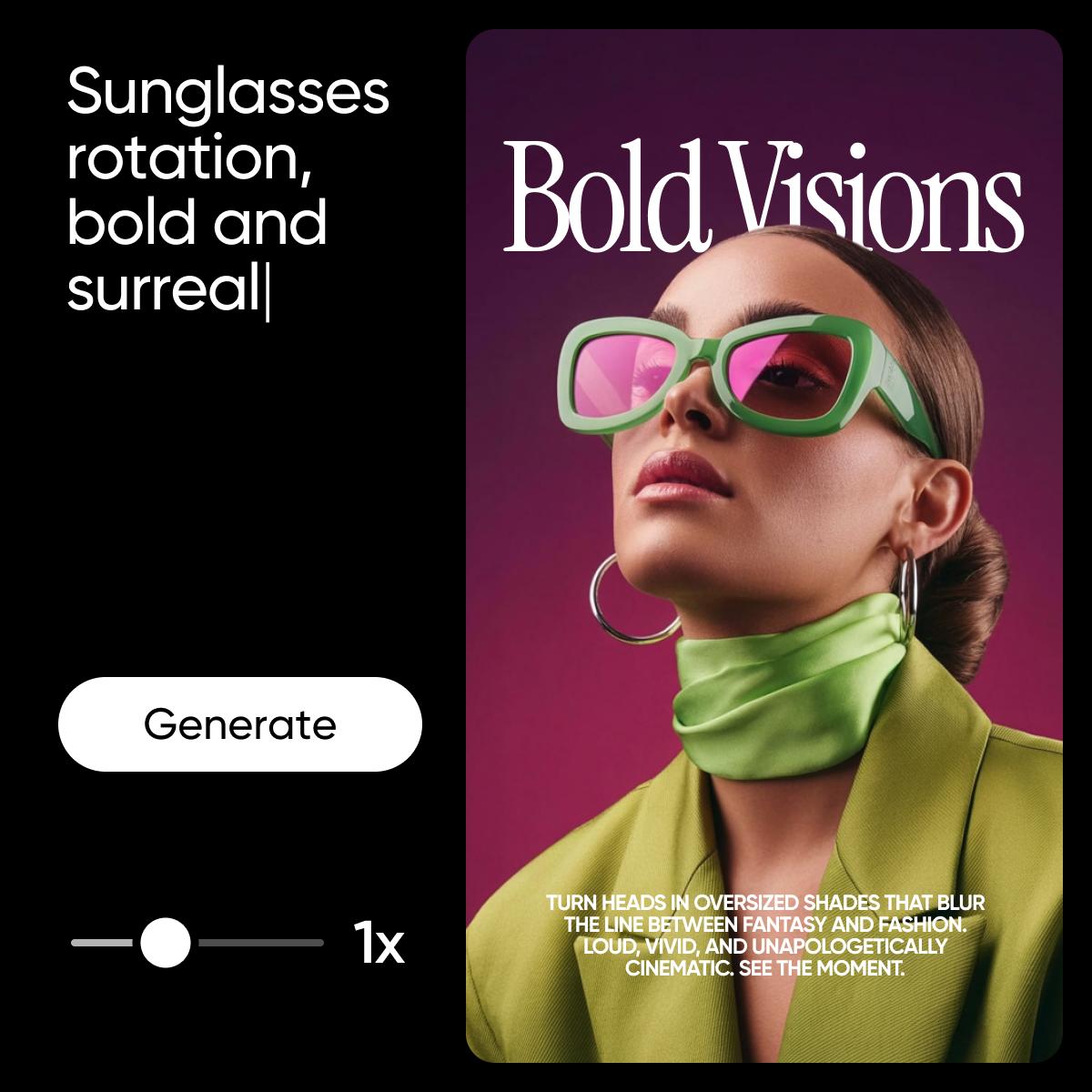
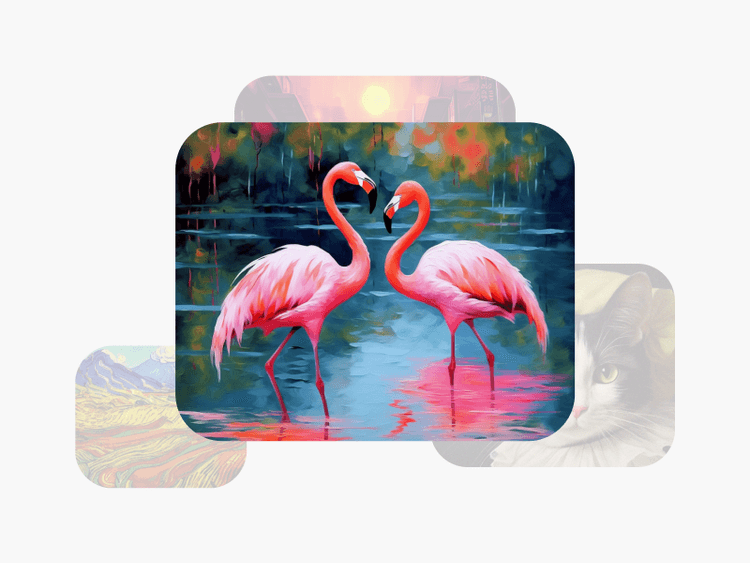
AI 이미지 생성기
특정 이미지가 필요하신가요? 설명하세요. AI가 만듭니다. 모든 프로젝트를 위한 맞춤 시각자료.

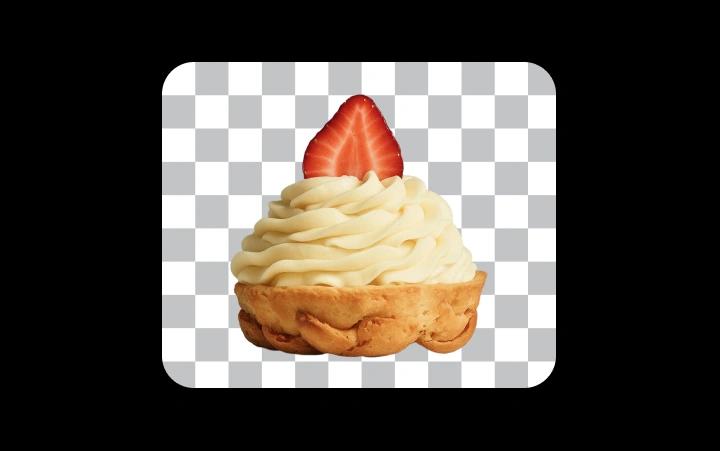
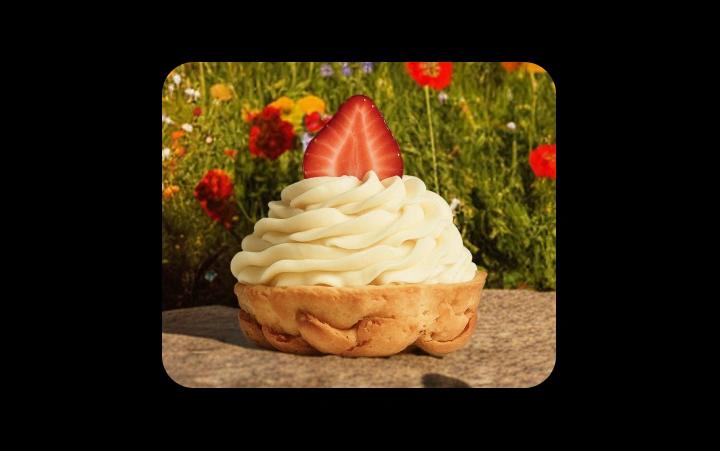
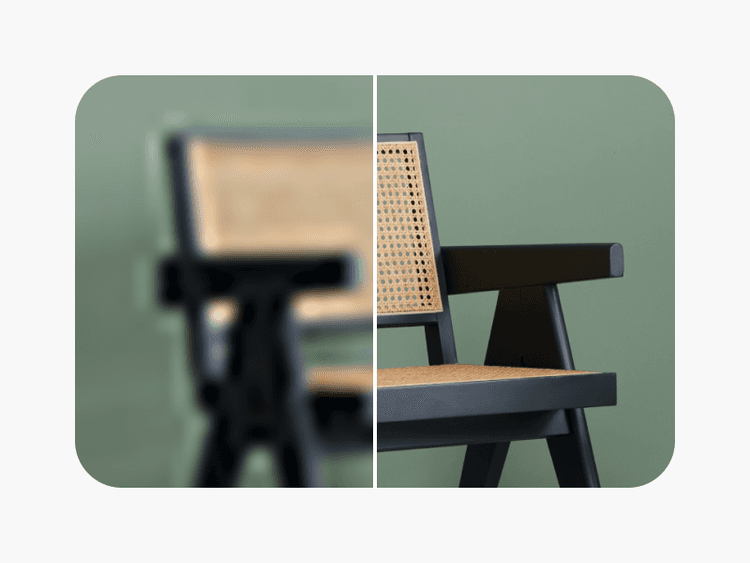
주제 분리
어떤 장면에서든 주제를 즉시 분리합니다. 프레젠테이션 및 합성에 완벽합니다.

템플릿
프레젠테이션, 포스터, 소셜 포스트 및 더 많은 것들을 위한 전문 디자인에서 시작하세요.

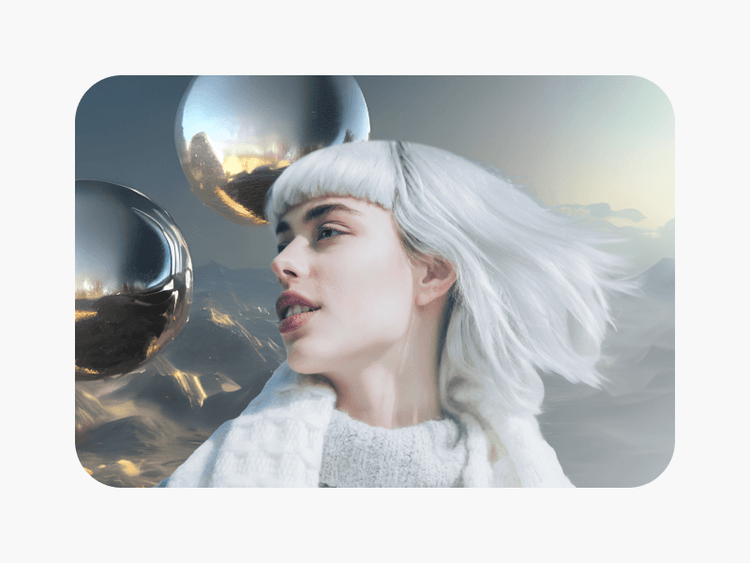
창의적 도구 키트
완전한 도구 세트. 조정, 개선, 필터 적용, 어떤 이미지도 변형하기.
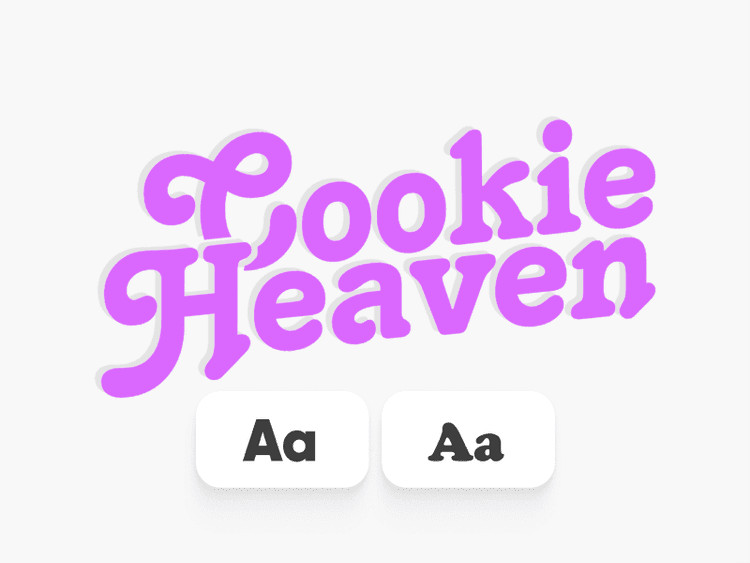
텍스트 도구
어떤 디자인에도 전문적인 타이포그래피를 추가하세요. 폰트, 효과 및 스타일이 포함되어 있습니다.

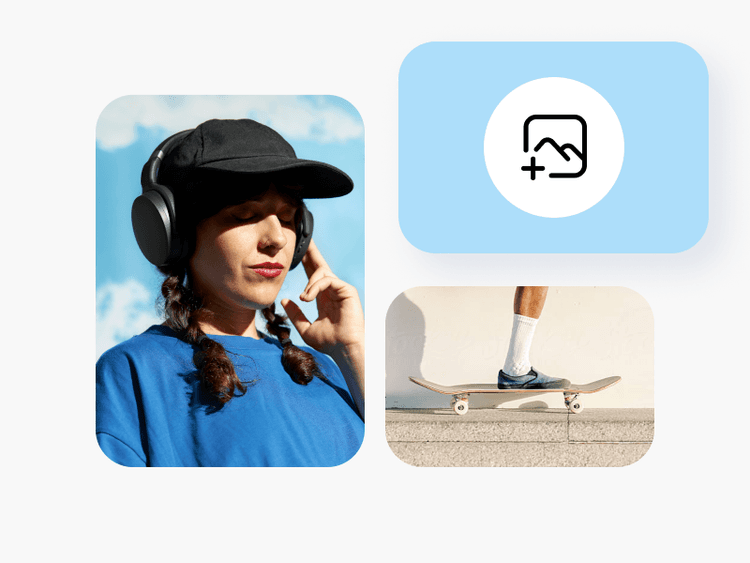
다중 이미지 레이아웃
여러 이미지를 프로젝트와 프레젠테이션을 위한 세련된 구성으로 결합하세요.
Picsart로 창작하는 학생들
학생들을 위한 Picsart FAQ
네. Picsart의 무료 계층은 제한된 시험판이 아닌 실제 사용 가능한 버전입니다. 비용 없이 핵심 편집 도구, 템플릿 및 AI 기능에 접근할 수 있습니다. 프리미엄 플랜은 더 많은 것을 제공합니다. 하지만 대부분의 학생들은 무료 버전으로 필요한 모든 것을 해낼 수 있습니다.
물론이죠. Picsart는 학업 작업에 완벽합니다 — 프레젠테이션, 포스터, 시각자료가 포함된 보고서, 창의적 프로젝트 등을 말이죠. 독창적인 그래픽을 제작하고, 어떤 과제에도 이미지를 개선하세요. 학교에서 도구 출처 표기를 요구한다면 Picsart를 인용하세요.
네, 둘 다 가능합니다. Picsart는 모든 랩톱이나 컴퓨터의 브라우저에서 작동합니다. iOS 및 Android의 모바일 앱은 이동 중에도 창작이 가능하게 합니다. 전화로 프로젝트를 시작하고, 랩톱에서 마무리하세요 — 모든 것이 동기화됩니다.
필요하지 않습니다. Picsart는 모두를 위해 만들어졌습니다. 템플릿은 전문적인 시작점을 제공합니다. AI는 텍스트 설명에서 시각자료를 생성합니다. 직관적인 도구가 편집을 안내합니다. 대부분의 학생들은 처음 사용하자마자 인상적인 작업을 만듭니다.
네. Picsart에서 제작한 작품은 당신의 것입니다. 포트폴리오, 구직 신청서, 개인 웹사이트 및 소셜 미디어에 사용하세요. 학교 다니는 동안 포트폴리오를 구축하면 졸업 후 구직 시 상당한 이점을 제공합니다.
Picsart는 때때로 프리미엄 플랜에 학생 전용 프로모션 및 할인을 제공합니다. 무료 계층은 대부분의 학생 필요를 충족하기에 이미 충분히 관대합니다. 가격 페이지를 확인하거나 .edu 이메일로 가입하여 현재 학생 제공 프로그램을 확인하세요.
프로젝트를 위한 더 많은 도구 발견하기
프레젠테이션에서 소셜 콘텐츠까지, 이 AI 기반 도구는 주목을 받는 작품을 만드는데 도움을 줍니다.

Picsart로 시각자료, 비디오 및 디자인 만들기
Free
Starter tools for casual exploration.