Remove unwanted objects, texts, defects and watermarks from photos online
Reclaim control of your images from intrusive objects with the Picsart object remover tool. Leave it to AI to remove any object, text, defect, or watermark from your photos and make it look like nothing was ever there.


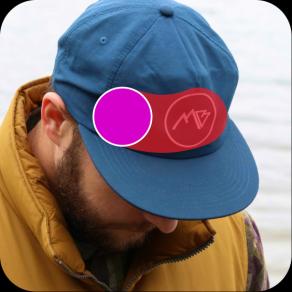


Create remove object from photo with AI image models
Use image models to transform remove object from photo into polished visuals, design ideas, and ready-to-edit assets.

AI powered object remover
When you remove an object, AI replaces that part of the photo with a custom-generated image.

Easy-to-use object remover
It can’t get easier than this. Just brush over the unwanted object and it’s gone!

High-quality downloads
Export your edits in a crispy clear quality.
How to remove objects in seconds
Upload your image
Select the image you’d like to remove an object from.
Select and remove the object
Customize
Download
Object remover in action



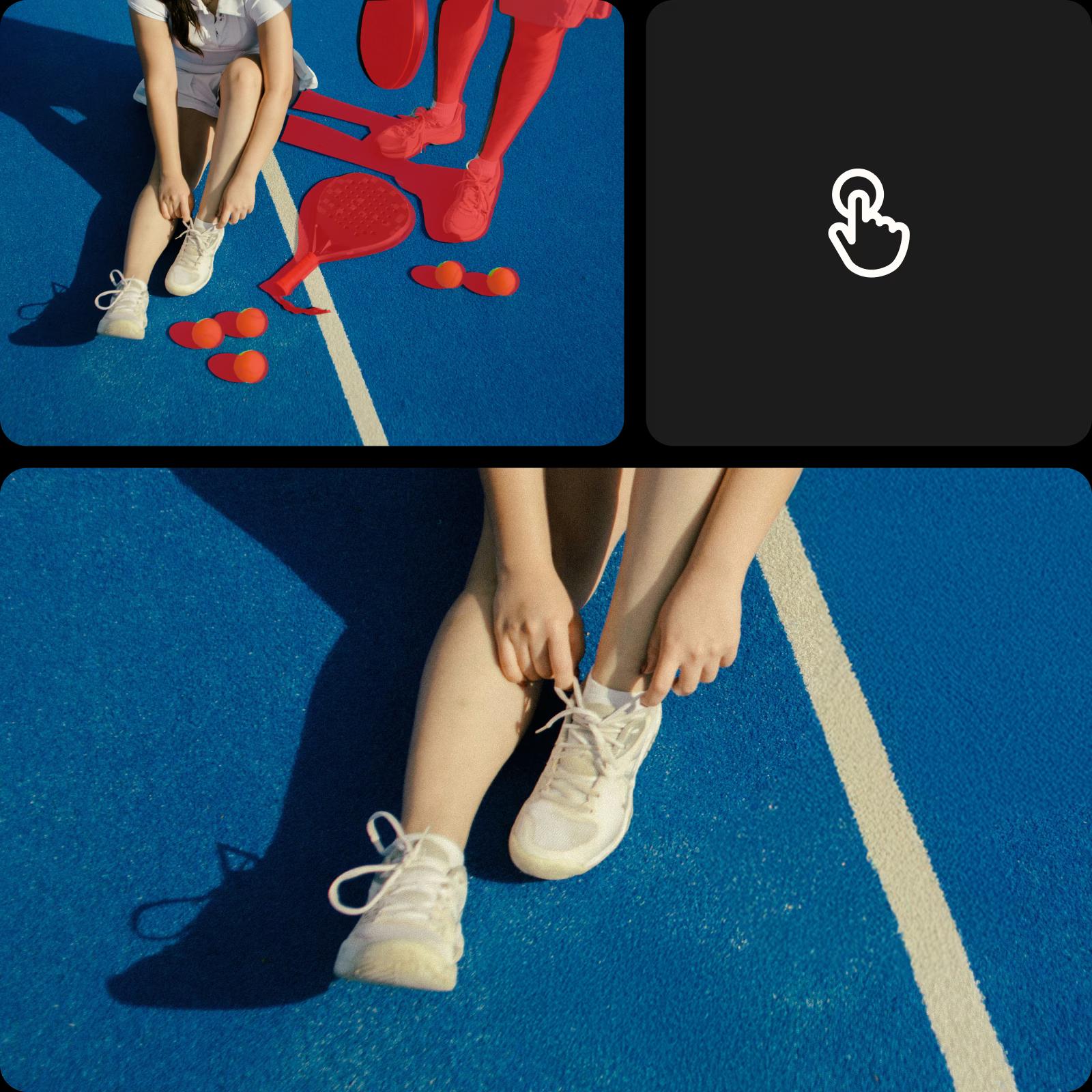
Remove unwanted objects
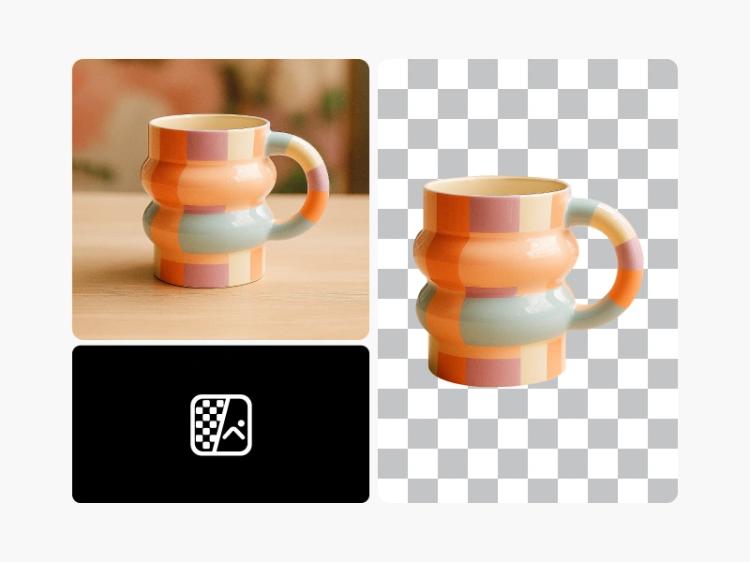
Remove anything from your image with smart, flexible control. Picsart’s AI Object Remover lets you choose from smart selection options - brush, background, foreground, text detection, and AI-assisted tools, so every edit fits your scene. A quick demo animation shows how it works before you start, making it easy to select, remove, and refine with natural-looking results in seconds.
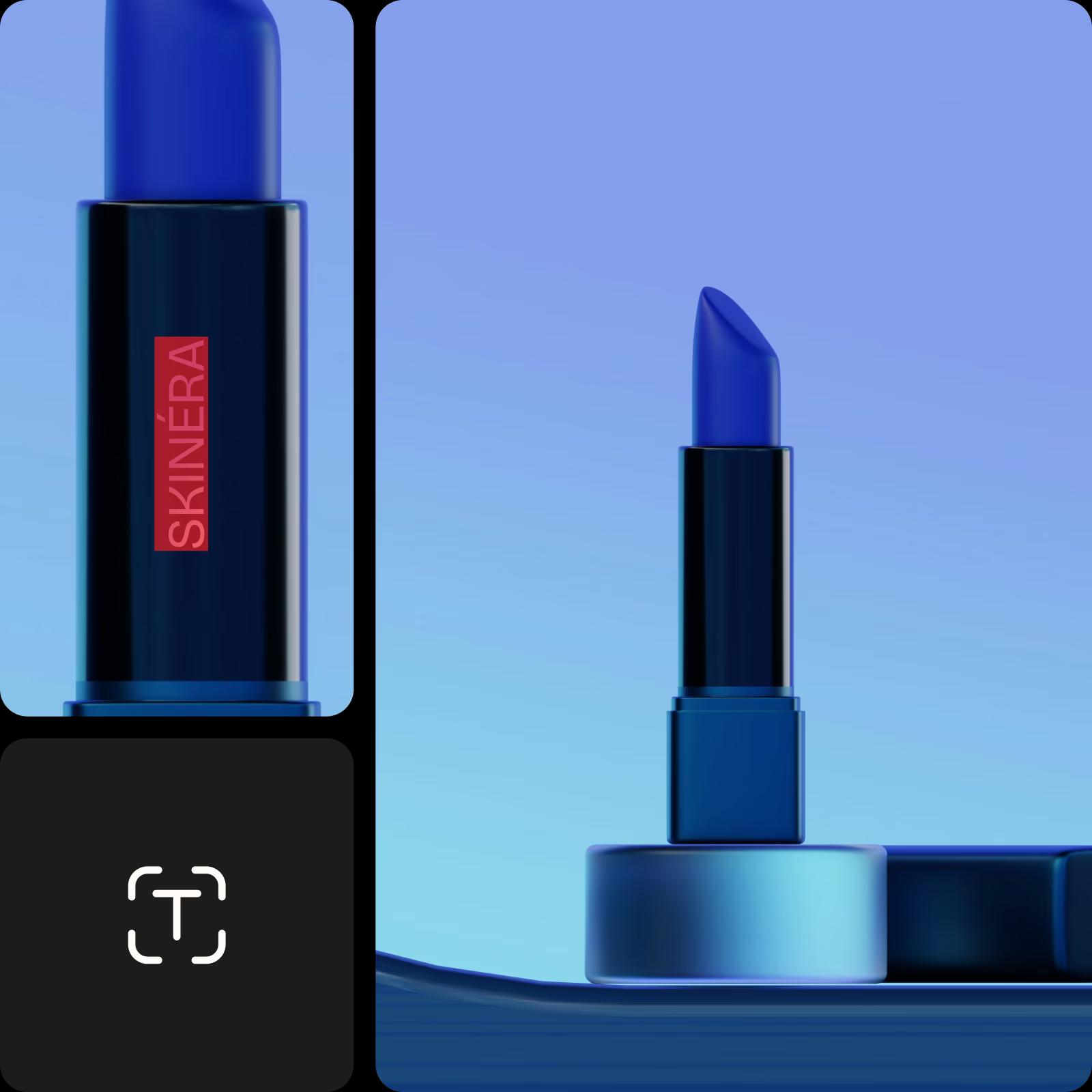
Make your visuals brand-ready
Clean up branded content fast - remove watermarks, logos or text overlays from product photos, mockups, UGC or promo visuals. No need to reshoot or rely on complicated software. Just highlight the mark and the object remover erases it in seconds for a clean and polished finish.
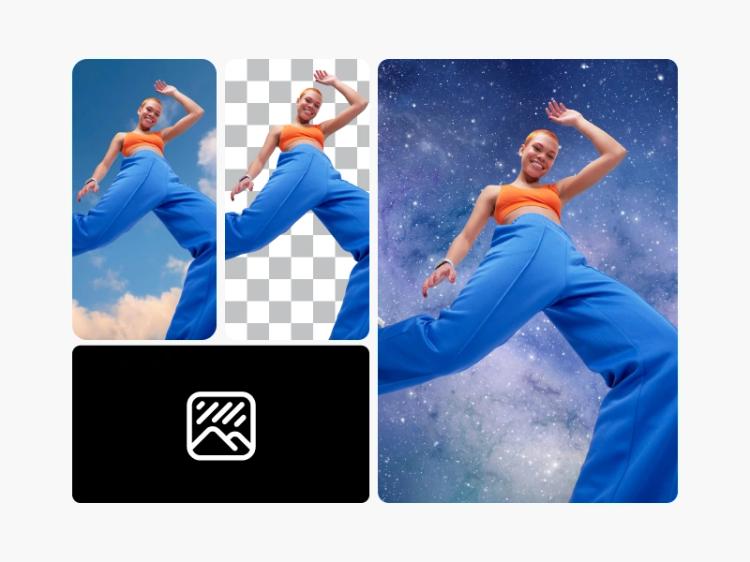
Continue your editing journey with Picsart
Don’t limit yourself with the object remover. Use Picsart’s other AI photo editing tools to finesse your visuals.










Remove object from photo FAQs
Picsart makes it easy. Simply upload the photo that you wish to edit into the Picsart Photo Editor, and then use the remove tool to target and erase the object from your photo.
First, choose the photo you wish to edit and upload it into the Picsart Photo Editor. Then, use the Remove object tool to select the person you wish to remove and let Picsart do the rest.
Yes, the Picsart editor can do this. Simply upload the image you need to edit, and then use the Picsart Object Remover tool to remove the watermark from the image with just a few clicks.
Start by uploading the image you wish to edit into the Picsart Photo Editor. Then, select the text or logo element of the image you wish to remove with the Object Remover tool and erase it.
The Picsart editor allows you to remove people, watermarks, logos, text, and even skin imperfections from any image.


Clean up visuals for polished creator content
Pro
Most popularAI tools for everyday creative work.
Ultra
Most powerfulHeavy AI usage for creators & teams.
Enterprise
Custom AI solutions for large organizations.
- Volume discounts on credit rate
- On-demand top-ups