ऑनलाइन PDF मेकर: क्षणार्धात PDF फाइल्स तयार करा
आकर्षक, व्यावसायिक आणि सुंदर PDF फाइल तयार करण्यासाठी Picsart च्या ऑनलाइन PDF जनरेटरचा वापर करा. फॉन्ट आणि रंग कस्टमाइझ करा, तसेच फाइल अधिक उत्कृष्ट बनवण्यासाठी ग्राफिक्स जोडा.
- तुमचा दस्तऐवज व्यवस्थित ठेवा
- मजकूर आणि व्हिज्युअल्स एकत्र अधिक आकर्षक करा

AI इमेज मॉडेल्सने PDF डिझाइन करा
PDF चे आकर्षक व्हिज्युअल्स, डिझाइन कल्पना आणि संपादनासाठी तयार ॲसेट्समध्ये रूपांतर करण्यासाठी इमेज मॉडेल्स वापरा.
टेम्पलेट्स ब्राउझ करा आणि PDF तयार करा
Picsart च्या ऑनलाइन PDF मेकरमध्ये तुमच्या प्रोजेक्टसाठी PDF तयार करण्यासाठी निवडता येतील अशा अनेक टेम्पलेट्स आहेत. मोठ्या संग्रहातील टेम्पलेट्समधून सुरुवात करा आणि त्यांना सहज कस्टमाइझ करा.


PDF फाइल कशी तयार करावी
Picsart च्या ऑनलाइन PDF मेकरने सहज PDF तयार करा
ऑनलाइन PDF क्रिएटरने काही सेकंदांत PDF फाइल तयार करा. ही प्रक्रिया अगदी सोपी आहे! यात अनेक सुविधा आहेत: कोणत्याही प्रकारचा आणि कोणत्याही कारणासाठीचा दस्तऐवज तयार करा. तुम्हाला हव्या त्या फॉरमॅटमध्ये माहिती जोडा, दस्तऐवज कस्टमाइझ करा आणि Export बटणावर क्लिक करा!

प्रत्येक प्रसंगासाठी PDF तयार करा
विद्यार्थ्यांपासून ते CEO पर्यंत कोणीही Picsart वरील टेम्पलेट्स वापरून आपल्या अहवालांसाठी आकर्षक PDF तयार करू शकते. सर्व काही वापरासाठी तयार आहे. फक्त टेम्पलेट निवडा आणि PDF क्रिएटर वापरून त्याचे संपादन करा. मजकूर जोडा, फॉन्ट आणि रंग बदला आणि तुमची PDF फाइल तयार करा. एक्सपोर्ट केलेली फाइल उच्च गुणवत्तेची असते, त्यामुळे ती प्रिंट करण्यासाठी उत्तम आहे!

Picsart च्या PDF मेकरने वेळ वाचवा
Picsart च्या वापरास सोप्या इंटरफेसने PDF तयार करण्याची प्रक्रिया वेगवान करा. टॅब किंवा ब्राउझर बदलण्याची गरज नाही. तुमचा दस्तऐवज कस्टमाइझ करण्यासाठी आवश्यक सर्व काही एकाच पेजवर उपलब्ध आहे. बिल्ट-इन लायब्ररीमधून वापरायला सोपी टेम्पलेट्स आणि डिझाइन ॲसेट्स ड्रॅग आणि ड्रॉप करा, लेयर्सची जागा बदला आणि वापरासाठी सज्ज, उच्च गुणवत्तेच्या PDF फाइल्स तयार करा!

कस्टम शैक्षणिक साहित्य तयार करा
तुमच्या ऑनलाइन कोर्सेसना खास रूप देण्यासाठी Picsart च्या PDF क्रिएटरचा वापर करा. तुमच्या स्पर्धकांपेक्षा सरस आणि विद्यार्थ्यांना भावतील असे कस्टम शैक्षणिक दस्तऐवज आणि प्रेझेंटेशन्स तयार करा. संदर्भ जोडा, Picsart च्या लायब्ररीमधून किंवा तुमच्या स्वतःच्या ॲसेट्स वापरा, मजकूर संपादित करा आणि कायम लक्षात राहतील अशा PDF फाइल्स तयार करा!
- एडिटरमध्ये तपशील अधिक उत्कृष्ट करा

तुमच्या व्यावसायिक दस्तऐवजांची परिणामकारकता वाढवा
Picart’s ऑनलाइन PDF मेकरने तुमच्या व्यवसायाला साजेशी आकर्षक दस्तऐवज डिझाइन्स तयार करा. तुमच्या कंपनीसाठी प्रभावी प्रस्ताव आणि अहवाल तयार करा. आधीपासून डिझाइन केलेली टेम्पलेट्स कस्टमाइझ करून तुमच्या ब्रँडला खास उठाव द्या. तुमचा लोगो जोडा, मजकूर संपादित करा आणि चार्ट व आलेख तयार करा. तुम्हाला मिळेल अशी ब्रँडेड PDF अभिमानाने शेअर करू शकता!

PDF मेकरविषयी वारंवार विचारले जाणारे प्रश्न
निवडण्यासाठी अनेक व्यावसायिक टेम्पलेट्स देण्यासोबतच, Picsart मध्ये फोटो संपादन सुविधा, AI टूल्स आणि बरेच काही आहे. तुमच्या PDF ला खास वेगळेपण देण्यासाठी तुम्ही या सर्व सुविधांचा वापर करू शकता.
Picsart टूल्समधील नवीनतम
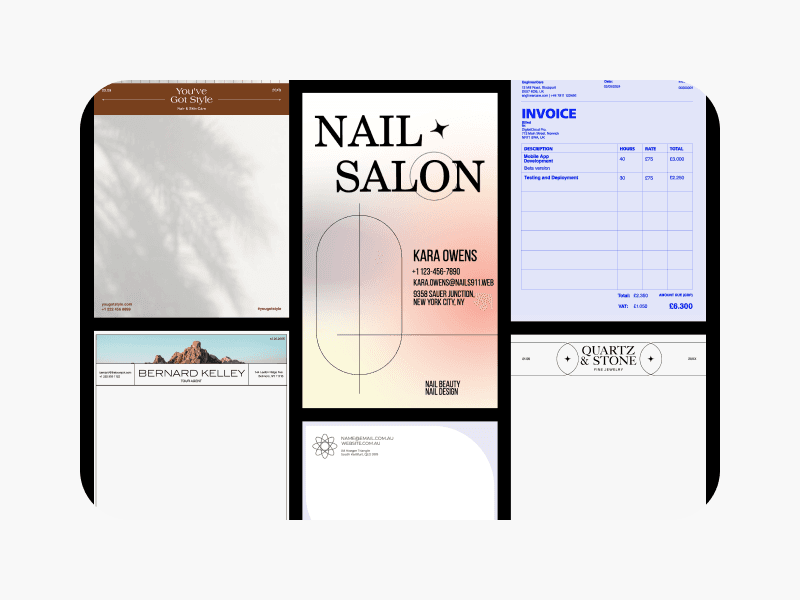
दस्तऐवज मेकर
Picsart च्या टेम्पलेट्सने सहज आकर्षक दस्तऐवज डिझाइन्स तयार करा.
टेक्स्ट एडिटर
Picsart च्या टेक्स्ट एडिटर टूलचा वापर करून तुम्हाला हवा तसा मजकूर संपादित करा.
फोटो एडिटर
Picsart च्या AI-आधारित फोटो एडिटरने फोटो झटपट संपादित करा.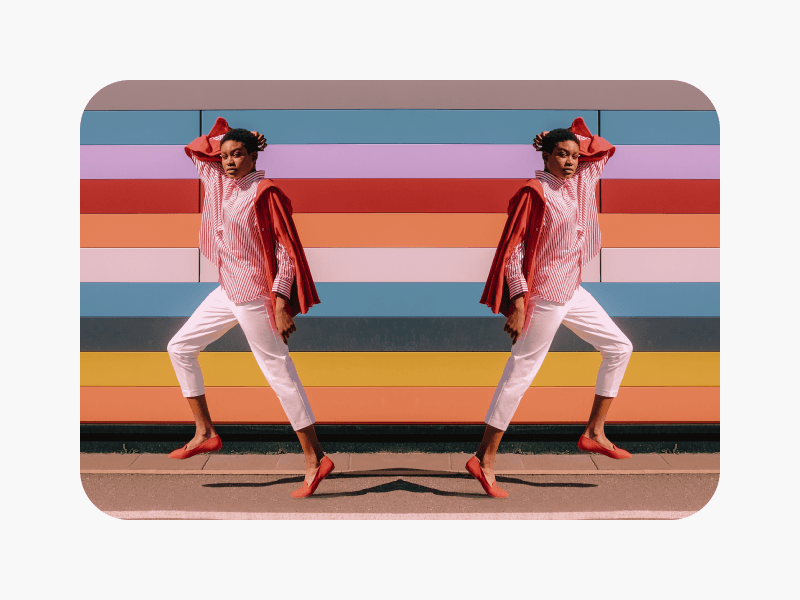
इमेज फ्लिप करा
AI इमेज फ्लिप टूलने इमेजेस कोणत्याही दिशेने झटपट फ्लिप करा.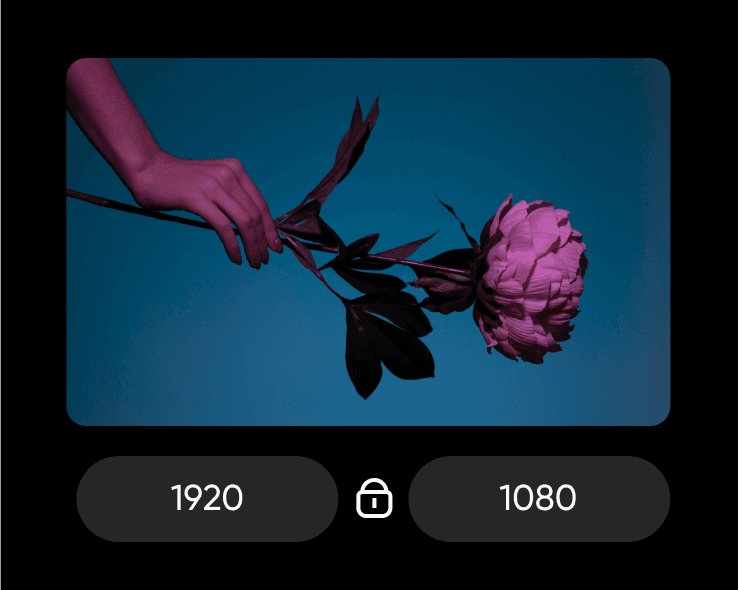
इमेजचा आकार बदला
गुणवत्तेला धक्का न लावता इमेजेसचा आकार बदलण्यासाठी इमेज रिसाइझ टूल वापरा.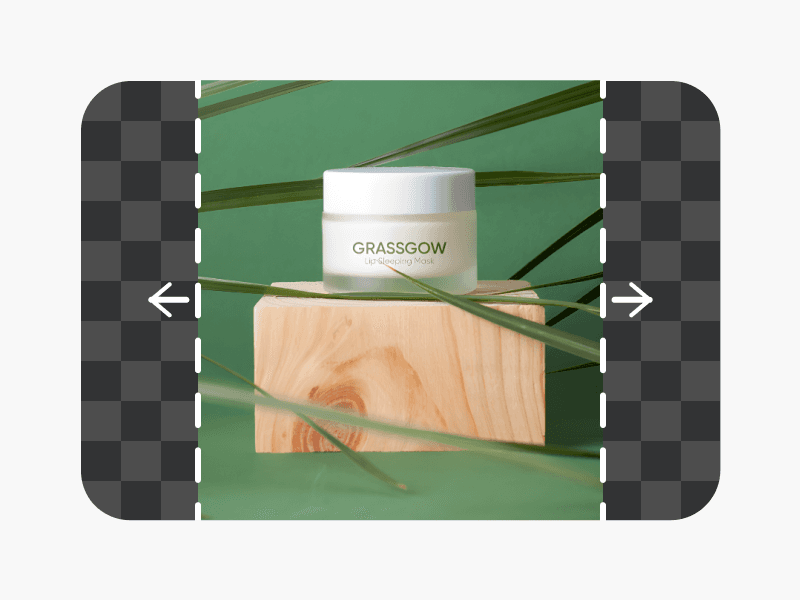
AI इमेज एक्स्टेंडर
इमेज एक्स्टेंडर टूलच्या मदतीने तुमच्या इमेजेस त्यांच्या मूळ सीमांच्या पलीकडे विस्तार करा.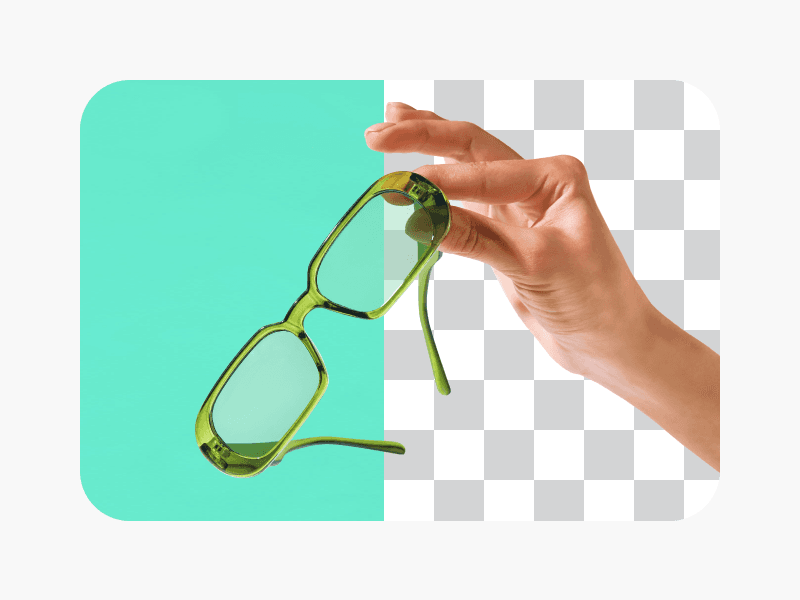
AI बॅकग्राउंड रिमूव्हर
तुमच्या इमेजेसची पार्श्वभूमी काढण्यासाठी बॅकग्राउंड रिमूव्हर टूल वापरा.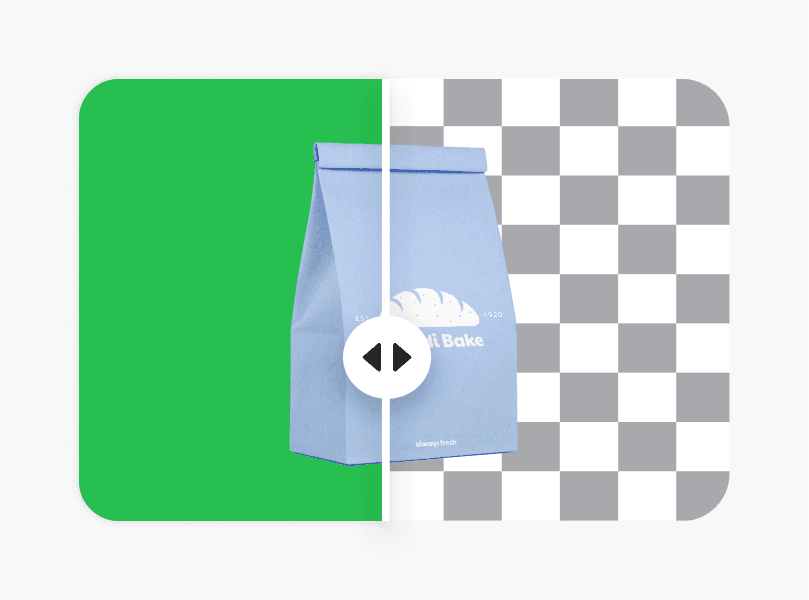
AI बॅकग्राउंड चेंजर
तुमच्या इमेजची पार्श्वभूमी बदलून पाहा आणि बॅकग्राउंड चेंजरने ती सहज बदला.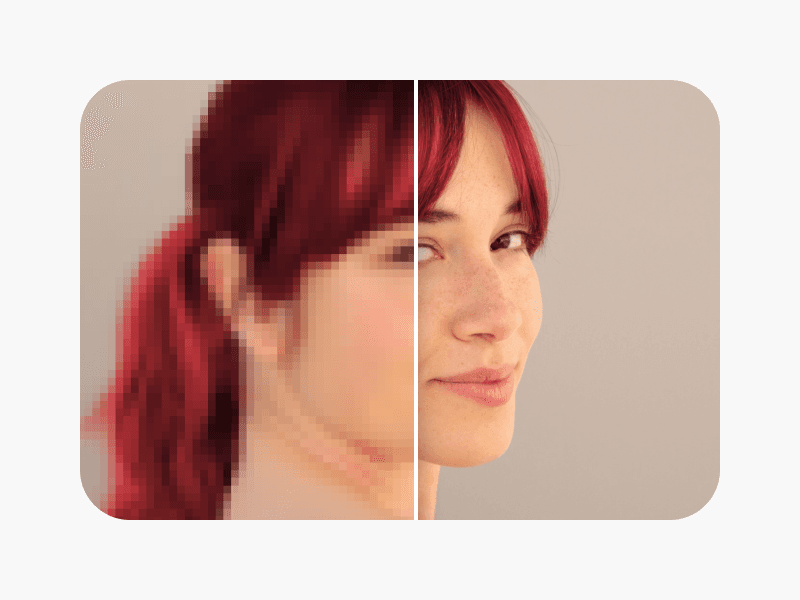
इमेज अनब्लर करा
AI इमेज एन्हान्सरच्या अनब्लर फंक्शनचा वापर करून अस्पष्ट इमेजेस स्पष्ट करा.
काम, अर्ज आणि व्यावसायिक गरजांसाठी PDF डिझाइन करा
Pro
Most popularAI tools for everyday creative work.
Ultra
Most powerfulHeavy AI usage for creators & teams.
Enterprise
Custom AI solutions for large organizations.
- Volume discounts on credit rate
- On-demand top-ups