Întinzător de imagine: Întinde imagini online gratuit
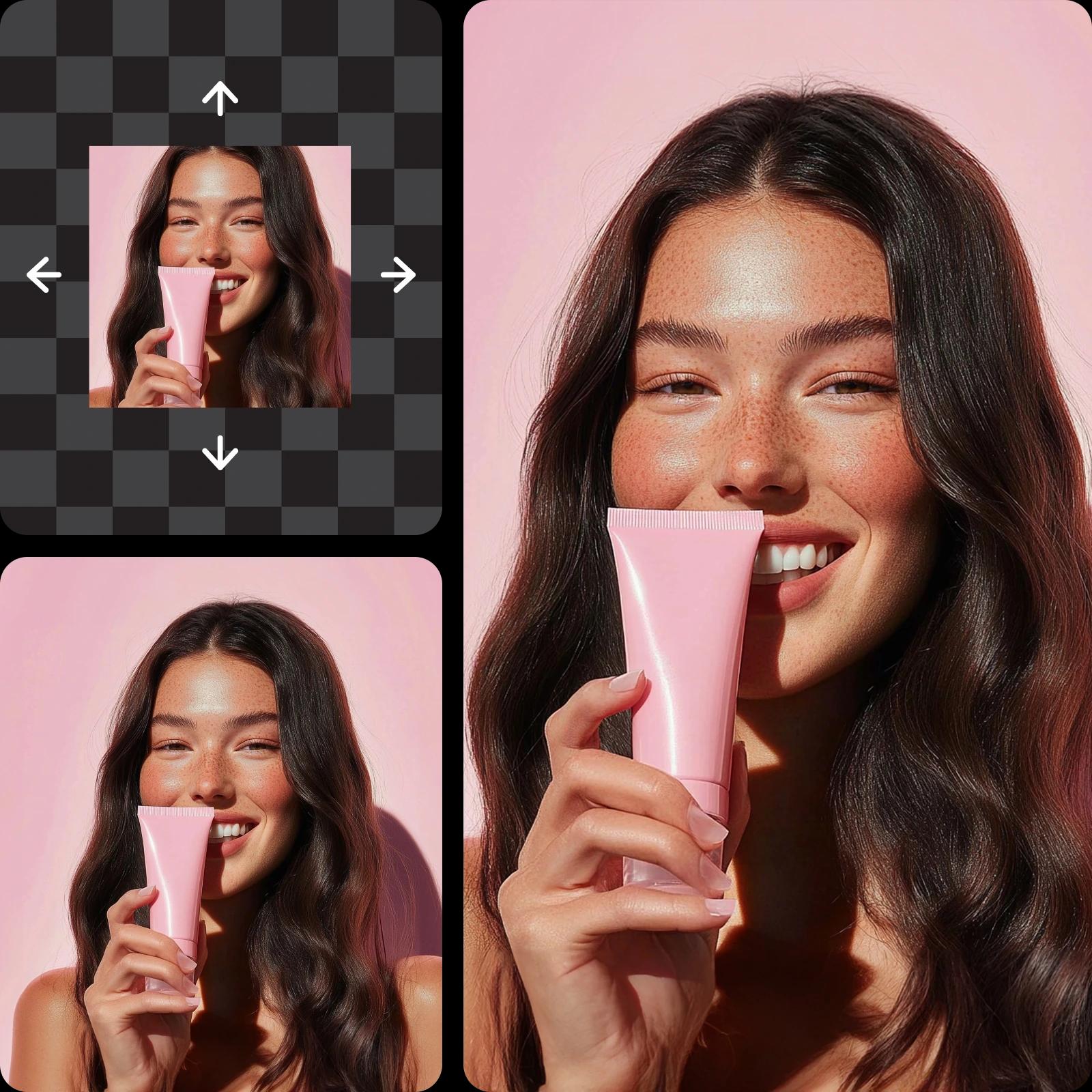
Extinde fundalurile și redimensionează vizualele fără efort cu întinzătorul de imagine online de la Picsart. Mărește înălțimea și lățimea fotografiilor gratuit, fără a distorsiona vizualele sau a scădea rezoluția.
De ce să folosești întinderea imaginii?
Cum să întinzi imaginile
How to
Încarcă o imagine
Folosește butonul Răsfoiește fișiere pentru a alege o fotografie.
Întinde fotografii online gratuit - nu sunt necesare abilități de editare avansate
Amplează imagini pentru proiecte de design, prezentări și utilizare personală cu întinzătorul de imagine gratuit de la Picsart. Redimensionează sau extinde instantaneu fotografiile pentru a se potrivi cu diferite machete sau pentru a respecta liniile directoare de dimensionare a rețelelor sociale. Instrumentul gratuit și ușor de utilizat îți permite să întinzi fotografiile online rapid și convenabil pentru a obține rezultate de înaltă calitate fără a fi nevoie de software complex.
- Potrivește fotografia spațiului necesar
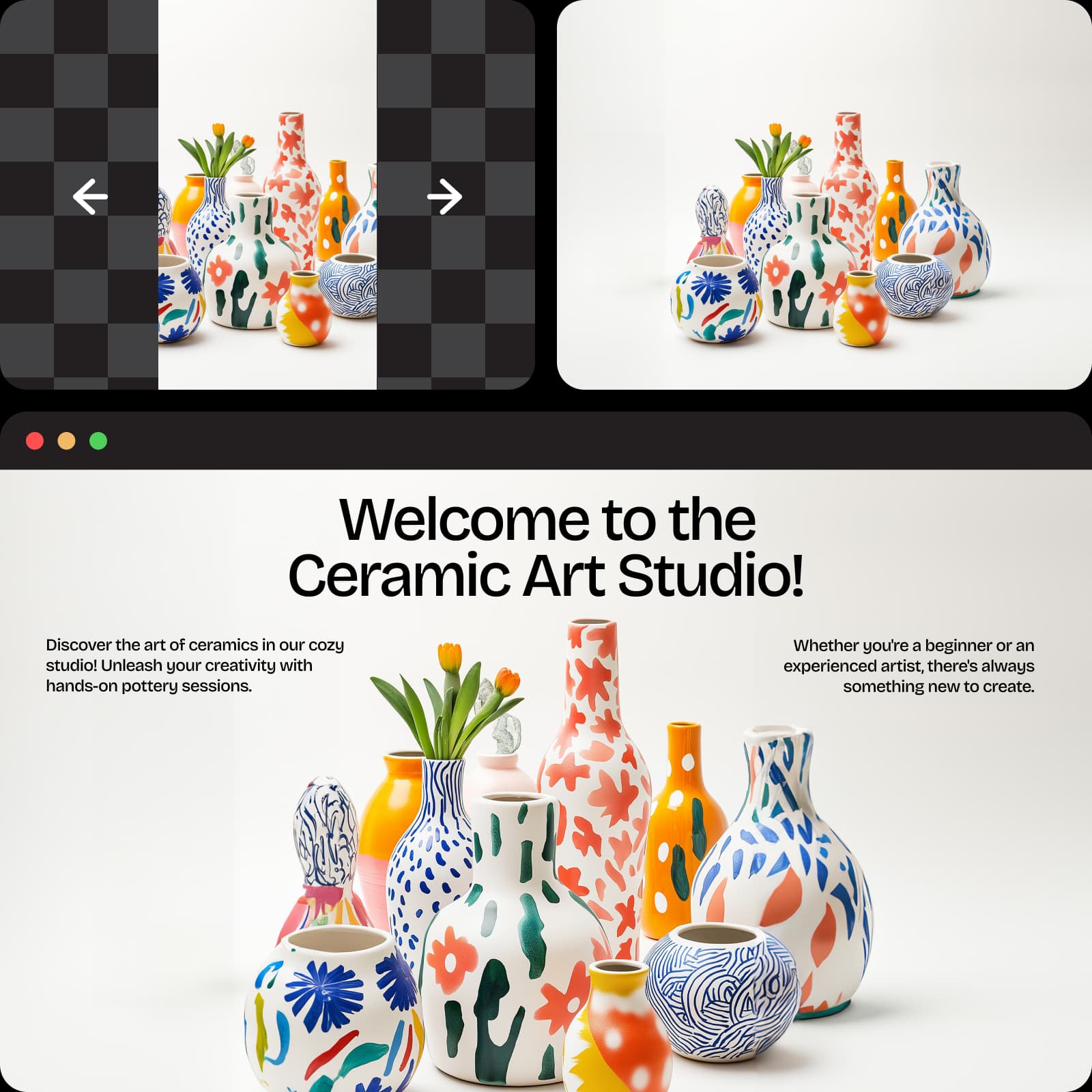
Extinde fotografii cu întinzătorul de imagine AI de la Picsart fără a pierde calitatea
Obține rezultate clare, ascuțite și vibrante atunci când întinzi imaginile online. Funcțiile integrate de îmbunătățire ale Picsart utilizează algoritmi AI avansați pentru a întinde cursiv fotografiile, a curăța imperfecțiunile și a păstra culoarea și detaliile simultan. Dimensiunea imaginii nu trebuie să limiteze versatilitatea. Întinzătorul de imagini este perfect pentru designeri, fotografi și utilizatori de rețele sociale care doresc imagini profesionale de înaltă rezoluție de fiecare dată - fără pixelare, încețoșare sau distorsionare.
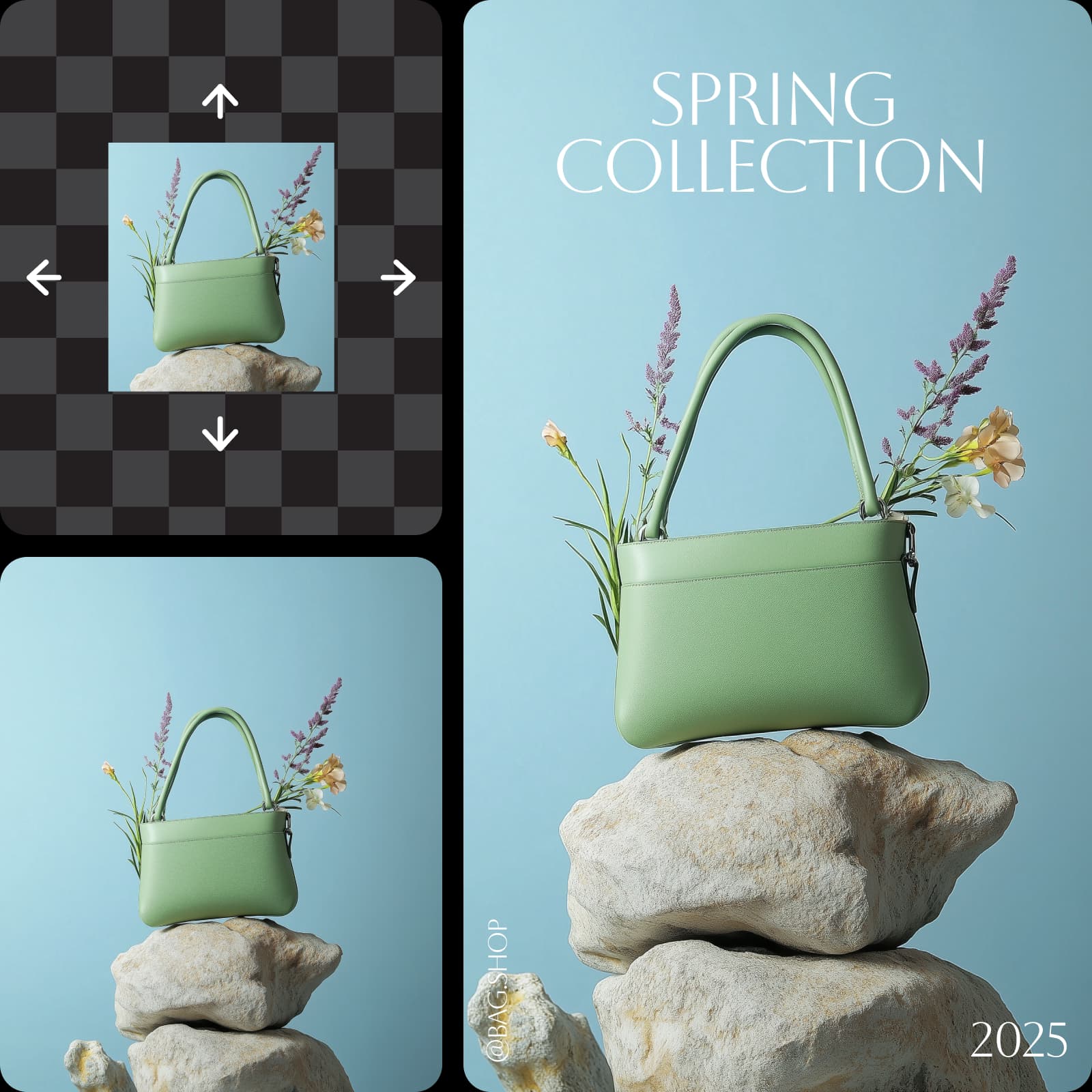
Întinde pe orizontală și verticală pentru a se potrivi cu o varietate de nevoi
Ai nevoie de o imagine de produs mai înaltă sau de o fotografie de peisaj mai lată? Redimensionează imagini în orice direcție, fie că extinzi lățimea, înălțimea sau ambele simultan. Întinde imagini pentru a se potrivi cu diverse machete, de la postări pe rețelele sociale și portofolii de design până la broșuri și site-uri web. Fă schimbări precise ale dimensiunilor fără a afecta proporțiile sau a sacrifica claritatea. Întinzătorul de imagine de la Picsart oferă modalități nesfârșite pentru designeri și creatori de conținut de a realiza compoziții foto atrăgătoare vizual.
- Alege întindere orizontală sau verticală

Folosește întinzătorul de imagine pentru a extinde doar fundalul
Extinde fundalul imaginilor păstrând obiectul sau subiectul central intact. Datorită extinderii AI a imaginii de la Picsart, poți adăuga ușor lungime sau lățime fundalului fără să modifici aspectul natural al imaginii. Întinde fotografiile pentru a crea vizuale mai echilibrate care se potrivesc unor raporturi de aspect specifice sau pentru a face loc suprapunerilor de text. Oricare ar fi proiectul tău de design, întinderea imaginii simplifică procesul de personalizare a dimensiunilor fără a necesita abilități avansate de editare foto.
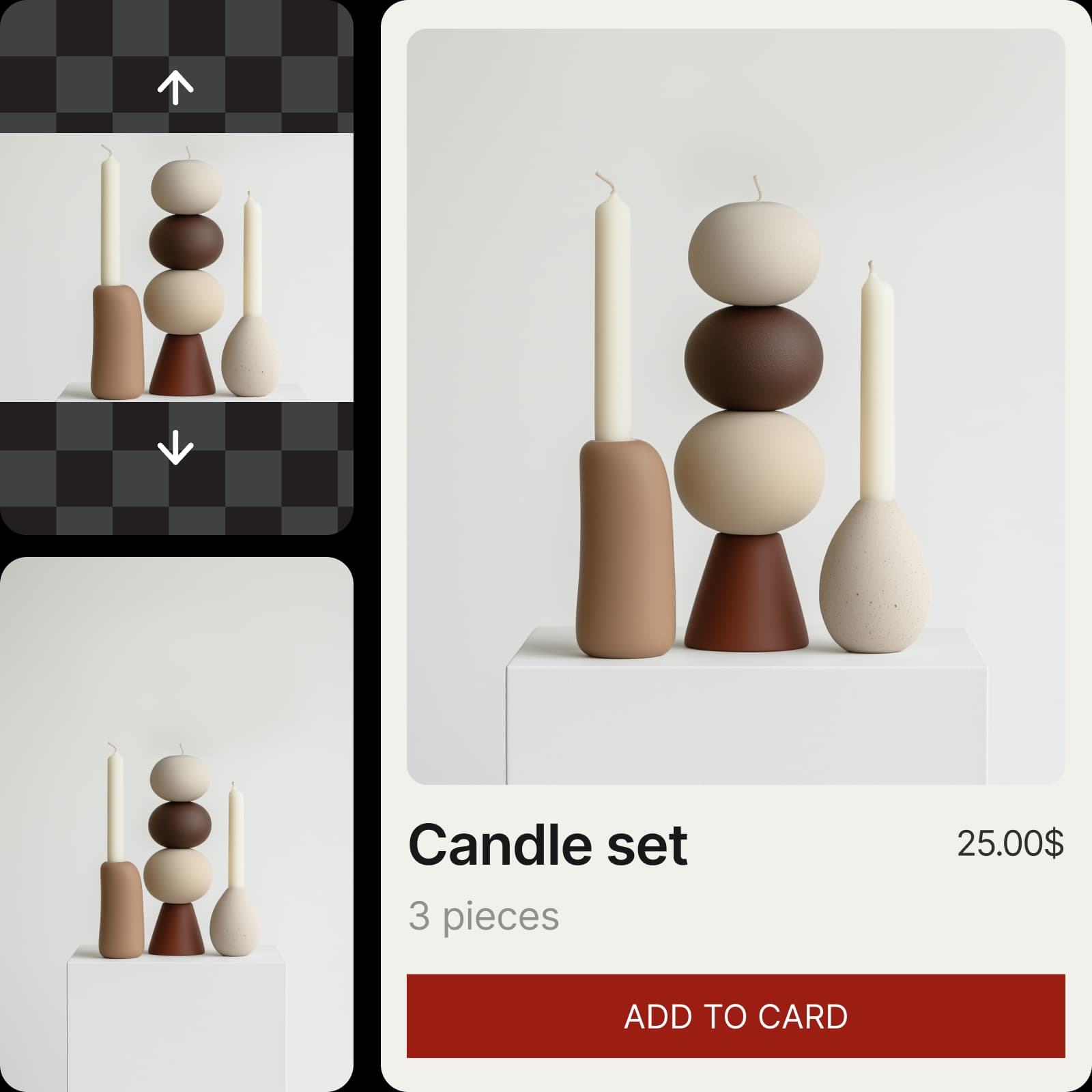
Întinde imaginile pentru a obține rezultatele vizuale dorite
Obțineți flexibilitate maximă din colecțiile foto personale sau profesionale. Redimensionați imaginile pentru a se alinia cu nevoile în schimbare ale proiectului, astfel încât să le puteți reutiliza cât doriți. Întindeți fotografiile online în câteva secunde cu întinzătorul de imagini Picsart și folosiți editorul de fotografii intuitiv photo editor pentru a personaliza rapid și îmbunătăți imaginile pentru imprimare sau conținut digital.
- Modelează imaginea după compoziție
Creează întinzător cu modele de imagine AI
Folosește modele de imagine pentru a transforma întinzătorul în vizualuri rafinate, idei de design și resurse gata de editare.
Întinzător de imagine Întrebări frecvente
Un întinzător de imagine AI folosește inteligența artificială pentru a redimensiona dimensiunile fotografiei și pentru a îmbunătăți automat rezoluția imaginii rezultate.
Redimensionează vizualele pentru fiecare platformă și format
Pro
Most popularAI tools for everyday creative work.
Ultra
Most powerfulHeavy AI usage for creators & teams.
Enterprise
Custom AI solutions for large organizations.
- Volume discounts on credit rate
- On-demand top-ups
Mai multe instrumente de iubit


