
Zmena veľkosti obrázkov na Instagram mi kedysi zaberala celé rána. Teraz to trvá sekundy a kvalita je vždy perfektná. Picsart udržiava môj feed čistý a jednotný.
- Maya Chen, Social Media CoordinatorZdarma zmeňte veľkosť fotiek pre Instagram
Transformujte svoje obrázky pomocou Picsart resizeru fotiek pre Instagram. Jednoducho upravte vizuály pre príspevky, príbehy, profilové fotky a viac, rýchlo a úplne zadarmo.
Prečo používať zmenu veľkosti obrázkov pre Instagram?


Ako zmeniť veľkosť fotiek pre Instagram
How to
Nahrajte svoju fotografiu
Kliknite na tlačidlo Prehliadať súbory a vyberte a nahrajte obrázok, ktorý chcete zmeniť veľkosť.
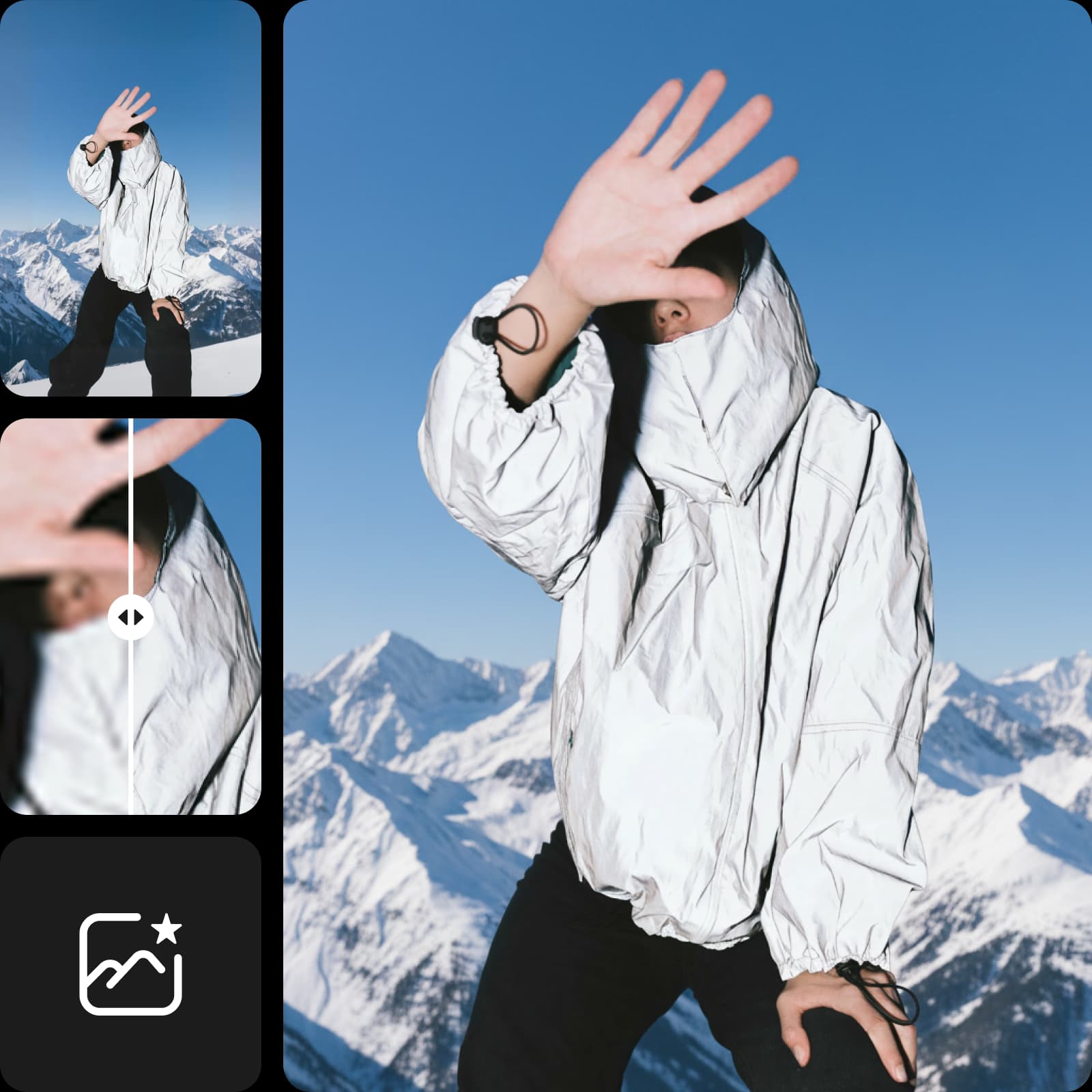
Využite komplexný nástroj na zmenu veľkosti fotiek pre Instagram
Jednoducho a rýchlo upravte vizuály pre Instagram s Picsart nástrojom na zmenu veľkosti. Vyberte si rozloženie a prispôsobte ho, alebo zmeňte veľkosť pre Instagram bez orezávania s pomocou pozadí a farieb. Využite zabudovaný nástroj na odostrnenie rozostrenia, aby príbehy po priblížení vyzerali čo najlepšie. Všetko čo potrebujete na zmenu veľkosti fotiek pre Instagram bez straty kvality nájdete na jednom mieste.
- Prispôsobte fotku ďalšiemu príspevku
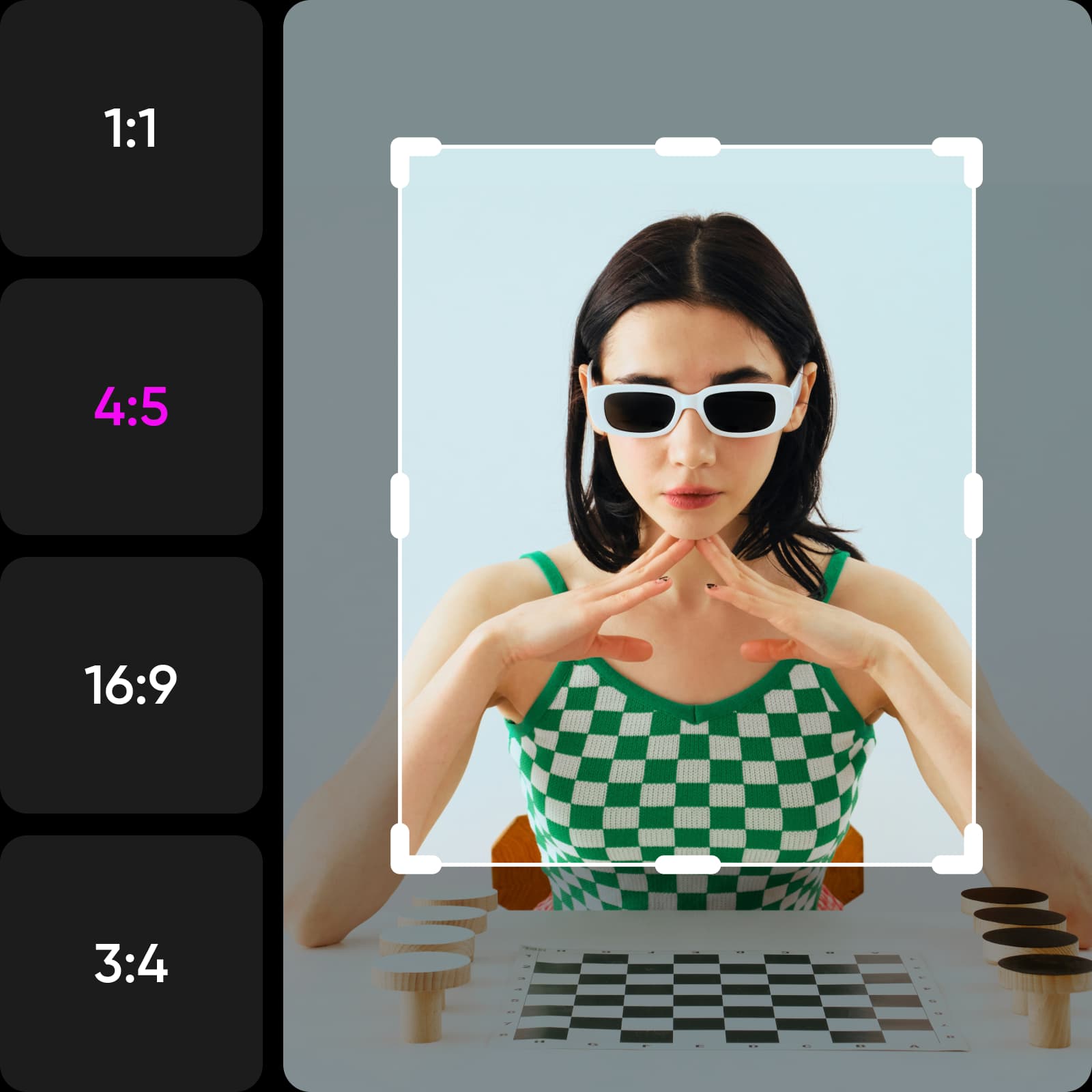
Držte krok s rozmermi Instagramu
Zostaňte v obraze s najnovšími požiadavkami na rozmery Instagramu v Picsarte. Zmeňte veľkosť svojho obsahu tak, aby dokonale sedel do každého formátu a vaše vizuály zostali ostré a zaujímavé. Vyberte si predvoľbu alebo zadajte vlastné rozmery v pixeloch, palcoch alebo centimetroch.
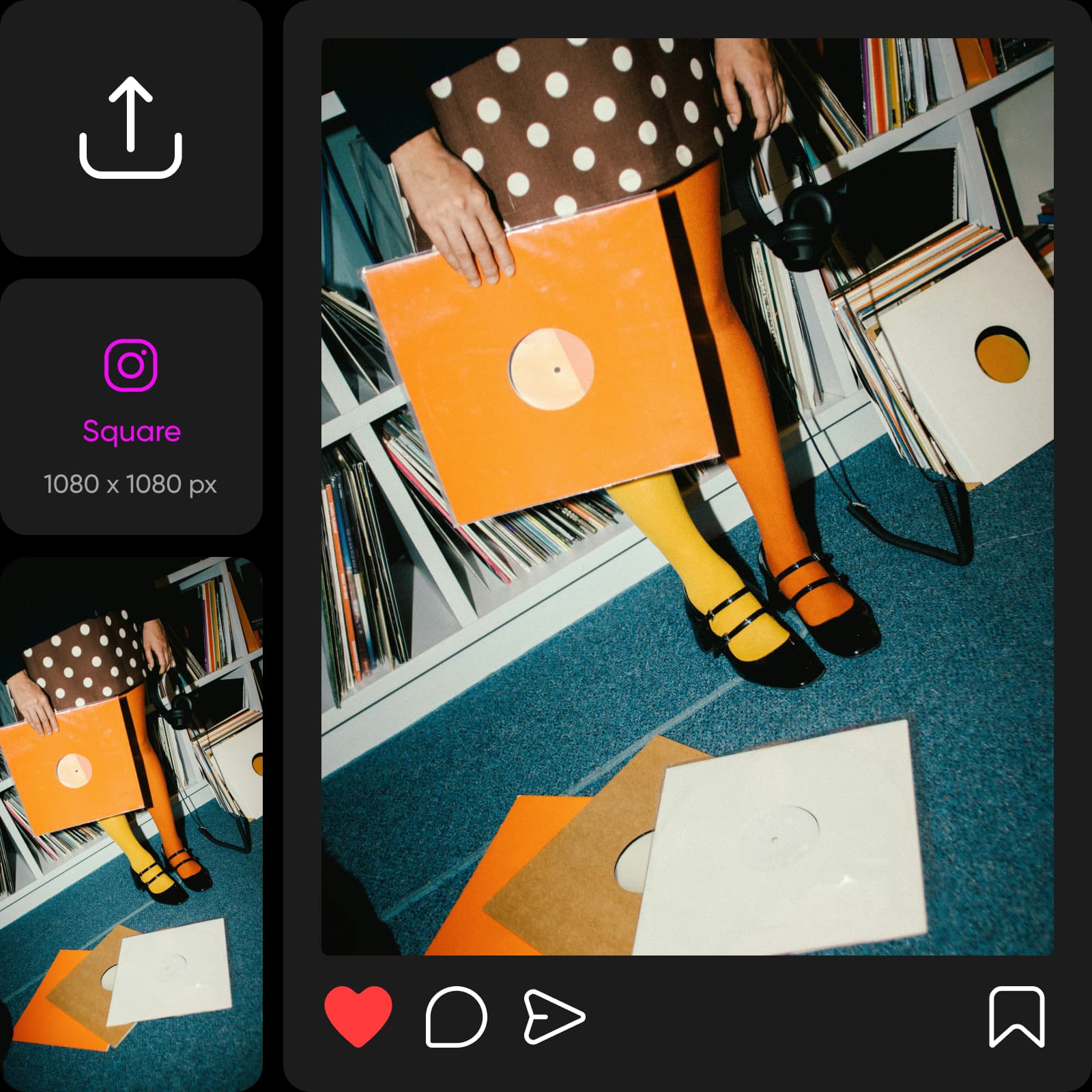
Instagram Štvorcový príspevok: 1080 x 1080 pixlov (poměr 1:1)
Instagram Profilová fotografia: 320 x 320 pixlov (poměr 1:1)
Instagram Portrétový príspevok: 1080 x 1350 pixlov (poměr 4:5)
Instagram Krajinkový príspevok: 1080 x 566 pixlov (poměr 1,91:1)
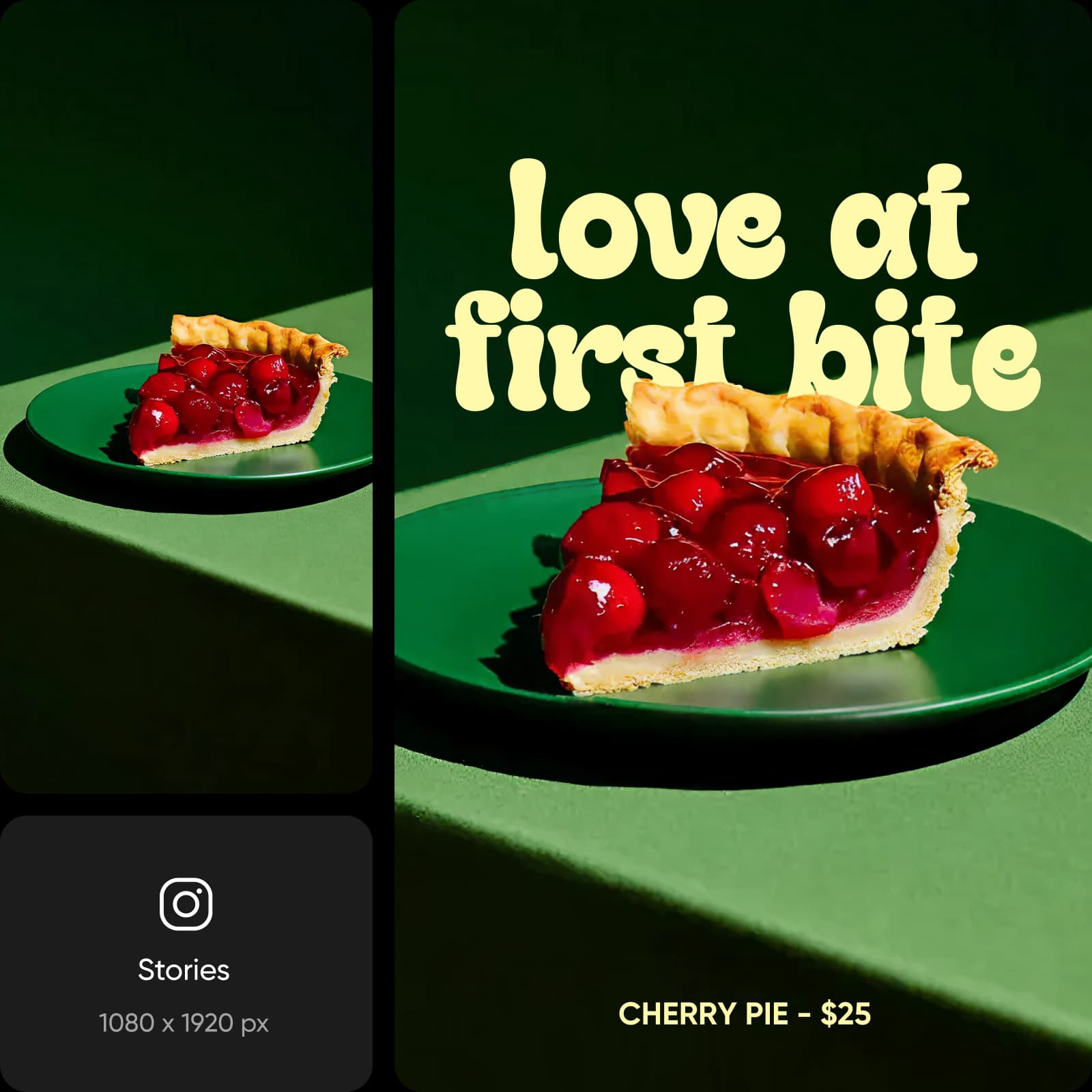
Instagram Príbehy: 1080 x 1920 pixlov (poměr 9:16)
Použite zmenu veľkosti fotografie na Instagram pre svoju značku
Zabezpečte, aby vaše vizuály vyzerali jednotne v celom portfóliu na Instagrame aj v platených kampaniach. Optimalizujte obsah, aby bol váš Instagram efektívnejší, vyhnite sa nechcenému orezávaniu obrázkov a uistite sa, že vaše vizuály sa zobrazujú tak, ako majú, s Picsart Instagram resizerom. Vylepšite vzhľad pomocou vlastných pozadí na zobrazenie portrétu v štvorcovom príspevku, krajinky v príbehu a podobne.
- Pripravte obrázky pre značkový feed
Upravte fotky pre Instagram príbehy
Nájdite nové spôsoby, ako zažiariť na Instagram Stories s Picsart resizerom. Od organických príspevkov po platené príbehové reklamy, zabezpečte, aby váš obsah vyzeral dobre bez náročnej práce. Zmeňte vzhľad tvorbou dizajnov a vlastného orámovania a použite Picsart knižnicu fontov na oživenie svojho textu. Potrebujete upraviť viaceré fotky? Využite Picsart hromadnú zmenu veľkosti, ktorá zvládne všetko naraz.
- Vytvorte verziu pre ďalší príbeh
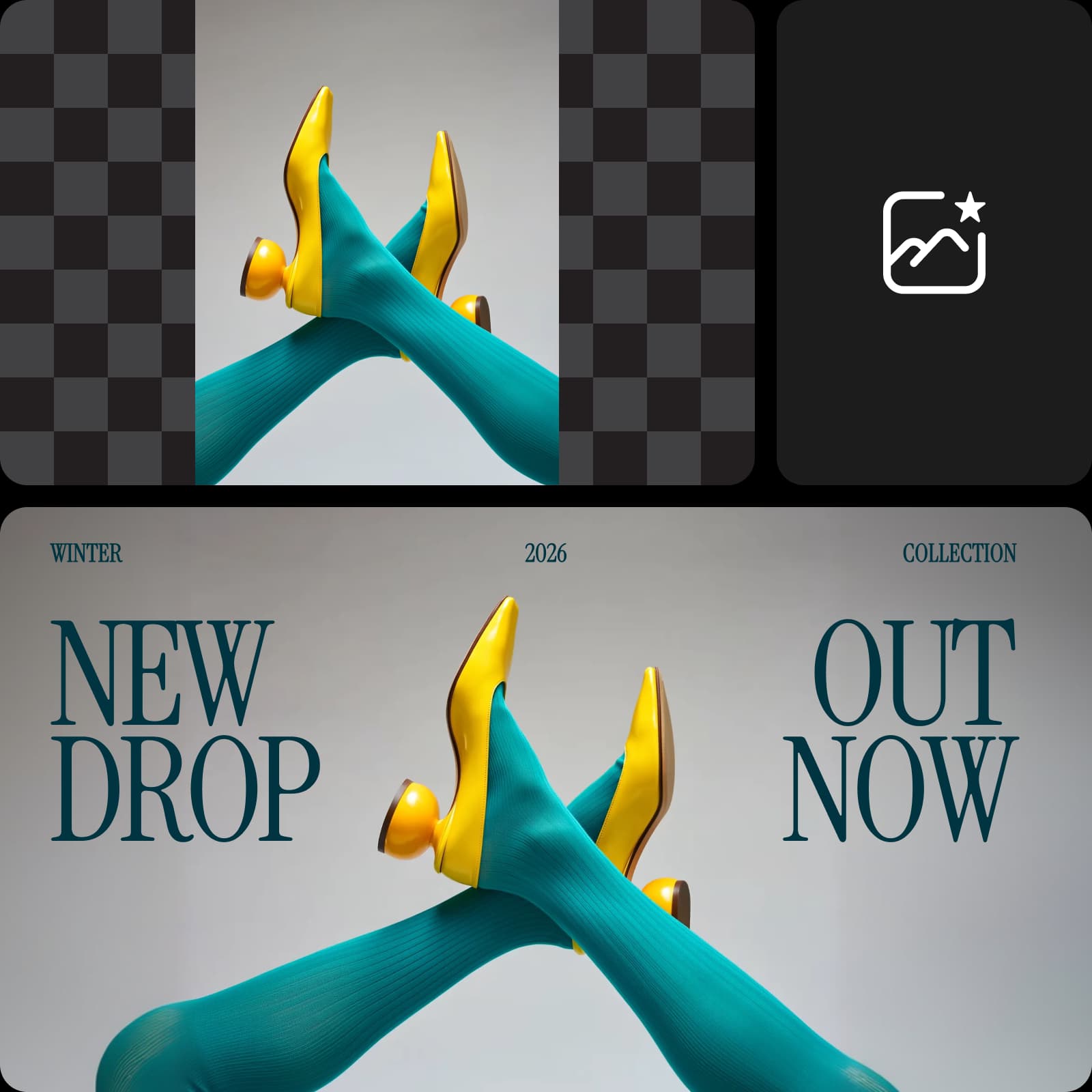
Vylepšite každý detail s AI nástrojmi Picsart
Zoberte svoje obrázky ďalej pomocou AI Photo Editor od Picsart. Posuňte hranice pôvodného rámu pomocou AI Image Extender alebo očistite fotky odstránením všetkého, čo prekáža. Vytvorte precízne, zastavujúce scrolovanie príspevky bez potreby pokročilých editačných zručností.
Prevádzkujem kampane pre viacerých klientov, takže rýchla zmena veľkosti je nevyhnutná. Nástroj Picsart zvládne každý formát bez natiahnutia alebo rozmazania. Stal sa súčasťou mojej dennej výbavy.
- Jordan Ellis, Digital Marketing SpecialistAko tvorca potrebujem vizuály, ktoré dokonale sadnú na každý formát Instagramu. Tento resizer to zvláda bez námahy a šetrí mi nekonečné pokusy a omyly.
- Sofia Ramirez, Content CreatorČasto kladené otázky k zmenšovaču fotografií Instagram
Picsart zmenšovač fotografií Instagram vám pomáha upraviť fotografie na ideálnu veľkosť pre Instagram, aby vyzerali dobre v rôznych formátoch ako portrét, krajina, štvorcový formát a príbeh.
Pripravte vizuály na Instagram pre každý príspevok
Pro
Most popularAI tools for everyday creative work.
Billed yearly
Ultra
Most powerfulHeavy AI usage for creators & teams.
Billed yearly, per seat
Enterprise
Custom AI solutions for large organizations.
Custom credit volume
- Volume discounts on credit rate
- On-demand top-ups
Custom
Contact for pricing
Ďalšie nástroje od Picsartu, ktoré si zamilujete

Zmeniť veľkosť obrázkaZískajte vhodné výbavú pre svoje fotky s ľahkosťou a v priebehu sekúnd.

Hromadný menič veľkostiZmeňte veľkosť viacerých obrázkov naraz pre rôzne pomery platforiem.

Objasniť obrázkyPovedzte zbohom rozmazaným fotografiám pomocou odstránenia rozmazania AI.

AI Editor fotiekUrýchlite proces úprav pomocou editora fotiek poháňaného AI.

AI Extender obrázkaZakryte to, čo z objektívu chýbalo, pomocou generatívnej AI.

Vyčistiť obrázkyVymažte nechcené objekty a ľudí z svojich fotografií pomocou AI.

AI Generátor umeniaGenerujte pútavé umelecké diela rôznych štýlov a smerov za sekundy pomocou AI.

Editor tváreUpravte svoj vzhľad na fotografiách preformovaním svojej tváre s Picsart.