GPT Image 1.5: AI-bildgenerering för kreatörer
Picsarts AI Image Editor har integrerat OpenAI:s GPT Image 1.5 och ger dig kraftfull bildgenerering med realistiska resultat direkt i ditt kreativa arbetsflöde. GPT Image 1.5 kombinerar god förståelse för instruktioner med hög visuell precision och skapar detaljerade, uttrycksfulla bilder för allt från innehåll till sociala medier till professionella designprojekt – allt i Picsarts intuitiva redigeringsmiljö.
- Skapa realistiska bilder med många detaljer
- Följ nyanserade visuella instruktioner
- Återge läsbar text i bilder

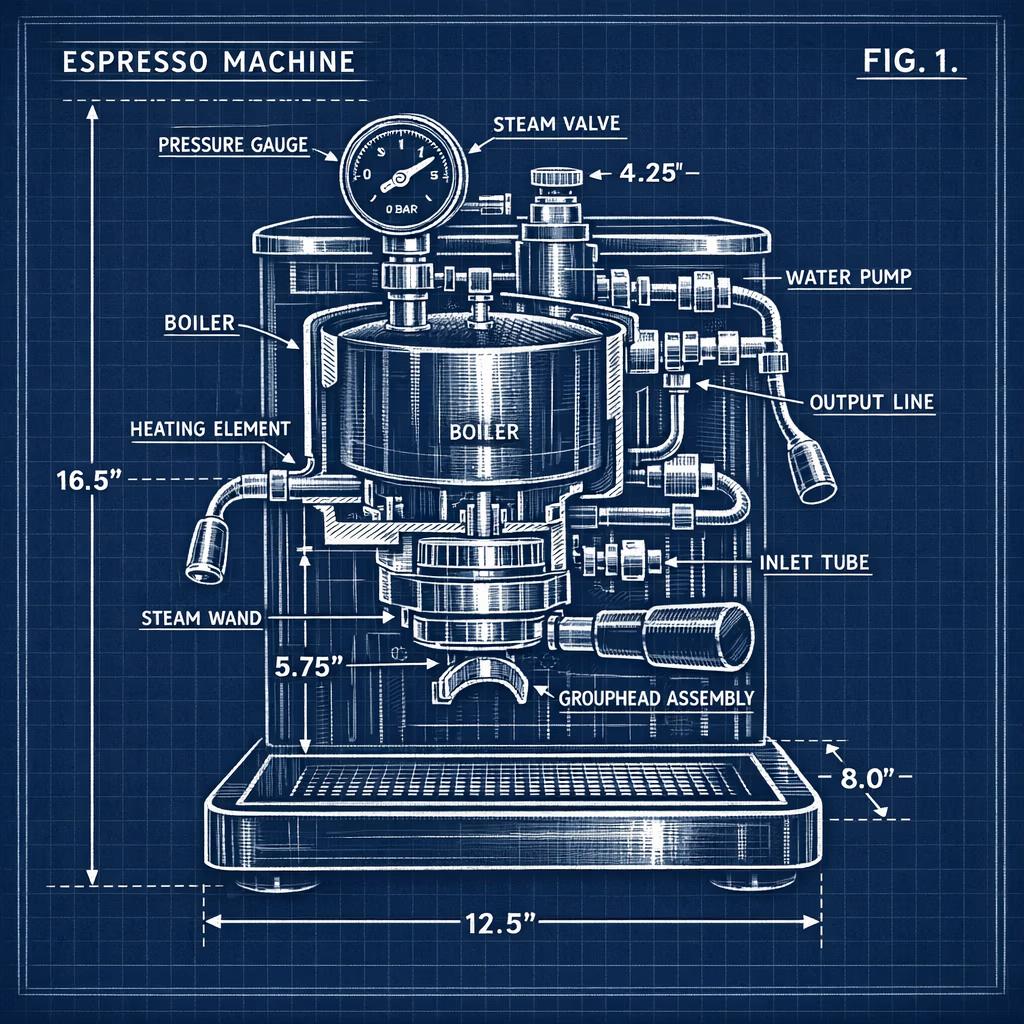
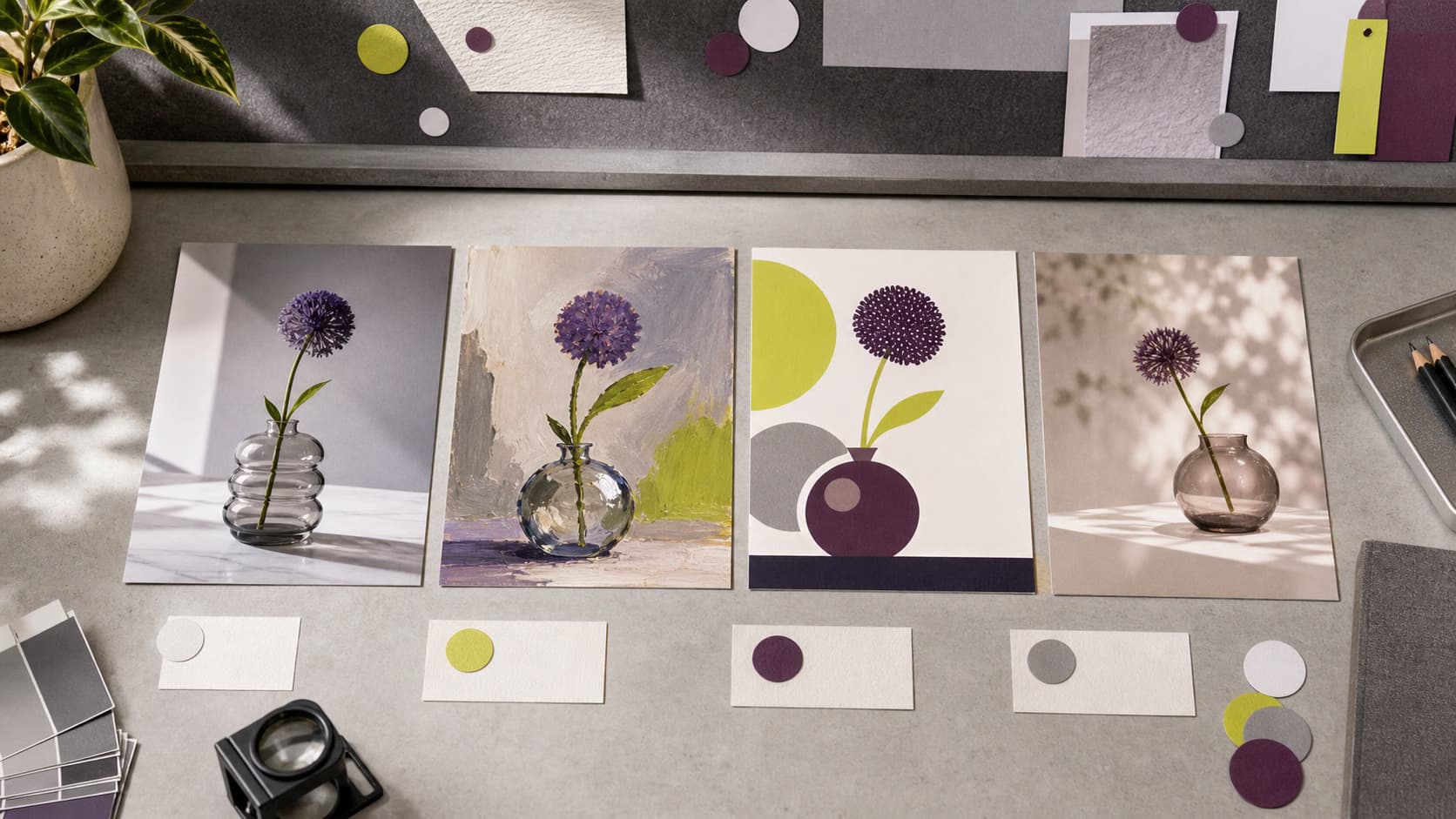
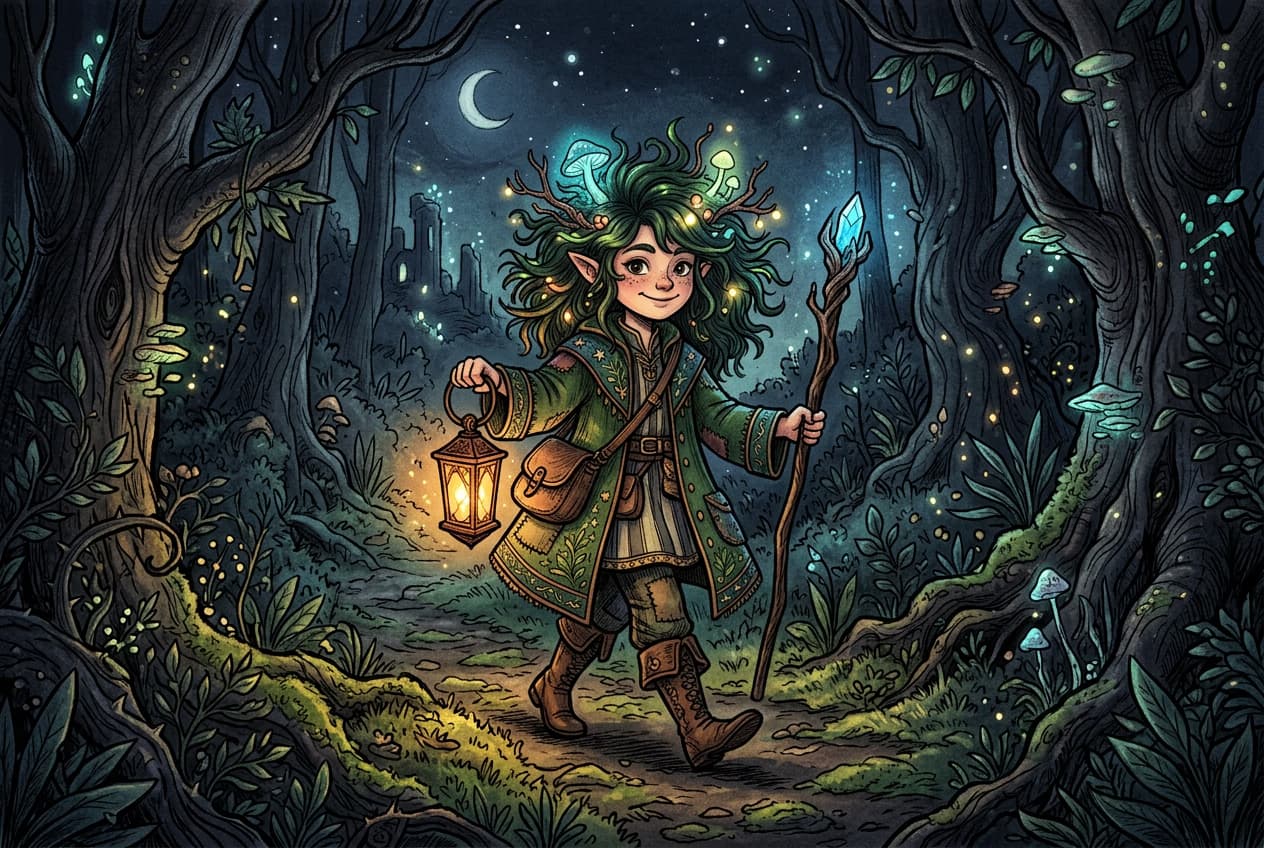
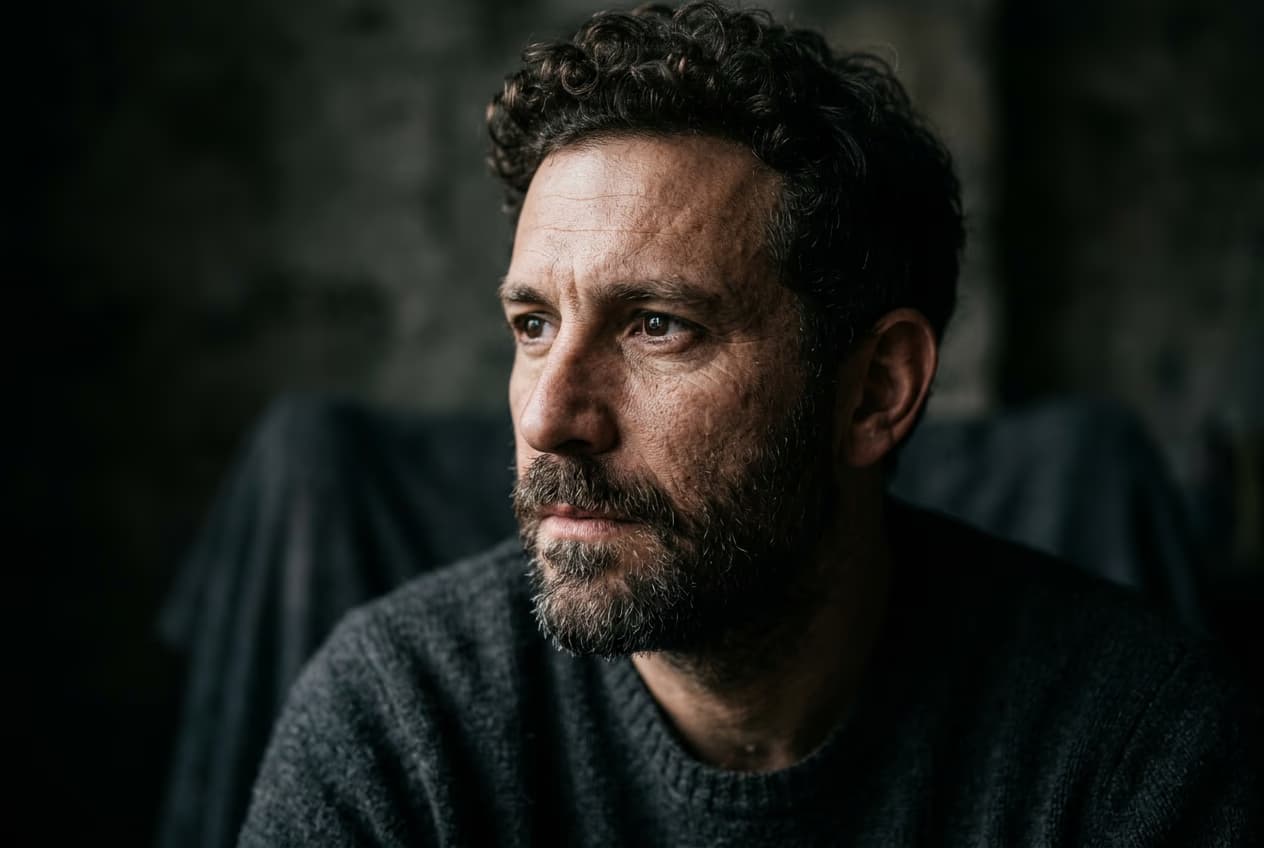
Bilder skapade med GPT Image 1.5



Vad är GPT Image 1.5?
GPT Image 1.5 är OpenAI:s avancerade modell för bildgenerering, utformad för att skapa realistiska bilder med många detaljer utifrån instruktioner på naturligt språk. Den bygger vidare på tidigare GPT-bildmodeller med förbättrad förståelse av instruktioner, bättre hantering av komplexa scener och jämnare kvalitet på resultaten. GPT Image 1.5 är särskilt bra på att återge text i bilder, förstå rumsliga relationer och skapa bilder som ligger nära den kreativa visionen.

Det här kan du skapa med GPT Image 1.5
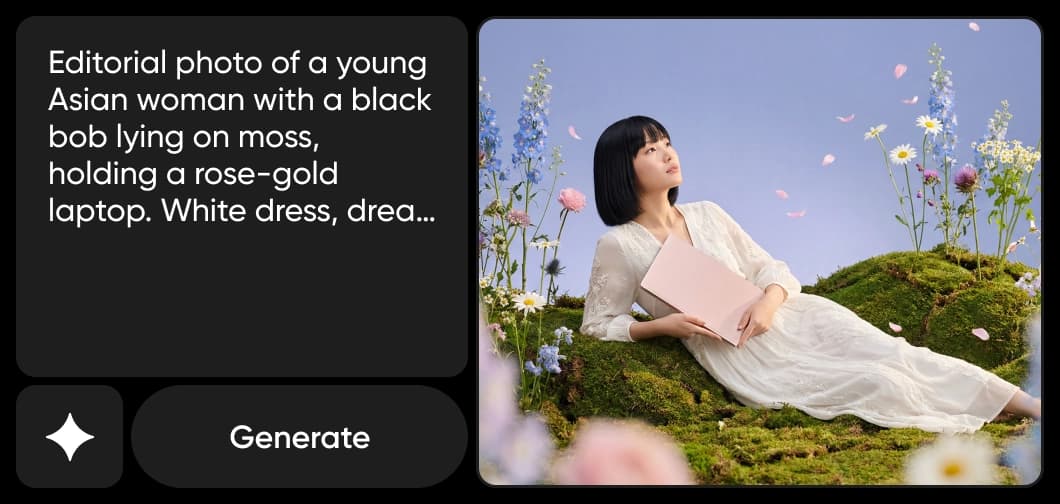
Skapa realistiska bilder från instruktioner
Förvandla detaljerade textbeskrivningar till realistiska bilder av hög kvalitet med korrekt ljussättning, texturer och komposition – direkt i Picsarts AI Image Editor.
Så fungerar GPT Image 1.5 i Picsart
Picsart har integrerat GPT Image 1.5 direkt i AI Playground och AI Image Generator. Det gör att kreatörer kan skapa och finslipa bilder utan att behöva interagera direkt med modellen. Integrationen hanterar avancerad instruktionstolkning och samordning av modeller i bakgrunden, så att användarna kan fokusera på det kreativa resultatet i stället för den tekniska konfigurationen. Samma GPT Image 1.5-modell ger jämn kvalitet på resultaten i båda verktygen, oavsett om du tar fram en prototyp i AI Playground eller skapar färdiga bilder i AI Image Generator.

Därför väljer kreatörer GPT Image 1.5
GPT Image 1.5 utmärker sig genom att förstå nyanserade instruktioner och skapa bilder som träffar den kreativa visionen med hög precision. Modellen hanterar komplexa scener, återger läsbar text i bilder och skapar konsekventa, realistiska resultat i många olika stilar. Integrerad i Picsarts AI Image Editor gör den bildgenerering av professionell kvalitet tillgänglig för kreatörer på alla nivåer, utan krav på tekniska kunskaper eller komplicerade arbetsflöden.
GPT Image 1.5 i Picsarts ekosystem
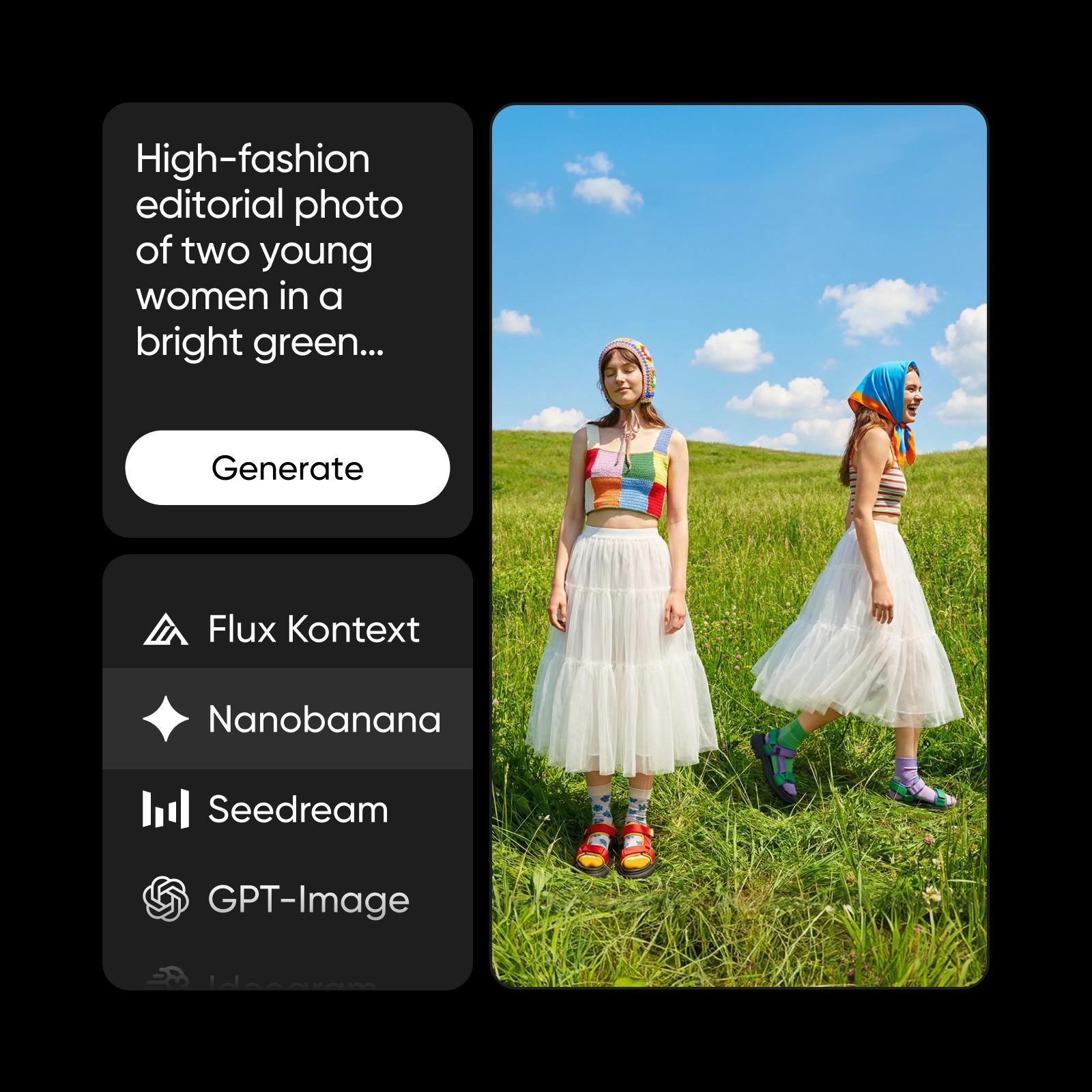
GPT Image 1.5 är en av flera avancerade AI-modeller som driver Picsarts kreativa ekosystem. Tillsammans med modeller från ledande AI-leverantörer möjliggör den bildgenerering, visuell förbättring och innehållsskapande på plattformen. Med flera modeller att välja mellan kan kreatörer hitta rätt verktyg för varje projekt, medan Picsart hanterar modellval och optimering i bakgrunden.
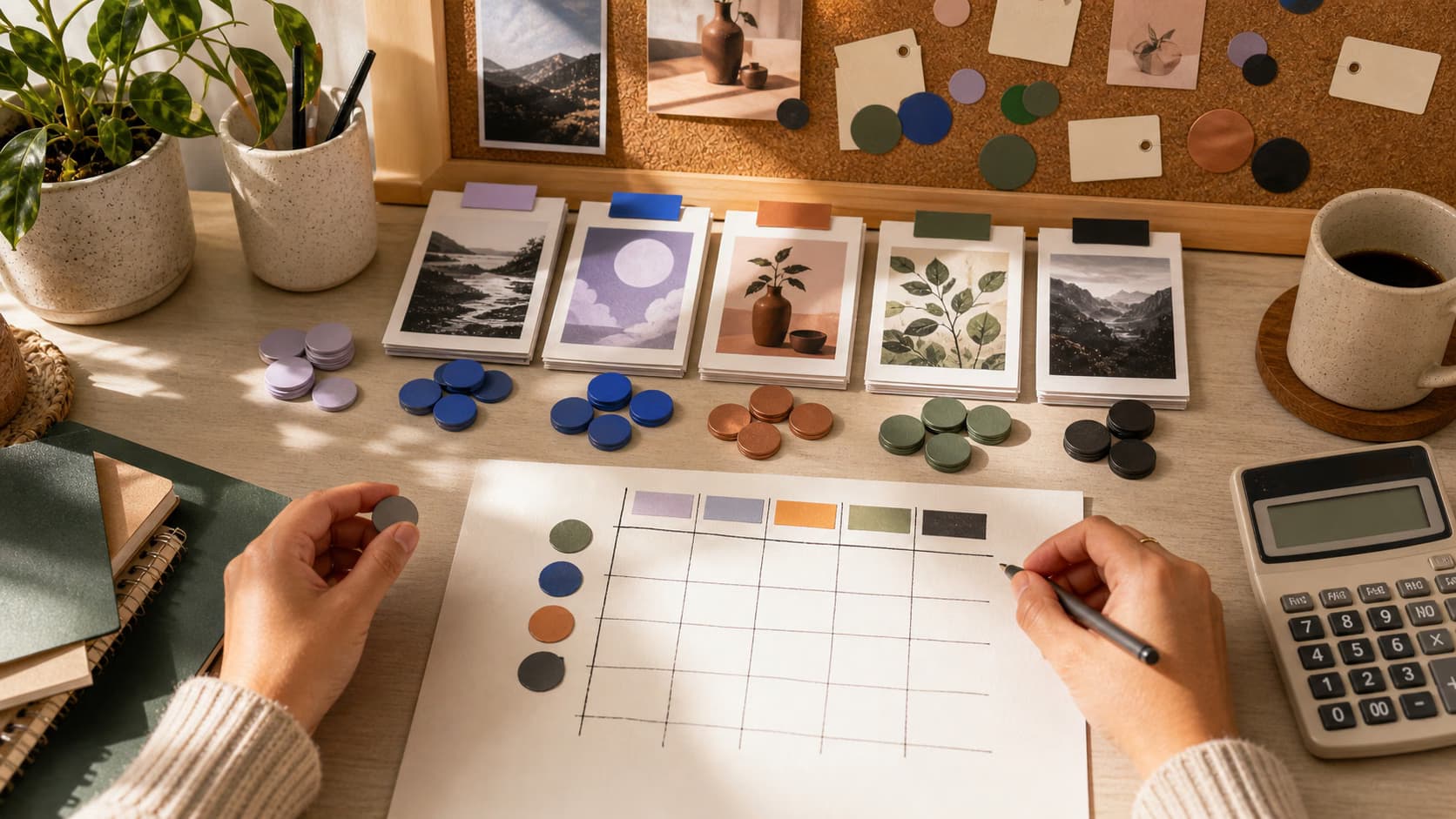
Lär dig mer om olika bildmodeller
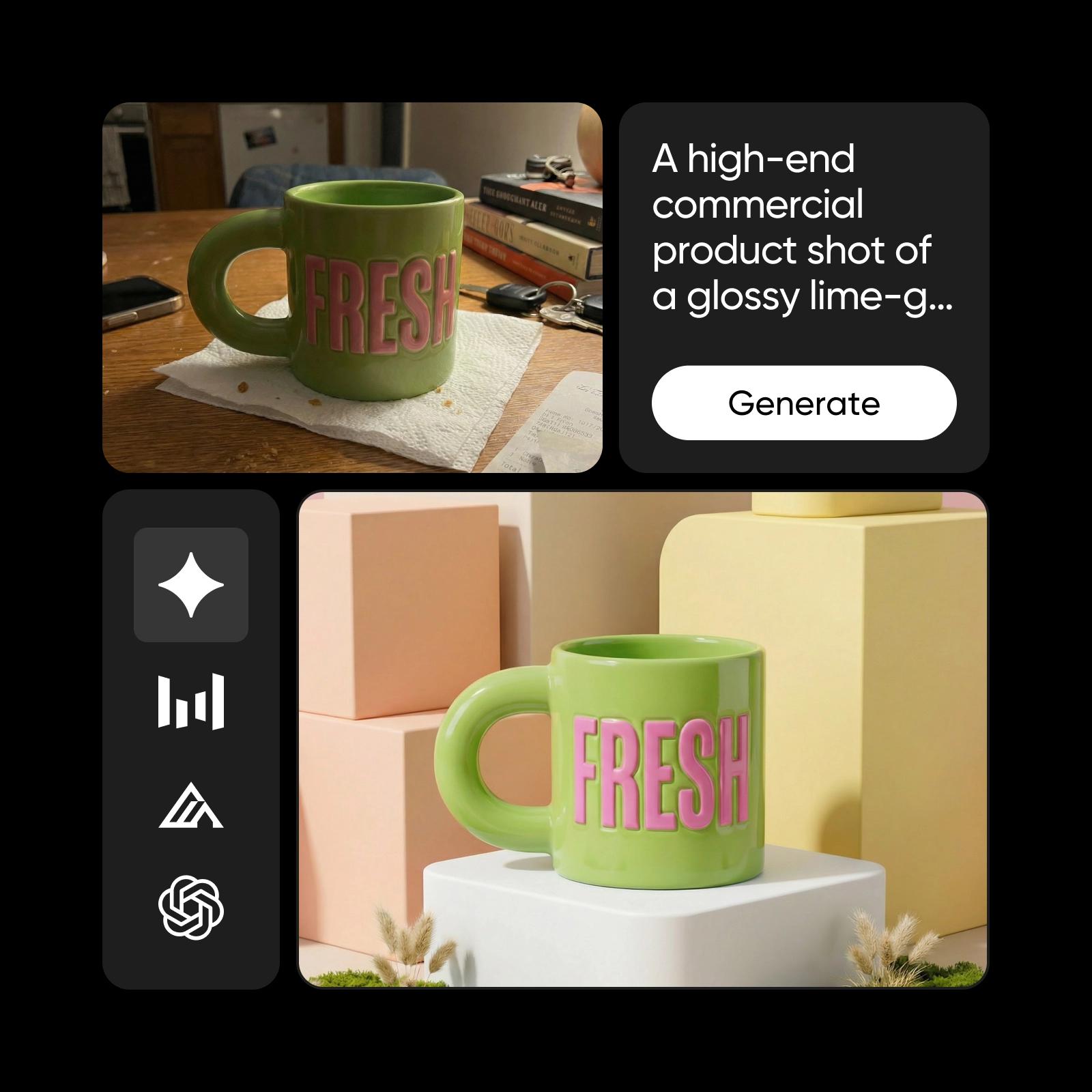
Lär dig jämföra bildmodeller och välja ett resultat.
Utforska fler modeller som GPT Image 1.5
Jämför GPT Image 1.5 med andra bildmodeller för kampanjbilder, designmaterial och kreativa tester.
Vanliga frågor om GPT Image 1.5
GPT Image 1.5 är OpenAI:s avancerade AI-modell för bildgenerering. Den skapar realistiska, detaljerade bilder utifrån instruktioner på naturligt språk och har god förståelse för instruktioner samt jämn visuell kvalitet.
Skapa AI-bilder med GPT Image 1.5
Pro
Most popularAI tools for everyday creative work.
Ultra
Most powerfulHeavy AI usage for creators & teams.
Enterprise
Custom AI solutions for large organizations.
- Volume discounts on credit rate
- On-demand top-ups