సెపియా ఫిల్టర్: చిరకాల ఆకర్షణతో సెపియా ఫోటోలు రూపొందించండి
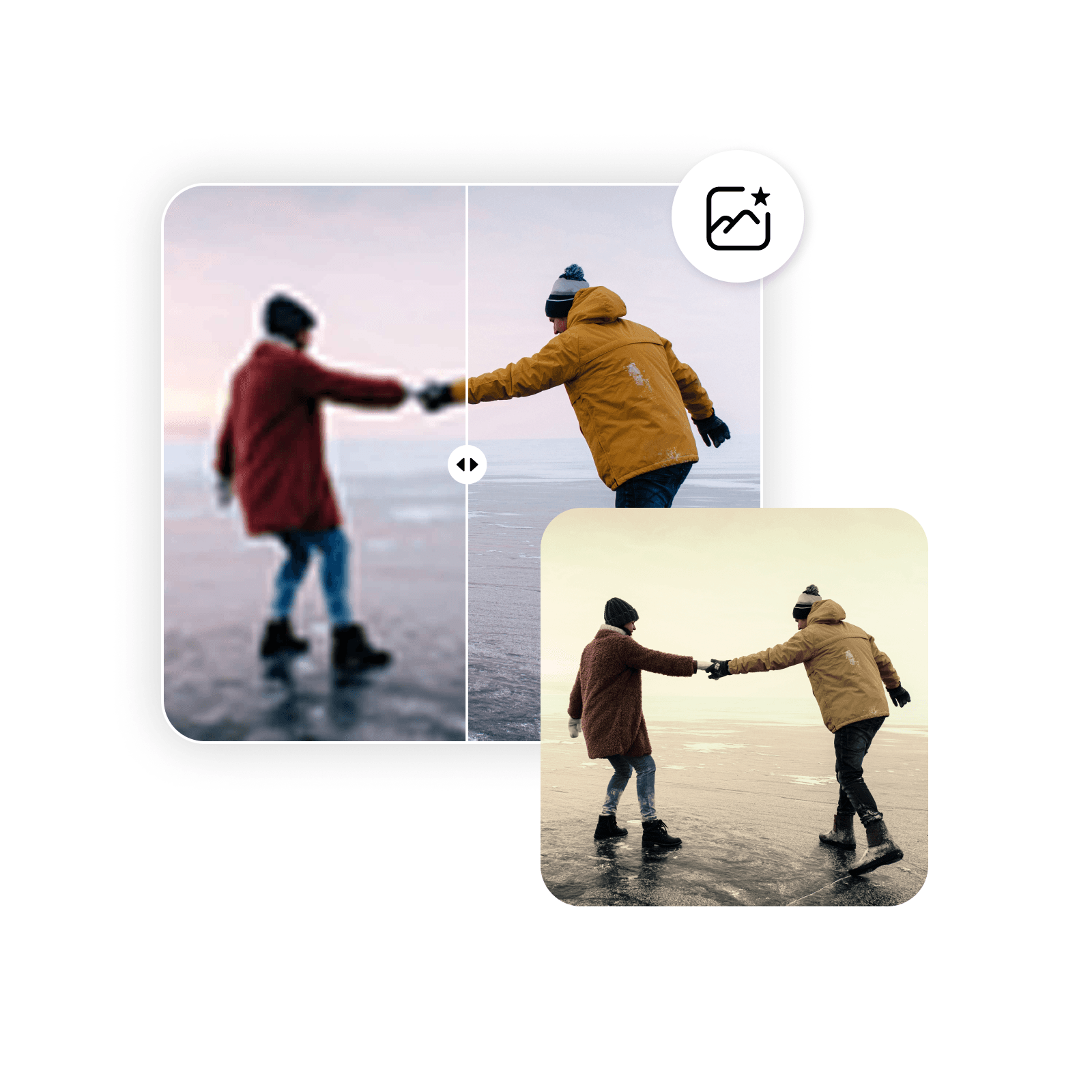
ఇష్టమైన ఫోటోలకు సెపియా ఫిల్టర్ వేసి వెంటనే పాతకాలపు రూపం పొందండి. Picsart సెపియా ఫిల్టర్ మృదువైన గోధుమ రంగును జోడించి సాధారణ ఫోటోలను గతకాలపు జ్ఞాపకాలుగా మారుస్తుంది.
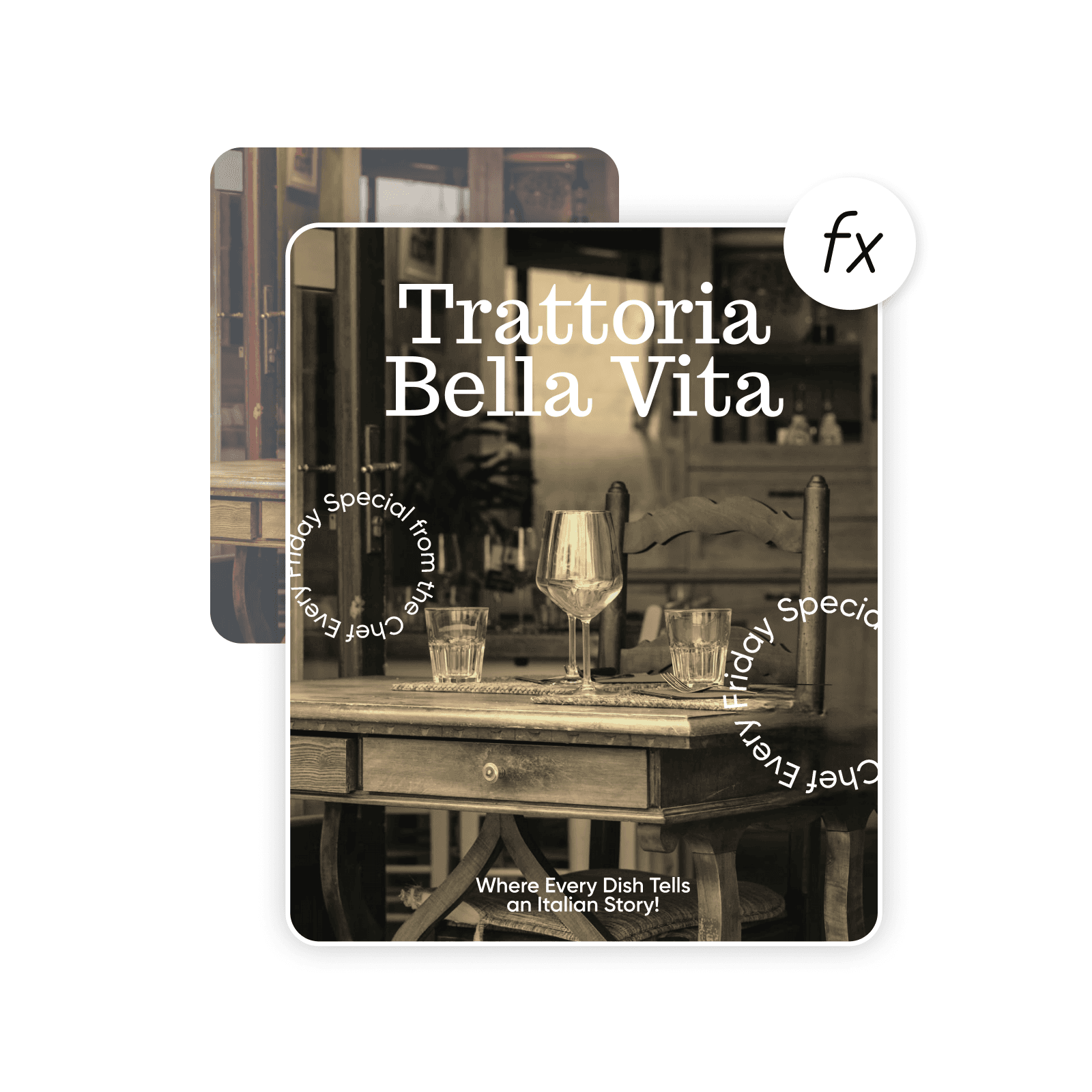
AI చిత్ర మోడళ్లతో సెపియా ఫిల్టర్ రూపొందించండి
షైలీలు, ప్రభావాలు, మరియు సిద్దంగా ఉండే సవరించదగ్గ దృష్టికోణాలతో చిత్రాల రూపాన్ని మార్చడానికి చిత్రం మోడల్స్ ఉపయోగించండి.
చిత్రానికి సెపియా ఫిల్టర్ జోడించడం ఎలా
How to
చిత్రాన్ని ఎంచుకోండి
చిత్రాన్ని ఎంచుకోవడానికి చిత్రాన్ని అప్లోడ్ చేయి బటన్ ఉపయోగించండి.
సెపియా ఫిల్టర్తో చిరకాల అందాన్ని పట్టుకోండి
Picsart సెపియా రంగు ఫిల్టర్తో ఏ చిత్రానికైనా పాతకాలపు ఆకర్షణ ఇవ్వండి. సంప్రదాయ సెపియా టోన్ జ్ఞాపకాలను రేకెత్తించి ప్రత్యేకమైన పాతకాలపు చిత్రాలు తయారు చేస్తుంది. భావోద్వేగ ప్రభావం పెంచడానికి ఫోటోలకు అందమైన వెచ్చదనం, లోతు జోడించండి. సెపియా టోన్ సున్నితమైన పాత రూపాన్ని ఇచ్చి జ్ఞాపకాలు, దృశ్యాలను ఆకట్టుకునే కథలుగా మారుస్తుంది.

ఆన్లైన్ సెపియా ఫిల్టర్తో కొన్ని సెకన్లలో ఫోటోను సెపియాగా చేయండి
సెపియా ఎఫెక్టుతో నాటకీయత, వాతావరణం జోడించాలా? చిత్రాన్ని అప్లోడ్ చేసి ఫోటో ఎఫెక్టుల విభాగంలో సెపియా ఫిల్టర్ ఎంచుకోండి. వివరాలు కోల్పోకుండా సెపియా టోన్ ఇస్తుంది కాబట్టి ఫోటోల స్పష్టత, నాణ్యత నిలుస్తాయి. ప్రయత్నించి తక్షణ ప్రివ్యూ చూడండి. అధునాతన ఫోటో ఎడిటింగ్ నైపుణ్యం లేకుండానే మీకు కావాల్సినన్ని మార్పులు చేయండి.
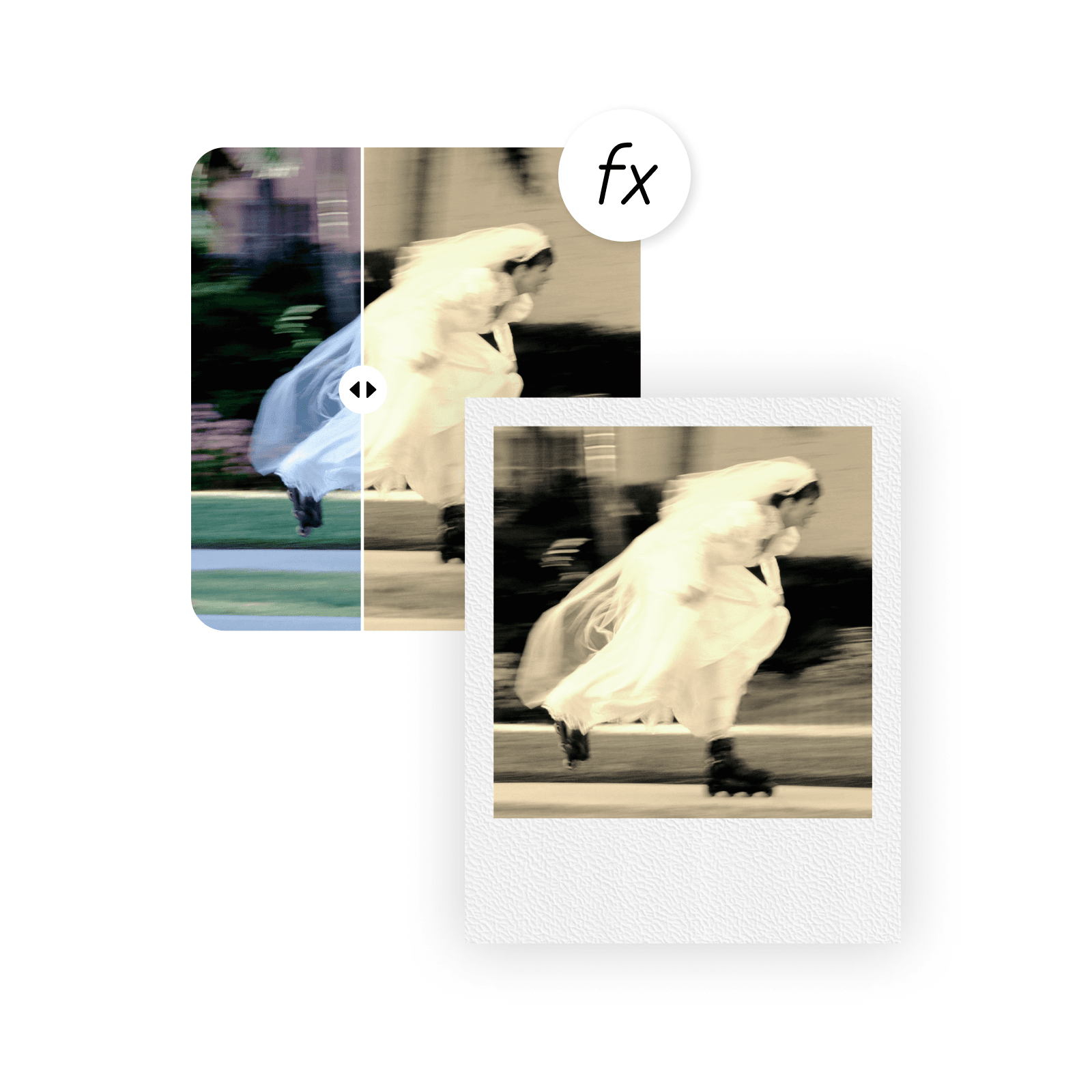
సెపియా రంగు ఫిల్టర్తో ఫోటోలను కొత్తగా ఊహించండి
అందం, ఆకర్షణ పెంచండి. ప్రేమ భావాన్ని బలపరచండి. భావోద్వేగాన్ని వ్యక్తీకరించండి. సెపియా ఎఫెక్టులతో ఏ శైలి ఫోటో భావాన్నైనా సులభంగా మార్చవచ్చు. పోర్ట్రెయిట్లలో భావోద్వేగం పెంచి, ప్రకృతి దృశ్యాలను మృదువుగా చేసి, కార్యక్రమ ఫోటోలకు అందం జోడించండి. ఆకట్టుకునే ఫోటో సేకరణల కోసం నలుపు-తెలుపు ఫిల్టర్ లేదా గ్లిచ్ ఎఫెక్ట్ వంటి ఇతర ఎఫెక్టులతో ఉపయోగించండి.
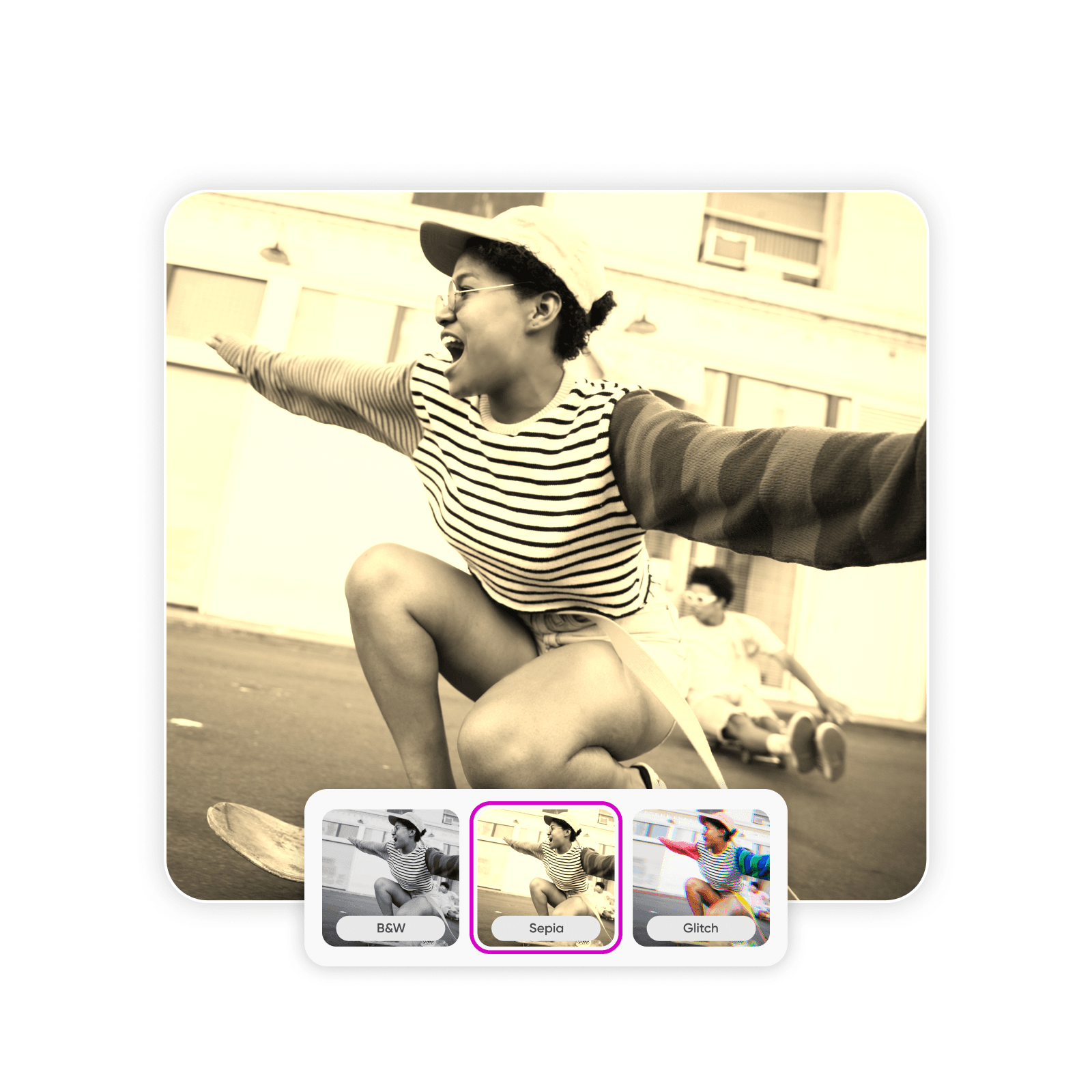
సరైన సెపియా ఫిల్టర్ తీవ్రత ఎంచుకోండి
సెపియా ఫోటోలను మీకు కావాల్సినంత గాఢంగా లేదా సున్నితంగా చేయండి. Picsart ఆన్లైన్ సెపియా ఫిల్టర్లో రంగు తీవ్రత మార్చి ఫోటోల రూపాన్ని నియంత్రించవచ్చు. పాత రూపానికి మృదువైన లేత గోధుమ రంగు లేదా ఎక్కువ కాంట్రాస్ట్కు గాఢమైన గోధుమ రంగు ప్రయత్నించండి. మార్చగల సెపియా టోన్ ఎఫెక్టుతో ఎవరైనా సోషల్ మీడియాలో దృష్టి ఆకర్షించి స్పందన పెంచే గుర్తుండిపోయే ఫోటోలు రూపొందించవచ్చు.
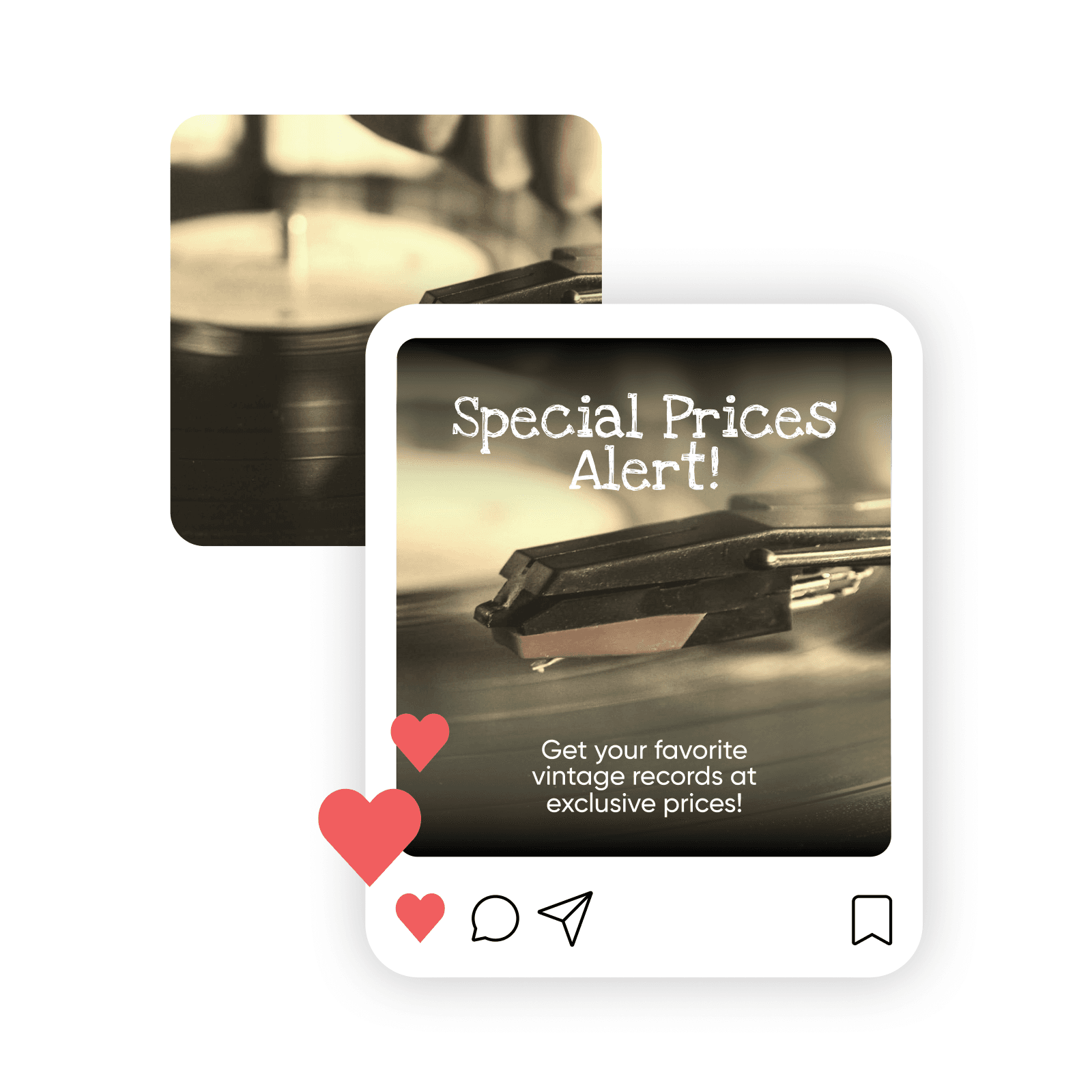
సెపియా ఫోటోలను ఎడిట్ చేసి మెరుగుపరిచి అనుకూలీకరించండి
సెపియా ఫోటోలు మెరుగుపరచడానికి అందుబాటులో ఉన్న అన్ని ఎడిటింగ్ సాధనాలు ఉపయోగించండి. Picsart AI ఫోటో ఎడిటర్ ప్రొఫెషనల్ నాణ్యత చిత్రాలకు అనేక సాధనాలు అందిస్తుంది. చిత్రాలు స్పష్టంగా చేయండి, మచ్చలు సరిచేయండి, ఎఫెక్టులు జోడించండి లేదా AIతో చిత్రాలను విస్తరించండి. సెపియా రంగు వేసే ముందు అస్పష్టత, రంగు సమస్యలు లేదా రేణువులు తొలగించి స్పష్టమైన చిత్రంతో మొదలుపెట్టి ఉత్తమ ఫలితాలు పొందండి.
బహుముఖ ఫోటో ఎడిటింగ్ సాఫ్ట్వేర్తో మీరే సెపియా ఫిల్టర్, మరిన్ని ఎఫెక్టులు జోడించండి
వెబ్సైట్, మార్కెటింగ్ సామగ్రి, సోషల్ మీడియా లేదా వ్యక్తిగత వినియోగానికి సెపియా ఫోటోలు కావాలా? మొత్తం ఫోటో సేకరణను మార్చండి లేదా వ్యాపారానికి ప్రొఫెషనల్ బ్రాండ్ ఆస్తులు రూపొందించండి. Picsart శక్తివంతమైన గ్రాఫిక్ డిజైన్, చిత్ర సాధనాలతో ప్రారంభం నుంచి చివరి వరకు సృజనాత్మక ప్రాజెక్టులను సులభంగా నియంత్రించండి.
సెపియా ఫిల్టర్ గురించి ప్రశ్నలు
సెపియా రంగు ఫిల్టర్ ఇతర రంగుల్లో చాలా వరకు ఆపి గోధుమ, లేత గోధుమ రంగులను పెంచడం ద్వారా చిత్రం రంగు, కాంట్రాస్ట్ను మారుస్తుంది. చివరికి ఒకదానితో ఒకటి విభిన్నంగా ఉన్న వెచ్చని గోధుమ రంగుల ఫోటో వస్తుంది. పాత రూపం ఇవ్వడానికి అసలు రంగులను ఉద్దేశపూర్వకంగా తగ్గించేందుకు సెపియా ఎఫెక్టులు ఉపయోగిస్తారు.
పర్ఫెక్ట్ క్రియేటర్ కంటెంట్ కోసం ఫోటోలను ఎడిట్ చేయండి
Pro
Most popularAI tools for everyday creative work.
Ultra
Most powerfulHeavy AI usage for creators & teams.


