Picsart for Codex: One install, 140+ models, straight in your code.

色彩选择器:在线查找色彩代码

使用 Picsart 的在线色彩选择器,轻松即时找到你想要的确切色调。使用 HEX、RGB、HSL 和 CMYK 色彩选择器格式查找色彩代码。

Ratings
4.9/5 (1,879 reviews)

如何使用色彩选择器

1

选择一种色彩

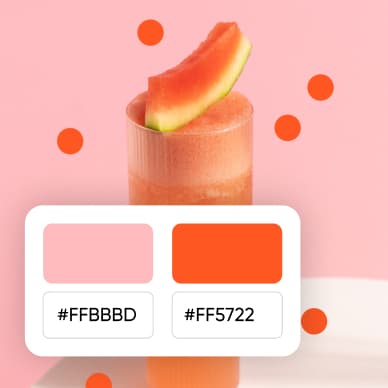
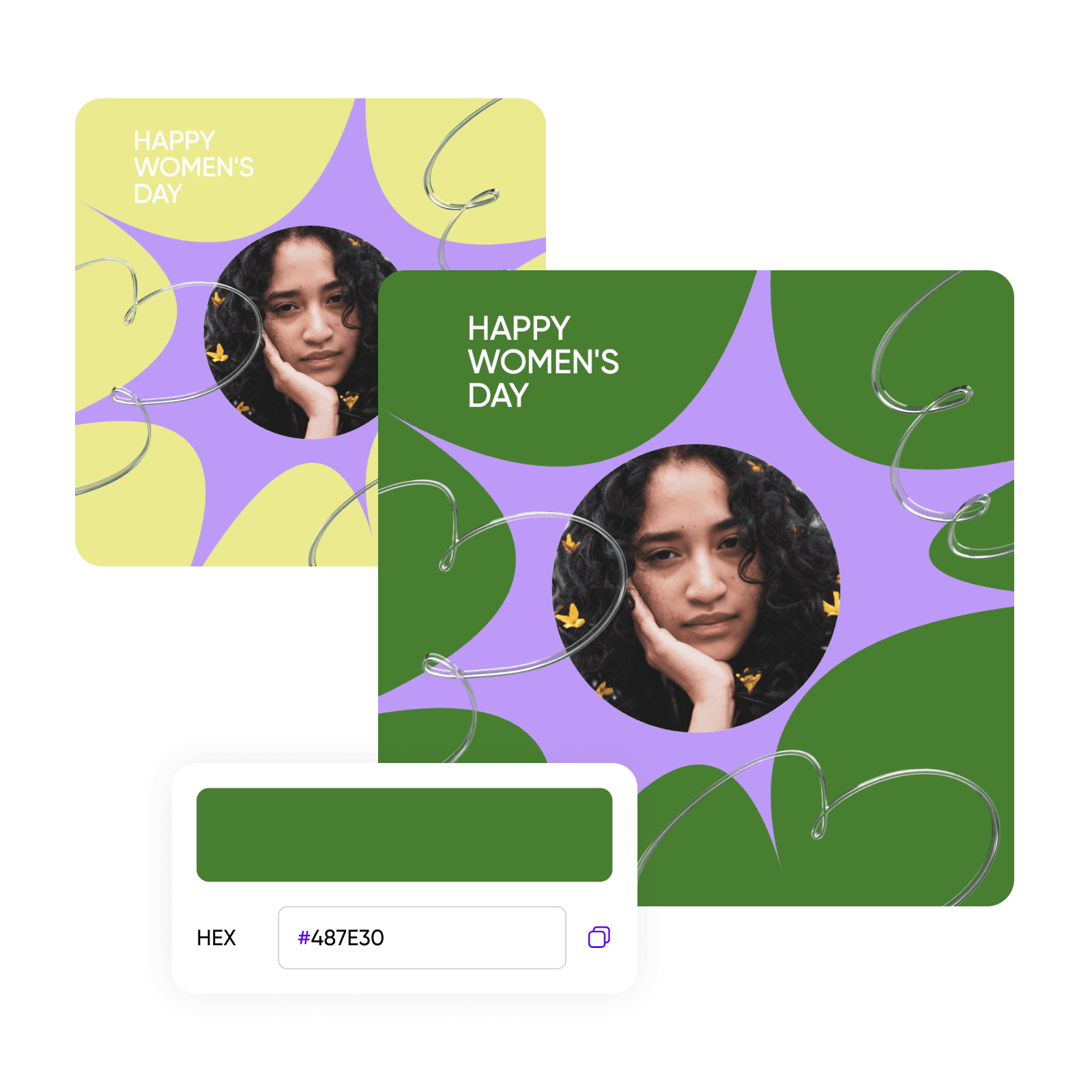
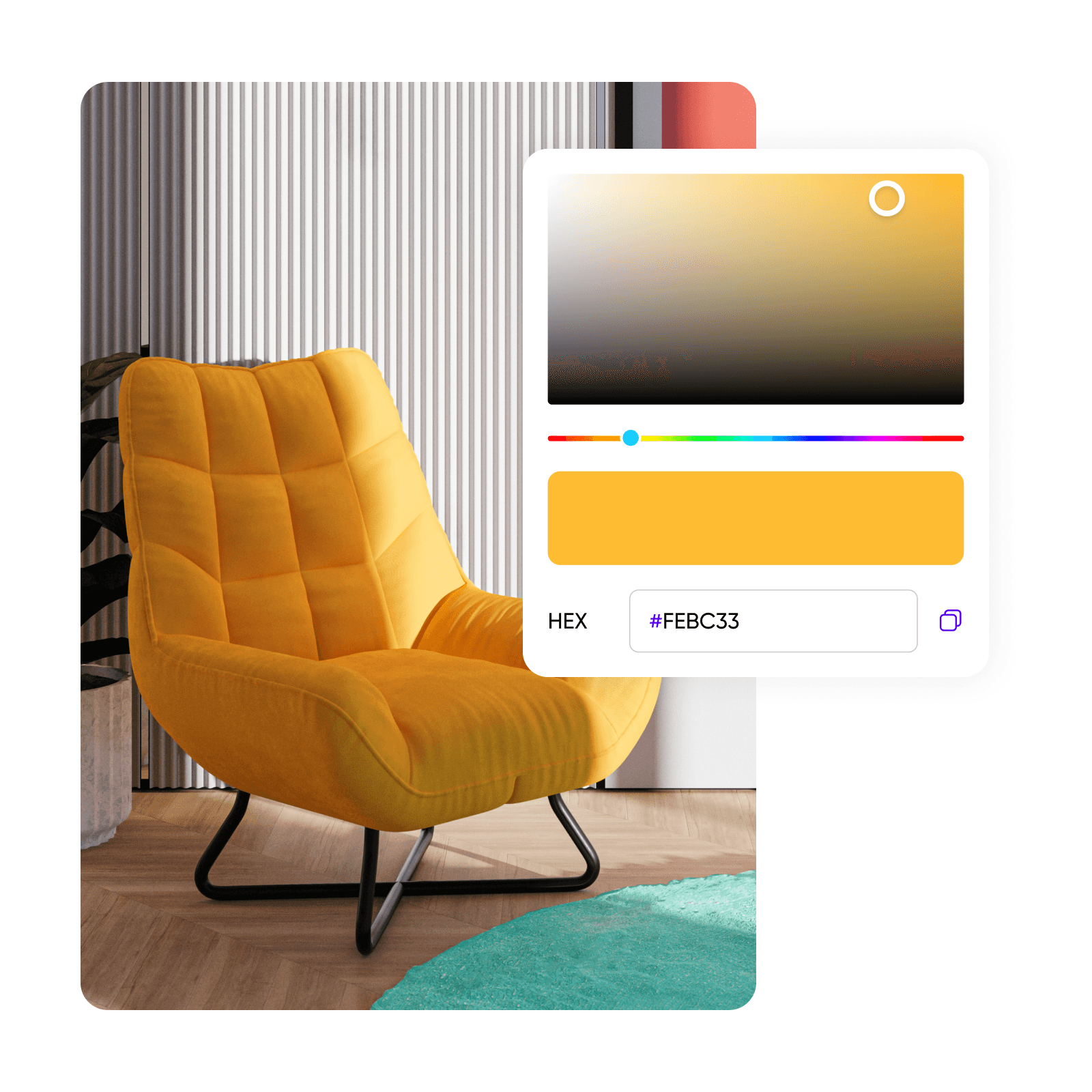
使用色彩滑块找到确切的色调,或插入代码以将其转换为不同的格式。

2

调整色彩色调

3

复制色彩代码

色彩选择器常见问题

什么是色彩选择器?

使用色彩选择器有什么好处?

使用色彩选择器通过提供精确色彩选择、节省时间、增强创意和确保品牌一致性来简化你的设计流程。它是一个便捷可访问的工具,改进工作流并允许轻松管理你喜爱的色彩和调色板。

我可以保存和管理我喜爱的色彩吗?

当然可以!Picsart 为你提供创建色彩调色板并在所有项目中重复使用的便捷方法,这样你无需每次都手动添加色彩。

我可以从图像中选择色彩吗?

这是一项即将推出的功能,将很快允许你直接从图像中选择色彩。

色彩选择器支持什么格式?

色彩选择器支持多种格式,包括 HEX、RGB、HSL 和 CMYK,为你的项目提供多功能性。


使用色彩选择器为每个创作者项目设计

MOST POPULAR

Pro

适用于日常创意工作的 AI 工具。

012345678901234567890123456789credits/month
~ 100Nano Banana Pro generations
~ 55Kling 3.0 videos
固定积分/月
$15$10.5/月
按年计费
选择年度计划为您节省 $54
  • 访问所有照片和视频编辑功能
  • 高级背景和物体移除
  • 使用全球最强大的 AI 视频模型并行生成视频
  • 使用Flex.2 Klein获得无限图像生成次数
  • 一键图像增强器
  • Millions of stock photos & Getty video clips
  • 精选时尚字体、文本样式和贴纸
  • 数千个优质模板
  • Support for 3+ brand kits
  • Bulk edit up to 50 images at once
  • 100 GB of cloud storage
新功能:
  • 15+ creative AI agents that plan, execute, and deliver — across video, brand, localization, and more
  • 通过 Picsart CLI 从您的终端或代理自动生成内容
  • Use Picsart inside Claude Code, Cursor, and ChatGPT via MCP
MOST POWERFUL

Ultra

创作者和团队的大量 AI 使用。

0123456789,012345678901234567890123456789credits/month
~ 500Nano Banana Pro generations
~ 277Kling 3.0 videos
$75$60/月
按年计费,每个席位
选择年度计划为您节省 $180
比 Pro 多 5 倍使用量
  • 140+ leading AI video, image, and audio models (Kling 3.0, Nano Banana, Veo 3, Seedance 2.0 & more)
  • 使用全球最强大的 AI 视频模型并行生成视频
  • 抢先体验高级 AI 功能
  • 使用Flex.2 Klein获得无限图像生成次数
  • 可购买永不过期的附加积分
  • 多达650万个Getty库存视频
  • Bulk edit up to 100 images at once
  • Support for 10+ brand kits
  • Create ad variations & localize
  • 跟踪广告效果
  • 添加团队席位
  • 300 GB of cloud storage per seat
新功能:
  • 15+ creative AI agents that plan, execute, and deliver — across video, brand, localization, and more
  • 通过 Picsart CLI 从您的终端或代理自动生成内容
  • Use Picsart inside Claude Code, Cursor, and ChatGPT via MCP