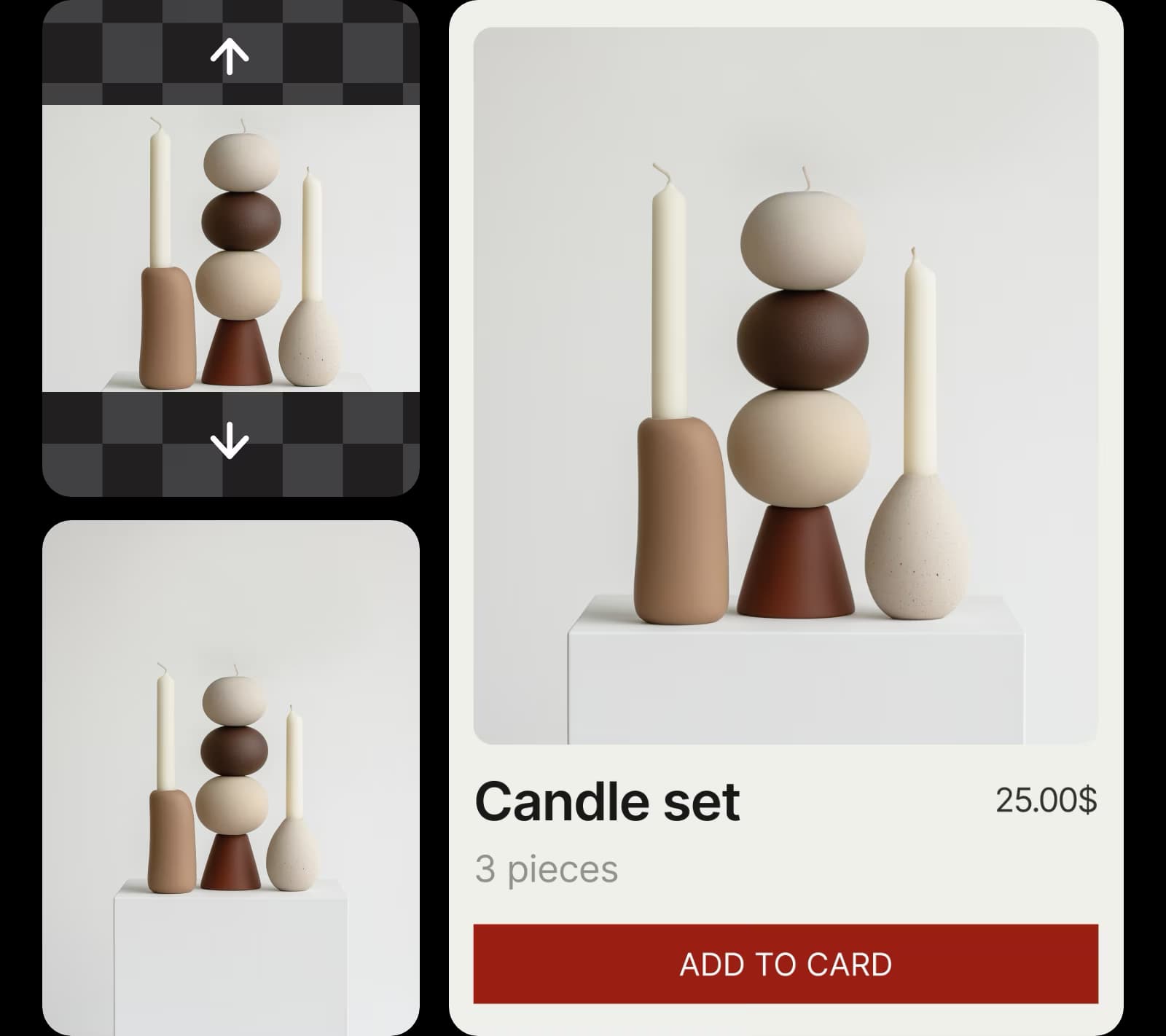
使用 AI 图像模型创建拉伸效果
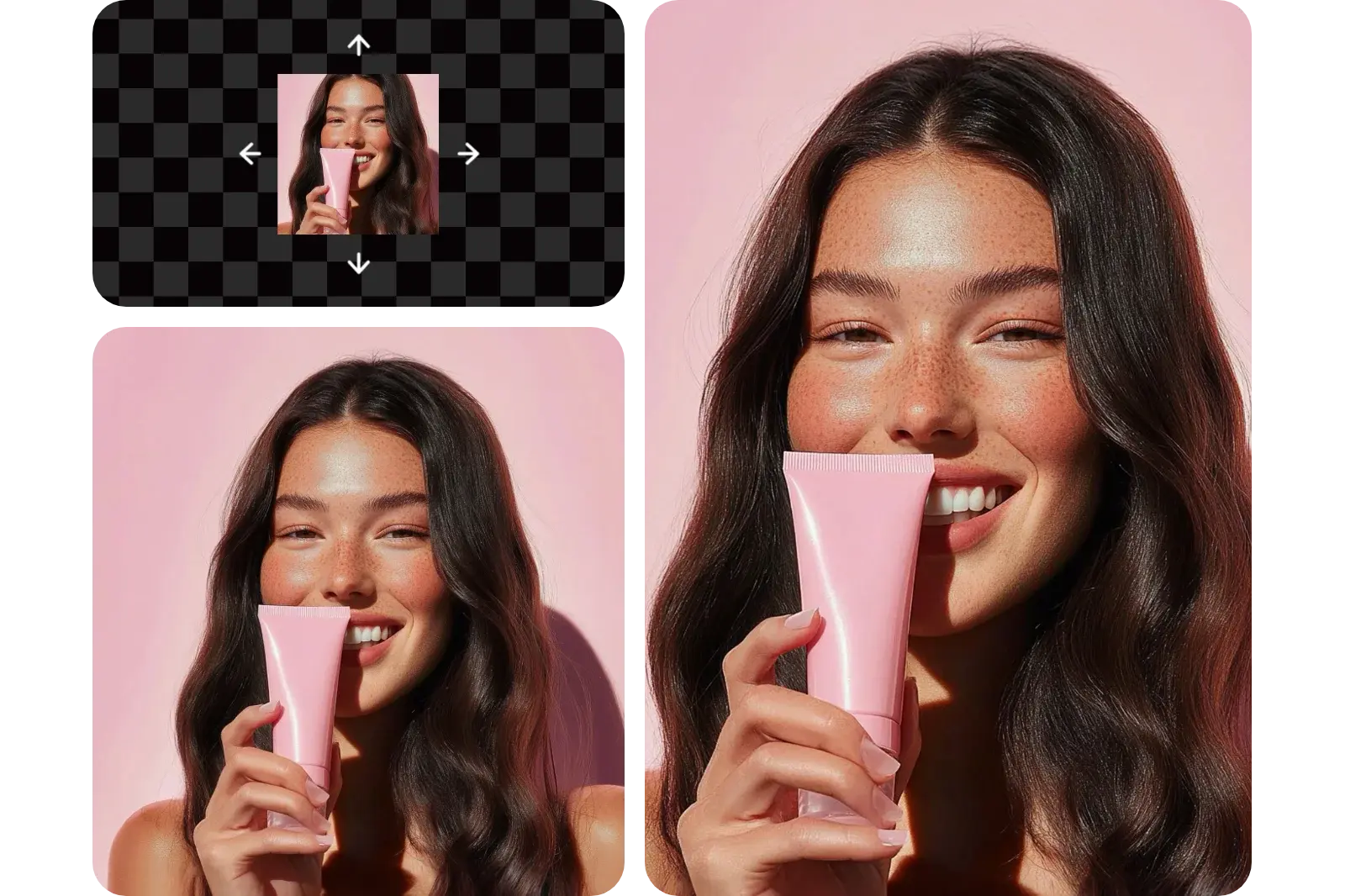
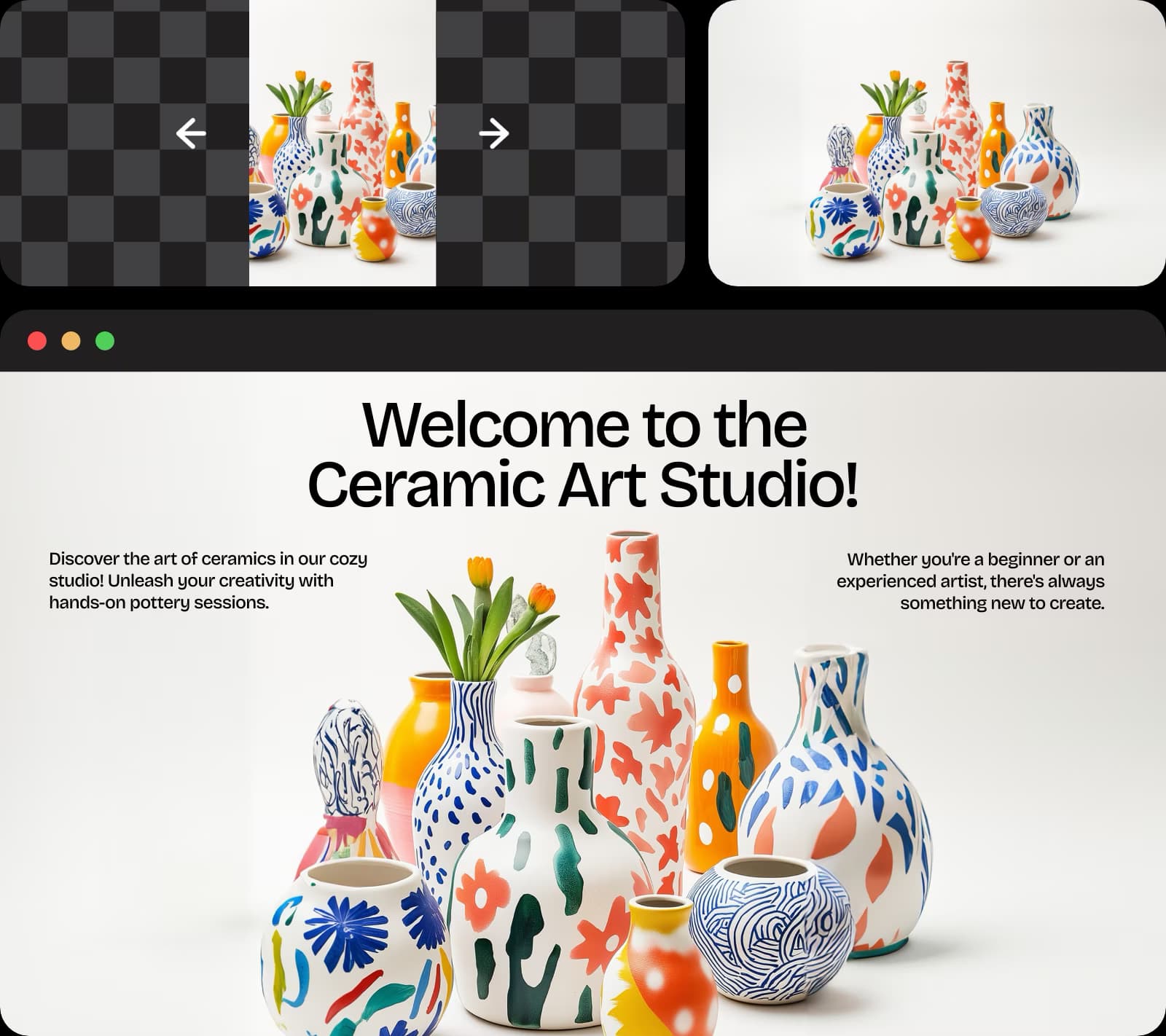
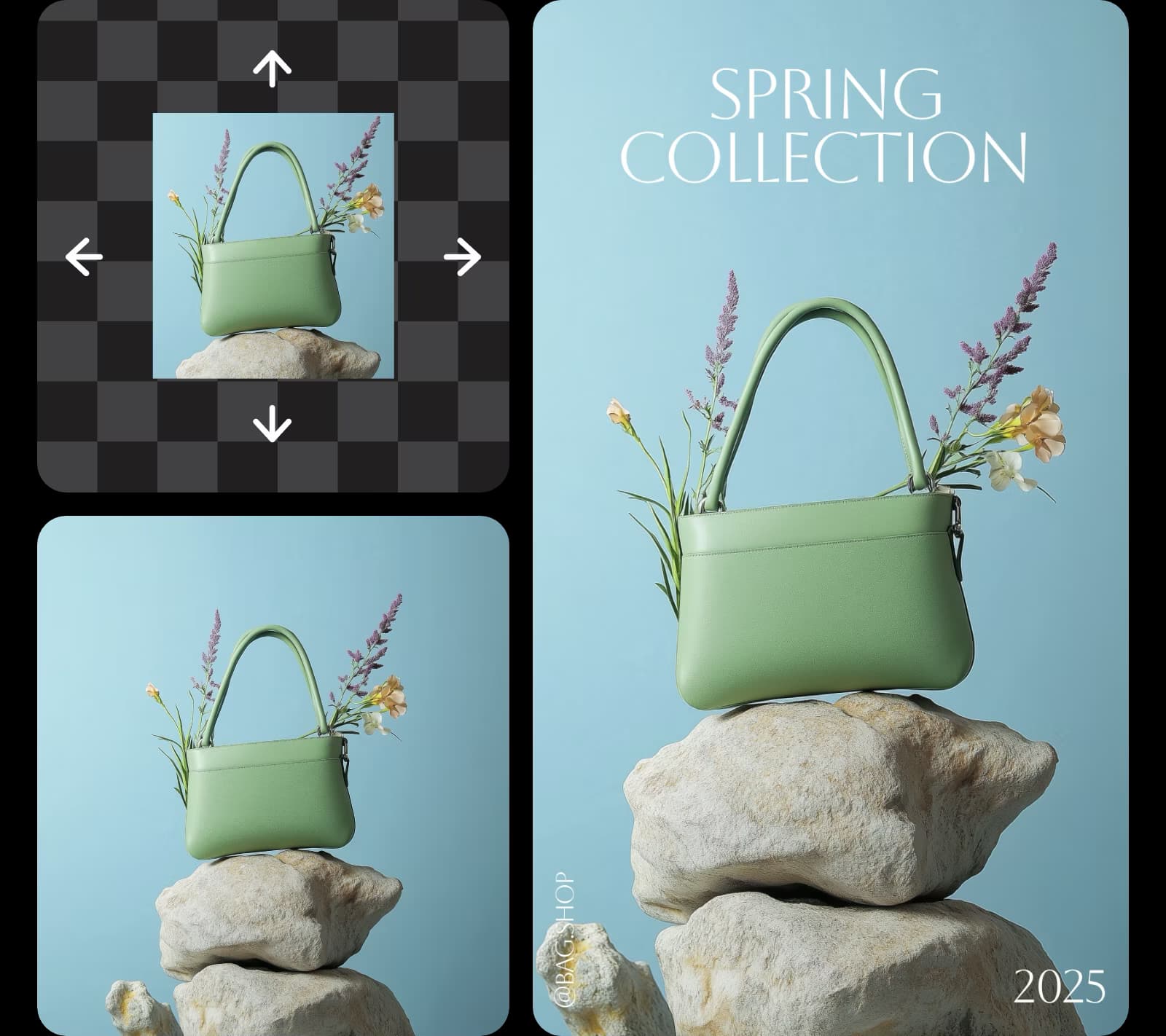
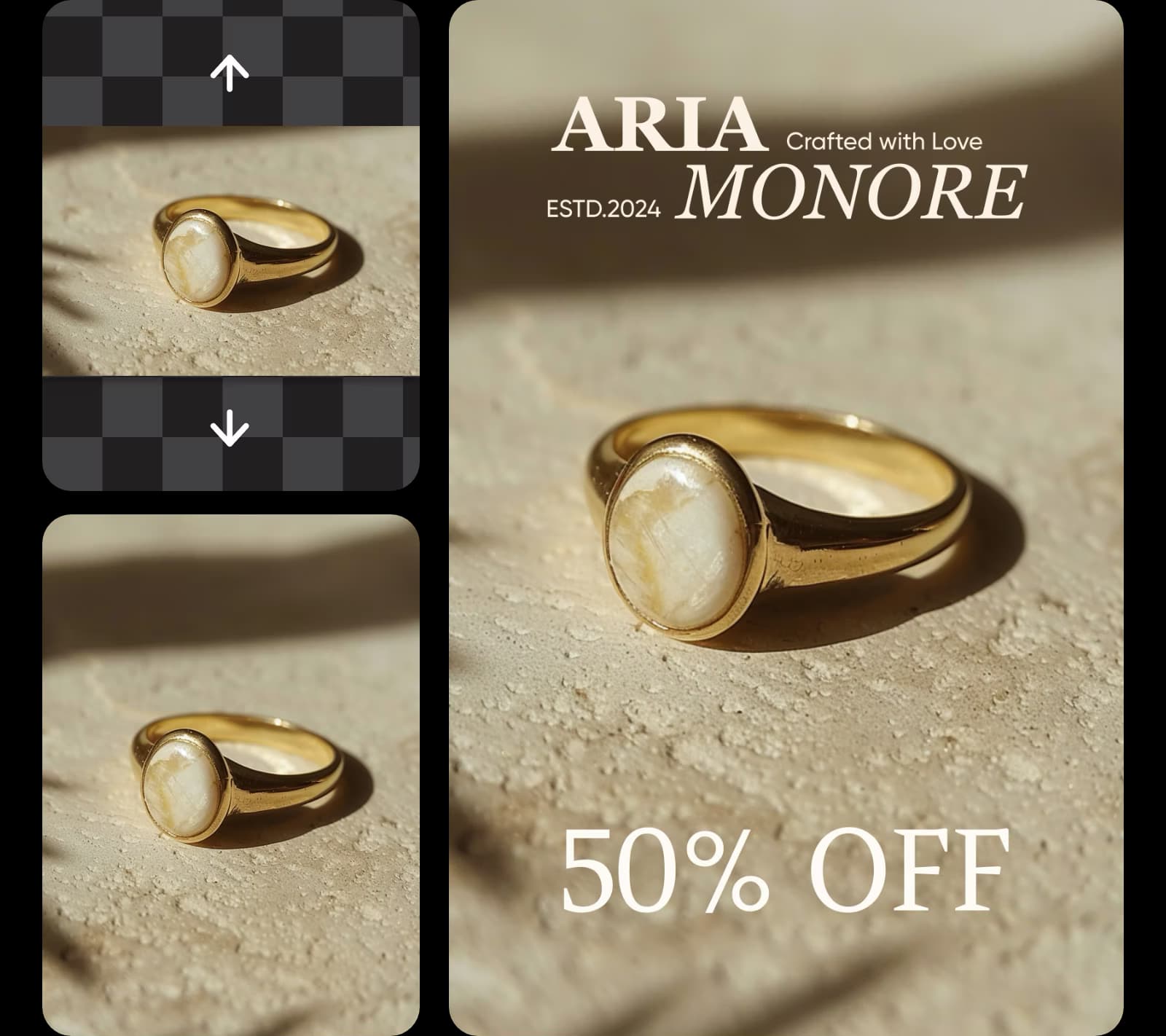
使用图像模型将拉伸效果转换为精美视觉效果、设计创意和可编辑资源。
GPT Image 2New
Next-gen GPT image model with arbitrary output dimensions and multi-image input.Reference inputImage generationSee model
Nano Banana 2New
Fast 4K generation with accurate text and search-grounded accuracy.4KFast generationImage generationSee model
Seedream 5.0 Lite
Speedy 3K output with negative prompt and dual-image input support.Reference inputFast generationImage generationSee model
Kling 3.0 Image
Cinematic visuals with up to 4K resolution and 10 reference images.Reference input4KCinematicSee model
Kling O1 Image
O1-architecture image generation with multi-reference support.Reference inputCinematicImage generationSee model
Kling V2 New Image
Latest V2 image generation with optional restyle via image reference.Reference inputCinematicImage generationSee model
Luma UNI-1
Luma UNI-1 — agentic image generation and editing with up to 9 reference images.Reference inputCinematicImage generationSee model
Luma UNI-1 Max
Luma UNI-1 Max — higher-quality UNI-1 variant with the same multi-reference editing controls.Reference inputCinematicImage generationSee model
Seedream 4.5
Detailed 4K renders with clean in-image text and dual-image input.Reference input4KImage generationSee model

完全免费且易于使用
使用免费图像拉伸工具在几秒内调整照片尺寸—无需注册。

高质量拉伸,无模糊
在保持锐度和清晰度的同时扩展图像—无模糊或像素化。

水平或垂直图像拉伸
无论是用于社交媒体、图形设计还是演示,都可以在线拉伸照片以适应您的创意愿景。
如何拉伸图像
1
上传图像
使用浏览文件按钮选择照片。
2
拉伸图片
3
预览
4
下载
图像拉伸工具常见问题
什么是图像拉伸工具?
图像拉伸工具免费吗?
是的!Picsart 允许您免费在线拉伸图片。如果您想使用其他增强和编辑工具,某些内容可能需要订阅。
我如何在线免费拉伸图像而不失质量?
只需上传照片并通过输入首选尺寸或选择常见纵横比来调整图像大小。图像拉伸工具会立即增强图像质量,但您也可以手动调整亮度、锐度和色彩等元素以进一步改进照片。
我可以只拉伸背景而不改变主体吗?
当然可以!使用 Picsart 的AI 图像扩展工具扩展背景视觉效果而不扭曲或改变主体。
图像拉伸工具和图像扩展工具之间有什么区别?
图像拉伸工具根据您更改的维度拉伸整个照片的视觉内容。扩展工具使用图像的现有视觉构成来拉长视觉效果并为背景生成更大的尺寸,但图像的中心主体不会改变。
是否可以调整图像大小以适应特定的社交媒体尺寸?
当然可以!该工具可让您选择社交媒体网站上常用的预设纵横比。
更多您会喜欢的工具
As Seen in
调整每个平台和格式的视觉效果大小
MOST POPULAR
Pro
适用于日常创意工作的 AI 工具。
012345678901234567890123456789credits/month
~ 100Nano Banana Pro generations
~ 55Kling 3.0 videos
固定积分/月
按年计费
- 访问所有照片和视频编辑功能
- 高级背景和物体移除
- 使用全球最强大的 AI 视频模型并行生成视频
- 使用Flex.2 Klein获得无限图像生成次数
- 一键图像增强器
- Millions of stock photos & Getty video clips
- 精选时尚字体、文本样式和贴纸
- 数千个优质模板
- Support for 3+ brand kits
- Bulk edit up to 50 images at once
- 100 GB of cloud storage
新功能:
- 15+ creative AI agents that plan, execute, and deliver — across video, brand, localization, and more
- 通过 Picsart CLI 从您的终端或代理自动生成内容
- Use Picsart inside Claude Code, Cursor, and ChatGPT via MCP
MOST POWERFUL
Ultra
创作者和团队的大量 AI 使用。
0123456789,012345678901234567890123456789credits/month
~ 500Nano Banana Pro generations
~ 277Kling 3.0 videos
按年计费,每个席位
比 Pro 多 5 倍使用量
- 140+ leading AI video, image, and audio models (Kling 3.0, Nano Banana, Veo 3, Seedance 2.0 & more)
- 使用全球最强大的 AI 视频模型并行生成视频
- 抢先体验高级 AI 功能
- 使用Flex.2 Klein获得无限图像生成次数
- 可购买永不过期的附加积分
- 多达650万个Getty库存视频
- Bulk edit up to 100 images at once
- Support for 10+ brand kits
- Create ad variations & localize
- 跟踪广告效果
- 添加团队席位
- 300 GB of cloud storage per seat
新功能:
- 15+ creative AI agents that plan, execute, and deliver — across video, brand, localization, and more
- 通过 Picsart CLI 从您的终端或代理自动生成内容
- Use Picsart inside Claude Code, Cursor, and ChatGPT via MCP