Ideogram Vector: AI SVG generator for logos, icons and illustrations
Ideogram Vector turns a text prompt into a clean SVG: logos, icons and illustrations that stay sharp at any size. Guide the look with up to 5 reference images and get up to 8 options per run.
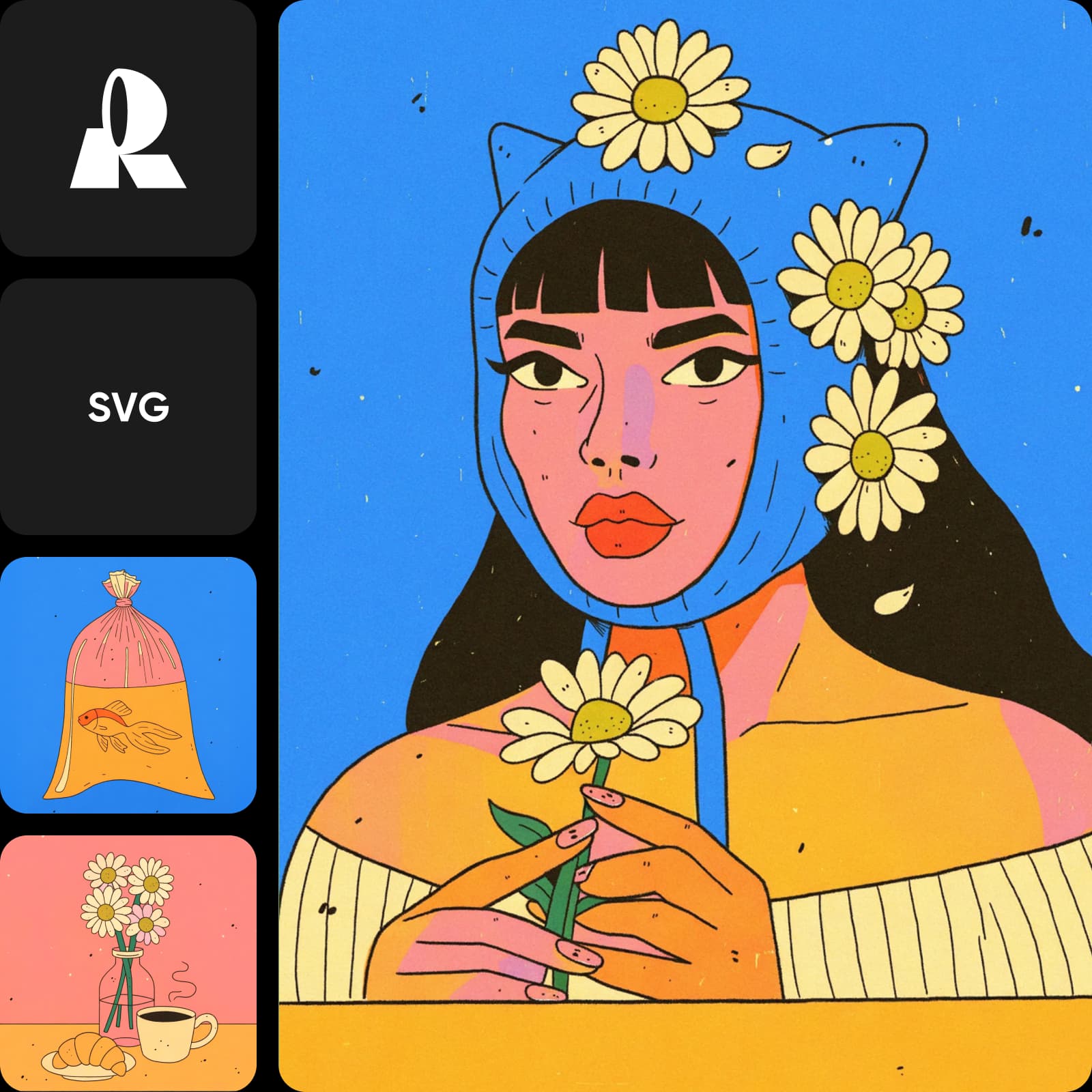
SVG designs made with Ideogram Vector







What is Ideogram Vector? Ideogram's AI SVG generator
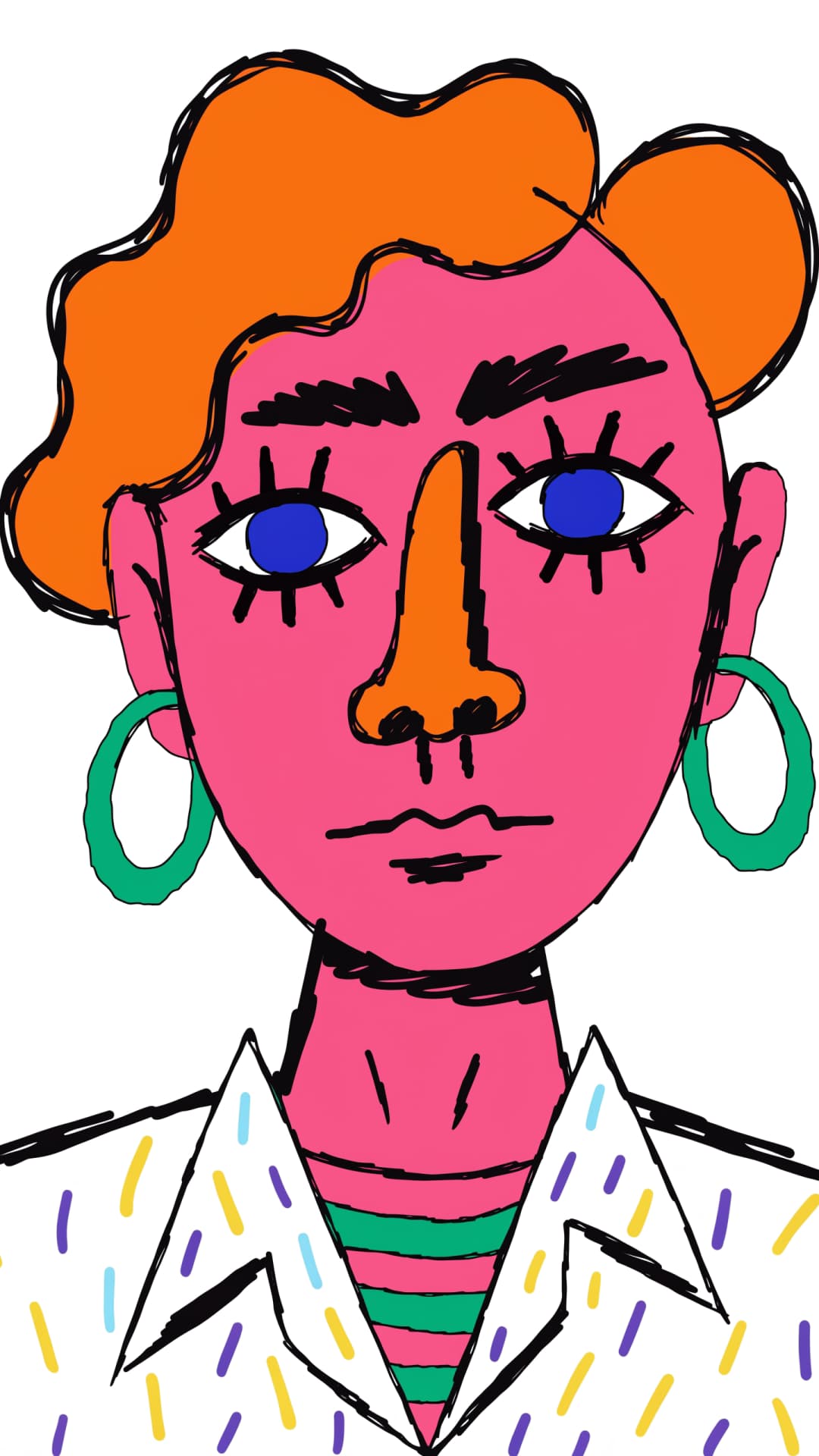
Ideogram Vector is Ideogram's vector model. Instead of pixels, it generates SVG files from a text prompt, optionally guided by up to 5 reference images, for logos, icons and illustrations. It sits alongside Ideogram 4.5 and Ideogram Vectorize in the Ideogram family.
- SVG output, any size
- Up to 5 reference images
- Up to 8 results per run

Logos, icons and illustrations as true SVG files
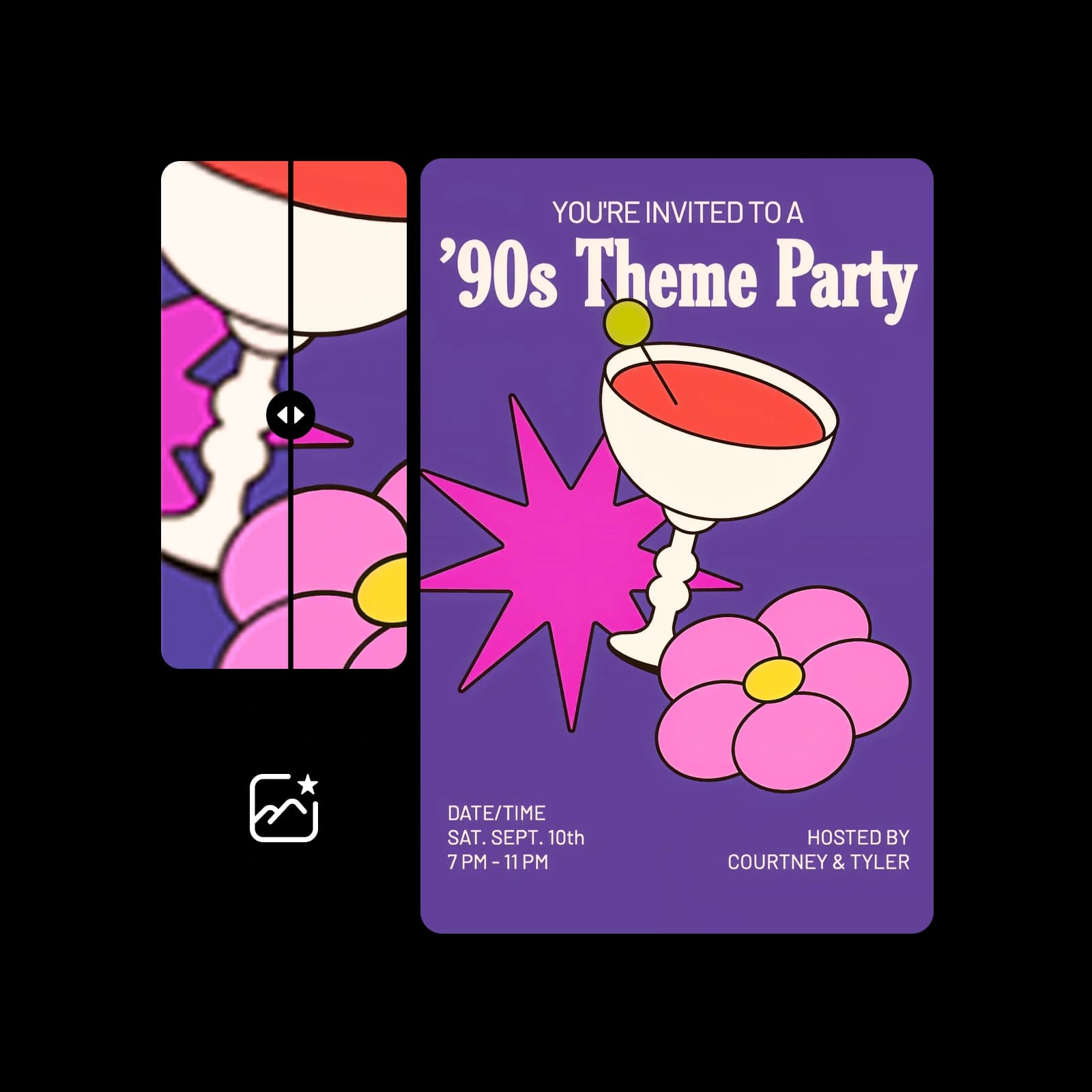
Because the output is vector, every shape stays crisp from a favicon to a billboard and stays editable in any vector tool. Add up to 5 reference images, such as a mood board or existing brand assets, to steer the style, and the SVG follows that direction instead of a generic look.
Ideogram Vector settings: aspect ratio, quality and batch size
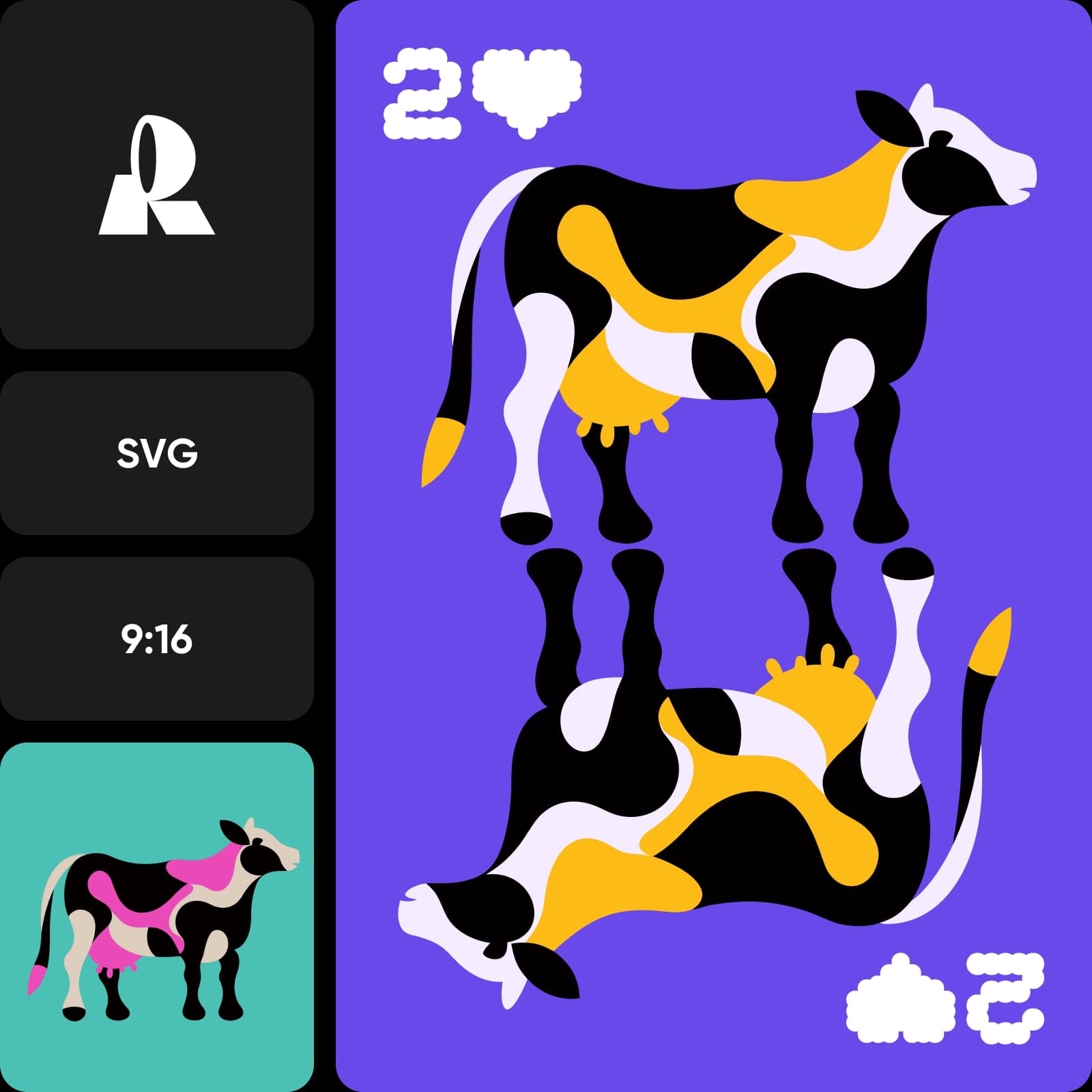
Choose from 17 aspect ratios: auto, 1:1, 16:9, 9:16, 4:3, 3:4, 3:2, 2:3, 5:4, 4:5, 16:10, 10:16, 2:1, 1:2, 3:1, 1:3, 4:1 and 1:4, from square app icons to wide banners and tall stickers. Set quality to low, medium (the default) or high, generate 1 to 8 SVGs at once to compare directions, and fix a seed to reproduce a result.

How Ideogram Vector works inside Picsart
Ideogram Vector runs in Picsart's AI Playground, where you can run it next to 150+ other models and compare the results. Pick Ideogram Vector, describe your design, add references if you have them, choose ratio, quality and count, and generate. Have an image already? Ideogram Vectorize turns it into an SVG. And you can reach Ideogram Vector whichever way you work: on the web, in the desktop app, or built straight into your own projects via CLI, MCP, REST API, and SDK.
What you can create with Ideogram Vector
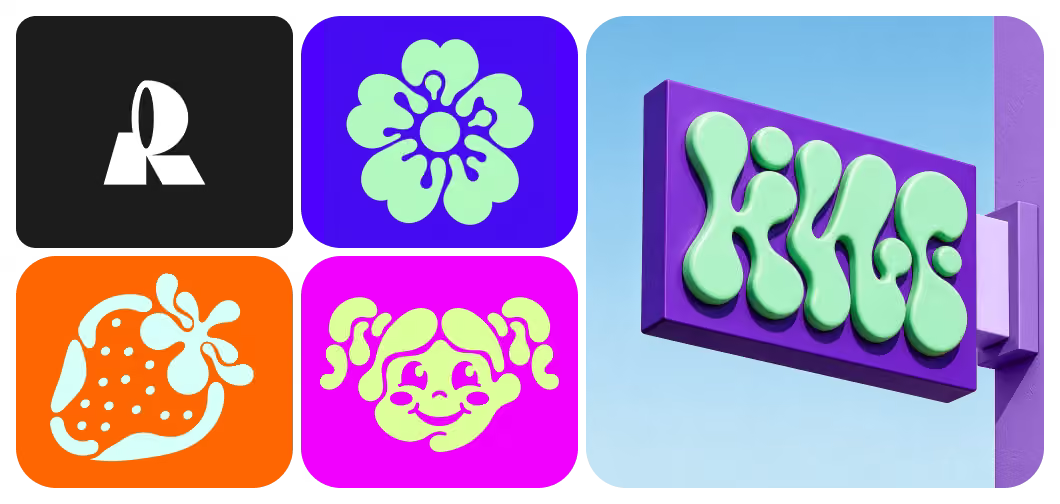

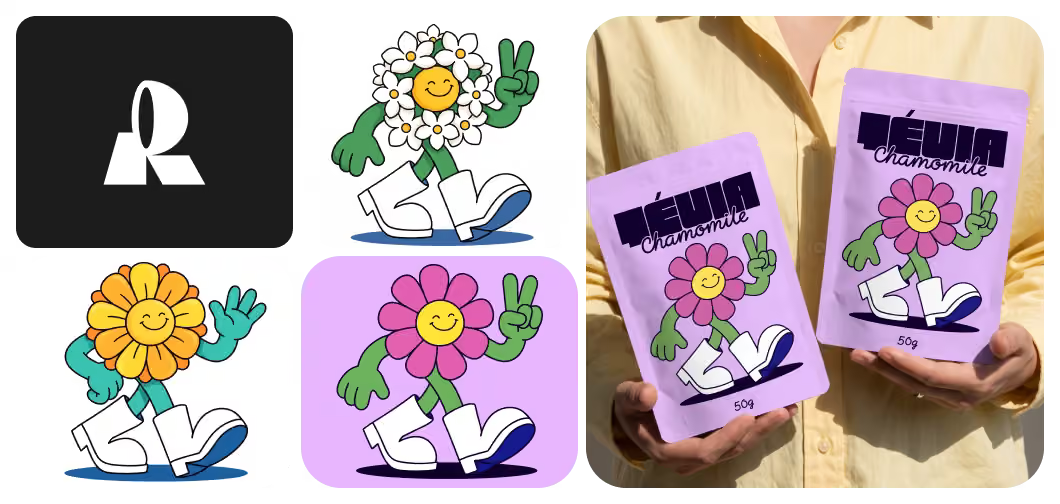
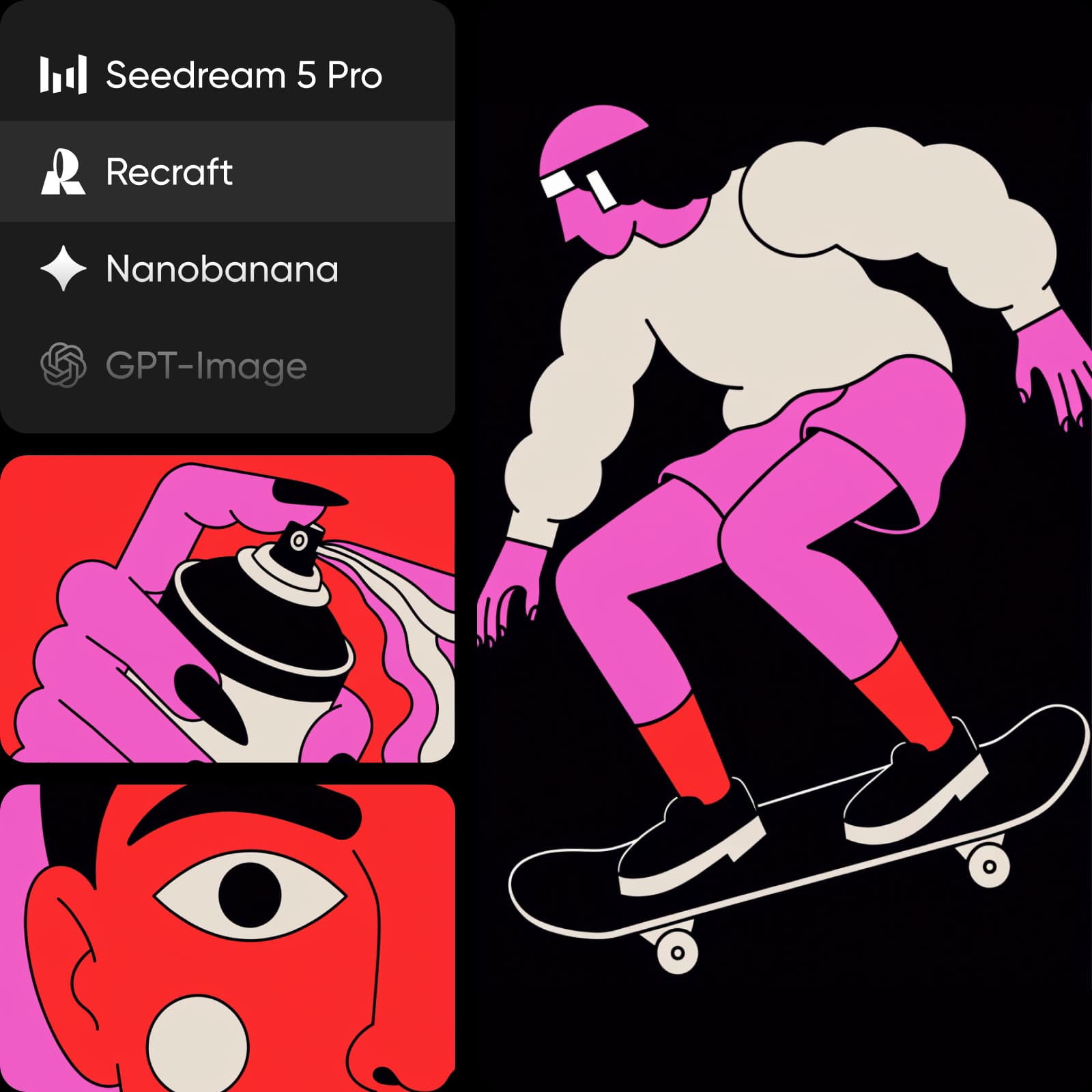
Generate logo directions as SVG, then refine the one that fits without losing sharpness at any size.
How to generate SVGs with Ideogram Vector
Three steps from a prompt to a scalable SVG.
Ideogram Vector FAQ
Answers about using Ideogram Vector in Picsart.
Ideogram Vector is Ideogram's AI SVG generator. It creates logos, icons and illustrations as SVG files from a text prompt, optionally guided by up to 5 reference images.
More AI models to use
Explore other AI image models you can use in Picsart.


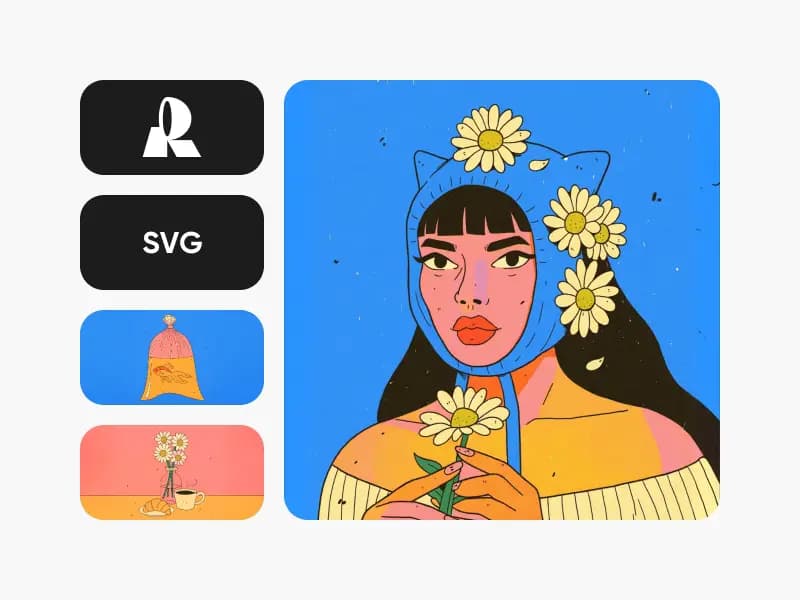
Create SVG logos, icons and illustrations with Ideogram Vector
Pro
Most popularAI tools for everyday creative work.
Ultra
Most powerfulHeavy AI usage for creators & teams.