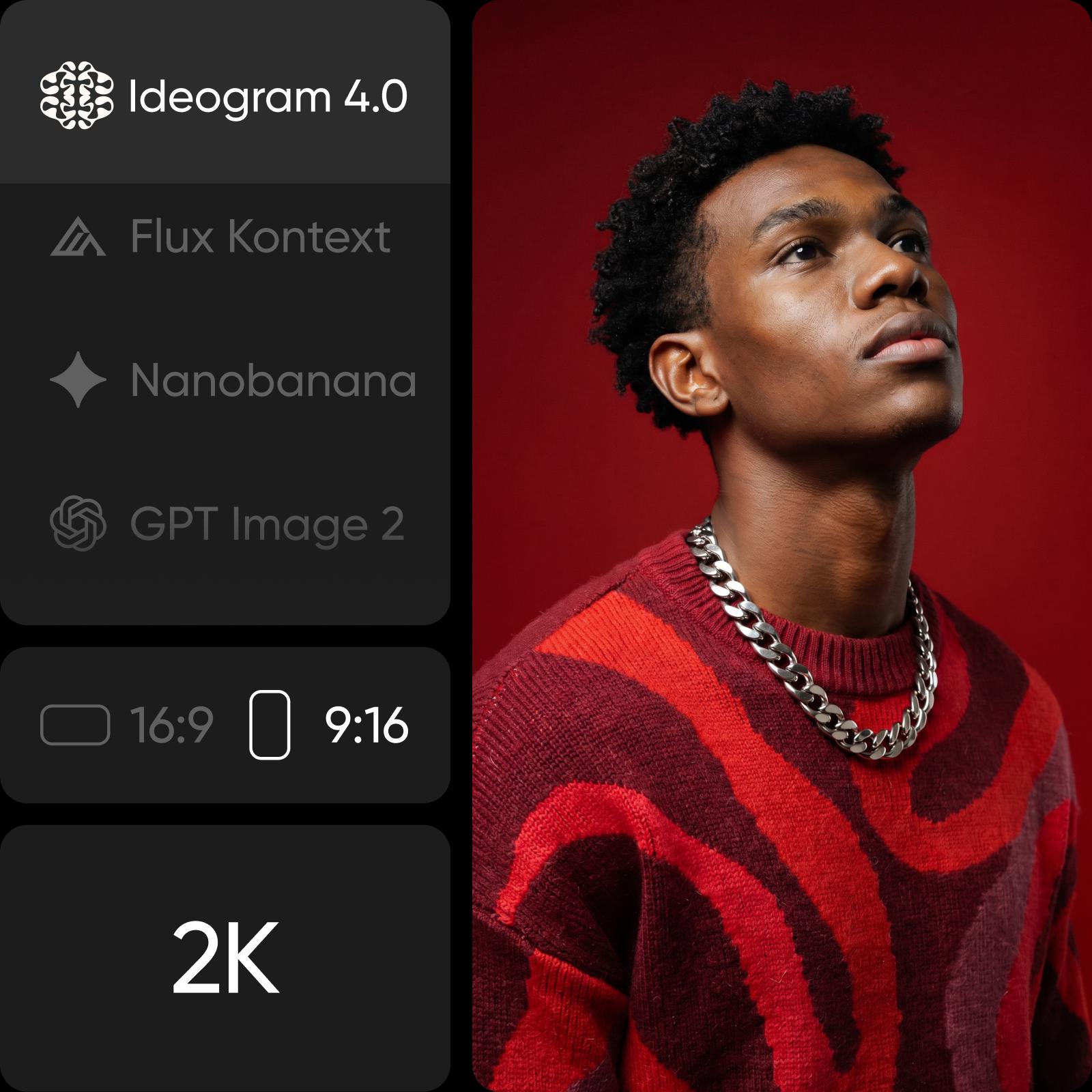
Ideogram Vectorize: vectorize any image into a clean SVG
Ideogram Vectorize traces a JPEG, PNG or WebP into an SVG you can scale to any size. Upload one image, pick default or simple mode, and get vector output in AI Playground.
Images vectorized with Ideogram Vectorize








What is Ideogram Vectorize? Image to SVG from Ideogram
Ideogram Vectorize is Ideogram's image-to-SVG model. Give it one raster image (a JPEG, PNG or WebP) and it traces it into an SVG, no prompt needed. It sits alongside Ideogram Vector, which creates new SVGs from a prompt, in the Ideogram family.
- JPEG, PNG or WebP in
- Clean SVG out
- Default or simple mode

Vectorize image files into scalable SVG
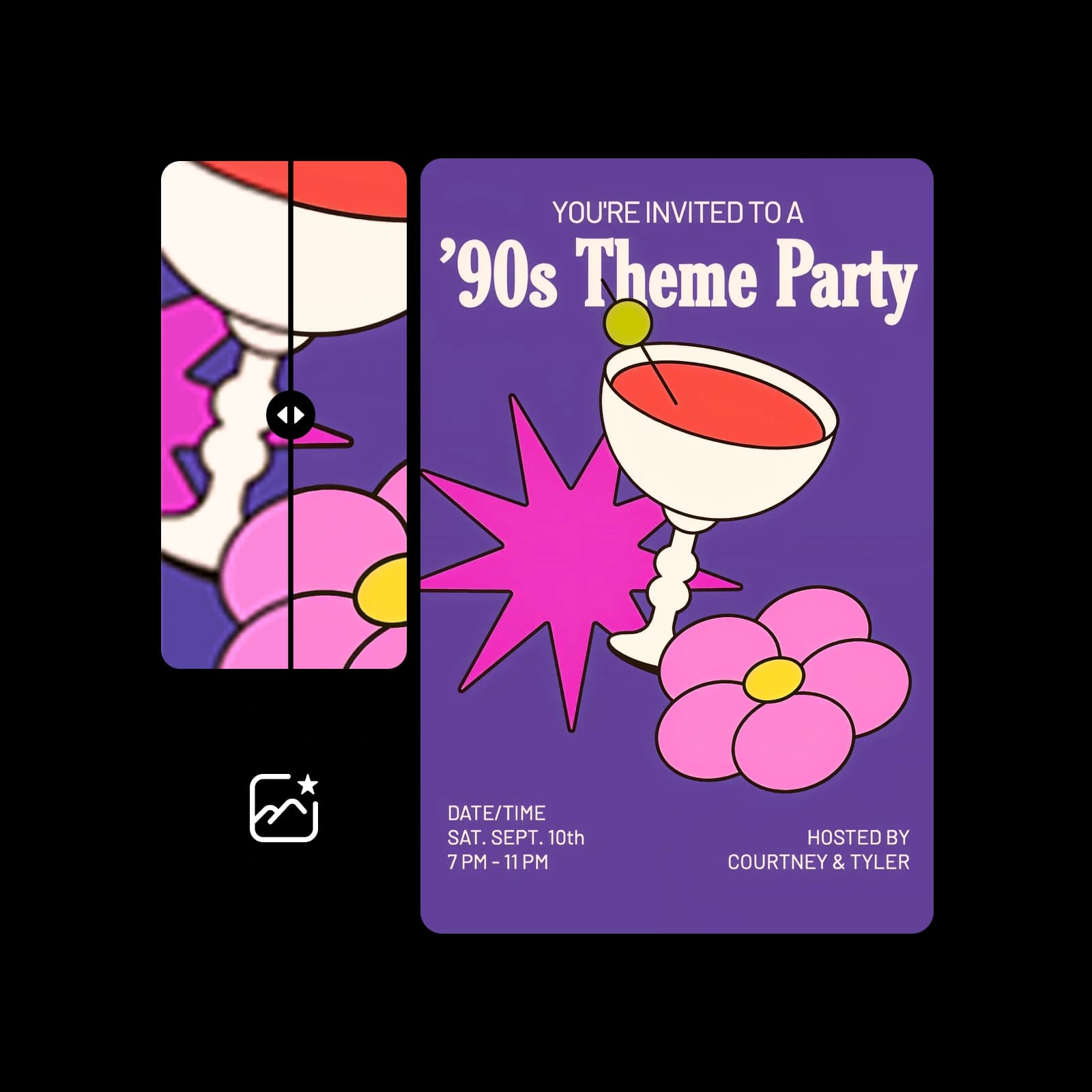
Pixels blur and break up when you scale them. Tracing an image into SVG turns it into shapes that stay sharp at any size and can be edited in any vector tool, so an old logo, a flat icon or a piece of artwork becomes ready for print, signage, cutting machines and the web.

Default or simple: choose how the image is traced
Ideogram Vectorize has two modes. Default is the standard trace; simple produces a more simplified result. Upload one image per run, choose the mode, and vectorize. There is no prompt to write: the source image is the only input.
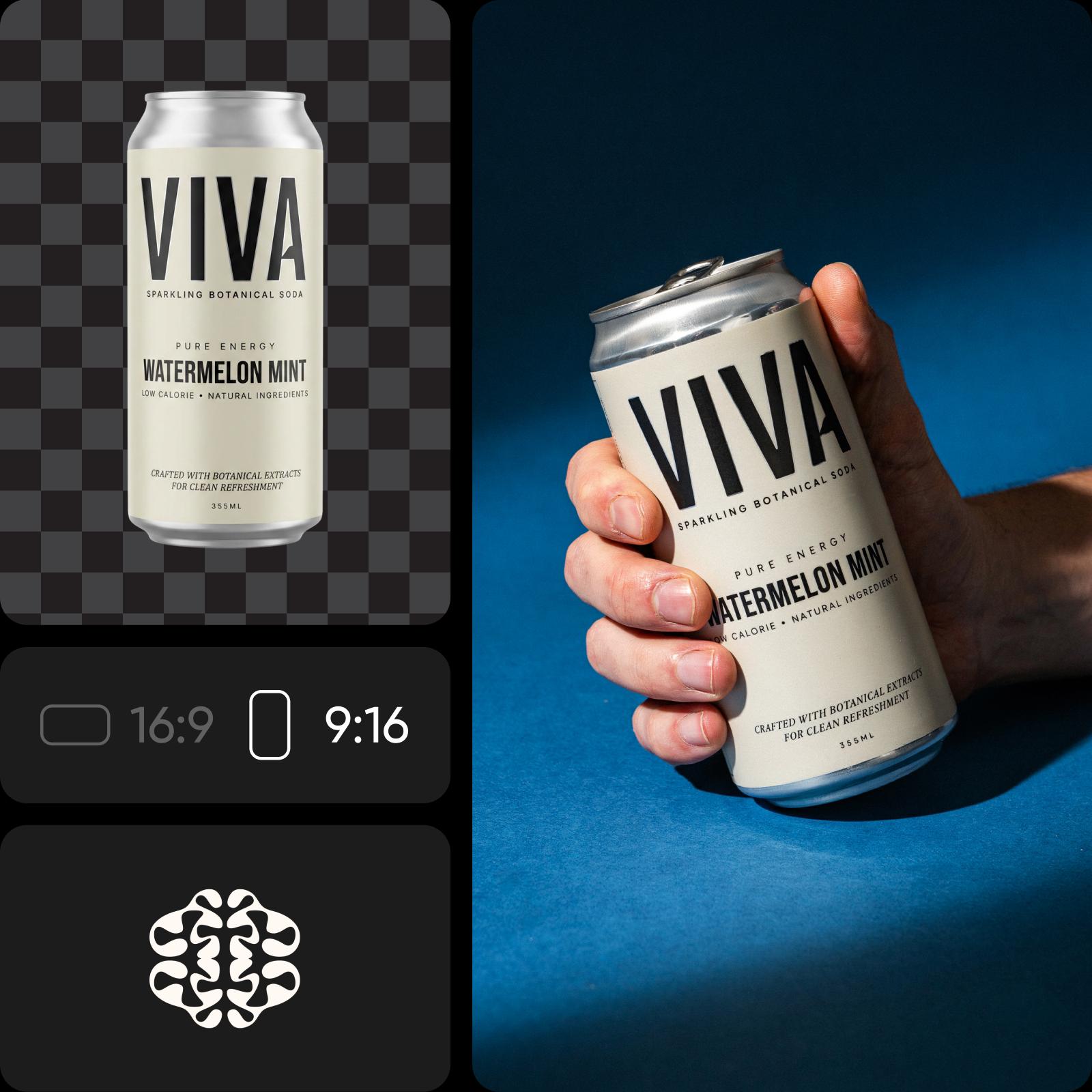
How Ideogram Vectorize works inside Picsart
Ideogram Vectorize runs in Picsart's AI Playground, where you can run it next to 150+ other models and compare the results. Pick Ideogram Vectorize, upload your image, choose a mode and vectorize. Need a brand-new design instead? Ideogram Vector generates SVGs from a prompt. And you can reach Ideogram Vectorize whichever way you work: on the web, in the desktop app, or built straight into your own projects via CLI, MCP, REST API, and SDK.
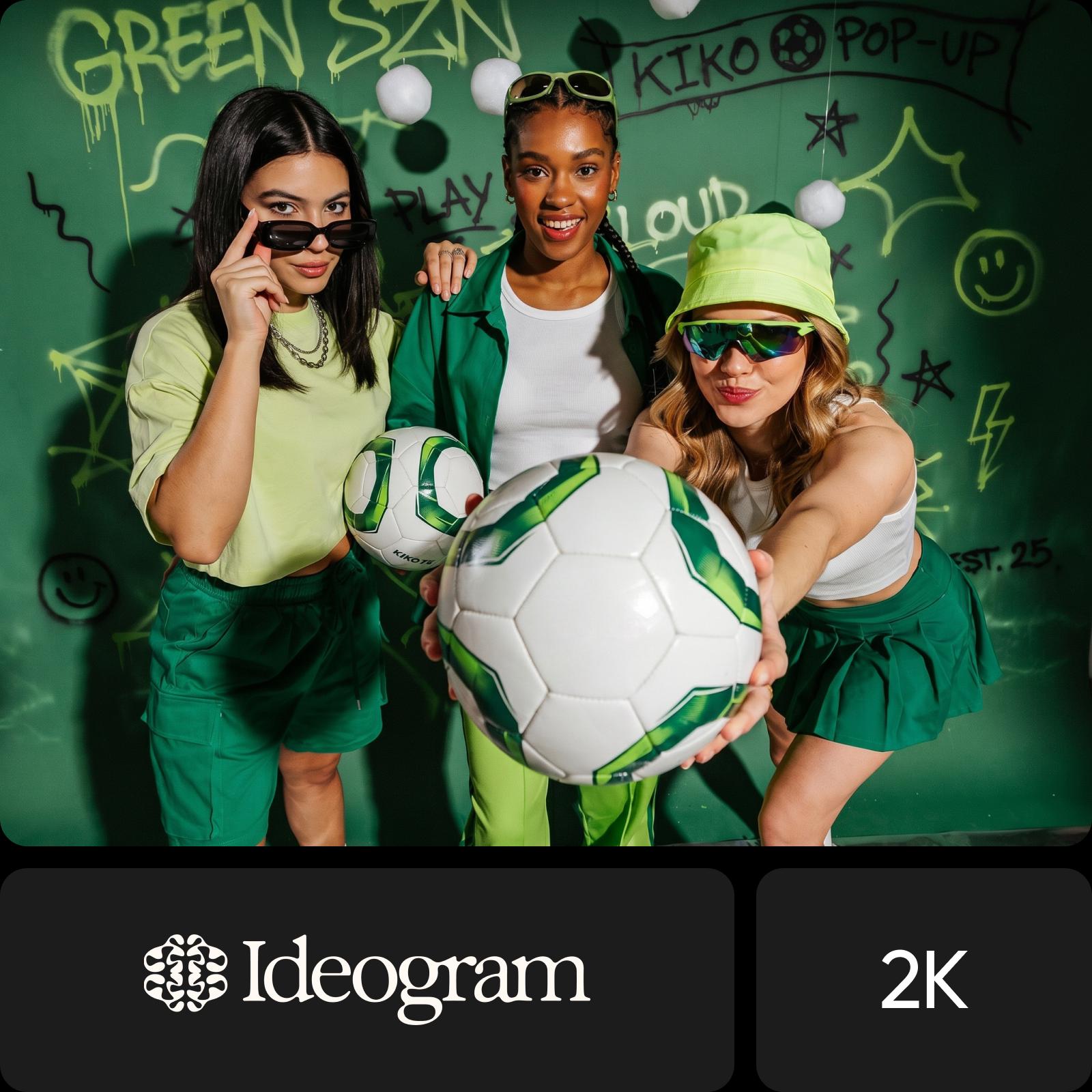
What you can do with Ideogram Vectorize

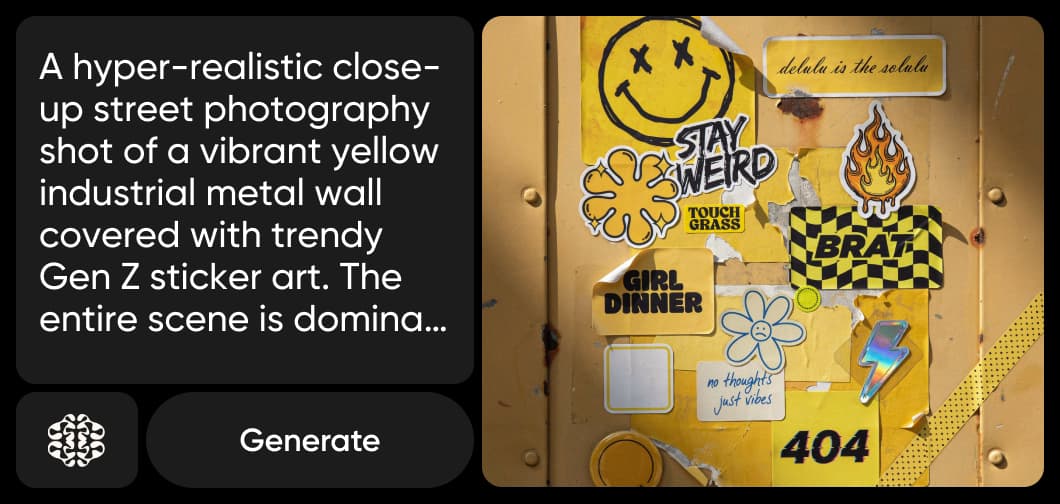
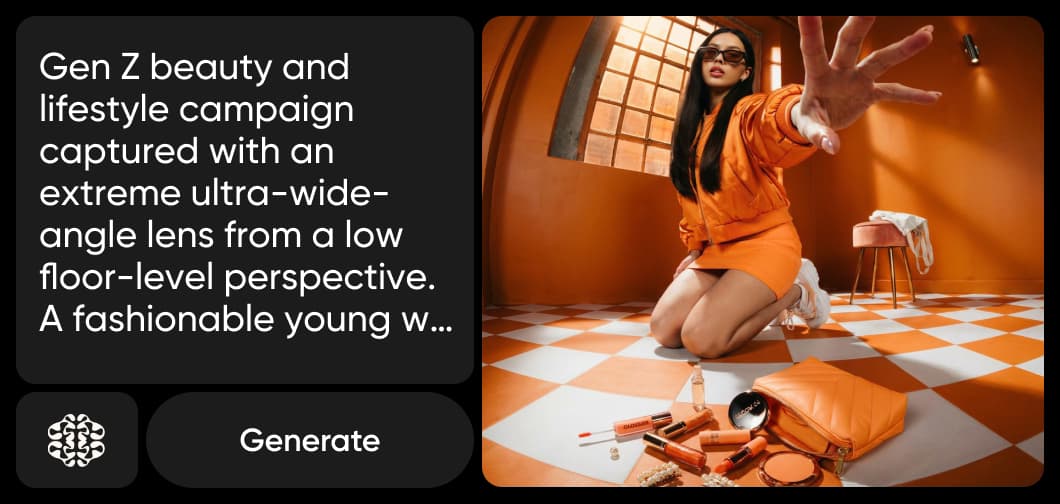
Turn a low-resolution logo file into an SVG that stays sharp on everything from business cards to banners.
How to convert an image to SVG with Ideogram Vectorize
Three steps from a JPEG, PNG or WebP to an SVG.
Ideogram Vectorize FAQ
Answers about using Ideogram Vectorize in Picsart.
Ideogram Vectorize is Ideogram's image-to-SVG model. It traces a JPEG, PNG or WebP into an SVG that scales to any size.
More AI models to use
Explore other AI image models you can use in Picsart.
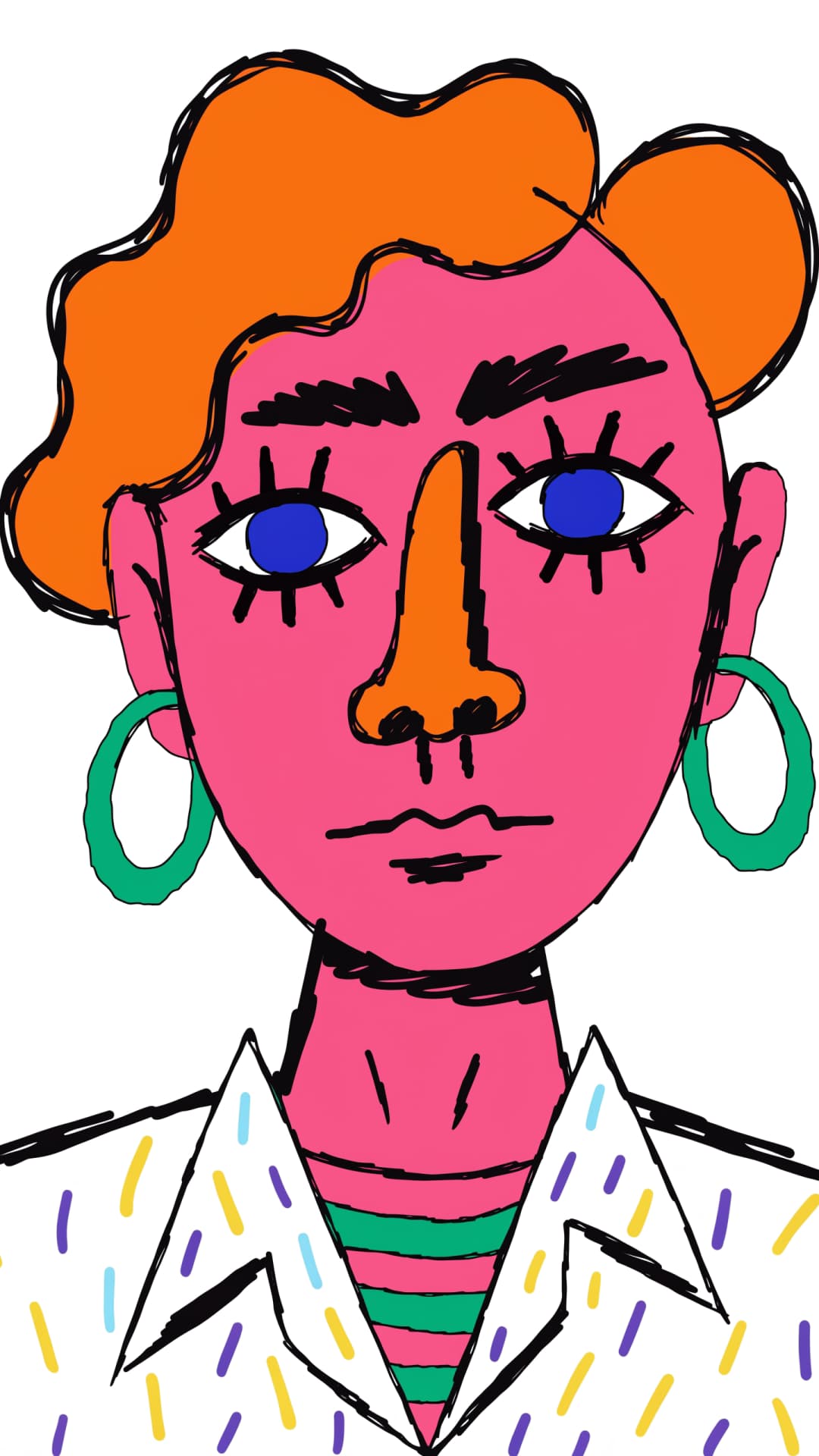

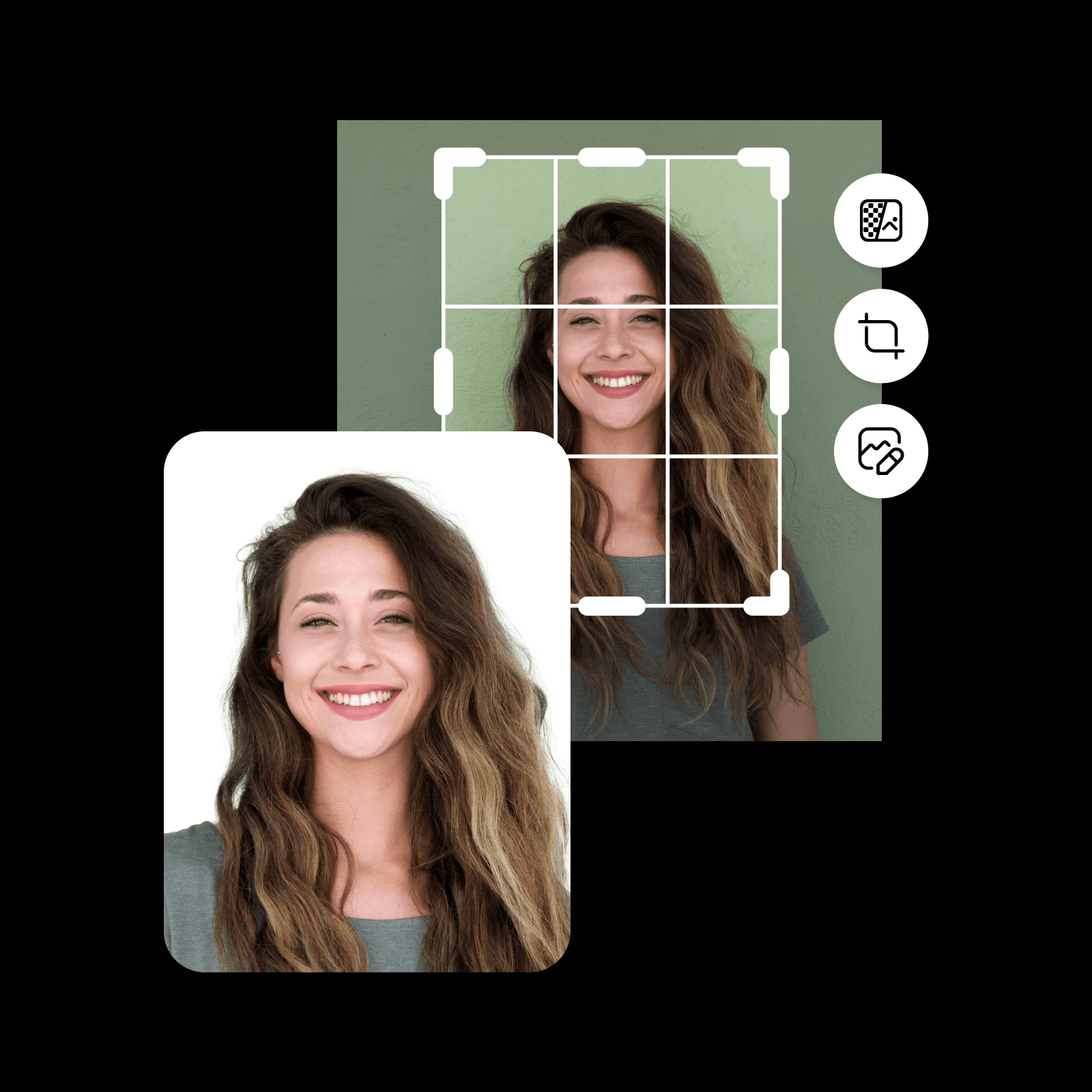

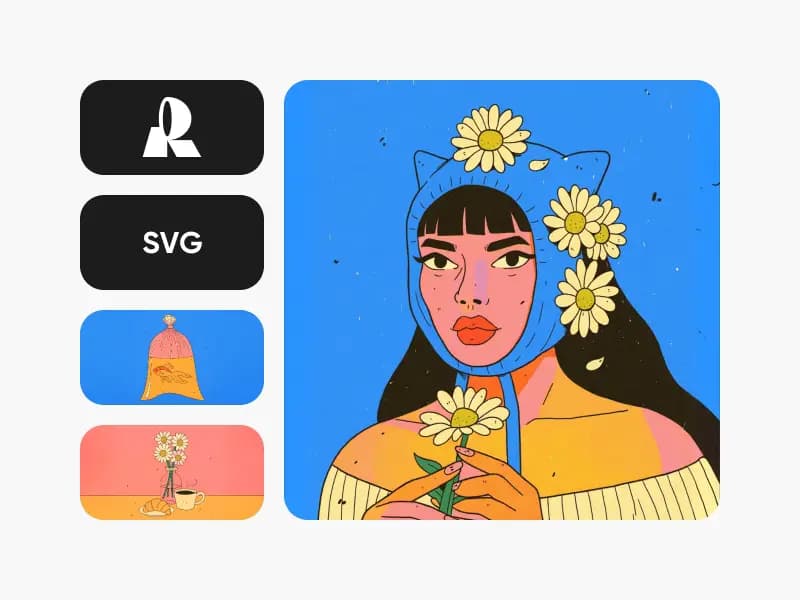
Convert images to SVG with Ideogram Vectorize
Pro
Most popularAI tools for everyday creative work.
Ultra
Most powerfulHeavy AI usage for creators & teams.