موّه صورتك أونلاين مجانًا
موّه أي صورة بسهولة أونلاين باستخدام أدوات Picsart سهلة الاستخدام. عزّز التركيز، وأخفِ العناصر المشتتة، واحصل على نتائج احترافية في ثوانٍ باستخدام مجموعة متنوعة من تأثيرات التمويه القابلة للتخصيص.
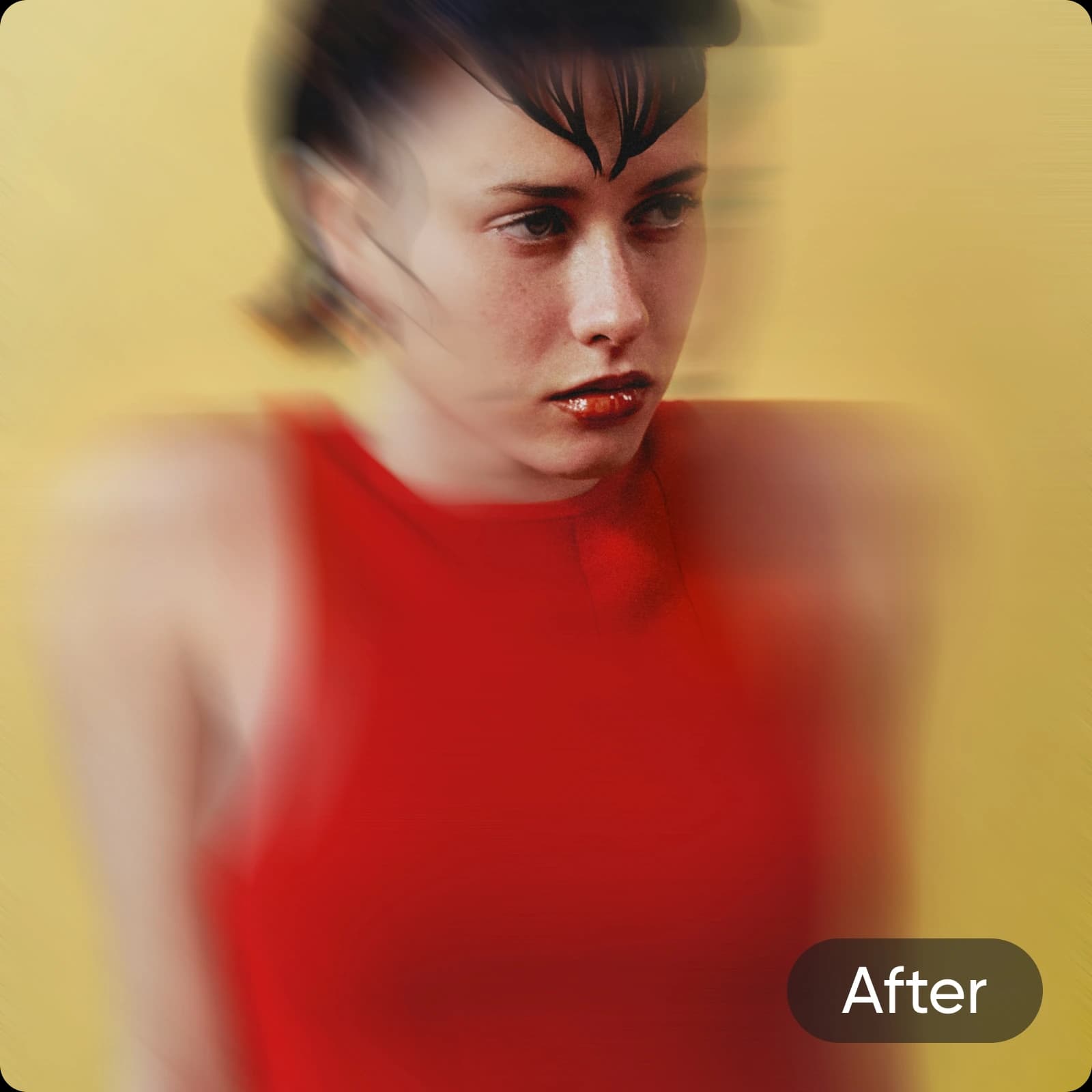
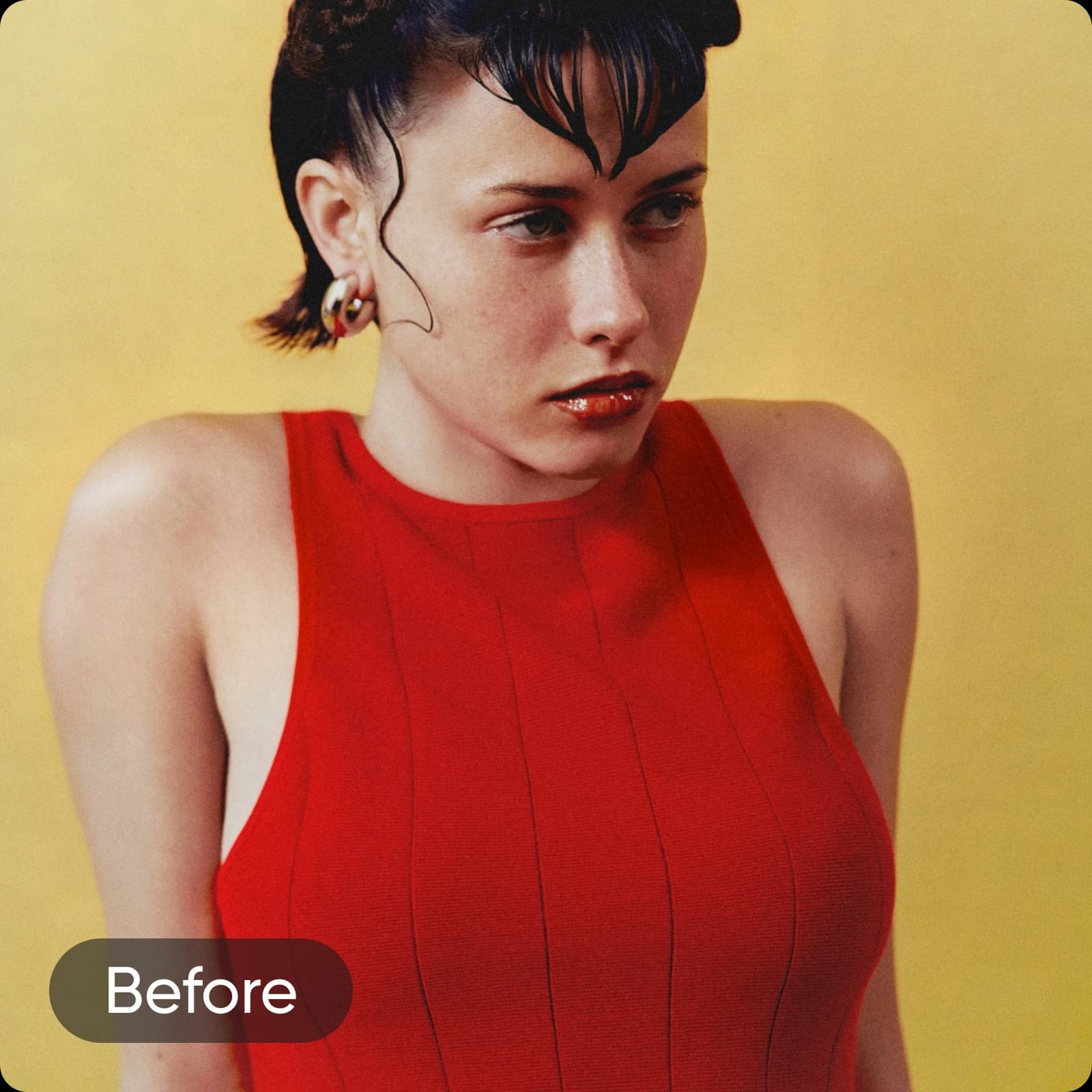
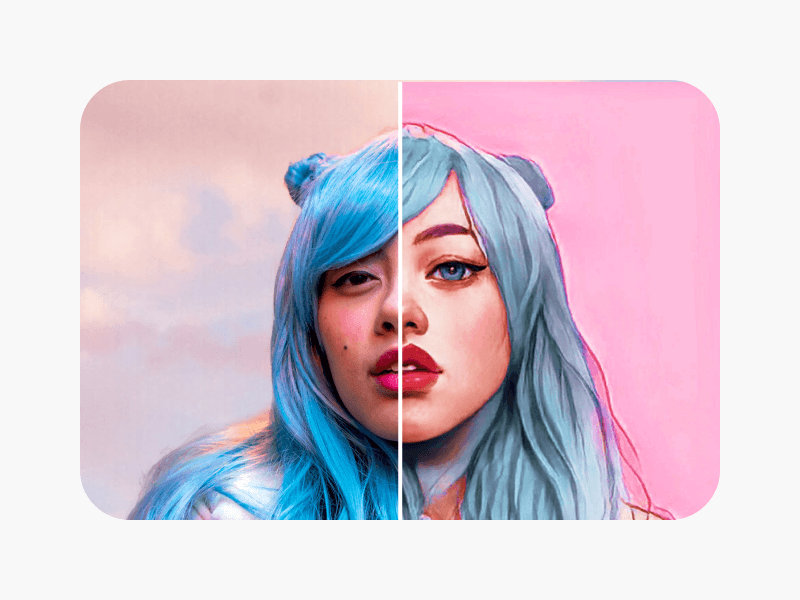
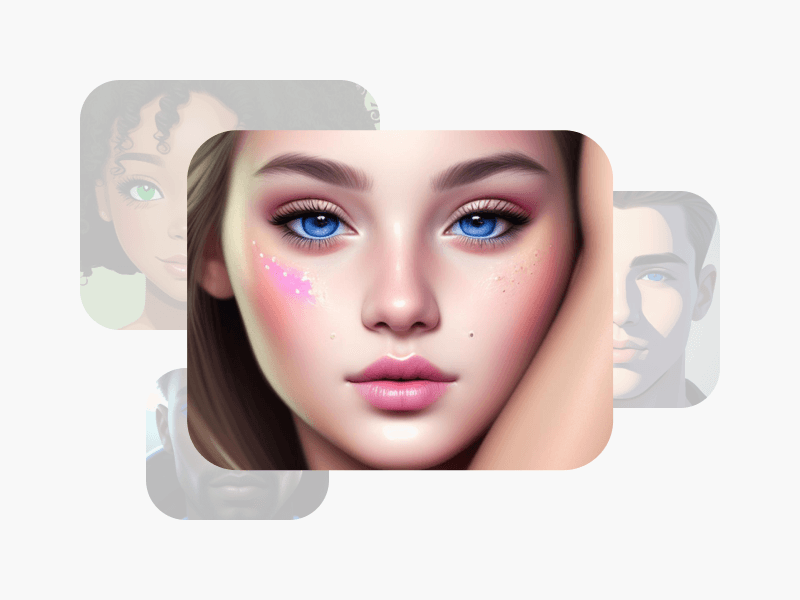
أنشئ صورًا مموّهة باستخدام نماذج الصور بالذكاء الاصطناعي
استخدم نماذج الصور لتحويل الصور إلى أنماط وتأثيرات واتجاهات بصرية جاهزة للتحرير.



كيفية تمويه الصور باستخدام Picsart
How to
اختر صورة
اختر الصورة التي تريد تمويهها.
موّه الصور لإبراز العناصر الرئيسية
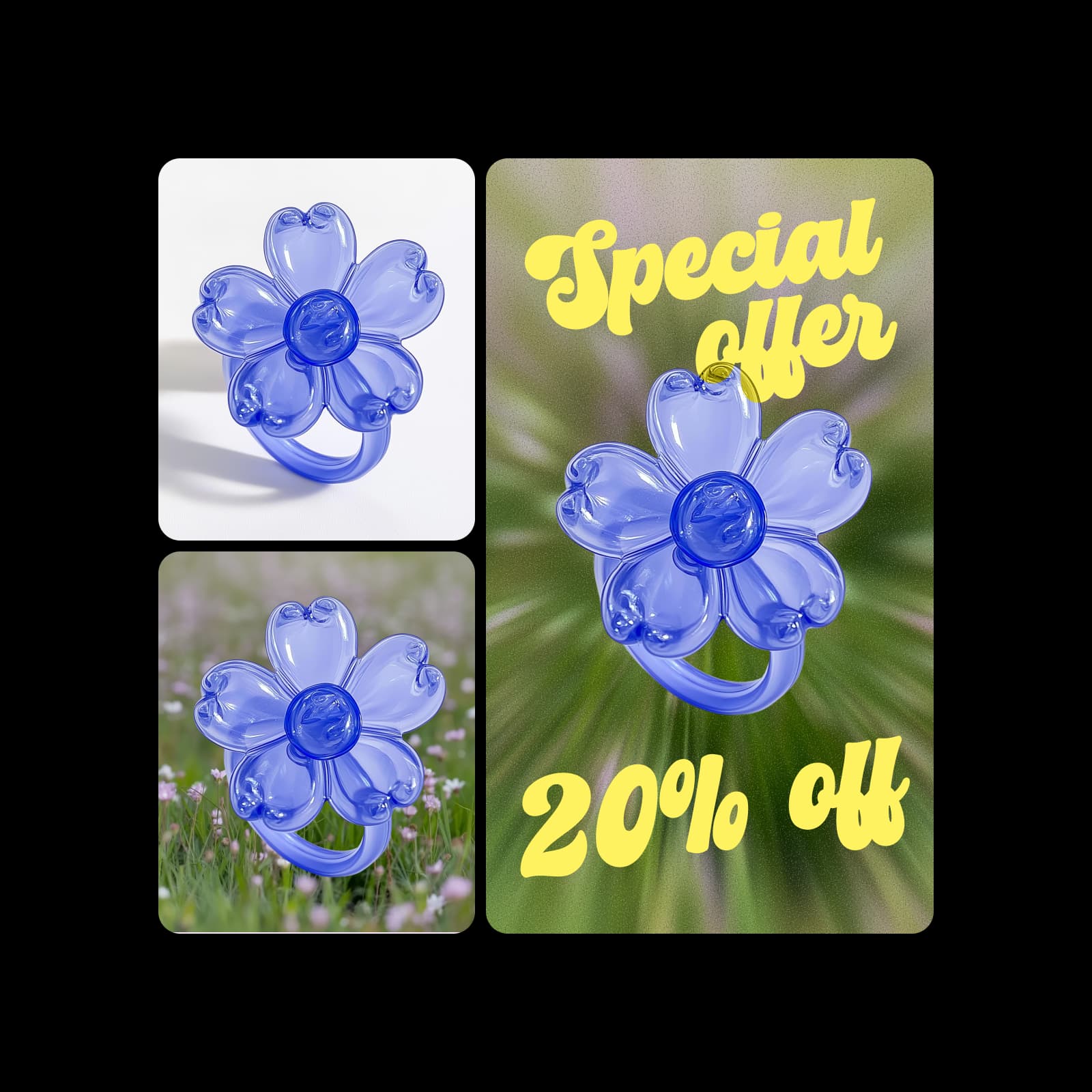
عزّز فعالية صور منتجاتك باستخدام فلاتر التمويه. اجعل منتجك بارزًا ومتميزًا فورًا عن الخلفية. موّه الصور لإنشاء منشورات وإعلانات على وسائل التواصل الاجتماعي تلفت الانتباه وتوقف التمرير، وتجذب جمهورك فورًا وتعرض منتجاتك بأبهى صورة.
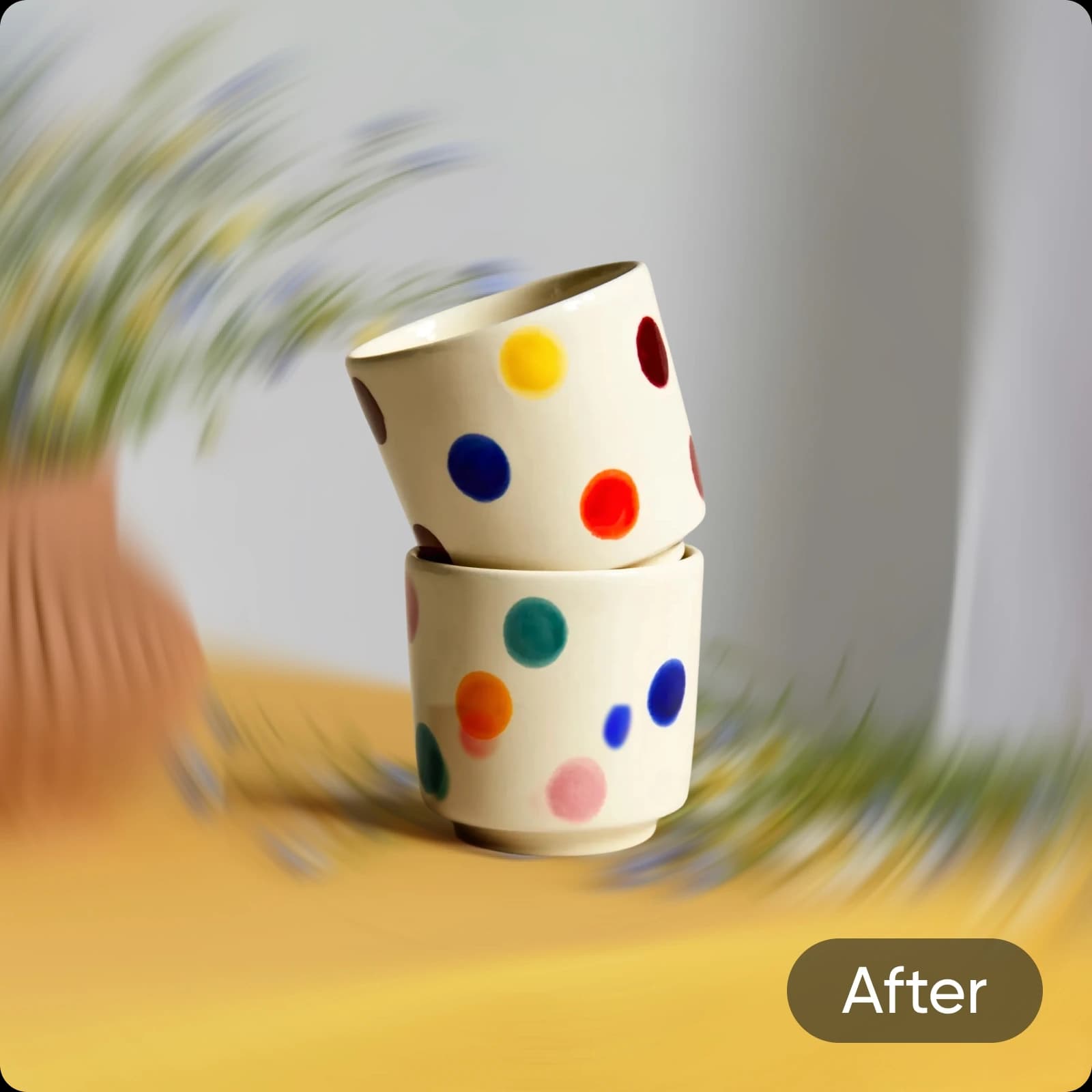
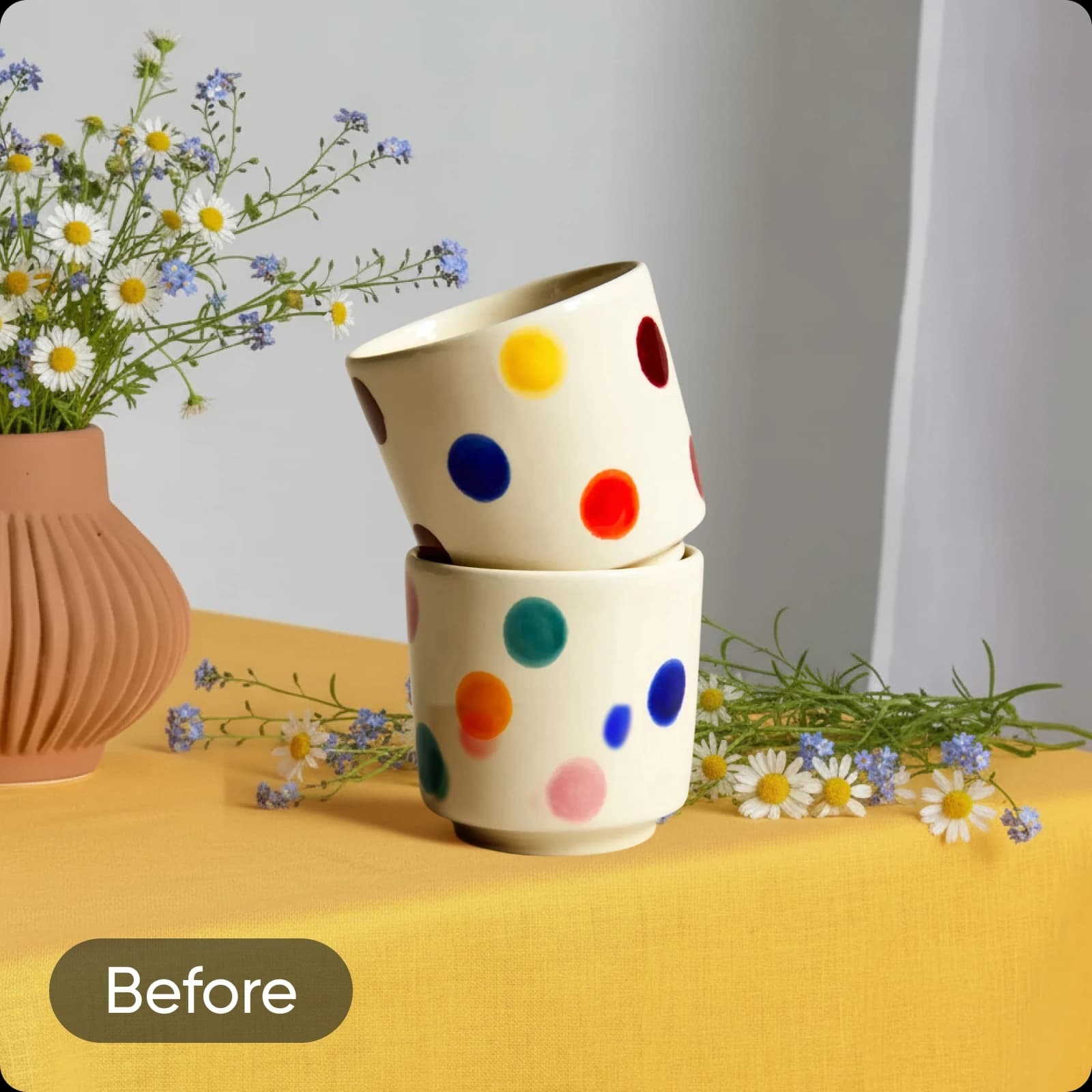
دع الذكاء الاصطناعي يتولى التمويه
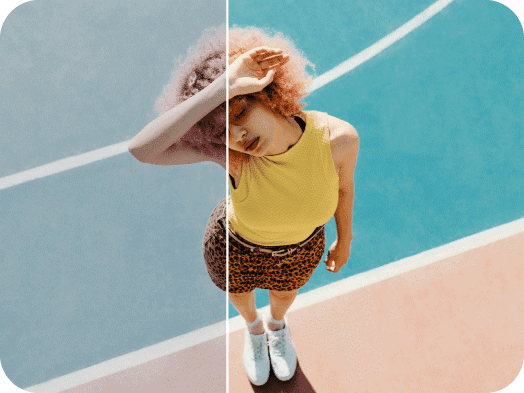
دع الذكاء الاصطناعي يموّه الصور بدقة مع إبقاء العناصر المهمة واضحة تمامًا. يكتشف فلتر Smart Blur المدعوم بالذكاء الاصطناعي العنصر الرئيسي في الصورة تلقائيًا ويموّه الخلفية لإبرازه. وبفضل أشرطة التخصيص، يمكنك التحكم بالكامل في مظهر التمويه على صورتك.
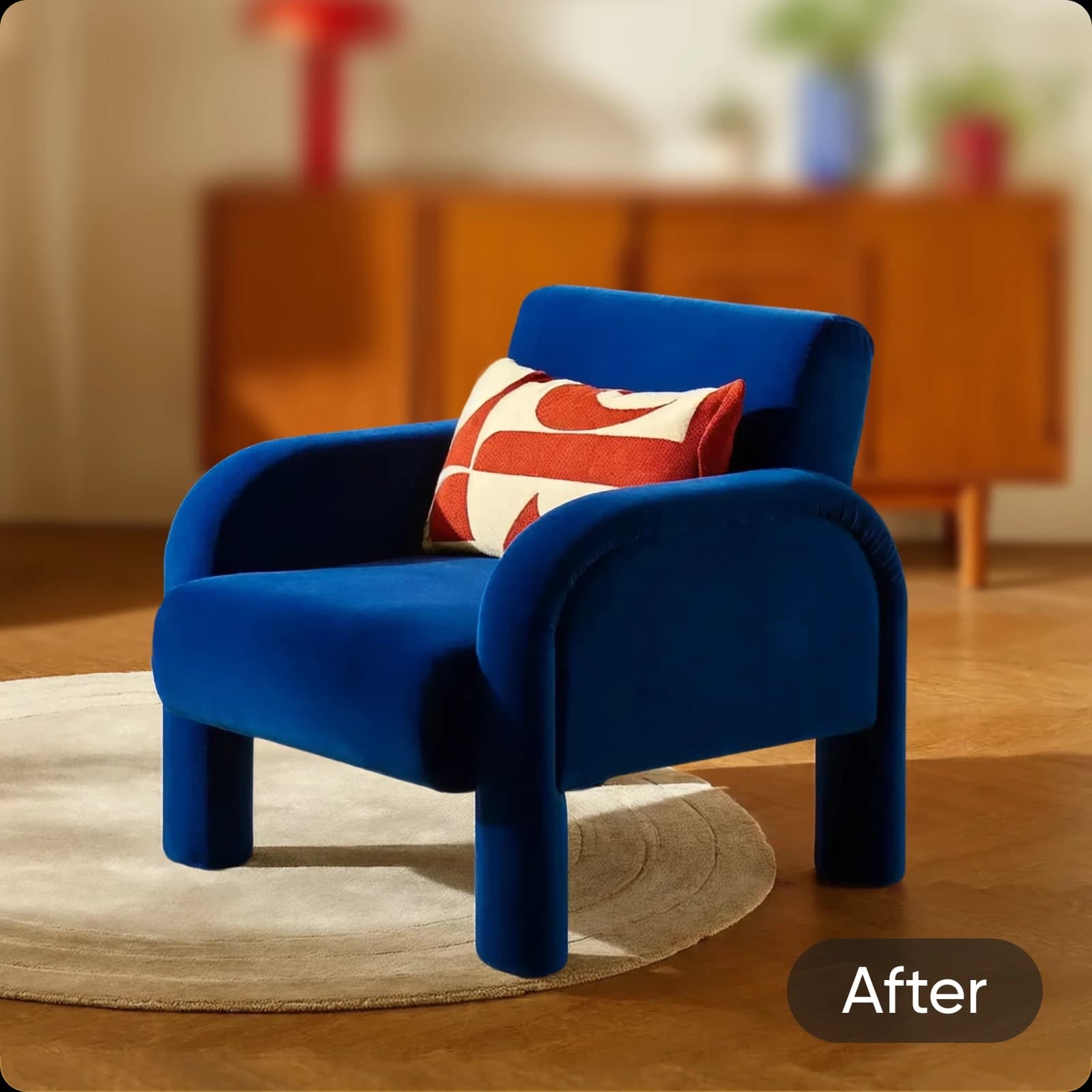
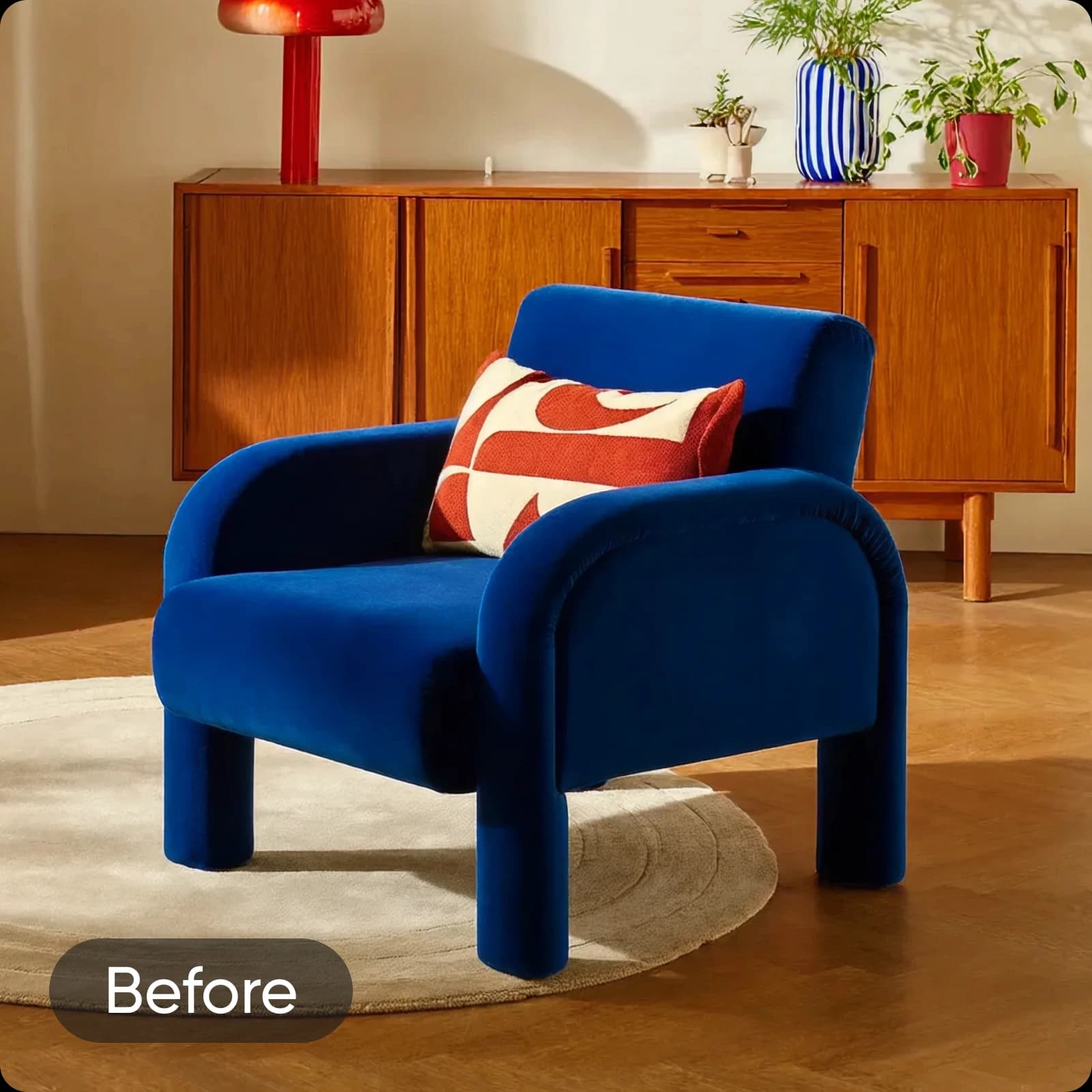
خصّص التمويه بالطريقة التي تناسبك
تحكّم بسهولة في مظهر تأثيرات التمويه على صورتك باستخدام أشرطة التخصيص. عدّل قوة التمويه وتدرّجه عند الحاجة. واستفد من أوضاع المزج لتجربة مظهر الفلتر، من خلال تعتيمه أو تفتيحه أو حتى مضاعفته للحصول على تمويه أقوى.

اكتشف المزيد من الإمكانات الإبداعية مع التمويه
حسّن تصوير المنتجات
أبرز منتجاتك بتركيز واضح وخلفية مموّهة ناعمة واحترافية. سلّط الضوء على الخامات والألوان والتفاصيل مع إبعاد العناصر المشتتة عن إطار الصورة — مثالي للتجارة الإلكترونية والكتالوجات والإعلانات التي تتطلب صورًا أنيقة ومصقولة.
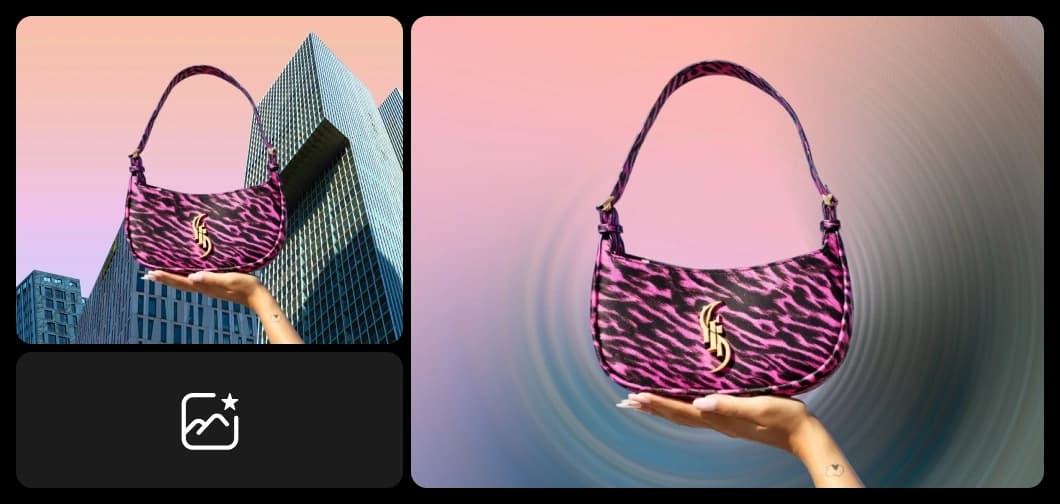
حوّل صورتك إلى خلفية مثالية
امنح صورك استخدامًا جديدًا واجعلها خلفيتك المفضلة التالية مع تأثيرات تمويه الصور من Picsart. فالصور المموّهة تشكّل خلفية مثالية، خاصةً إذا كنت تخطط لإضافة نص فوقها! أضف لمسة مميزة إلى رسائلك الترويجية دون قضاء ساعات في البحث عن خلفية مثالية ومجانية.

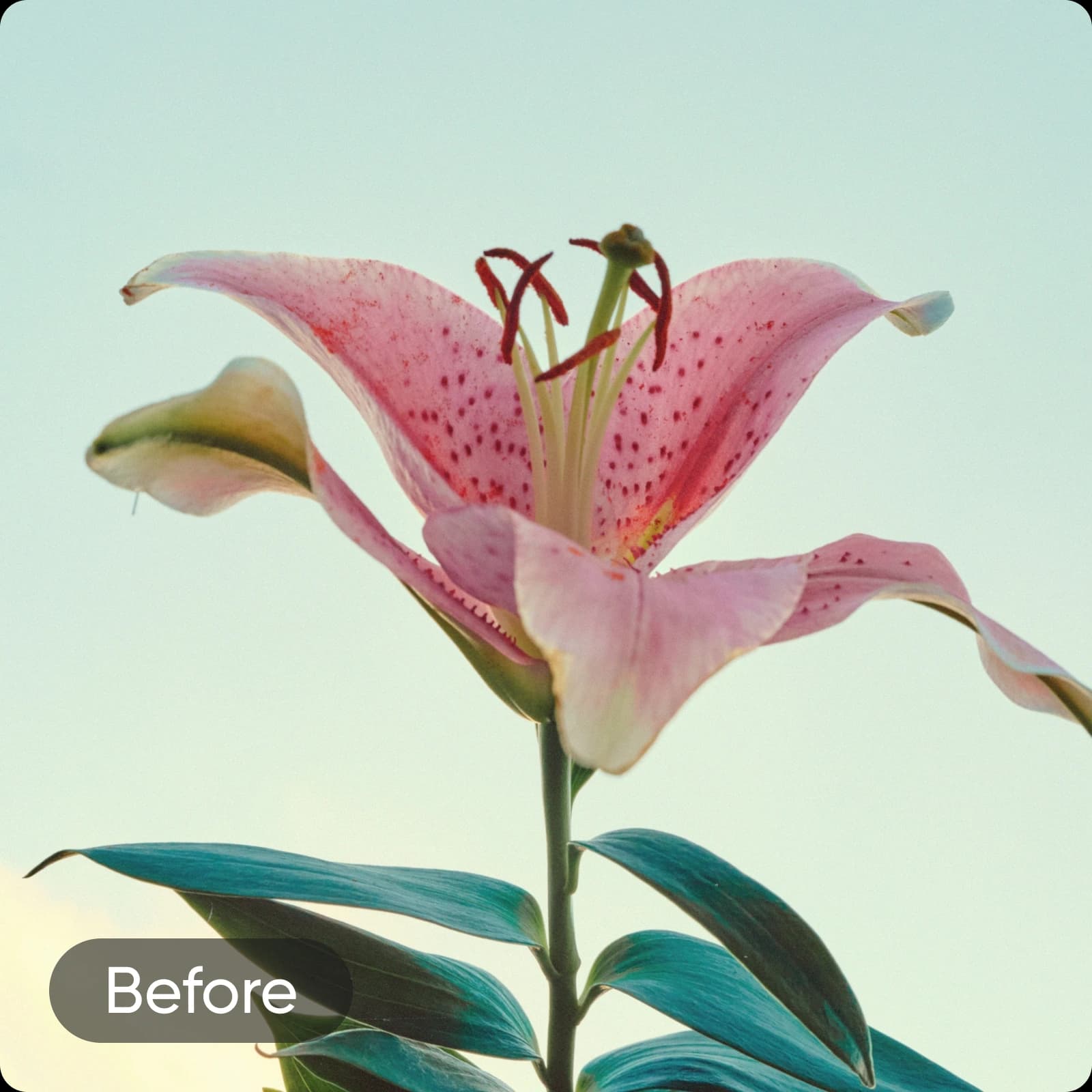
امزج تأثيرات التمويه مع فلاتر الصور الإبداعية
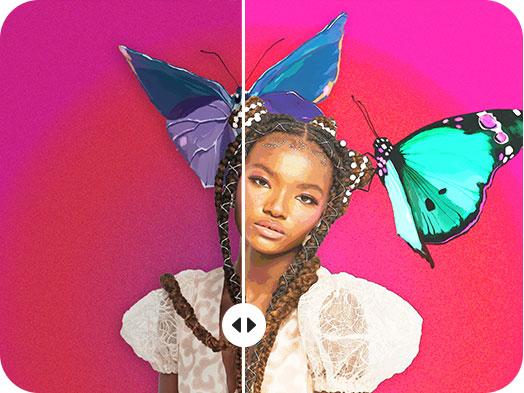
اجمع بين تعديلات تمويه الصور وتأثيرات الصور من Picsart لإنشاء تصاميم فنية فريدة. امزج تمويه الخلفية مع Photo-to-Cartoon للحصول على صور شخصية بأسلوب مميز، أو امزج تمويه الحركة مع الأبيض والأسود لإضفاء أجواء درامية. أضف Vintage Filters أو طبقات جمالية أو تحبّب الأفلام أو تأثيرات النيون أو اللونين لتحويل أي صورة مموّهة إلى تصميم لافت.
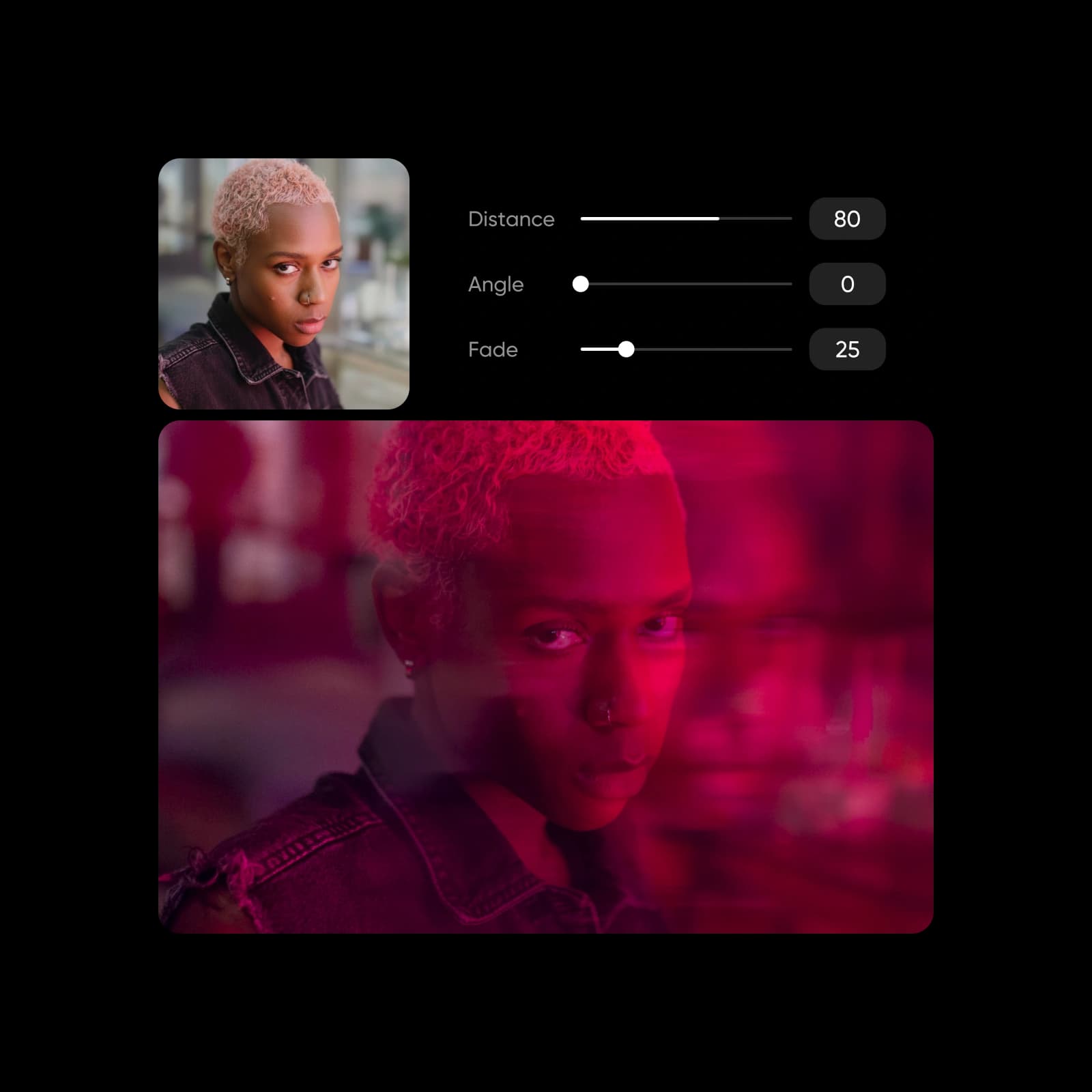
المزيد من الأدوات التي ستحبها من Picsart
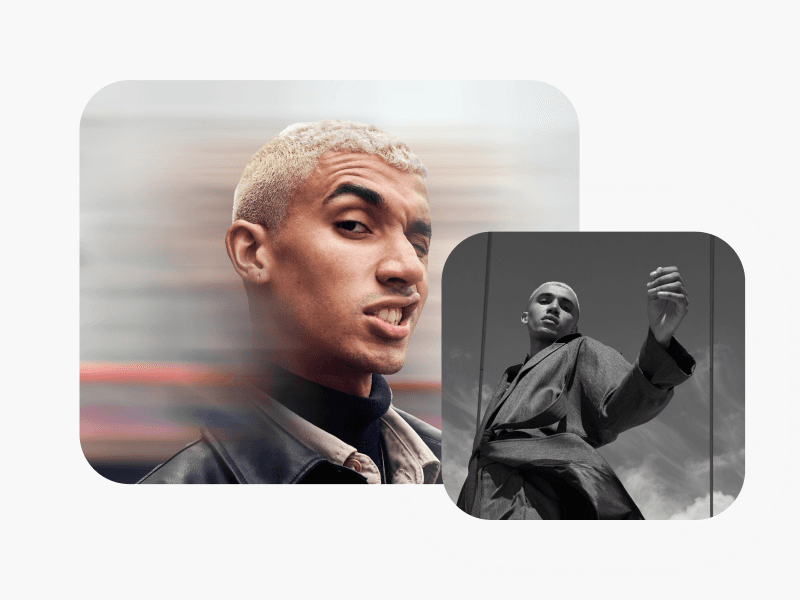

الأسئلة الشائعة حول Blur Image
نعم، يمكنك ذلك! طبّق فلتر التمويه، ثم حدده مرة أخرى لفتح أشرطة الضبط وتعديل قوة التمويه وتدرّجه.
أنشئ تركيزًا وعمقًا لكل صورة
Pro
Most popularAI tools for everyday creative work.
Ultra
Most powerfulHeavy AI usage for creators & teams.
Enterprise
Custom AI solutions for large organizations.
- Volume discounts on credit rate
- On-demand top-ups