Seedream 4.5: profesionální generování a úpravy obrázků pomocí AI v jednom modelu
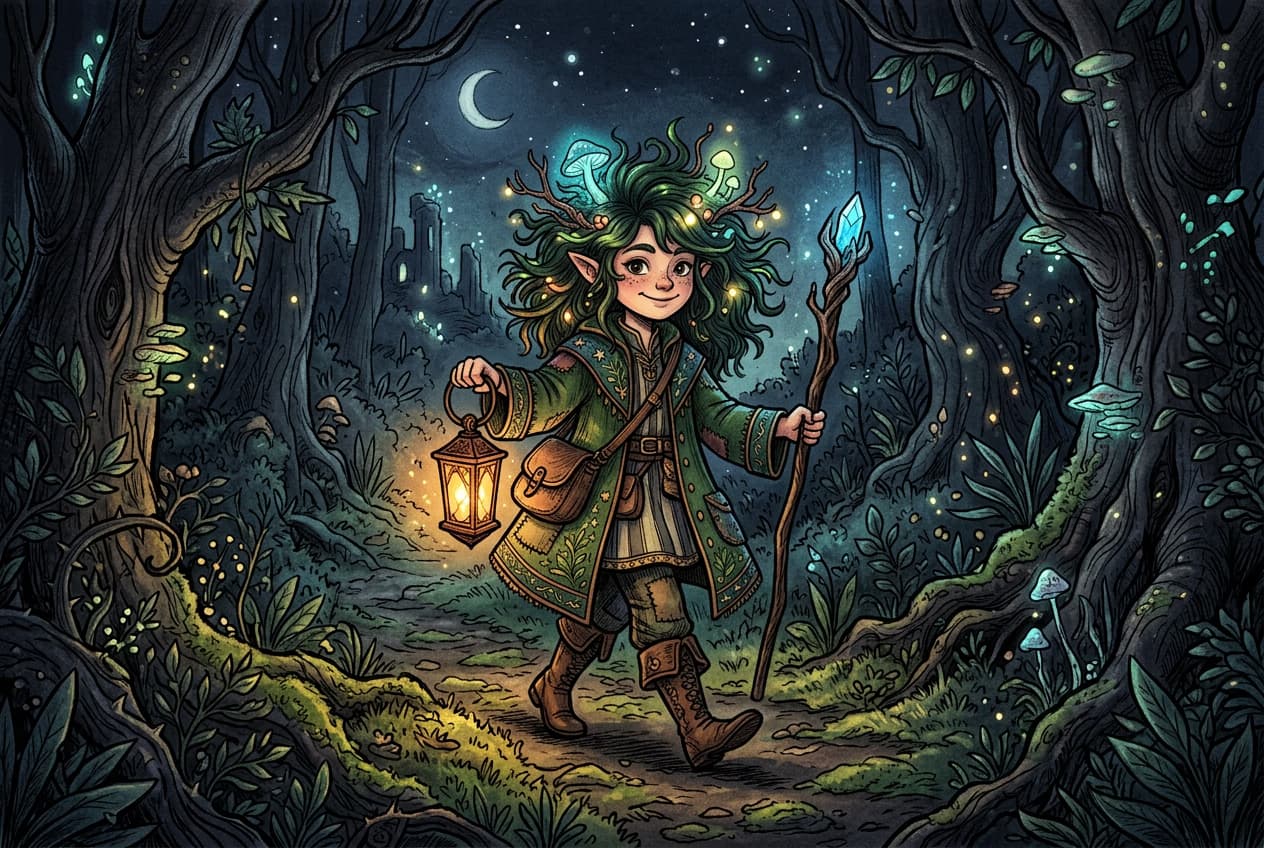
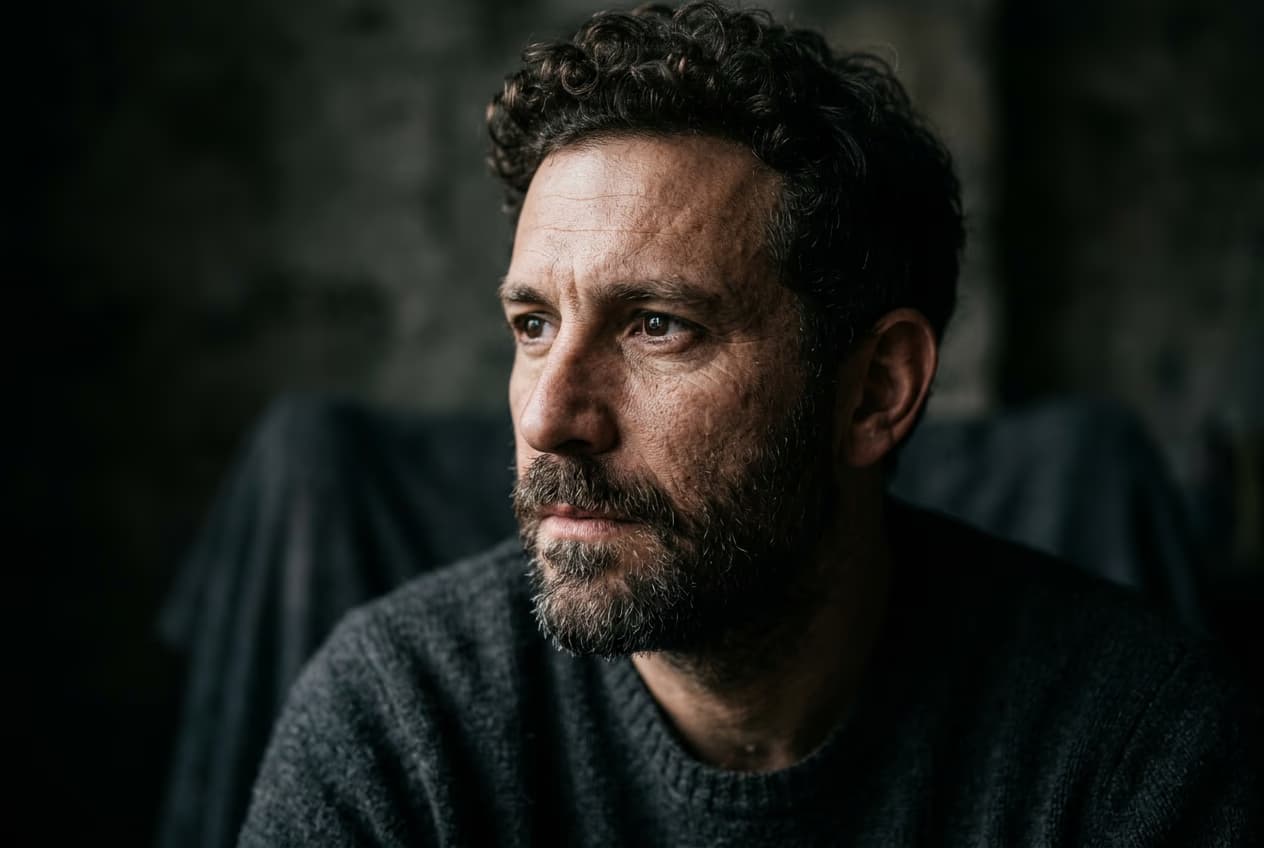
Generátor obrázků pomocí AI od Picsart nově využívá Seedream 4.5, nejnovější model pro generování obrázků pomocí AI od ByteDance Seed, který spojuje generování a úpravy obrázků do jednoho pracovního postupu. Seedream 4.5 je určen profesionálním tvůrcům, kteří potřebují mít nad výsledkem kontrolu a dosahovat konzistentních výstupů. Vytváří snové vizuály, přesně vykresluje text a zachovává podobu postav – a to s přibližně 4× vyšší nákladovou efektivitou než konkurenční modely.
- Generování a úpravy v jednom pracovním postupu
- Čitelný text v obrázcích
- Konzistentní vzhled postav


Co je Seedream 4.5?
Seedream 4.5 je nejnovější model pro generování obrázků pomocí AI od ByteDance Seed. Tento generativní obrazový systém spojuje generování a úpravy obrázků do jednoho pracovního postupu a je navržený pro rychlé opakování i konzistentní výsledky napříč kreativními variantami. Vyniká vykreslováním hustého textu, zachováním podoby postav napříč více obrázky a úpravami obrázků pomocí běžného jazyka s až 14 referenčními vstupy – díky tomu je ideální pro profesionální tvůrce, kteří potřebují mít nad výsledkem kontrolu a dosahovat konzistentních výstupů. Podrobnější srovnání najdete v článku Nano Banana vs Seedream comparison.

Co můžete vytvořit pomocí Seedream 4.5
Profesionální design s textem
Vytvářejte klíčové vizuály ve stylu plakátů s dobře čitelným drobným textem, jasnou hierarchií nadpisů a kompozicí zaměřenou na typografii – ideální pro reklamy, plakáty na akce, landing pages a sady pro budování značky. Seedream 4.5 si poradí s víceřádkovým textem, malým písmem i vícejazyčnými popisky a zachová přitom jednotné formátování.
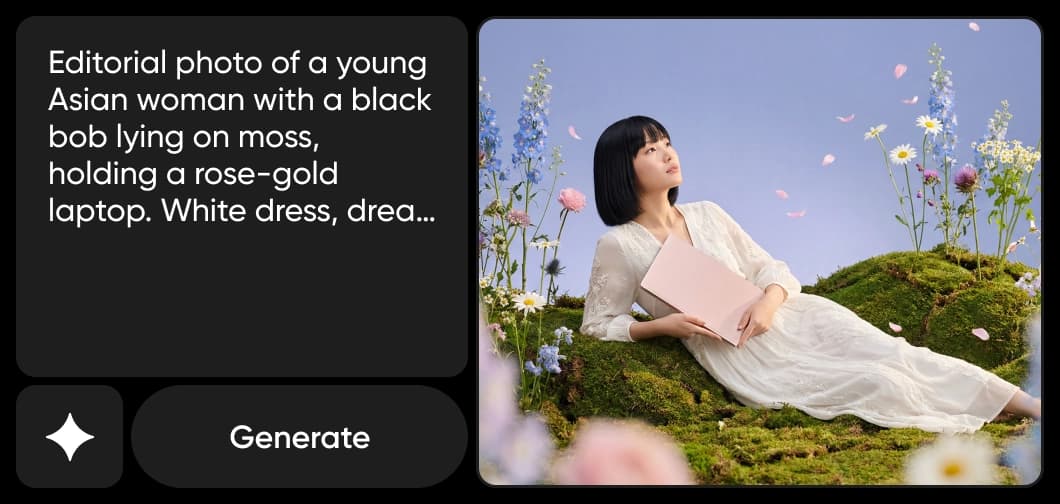
Jak Picsart využívá Seedream 4.5
Picsart přímo integruje Seedream 4.5 do svých kreativních nástrojů, takže tvůrci mohou využívat jeho funkce, aniž by museli pracovat přímo se samotným modelem. Pohání generování pomocí Text-to-Image, Text-to-Sticker, Logo Generator a Edit Image with a Prompt. Seedream 4.5 je k dispozici také v AI Playground, kde mohou tvůrci porovnat výsledky 132 modelů pomocí jediného zadání.

Proč si tvůrci vybírají Seedream 4.5
Seedream 4.5 spojuje generování a úpravy v jediném modelu, takže není třeba přecházet mezi různými nástroji. Vykreslování hustého textu patří k tomu nejlepšímu, co je k dispozici – model přesně zvládá nadpisy, malé písmo i vícejazyčné popisky a většina konkurentů se mu v tom nevyrovná. Díky zachování podoby postav napříč více výstupy zůstávají kampaně vizuálně ucelené. A při ceně přibližně $0.04 za obrázek nabízí zhruba 4× vyšší nákladovou efektivitu než konkurenční modely, takže se hodí i pro profesionální pracovní postupy s velkým objemem výstupů.
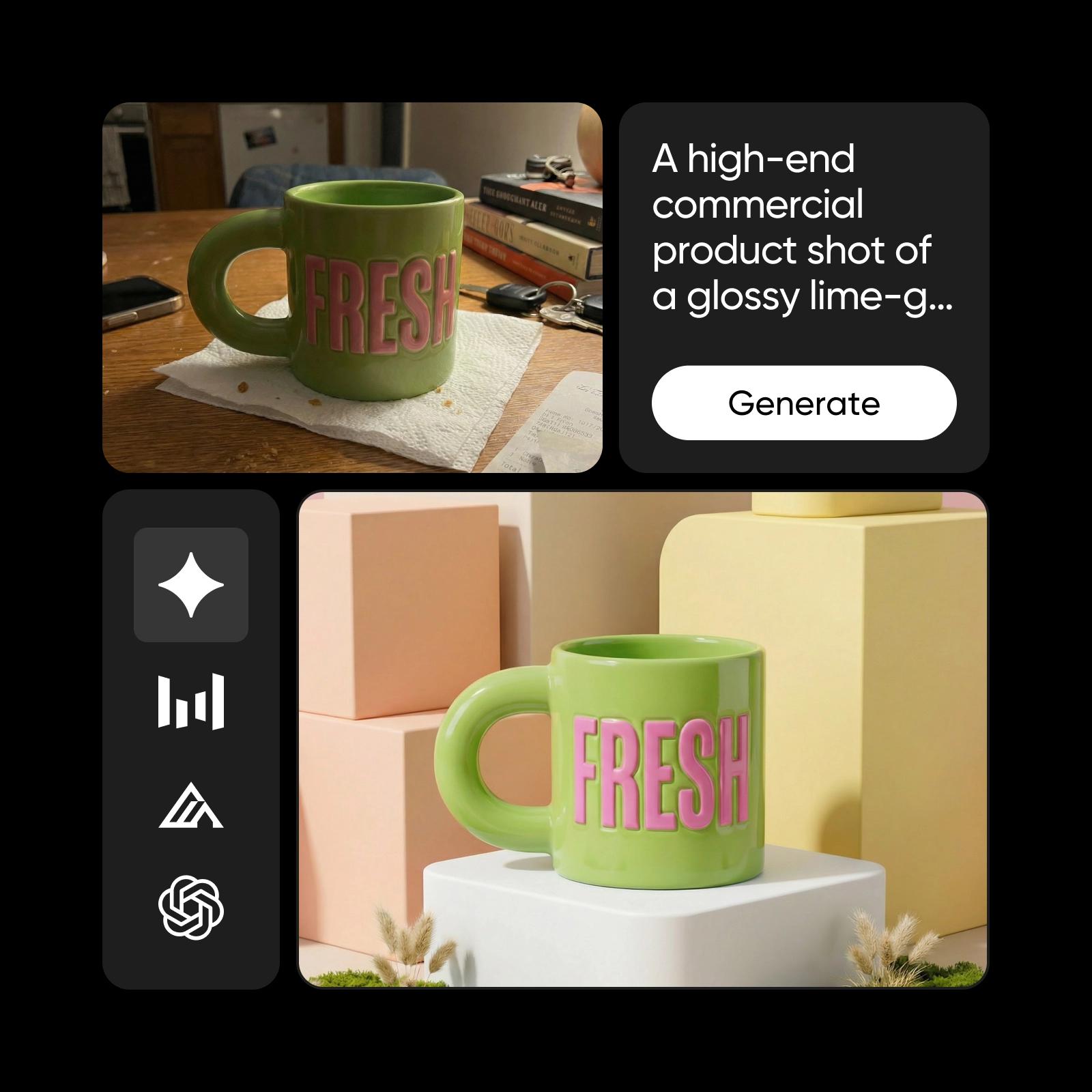
Seedream 4.5 v ekosystému Picsart
Seedream 4.5 je jedním z několika pokročilých AI modelů, které pohánějí kreativní ekosystém Picsart. Spolupracuje s modely předních poskytovatelů AI – mimo jiné Flux 2 Pro, GPT Image 1.5, Ideogram 3.0 Flash a Nano Banana Pro – a podporuje generování a úpravy obrázků i tvorbu obsahu napříč platformou. Tento přístup založený na více modelech dává tvůrcům možnost vybrat si pro každý projekt ten nejvhodnější, zatímco Picsart se stará o optimalizaci celého prostředí na pozadí.
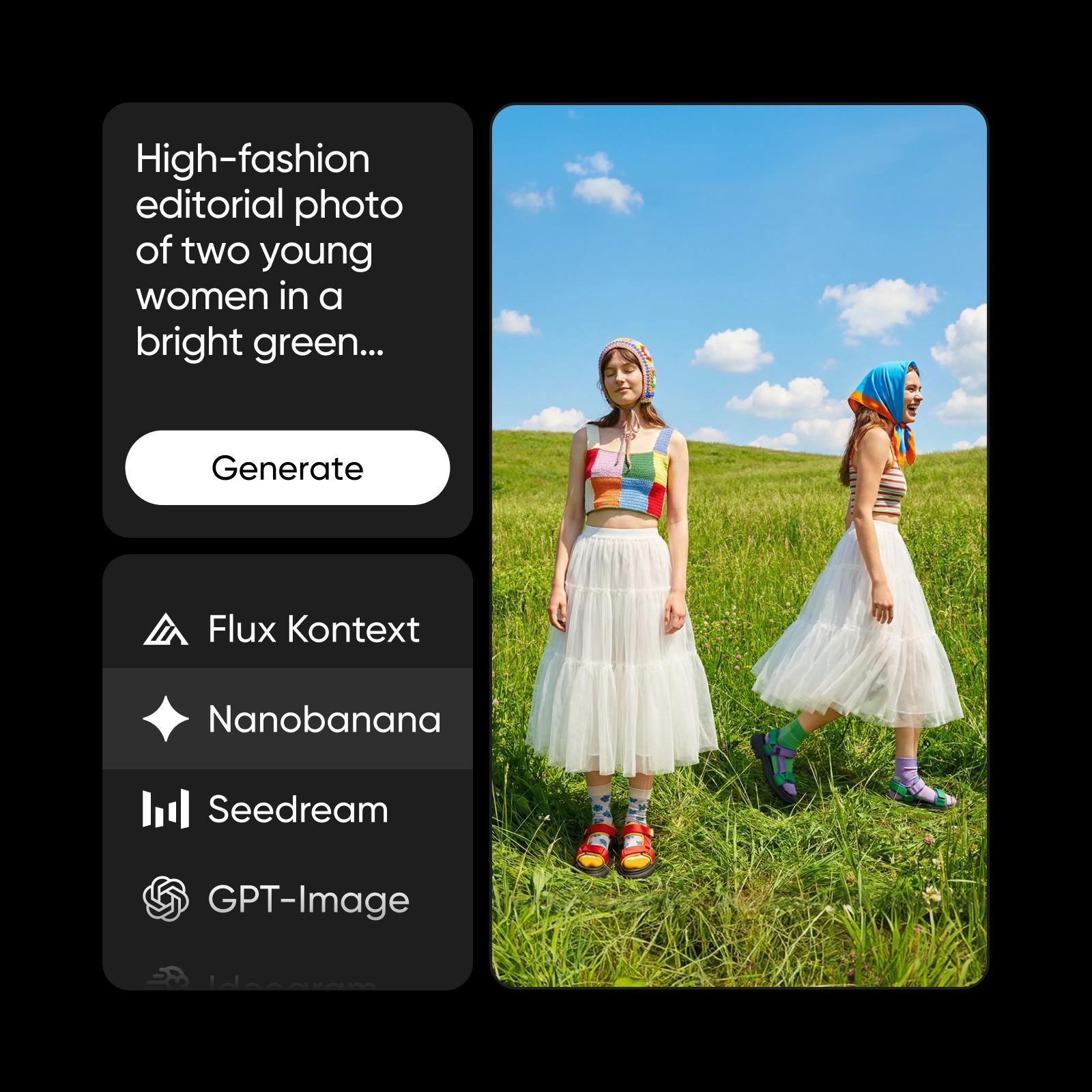
Jak se vyznat ve výběru obrazových modelů
Zjistěte, jak porovnávat obrazové modely a vybrat si ten správný výstup.
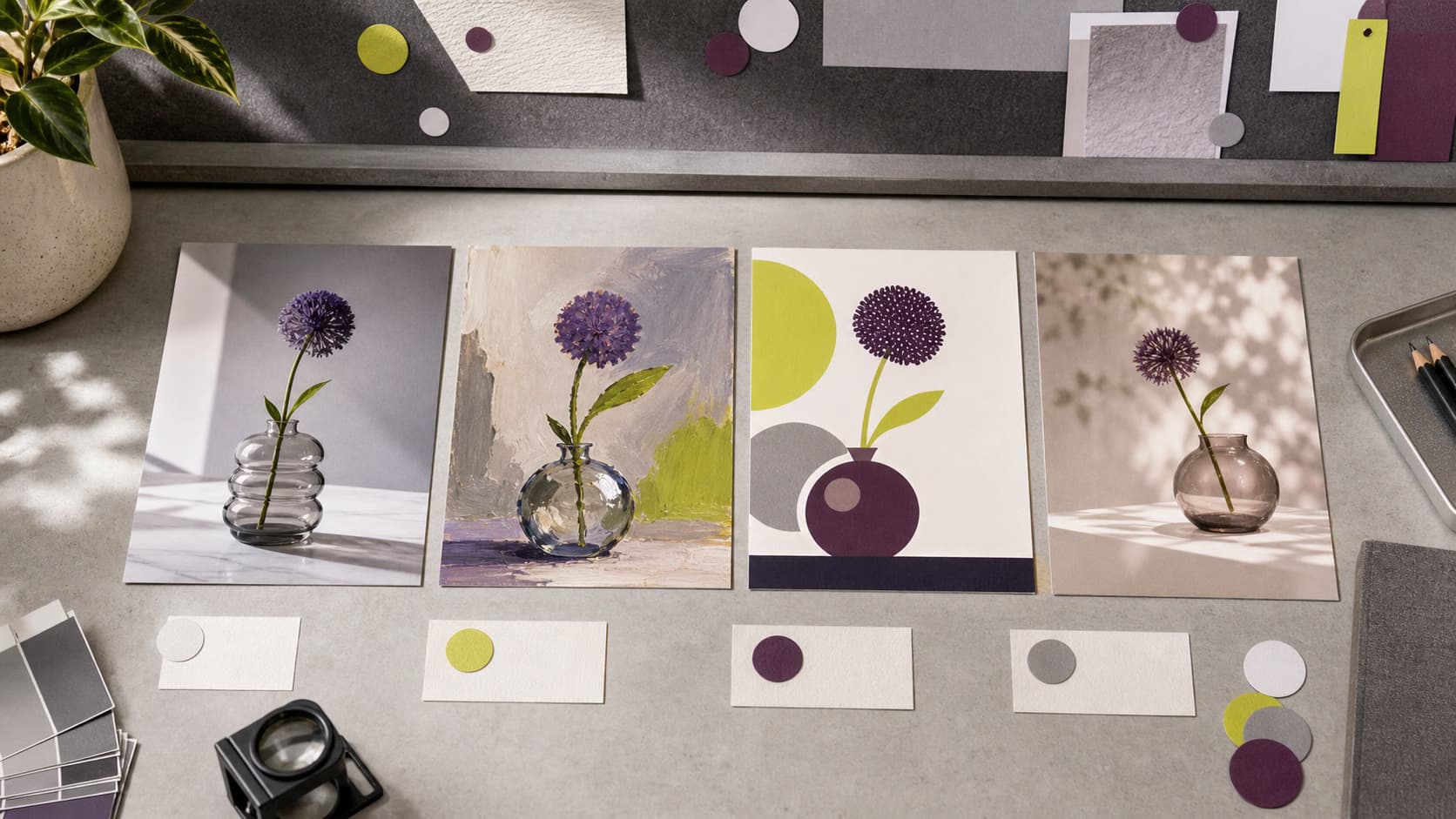

Objevte další modely, jako je Seedream 4.5
Porovnejte Seedream 4.5 s dalšími obrazovými modely pro vizuály kampaní, grafické podklady a kreativní testování.
Časté dotazy k Seedream 4.5
Seedream 4.5 je nejnovější model pro generování obrázků pomocí AI od ByteDance Seed. Spojuje generování a úpravy obrázků do jednoho pracovního postupu a nabízí vykreslování hustého textu, zachování podoby postav a úpravy pomocí běžného jazyka s až 14 referenčními vstupy.
Vytvářejte vizuály pomocí AI se Seedream 4.5
Pro
Most popularAI tools for everyday creative work.
Ultra
Most powerfulHeavy AI usage for creators & teams.