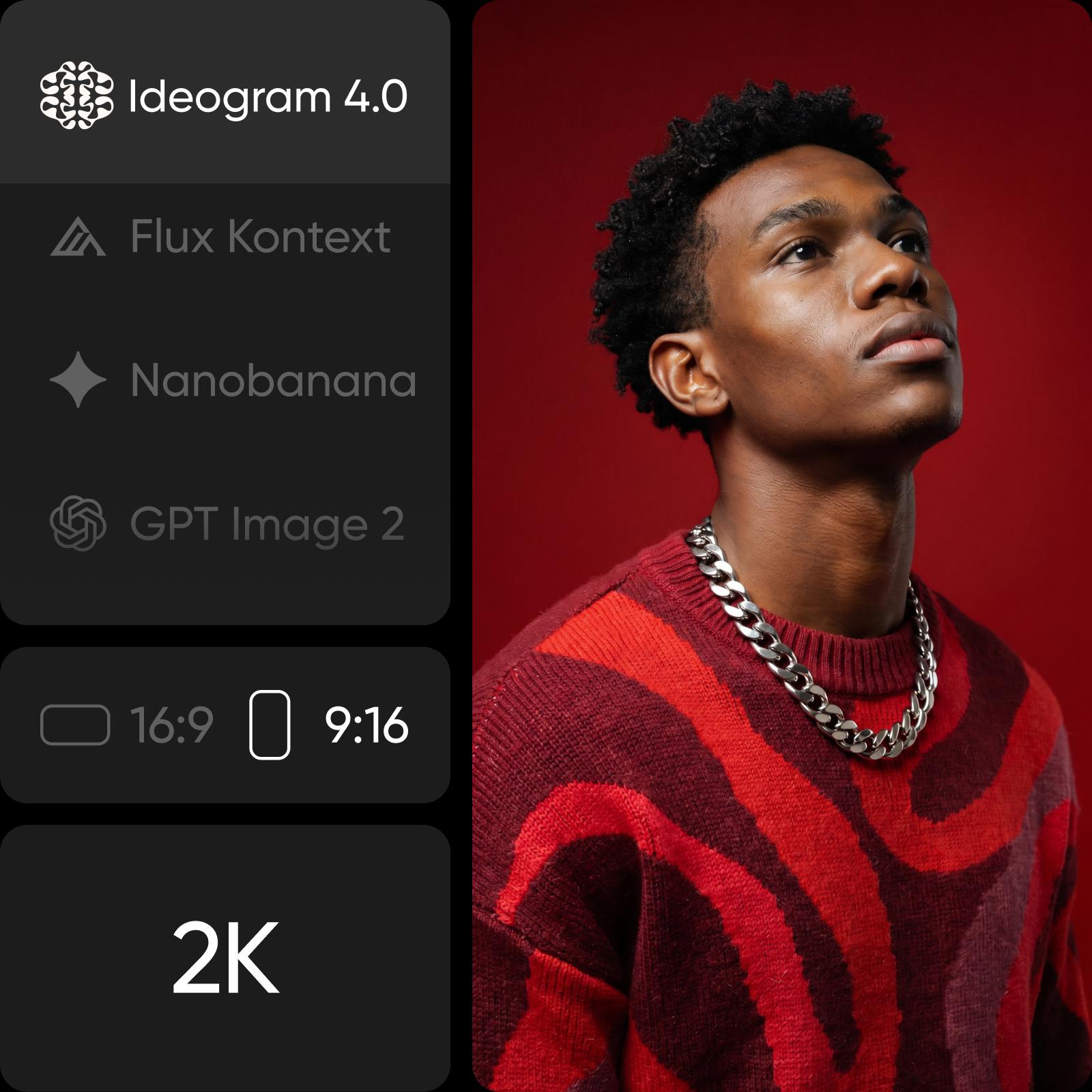
Ideogram Vectorize: Jedes Bild in eine saubere SVG-Datei umwandeln
Ideogram Vectorize zeichnet JPEG, PNG oder WebP als SVG nach, die du beliebig skalieren kannst. Lade ein Bild hoch, wähle den Standard- oder Einfachmodus und erhalte eine Vektorgrafik in AI Playground.
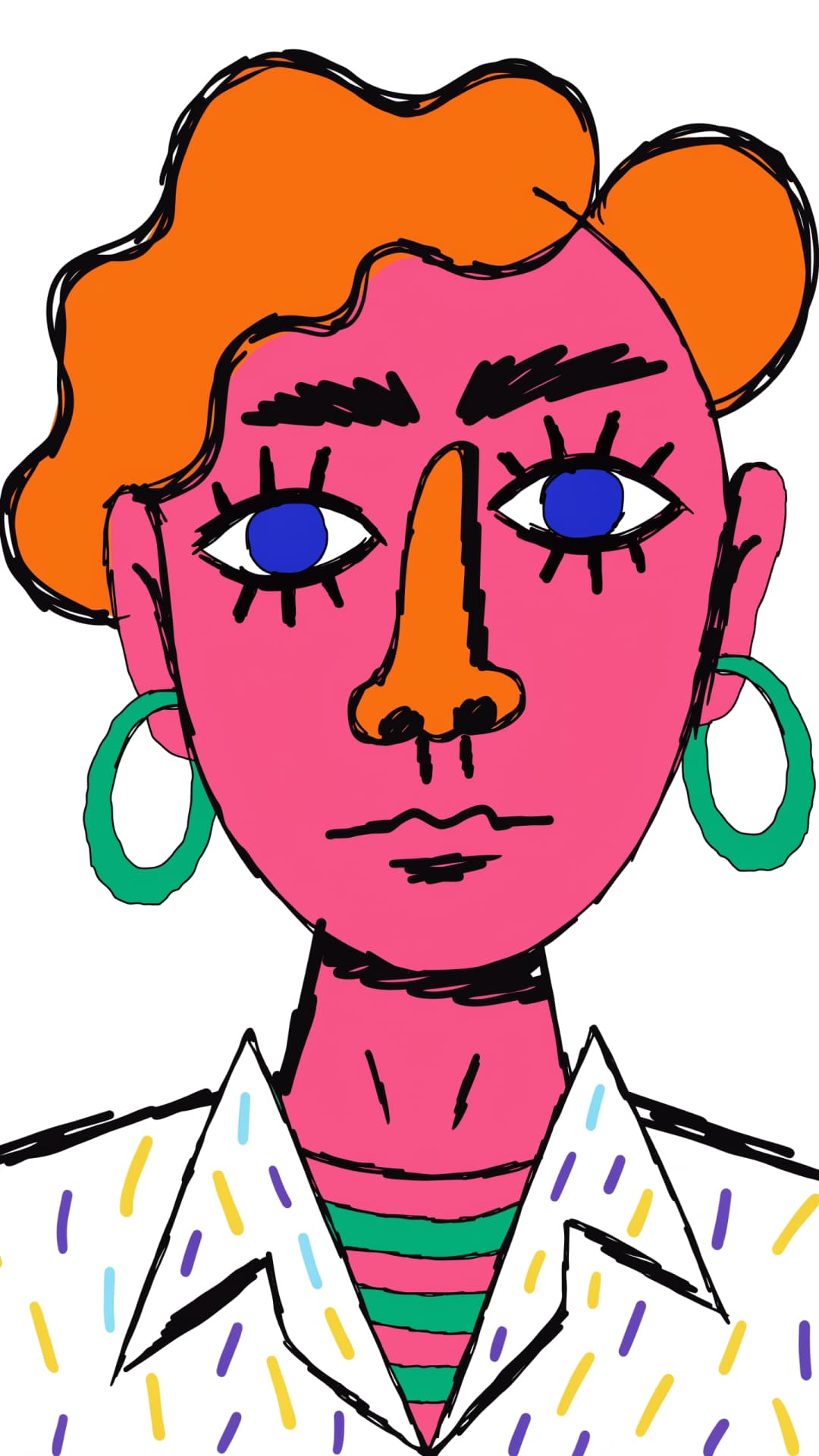
Mit Ideogram Vectorize vektorisierte Bilder








Was ist Ideogram Vectorize? Bilder mit Ideogram in SVG umwandeln
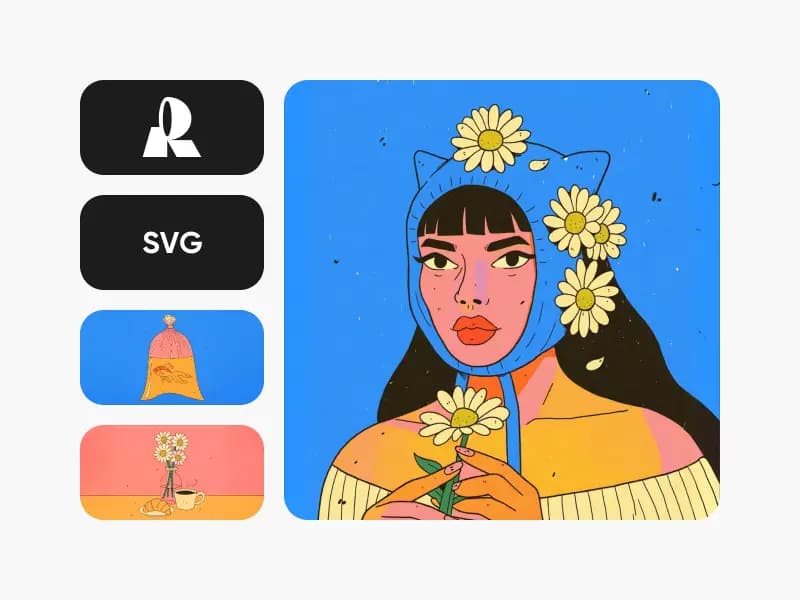
Ideogram Vectorize ist das Bild-zu-SVG-Modell von Ideogram. Lade ein Rasterbild hoch (JPEG, PNG oder WebP), und das Modell zeichnet es ohne Prompt als SVG nach. Es gehört zur Ideogram-Familie und ergänzt Ideogram Vector, mit dem du anhand eines Prompts neue SVGs erstellen kannst.
- JPEG, PNG oder WebP als Eingabe
- Saubere SVG als Ausgabe
- Standard- oder Einfachmodus

Bilddateien in skalierbare SVGs umwandeln
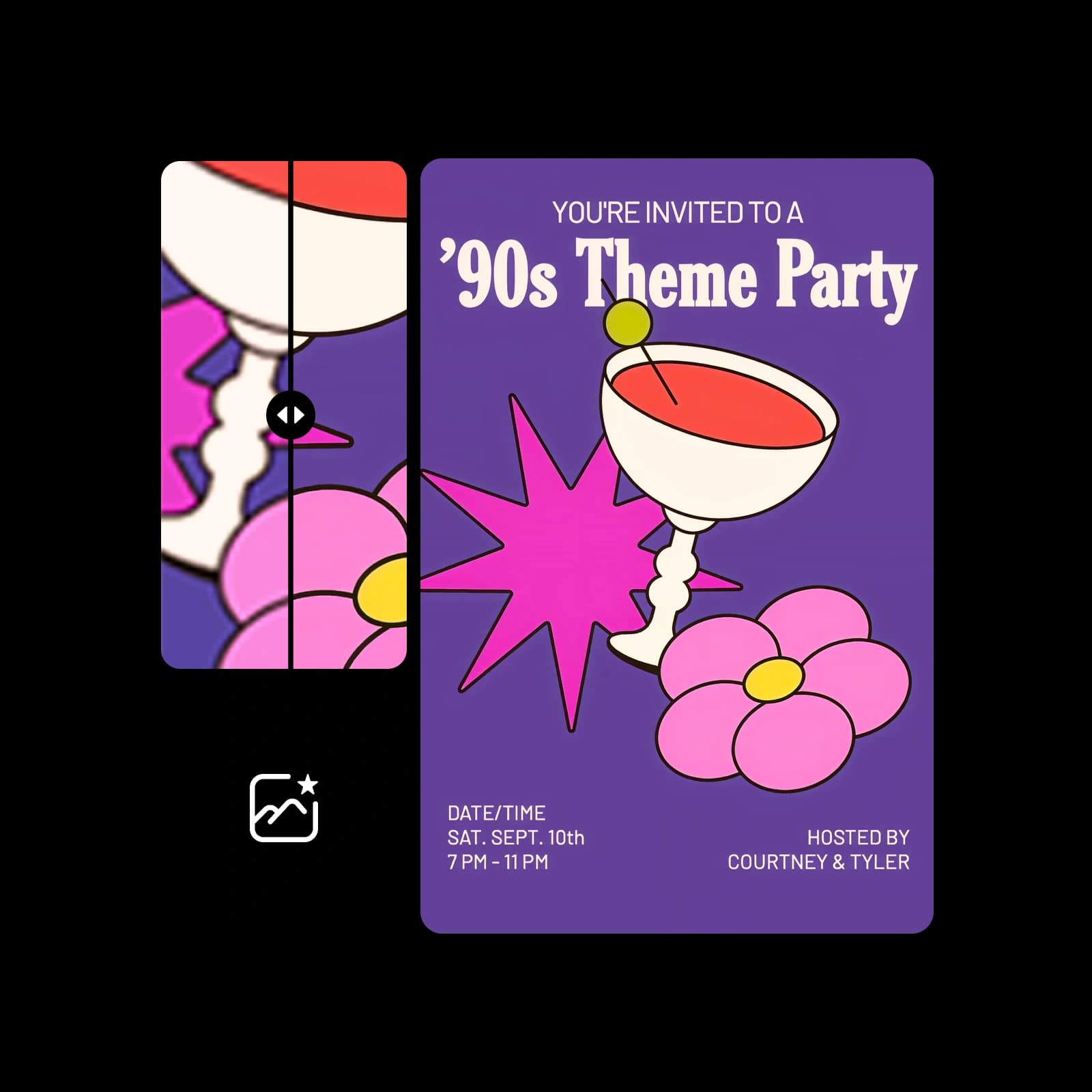
Beim Vergrößern werden Pixel unscharf und verpixelt. Durch das Umwandeln eines Bildes in eine SVG wird es zu Formen, die in jeder Größe scharf bleiben und sich mit jedem Vektortool bearbeiten lassen. So wird aus einem alten Logo, einem flachen Icon oder einem Kunstwerk eine druckfertige Datei für Beschilderungen, Schneideplotter und das Web.
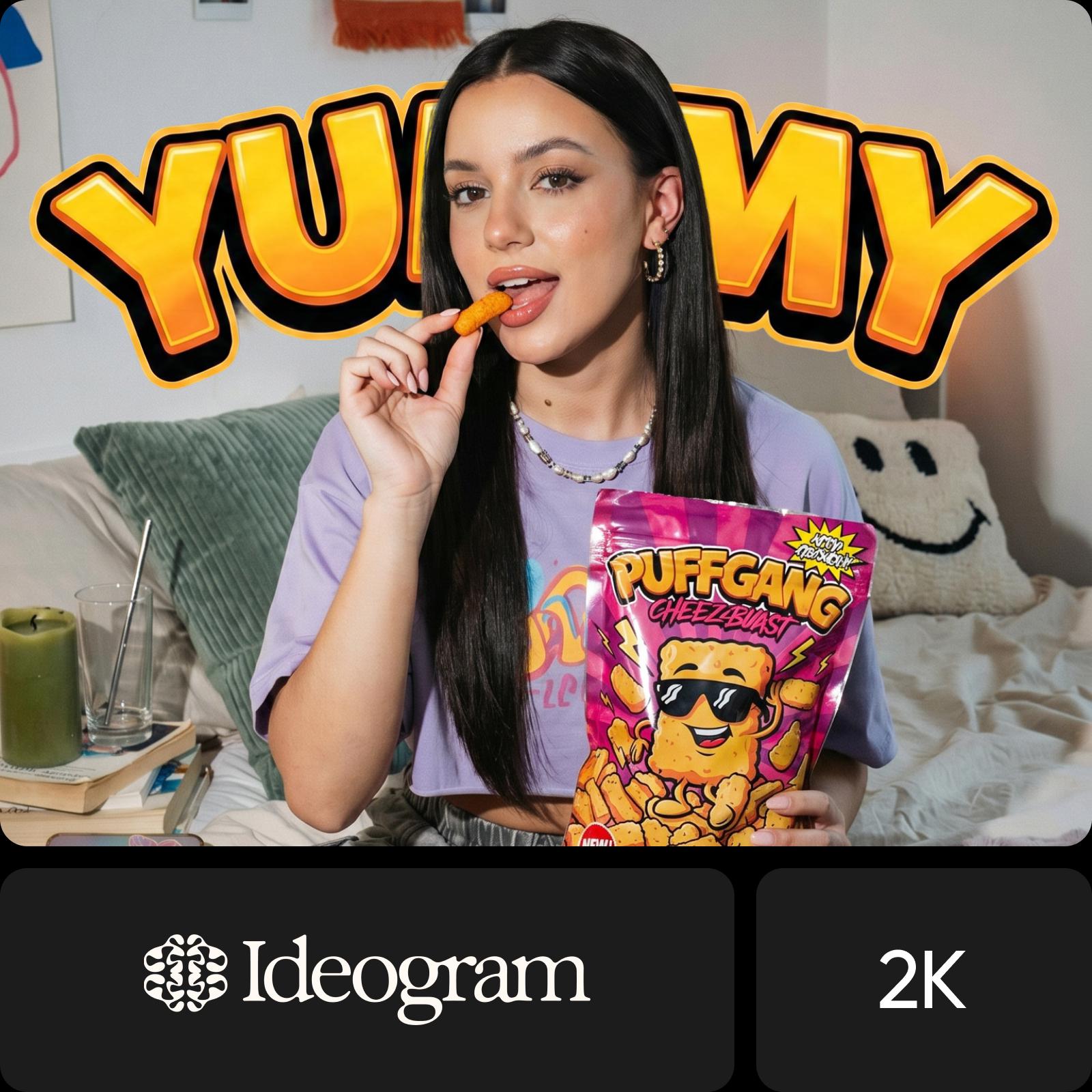
Standard- oder Einfachmodus: Wähle, wie das Bild nachgezeichnet wird
Ideogram Vectorize bietet zwei Modi. Der Standardmodus zeichnet das Bild regulär nach, der Einfachmodus erzeugt ein stärker vereinfachtes Ergebnis. Lade pro Durchlauf ein Bild hoch, wähle den Modus und starte die Vektorisierung. Du musst keinen Prompt schreiben: Als Eingabe dient nur das Ausgangsbild.
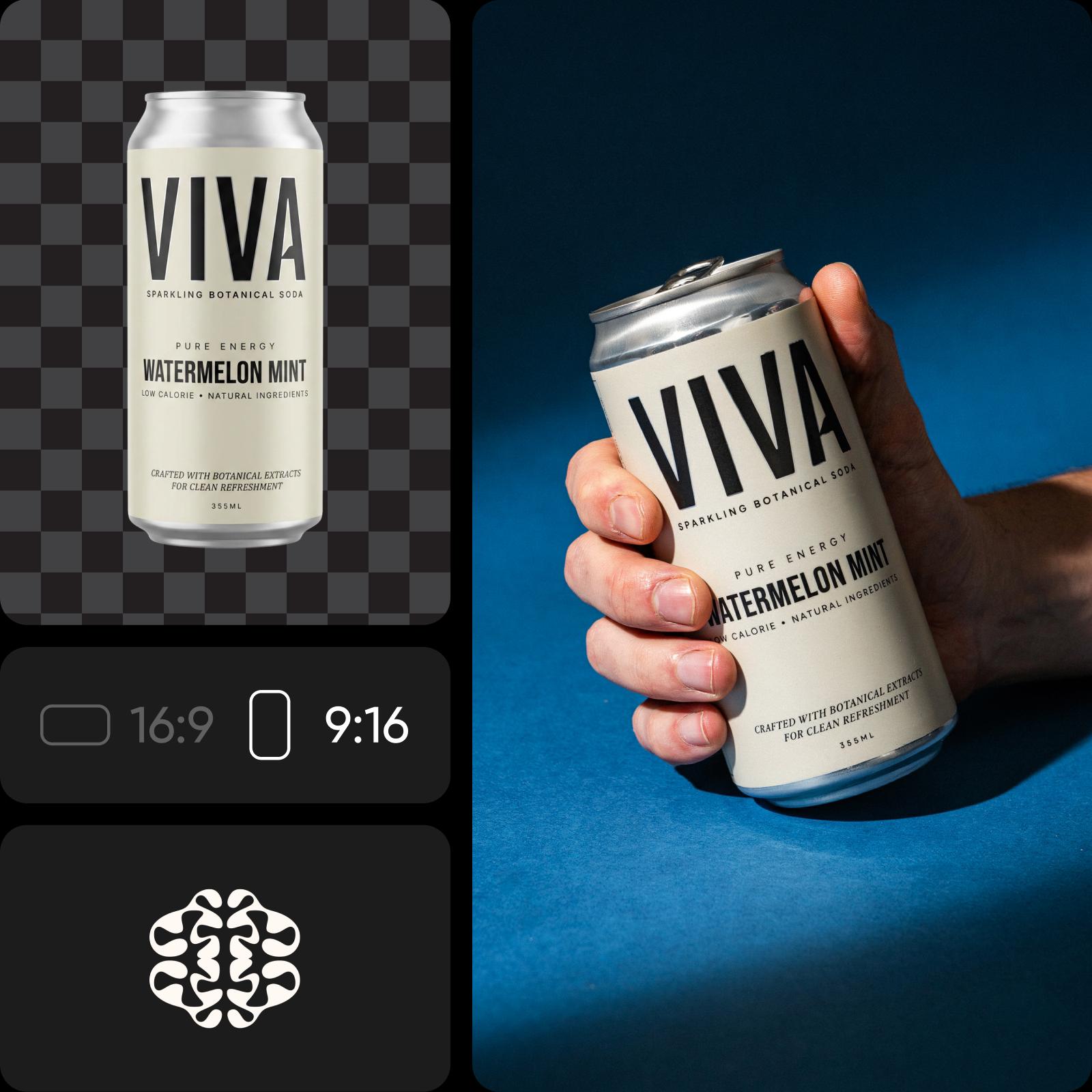
So funktioniert Ideogram Vectorize in Picsart
Ideogram Vectorize ist in Picsarts AI Playground verfügbar. Dort kannst du das Modell neben mehr als 150 weiteren Modellen nutzen und die Ergebnisse vergleichen. Wähle Ideogram Vectorize, lade dein Bild hoch, entscheide dich für einen Modus und starte die Vektorisierung. Du möchtest stattdessen ein ganz neues Design erstellen? Ideogram Vector generiert SVGs anhand eines Prompts. Du kannst Ideogram Vectorize ganz nach deinen Bedürfnissen nutzen: im Web, in der Desktop-App oder direkt in deinen eigenen Projekten über CLI, MCP, REST API und SDK.
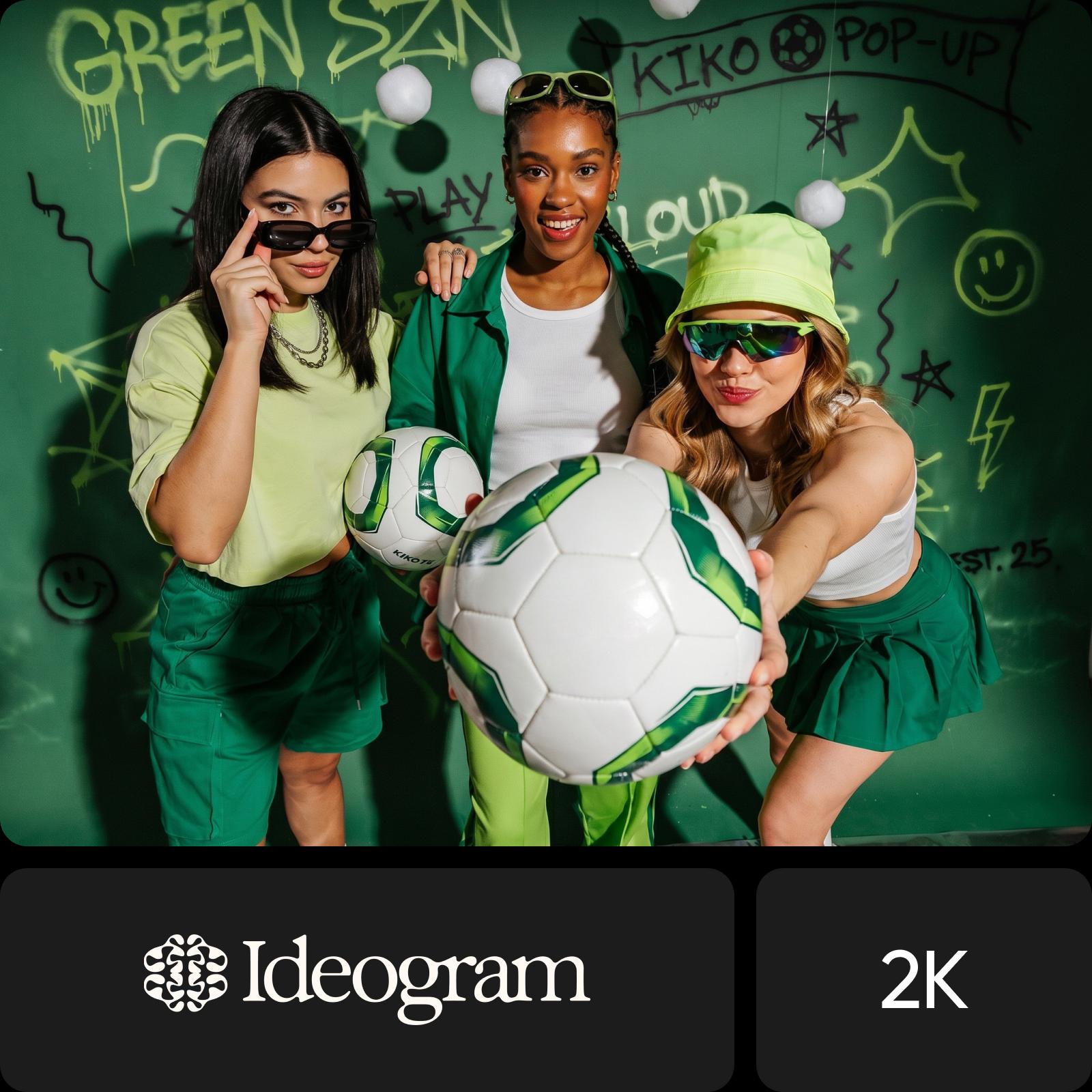
Das kannst du mit Ideogram Vectorize machen

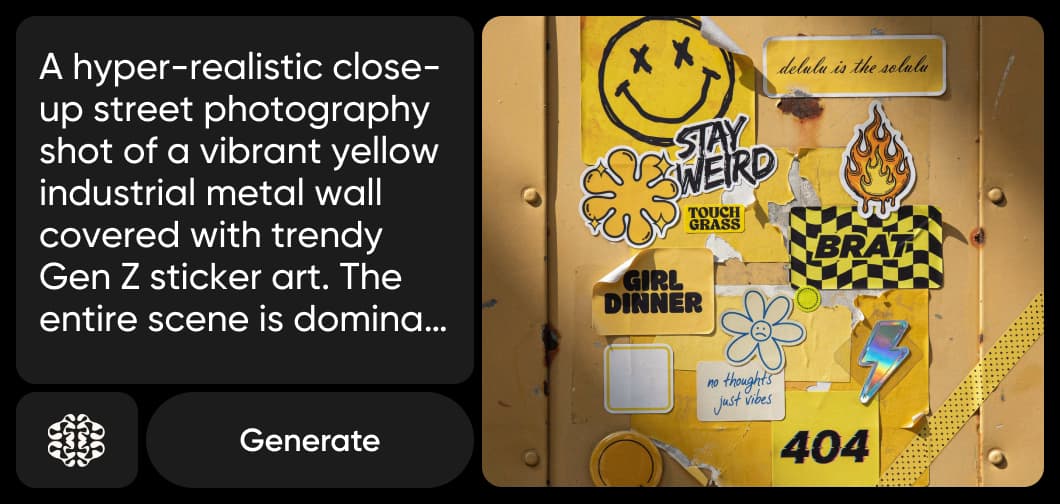
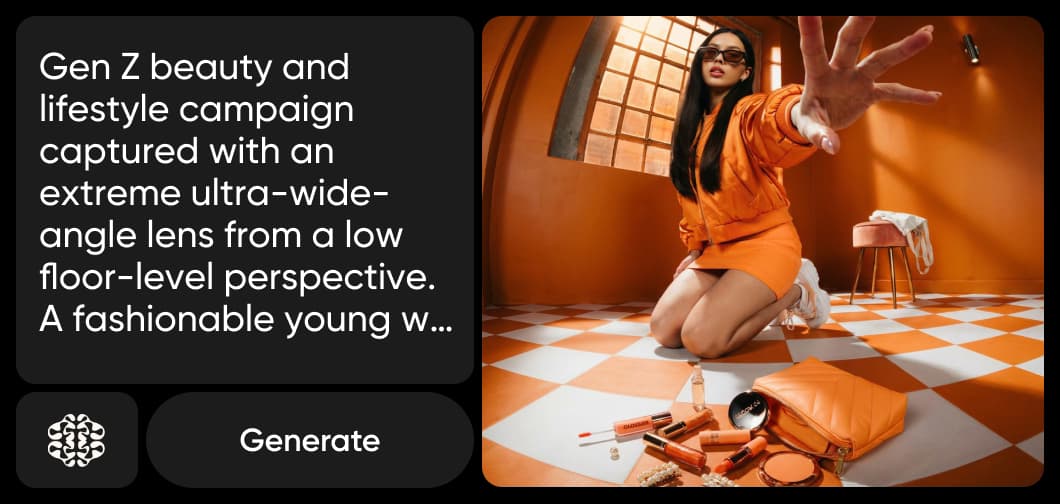
Wandle eine niedrig aufgelöste Logodatei in eine SVG um, die auf Visitenkarten genauso scharf bleibt wie auf Bannern.
Bilder mit Ideogram Vectorize in SVG umwandeln
In drei Schritten von JPEG, PNG oder WebP zur SVG.
Häufig gestellte Fragen zu Ideogram Vectorize
Antworten zur Nutzung von Ideogram Vectorize in Picsart.
Ideogram Vectorize ist das Bild-zu-SVG-Modell von Ideogram. Es zeichnet JPEG, PNG oder WebP als SVG nach, die sich beliebig skalieren lässt.
Weitere KI-Modelle entdecken
Entdecke weitere KI-Bildmodelle, die du in Picsart nutzen kannst.
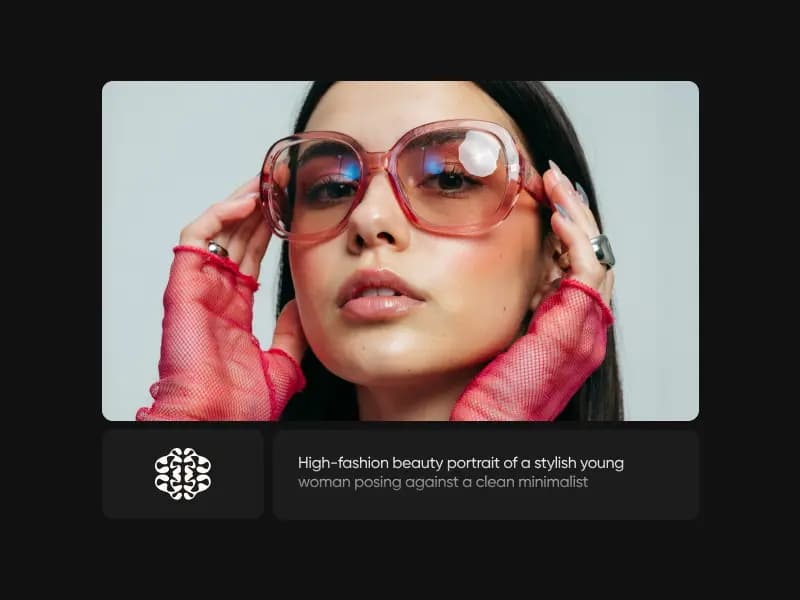

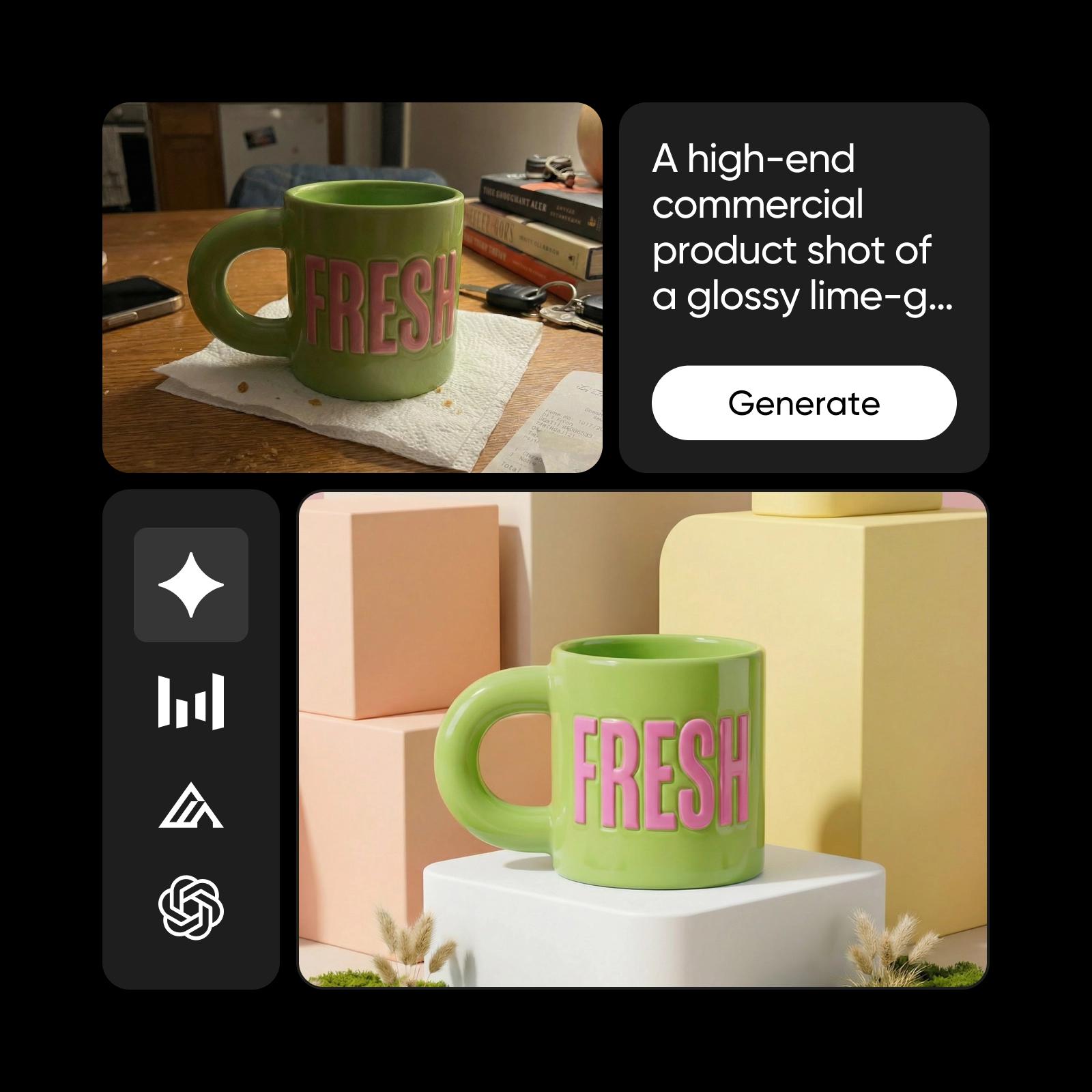
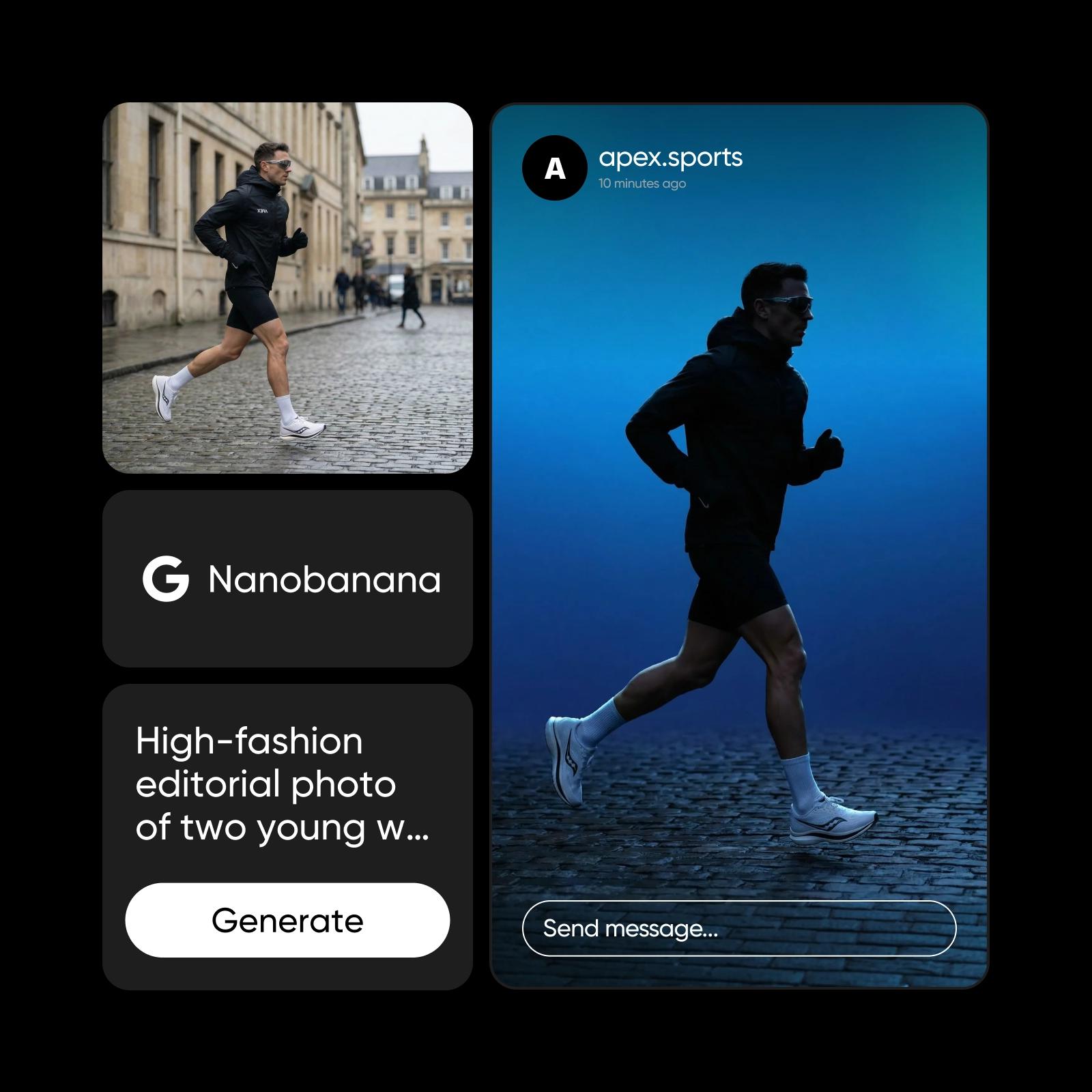
Bilder mit Ideogram Vectorize in SVG umwandeln
Pro
Most popularAI tools for everyday creative work.
Ultra
Most powerfulHeavy AI usage for creators & teams.