Farbwähler: Farbcodes online finden
Finde mit dem Online-Farbwähler von Picsart ganz einfach und sofort den genau passenden Farbton. Ermittle Farbwerte in den Formaten HEX, RGB, HSL und CMYK.
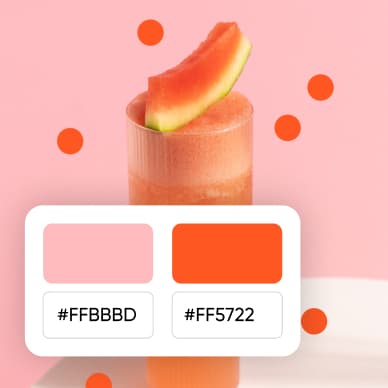




So verwendest du den Farbwähler
How to
Farbe auswählen
Finde mit dem Farbregler den passenden Farbton oder gib einen Code in einem beliebigen Format ein, um ihn in ein anderes Format umzuwandeln.
Farben ins nächste Projekt übernehmen
Verwenden Sie die ausgewählte Farbe im Editor, um Hintergründe und grafische Akzente einheitlich zu gestalten.

Farbe für Ihr Design finden
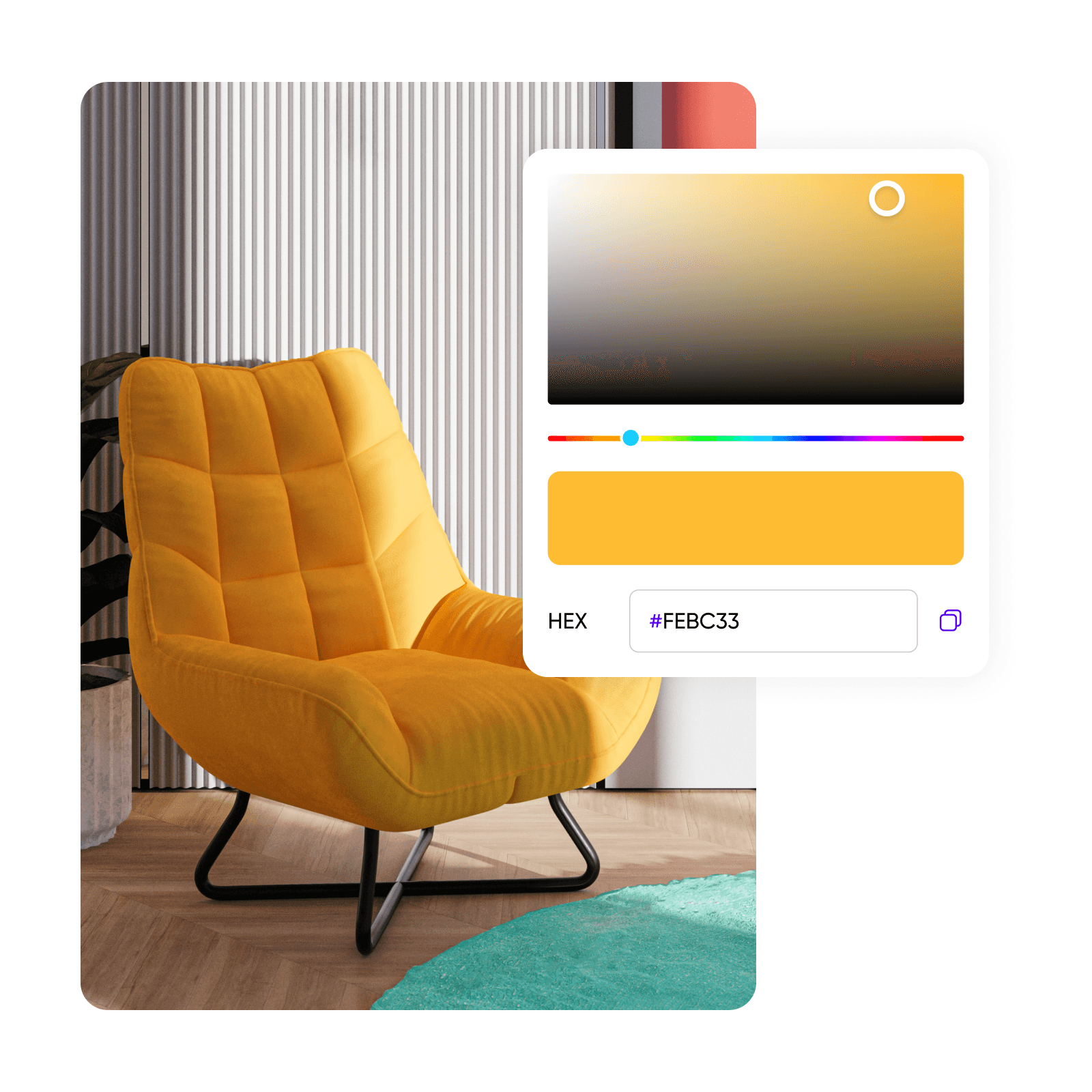
Wählen Sie einen Farbton aus, passen Sie die Nuance an und kopieren Sie den Farbcode für Ihr Design.

Farben ganz einfach auswählen
Den richtigen Farbcode zu finden, sollte nicht kompliziert sein. Der Farbwähler von Picsart macht es dir leicht und bietet dir über eine intuitive Benutzeroberfläche unzählige Möglichkeiten. Wähle eine Farbe aus und erhalte die Codes in den Formaten HEX, RGB, CMYK und HSL auf einmal. Kopiere ganz einfach den Farbcode, den du für deine Projekte brauchst, und spare Zeit im Web.

Mehr als eine einfache Auswahl mit dem Farbcodes-Finder
Bring deine kreativen Projekte mit dem Online-Farbwähler von Picsart auf ein neues Level. Dieses Tool bietet mehr als eine einfache Farbauswahl und zahlreiche Funktionen für einen noch kreativeren Workflow. Nutze verschiedene Farbmodelle für präzise Kontrolle sowie ein intuitives Farbrad und einen Palettengenerator, um deine Farben weiterzuverwenden. Entdecke, kopiere, speichere und verwalte deine Lieblingsfarbtöne über die praktische Benutzeroberfläche des Farbwählers von Picsart.

Wiederverwendbare Farbpaletten für deine Marke erstellen
Optimiere deinen Workflow für die visuelle Gestaltung deiner Marke mit der Funktion Brand Colors des Farbpaletten-Finders. Füge die exakten Farbtöne aus deinem Markenhandbuch ganz einfach im Picsart-Editor hinzu und verwende sie in all deinen Projekten wieder. Oder probiere das Farbrad aus, um harmonische Farbtöne und neue Farbkombinationen zu entdecken. Sorge bei Marketing- und E-Commerce-Werbematerialien für einen einheitlichen Markenauftritt und halte deine Markenrichtlinien ein.

Ein Farbwähler für alle Kreativprofis
Webdesigner, Modebegeisterte, Künstler und Innenarchitekten profitieren gleichermaßen vom Farbwähler. Stimme Farben auf dein Branding ab, wähle Stofffarben für digitale Skizzen, suche Farben für Kunstwerke aus oder gestalte Innenräume mit Sicherheit. Der Online-Farbwähler von Picsart erfüllt all deine Designanforderungen.
Entdecke das gesamte Toolset von Picsart
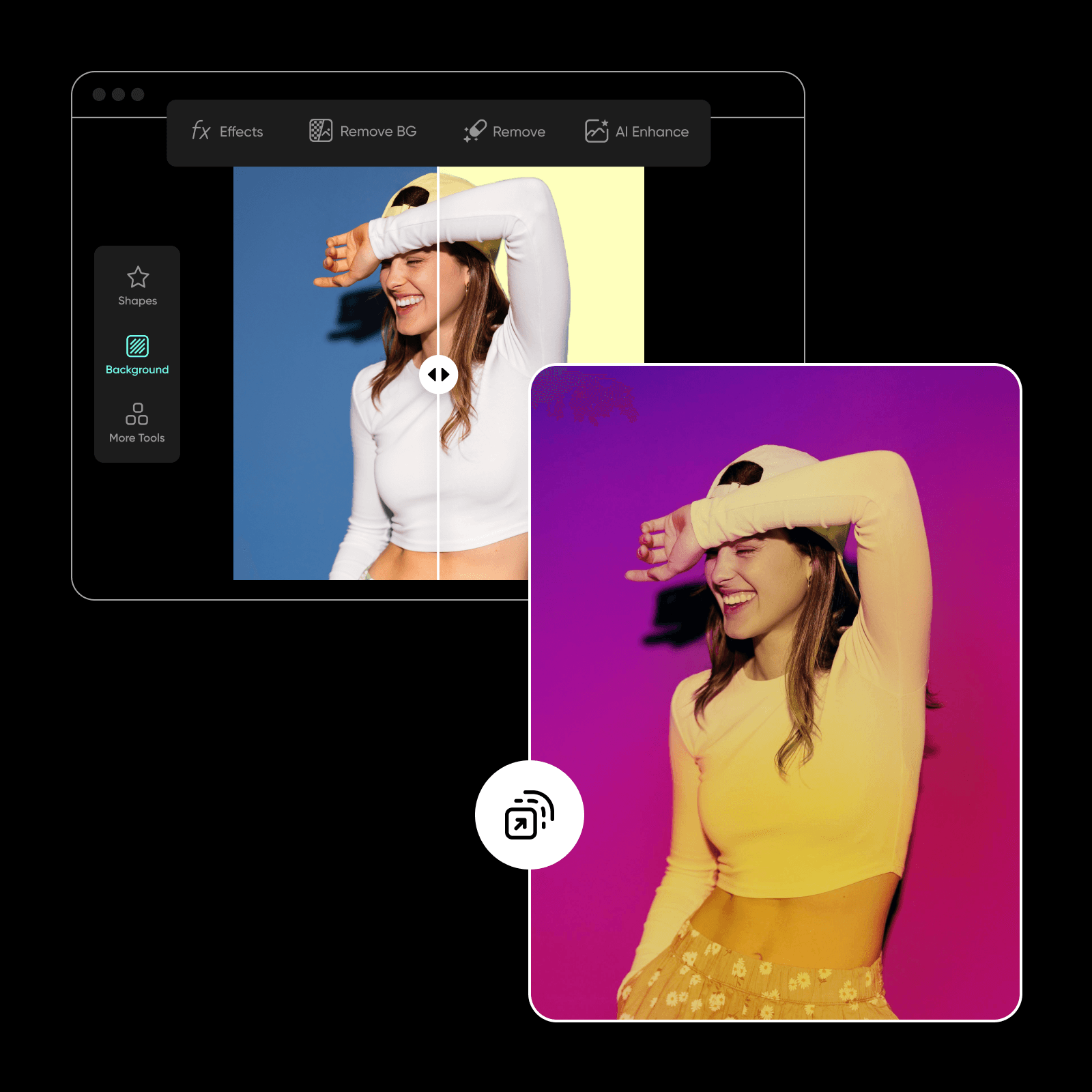
Erledige all deine Design- und Fotobearbeitungsaufgaben bequem mit Picsart und einer einzigen, intuitiven Benutzeroberfläche. Gestalte aufmerksamkeitsstarke Visuals mit dem KI-Fotoeditor und erledige komplexe Bearbeitungen ganz einfach mit Tools wie dem Hintergrundfarbwechsler und der KI-Stilübertragung. So setzt du deine Farbideen in all deinen Kampagnen gekonnt um. Freu dich außerdem auf ein neues Tool, mit dem du bald Farben direkt aus Bildern auswählen kannst.
Der beste Online-Farbwähler
Sorge mit dem Farbwähler und den umfassenden Farbguides von Picsart mühelos für ein einheitliches Farbkonzept in deinen Visuals. Finde alles, was du brauchst, in einer praktischen Benutzeroberfläche und optimiere deinen Workflow für die visuelle Gestaltung.
Häufig gestellte Fragen zum Farbwähler
Ein Farbwähler ist ein Online-Tool, mit dem du Farben und ihre Codes – darunter HEX, RGB, HSL und CMYK – ganz einfach auswählen und ermitteln kannst. So gestaltest du deine kreativen Projekte präzise.
Gestalte jedes Kreativprojekt mit dem Farbwähler
Pro
Most popularAI tools for everyday creative work.
Ultra
Most powerfulHeavy AI usage for creators & teams.


