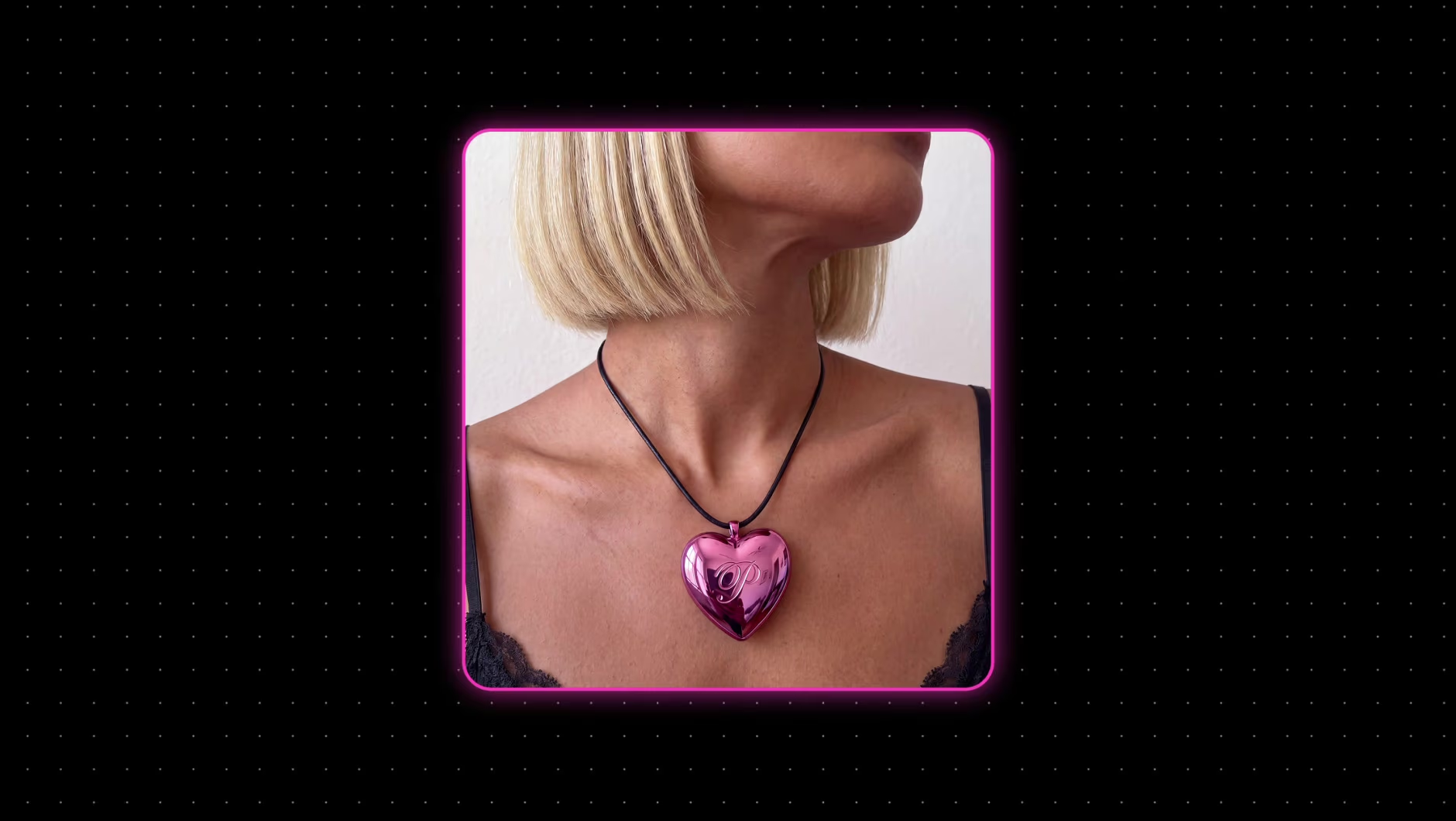
Videoanzeigen-Tool: Erstelle KI-Videoanzeigen für jede Plattform
Aus deinem Produktfoto, Link oder Briefing wird mit dem Videoanzeigen-Tool in Picsart Flow eine fertige Anzeige. Beginne mit einer Anzeigenvorlage oder einer leeren Arbeitsfläche.
- Über 100 KI-Modelle in einem Arbeitsbereich
- Prompt-Vorschläge während der Eingabe
- ZIP-Export aller Versionen
Wähle das passende Videoanzeigenformat
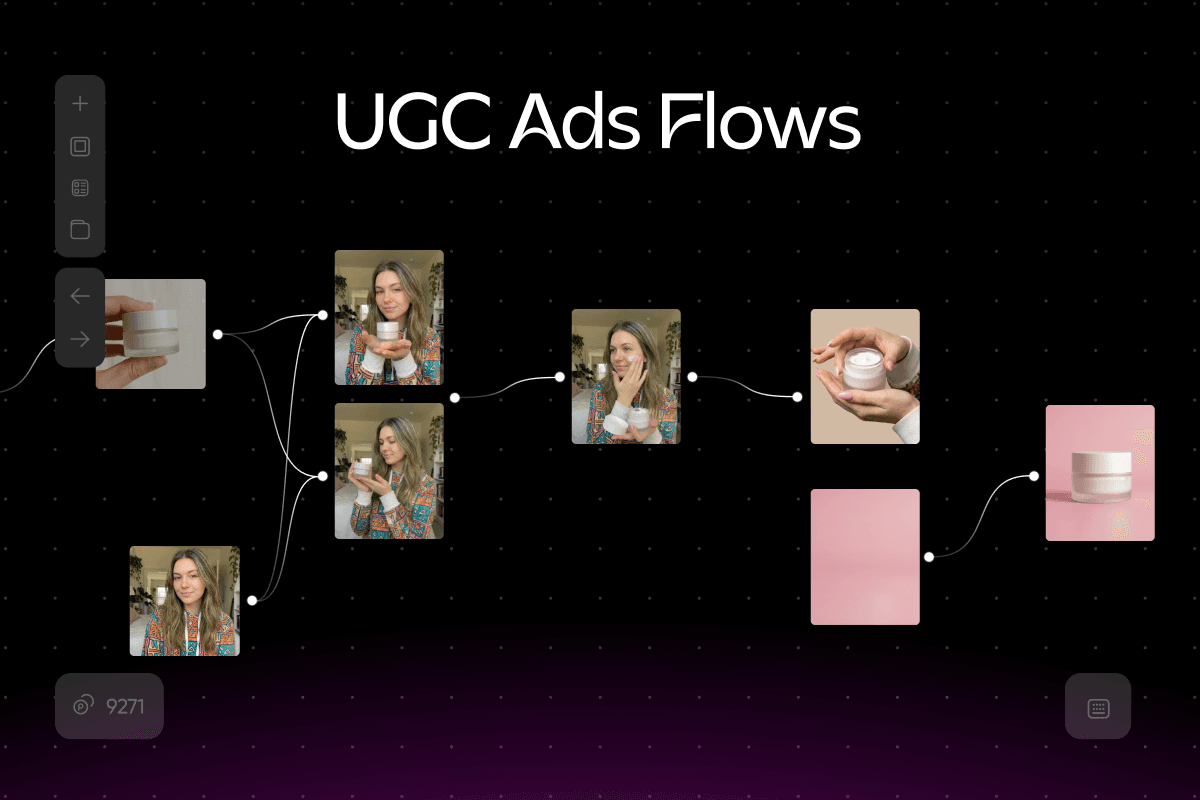
Erstelle UGC-Videoanzeigen, die wie mit dem Handy gefilmt aussehen
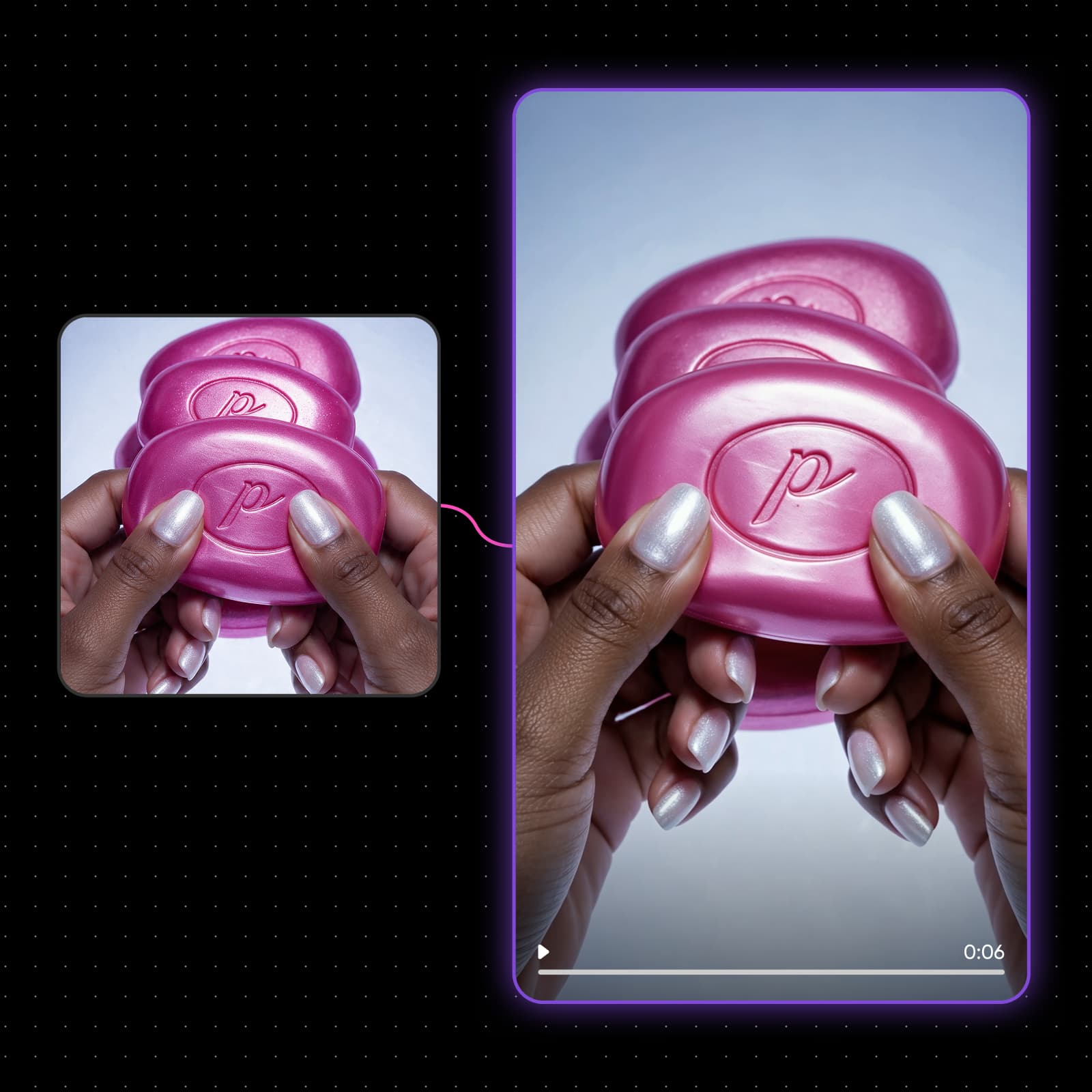
UGC-Videoanzeigen funktionieren, wenn sie so aussehen, als hätte eine echte Person zum Handy gegriffen. Veo 3.1 generiert eine Person, die deinen Hook spricht – Dialog und Lippensynchronität sind im selben Render enthalten, ebenso wie das native 9:16-Format. Teile eine Aufnahme mit sprechender Person in mehrere Einstiegszeilen auf und behalte den Hook, der die Zuschauer am längsten fesselt. Veröffentlicht du UGC auf deinem eigenen Konto? Mit Earn kannst du auch auf TikTok Geld verdienen.
Erstelle Videoanzeigen auf einer Arbeitsfläche
So erstellst du eine Videoanzeige in Picsart Flow
Erstelle eine Werbeanzeige in vier Schritten und behalte den Aufbau für deine nächste Kampagne bei.
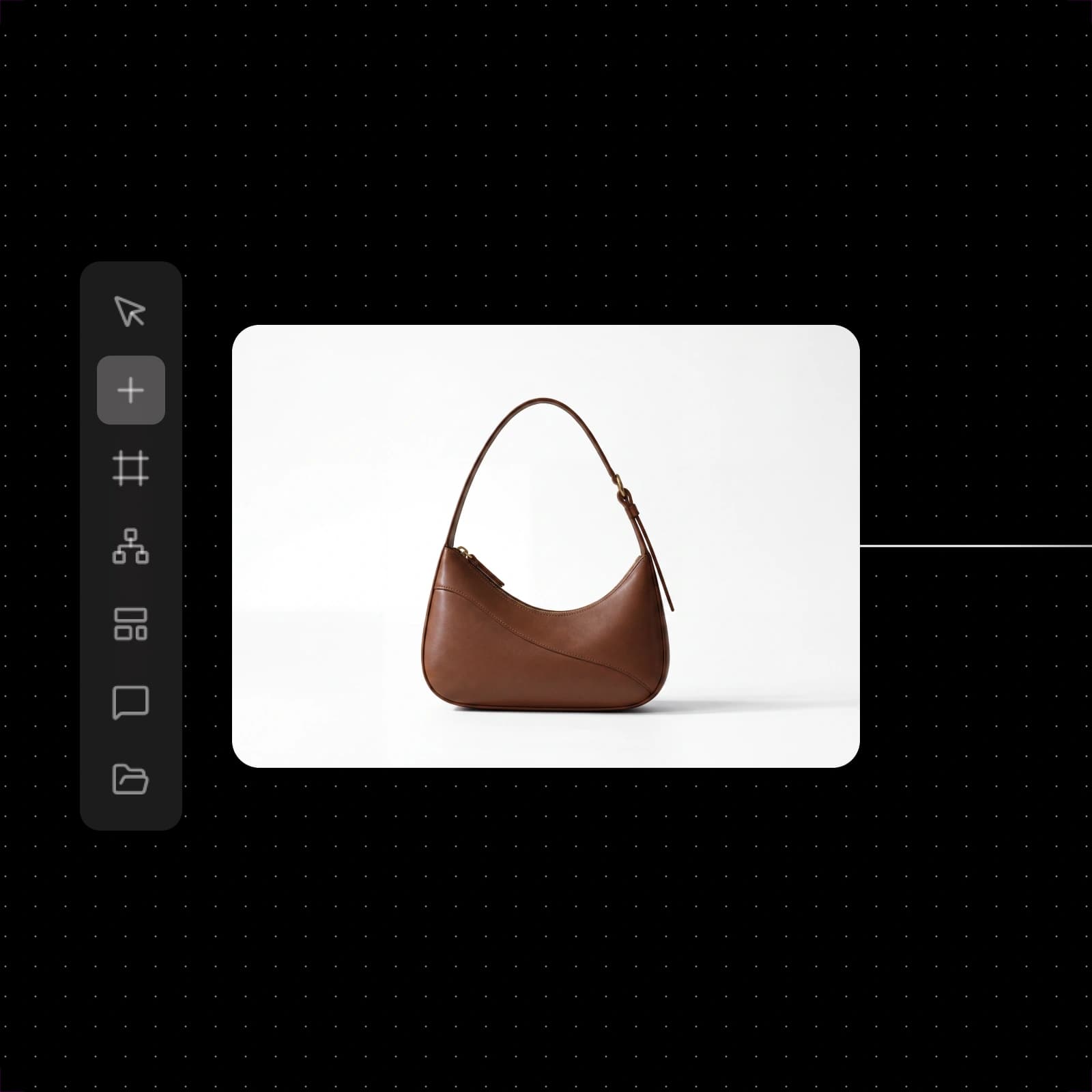
Starte mit Videoanzeigenvorlagen
Jede Karte öffnet einen einsatzbereiten Picsart Flow-Anzeigen-Workflow, den du mit deinem eigenen Produkt ausführen kannst.


Wähle für jede Aufnahme das passende Modell
Jede Aufnahme in einer Anzeige stellt andere Anforderungen. Deshalb kannst du für jeden Node das Modell auswählen.
Seedance 2.5
Dialoge in 20 SprachenVeo 3.1
Natives 4K mit bis zu 60 fpsMiniMax H3 Max
Schnelle Clips in 480p oder 768pFlux 3
Unterstützt bis zu 10 Bildreferenzen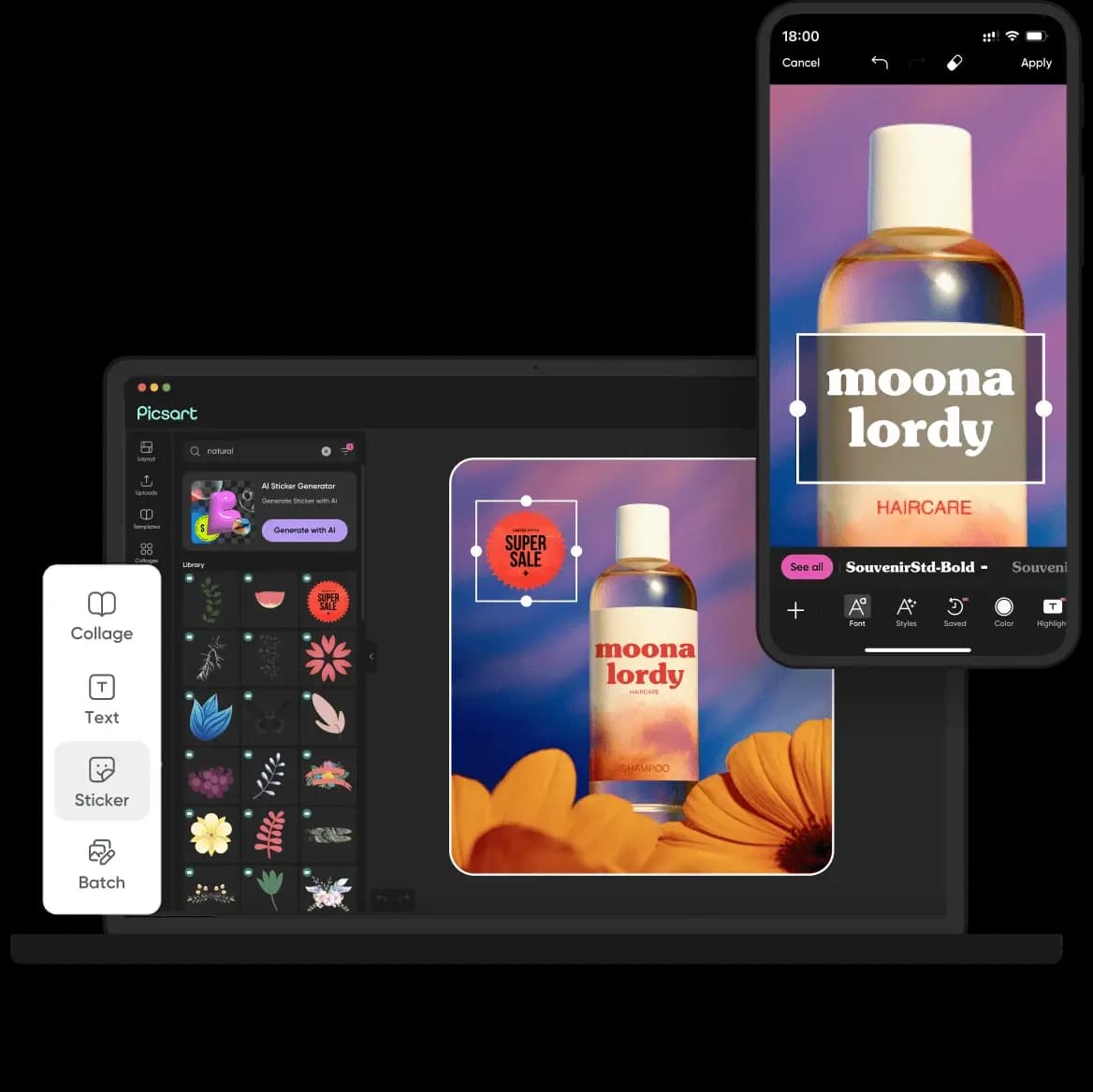
GPT Image 2.5
Produktfotos bis zu 4KElevenLabs Music v2
Komplette Songs mit GesangVerwandle Produktfotos in Videoanzeigen
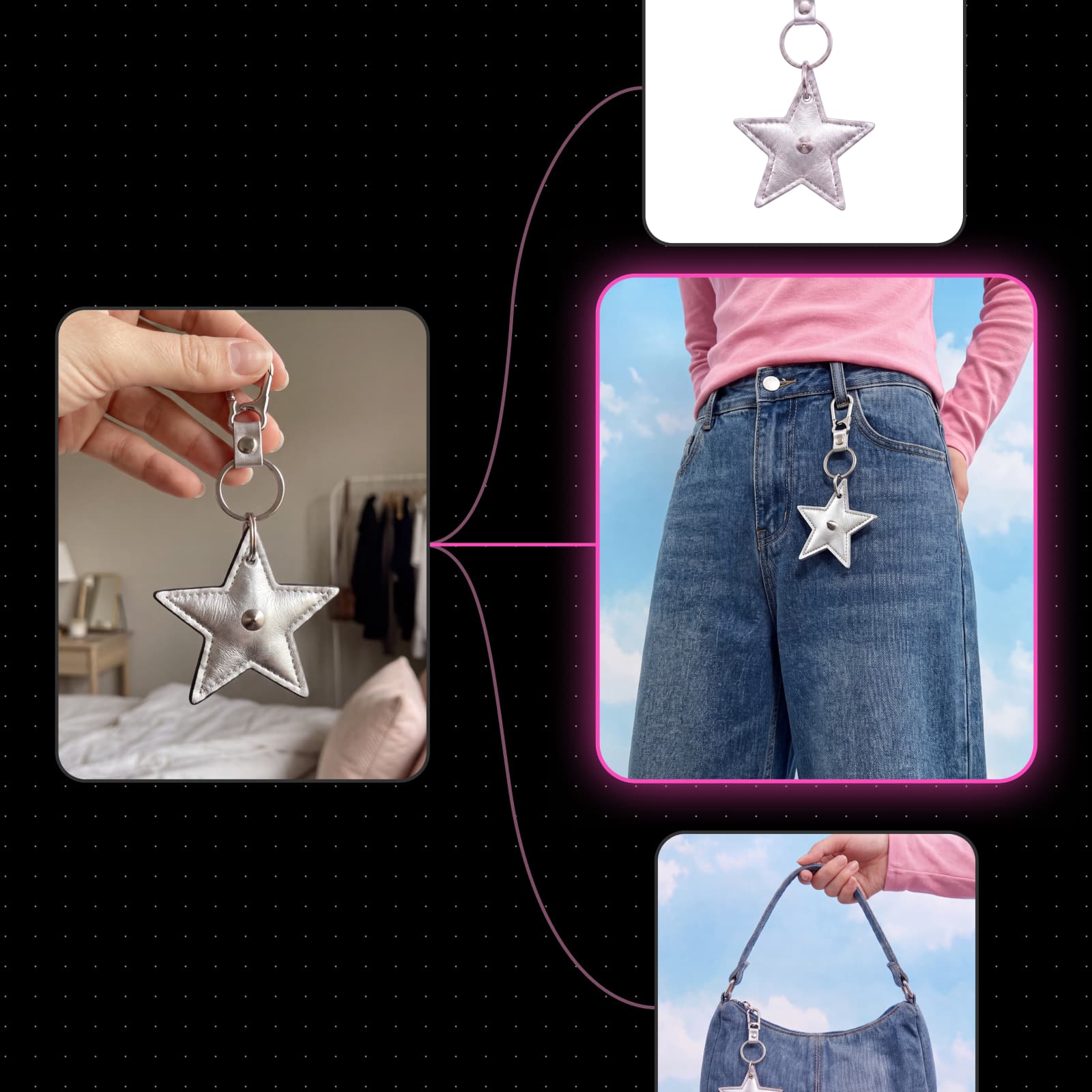
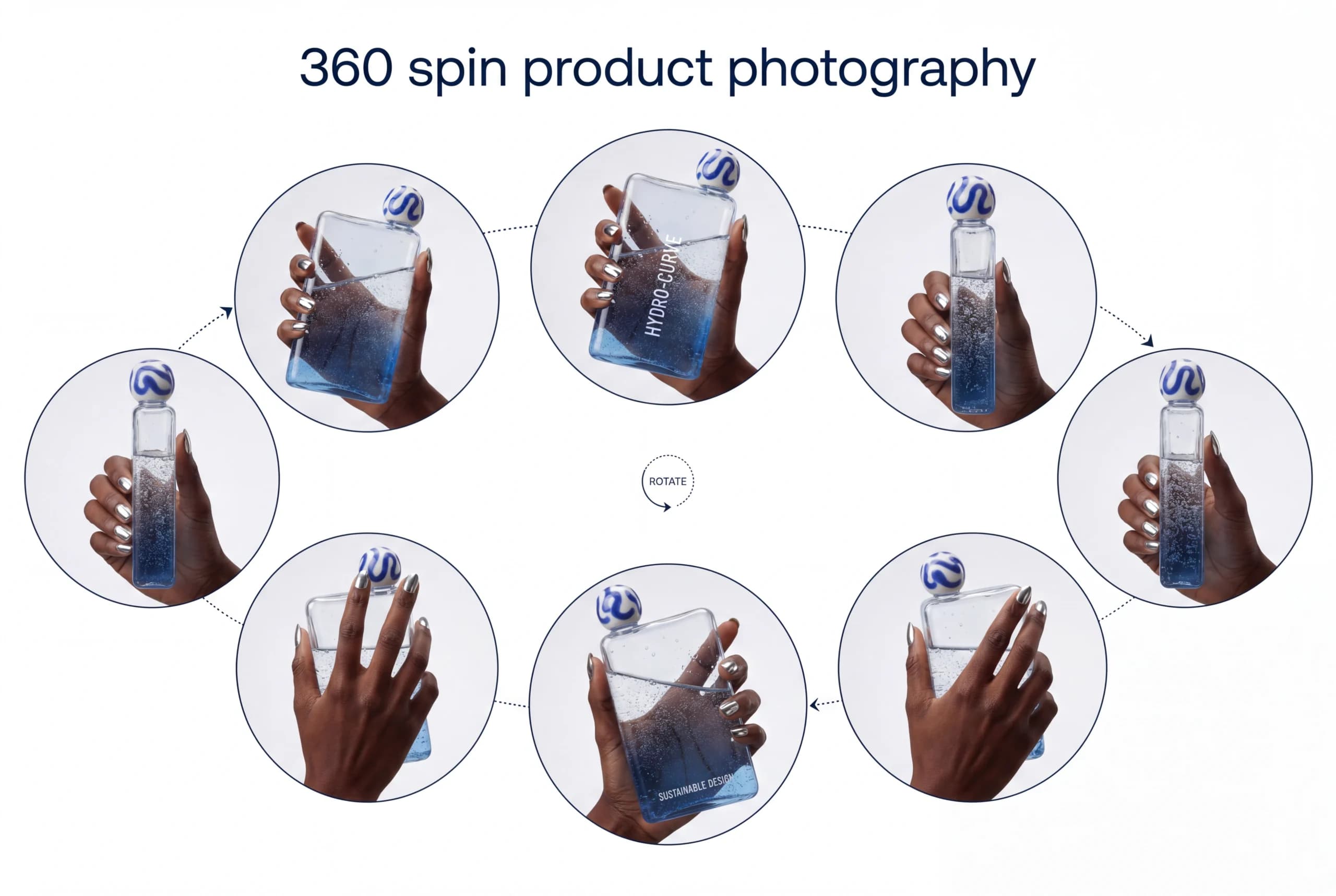
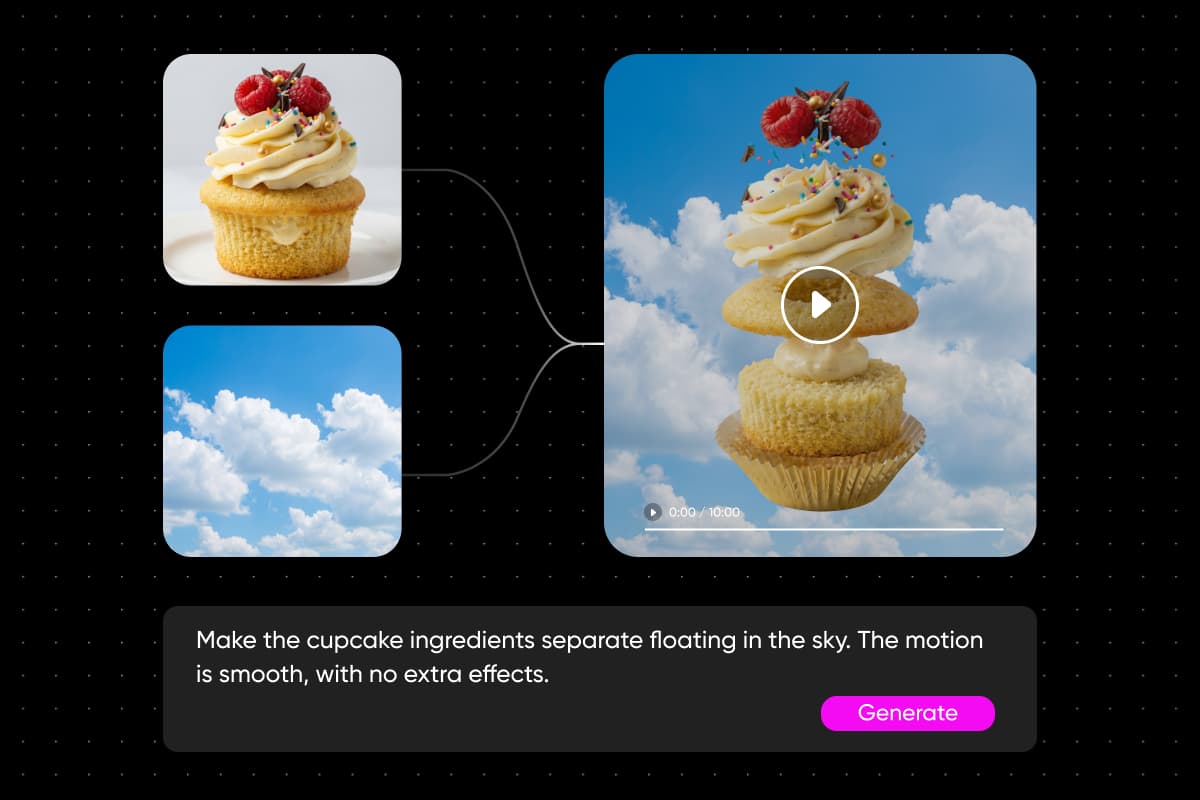
Noch kein Videomaterial? Mit einem Produktfoto kannst du eine Videoanzeige erstellen. Camera Motion erstellt aus dem Standbild einen 5- bis 15-sekündigen Clip. Dabei fährt die Kamera heran, umkreist das Produkt oder schwenkt daran vorbei, während das Produkt genau wie aufgenommen aussieht. Camera Angle rendert dasselbe Foto für den nächsten Schnitt von vorn, von der Seite oder von oben. Entdecke weitere Workflows für Bild-zu-Video-Animationen in Flow.
- 18 Voreinstellungen für Kamerafahrten
- Vorschau des Pfads vor dem Ausführen
- Benutzerdefinierte Pfade mit 2 bis 12 Keyframes
Teste Anzeigenvarianten ohne neue Aufnahmen
Relight verändert die Beleuchtung desselben Produktclips und verlegt ihn in die Dämmerung, in den Regen oder in den Schnee – so wird aus einer Aufnahme eine saisonale Anzeigenserie. Wähle alle Versionen aus und ändere Auflösung oder Dauer auf einmal oder tausche das Modell für die gesamte Auswahl aus. Mit Massenbearbeitungen und erneuten Durchläufen der gesamten Kette bleiben alle Versionen synchron, während du sie vergleichst. Für statische Anzeigen verwandelt die KI-gestützte A/B-Testvorlage einen Aufbau in 50 Varianten mit neuen Überschriften, CTAs und Farben.
- Bewege den Mauszeiger über eine Voreinstellung, um eine Vorschau zu sehen
- Mit einem Schritt rückgängig machen: Massenbearbeitung zurücksetzen
- Nodes, die gerade ausgeführt werden, bleiben unverändert
Lokalisiere eine Anzeige für jeden Markt
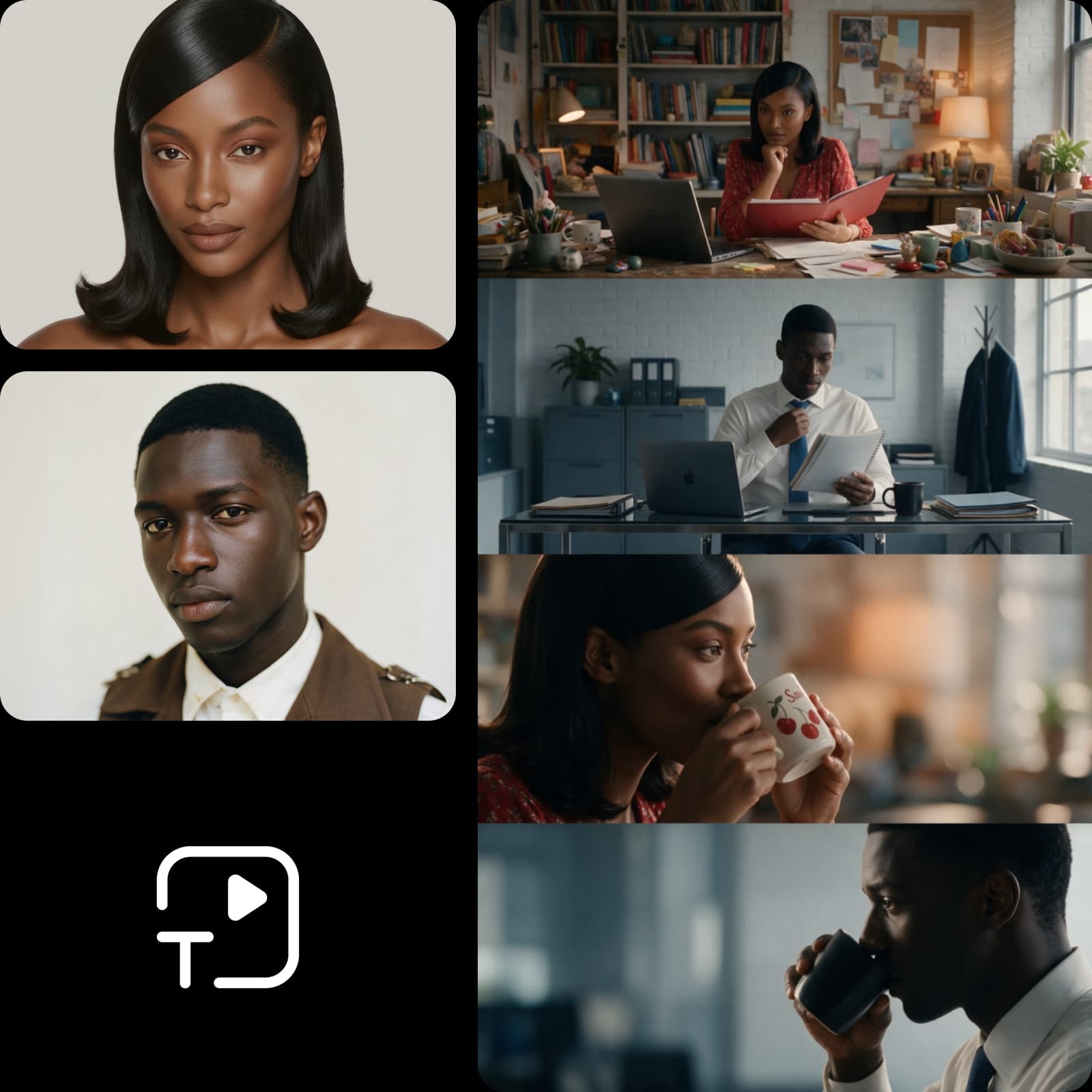
Eine Kampagne für fünf Länder sollte nicht fünf Drehs erfordern. Der Translate-Node gibt die fertige Anzeige in der Sprache des jeweiligen Markts aus – mit einer Stimme, die zu den lokalen Feeds passt. Für Text und Bild übersetzen die Lokalisierungsvorlagen von Flow den Text auf deinem Kampagnenbild und rendern ihn im selben Design neu. Alternativ kannst du die Szene für jede Stadt mit lokalen Wahrzeichen und passenden Texten neu erstellen.
- Synchronisiert die Lippenbewegungen in 190 Sprachen
- Behält deine eigene Stimme bei
- Lippensynchronität an den neuen Text angepasst
Übergib den Anzeigen-Workflow an dein Team
Sobald ein Anzeigen-Workflow funktioniert, können andere ihn ausführen, ohne den Graphen bearbeiten zu müssen. Veröffentliche einen Frame als einfache App mit Formular, und ein Marketingteam oder Kunde gibt Produkt und Angebot ein, um neue Anzeigen zu erstellen. Für die Personen, die den Workflow erstellen, sorgen Farb-Tags und die Suche auf der Arbeitsfläche für Ordnung in Kampagnen mit hundert Nodes. Entdecke weitere KI-Workflows für Marketing und Content-Erstellung.
- Jeder Durchlauf wird der Person berechnet, die ihn ausführt
- Privat oder per Link geteilt
- Die App bleibt unverändert, bis du sie erneut veröffentlichst
Erfahre, wer mit Flow Videoanzeigen erstellt
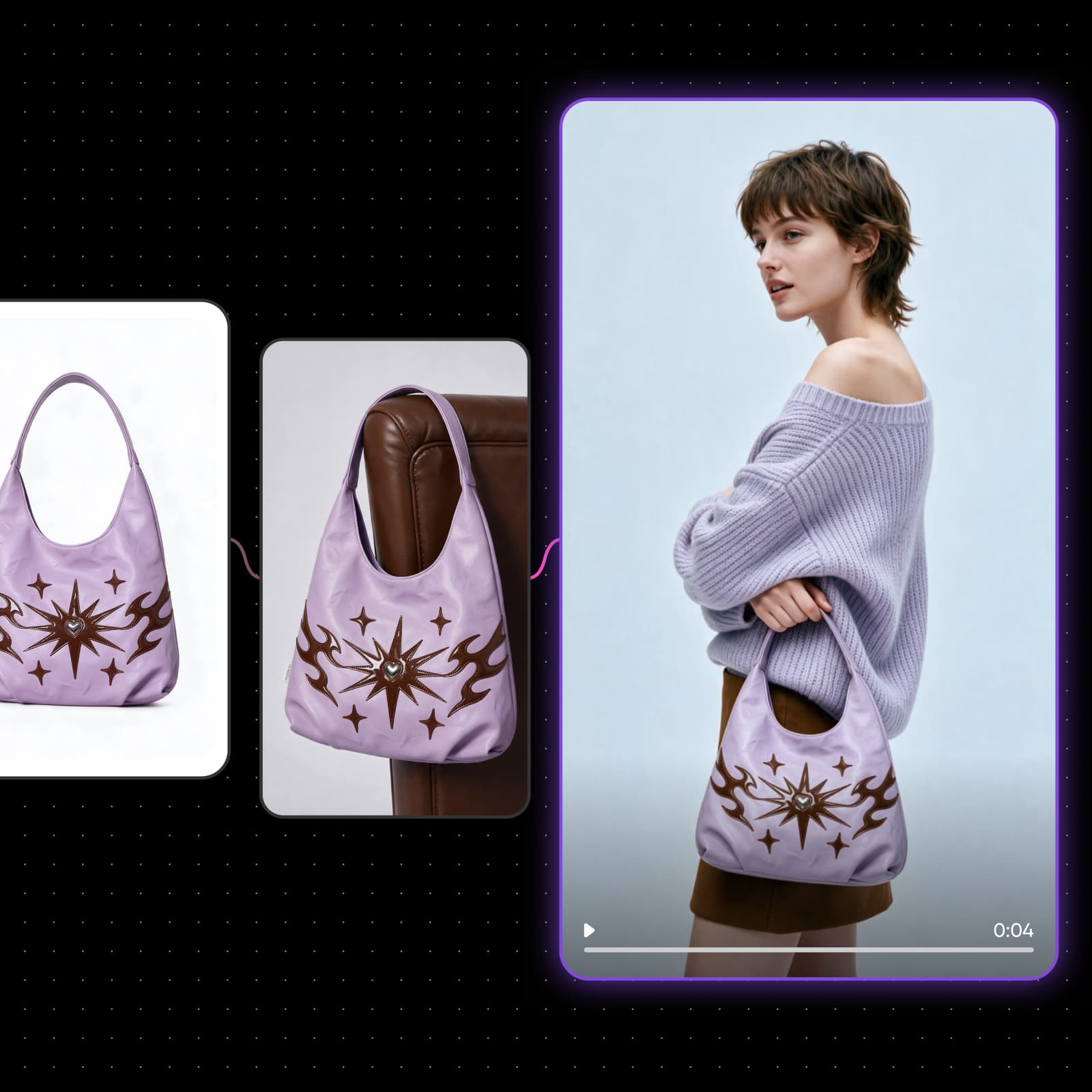
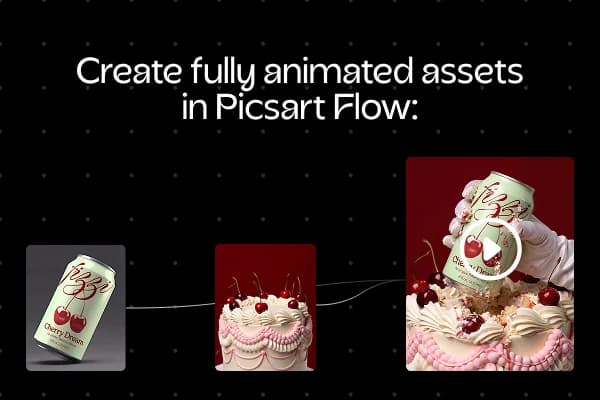
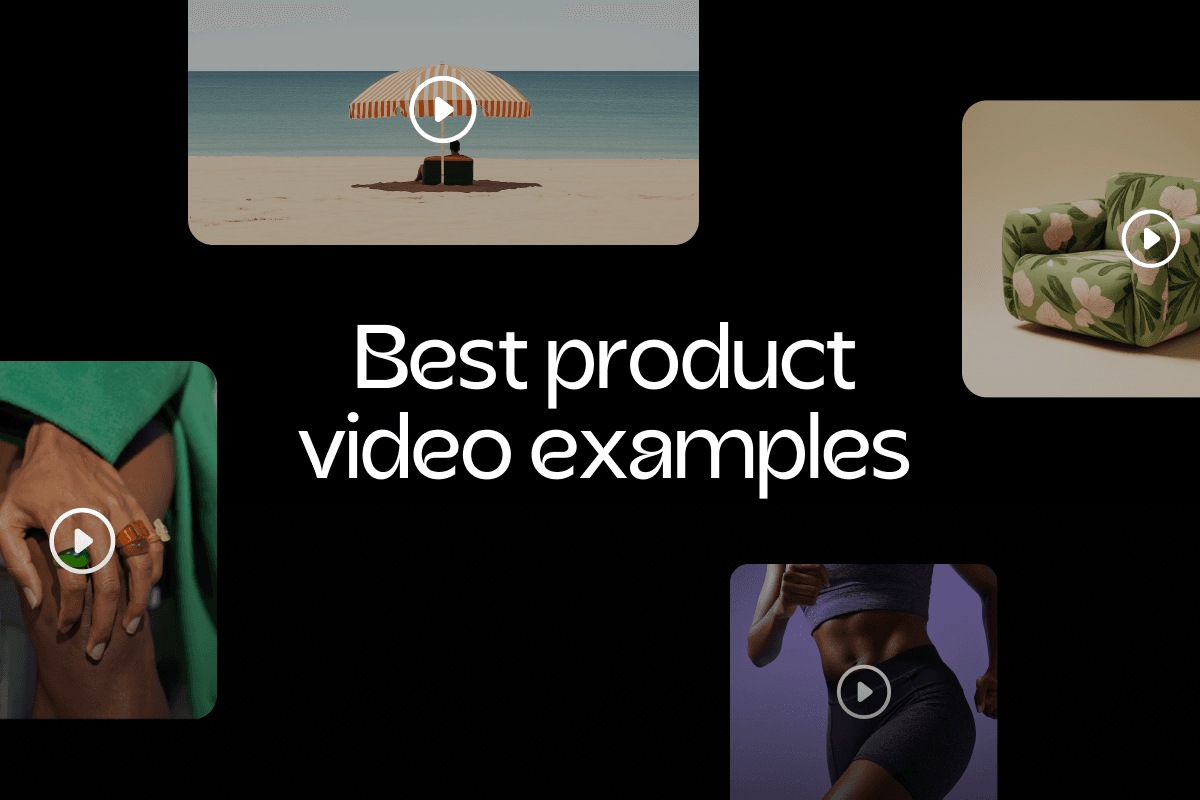
Online-Shops können jede Produktseite in eine Videoanzeige für den Produkteintrag und bezahlte Social-Media-Kampagnen verwandeln. Nutze denselben Anzeigen-Workflow für jedes neue Produkt, damit der gesamte Katalog ein einheitliches Erscheinungsbild hat.
Lies, warum Nutzer Picsart mit „Ausgezeichnet“ bewerten
Picsart-Bewertungen auf Trustpilot.
Plane und starte die gesamte Kampagne
Du brauchst auch einen Plan und Unterstützung beim Launch? AI Marketing Studio entwirft die Strategie, erstellt die Anzeigen, testet sie, bevor du Geld ausgibst, und veröffentlicht sie auf Google Ads. Anschließend zeigt es dir, was funktioniert.
Erfahre mehr über Videoanzeigen
Antworten auf deine Fragen zur Erstellung von Videoanzeigen
Das Videoanzeigen-Tool in Picsart Flow wird mit KI-Credits statt mit einer Pauschalgebühr genutzt. Du verbrauchst Credits nur für die Aufnahmen, die du generierst. In den Picsart Pro- und Ultra-Abos sind Credits enthalten, und zusätzliche Pakete kannst du jederzeit hinzufügen. Jedes Modell zeigt seine Credit-Kosten vor dem Start an – so kennst du den Preis jeder Videoanzeige im Voraus.
Generiere Videoanzeigen für deine Kampagnen
Pro
Most popularAI tools for everyday creative work.
Ultra
Most powerfulHeavy AI usage for creators & teams.