Elimina el fondo de tu logo sin esfuerzo
¿Buscas una forma rápida de quitar el fondo de tu logo? Crea al instante un logo transparente con la herramienta de eliminación de fondos con IA de Picsart.
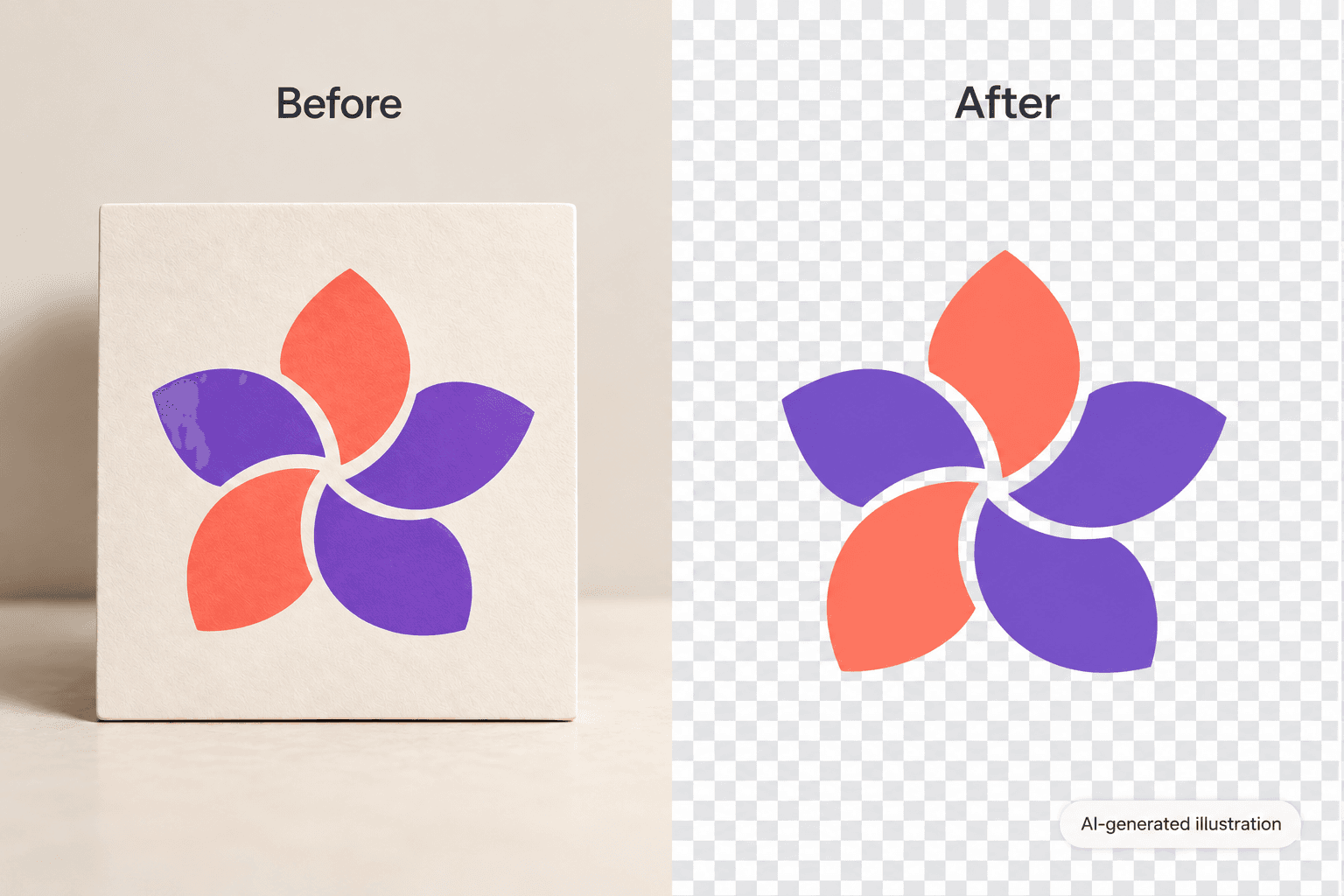
Crea logos con modelos de imagen de IA
Usa modelos de imagen para transformar fondos, fotos de producto y recortes en imágenes profesionales.
Cómo quitar el fondo de un logo
How to
Herramientas quitafondos de logo para principiantes
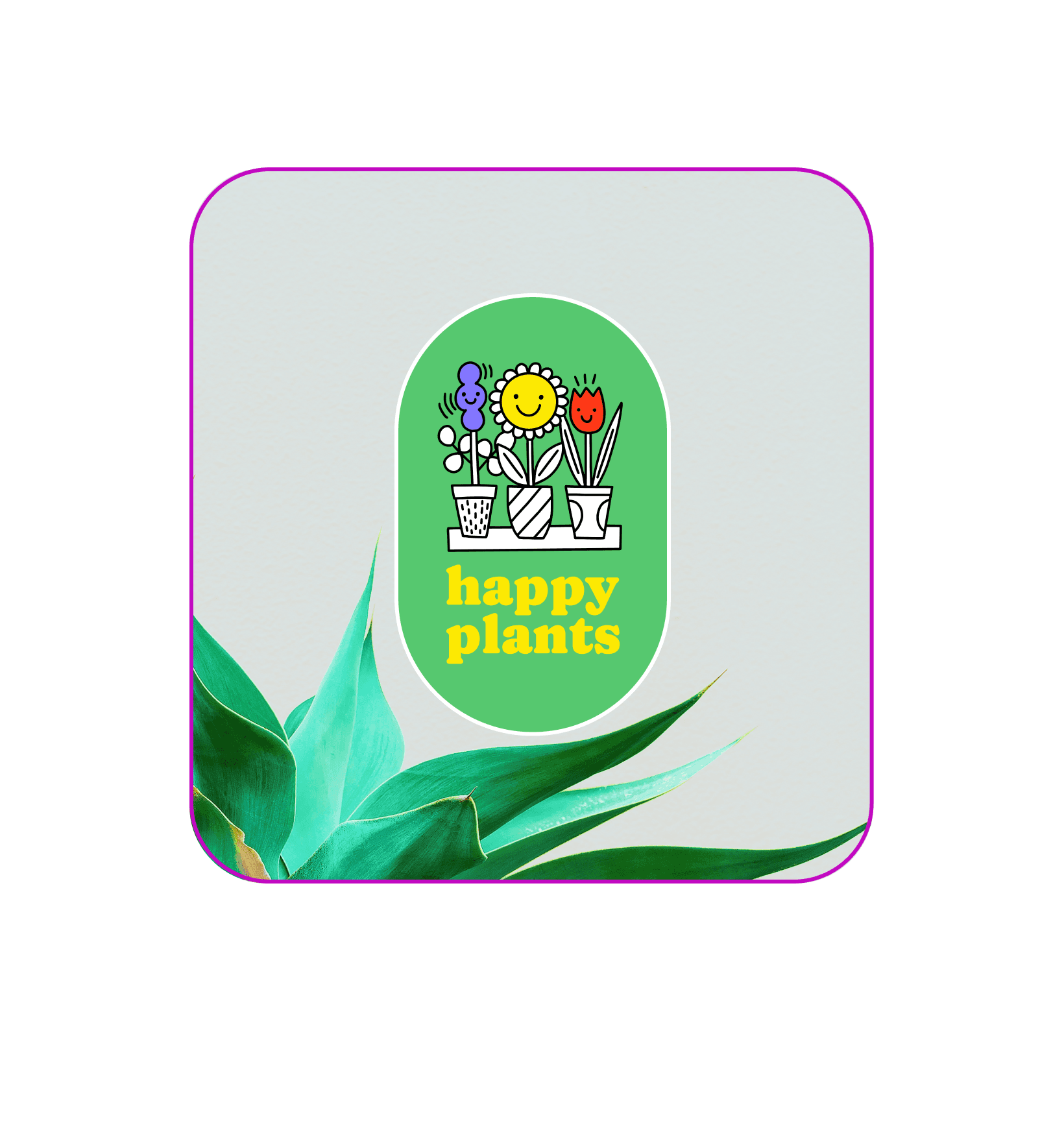
Aunque no tengas habilidades de diseño, con un solo clic puedes quitar el fondo de tu logo y lograr un resultado impecable con la herramienta para eliminar fondos de Picsart. La IA traza automáticamente tu diseño de logo y elimina el fondo, para que puedas aumentar tu profesionalismo y el reconocimiento de marca sin pasar horas editando. Con un quitafondos de logo, podrás guardar fácilmente tu logo con fondo transparente e insertarlo donde —y cuando— lo necesites.

Haz transparentes tus logos al instante
Ya sea que estés construyendo tu marca personal o renovando tu negocio, tu logo importa. Los logos transparentes son profesionales y versátiles, así que puedes colocar tu logo en cualquier lugar. Al eliminar el fondo, puedes agregar tu logo sin problemas al merch de tu empresa, presentaciones, diseños para impresión o incluso usarlo como marca de agua. Para quitar el fondo de un logo, usa la herramienta para eliminar fondos y haz el trabajo con un solo clic. Solo tienes que subir tu logo y dejar que la IA elimine el fondo automáticamente.

Extrae logos de las imágenes sin perder calidad
Con un quitafondos automático de logos a tu lado, no tendrás que preocuparte por perder calidad de imagen. Un creador de logos transparentes elimina tu logo del fondo circundante con precisión para ofrecer un archivo PNG de alta calidad. Una vez que hayas eliminado el fondo del logo, podrás usar tu nuevo logo para diseñar camisetas, tarjetas de presentación, presentaciones y otros recursos creativos para tu negocio.
Cambia fácilmente el fondo de tu logo
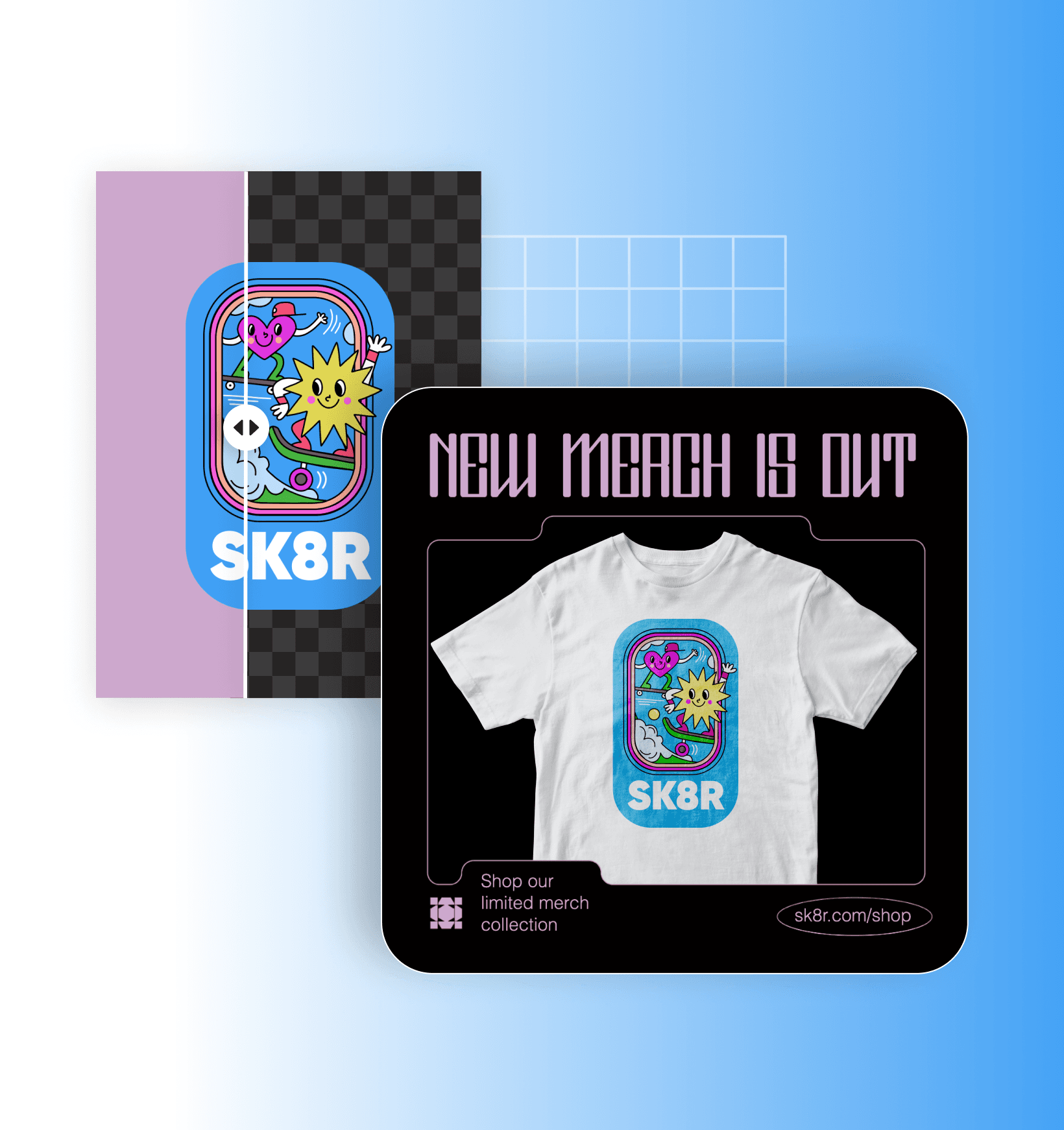
Después de quitar el fondo de un logo, puedes cambiar el fondo para iluminar el entorno e impregnar tu logo de creatividad. O, si buscas un enfoque más creativo, prueba a generar fondos con IA únicos para darle vida a tu diseño de logo. Una vez que encuentres el fondo perfecto, puedes usar nuestro editor de fotos en línea para perfeccionar tu imagen, ajustar tu logo o incluso crear un diseño de logo totalmente nuevo.

Preguntas frecuentes sobre el quitafondos de logos
Los logos con fondos transparentes son limpios y profesionales. Además, puedes usarlos en diferentes plataformas y con distintas paletas de colores sin preocuparte por el color de fondo.
Valoración de la herramienta
Prueba Picsart y comprueba por ti mismo por qué es la herramienta de edición preferida por millones de usuarios.
Como aparece en


Limpia tus elementos visuales para un contenido de creador impecable
Pro
Most popularAI tools for everyday creative work.
Ultra
Most powerfulHeavy AI usage for creators & teams.
Enterprise
Custom AI solutions for large organizations.
- Volume discounts on credit rate
- On-demand top-ups


