Quita el color de las imágenes como por arte de magia
Elimina al instante y gratis el color de fondo de imágenes y videos con el eliminador de color de imágenes en línea de Picsart.
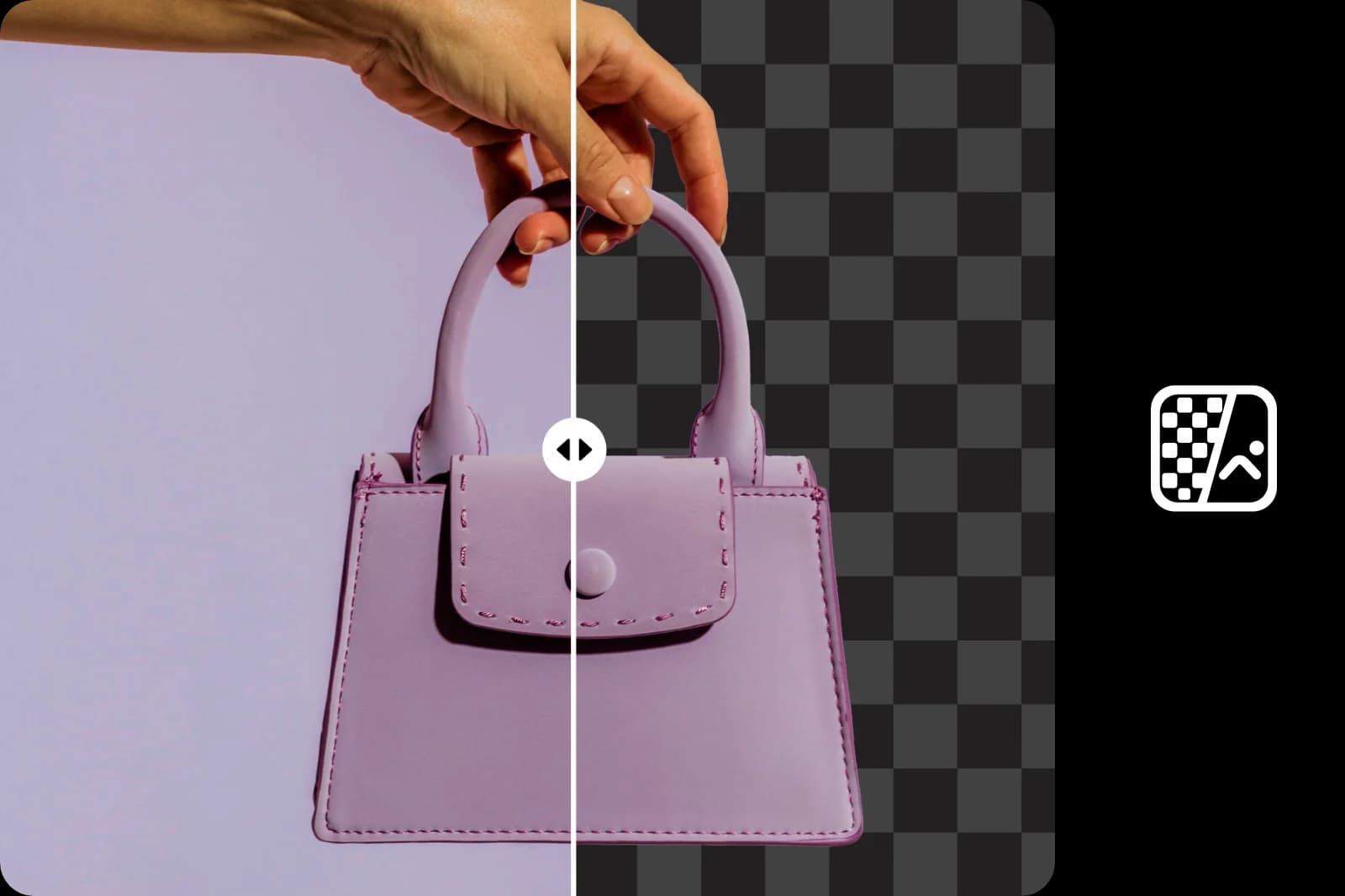
¿Por qué usar eliminación de color de fondo?
Cómo quitar el color de fondo de las imágenes
Borra fácilmente fondos de cualquier color
Usa gratis en línea la innovadora herramienta para quitar fondos de Picsart, impulsada por IA, para quitar el color de las imágenes y crear un fondo transparente uniforme. Deja que la IA elimine automáticamente los colores no deseados sin que tengas que mover un dedo. Además, puedes cambiar los colores de fondo sin abrir otra pestaña.
- Reutiliza sujeto sin fondo

Quita el color de cualquier imagen
Ya sea que quieras eliminar una pantalla verde para destacar tu producto, quitar un fondo blanco para lograr un aspecto profesional o eliminar un aburrido fondo negro de tu presentación, el eliminador de color de imágenes de Picsart será tu mejor aliado. Quita colores específicos de las imágenes y consigue un fondo totalmente limpio con solo un par de clics.
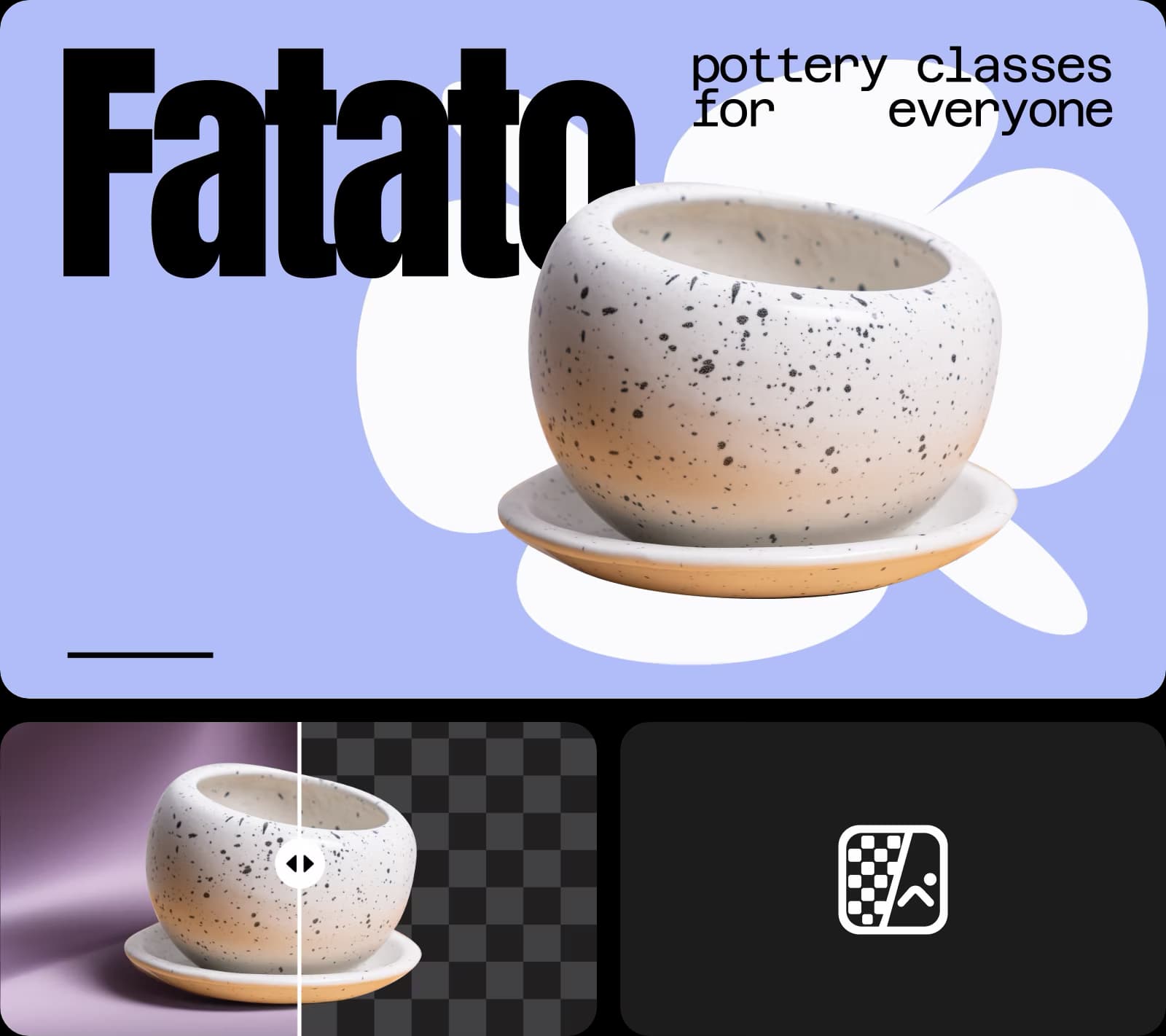
Mejora tus imágenes fácilmente
Quita colores específicos de tus imágenes para crear contenido que destaque. Tanto si quieres crear un collage llamativo como un perfil uniforme en redes sociales, Picsart te da el control total. Usa el eliminador de objetos para seleccionar los colores que quieres quitar, elimina texto no deseado en segundos y quita personas de tus diseños fácilmente.

Mejora tu contenido profesional con el eliminador de color de imágenes
Sin importar en qué sector trabajes, la herramienta para quitar el color de imágenes de Picsart puede transformar tu contenido. Usa la eliminación de pantalla verde de Picsart para agilizar la edición de videos, la fotografía y la producción cinematográfica. Crea fotos de productos más limpias, mejora las fotos de perfil de tu empresa y lleva tu marketing al siguiente nivel.
- Prepara recorte para tu próximo diseño
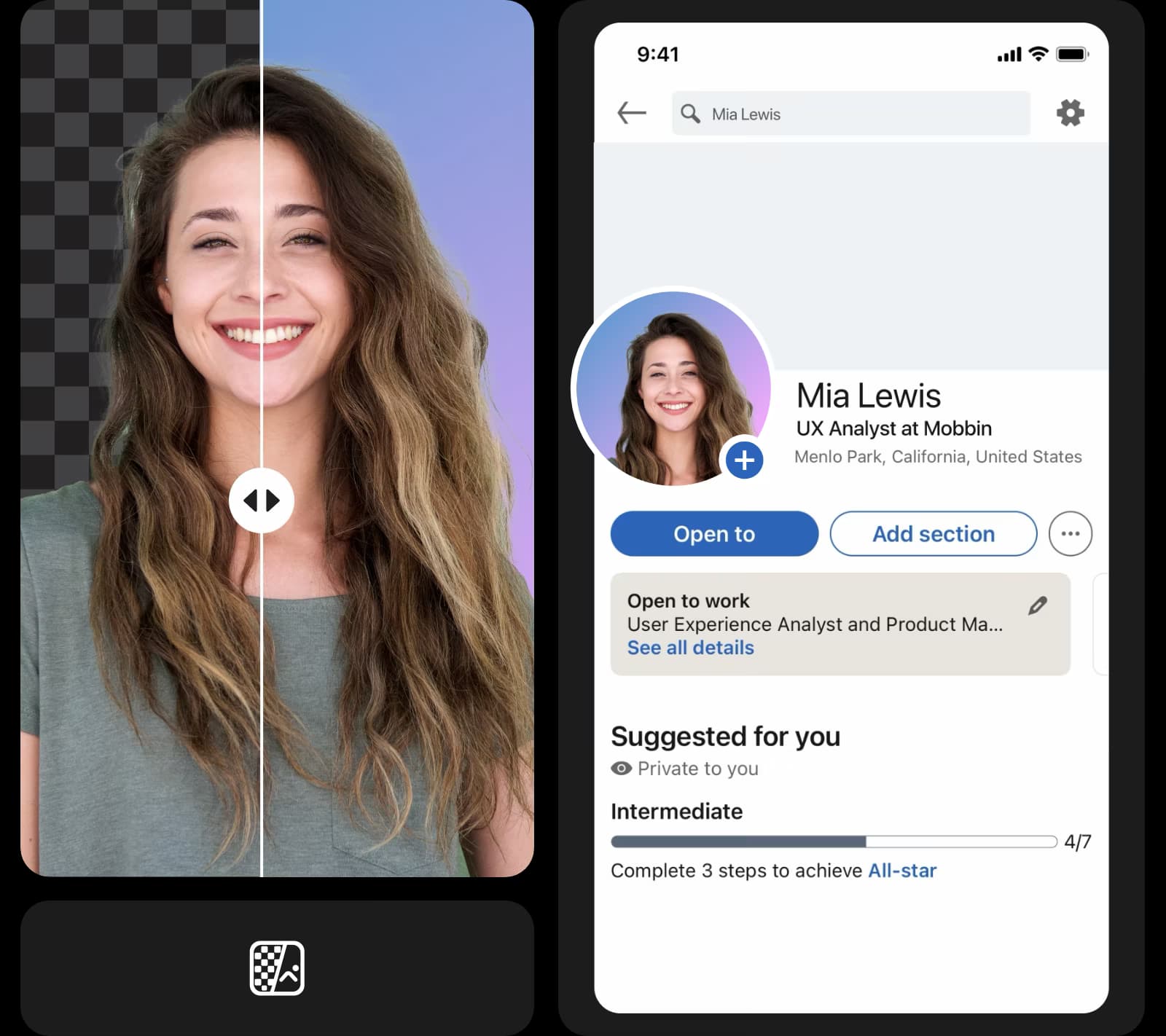
Lleva tus imágenes más lejos con plantillas listas para usar
Lleva tus imágenes al siguiente nivel combinando las imágenes sin color con las plantillas personalizables de Picsart.


Prueba ahora el eliminador de color de fondo
No hace falta ser diseñador profesional para quitar el color de una imagen. La herramienta en línea gratis, rápida y fácil de usar de Picsart lo hace automáticamente por ti. Elimina cualquier tono, cambia los colores fácilmente y usa las herramientas de edición de fotos de Picsart para hacer realidad tu visión.
Todas las funciones que necesitas en una interfaz práctica
Transforma tus imágenes en diseños profesionales con potentes herramientas de edición que hacen que crear sea rápido y sencillo.
Crea imágenes sin color con modelos de imágenes de IA
Usa modelos de imágenes para transformar fondos, fotos de productos y recortes en imágenes impecables.
Preguntas frecuentes sobre el eliminador de color de imágenes
Puedes quitar el color de fondo de tus imágenes en segundos con la sencilla herramienta en línea de Picsart. Solo tienes que subir tu foto y dejar que la IA haga su trabajo.
Perfecciona tus imágenes para crear contenido impecable
Pro
Most popularAI tools for everyday creative work.
Ultra
Most powerfulHeavy AI usage for creators & teams.
Enterprise
Custom AI solutions for large organizations.
- Volume discounts on credit rate
- On-demand top-ups
Mucho más que un eliminador de color de fondo


