تصویر خود را بهصورت آنلاین و رایگان تار کنید
بهسادگی هر عکسی را با استفاده از ابزارهای بصری Picsart بهصورت آنلاین تار کنید. تمرکز را افزایش دهید، حواسپرتیها را پنهان کنید و با استفاده از انواع افکتهای تار قابل تنظیم، در چند ثانیه به نتایج حرفهای دستیابید.
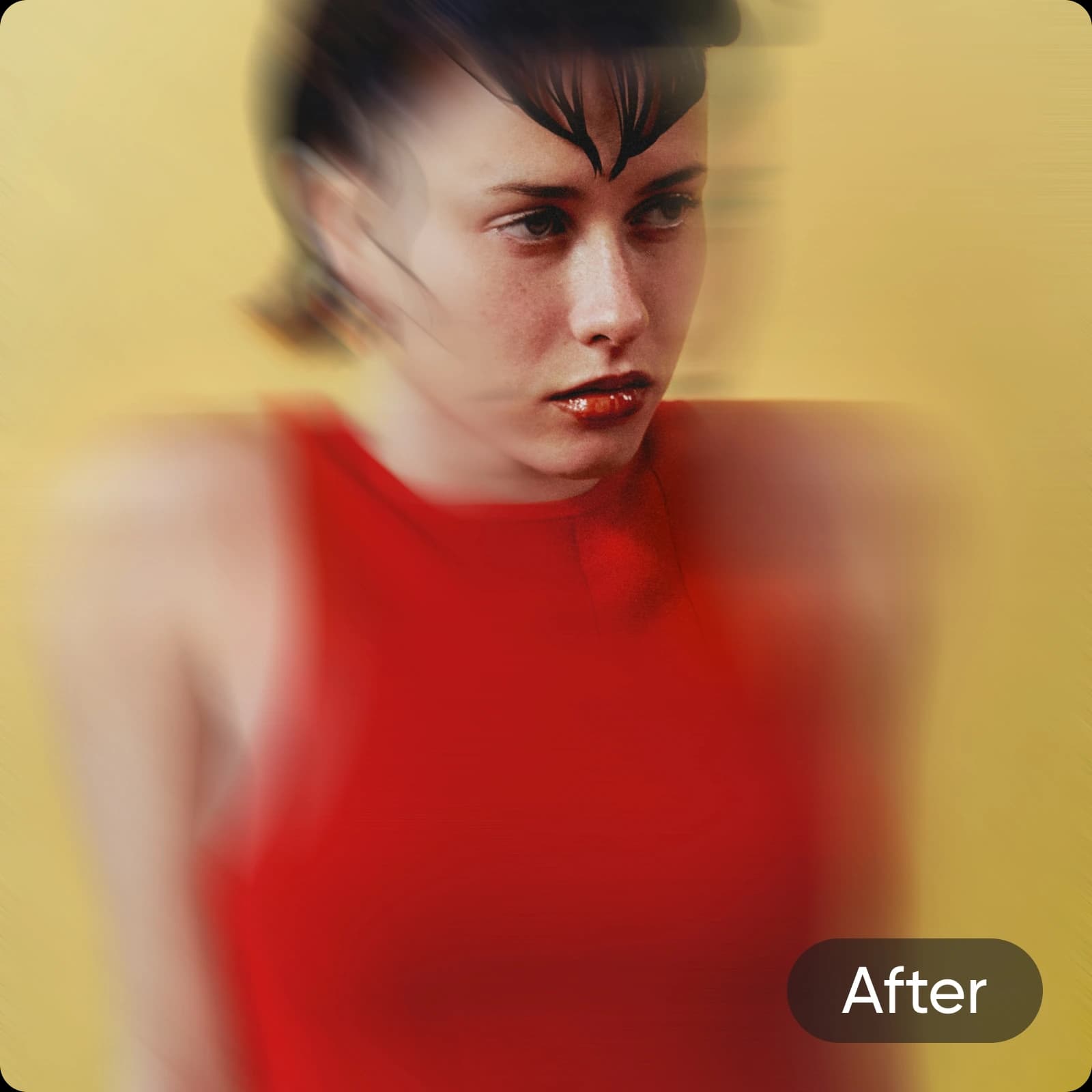
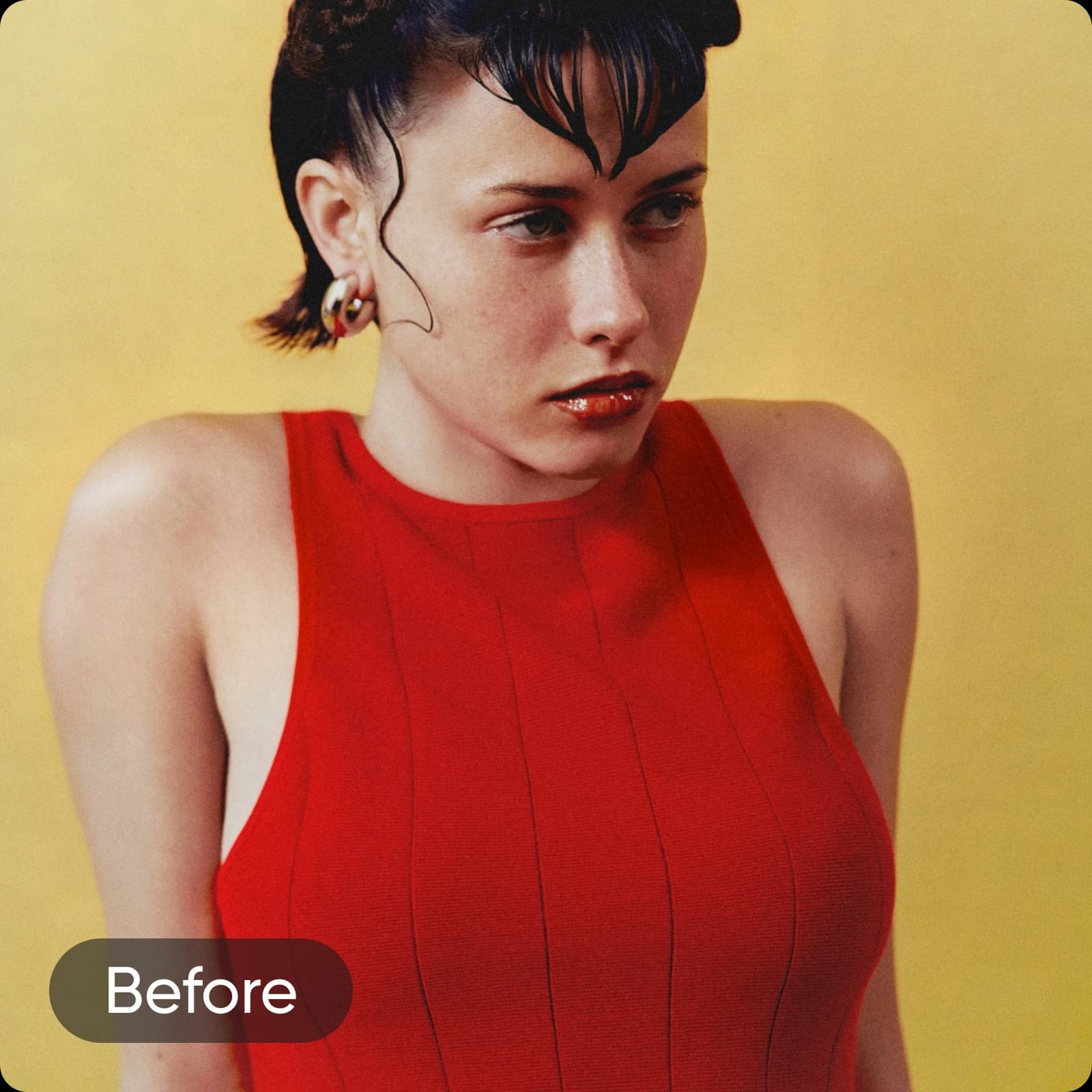
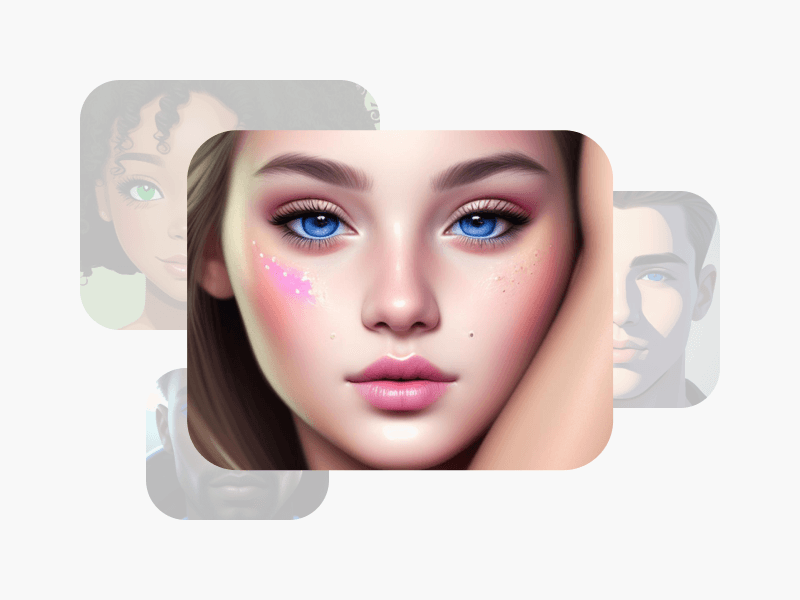
ایجاد تصویر تار با مدلهای تصویری هوش مصنوعی
از مدلهای تصویری برای تبدیل عکسها با سبکها، اثرها و جهتدهیهای بصری آماده برای ویرایش استفاده کنید.




چگونه عکسها را با Picsart تار کنیم
How to
انتخاب یک عکس
تصویری را که میخواهید تار کنید انتخاب کنید.
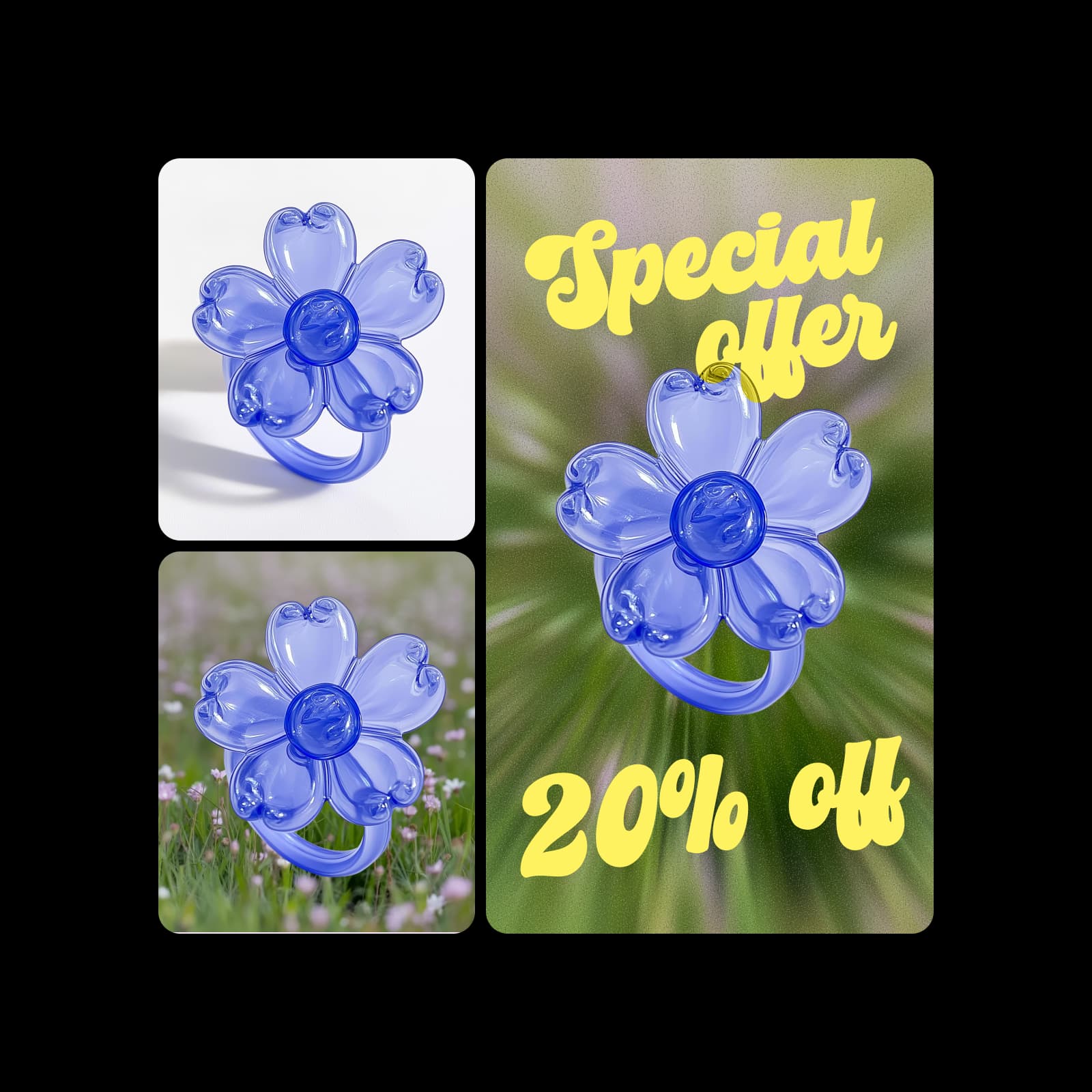
تار کردن تصاویر برای متمایز کردن موضوعات شما
کارایی عکاسی محصول خود را با فیلترهای تار افزایش دهید. محصول خود را برجسته کنید و فوراً از پسزمینه متمایز سازید. تصاویر را بیش از برای پستها و تبلیغات شبکههای اجتماعی با تار کردن که فوراً توجه مخاطبان شما را به خود جلب میکند و محصولات شما را در تمام شکوه آنها نشان میدهد، تار کنید.
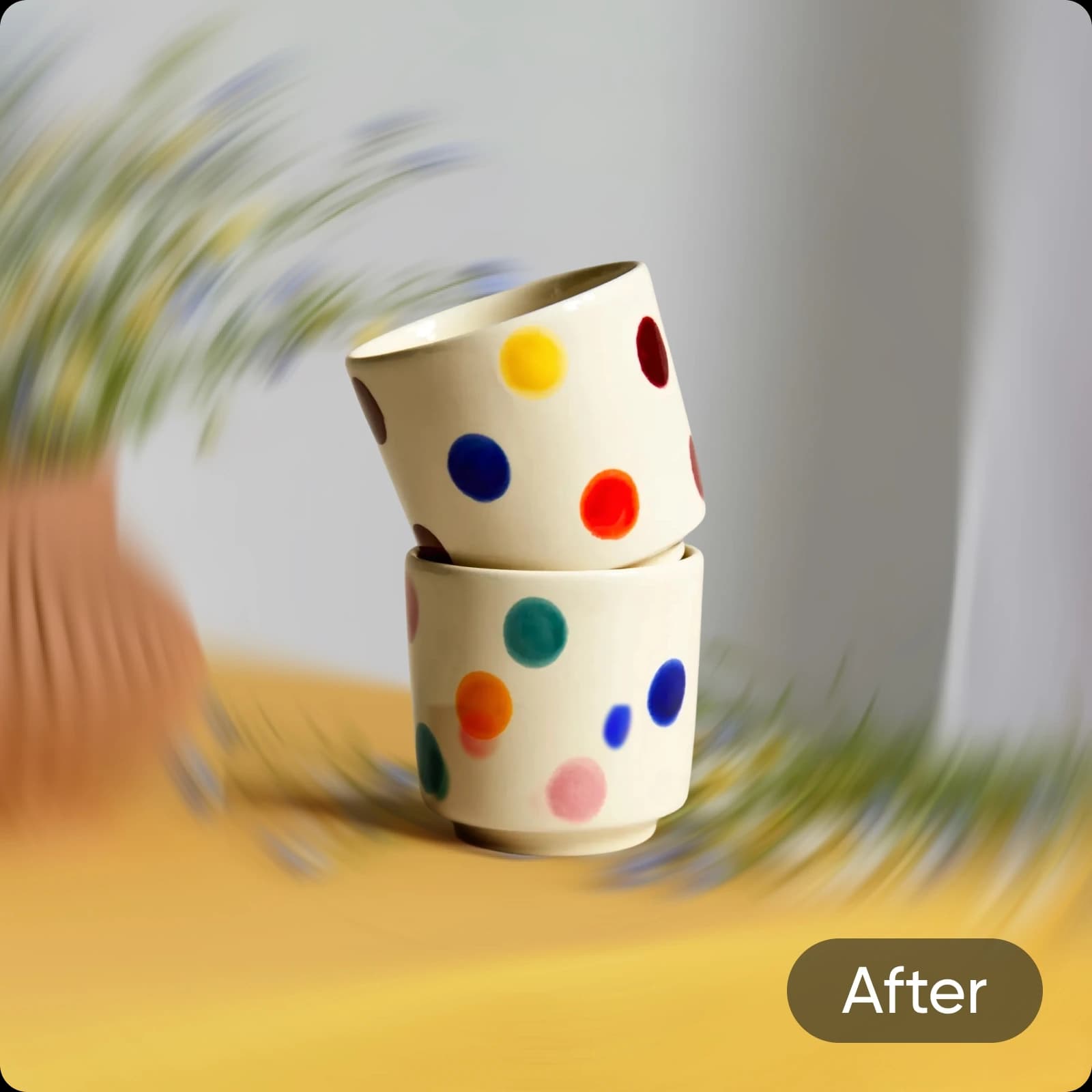
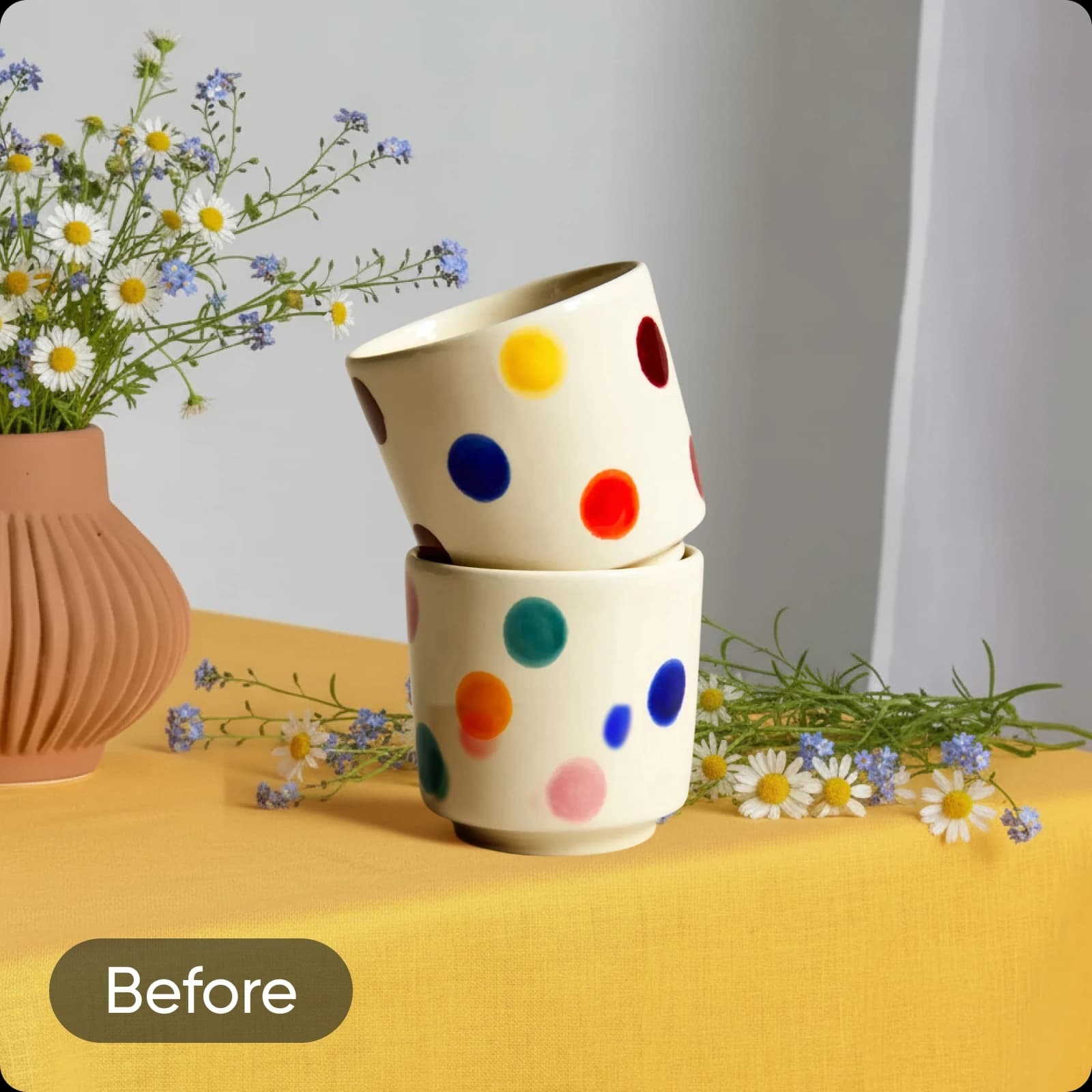
بگذارید هوش مصنوعی تار کردن تصاویر را انجام دهد
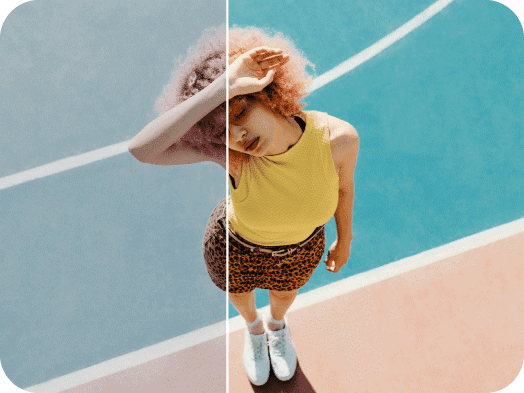
به هوش مصنوعی بگذارید تصاویر را بهطور دقیق تار کند در حالی که آنچه مهم است بهطور کامل شفاف بماند. فیلتر هوشمند تار بر پایه هوش مصنوعی بهطور خودکار موضوع عکس را شناسایی کرده و پسزمینه را برای برجستهسازی تار میکند. و به لطف لغزندههای تنظیم، شما بهطور کامل کنترل دارید که چگونه تار روی عکس شما ظاهر میشود.
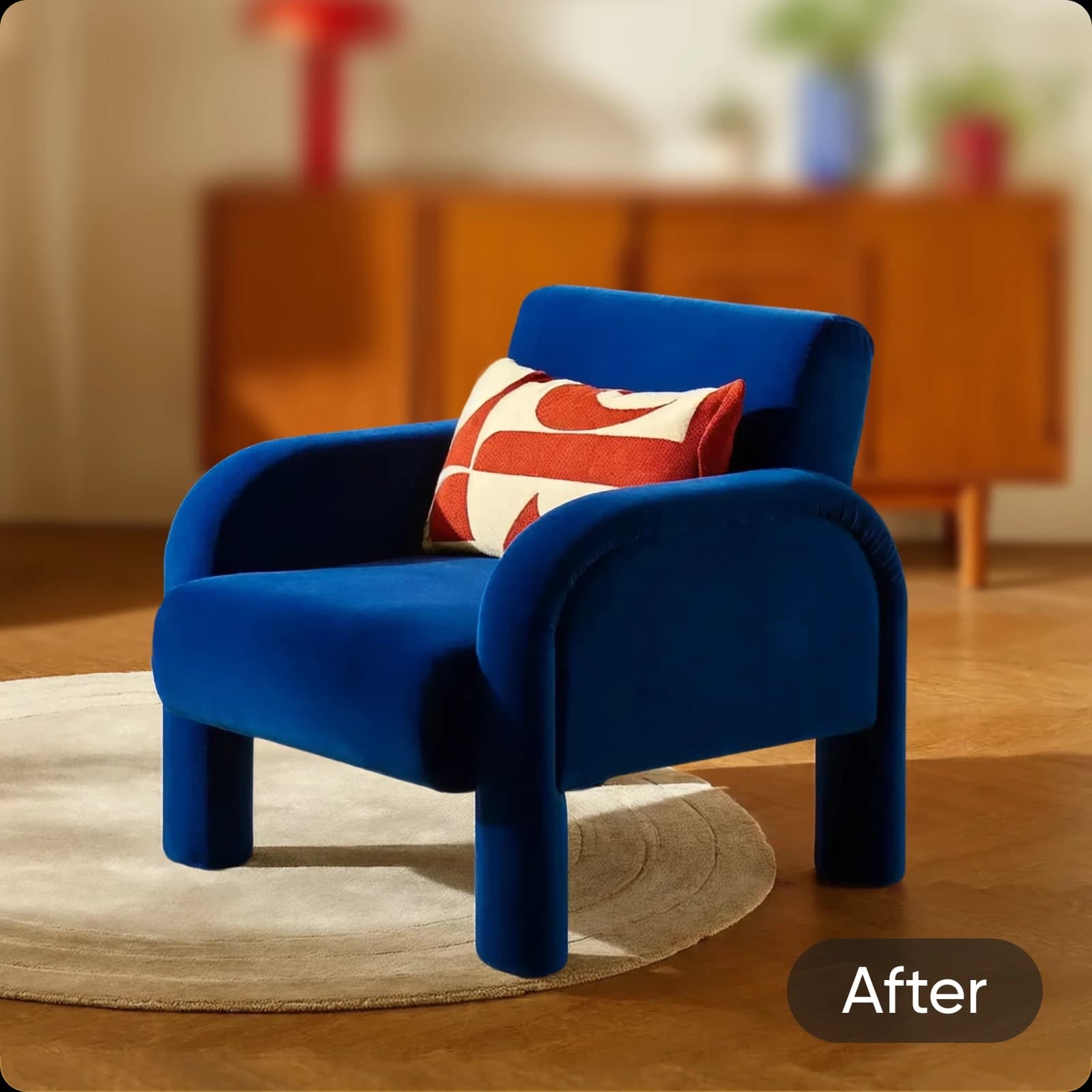
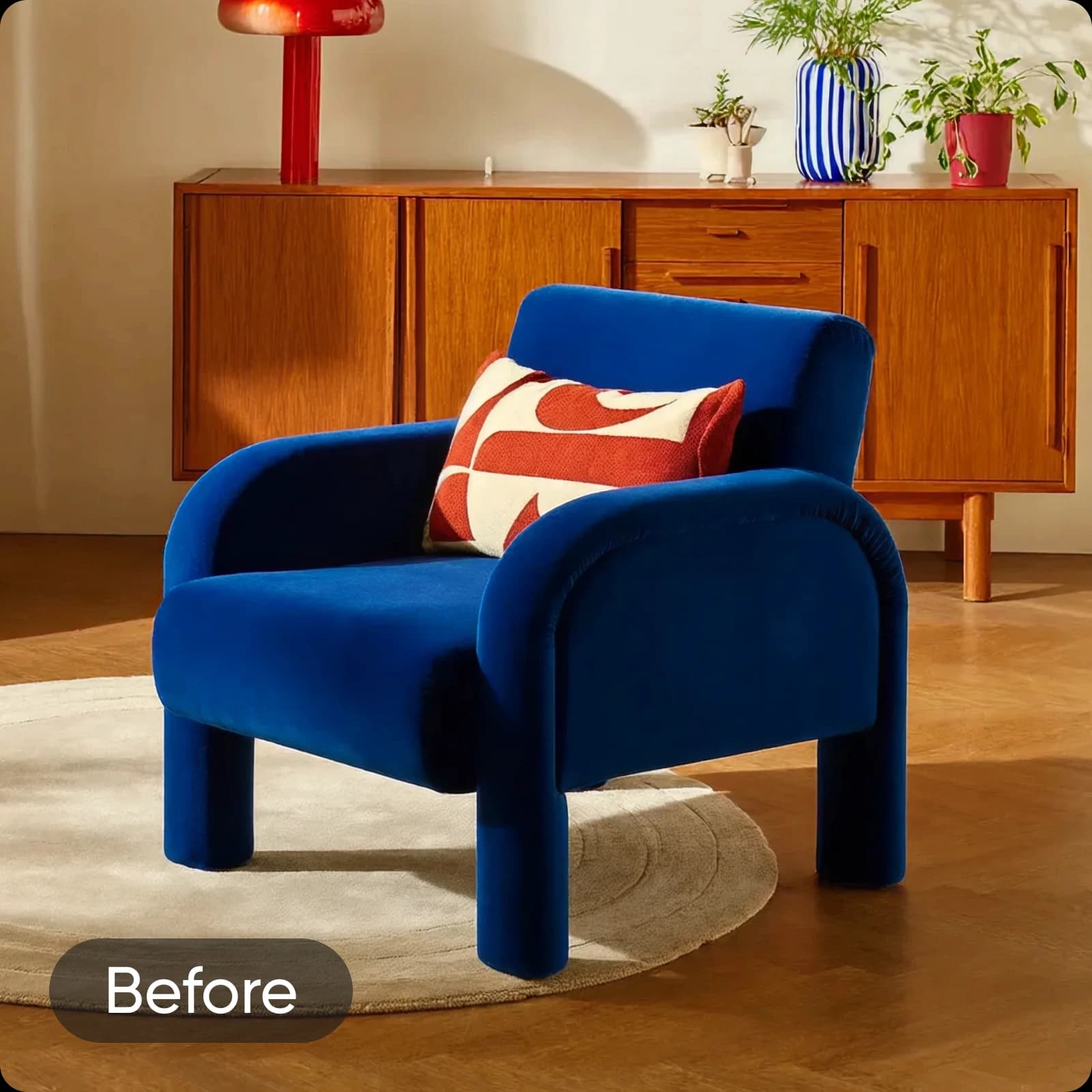
تار را به سلیقه خود تنظیم کنید
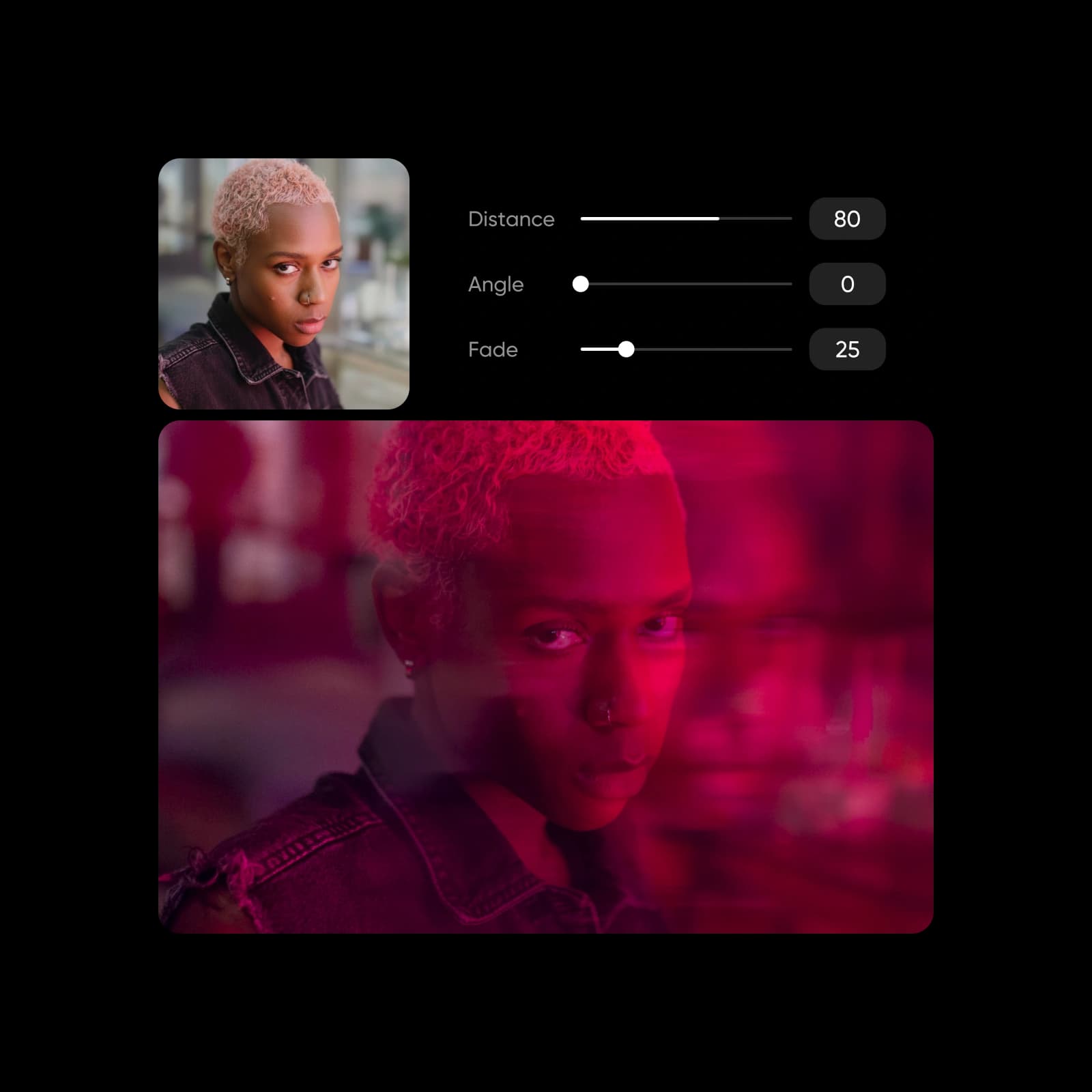
بهسادگی کنترل کنید که چگونه اثرات تار بر روی تصویر شما ظاهر میشود با لغزندههای تنظیم. قدرت تار و محو شدن آن را در صورت لزوم تنظیم کنید. از حالتهای ترکیب بهره ببرید تا با تاریکتر کردن، روشنتر کردن، یا حتی ضرب برای تار قویتر بازی کنید.

قفل کردن امکانات خلاقانه بیشتر با تار
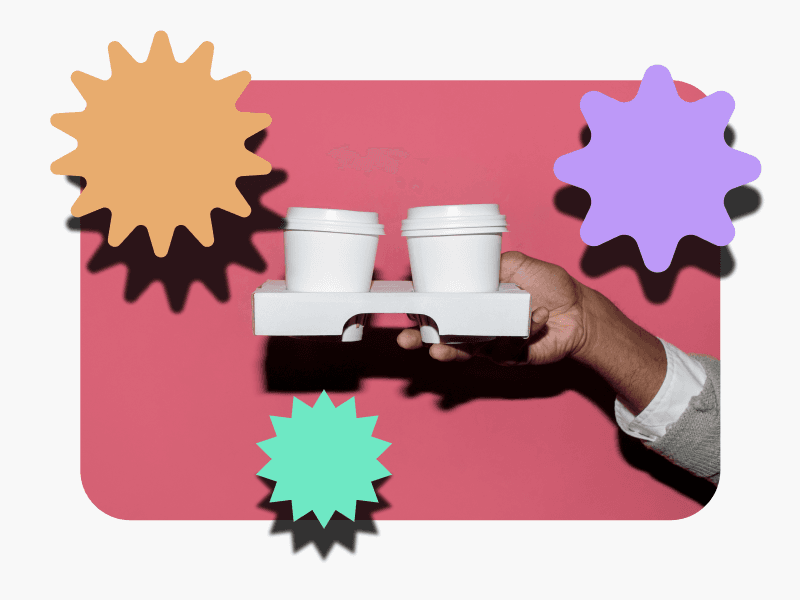
بهبود عکاسی محصول
اجازه دهید محصولات شما با تمرکز واضح در برابر تارفای نرم و حرفهای متمایز شوند. بافتها، رنگها و جزئیات را برجسته کنید در حالی که حواسپرتیها را از قاب خارج نگه میدارید - ایدهآل برای تجارت الکترونیک، کاتالوگها، و تبلیغاتی که نیاز به بصریهای تمیز و جلا داده شده دارند.
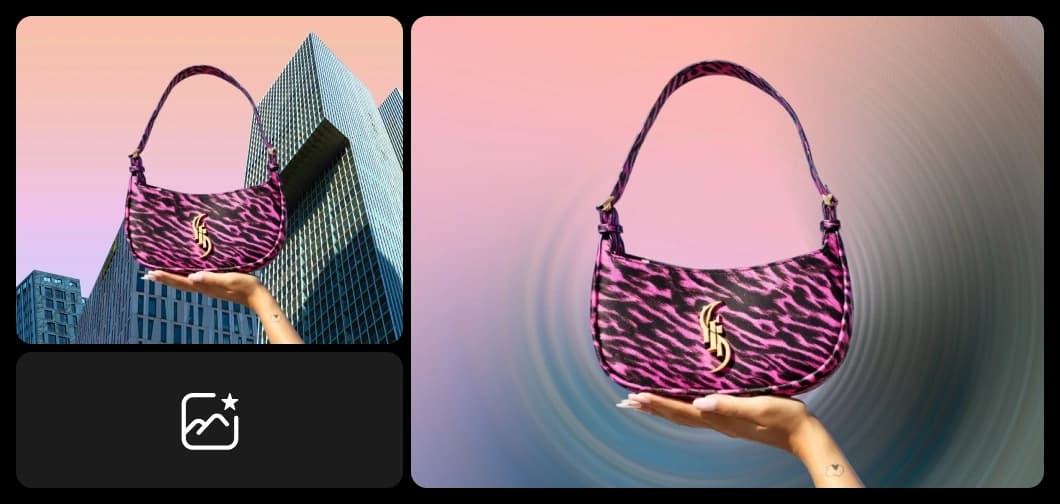
تصویر خود را به پسزمینهای کامل تبدیل کنید
عکسهای خود را با اثرات تصویر تاری Picsart به پسزمینه بعدی محبوب خود تبدیل کنید. بهویژه اگر برنامهدارید متنی روی آن قرار دهید، تصاویر تاره پسزمینههای کاملی میسازند! پیامهای تبلیغاتی خود را ادویه بدهید بدون این که ساعتها صرف تلاش برای یافتن پسزمینه کامل و رایگان کنید.

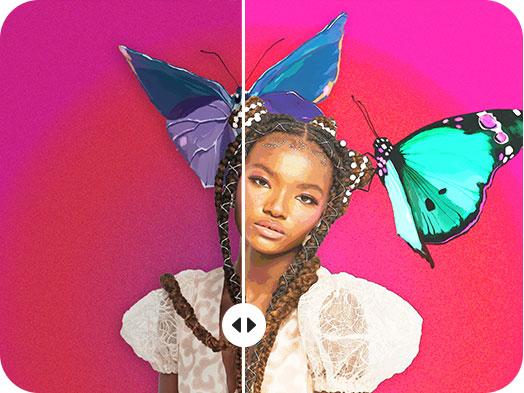
اثرهای تاری را با فیلترهای خلاقانه عکس ترکیب کنید
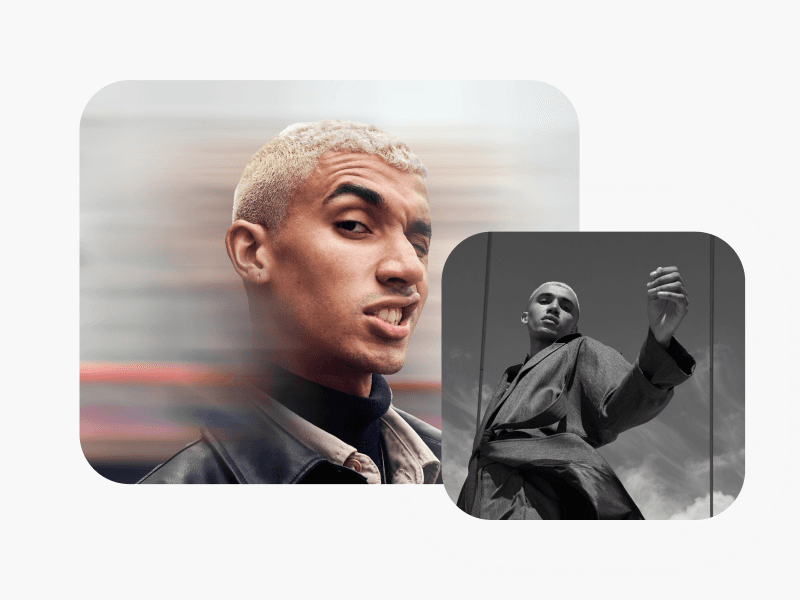
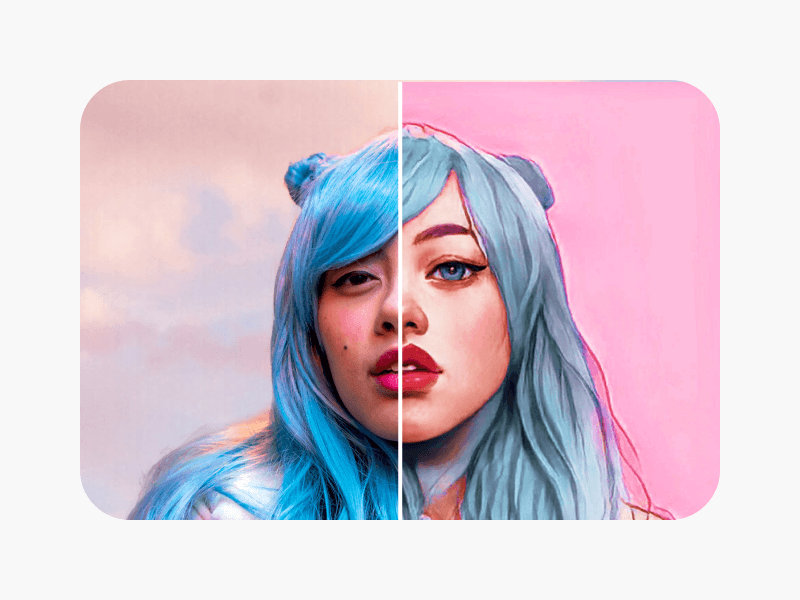
ویرایشهای عکس تاری خود را با اثرات عکس دست به دست دهید تا تصاویر منحصربهفرد و هنری خلق کنید. تاری پسزمینه را با عکس به کارتون برای پرترههای استایلدار جفت کنید، یا تاری حرکتی را با سیاه و سفید برای حالات دراماتیک ترکیب کنید. فیلترهای ویینتیج، پوششهای زیباییشناسی، دانههای فیلم، نئون یا اثرهای دوتونی را اضافه کنید تا هر عکس تاری دستاوردی برجسته تبدیل شود.
ابزارهای بیشتر برای دوست داشتن از Picsart


سوالات متداول در مورد تاری تصویر
بله، میتوانید! فیلتر تار را اعمال کنید و سپس دوباره آن را انتخاب کنید تا لغزندههای تنظیم را باز کرده و شدت و محو شدن تار را تنظیم کنید.
ایجاد تمرکز و عمق برای هر تصویر
Pro
Most popularAI tools for everyday creative work.
Ultra
Most powerfulHeavy AI usage for creators & teams.
Enterprise
Custom AI solutions for large organizations.
- Volume discounts on credit rate
- On-demand top-ups