
מצוין לחלוטין! טוב מאוד מצדכם לספק תוכנה כזאת בחינם. ניסיתי רבות להסיר רקע והשייכם תמיד נותן תוצאות מצוינות. תודה.
Margaretמסיר מסך ירוק אונליין לתמונות
הסירו את המסך הירוק מתמונותיכם אונליין עם מסיר המסך הירוק החינמי, האוטומטי והאיכותי של Picsart.
מדוע להשתמש בהסרת המסך הירוק?



כיצד להסיר מסך ירוק מתמונה
How to
בחרו תמונות
השתמשו בכפתור העלאת תמונה וזהו. Picsart יסיר אוטומטית את המסך הירוק.
צרו תמונות שקופות במהירות
הפיכת התמונה שלך לשקופה לא צריכה להיות תהליך מסובך. עם יוצר הרקע השקוף של Picsart, זה לוקח רק שנייה. כל מה שעליך לעשות הוא לבחור את התמונה והכלי מסיר רקעים מהתמונות שלך באופן אוטומטי, ומשאיר לך PNG שקוף וגמיש מספיק לשימוש על צבעי רקע, דוגמאות או משטחים שונים.
- שכב את החיתוך בעיצובים חדשים

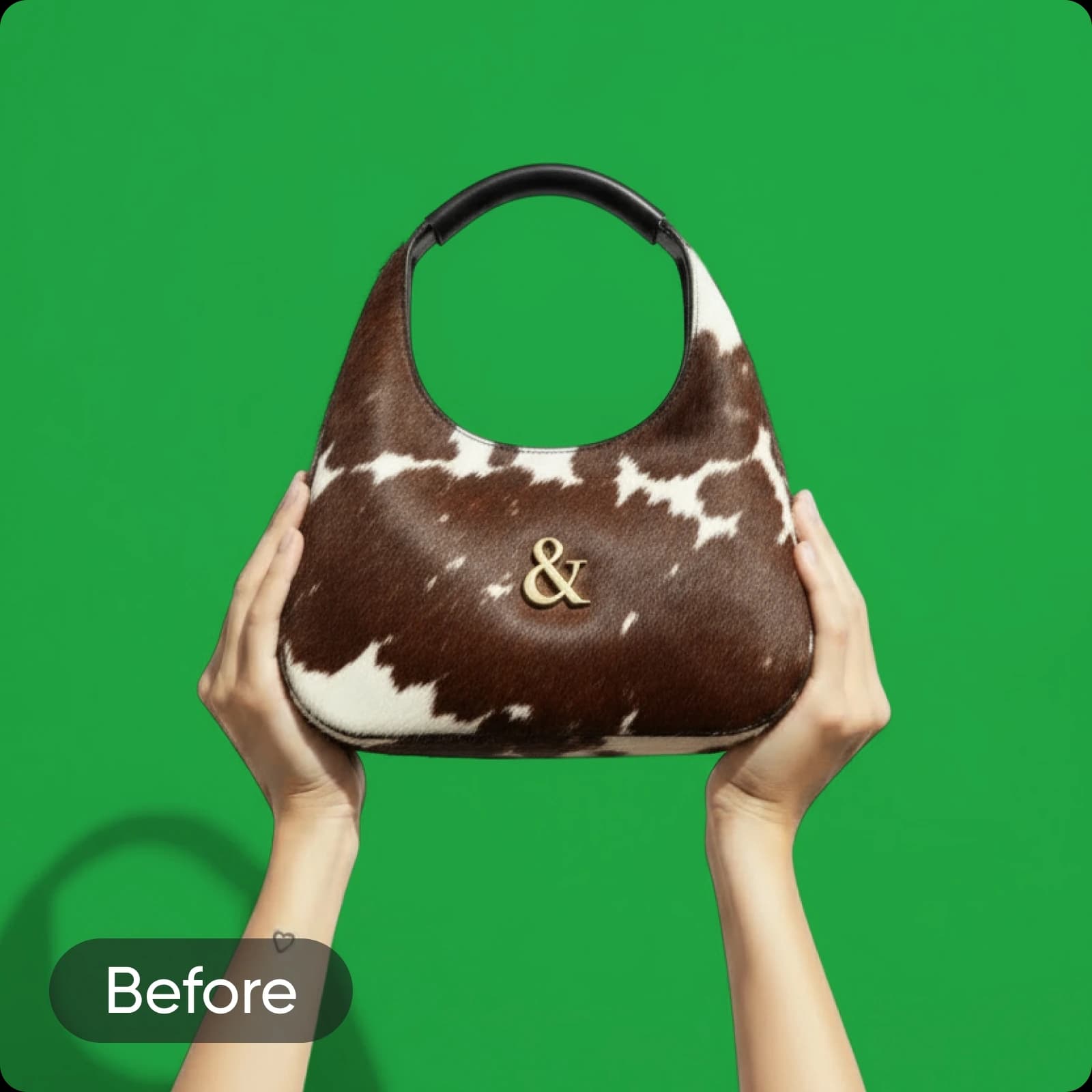
After
מחקו מסכי ירוק בבת אחת
המר תמונות מיידית עם הסרת המסך הירוק החינמית של Picsart. בין אם מדובר ברקע ירוק אחיד, כרומה קי או תמונות עם אפקטים של מסך ירוק, בינה מלאכותית של Picsart מסירה את הרקע באופן חלק ובתוך שניות מייצרת תמונות ללא רקע.
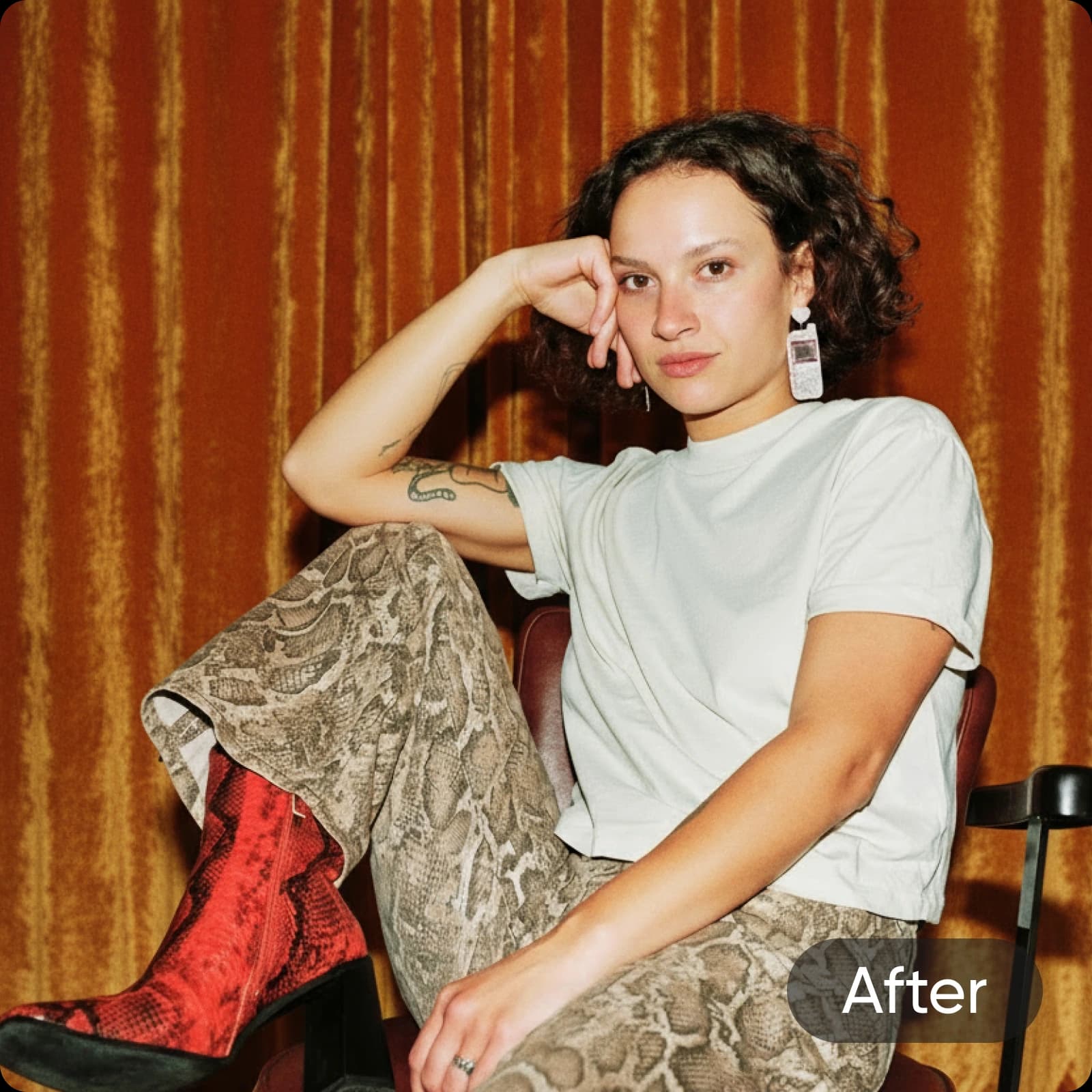
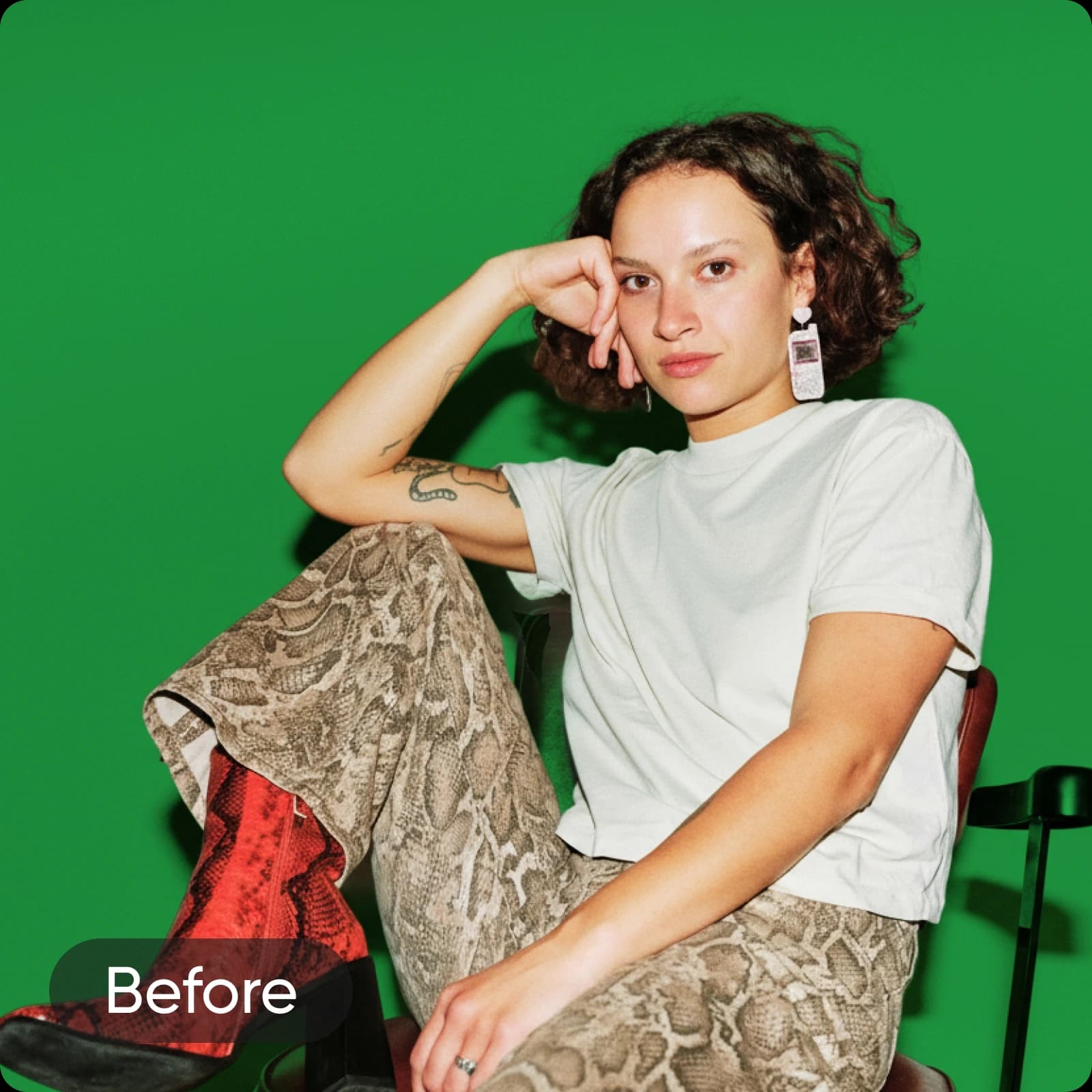
After
הגיעו לתוצאות מדויקות עם עורך הרקע למסך ירוק
עם Picsart לא תאבד אף פרט בתהליך הסרת המסך הירוק. אפילו פרטים קטנים כמו קווצות שיער ישמרו בצורה מושלמת בתוצאה הסופית. ואיכות המקור לא תדחס או תשתנה לאחר ההסרה בעת יצירת PNG שקוף. עם זאת, אם איכות התמונה המקורית אינה חדה כפי שאתה רוצה, תוכל להשתמש במחדד המובנה כדי להסיר טשטוש מהתמונה מבלי לעבור לכלי אחר.
פשטו את הסרת המסך הירוק עבור העסק שלכם
יישם את המסך הירוק ומסיר כרומה קי בתהליך העריכה שלך כדי לבצע יותר בפחות זמן. בין אם אתה מוחק רקעים ירוקים מתוך צילומי מוצרים מסחר אלקטרוני או תמונות סטודיו, Picsart יכול לעמוד בכל זה. תן למוצרי המותג שלך מראה מלוטש או השתמש בתמונות הרקע שנוצרו כדי ליצור גרפיקה לפוסטים שלך ברשתות החברתיות, עיצוב אריזות ועוד!
- השתמש שוב בנושא באלמנטים של המותג
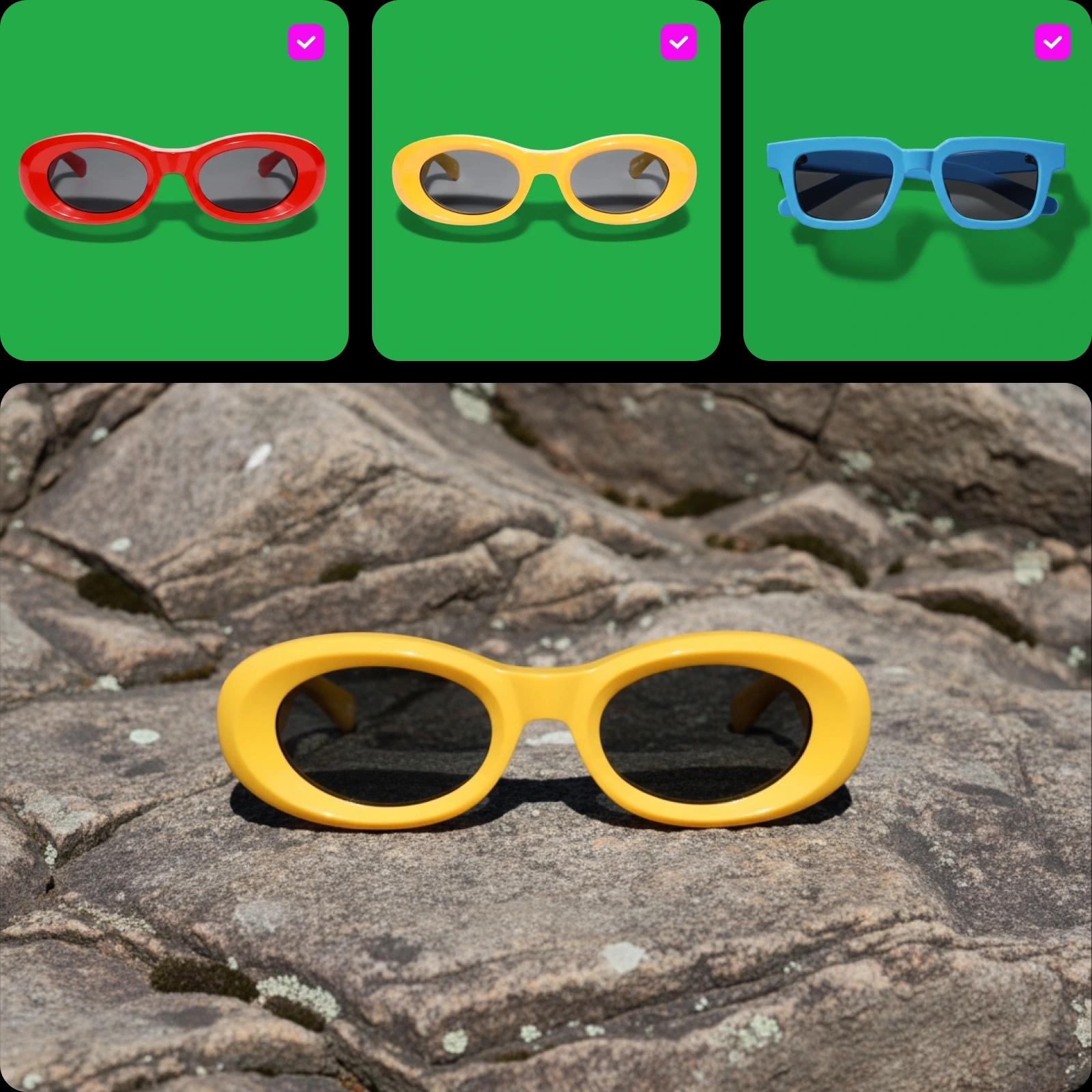
מחק בקבוצה עד 50 תמונות מסך ירוק בו זמנית
האוטם את התהליך המייגע של הסרת מסכים ירוקים אחד-אחד עם עורך הבצע של Picsart. פשוט העלה את התמונות שלך והסר את הרקעים הירוקים בו זמנית עם כפתור אחד. חסוך בזמן ובמאמץ, במיוחד כשאתה מתעסק בנפחים גדולים של תמונות עבור פרויקטים שונים.
התכונות הבולטות של מסיר המסך הירוק של Picsart
גלה את התכונות החזקות של מסיר המסך הירוק של Picsart, שתוכנן לפשט את העריכה ולהעניק תוצאות באיכות מקצועית תוך שניות.
הסרת מסך ירוק ללא בעיות
נפלא! מעולם לא היו בעיות עם הכלים שלכם. אני מעריך את היעילות שלהם. תודה רבה.
Patמצוין מאוד, אני מרשים ביותר! לא מפריע לי לקרוא ל-Picsart הטובים ביותר.
Emmanuelצרו מסך ירוק עם מודלי תמונות AI
השתמשו במודלי תמונות כדי לשדרג רקעים, צילום מוצרים, וחיתוכי תמונות לוויז'ואלים מלוטשים.
שאלות נפוצות על מסיר מסך ירוק
מסיר מסך ירוק הוא כלי שמפריד אוטומטית ומסיר את הרקע הירוק מתמונה. זה מאפשר לך להחליף את הרקע הירוק ברקע שונה או להשאיר את הרקע שקוף.
צרו חיתוכים נקיים לכל פרויקט יצירתי
Pro
Most popularAI tools for everyday creative work.
Billed yearly
Ultra
Most powerfulHeavy AI usage for creators & teams.
Billed yearly, per seat
Enterprise
Custom AI solutions for large organizations.
Custom credit volume
- Volume discounts on credit rate
- On-demand top-ups
Custom
Contact for pricing
שמרו על המומנטום היצירתי עם Picsart

מסיר רקעהסר ברקע באופן מובהק עם בינה מלאכותית או עשה אותו שקוף.

משנה רקעהחלף את הרקע או הסר אותו לגמרי.

משנה צבע PNGהוסף צבע רקע לקבצי PNG שקופים.

מסיר רקע לוגוצור רקעים שקופים לקבצי הלוגו שלך בקלות.

עורך תמונות בינה מלאכותיתהאץ את תהליך העריכה שלך עם עורך תמונות מבוסס בינה מלאכותית.

עורך תמונות בקבוצותערוך עד 50 תמונות בבת אחת עם עורך הבצע של Picsart.

שינוי צבע רקעהחלף את הרקע לרקע בצבע אחיד בקלות.

מסיר רקע לצילוםהסר את הרקע מתמונותיך במדויק בלחיצת כפתור.

מסיר רקע למוצריםהסר רקע מצילומי מוצר בקלות ליצירת תמונות מוצר נטולות הפרעות.