

שינוי משחק עבור העסק הקטן שלי. אני משתמש בכלי הניקוי כדי להכין את כל תמונות המוצר שלי. זה מסיר בחילה רקע בשניות ועושה הכל נראה באיכות סטודיו - ללא שכירת מקצוע.
Lina, business ownerניקוי תמונות באמצעות בינה מלאכותית
נצל בינה מלאכותית כדי לנקות תמונות בשניות בחינם. הסר בקלות אובייקטים, אנשים או טקסט מלא תמונות באמצעות מנקה התמונות המקוון של Picsart.
מדוע להשתמש בניקוי תמונות?
ניקוי תמונות לצרכים אישיים ועסקיים
כלי ניקוי התמונות של Picsart בנוי עבור עריכות תמונות עסקיות וביומיוטיות. עבור מוכרים ומשווקים, זה מושלם להסרת עומס רקע, ניקוי תמונות מוצר או שחזור תמונות כדי להיראות חדות ומקצועיות. לשימוש אישי, אתה יכול לנקות דיוקנאות, למחוק אנשים לא רצויים מצילומי נסיעות, או לתקן תמונות משפחה ישנות - אין צורך בעריכה מתקדמת.
- שמור את המיקוד על הנושא שלך
נקה תמונות בקלות באמצעות בינה מלאכותית
הגיע הזמן להגיד וידוע להפרעות לא רצויות, פגמים וכמויות. עם מנקה התמונות המקוון של Picsart, אתה יכול לשפר את הערך הוויזואלי של כל תמונה בשניות. פשוט סחוט על האזורים שברצונך לנקות, והשאר את AI לטפל בשאר. בין אם אתה רוצה להסיר אנשים, הפרעות רקע או טקסט מסיח, ניקוי תמונות הוא חסר מטרד עם Picsart - אפילו אם אין לך כישורי עריכה.
כלי ניקוי AI לעריכות תמונות מושלמות
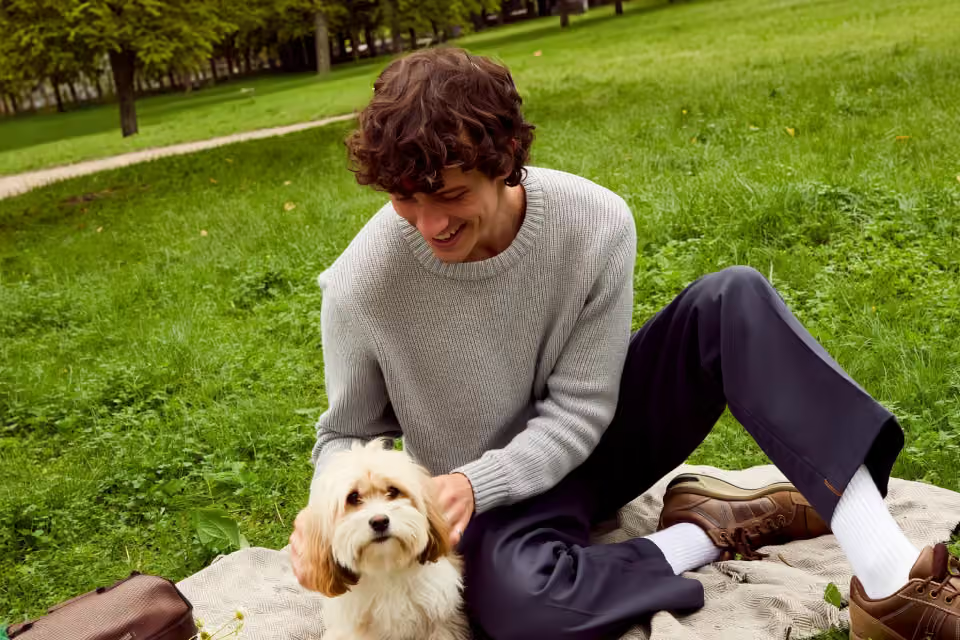
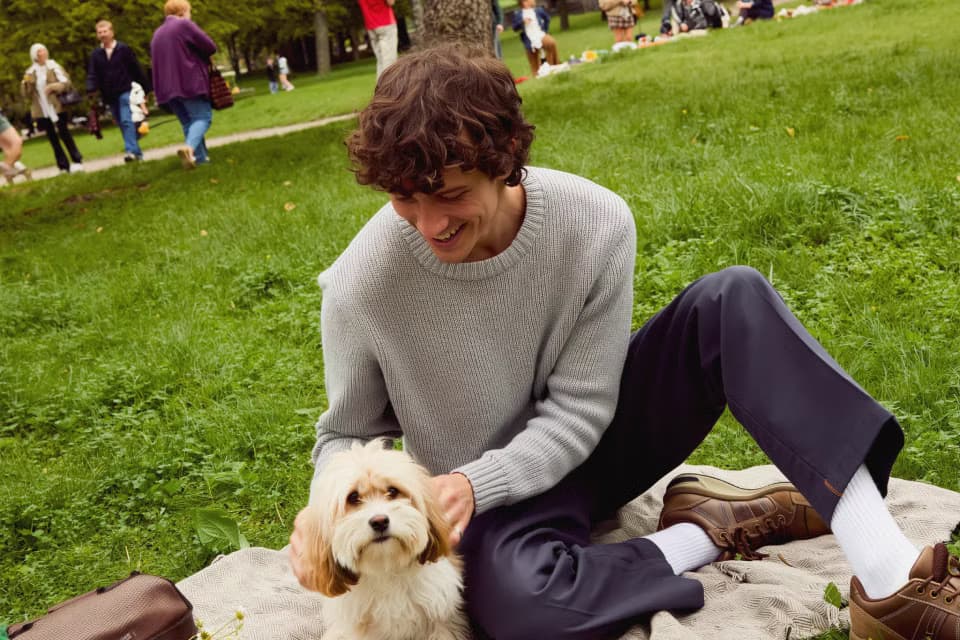
ראה כיצד ניקוי תמונות יכול להסיר פרטים מסיחי דעת תוך שמירה על המוקד בחלק החשוב של התמונה.
הסר הסחות רקע
נקה את הצילומים על ידי הסרת אנשים אקראיים בנקישה אחת. תן ל-AI למלא את הרקע בחלקות ובמהירות.
ניקוי או החלפת כל תמונה באמצעות AI
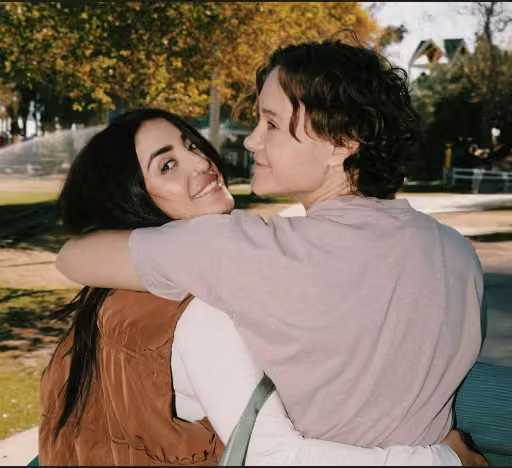
התחל בניקוי התמונה שלך - הסר בחילה, הפרעות או כל דבר שלא משתייך. רוצה ללכת רחוק יותר? השתמש בכלי AI Replace כדי להחליף אובייקטים שהוסרו בדבר חדש. לניקויים מהירים, Object Remover הופך עריכות רקע לקלות עם AI חכום וחלקי.
חידוד התמונות שלך לשלמות
כשתסיים להסיר אובייקטים עם מנקה התמונות של Picsart, הגיע הזמן להוסיף את הנגיעות הסופיות עם חבילת כלי עריכת AI הרחבה של Picsart. הסר טקסט מתמונות בקלות למראה מלוטש יותר, הוסף טקסט לתמונות כדי לשלוח את ההודעה הנכונה לקהל שלך עם גופן שמתאים לאווירת הוויזואלית שלך, או שפר את בהירות התמונה עם משפר התמונות של AI. לכמה רעיונות יצירתיים, נסה להתנסות עם אפקטים מיוחדים כדי להתנבל מהקהל.
- בדוק את הקומפוזיציה לפני שיתוף
הכל מה שאתה צריך כדי לנקות כל תמונה
מעריכות AI חכמות לתוצאות מוכנות לייצוא, כלים אלה הופכים את זה קל לניקוי, עריכה מחדש וריענון התמונות שלך - אין צורך בכישורי עריכה מתקדמים.
מושלם עבור תמונות נסיעות. ניקיתי קהלים ואנשים אקראיים מתמונות החופשה שלי והתוצאות נראו טבעיות מאוד. זה כמו שיש Photoshop אבל הרבה יותר קל.
Daniel, travel bloggerעריכות מהירות לתוכן חברתי. אני אוהב כמה מהר אני יכול להסיר לוגו או טקסט מהתמונות שלי. זה חוסך לי המון זמן כשאני מכין תוכן עבור שיתופי הברנד שלי.
Maya, content creatorצור תמונות נקיות יותר באמצעות מודלים AI
השתמש במודלים של תמונה כדי להפוך תמונות נקיות לחזותות מלוטשות, רעיונות עיצוב ונכסים מוכנים לעריכה.
FAQ מנקה תמונות
מנקה התמונות של Picsart היא כלי עריכה קל לשימוש AI המשתמש בבינה מלאכותית כדי לזהות ולהסיר אובייקטים לא רצויים מתמונות.
ניקוי תמונות לפרויקט יוצר כל
SAVE UP TO 50%
Pro
Most popularAI tools for everyday creative work.
Billed yearly
Ultra
Most powerfulHeavy AI usage for creators & teams.
Billed yearly
חקור כלי עריכה קשורים

Generator Art AIצור תמונות עין קשות של סגנונות ותנועות שונות בשניות עם AI.

Generator Image AIהקלד את החזון שלך ותן ל-AI להפוך את המילים שלך לחזותות מרתקות.

משפר תמונות מבוסס בינה מלאכותיתהגדל את הרזולוציה של מספר תמונות עם AI בבת אחת.

Generator GIF AIהפוק תמונות GIF מותאמות מאפס בקלות.

Avatar AIצור דיוקנאות בסגנונות שונים עם AI.

Background AIצור רקע ייחודי מאפס עם הנושא בלבד.

החלפה באמצעות AIהשתמש ב-AI כדי להחליף כל חלק מהתמונה שלך באובייקט שנוצר על ידי AI.

כותב AIתן ל-AI להעלות כותרות יצירתיות ועותק עבור התמונות שלך.

עורך תמונות AIהאץ את תהליך העריכה שלך עם עורך תמונות מופעל AI.