Image
Video
Library
Creators
Solutions
Community
MCP & CLI
Pricing
  1. Home
  2. Remove Objects

फ़ोटो से अनचाहे ऑब्जेक्ट, टेक्स्ट, खामियां और वॉटरमार्क हटाएं

Picsart ऑब्जेक्ट रिमूवर टूल से अपनी तस्वीरों पर नियंत्रण पाएं। किसी भी ऑब्जेक्ट, टेक्स्ट, खामी या वॉटरमार्क को अपनी फ़ोटो से हटाने दें और ऐसा लगे कि कुछ हुआ ही नहीं।

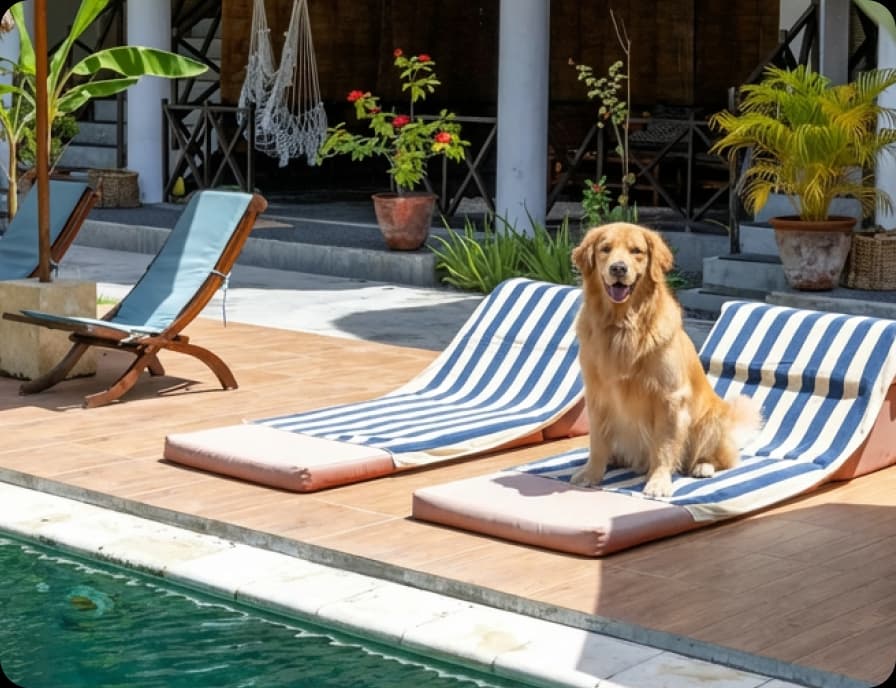
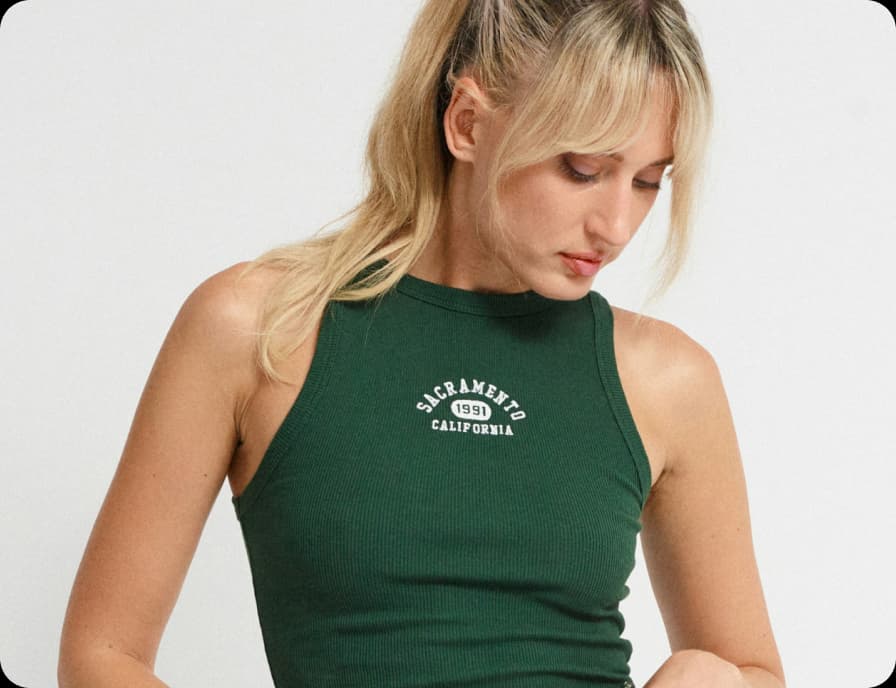
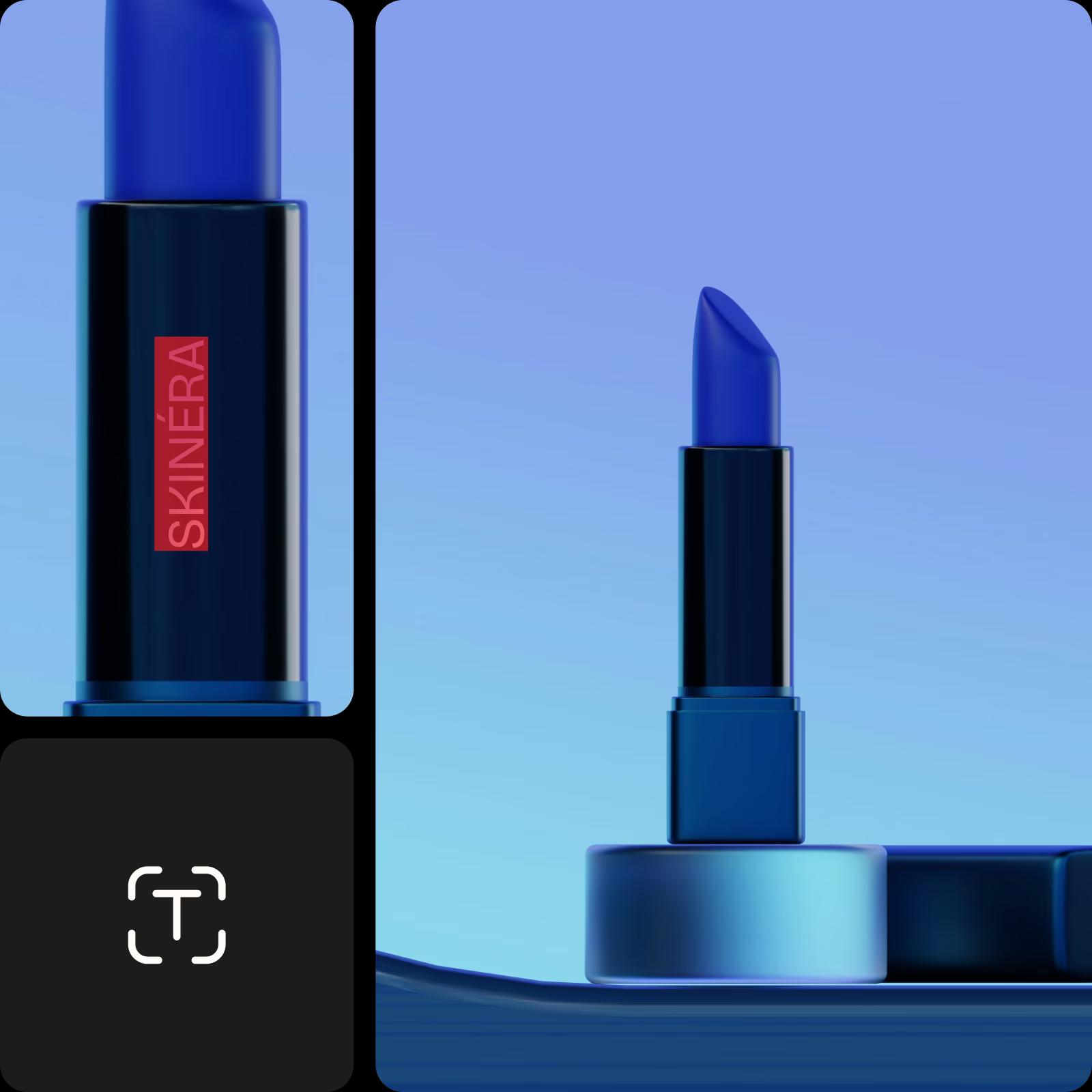
प्रोडक्ट से इमेज हटाएं
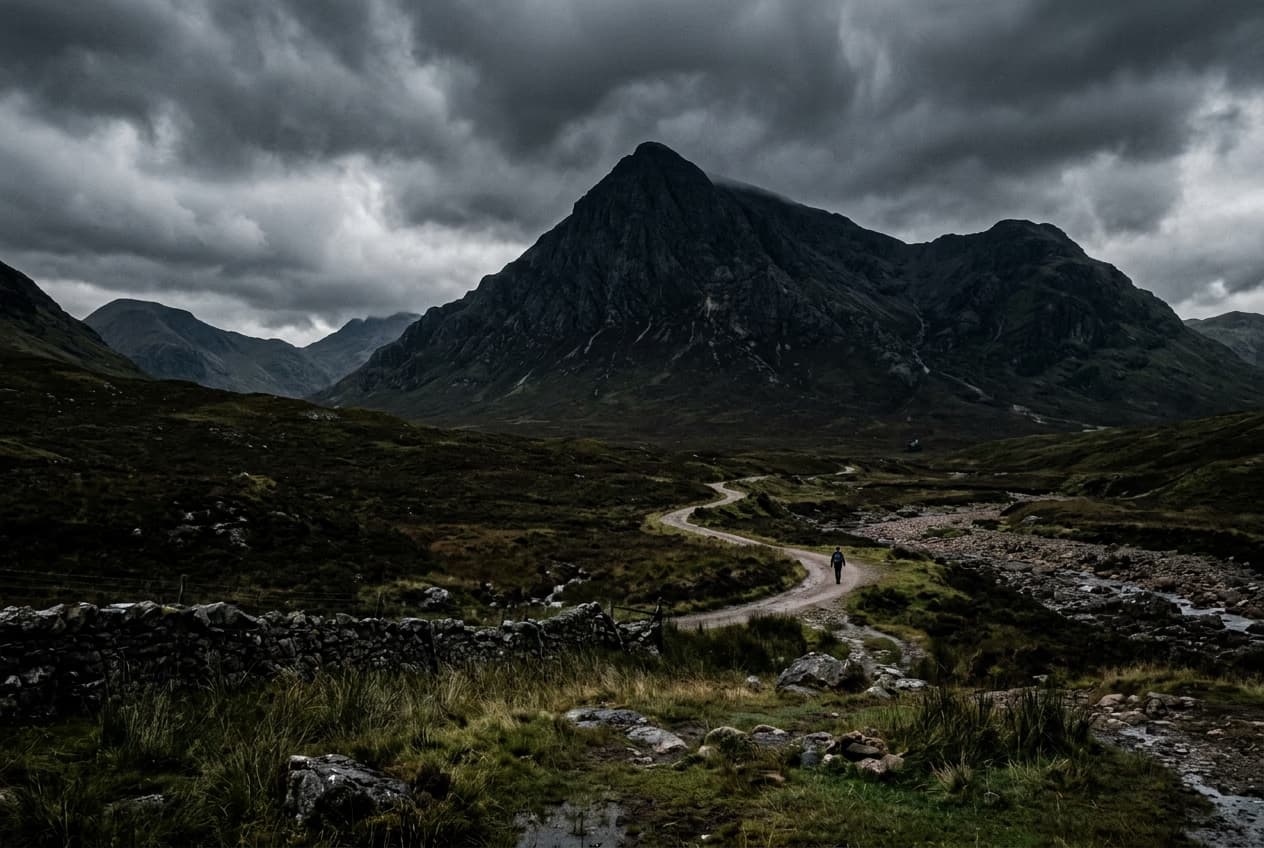
इमेज से ऑब्जेक्ट हटाया गया
लोग नाच रहे हैं
4.9/5
(1,379 reviews)
Apple की सर्वश्रेष्ठ ऐप पसंद10 मिलियन+ बैकग्राउंड हटाए गएGoogle की सर्वश्रेष्ठ ऐप पसंद
ai रिमूवल टूल आइकन

AI द्वारा संचालित ऑब्जेक्ट रिमूवर

जब आप कोई ऑब्जेक्ट हटाते हैं, तो AI फ़ोटो के उस हिस्से को कस्टम-जनरेटेड इमेज से बदल देता है। 

आसान रिमूवल आइकन

उपयोग में आसान ऑब्जेक्ट रिमूवर

इससे आसान नहीं हो सकता। बस अनचाहे ऑब्जेक्ट के ऊपर ब्रश करें और यह चला जाएगा!

डाउनलोड आइकन

उच्च गुणवत्ता की डाउनलोड

अपने एडिट को क्रिस्पी स्पष्ट गुणवत्ता में निर्यात करें।


सेकंड में ऑब्जेक्ट कैसे हटाएं

1

अपनी इमेज अपलोड करें

उस इमेज को चुनें जिससे आप कोई ऑब्जेक्ट हटाना चाहते हैं।

2

ऑब्जेक्ट को चुनें और हटाएं

3

कस्टमाइज़ करें

4

डाउनलोड करें

AI के साथ फ़ोटो से कोई भी ऑब्जेक्ट हटाएं

उन्नत AI का उपयोग करके सेकंड में अपनी फ़ोटो से अनचाहे तत्वों को आसानी से मिटाएं। बैकग्राउंड में कोई आने वाला व्यक्ति, टेबल पर गंदगी या कुछ और आपकी परफेक्ट तस्वीर को खराब कर रहा है? बस Picsart Editor में remove ब्रश से उस क्षेत्र को हाइलाइट करें। AI इसे आसपास के बैकग्राउंड से अच्छी तरह मिश्रित कर देगा - किसी एडिटिंग कौशल की आवश्यकता नहीं।

ऑब्जेक्ट रिमूवर क्रिया में

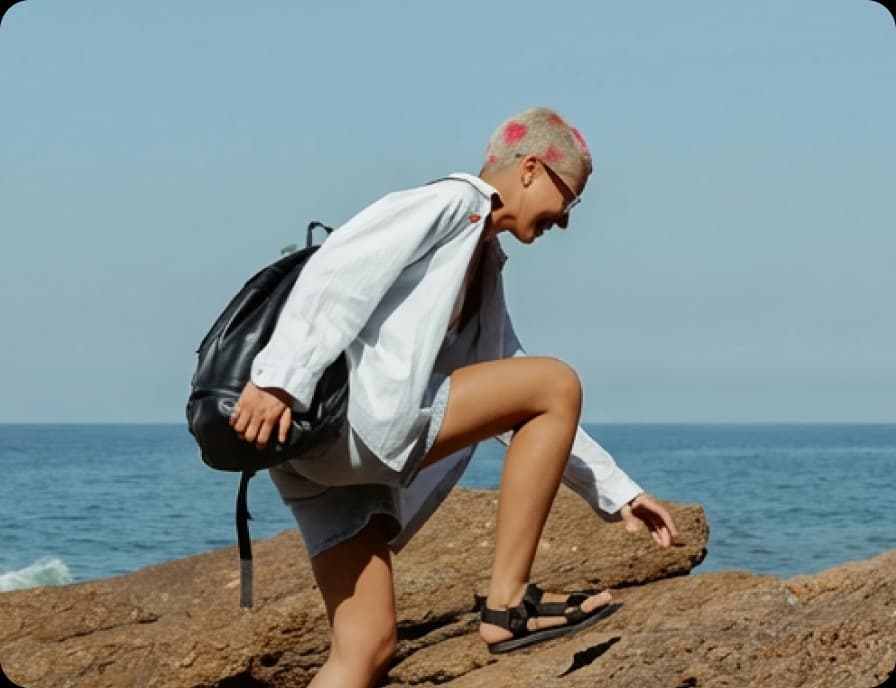
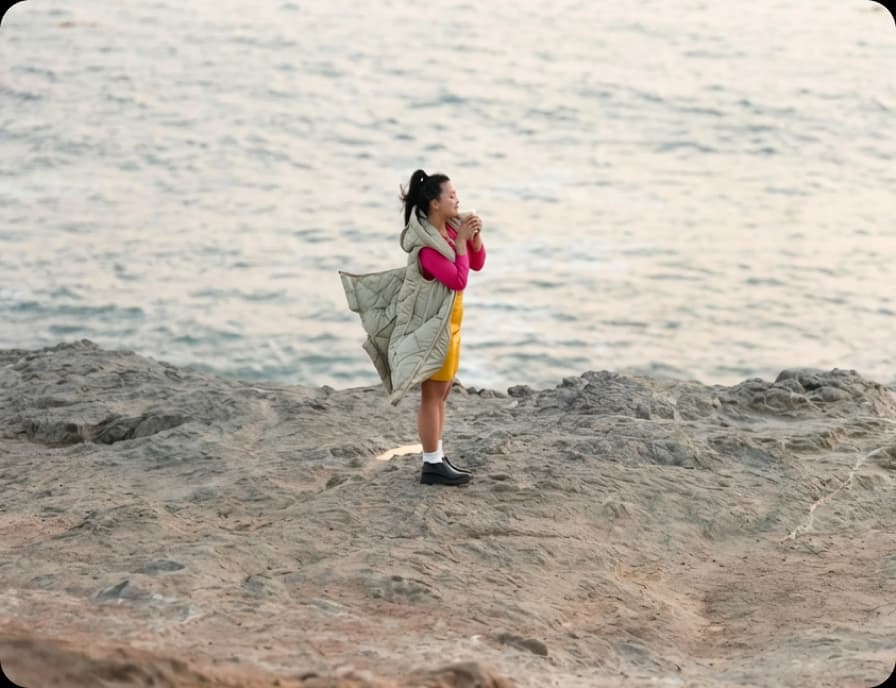
मूल
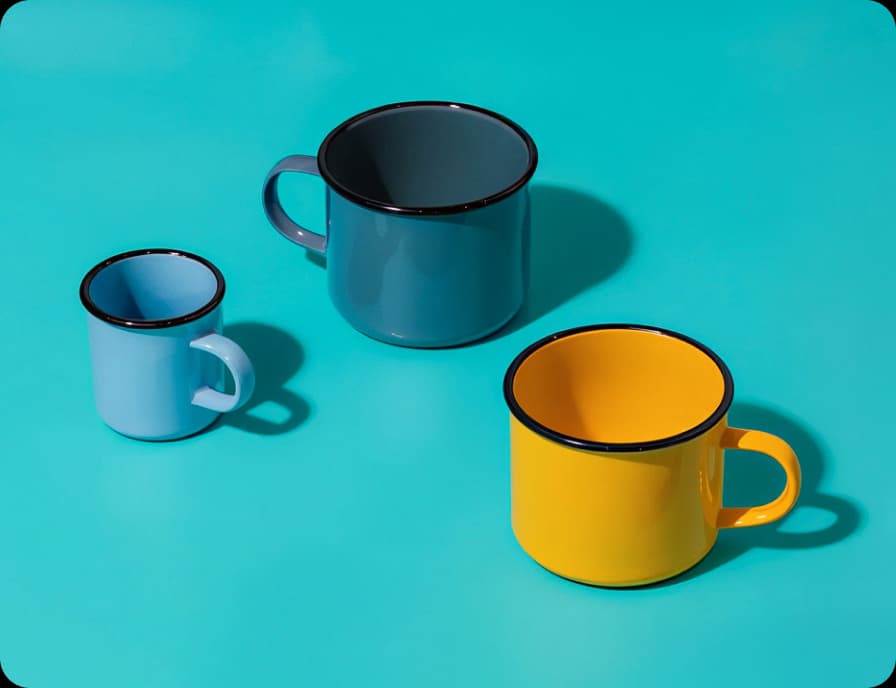
मूल
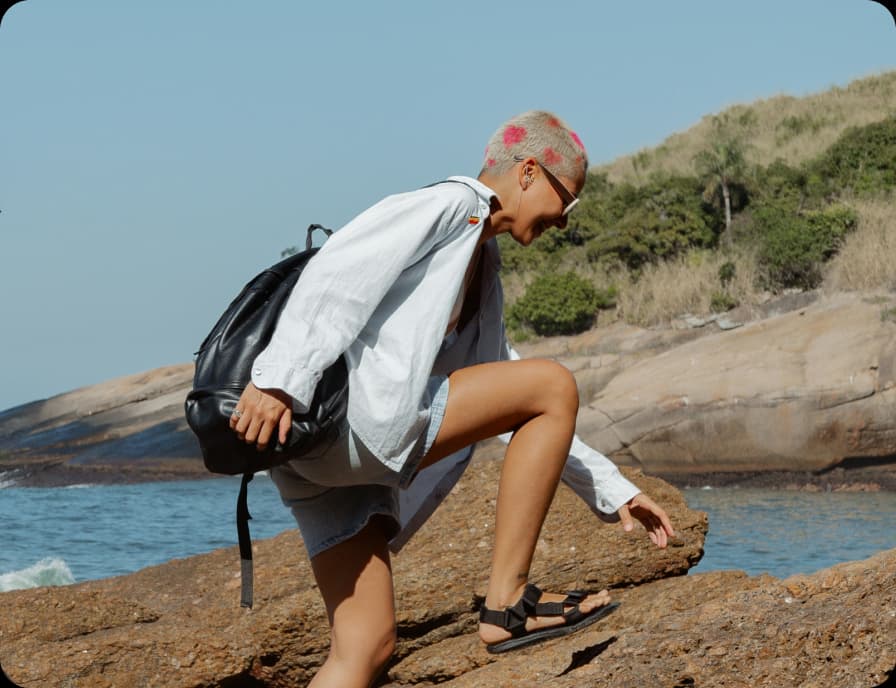
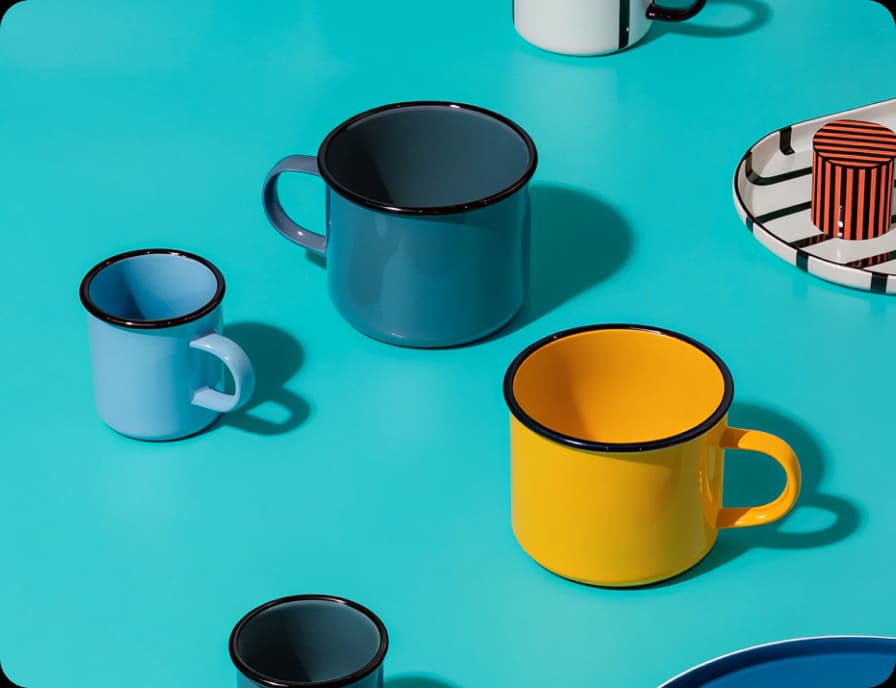
अनचाहे ऑब्जेक्ट चुने गए
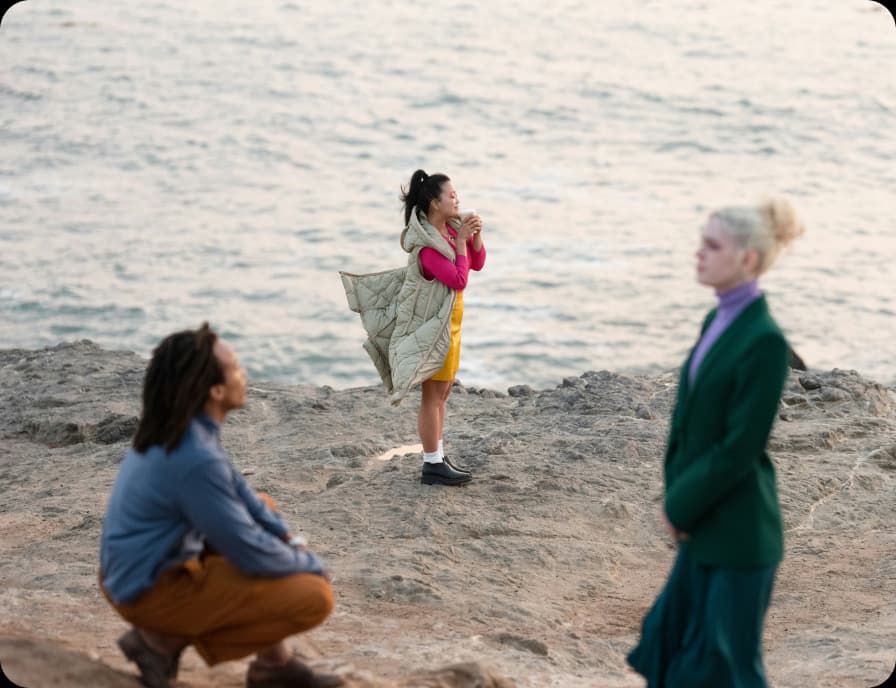
अनचाहे ऑब्जेक्ट हटाए गए

अनचाहे ऑब्जेक्ट हटाएं

स्मार्ट, लचकदार नियंत्रण के साथ अपनी इमेज से कुछ भी हटाएं। Picsart का AI ऑब्जेक्ट रिमूवर आपको स्मार्ट सिलेक्शन विकल्प - ब्रश, बैकग्राउंड, फोरग्राउंड, टेक्स्ट डिटेक्शन और AI-असिस्टेड टूल से चुनने देता है, ताकि हर एडिट आपके दृश्य में फिट बैठे। एक त्वरित डेमो एनिमेशन शुरू करने से पहले दिखाता है कि यह कैसे काम करता है, जिससे सेकंड में प्राकृतिक दिखने वाले परिणाम के साथ चुनना, हटाना और परिष्कृत करना आसान हो जाता है।

फ़ोटो से ऑब्जेक्ट हटाएं

बैकग्राउंड या फोरग्राउंड सिलेक्शन के लिए AI का उपयोग करें

बैकग्राउंड की गंदगी आपकी फ़ोटो में सबसे महत्वपूर्ण चीजों से ध्यान हटा सकती है। Picsart के ऑब्जेक्ट रिमूवर के साथ, AI-असिस्टेड बैकग्राउंड या फोरग्राउंड सिलेक्शन का उपयोग करके कुछ ही कदमों में फर्नीचर, केबल या रैंडम ऑब्जेक्ट हटाएं। चुनें कि क्या जाना है, और AI दृश्य को प्राकृतिक रूप से फिर से बनाता है - फोकस बिल्कुल जहां होना चाहिए।

ब्रशिंग के साथ अनचाहे ऑब्जेक्ट हटाएं

सीधे इसके ऊपर ब्रश करके कुछ भी जल्दी हटाएं। ब्रश टूल आपको हाथों पर नियंत्रण देता है, इसलिए आप लोगों, ऑब्जेक्ट या विचलितता को बिल्कुल जहां वह जाना है, वहां पेंट कर सकते हैं। सटीकता के लिए ब्रश साइज समायोजित करें, क्षेत्र के ऊपर स्वाइप करें, और AI को स्वच्छ, प्राकृतिक परिणामों के साथ बैकग्राउंड भरने दें जो निर्बाध रूप से मिश्रित हों।

डिटेक्शन के साथ टेक्स्ट को स्वचालित रूप से हटाएं

अनचाहे टेक्स्ट, कैप्शन या लोगो को अब मैनुअल काम की आवश्यकता नहीं है। Detect text के साथ, टूल आपकी इमेज में टेक्स्ट एलिमेंट को स्वचालित रूप से खोजता है, इसलिए आप उन्हें एक क्लिक में चुन और हटा सकते हैं। AI तुरंत बैकग्राउंड को फिर से बनाता है, जिससे फ़ोटो को साफ करना या डिज़ाइन को फिर से उपयोग के लिए तैयार करना आसान हो जाता है।

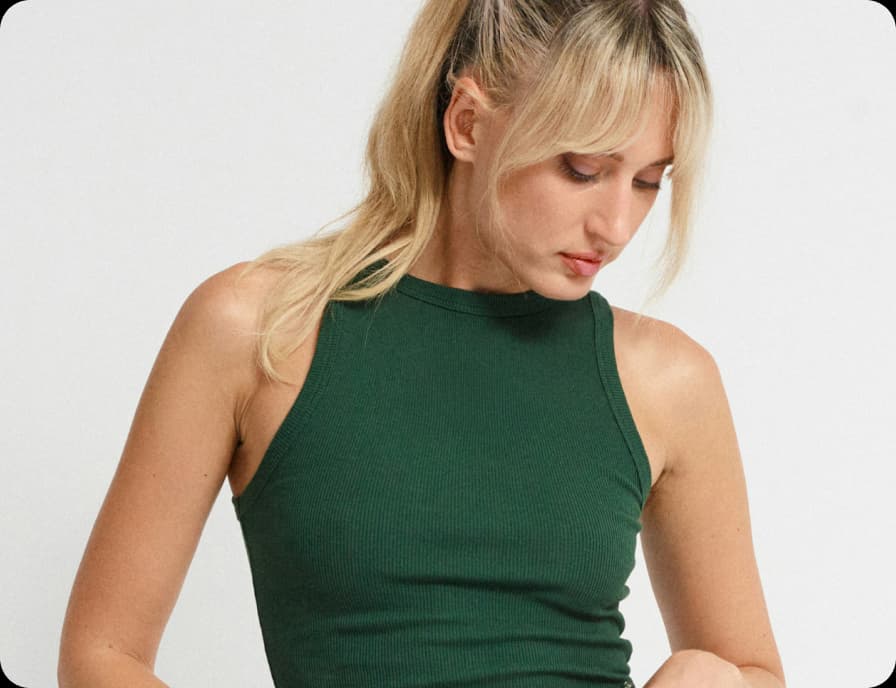
एक क्लिक के साथ विवरण को साफ करें

छोटी विचलितताएं जुड़ जाती हैं, लेकिन उन्हें हटाना कठिन नहीं होना चाहिए। केबल, गंदगी, छायाएं या बैकग्राउंड ऑब्जेक्ट को तेजी से पहचानने और हटाने के लिए AI-असिस्टेड विकल्प का उपयोग करें। AI दृश्य को समझता है और अंतराल को प्राकृतिक रूप से भरता है, इसलिए आप इमेज को तेजी से साफ कर सकते हैं - कोई मैनुअल ब्रशिंग आवश्यक नहीं। बस चुनें, हटाएं और एक स्पष्ट इमेज के साथ आगे बढ़ें जो कंटेंट, प्रोडक्ट या यादों के लिए तैयार है।

अपने विज़ुअल को ब्रांड-तैयार बनाएं

ब्रांडेड कंटेंट को तेजी से साफ करें - प्रोडक्ट फ़ोटो, मॉकअप, UGC या प्रमो विज़ुअल से वॉटरमार्क, लोगो या टेक्स्ट ओवरले हटाएं। फिर से शूट करने या जटिल सॉफ्टवेयर पर निर्भर रहने की आवश्यकता नहीं। बस निशान को हाइलाइट करें और ऑब्जेक्ट रिमूवर इसे सेकंड में मिटा देता है।

अपने विज़ुअल को ब्रांड-तैयार बनाएं

सरल प्रॉम्प्ट के साथ AI को एडिट का वर्णन करें

टूल की जगह शब्दों के साथ एडिट करना पसंद करते हैं? AI को वर्णन करने के लिए Describe changes का उपयोग करें कि आप क्या चाहते हैं। उस ऑब्जेक्ट, टेक्स्ट या विवरण का वर्णन करते हुए एक संक्षिप्त प्रॉम्प्ट टाइप करें जिसे आप हटाना चाहते हैं, और AI सेकंड में एडिट लागू करता है। हर विशेषता - ब्रशिंग, टेक्स्ट डिटेक्शन, क्लिक-टू-सिलेक्ट और बैकग्राउंड या फोरग्राउंड हटाना - प्रॉम्प्ट के माध्यम से ट्रिगर किया जा सकता है। यह देखने के लिए टूल एक्सप्लोर करें कि आपकी इमेज के लिए क्या काम करता है, फिर एडिट को तेजी से और अधिक सहज रूप से लागू करने के लिए AI विवरण का उपयोग करें।

Picsart के साथ अपनी एडिटिंग यात्रा जारी रखें

ऑब्जेक्ट रिमूवर तक अपने आप को सीमित न करें। अपने विज़ुअल को परिष्कृत करने के लिए Picsart के अन्य AI फ़ोटो एडिटिंग टूल का उपयोग करें। 

photo editor टूल

Photo Editor

अपनी इमेज को ट्रेंडी फ़ॉन्ट, फिल्टर और इफेक्ट, स्टिकर आदि से परिष्कृत करें। 

ai image generator

AI Image Generator

अपनी दृष्टि टाइप करें और AI को अपने शब्दों को आकर्षक विज़ुअल में बदलने दें। 

background changer

Background Changer

बैकड्रॉप को बदलें या इसे पूरी तरह हटाएं।

Picsart का background remover

Background Remover

AI के साथ बैकग्राउंड को कुशलता से हटाएं या इसे पारदर्शी बनाएं।

Picsart की फ़ोटो इफेक्ट और फिल्टर का संग्रह

Photo Effects

आकर्षक फ़ोटो इफेक्ट और सौंदर्य फिल्टर के साथ अपने विज़ुअल की भावना बदलें।

Collage maker

Collage Maker

सोशल मीडिया, विजन बोर्ड और अन्य के लिए आसानी से विज़ुअल को मिलाएं।

ai image enhancer

AI Image Enhancer

एक ही बार में AI के साथ कई इमेज के संकल्प को अपस्केल करें।

text editor

Text Editor

मुफ्त फॉन्ट की विशाल लाइब्रेरी के साथ अपनी इमेज को पूरक करें।

resize image

Resize Image

सरलता के साथ और सेकंड में अपनी फ़ोटो के लिए सही फिट प्राप्त करें।

AI के साथ कला बनाएं

Ai art generator

AI के साथ सेकंड में आकर्षक कला बनाएं।

फ़ोटो से ऑब्जेक्ट हटाने के बारे में सवाल-जवाब

Picsart इसे आसान बनाता है। बस उस फ़ोटो को Picsart Photo Editor में अपलोड करें जिसे आप एडिट करना चाहते हैं, फिर ऑब्जेक्ट को हटाने के लिए remove tool का उपयोग करें।

सबसे पहले, उस फ़ोटो को चुनें जिसे आप एडिट करना चाहते हैं और इसे Picsart Photo Editor में अपलोड करें। फिर, Remove object tool का उपयोग करके उस व्यक्ति को चुनें जिसे आप हटाना चाहते हैं और Picsart को बाकी काम करने दें।

हाँ, Picsart editor यह कर सकता है। बस उस इमेज को अपलोड करें जिसे आप एडिट करना चाहते हैं, फिर Picsart Object Remover tool का उपयोग करके कुछ क्लिक में इमेज से वॉटरमार्क को हटाएं।

उस इमेज को Picsart Photo Editor में अपलोड करके शुरुआत करें जिसे आप एडिट करना चाहते हैं। फिर, Object Remover tool के साथ इमेज के टेक्स्ट या लोगो एलिमेंट को चुनें और इसे मिटाएं।

Picsart editor आपको किसी भी इमेज से लोग, वॉटरमार्क, लोगो, टेक्स्ट, और यहाँ तक कि त्वचा की खामियों को भी हटाने देता है।


ऑब्जेक्ट रिमूवर में नवीनतम

तस्वीर से ऑब्जेक्ट, टेक्स्ट और लोग कैसे हटाएं

AI Replace और AI Background का परिचय: इमेज में दृश्यों और ऑब्जेक्ट को कस्टमाइज़ करने के लिए टूल

कुछ क्लिक में फ़ोटो से लोग कैसे हटाएं

पॉलिश क्रिएटर कंटेंट के लिए विज़ुअल को साफ करें

अपनी तस्वीर को बेहतर बनाने के लिए और भी टूल्स खोजें

फ़ोटो से टेक्स्ट हटाएंइमेज से लोगों को हटाएंतस्वीरों को साफ करेंइमेज में टेक्स्ट संपादित करेंवीडियो से ऑब्जेक्ट हटाएंAI फ़ोटो एडिटिंग आजमाएंAI के साथ फ़ोटो को बेहतर बनाएंइमेज बैकग्राउंड हटाएंऑनलाइन फ़ोटो संपादित करेंएकाधिक फ़ोटो संपादित करेंत्वरित इमेज टूल्स खोजेंबदलने वाली सामग्री बनाएं

Use Picsart anywhere

Install the app, or bring Picsart into the AI workspaces your team already uses.

Use Picsart with

  • ChatGPT / Codex
  • Claude
  • Terminal
  • Cursor
  • OpenClaw
  • Hermes

Download the app

Download on the App StoreGET IT ON Google PlayGet it from Microsoft

Follow Picsart

Pinterest
AICPA SOC

Create

  • AI Image Generator
  • AI Video Generator
  • AI Playground
  • Flow
  • AI Photo Editor
  • AI Video Editor
  • AI Agents
  • Content Library
  • AI Models

Creators

  • Earn with Picsart
  • Earn campaigns
  • Clipping
  • For Brands
  • Video Studio
  • Tutorials
  • Challenges

Connect

  • ChatGPT / Codex
  • MCP setup
  • Command line
  • Developers
  • Google Drive

Business

  • Pricing
  • Enterprise
  • Industries
  • Quicktools

Company

  • Support
  • Careers
  • About us
  • Blog
  • Press Center
Terms of UsePrivacy PolicyDo Not SellInternet-Based AdvertisingCommunity GuidelinesDMCASecurity PolicyAccessibility
© 2026 PicsArt, Inc.

AI इमेज मॉडल के साथ फ़ोटो से ऑब्जेक्ट हटाएं

फ़ोटो से ऑब्जेक्ट हटाने को पॉलिश विज़ुअल, डिज़ाइन आइडिया और एडिट के लिए तैयार एसेट में बदलने के लिए इमेज मॉडल का उपयोग करें।

GPT Image 2New
Next-gen GPT image model with arbitrary output dimensions and multi-image input.Reference inputImage generationSee model
Nano Banana 2New
Fast 4K generation with accurate text and search-grounded accuracy.4KFast generationImage generationSee model
Nano Banana ProNew
Top-tier 4K images with precise multilingual text rendering.4KPro qualityImage generationSee model
Flux 2 FlexNew
Adaptable generation across varied visual styles at 2K.Image generationSee model
Seedream 5.0 Lite
Speedy 3K output with negative prompt and dual-image input support.Reference inputFast generationImage generationSee model
Kling 3.0 Image
Cinematic visuals with up to 4K resolution and 10 reference images.Reference input4KCinematicSee model
Kling O1 Image
O1-architecture image generation with multi-reference support.Reference inputCinematicImage generationSee model
Kling V2 New Image
Latest V2 image generation with optional restyle via image reference.Reference inputCinematicImage generationSee model
Hunyuan V3
Infographic-friendly generation with readable text and cfg control.Image generationSee model
Luma UNI-1
Luma UNI-1 — agentic image generation and editing with up to 9 reference images.Reference inputCinematicImage generationSee model
Luma UNI-1 Max
Luma UNI-1 Max — higher-quality UNI-1 variant with the same multi-reference editing controls.Reference inputCinematicImage generationSee model
Seedream 5.0 Pro
Top-tier single-image generation with up to 10 reference images and 2K detail.Reference inputPro qualityImage generationSee model
GPT Image 2New
Next-gen GPT image model with arbitrary output dimensions and multi-image input.Reference inputImage generationSee model
Nano Banana 2New
Fast 4K generation with accurate text and search-grounded accuracy.4KFast generationImage generationSee model
Nano Banana ProNew
Top-tier 4K images with precise multilingual text rendering.4KPro qualityImage generationSee model
Flux 2 FlexNew
Adaptable generation across varied visual styles at 2K.Image generationSee model
Seedream 5.0 Lite
Speedy 3K output with negative prompt and dual-image input support.Reference inputFast generationImage generationSee model
Kling 3.0 Image
Cinematic visuals with up to 4K resolution and 10 reference images.Reference input4KCinematicSee model
Kling O1 Image
O1-architecture image generation with multi-reference support.Reference inputCinematicImage generationSee model
Kling V2 New Image
Latest V2 image generation with optional restyle via image reference.Reference inputCinematicImage generationSee model
Hunyuan V3
Infographic-friendly generation with readable text and cfg control.Image generationSee model
Luma UNI-1
Luma UNI-1 — agentic image generation and editing with up to 9 reference images.Reference inputCinematicImage generationSee model
Luma UNI-1 Max
Luma UNI-1 Max — higher-quality UNI-1 variant with the same multi-reference editing controls.Reference inputCinematicImage generationSee model
Seedream 5.0 Pro
Top-tier single-image generation with up to 10 reference images and 2K detail.Reference inputPro qualityImage generationSee model
GPT Image 2New
Next-gen GPT image model with arbitrary output dimensions and multi-image input.Reference inputImage generationSee model
Nano Banana 2New
Fast 4K generation with accurate text and search-grounded accuracy.4KFast generationImage generationSee model
Nano Banana ProNew
Top-tier 4K images with precise multilingual text rendering.4KPro qualityImage generationSee model
Flux 2 FlexNew
Adaptable generation across varied visual styles at 2K.Image generationSee model
Seedream 5.0 Lite
Speedy 3K output with negative prompt and dual-image input support.Reference inputFast generationImage generationSee model
Kling 3.0 Image
Cinematic visuals with up to 4K resolution and 10 reference images.Reference input4KCinematicSee model
Kling O1 Image
O1-architecture image generation with multi-reference support.Reference inputCinematicImage generationSee model
Kling V2 New Image
Latest V2 image generation with optional restyle via image reference.Reference inputCinematicImage generationSee model
Hunyuan V3
Infographic-friendly generation with readable text and cfg control.Image generationSee model
Luma UNI-1
Luma UNI-1 — agentic image generation and editing with up to 9 reference images.Reference inputCinematicImage generationSee model
Luma UNI-1 Max
Luma UNI-1 Max — higher-quality UNI-1 variant with the same multi-reference editing controls.Reference inputCinematicImage generationSee model
Seedream 5.0 Pro
Top-tier single-image generation with up to 10 reference images and 2K detail.Reference inputPro qualityImage generationSee model
GPT Image 2New
Next-gen GPT image model with arbitrary output dimensions and multi-image input.Reference inputImage generationSee model
Nano Banana 2New
Fast 4K generation with accurate text and search-grounded accuracy.4KFast generationImage generationSee model
Nano Banana ProNew
Top-tier 4K images with precise multilingual text rendering.4KPro qualityImage generationSee model
Flux 2 FlexNew
Adaptable generation across varied visual styles at 2K.Image generationSee model
Seedream 5.0 Lite
Speedy 3K output with negative prompt and dual-image input support.Reference inputFast generationImage generationSee model
Kling 3.0 Image
Cinematic visuals with up to 4K resolution and 10 reference images.Reference input4KCinematicSee model
Kling O1 Image
O1-architecture image generation with multi-reference support.Reference inputCinematicImage generationSee model
Kling V2 New Image
Latest V2 image generation with optional restyle via image reference.Reference inputCinematicImage generationSee model
Hunyuan V3
Infographic-friendly generation with readable text and cfg control.Image generationSee model
Luma UNI-1
Luma UNI-1 — agentic image generation and editing with up to 9 reference images.Reference inputCinematicImage generationSee model
Luma UNI-1 Max
Luma UNI-1 Max — higher-quality UNI-1 variant with the same multi-reference editing controls.Reference inputCinematicImage generationSee model
Seedream 5.0 Pro
Top-tier single-image generation with up to 10 reference images and 2K detail.Reference inputPro qualityImage generationSee model
GPT Image 2New
Next-gen GPT image model with arbitrary output dimensions and multi-image input.Reference inputImage generationSee model
Nano Banana 2New
Fast 4K generation with accurate text and search-grounded accuracy.4KFast generationImage generationSee model
Nano Banana ProNew
Top-tier 4K images with precise multilingual text rendering.4KPro qualityImage generationSee model
Flux 2 FlexNew
Adaptable generation across varied visual styles at 2K.Image generationSee model
Seedream 5.0 Lite
Speedy 3K output with negative prompt and dual-image input support.Reference inputFast generationImage generationSee model
Kling 3.0 Image
Cinematic visuals with up to 4K resolution and 10 reference images.Reference input4KCinematicSee model
Kling O1 Image
O1-architecture image generation with multi-reference support.Reference inputCinematicImage generationSee model
Kling V2 New Image
Latest V2 image generation with optional restyle via image reference.Reference inputCinematicImage generationSee model
Hunyuan V3
Infographic-friendly generation with readable text and cfg control.Image generationSee model
Luma UNI-1
Luma UNI-1 — agentic image generation and editing with up to 9 reference images.Reference inputCinematicImage generationSee model
Luma UNI-1 Max
Luma UNI-1 Max — higher-quality UNI-1 variant with the same multi-reference editing controls.Reference inputCinematicImage generationSee model
Seedream 5.0 Pro
Top-tier single-image generation with up to 10 reference images and 2K detail.Reference inputPro qualityImage generationSee model
GPT Image 2New
Next-gen GPT image model with arbitrary output dimensions and multi-image input.Reference inputImage generationSee model
Nano Banana 2New
Fast 4K generation with accurate text and search-grounded accuracy.4KFast generationImage generationSee model
Nano Banana ProNew
Top-tier 4K images with precise multilingual text rendering.4KPro qualityImage generationSee model
Flux 2 FlexNew
Adaptable generation across varied visual styles at 2K.Image generationSee model
Seedream 5.0 Lite
Speedy 3K output with negative prompt and dual-image input support.Reference inputFast generationImage generationSee model
Kling 3.0 Image
Cinematic visuals with up to 4K resolution and 10 reference images.Reference input4KCinematicSee model
Kling O1 Image
O1-architecture image generation with multi-reference support.Reference inputCinematicImage generationSee model
Kling V2 New Image
Latest V2 image generation with optional restyle via image reference.Reference inputCinematicImage generationSee model
Hunyuan V3
Infographic-friendly generation with readable text and cfg control.Image generationSee model
Luma UNI-1
Luma UNI-1 — agentic image generation and editing with up to 9 reference images.Reference inputCinematicImage generationSee model
Luma UNI-1 Max
Luma UNI-1 Max — higher-quality UNI-1 variant with the same multi-reference editing controls.Reference inputCinematicImage generationSee model
Seedream 5.0 Pro
Top-tier single-image generation with up to 10 reference images and 2K detail.Reference inputPro qualityImage generationSee model

इमेज एडिटिंग बेसिक सीखें

व्यावहारिक कदमों के साथ स्वच्छ एडिट कैसे करें, यह सीखें।

Remove unwanted objects from photos with AI preview
Image editing

Remove unwanted objects from photos with AI

3 minBeginner

Replace objects in photos with AI-generated content preview
Image editing

Replace objects in photos with AI-generated content

4 minIntermediate
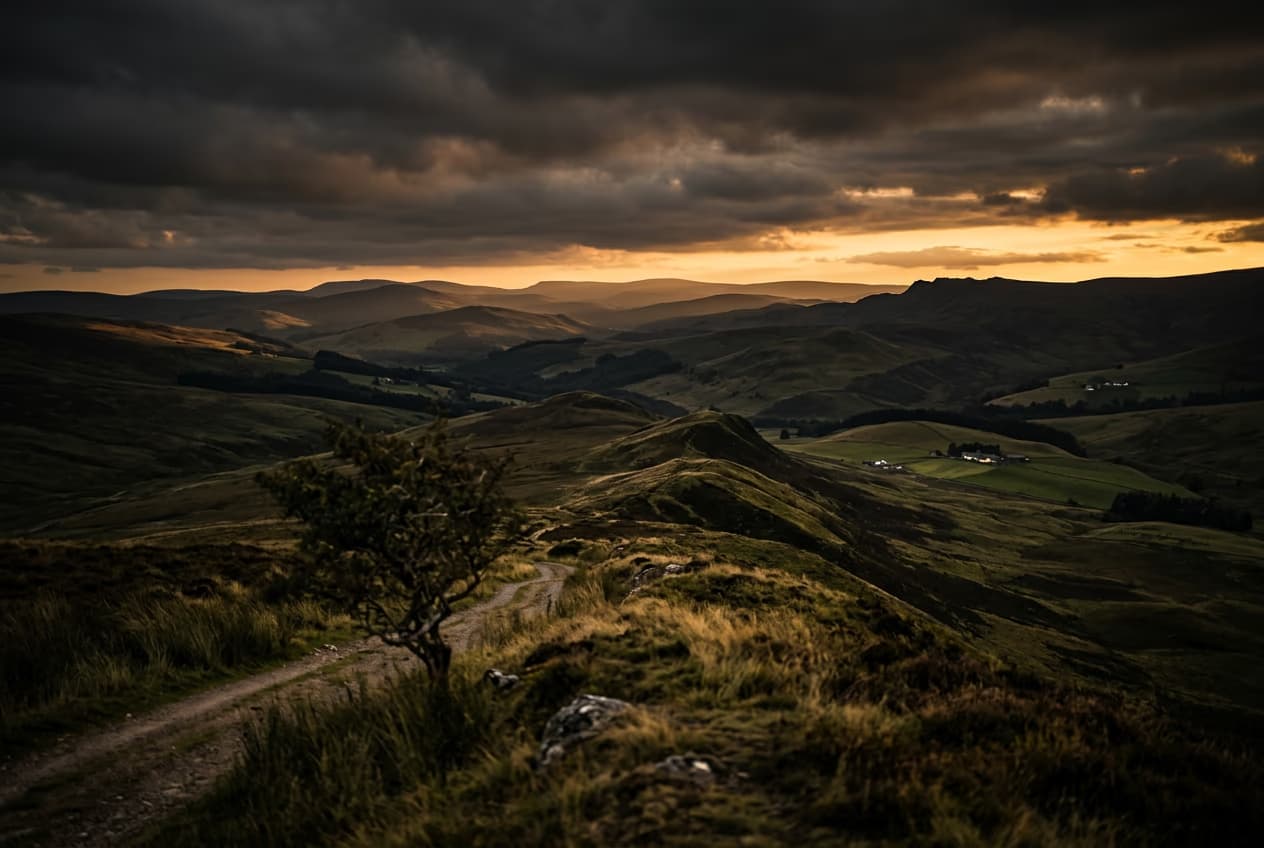
How to expand images beyond their borders with AI preview
Image editing

How to expand images beyond their borders with AI

4 minBeginner
Upscale low-resolution images to HD with AI preview
Image editing

Upscale low-resolution images to HD with AI

3 minBeginner
Edit any part of an image with text prompts preview
Image editing

Edit any part of an image with text prompts

4 minIntermediate
सभी ट्यूटोरियल देखें