Besplatno promijenite veličinu slike uz Picsartov alat za promjenu veličine
Trenutačno promijenite veličinu slike pomoću raznih unaprijed postavljenih dimenzija uz Picsartov besplatni alat za promjenu veličine slika.
Zašto mijenjati veličinu slika?




Kako besplatno promijeniti veličinu slika na internetu
Promijenite veličinu slika u nekoliko sekundi
Prebacivanje između različitih formata više ne mora oduzimati vrijeme. Sve promjene veličine obavite uz mrežni alat za promjenu veličine slika. Prenosite slike na popularne platforme? Ne morate ručno tražiti odgovarajuće rezolucije – samo odaberite gotove predloške dimenzija i još brže promijenite dimenzije slike.
- Postavite dimenzije za namjenu slike
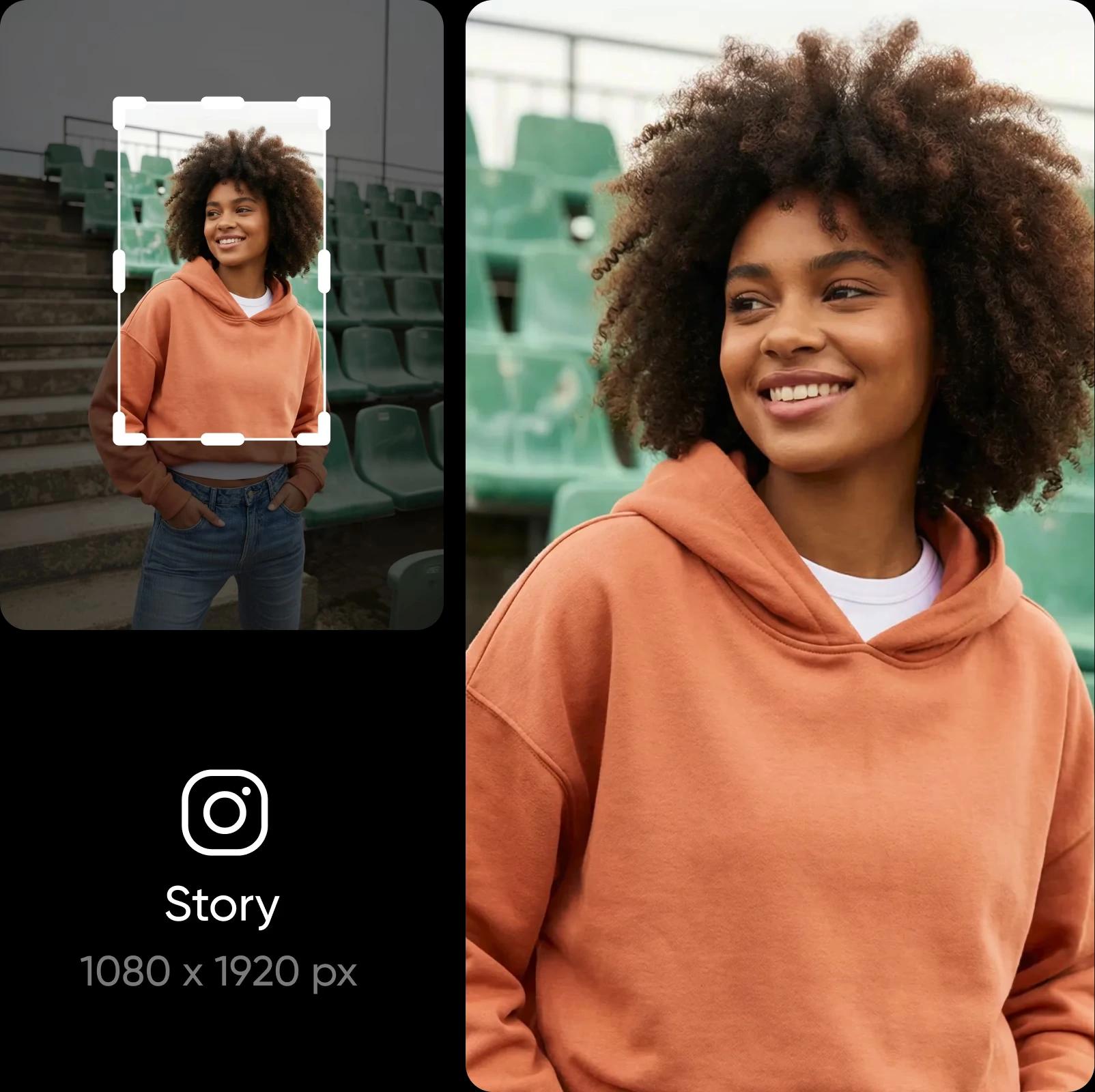
Smanjite veličinu slike bez gubitka detalja
Promijenite veličinu slike, a da svi detalji ostanu jasni. Picsart čuva jasnoću fotografije dok mijenjate njezine dimenzije, pa ona neće izgledati rastegnuto ni mutno. A ako je fotografija već zamućena, i to možete popraviti uz Picsart. Samo upotrijebite ugrađeni Image Upscaler da biste poboljšali kvalitetu slike – jednako je jednostavan za upotrebu kao i alat za promjenu veličine.

Otkrijte popularne načine za promjenu veličine slika
Prilagodite fotografije za sljedeću objavu na društvenim mrežama
Promijenite veličinu slika kako bi odgovarale dimenzijama na Instagramu, Facebooku, TikToku, Pinterestu i LinkedInu. Vaše objave, Stories, oglasi, minijature i zaglavlja izgledat će uredno i dosljedno na svakoj platformi.

Promijenite veličinu više slika odjednom
Odbijeno vam je više slika zbog pogrešne veličine? Ne morate ih prilagođavati jednu po jednu. Jednostavno promijenite veličinu više slika odjednom uz Picsart i uštedite dragocjeno vrijeme. Prilagodite jednu sliku i promjena će se primijeniti na sve ostale. Idealno za promjenu veličine više fotografija za e-trgovinu, prilagodbu vizuala za objavu u vrtuljku i još mnogo toga.
Učinite više uz Picsartov uređivač fotografija
Picsart zadovoljava sve vaše potrebe za uređivanjem fotografija. Jednostavno obavite složene izmjene, kao što su promjena i uklanjanje pozadine ili čak uklanjanje objekata s fotografija. Zahvaljujući AI-ju, sve je to jednostavno i automatizirano. Dovršite izgled tako da primijenite efekte i dodate tekst na fotografije. Sve to u jednom praktičnom uređivaču fotografija.
- Dovršite dizajn nakon što promijenite veličinu fotografije

Izradite slike promijenjene veličine uz AI modele za slike
Upotrijebite modele za slike kako biste slike promijenjene veličine pretvorili u dotjerane vizuale, ideje za dizajn i materijale spremne za uređivanje.
Česta pitanja o alatu za promjenu veličine slika
Uz Picsartov alat za promjenu veličine slika možete prilagoditi razlučivost slika različitim zahtjevima za dimenzije.
Uredite fotografije i izradite dotjeran sadržaj za kreatore
Pro
Most popularAI tools for everyday creative work.
Ultra
Most powerfulHeavy AI usage for creators & teams.
Otkrijte još alata


