Ideogram Vectorize AI model
画像をSVGに変換

Ideogram Vectorize:あらゆる画像をきれいなSVGにベクター化

Ideogram Vectorizeは、JPEG、PNG、WebPをトレースし、どんなサイズにも拡大できるSVGに変換します。画像を1枚アップロードし、デフォルトモードまたはシンプルモードを選ぶだけで、AI Playgroundでベクター画像を作成できます。

Start
JPEG、PNG、WebPをアップロードしてIdeogram Vectorizeでベクター化

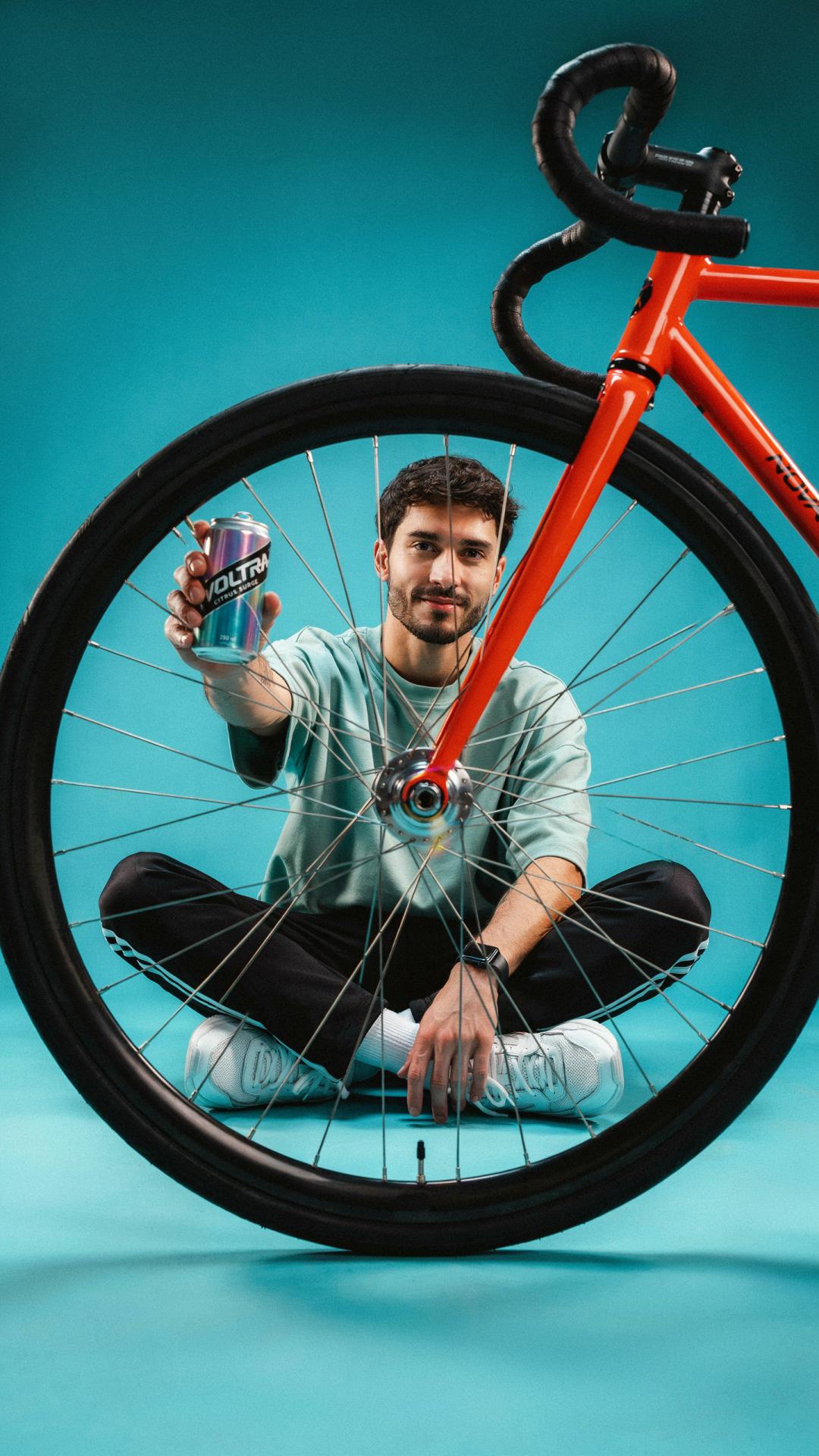
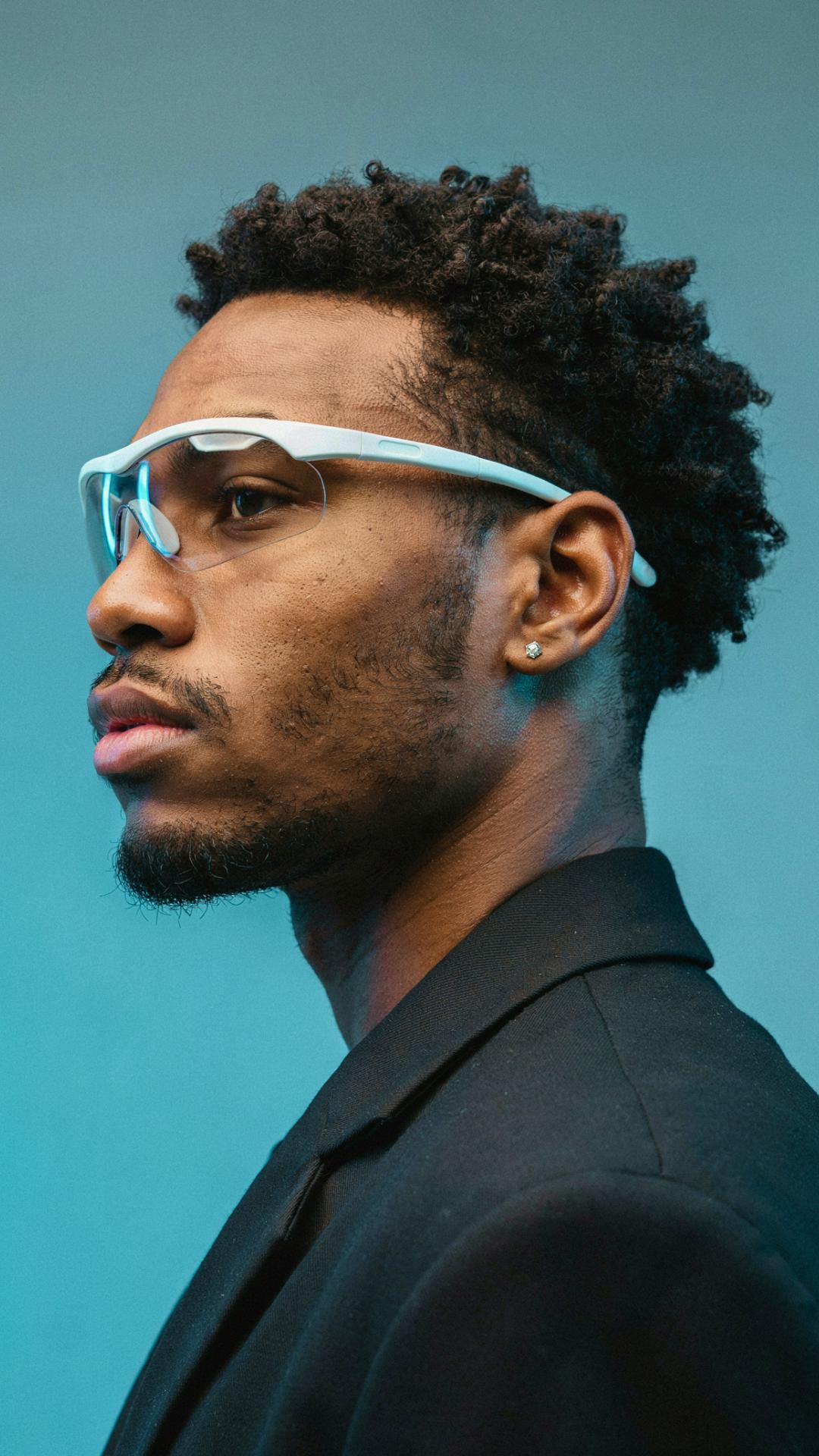
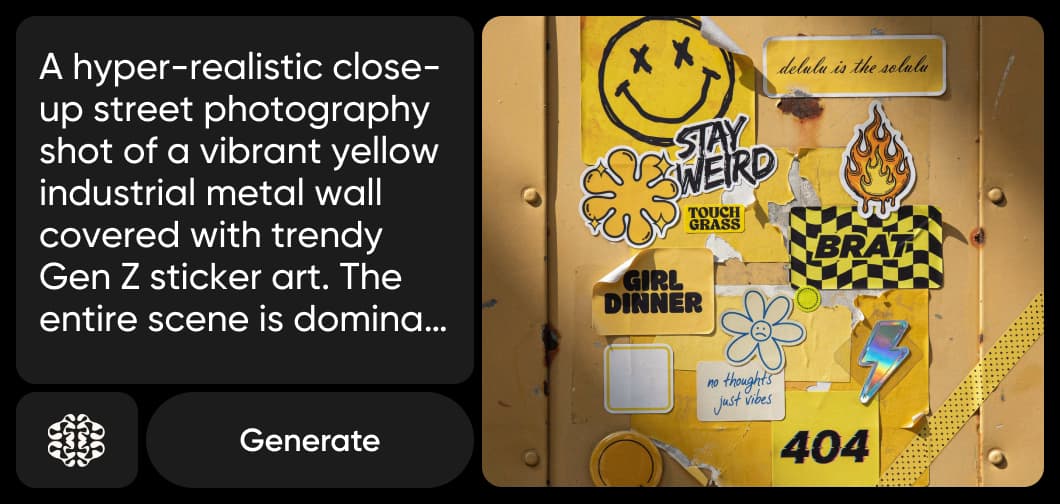
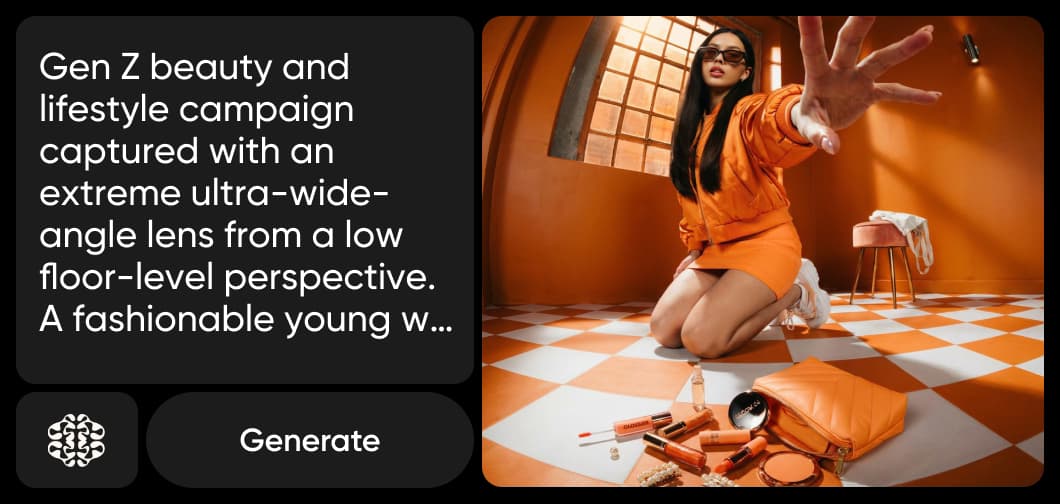
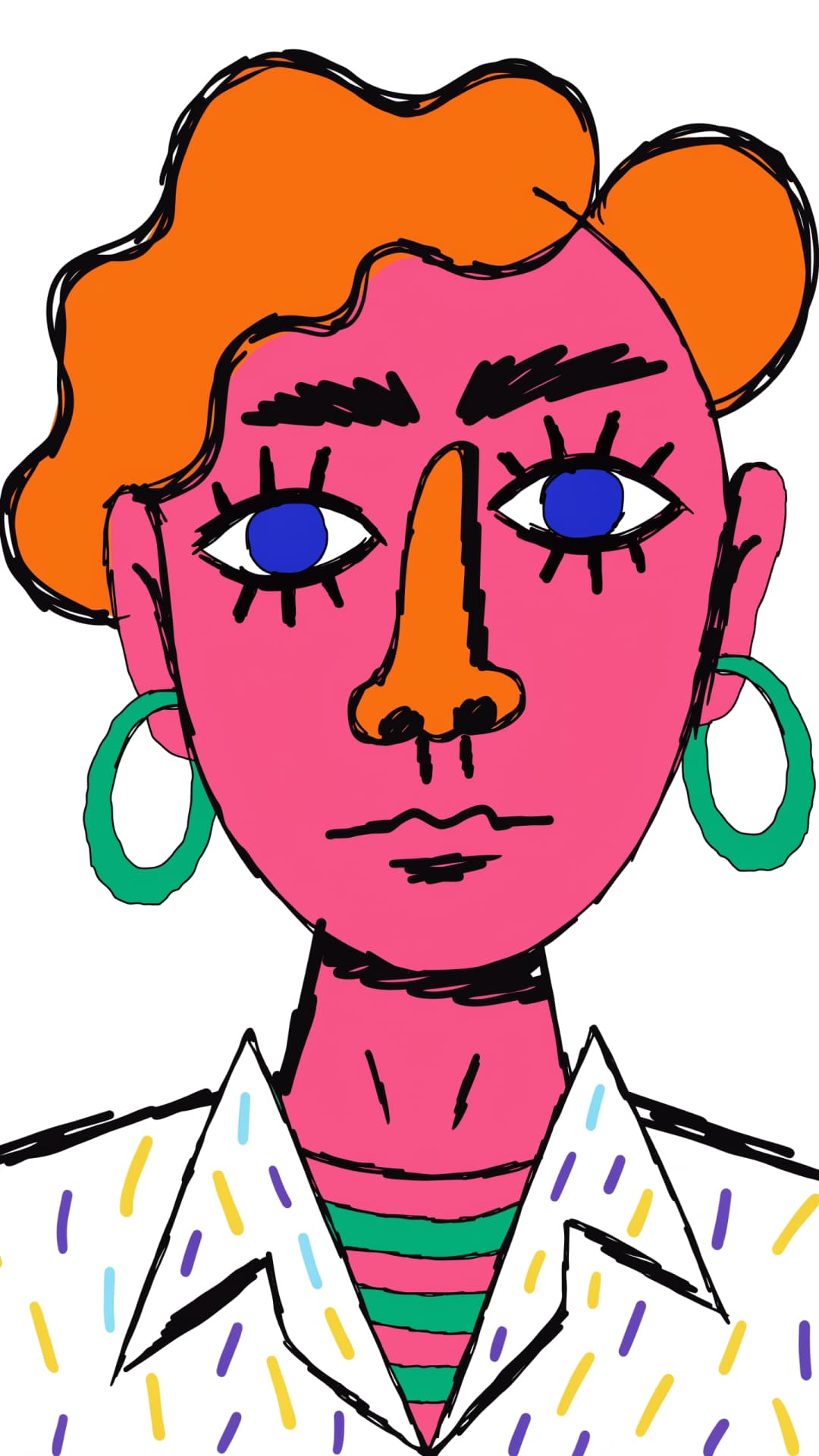
Ideogram Vectorizeでベクター化した画像

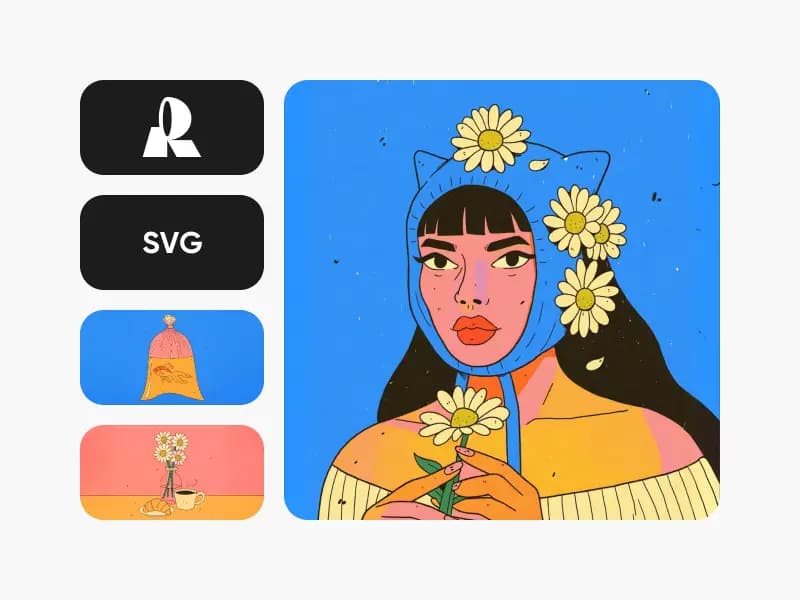
Ideogram Vectorizeの使用例1
Ideogram Vectorizeの使用例2
Ideogram Vectorizeの使用例3
IDEOGRAM VECTORIZEのご紹介

Ideogram Vectorizeとは?Ideogramの画像からSVGへの変換モデル

Ideogram Vectorizeは、Ideogramの画像からSVGへの変換モデルです。ラスター画像(JPEG、PNG、WebP)を1枚アップロードすると、プロンプトなしでトレースしてSVGに変換します。プロンプトから新しいSVGを作成するIdeogram Vectorと同じ、Ideogramシリーズのモデルです。

  • JPEG、PNG、WebPに対応
  • きれいなSVGを出力
  • デフォルトモードまたはシンプルモード
Ideogram Vectorizeとは?Ideogramの画像からSVGへの変換モデル | Ideogram Vectorize
どんなサイズでも鮮明

画像ファイルを拡大しても鮮明なSVGにベクター化

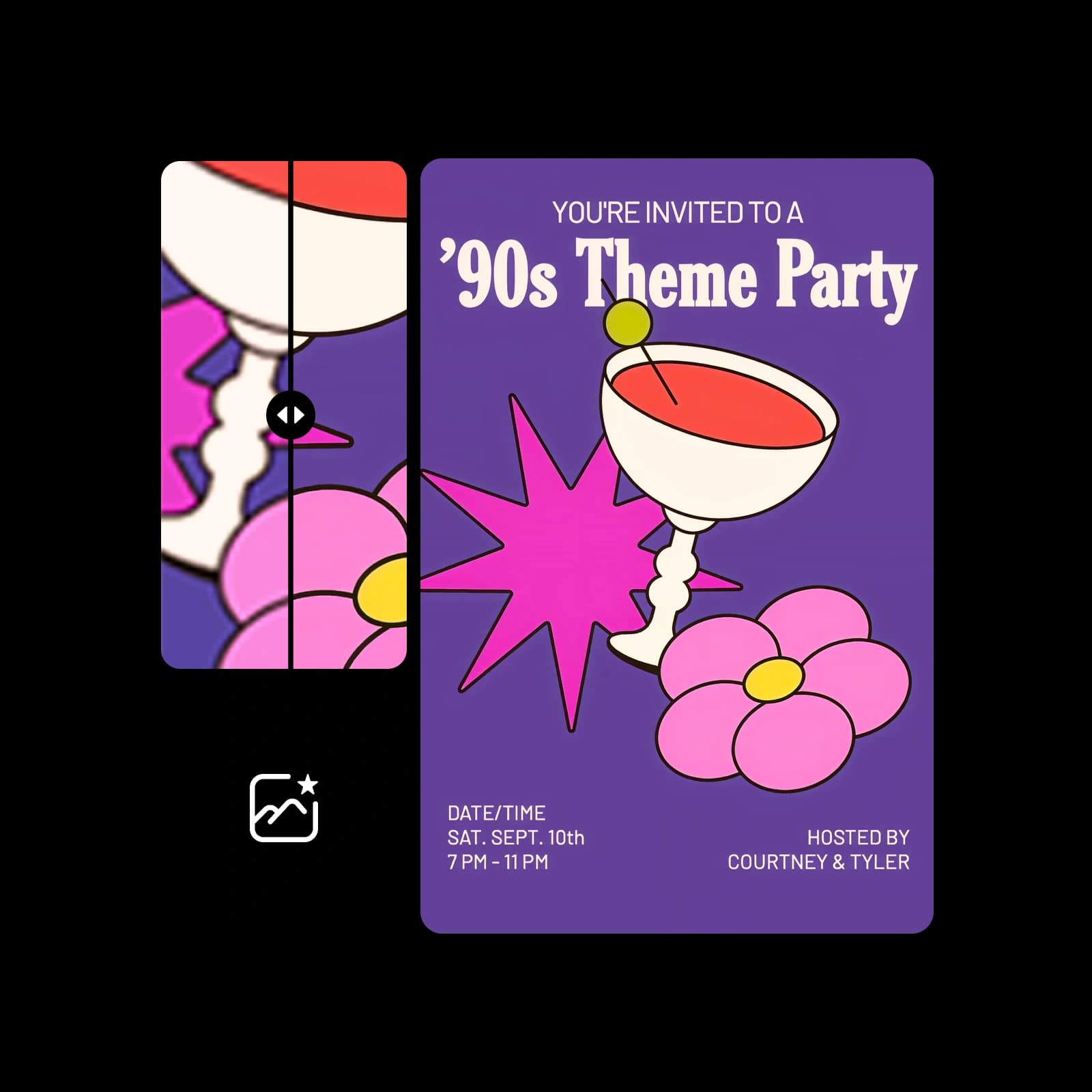
画像を拡大すると、ピクセルがぼやけたり粗くなったりします。画像をSVGにトレースすると、どんなサイズでも鮮明なままの図形に変換でき、あらゆるベクターツールで編集できます。古いロゴやフラットなアイコン、アート作品を、印刷、看板、カッティングマシン、ウェブですぐに使えるデータにできます。

画像ファイルを拡大しても鮮明なSVGにベクター化 | Ideogram Vectorize
2つのトレースモード

デフォルトまたはシンプル:画像のトレース方法を選択

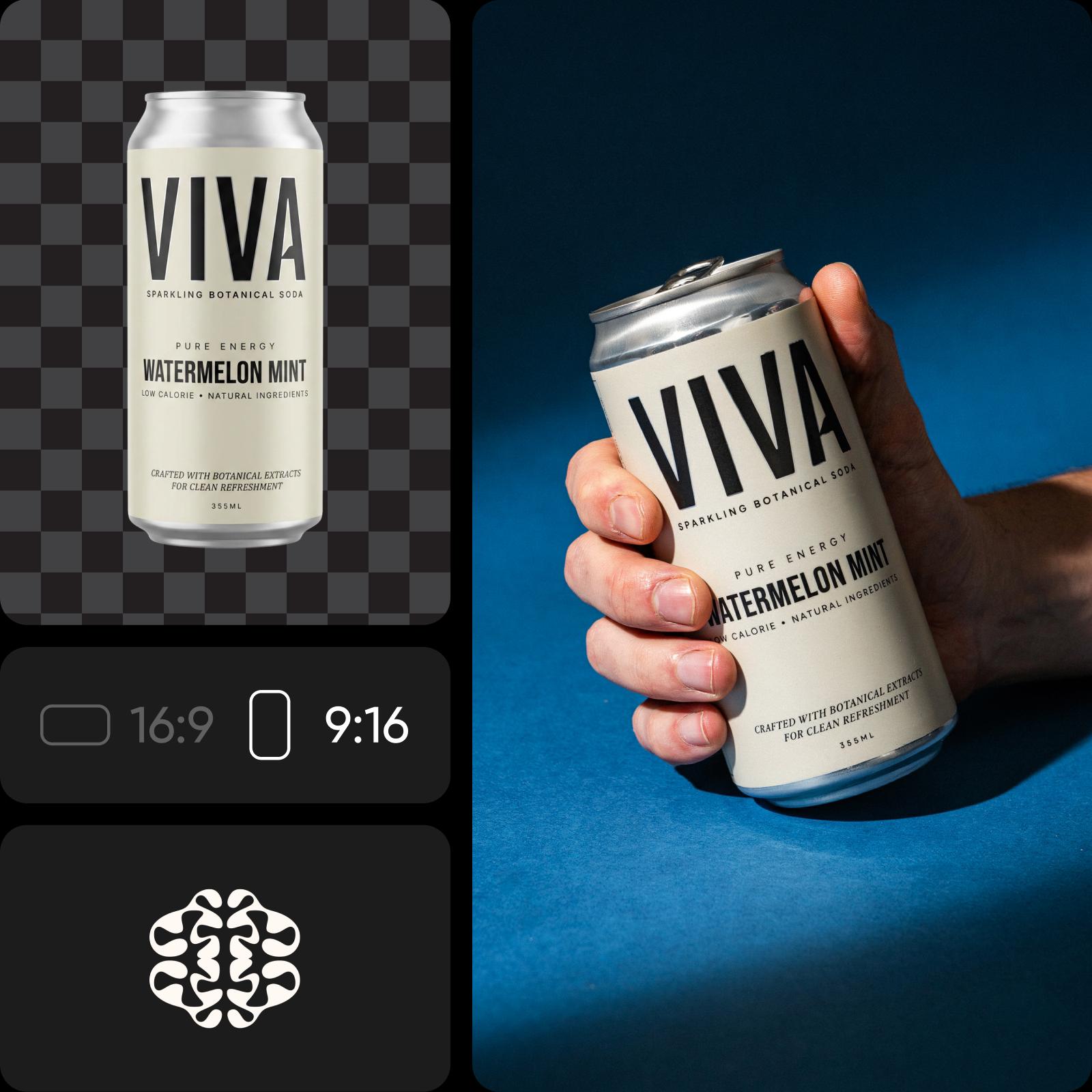
Ideogram Vectorizeには2つのモードがあります。デフォルトは標準的なトレース、シンプルはより簡略化した仕上がりです。実行ごとに画像を1枚アップロードしてモードを選び、ベクター化できます。入力は元画像のみなので、プロンプトを書く必要はありません。
デフォルトまたはシンプル:画像のトレース方法を選択 | Ideogram Vectorize
ツールキットに組み込み

PicsartでIdeogram Vectorizeを使う方法

Ideogram VectorizeはPicsartのAI Playgroundで利用できます。150以上のモデルと並べて実行し、結果を比較できます。Ideogram Vectorizeを選び、画像をアップロードしてモードを選択したら、ベクター化するだけです。新しいデザインを作りたい場合は、Ideogram VectorでプロンプトからSVGを生成できます。Ideogram Vectorizeは、ウェブやデスクトップアプリで使えるほか、CLI、MCP、REST API、SDKを通じて独自のプロジェクトにも組み込めます。
PicsartでIdeogram Vectorizeを使う方法 | Ideogram Vectorize

Ideogram Vectorizeでできること

ラスター画像を、拡大や編集ができるベクター画像に変換します。
Ideogram Vectorizeで古いロゴをよみがえらせる
  • 低解像度のロゴ画像を、名刺からバナーまで、どんなサイズでも鮮明なSVGに変換できます。

Ideogram Vectorizeで画像をSVGに変換する方法

JPEG、PNG、WebPからSVGへ、3ステップで変換できます。

How to

AI PlaygroundでIdeogram Vectorizeを開く

PicsartのAI PlaygroundでIdeogram Vectorizeを選択します。

ステップ1:AI PlaygroundでIdeogram Vectorizeを開く

Ideogram Vectorizeに関するよくある質問

PicsartでIdeogram Vectorizeを使う方法についてご紹介します。

  • Ideogram Vectorizeは、Ideogramの画像からSVGへの変換モデルです。JPEG、PNG、WebPをトレースし、どんなサイズにも拡大できるSVGに変換します。

Ideogram Vectorizeで画像をSVGに変換

SAVE UP TO 50%

Pro

Most popular

AI tools for everyday creative work.

$15 $10.5/mo
Billed yearly
You save $54 with yearly
Trending models
Full access
  • Seedance 2.04K 15s
  • Seedream 5.52K
  • MiniMax H32K 15s
  • GPT Image 2.6Fast
  • Access to all photo & video editing features
  • Advanced background & object removal
  • Parallel video generations with the world's most powerful AI video models
  • Unlimited image generations with Flex.2 Klein
  • 1-tap image enhancer
  • Millions of stock photos & Getty video clips
  • Selection of trendy fonts, text styles & stickers
  • Thousands of premium templates
  • Support for 3+ brand kits
  • Bulk edit up to 50 images at once
  • 100 GB of cloud storage
New features:
  • 15+ creative AI agents that plan, execute, and deliver — across video, brand, localization, and more
  • Auto-generate content from your terminal or agent with the Picsart CLI
  • Use Picsart inside Claude Code, Cursor, and ChatGPT via MCP

Ultra

Most powerful

Heavy AI usage for creators & teams.

$45 $24.5/mo
Billed yearly
You save $246 with yearly
Trending models
Full access
  • Seedance 2.51080p 30s
  • Seedream 5.52K
  • MiniMax H32K 15s
  • GPT Image 2.6Fast
  • 200+ leading AI video, image, and audio models (Kling 3.0, Nano Banana, MiniMax H3, Seedance 2.5 & more)
  • Parallel video generations with the world's most powerful AI video models
  • Early access to advanced AI features
  • Unlimited image generations with Flex.2 Klein
  • Option to buy add-on credits that never expire
  • Up to 6.5 million Getty stock videos
  • Bulk edit up to 100 images at once
  • Support for 10+ brand kits
  • Create ad variations & localize
  • Track ads performance
  • Add team seats
  • 300 GB of cloud storage per seat
New features:
  • 15+ creative AI agents that plan, execute, and deliver — across video, brand, localization, and more
  • Auto-generate content from your terminal or agent with the Picsart CLI
  • Use Picsart inside Claude Code, Cursor, and ChatGPT via MCP