Ideogram Vectorize AI model
이미지를 SVG로 변환

Ideogram Vectorize: 모든 이미지를 깔끔한 SVG로 벡터화

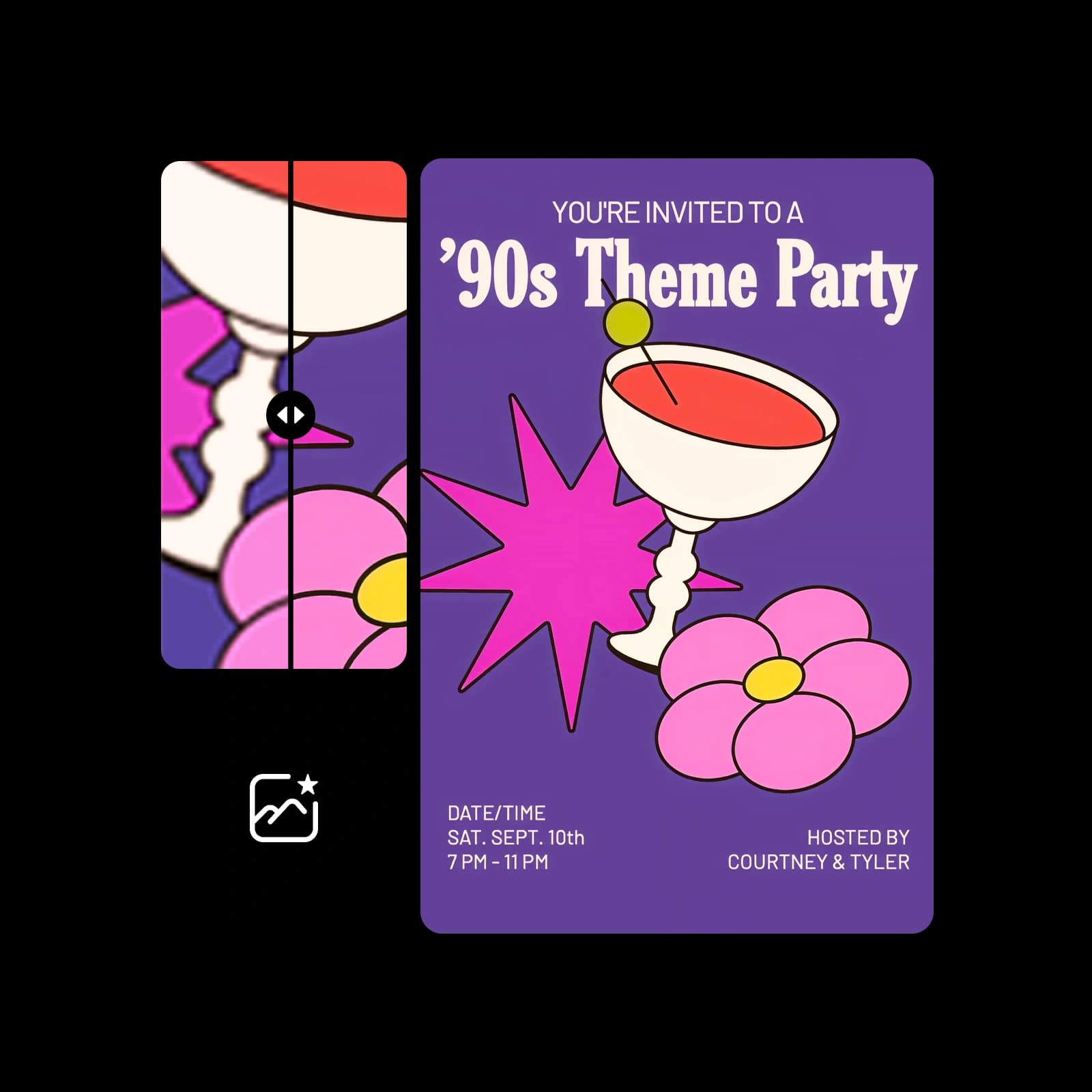
Ideogram Vectorize는 JPEG, PNG 또는 WebP를 어떤 크기로든 확대할 수 있는 SVG로 변환합니다. 이미지를 하나 업로드하고 기본 모드 또는 간편 모드를 선택하면 AI Playground에서 벡터 결과를 얻을 수 있습니다.

Start
벡터화할 JPEG, PNG 또는 WebP를 업로드하세요

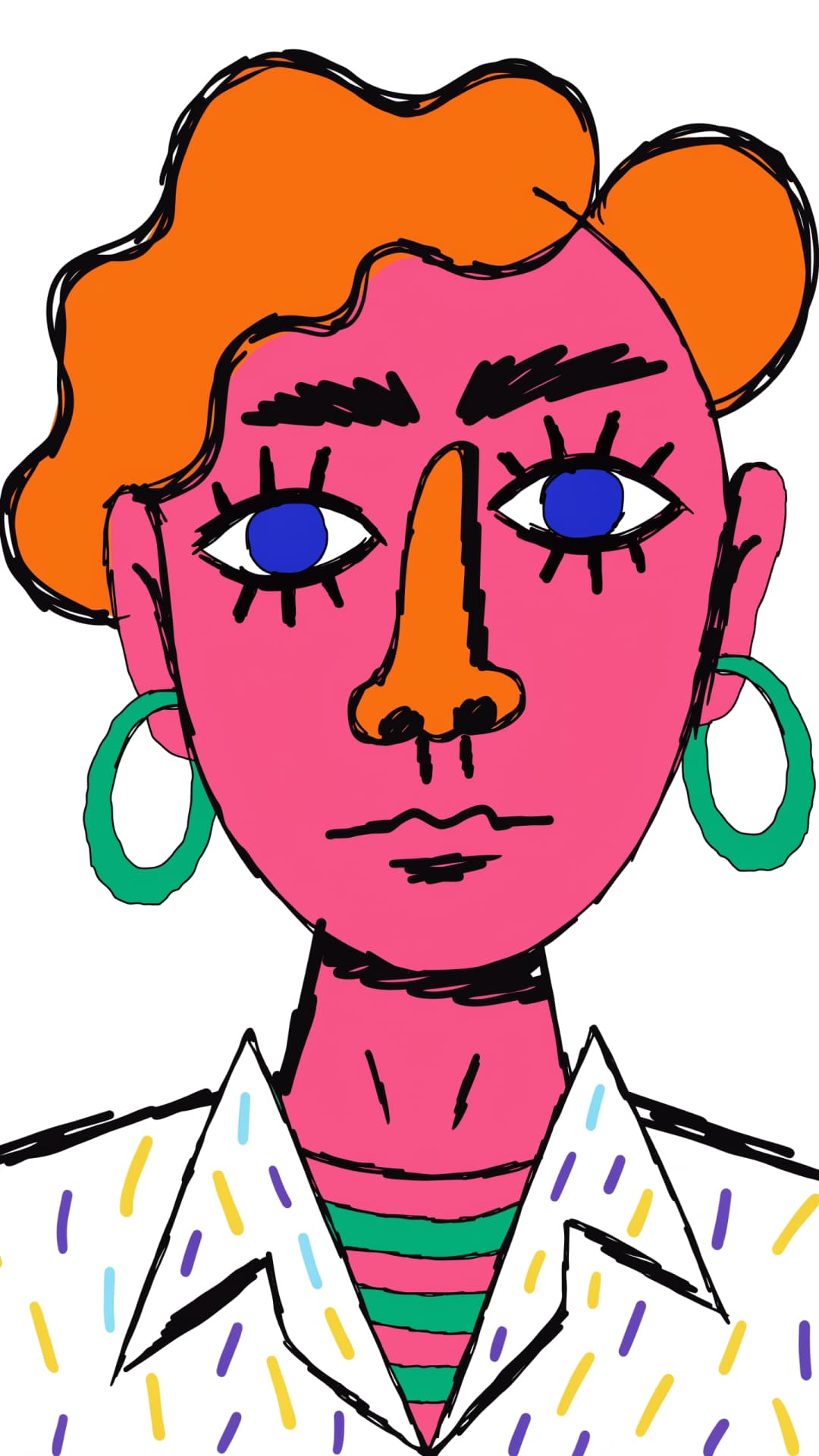
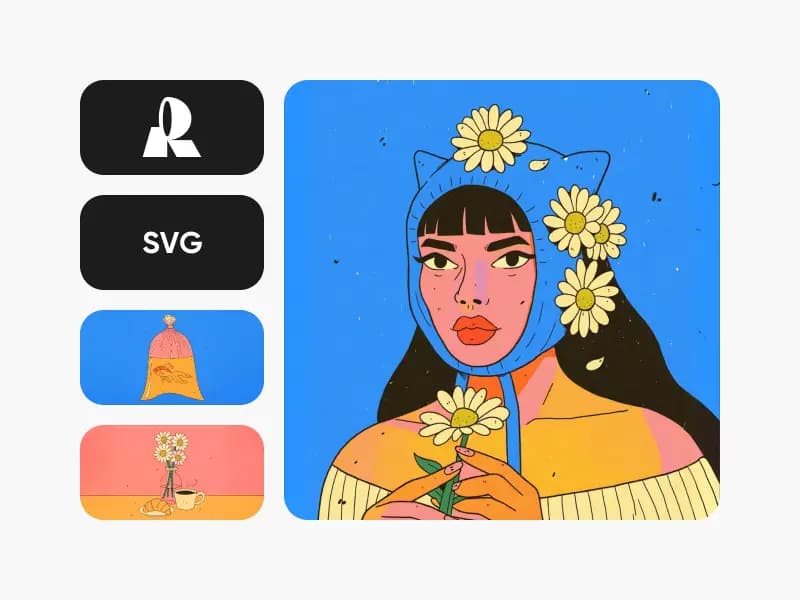
Ideogram Vectorize로 벡터화한 이미지

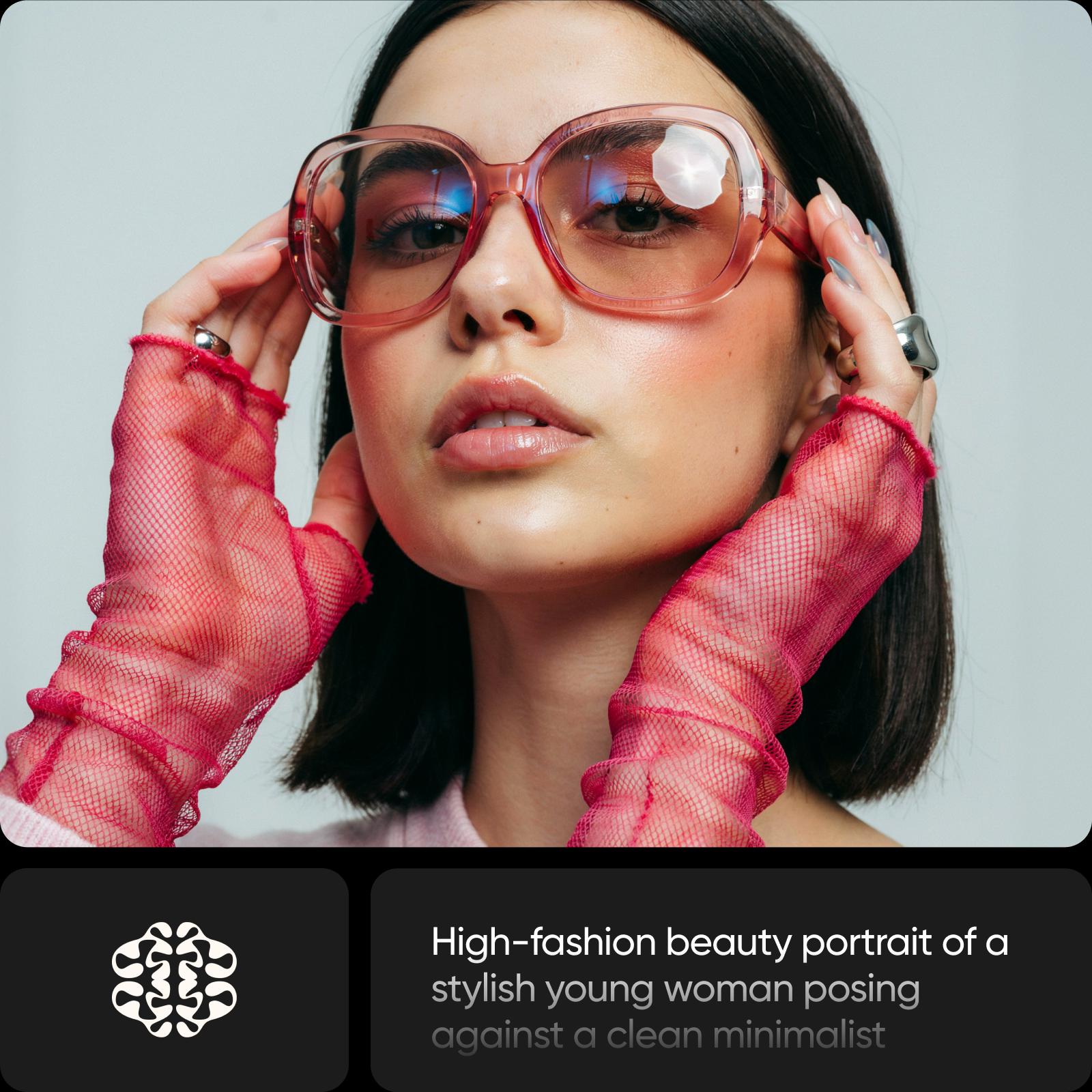
Ideogram Vectorize 예시 1
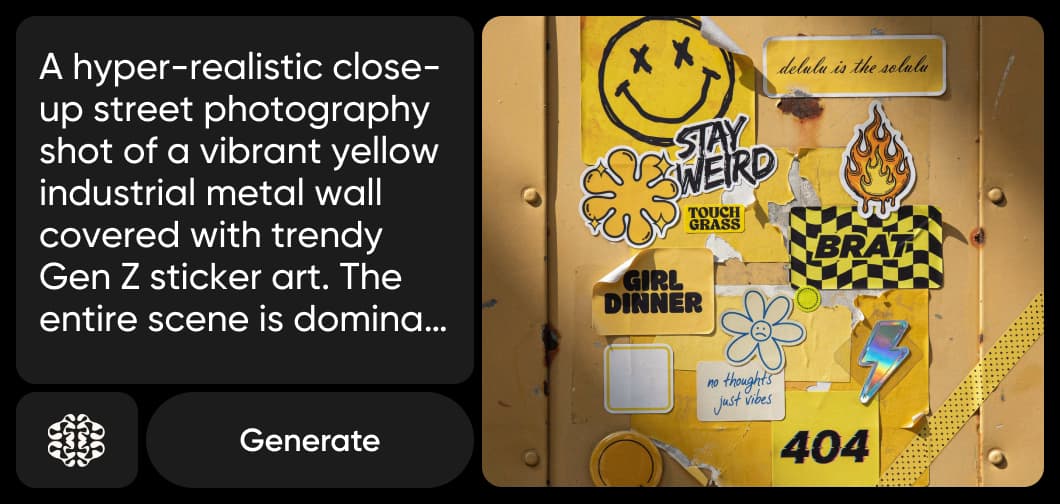
Ideogram Vectorize 예시 2
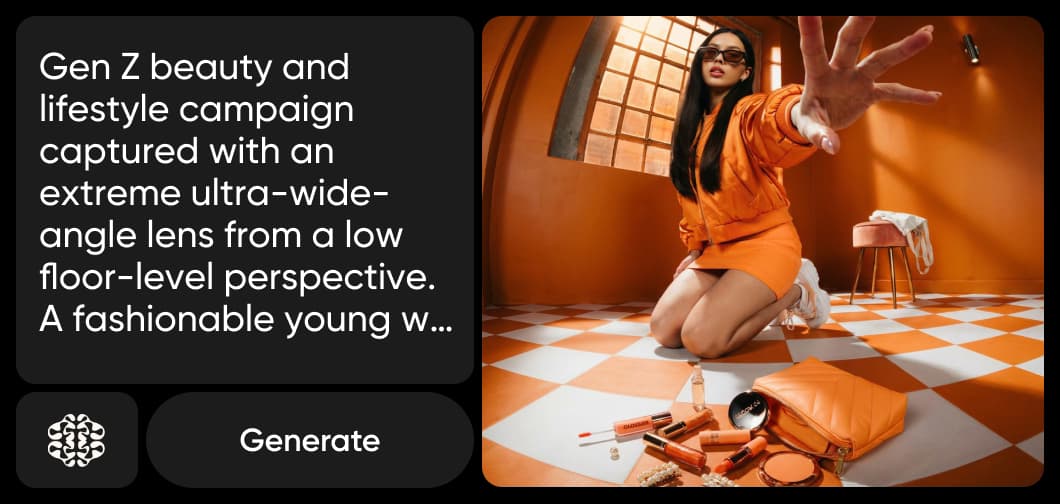
Ideogram Vectorize 예시 3
IDEOGRAM VECTORIZE 만나보기

Ideogram Vectorize란? Ideogram의 이미지 SVG 변환 도구

Ideogram Vectorize는 Ideogram의 이미지-SVG 변환 모델입니다. 래스터 이미지(JPEG, PNG 또는 WebP)를 하나 업로드하면 프롬프트 없이 SVG로 변환합니다. 프롬프트로 새 SVG를 만드는 Ideogram Vector와 함께 Ideogram 제품군을 이룹니다.

  • JPEG, PNG 또는 WebP 입력
  • 깔끔한 SVG 출력
  • 기본 모드 또는 간편 모드
Ideogram Vectorize란? Ideogram의 이미지 SVG 변환 도구 | Ideogram Vectorize
모든 크기에서 선명하게

이미지 파일을 확대 가능한 SVG로 벡터화

픽셀 이미지는 크기를 키우면 흐려지고 깨집니다. 이미지를 SVG로 변환하면 어떤 크기로 확대해도 선명한 도형으로 바뀌며, 모든 벡터 도구에서 편집할 수 있습니다. 오래된 로고, 단순한 아이콘, 작품을 인쇄물, 간판, 커팅 머신, 웹에 바로 사용할 수 있습니다.

이미지 파일을 확대 가능한 SVG로 벡터화 | Ideogram Vectorize
두 가지 변환 모드

기본 또는 간편: 이미지 변환 방식 선택

Ideogram Vectorize에는 두 가지 모드가 있습니다. 기본 모드는 표준 변환을, 간편 모드는 더 단순화된 결과를 제공합니다. 실행할 때마다 이미지 하나를 업로드하고 모드를 선택해 벡터화하세요. 작성할 프롬프트는 없으며 원본 이미지가 유일한 입력입니다.
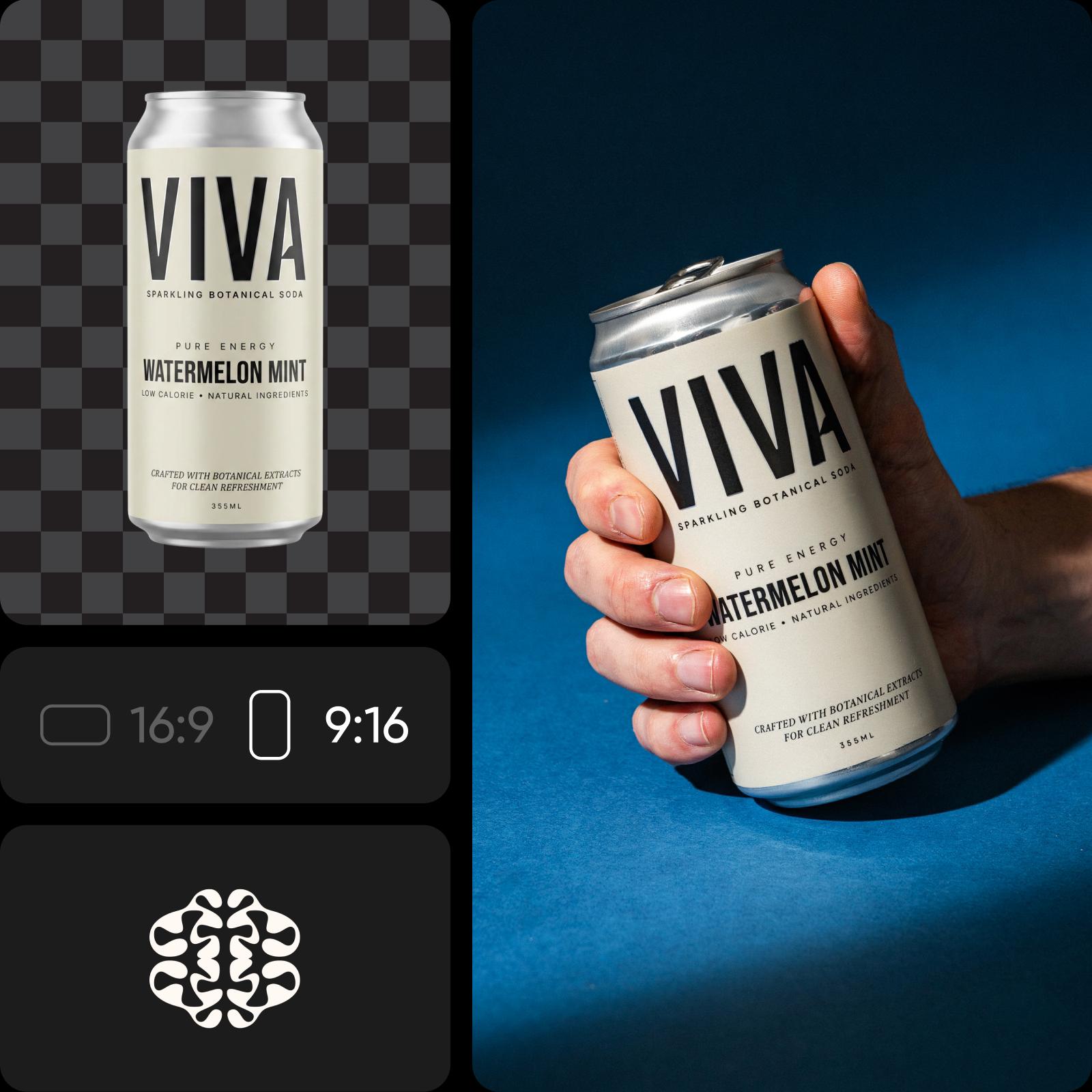
기본 또는 간편: 이미지 변환 방식 선택 | Ideogram Vectorize
작업 도구에 통합

Picsart에서 Ideogram Vectorize 사용하기

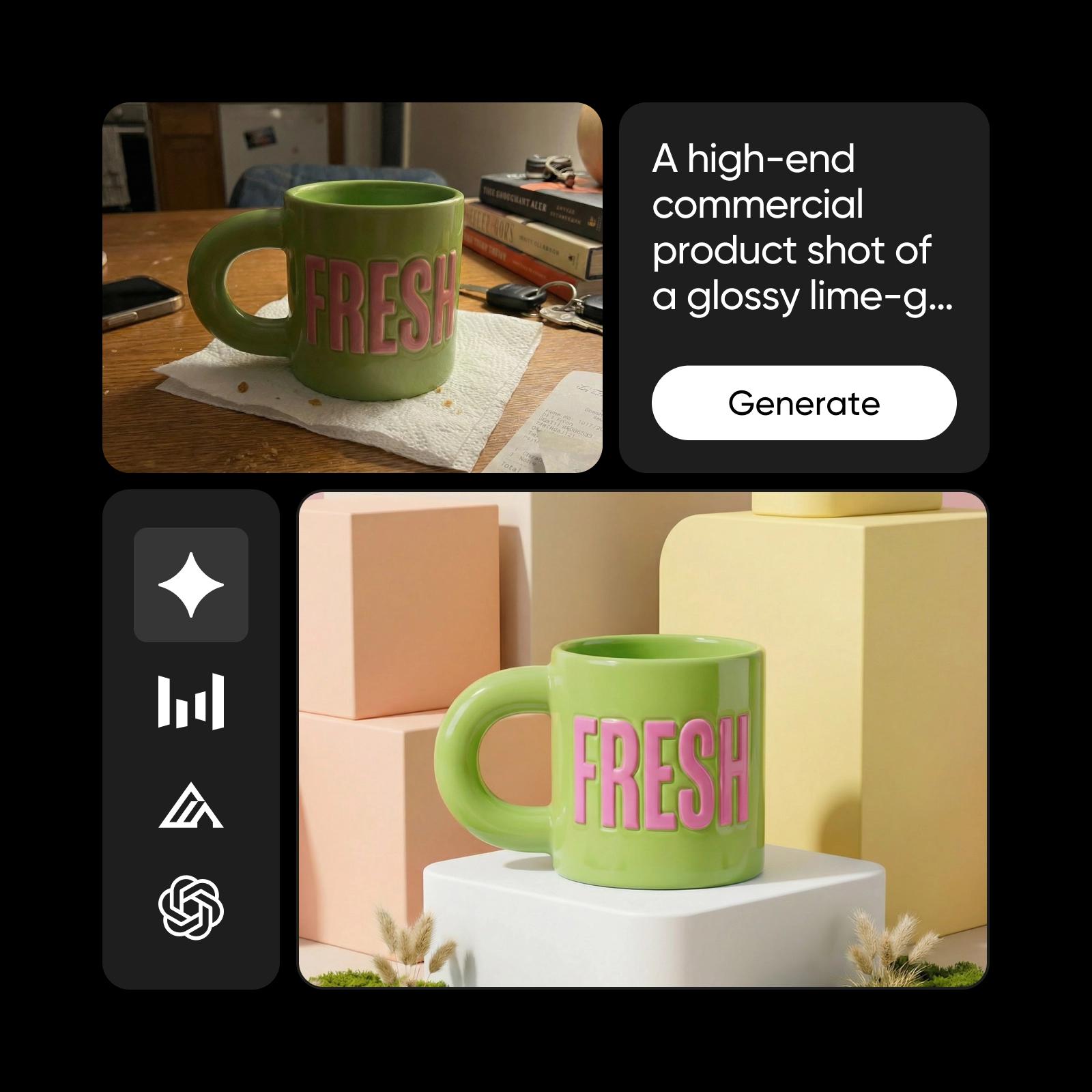
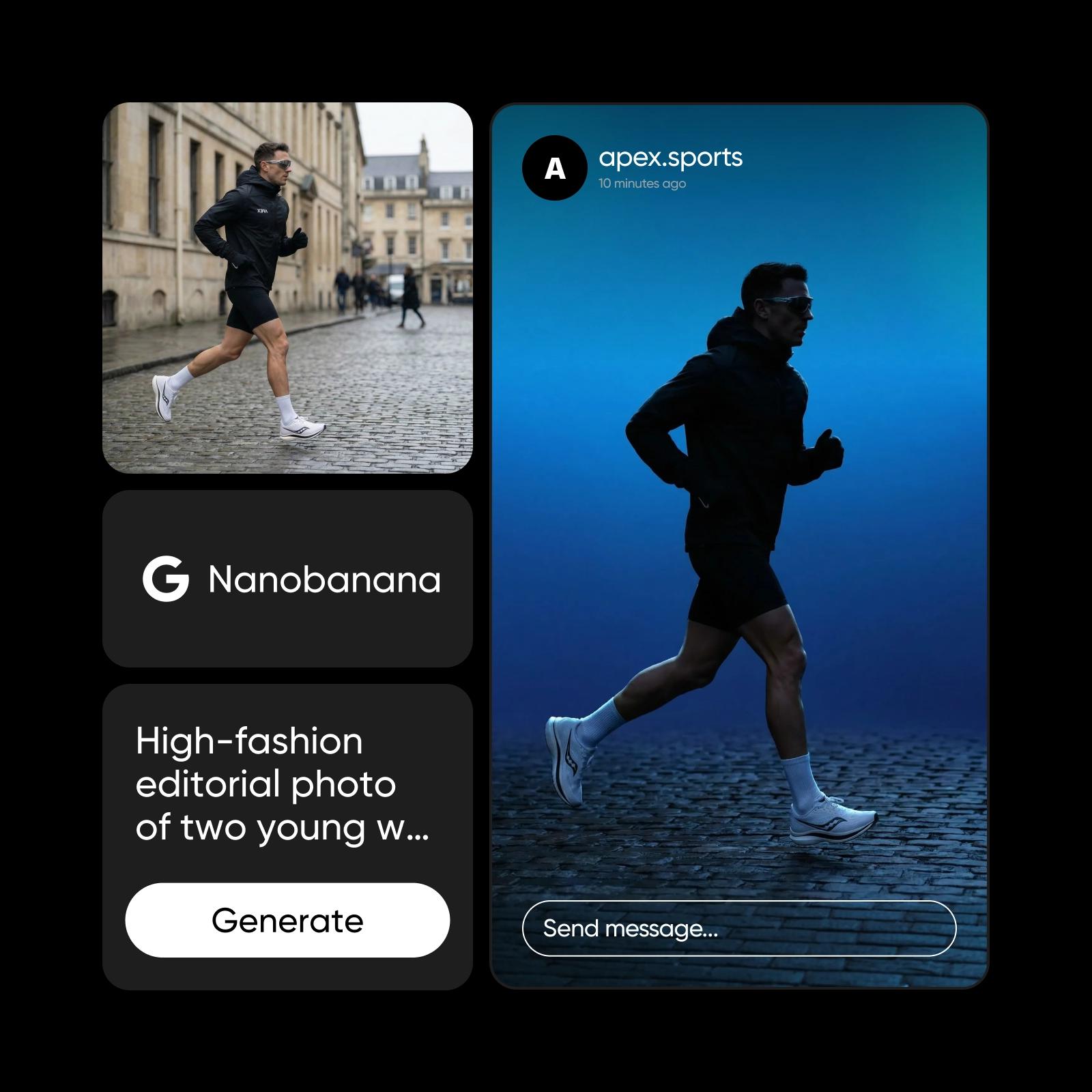
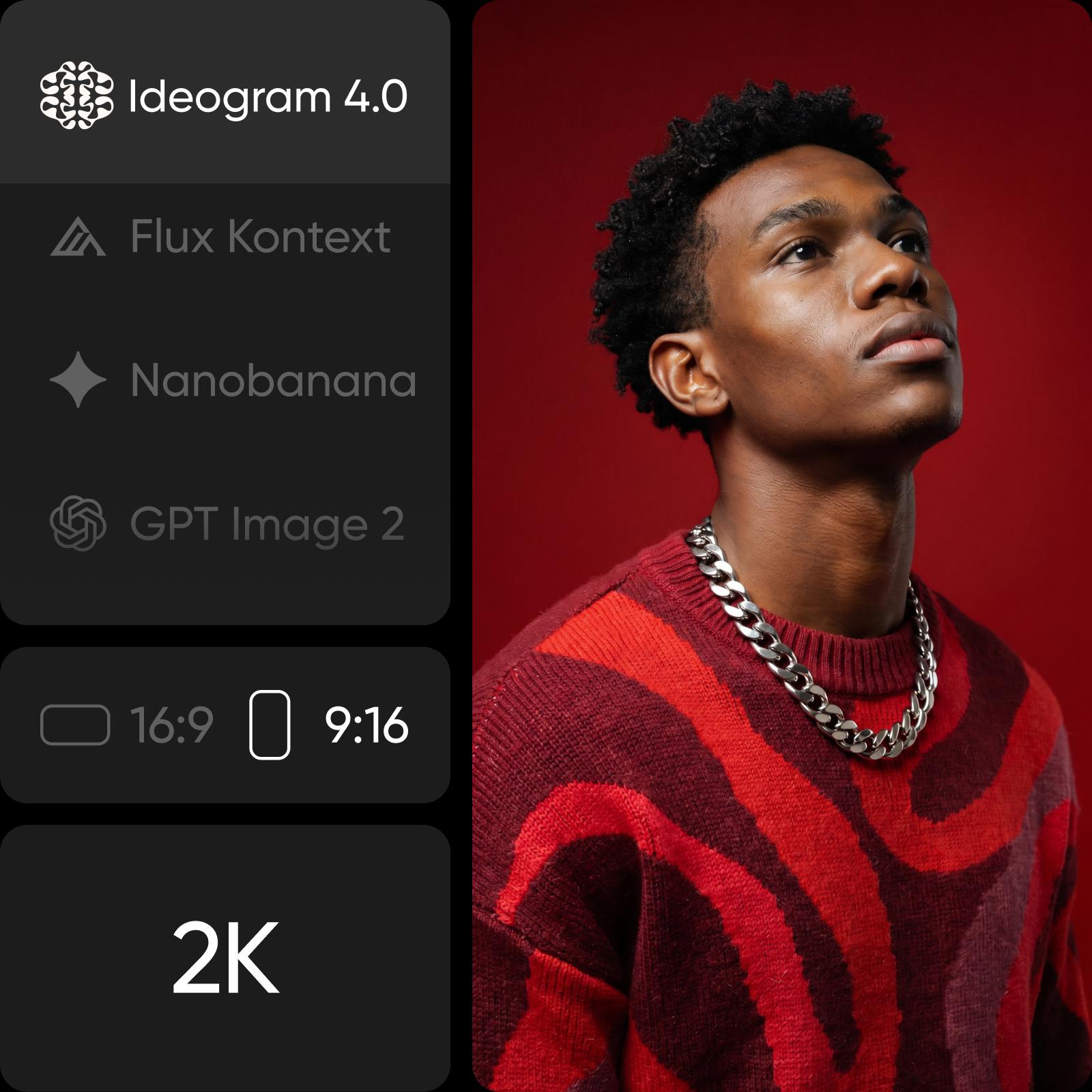
Ideogram Vectorize는 Picsart의 AI Playground에서 사용할 수 있습니다. 150개 이상의 다른 모델과 함께 실행하고 결과를 비교해 보세요. Ideogram Vectorize를 선택하고 이미지를 업로드한 뒤 모드를 선택해 벡터화하면 됩니다. 새 디자인이 필요하신가요? Ideogram Vector는 프롬프트로 SVG를 생성합니다. 웹이나 데스크톱 앱에서 사용하거나 CLI, MCP, REST API, SDK를 통해 직접 프로젝트에 통합하는 등 원하는 방식으로 Ideogram Vectorize를 이용할 수 있습니다.
Picsart에서 Ideogram Vectorize 사용하기 | Ideogram Vectorize

Ideogram Vectorize로 할 수 있는 작업

래스터 파일을 확대하고 편집할 수 있는 벡터로 변환하세요.
Ideogram Vectorize로 오래된 로고 되살리기
  • 저해상도 로고 파일을 명함부터 배너까지 어디에나 선명하게 표시되는 SVG로 바꿔 보세요.

Ideogram Vectorize로 이미지를 SVG로 변환하는 방법

JPEG, PNG 또는 WebP를 SVG로 변환하는 세 단계.

How to

AI Playground에서 Ideogram Vectorize 열기

Picsart AI Playground에서 Ideogram Vectorize를 선택하세요.

1단계: AI Playground에서 Ideogram Vectorize 열기

Ideogram Vectorize 자주 묻는 질문

Picsart에서 Ideogram Vectorize를 사용하는 방법에 관한 답변입니다.

  • Ideogram Vectorize는 Ideogram의 이미지-SVG 변환 모델입니다. JPEG, PNG 또는 WebP를 어떤 크기로든 확대할 수 있는 SVG로 변환합니다.

Ideogram Vectorize로 이미지를 SVG로 변환

SAVE UP TO 50%

Pro

Most popular

AI tools for everyday creative work.

$15 $10.5/mo
Billed yearly
You save $54 with yearly
Trending models
Full access
  • Seedance 2.04K 15s
  • Seedream 5.52K
  • MiniMax H32K 15s
  • GPT Image 2.6Fast
  • Access to all photo & video editing features
  • Advanced background & object removal
  • Parallel video generations with the world's most powerful AI video models
  • Unlimited image generations with Flex.2 Klein
  • 1-tap image enhancer
  • Millions of stock photos & Getty video clips
  • Selection of trendy fonts, text styles & stickers
  • Thousands of premium templates
  • Support for 3+ brand kits
  • Bulk edit up to 50 images at once
  • 100 GB of cloud storage
New features:
  • 15+ creative AI agents that plan, execute, and deliver — across video, brand, localization, and more
  • Auto-generate content from your terminal or agent with the Picsart CLI
  • Use Picsart inside Claude Code, Cursor, and ChatGPT via MCP

Ultra

Most powerful

Heavy AI usage for creators & teams.

$45 $24.5/mo
Billed yearly
You save $246 with yearly
Trending models
Full access
  • Seedance 2.51080p 30s
  • Seedream 5.52K
  • MiniMax H32K 15s
  • GPT Image 2.6Fast
  • 200+ leading AI video, image, and audio models (Kling 3.0, Nano Banana, MiniMax H3, Seedance 2.5 & more)
  • Parallel video generations with the world's most powerful AI video models
  • Early access to advanced AI features
  • Unlimited image generations with Flex.2 Klein
  • Option to buy add-on credits that never expire
  • Up to 6.5 million Getty stock videos
  • Bulk edit up to 100 images at once
  • Support for 10+ brand kits
  • Create ad variations & localize
  • Track ads performance
  • Add team seats
  • 300 GB of cloud storage per seat
New features:
  • 15+ creative AI agents that plan, execute, and deliver — across video, brand, localization, and more
  • Auto-generate content from your terminal or agent with the Picsart CLI
  • Use Picsart inside Claude Code, Cursor, and ChatGPT via MCP