Verwijder moeiteloos de achtergrond van logo
Op zoek naar een snelle manier om logobackgrounds te verwijderen? Maak direct een transparant logo met de door AI aangedreven achtergrondverwijderaar van Picsart.
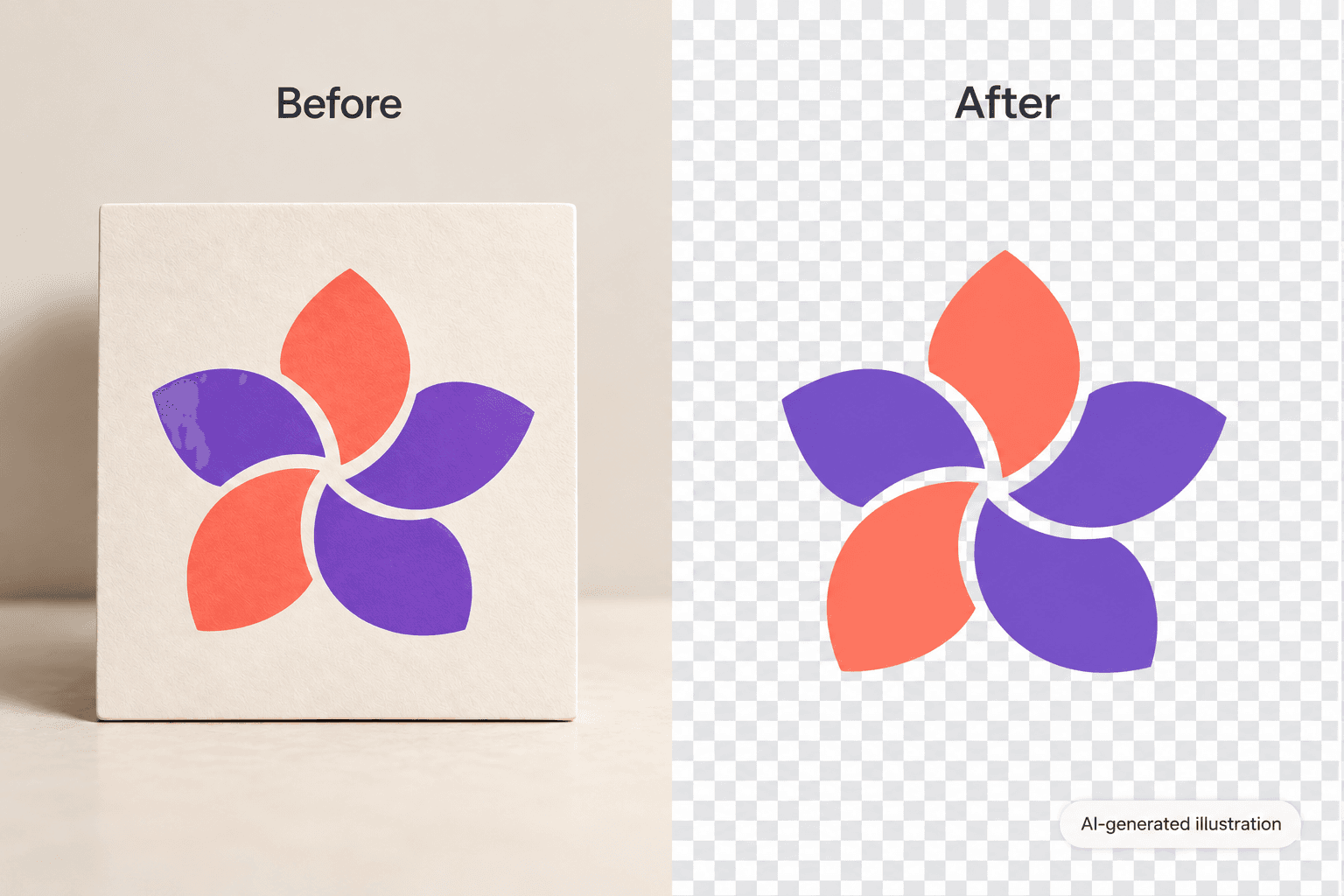
Maak logo met AI-beeldmodellen
Gebruik beeldmodellen om achtergronden, productfoto’s en uitsnedes om te vormen tot gepolijste visuals.
Hoe de achtergrond van een logo te verwijderen
How to
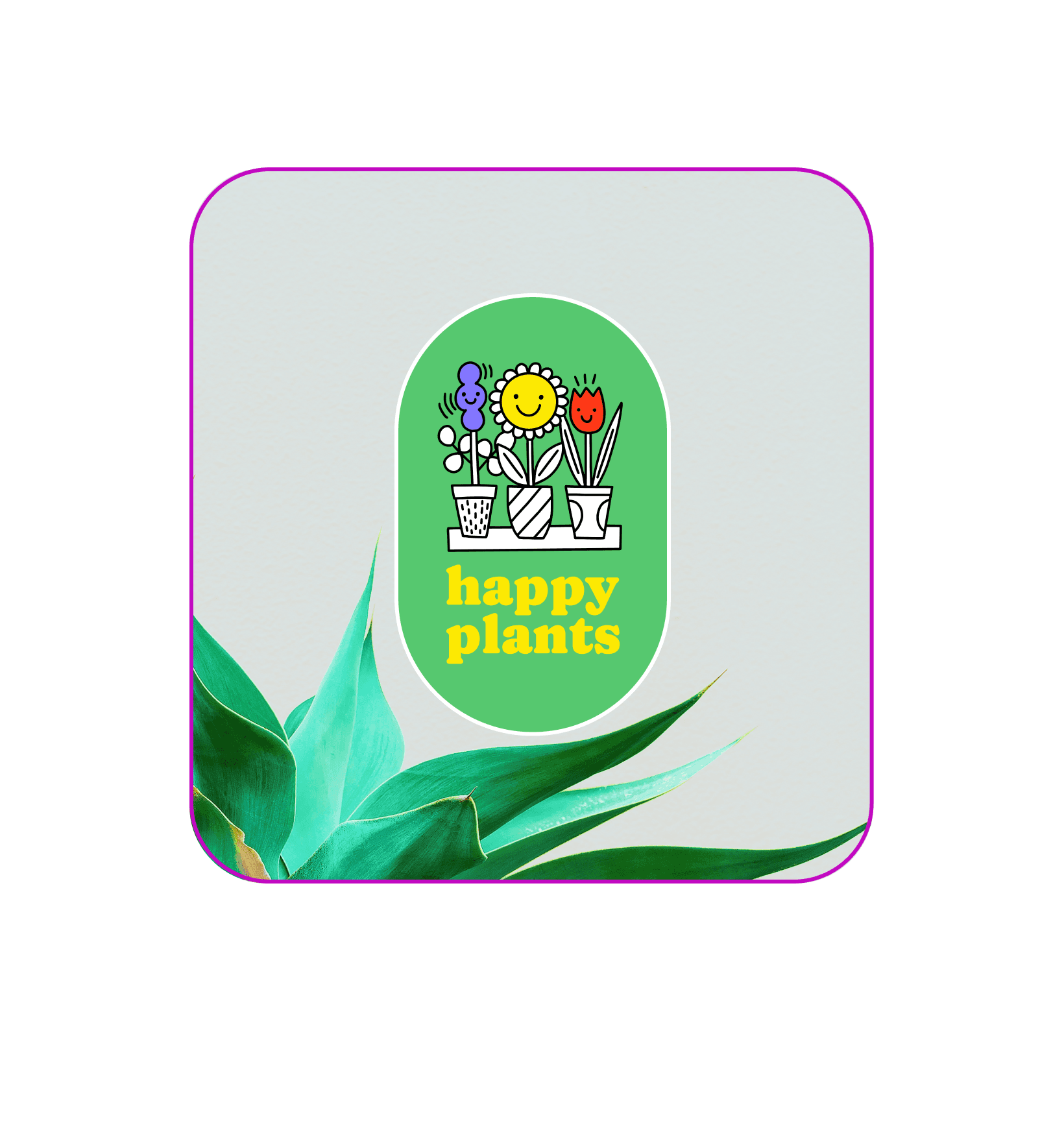
Gebruiksvriendelijke logobackground-verwijdertools voor beginners
Zelfs als je geen ontwerpvaardigheden hebt, kost het slechts één klik om de achtergrond van je logo vlekkeloos te verwijderen met de achtergrondverwijdertool van Picsart. AI traceert automatisch je logodesign en verwijdert de achtergrond, zodat je je professionaliteit kunt verhogen en de merkbekendheid kunt vergroten zonder uren aan het bewerken te besteden. Met een logobackground gum kunt je jouw logo eenvoudig opslaan met een transparante achtergrond en het ontwerp invoegen waar en wanneer je maar wilt.
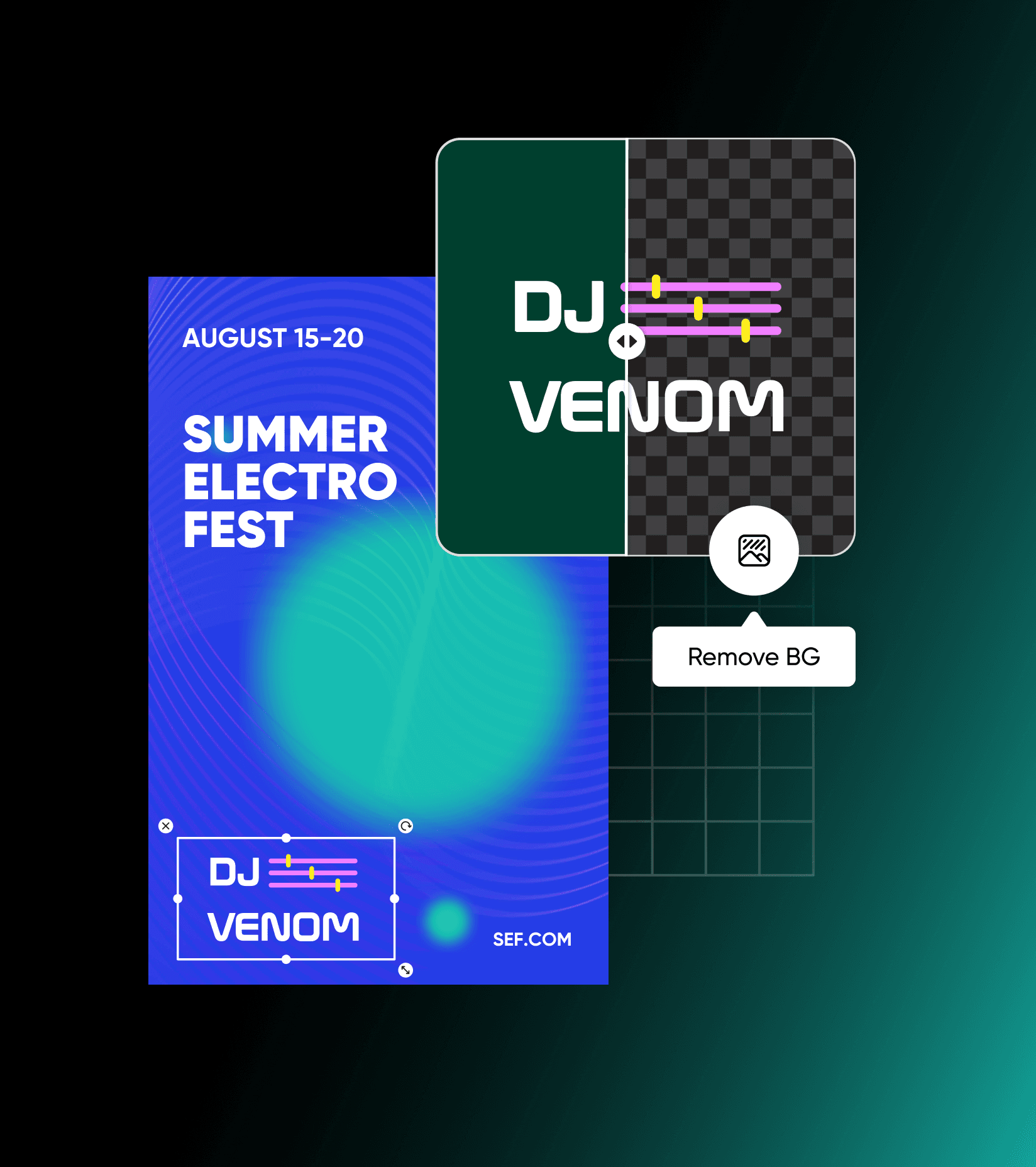
Maak logo's direct transparant
Of je nu je persoonlijke merk opbouwt of je bedrijf vernieuwt, je logo doet ertoe. Transparante logo's zijn professioneel en veelzijdig, zodat je jouw logo overal en altijd kunt plaatsen. Door de achtergrond te verwijderen, kan je jouw logo naadloos toevoegen aan bedrijfskleding, presentaties, printontwerpen of het zelfs gebruiken als een watermerk. Om de achtergrond uit een logo te verwijderen, gebruik je de achtergrondverwijdertool om het werk met een enkele klik uit te voeren. Alles wat je hoeft te doen is je logo uploaden en AI het werk laten doen om de achtergrond automatisch te verwijderen.

Extraheer logo's uit afbeeldingen zonder kwaliteitsverlies
Met een automatische logobackgroundverwijderaar hoef je je geen zorgen te maken over kwaliteitsverlies van de afbeelding. Een maker van transparante logo's verwijdert jouw logo nauwkeurig uit de omliggende achtergrond voor een hoogwaardige PNG-bestand. Zodra je de achtergrond van het logo hebt verwijderd, kun je je nieuwe logo gebruiken om t-shirts te ontwerpen, visitekaartjes, presentaties en andere creatieve assets voor je bedrijf.
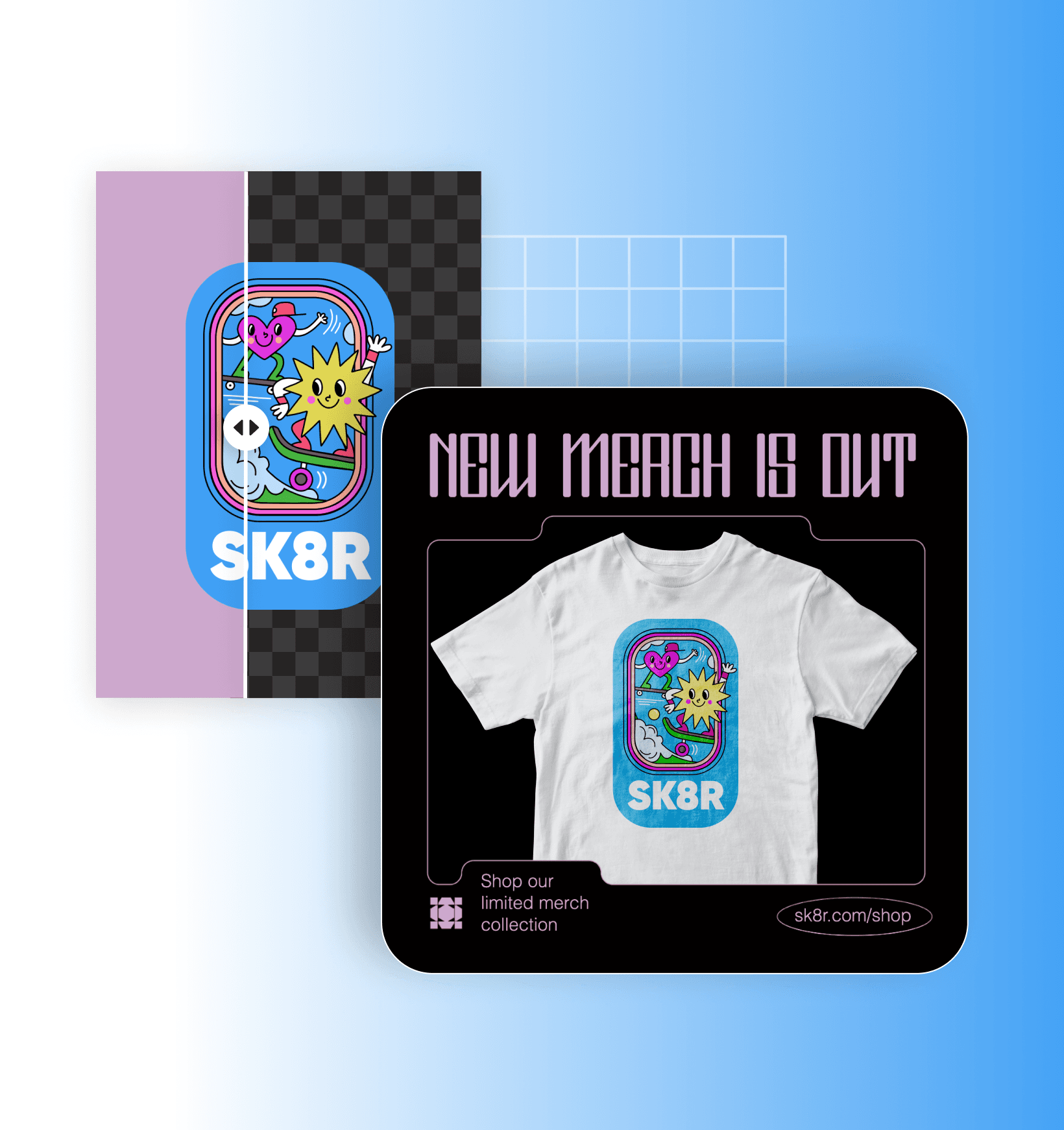
Wijzig eenvoudig de achtergrond van je logo
Nadat je de achtergrond van een logo hebt verwijderd, kun je gemakkelijk de achtergrond wijzigen om de achtergrond op te vrolijken en je logo creatief te versterken. Of, als je op zoek bent naar een meer creatieve benadering, probeer unieke AI-achtergronden te genereren om je logodesign op te fleuren. Zodra je de perfecte achtergrond hebt gevonden, kun je onze beginnersvriendelijke online foto-editor gebruiken om je afbeelding te verfijnen, je logo aan te passen, of zelfs een gloednieuw logodesign te maken.

Logobackground-verwijderaar FAQ
Logo's met transparante achtergronden zijn schoon en professioneel. Je kan ze ook gebruiken op verschillende platforms en met verschillende kleurenpaletten, zonder je zorgen te maken over de achtergrondkleur.
Beoordeling van de tool
Probeer Picsart en ontdek zelf waarom het de favoriete bewerkingstool is van miljoenen gebruikers.
Bekend van


Maak visuals schoon voor gepolijst creatief inhoud
Pro
Most popularAI tools for everyday creative work.
Ultra
Most powerfulHeavy AI usage for creators & teams.


