Editor fotografií na hromadnú úpravu: upravte viacero fotiek naraz
Upravujte, vylepšujte a exportujte celú sériu fotiek naraz pomocou editora fotografií na hromadnú úpravu od Picsart. Orezávajte a meňte veľkosť fotiek, odstraňujte a nahraďte pozadie, používajte filtre a efekty, pridávajte vodoznaky a vylepšite pomocou AI až 50 obrázkov v jednom kroku. Použite rovnaký vzhľad na celú sériu alebo nastavte rôzne úpravy pre každý obrázok bez toho, aby ste museli nástroj opustiť.
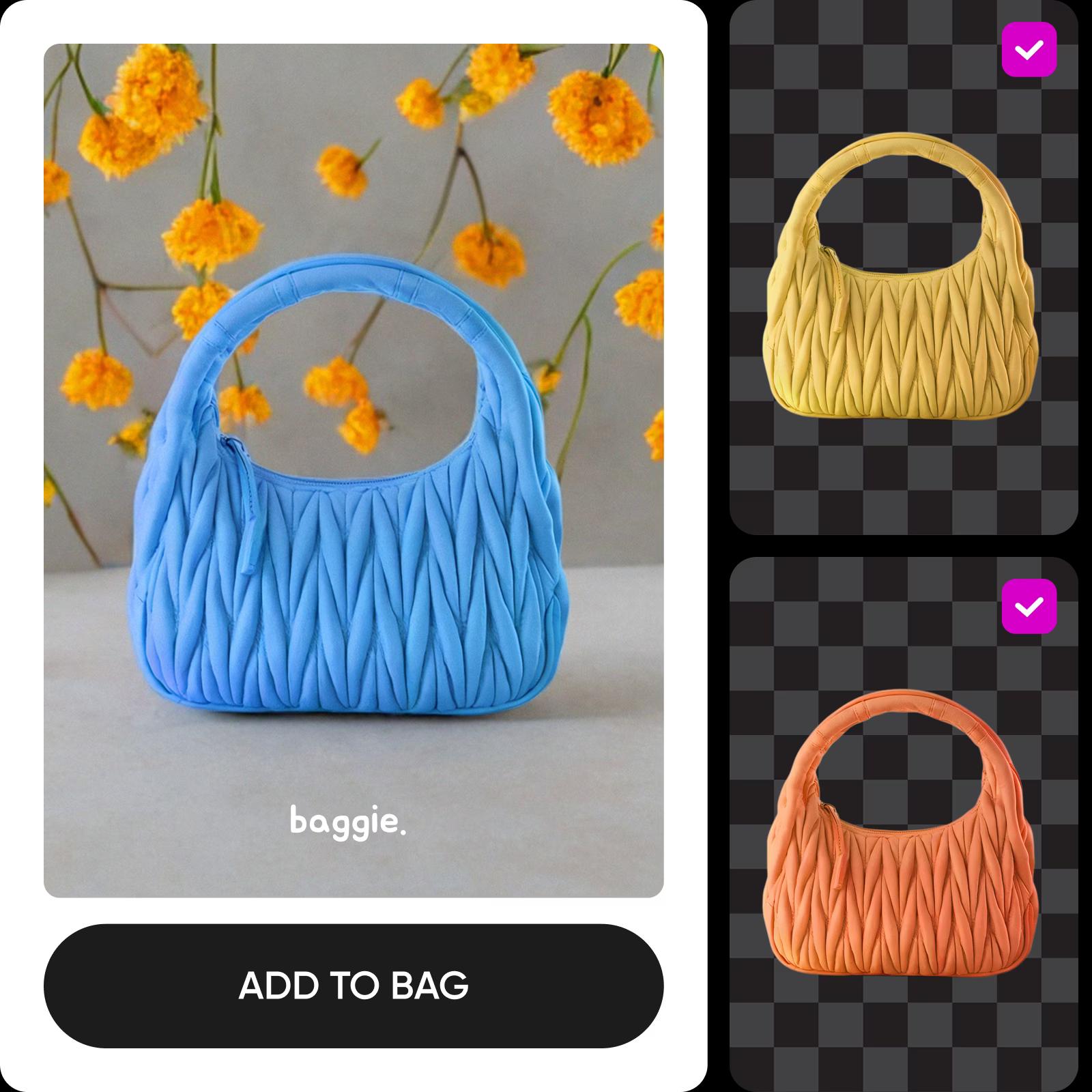
Upravujte série pomocou modelov na generovanie obrázkov
Pomocou modelov na generovanie obrázkov vyčistite, zmeňte štýl a pripravte rozsiahle série fotiek na zverejnenie.
Ako používať editor fotografií na hromadnú úpravu
How to
Otvorte Batch Editor
Kliknutím na položku Vybrať súbor otvorte editor hromadnej úpravy.
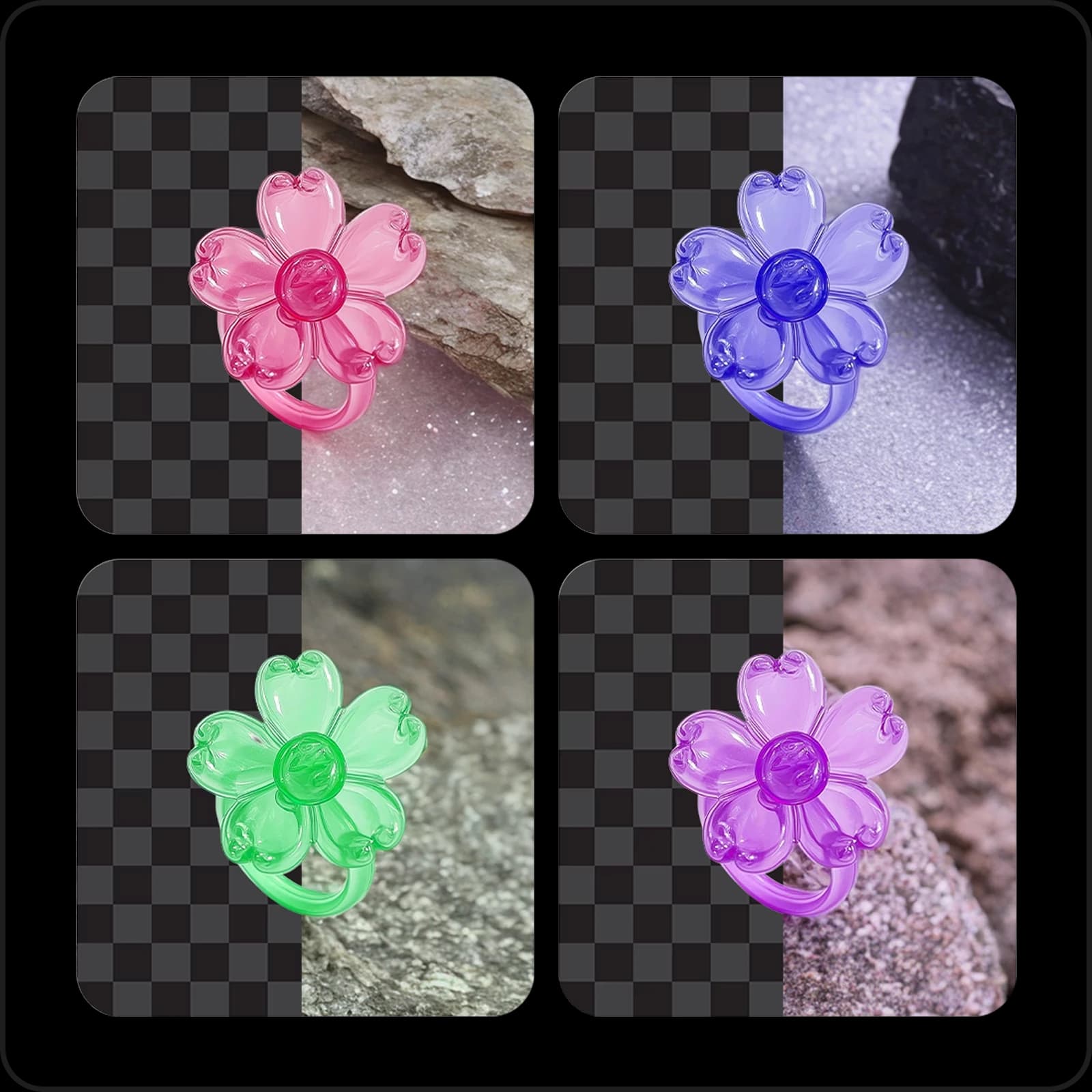
Zautomatizujte pracovný postup úprav pomocou Batch Editor
Vykonajte opakované úpravy desiatok fotiek naraz. Orezávanie, zmena veľkosti a úprava obrázkov po jednom zaberajú celé hodiny. Editor fotografií na hromadnú úpravu od Picsart preto aplikuje zmeny až na 50 fotiek naraz a zvládne rutinnú prácu v jednom kroku.
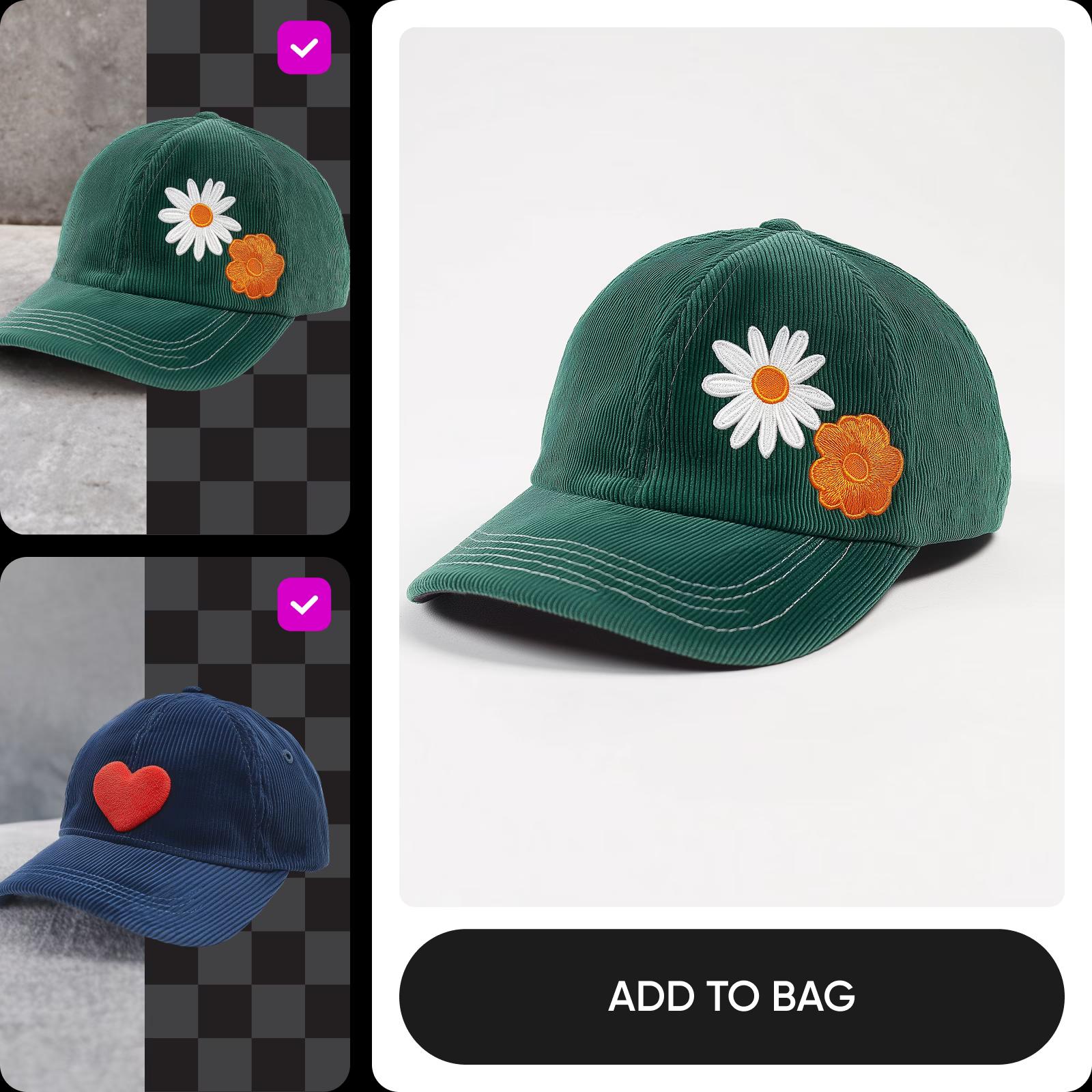
Hromadne odstraňujte a nahraďte pozadia
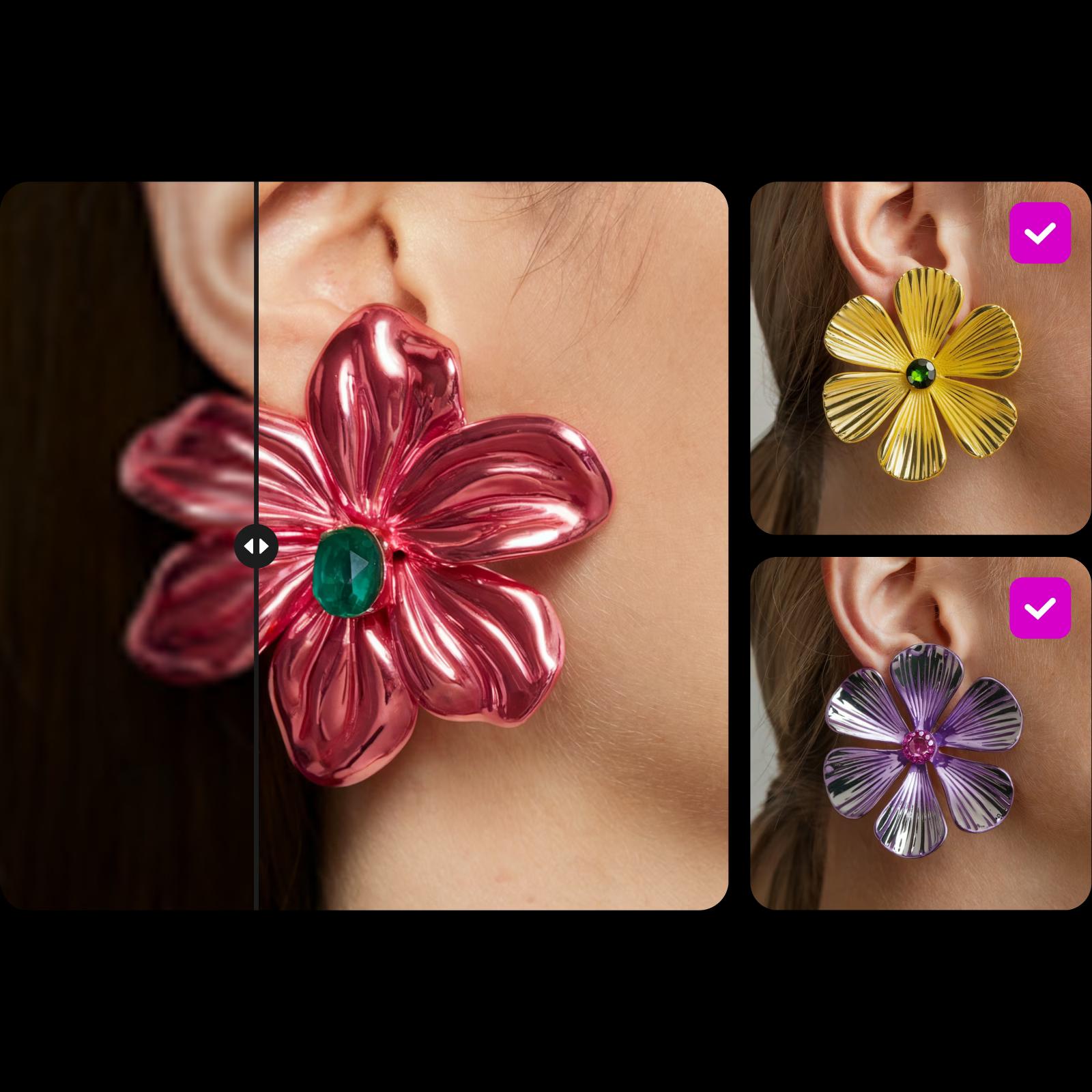
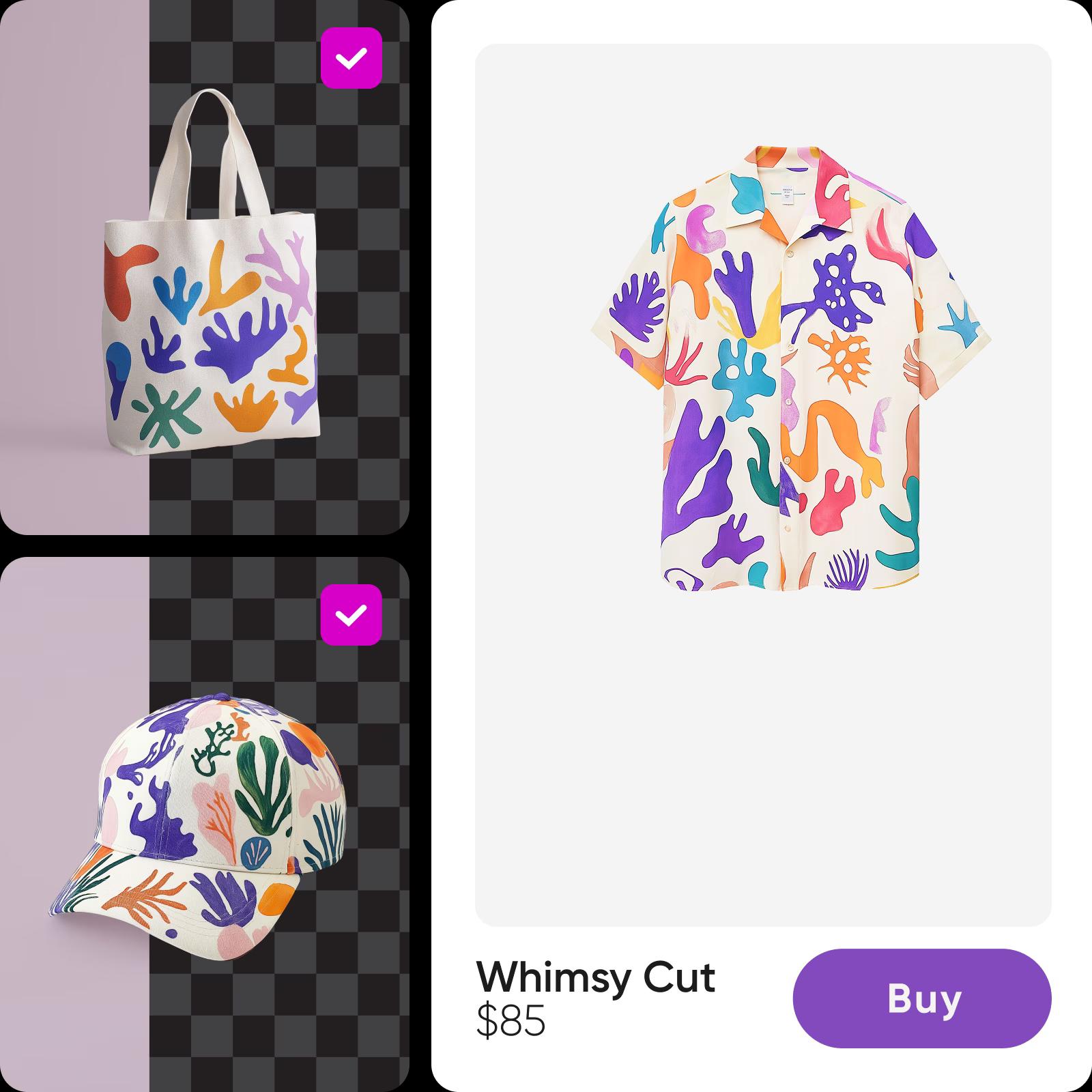
Pripravte obrázky na sociálne siete a e-commerce pomocou vstavaného nástroja na hromadné odstraňovanie pozadia. AI automaticky a presne odstráni pozadie z celej série obrázkov s ľuďmi aj objektmi. Nahraďte ho priehľadným pozadím, jednofarebným pozadím, pozadím vytvoreným pomocou AI alebo tieňom či minimalistickým štýlom z vstavanej knižnice. Potom pomocou ovládacích prvkov Pozícia posúvajte, zväčšujte, zmenšujte a otáčajte objekt, kým nebude presne tam, kde ho chcete mať.
Hromadne vytvárajte profesionálne pozadia pomocou AI
Vďaka generovaniu pozadí pomocou AI zmeníte celú sériu fotiek za pár sekúnd. Táto funkcia je teraz prepracovaná a ľahko dostupná. Vyberte si navrhovaný štýl AI a vytvorte pozadia v štúdiovej kvalite s jednotným vzhľadom pre každý obrázok – či už potrebujete profesionálne portréty, alebo produktové fotky, ktoré nechajú vaše produkty vyniknúť.

Zlepšite kvalitu obrázkov naraz
Vráťte rozmazaným alebo pixelovaným fotkám život pomocou vstavaného nástroja na vylepšenie pomocou AI. Jedným kliknutím vylepšíte celú sériu – ideálne na produktové a realitné inzeráty, príspevky v karuseli a všade tam, kde záleží na kvalite obrázkov. O zvyšok sa postará AI.
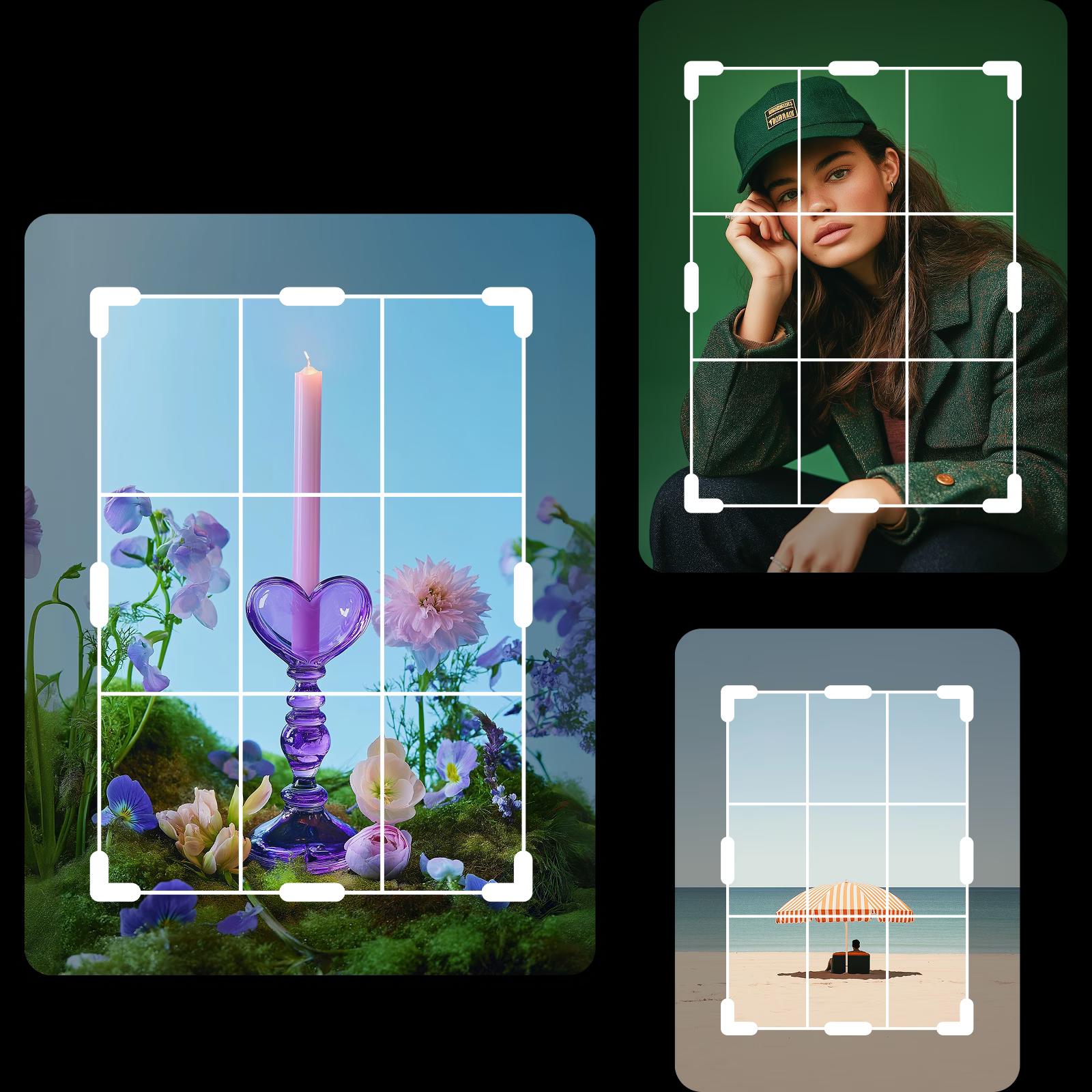
Prevráťte, orežte a otočte až 50 fotiek
Orežte, otočte a prevráťte až 50 fotiek v jednom kroku. Pred použitím orežte každý obrázok podľa vlastných predstáv alebo vyberte prednastavený rozmer, napríklad Instagram Story, Pinterest Pin, TikTok Post či LinkedIn Post, a hromadne orežte fotky pre ktorúkoľvek platformu.

Rýchlo pridávajte vodoznaky hromadnou úpravou
Pridajte vodoznak na celú sériu naraz. Nahrajte svoje logo, vyberte jeho pozíciu alebo vzor, nastavte nepriehľadnosť a použite ho na všetky obrázky. Chráňte svoje fotky a obrázky z fotobánk bez zdĺhavej ručnej práce.

Zmeňte veľkosť fotiek pre sociálne siete a e-commerce
Zmeňte veľkosť celej série na presné rozmery požadované platformou bez straty kvality a odhadovania podľa percent. Nahrajte obrázky, nastavte vlastné rozlíšenie a vstavaný nástroj na hromadnú zmenu veľkosti ich za pár sekúnd pripraví pre sociálne siete aj e-commerce.

Jednoducho posilnite online prítomnosť svojej malej firmy
Venujte prevádzke malej firmy alebo práci na voľnej nohe oveľa menej času úpravám. Editor fotografií na hromadnú úpravu automatizuje opakujúce sa úlohy – od plánovania obsahu na sociálne siete až po produktové inzeráty a galérie z podujatí. Ušetríte tak hodiny, ktoré môžete venovať práci, ktorá skutočne pomáha vášmu podnikaniu rásť.
Pokračujte v úpravách s Picsart


Naučte sa základy úpravy obrázkov
Naučte sa vytvárať precíznejšie úpravy pomocou praktických postupov.
Časté otázky o Batch Editor
Editor fotografií na hromadnú úpravu umožňuje aplikovať rovnaké alebo rôzne úpravy na viacero fotiek naraz namiesto toho, aby ste každú upravovali ručne. Batch Editor od Picsart zvládne až 50 obrázkov v jednej sérii.
Upravujte fotky a vytvárajte pôsobivý obsah
Pro
Most popularAI tools for everyday creative work.
Ultra
Most powerfulHeavy AI usage for creators & teams.
Enterprise
Custom AI solutions for large organizations.
- Volume discounts on credit rate
- On-demand top-ups