
Absolut fantastiskt! Mycket bra av er att erbjuda ett sådant gratisprogram. Har provat många för att ta bort bakgrunden och ert ger konsekvent utmärkta resultat. Tack.
MargaretOnline green screen remover för bilder
Ta bort greenscreen från dina bilder online med Picsarts gratis, automatiska och högkvalitativa green screen remover.
Varför använda borttagning av grönt skärm?



Hur man tar bort en green screen från en bild
How to
Välj bilder
Använd knappen Ladda upp bild, och det är klart. Picsart tar automatiskt bort green screen.
Skapa transparenta foton snabbt
Att göra din bild transparent ska inte vara en komplicerad process. Med Picsarts verktyg för transparent bakgrund tar det bara en sekund. Allt du behöver göra är att välja bilden och verktyget tar automatiskt bort bakgrunder från dina foton, och lämnar dig med en transparent PNG som är tillräckligt mångsidig för att användas på olika bakgrundsfärger, mönster eller ytor.
- Lägg lager av ditt utsnitt i nya designer
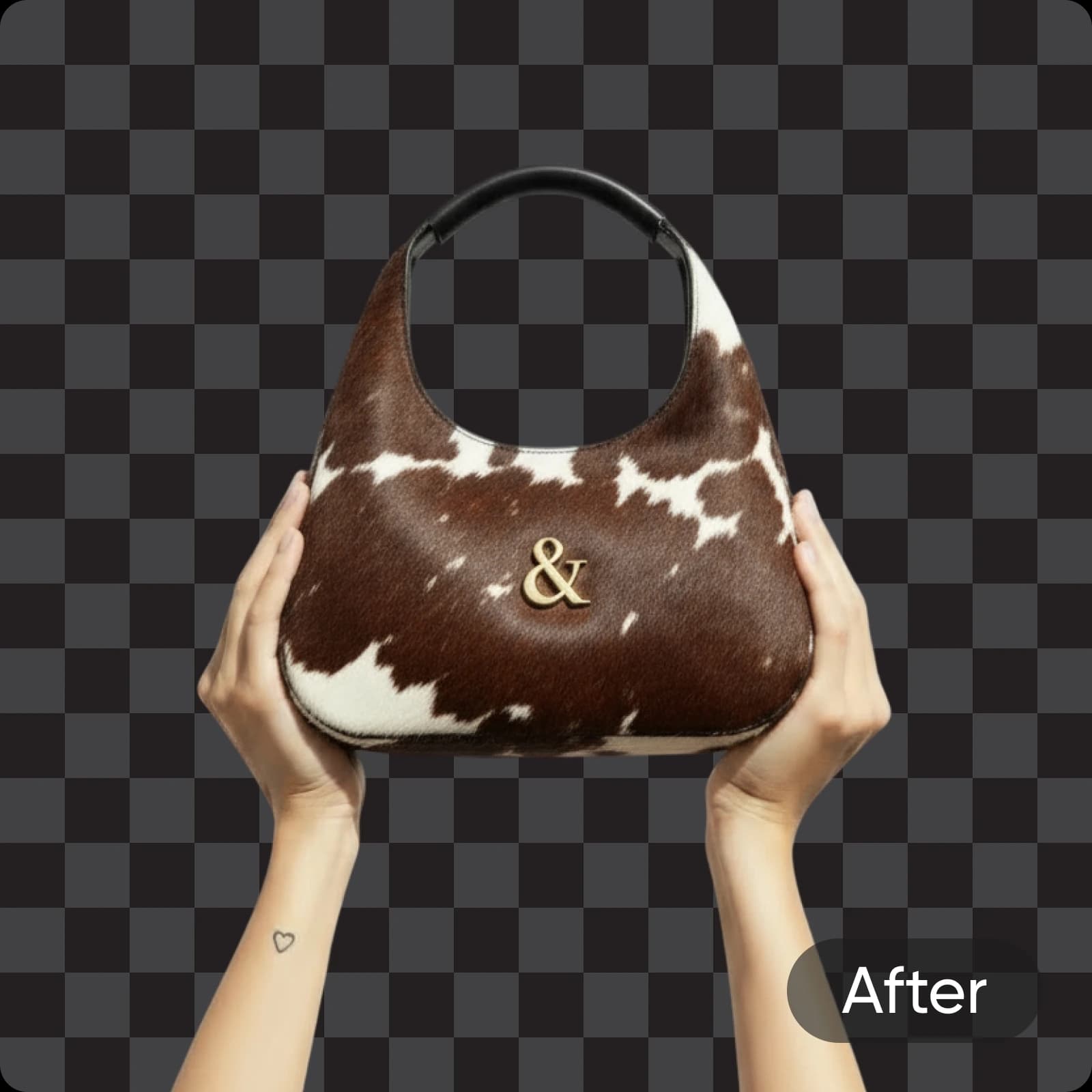
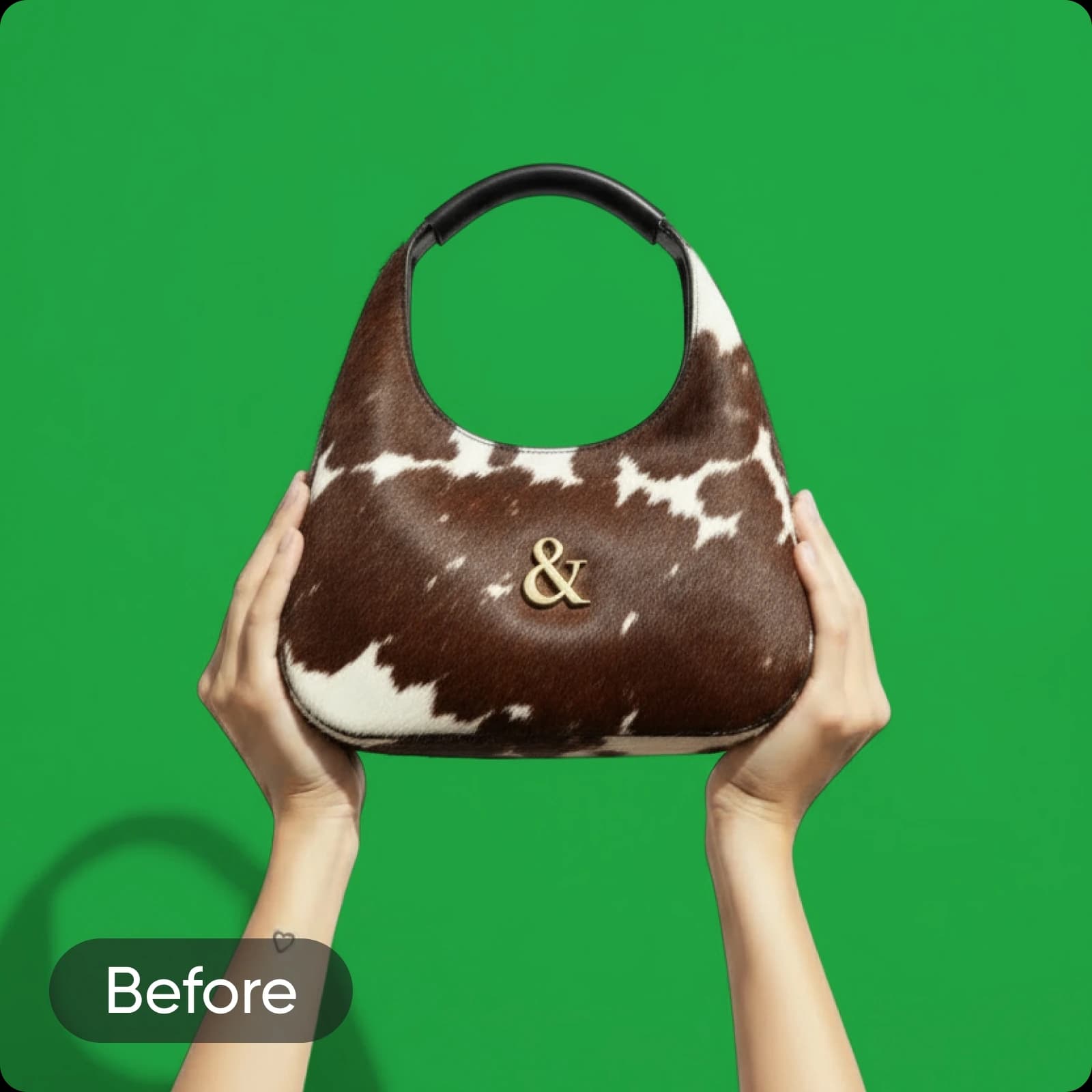
After
Ta bort greenscreens på ett ögonblick
Transformerar dina bilder omedelbart med Picsarts kostnadsfria verktyg för borttagning av grönt skärm. Oavsett om du har en enfärgad grön bakgrund, chroma key eller bilder med grönt skärmeffekt, tar Picsarts AI sömlöst bort bakgrunden och producerar på några sekunder bilder utan bakgrund.
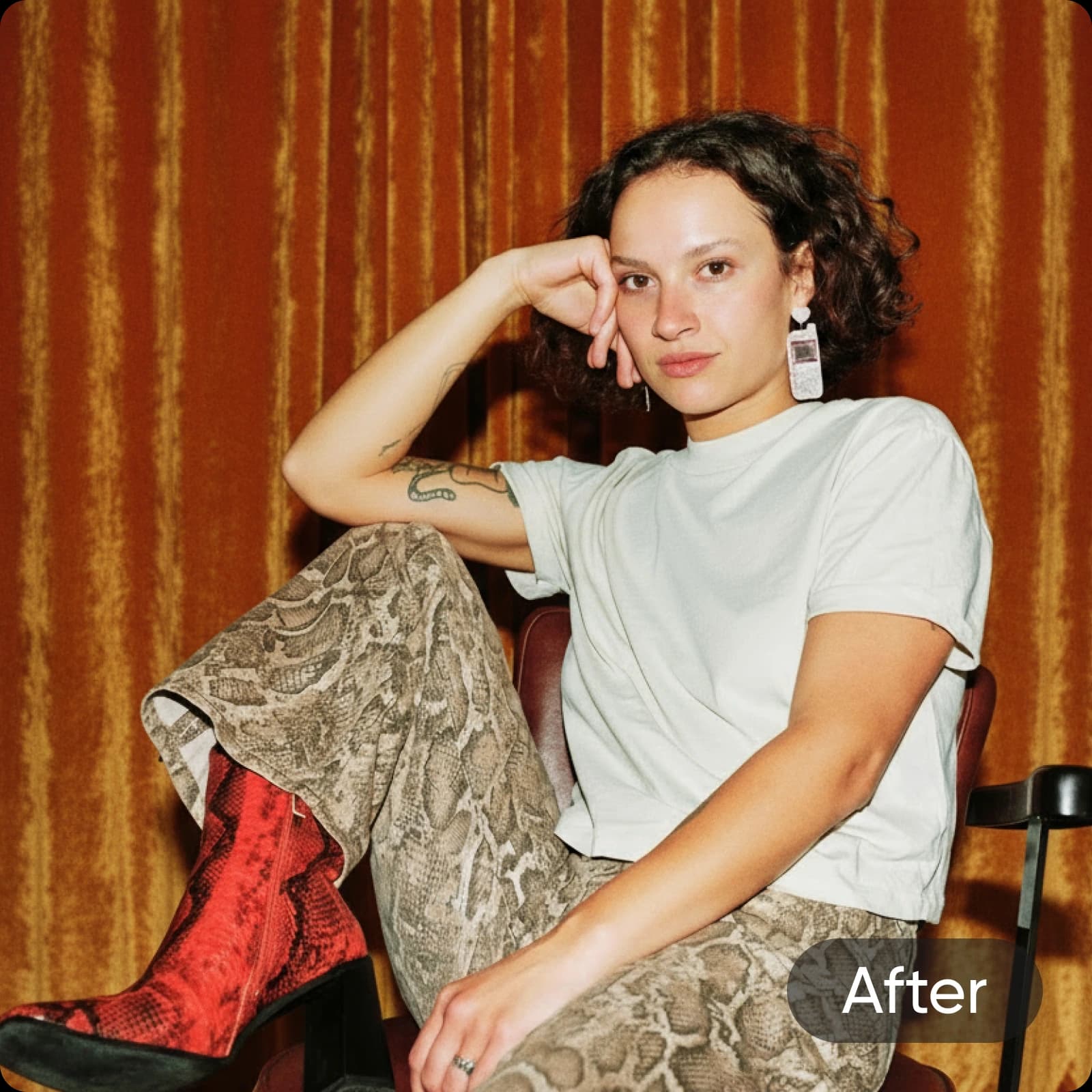

After
Få precisa resultat med green screen bakgrundsredigeraren
Med Picsart förlorar du inga detaljer i borttagningen av grönt skärm. Till och med små detaljer som hårstrån bevaras perfekt i slutresultatet. Och den ursprungliga kvaliteten komprimeras eller ändras inte efter borttagningen när du skapar en transparent PNG. Men om den ursprungliga fotokvaliteten inte är lika skarp som du önskar, kan du använda den inbyggda förstärkaren för att avskärpa din bild utan att behöva byta verktyg.
Effektivisera greenscreen-borttagning för ditt företag
Implementera green screen och chroma key remover i din redigeringsprocess för att få mer gjort på kortare tid. Oavsett om du tar bort gröna bakgrunder från e-handels produktfotografi eller studioporträtt, kan Picsart hantera allt. Ge dina varumärkesbilder ett polerat utseende eller använd dina nyss skapade transparenta bakgrundsfoton för att skapa grafik för dina sociala medier inlägg, förpackningsdesign och mer!
- Återanvänd motiv i varumärkesbilder
Batch radera upp till 50 greenscreen-foton samtidigt
Automatisera den tråkiga processen att ta bort gröna skärmar en efter en med Picsarts batchredigerare. Ladda bara upp dina foton och ta bort de gröna bakgrunderna samtidigt med hjälp av en enda knapp. Spara tid och kraft, särskilt när du hanterar stora mängder bilder för olika projekt.
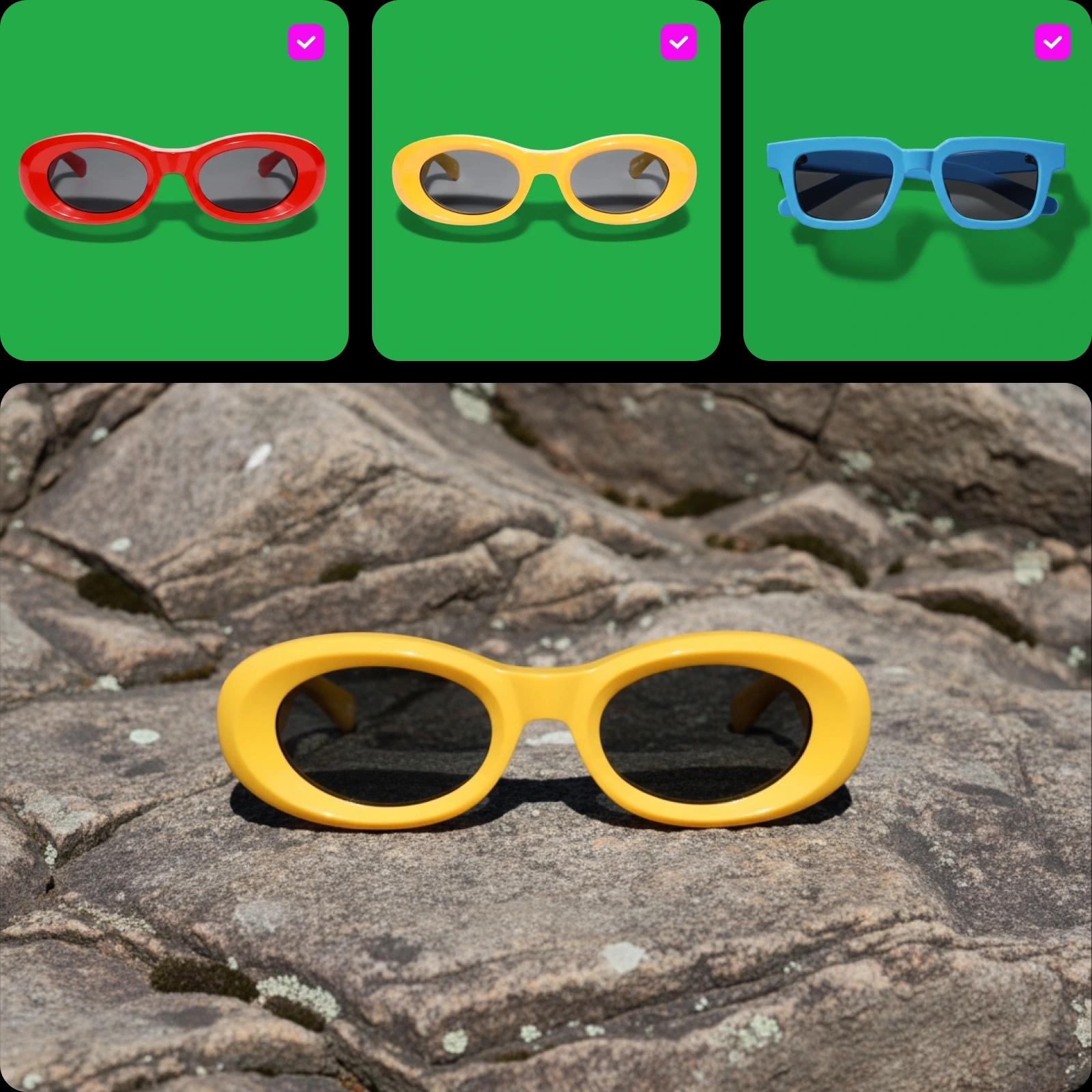
Toppfunktioner av Picsarts Grön Skärm Raderare
Upptäck de kraftfulla funktionerna i Picsarts green screen remover, designad för att förenkla redigering och leverera professionella resultat på bara några sekunder.
Lättanvänd greenscreen-borttagning
Fantastiskt! Aldrig några problem med era verktyg. Jag uppskattar deras effektivitet. Tack så mycket.
PatMycket utmärkt, jag är väldigt imponerad! Har inget emot att kalla Picsart bäst av de bästa.
EmmanuelSkapa green screen med AI-bildmodeller
Använd bildmodeller för att transformera bakgrunder, produktbilder och utklipp till polerade visualer.
Vanliga frågor om grön skärm raderare
En green screen remover är ett verktyg som automatiskt isolerar och tar bort den gröna bakgrunden från en bild. Detta gör det möjligt att ersätta den gröna bakgrunden med en annan bakgrund eller lämna bakgrunden transparent.
Skapa rena utklipp för varje kreativt projekt
Pro
Most popularAI tools for everyday creative work.
Billed yearly
Ultra
Most powerfulHeavy AI usage for creators & teams.
Billed yearly, per seat
Enterprise
Custom AI solutions for large organizations.
Custom credit volume
- Volume discounts on credit rate
- On-demand top-ups
Custom
Contact for pricing
Håll den kreativa momentumet igång med Picsart

BakgrundsborttagareTa mästerligt bort bakgrunden med AI eller gör den transparent.

BakgrundsbytareByt ut bakgrunden eller ta bort den helt.

PNG-färgsbytareLägg till en bakgrundsfärg till dina transparenta PNG-filer.

LogotypbakgrundsborttagareSkapa transparenta bakgrunder för dina logofiler enkelt.

AI-fotoredigerareSnabba upp din redigeringsprocess med en AI-driven fotoredigerare.

Batch-fotoredigerareRedigera upp till 50 foton samtidigt med Picsarts batchredigerare.

Ändra bakgrundsfärgByt till en enfärgad bakgrund med lätthet.

FotografibakgrundsborttagareTa bort bakgrunden från dina foton exakt med en knapps tryck.

ProduktbakgrundsborttagareTa enkelt bort bakgrunder från produktfotografi för att skapa distraktionsfria produktbilder.