సులభంగా లోగో నుండి నేపథ్యాన్ని తొలగించండి
లోగో నేపథ్యాలను తొలగించేందుకు ఒక త్వరిత మార్గం కోసం చూస్తున్నారా? Picsart యొక్క AI ఆధారిత నేపథ్య తొలగింపు సాధనాన్ని ఉపయోగించి నిమిషాల్లో పారదర్శక లోగోను సృష్టించండి.
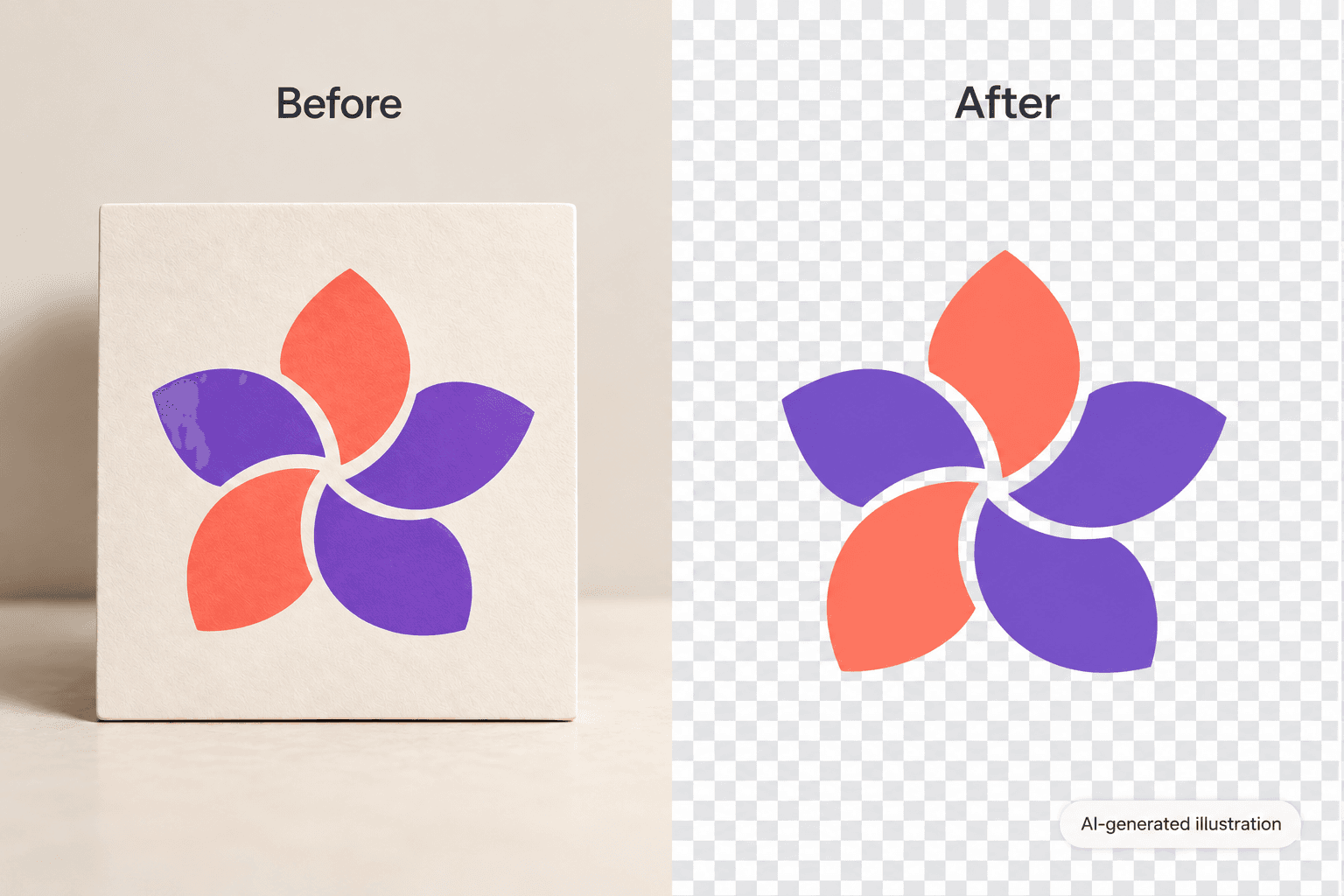
AI ఇమేజ్ మోడళ్ళతో లోగోను సృష్టించండి
చిత్ర మోడళ్లను ఉపయోగించి నేపథ్యాలు, ఉత్పత్తి చిత్రాలు మరియు కట్టౌట్లను మెరుగైన దృశ్యాల్లోకి మార్చండి.
లోగో నుండి నేపథ్యాన్ని ఎలా తొలగించాలో
How to
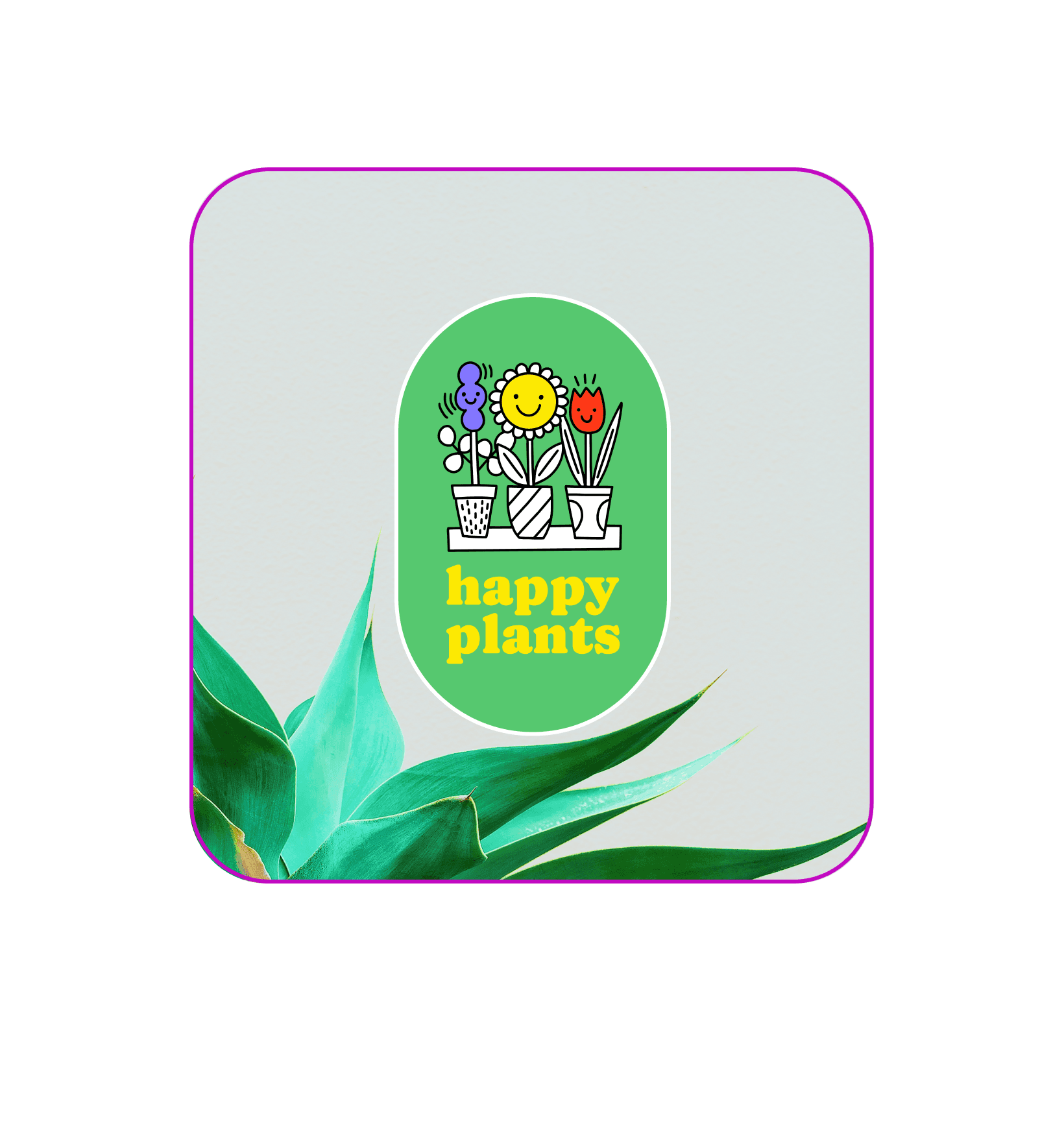
మొదటిసారి వాడేవారికి స్నేహపూర్వకమైన లోగో నేపథ్య తొలగింపు సాధనాలు
మీకు ఎలాంటి డిజైన్ నైపుణ్యం లేకపోయినా, Picsart యొక్క నేపథ్య తొలగింపు సాధనంతో మీ లోగో నుండి నేపథ్యాన్ని ఒక క్లిక్తో తొలగించడం చాలా సరళం. AI మీ లోగో డిజైన్ను ఆటోమేటిక్గా ట్రేస్ చేసి నేపథ్యాన్ని తొలగించడం జరుగుతుంది, తద్వారా మీరు మీ ప్రొఫెషనలిజం మెరుగుపరచగలరు మరియు బ్రాండ్ గుర్తింపును పెంచగలరు. ఒక లోగో నేపథ్య రబ్బరు మీ ఫైల్ను పారదర్శక నేపథ్యంతో మీ లోగోను సులభంగా సేవ్ చేయడానికి అనుమతిస్తుంది మరియు మీ డిజైన్ అవసరం ఉన్నప్పుడు చేర్చవచ్చు.
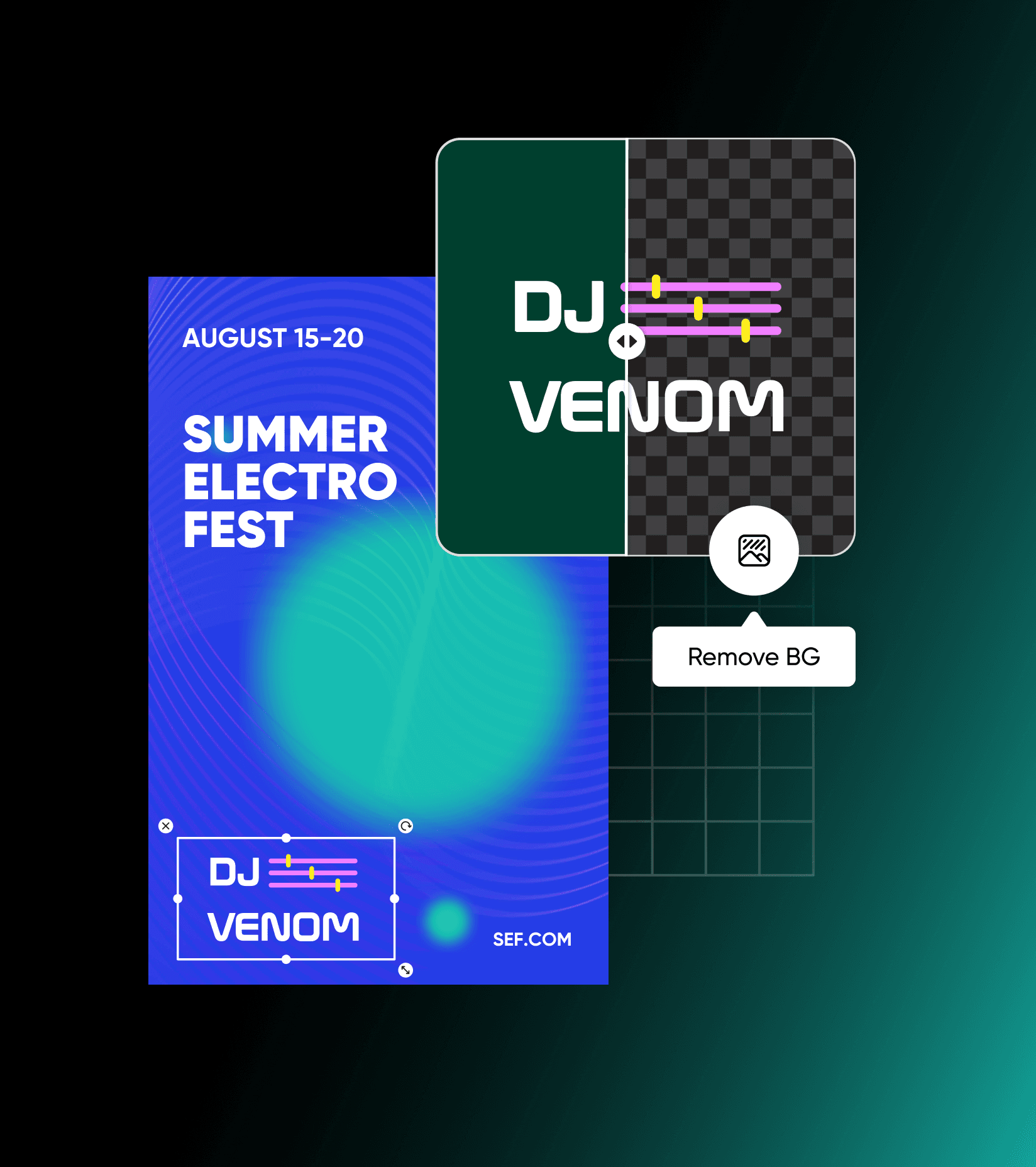
తక్షణమే లోగోలను పారదర్శకంగా చేయండి
మీరు మీ వ్యక్తిగత బ్రాండ్ని నిర్మిస్తున్నారా లేదా మీ వ్యాపారాన్ని పునర్నిర్మిస్తున్నారు, మీ లోగో ముఖ్యమైనది. పారదర్శక లోగోల ప్రొఫెషనల్గా మరియు అనేక విధాలుగా ఉంటాయి, అవి అన్ని ప్రదేశాలలో మరియు అన్ని ప్లాట్ఫారమ్లలో మరియు ప్రతి రంగు పల్లెట్లో ఉపయోగించబడగలవు. నేపథ్యాన్ని తొలగించడం ద్వారా, మీరు చెళ్లగొట్టుగా మిల్కిచేస్తూ పని చేస్తారు, మీరు చిరునామా చేస్తారు మరియు బృంద మెర్చ్, ప్రదర్శనలు, ముద్రణ డిజైన్లు లేదా ఇది వాటర్మార్క్గా ఉపయోగించవచ్చు. లోగోలోని నేపథ్యాన్ని తొలగించడానికి, లోగో పరికరాన్ని విభాజించి పని పూర్తి చేయాలి. మీరు చేయవలసింది ఏదైతేనీ, మీరు మీ లోగోను అప్లోడ్ చేయండి మరియు AI నేపథ్యాన్ని ఆటోమేటిక్గా తొలగిస్తుంది.

లోగోలు చిత్రాల నుండి నాణ్యతను కోల్పోకుండా తీసుకోండి
మీ పక్కన ఆటోమేటిక్ లోగో నేపధ్యం తొలగింపు ఉంటే, మీరు చిత్ర నాణ్యతను కోల్పోయినందుకు చింతించాల్సిన అవసరం లేదు. ఒక పారదర్శక లోగో మేకర్ మీ లోగోను చుట్టుపక్కల ఉన్న నేపథ్యం నుండి ఖచ్చితంగా తొలగించి, అధిక నాణ్యత తప్పనిసరిగా PNG ఫైల్ను అందిస్తుంది. మీరు లోగో నేపథ్యాన్ని తొలగించిన తరువాత, మీరు కొత్త లోగోను ఉపయోగించి టీ-షర్ట్లు డిజైన్ చేయండి, వ్యాపార కార్డులు, ప్రదర్శనలు మరియు మీ వ్యాపారం కోసం ఇతర సృజనాత్మక వస్తువులను రూపొందించవచ్చు.
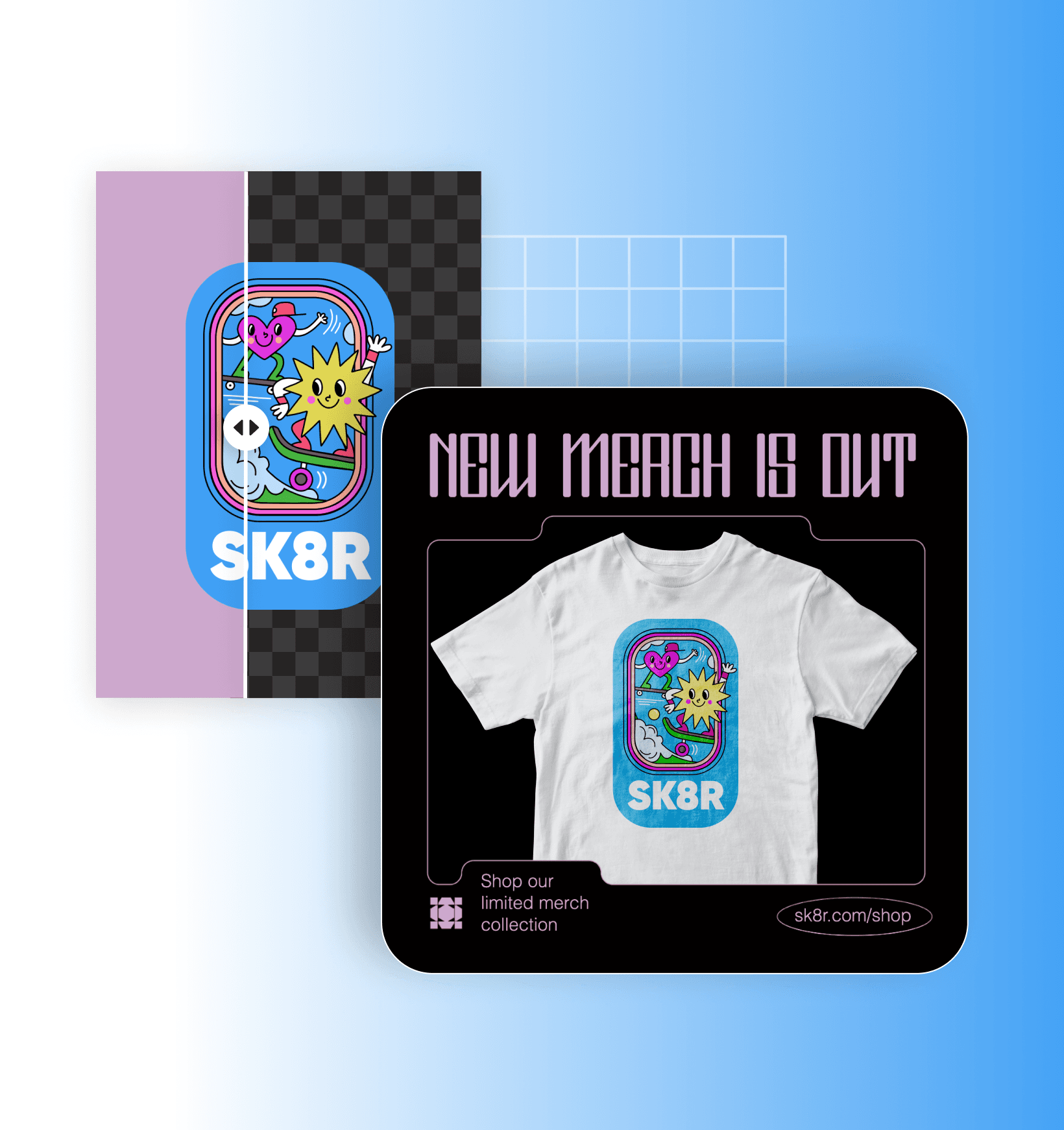
మీ లోగో నేపథ్యాన్ని సులభంగా మార్చండి
లోగో నేపథ్యం తొలగించిన తర్వాత దాన్ని ప్రకాశవంతంగా, సృజనాత్మకంగా చేయడానికి సులభంగా నేపథ్యాన్ని మార్చవచ్చు. మరింత సృజనాత్మక విధానం కావాలంటే లోగో డిజైన్కు ప్రత్యేకమైన AI నేపథ్యాలు రూపొందించండి. సరైన నేపథ్యం దొరికాక కొత్తవారికి సులభమైన మా ఆన్లైన్ ఫోటో ఎడిటర్తో చిత్రాన్ని మెరుగుపరచండి, లోగో మార్చండి లేదా కొత్త లోగో డిజైన్ రూపొందించండి.

లోగో నేపథ్య తొలగింపు ముఖ్యములు
పారదర్శక నేపథ్యాలతో ఉండే లోగోలు శుభ్రము మరియు ప్రొఫెషనల్గా ఉంటాయి. మీరు విభిన్న రంగు కాంతుల్లో, మరియు స్వభావ రూపాల్లో వాటినే ఉపయోగించాలి, నేపథ్య రంగు గురించి కలవరపడనవసరం లేదు.
సాధనం మధురికం
మిలియన్ల మంది వినియోగదారుల విజయం ఎందుకు Picsart ఉత్తమ ఎడిటింగ్ సాధనంగా ఉంది అని తెలుసుకోండి.
ఈ మాధ్యమాల్లో కనిపించింది


రచయిత కంటెంట్ కోసం దర్శనం శుభ్రము చేయండి
Pro
Most popularAI tools for everyday creative work.
Ultra
Most powerfulHeavy AI usage for creators & teams.
Enterprise
Custom AI solutions for large organizations.
- Volume discounts on credit rate
- On-demand top-ups


