เครื่องมือสร้างพื้นหลังโปร่งใส
ลบพื้นหลังภาพและสร้างภาพโปร่งใสได้ทันทีจากแท็บเบราว์เซอร์ด้วยเครื่องมือสร้างพื้นหลังโปร่งใสออนไลน์ของ Picsart
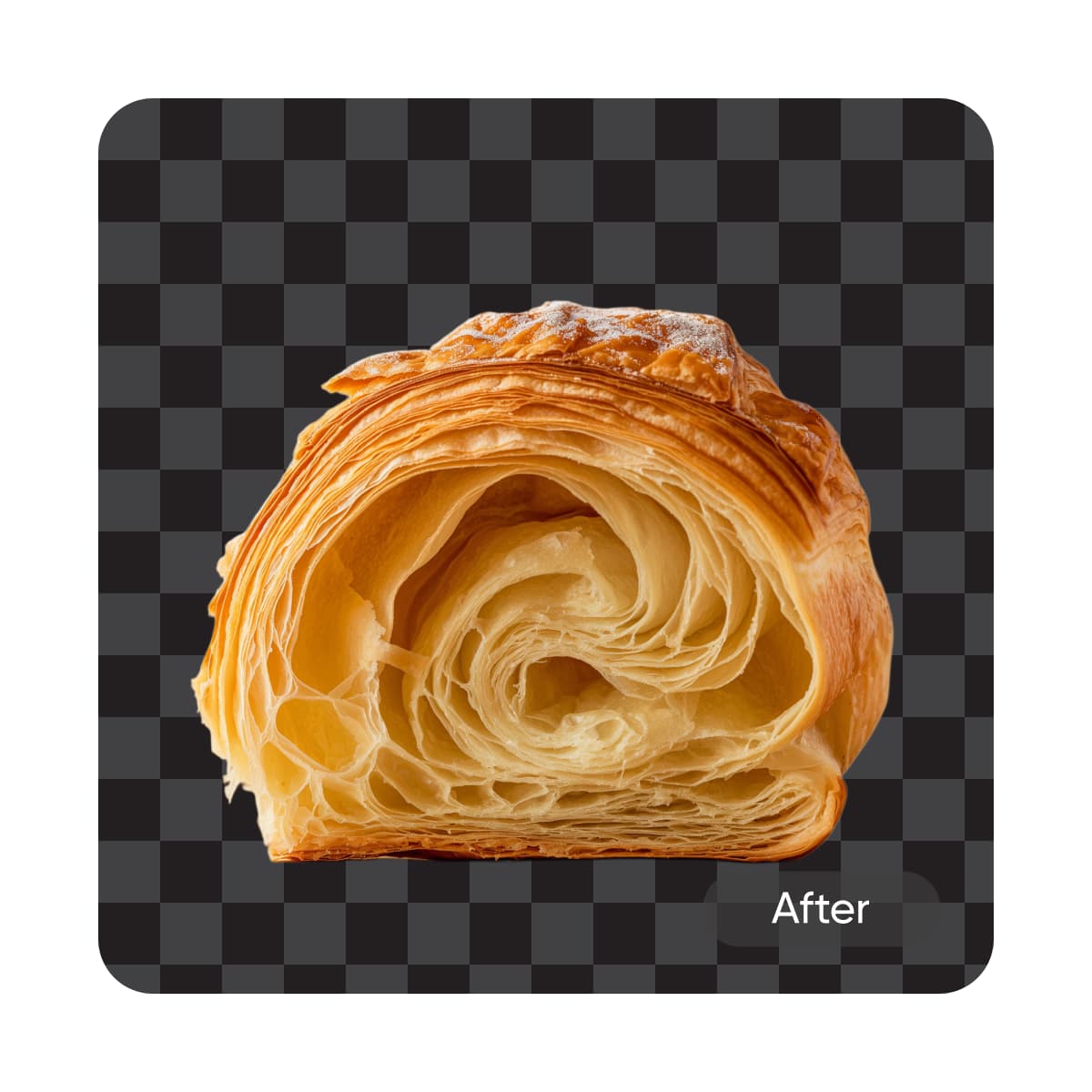
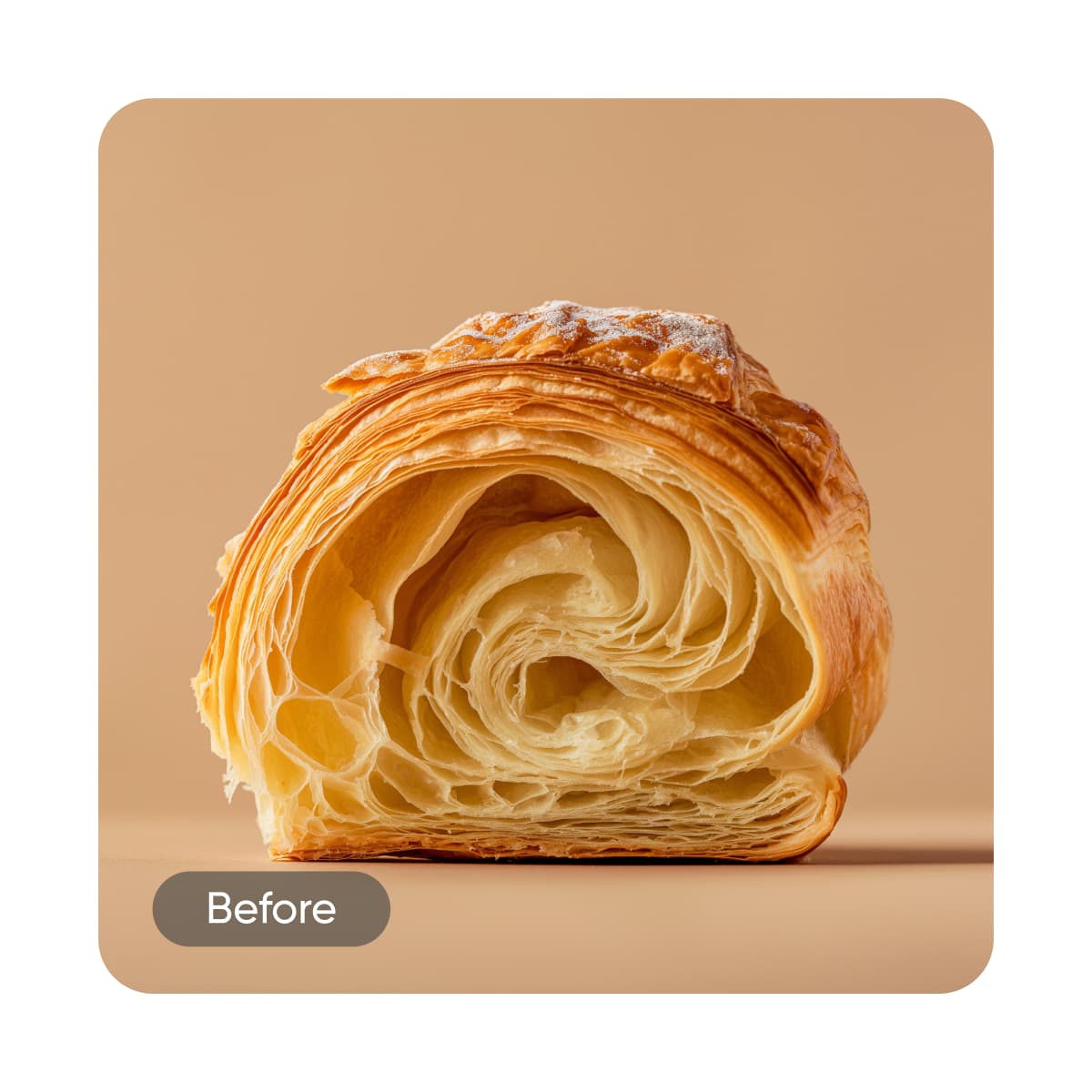
สร้างภาพพื้นหลังโปร่งใสด้วยโมเดลภาพ AI
ใช้โมเดลภาพเพื่อแปลงพื้นหลัง ภาพสินค้า และการตัดแต่งเป็นภาพที่สวยงาม
คะแนนเครื่องมือ
วิธีทำให้ภาพของคุณโปร่งใส
How to
อัพโหลดรูปภาพของคุณ
ใช้ปุ่มเรียกดูไฟล์ เท่านี้ก็เสร็จ Picsart จะทำให้ภาพโปร่งใสโดยอัตโนมัติ
ทำให้ภาพทุกประเภทโปร่งใส
ภาพถ่ายบุคคล
ลบพื้นหลัง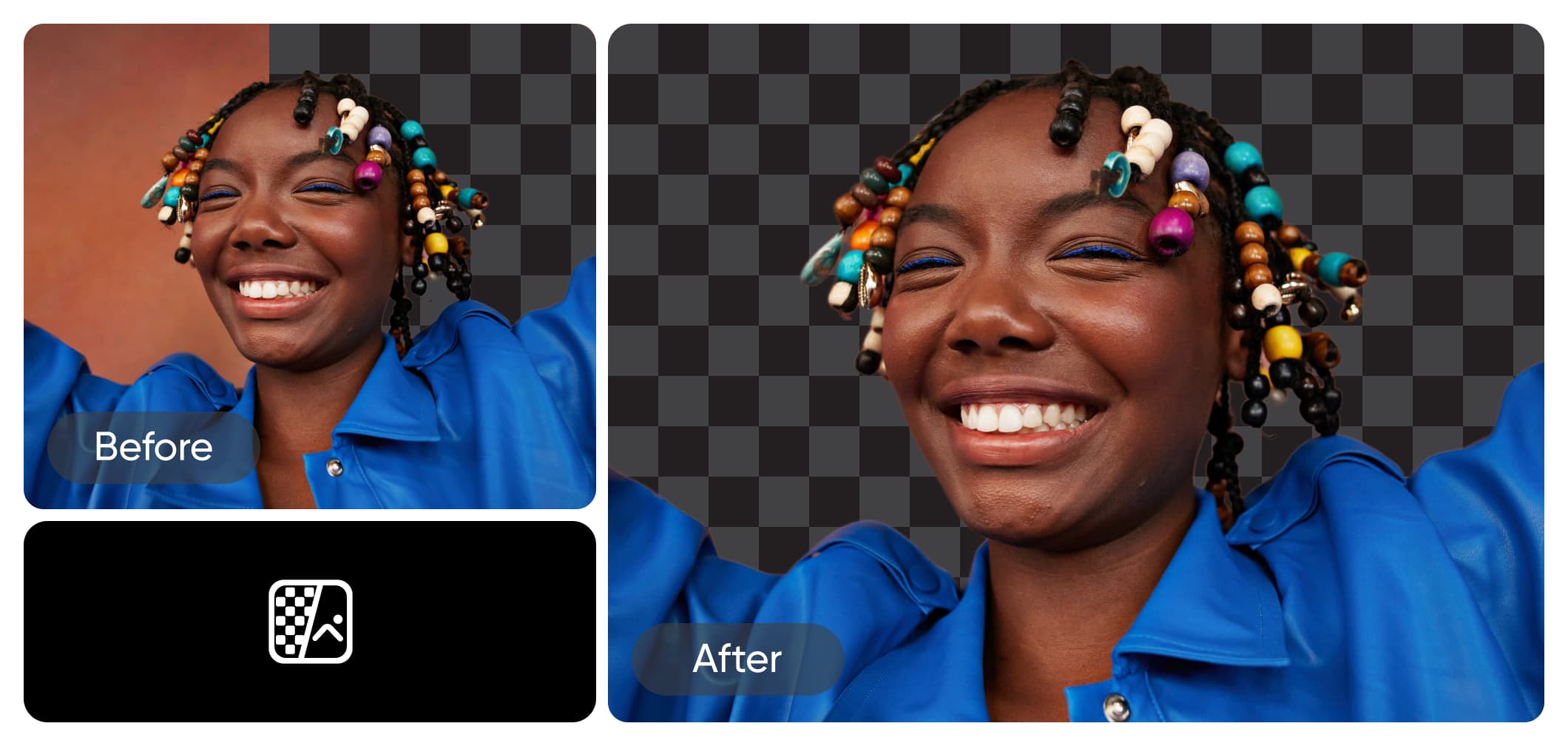
สร้างรูปภาพโปร่งใสอย่างรวดเร็ว
การทำให้ภาพโปร่งใสไม่ควรซับซ้อน ด้วยเครื่องมือของ Picsart ใช้เวลาแค่วินาทีเดียว เพียงเลือกภาพ แล้วเครื่องมือจะลบพื้นหลังอัตโนมัติ คุณจะได้ PNG โปร่งใสที่ใช้ได้หลากหลายกับสีพื้นหลัง ลวดลาย หรือพื้นผิวต่างๆ
แยกตัวแบบด้วยความแม่นยำของ AI
ไม่ต้องกังวลเรื่องตัดไม่แม่นยำหรือสูญเสียรายละเอียดสำคัญเมื่อลบพื้นหลังเดิม เครื่องมือสร้างภาพโปร่งใสของ Picsart ใช้ AI ขั้นสูงที่ระบุตัวแบบอัตโนมัติและคงรายละเอียดที่จำเป็นไว้ แม้แต่เส้นผม! หากภาพเบลอหรือคุณภาพต่ำ ใช้เครื่องมือปรับปรุง AI ในตัวเพื่อแก้ภาพเบลอและเผยทุกรายละเอียด
ลบพื้นหลังไฟล์โลโก้ของคุณ
ต้องการไฟล์โลโก้โปร่งใสอย่างรวดเร็ว? จับภาพหน้าจอโลโก้บนเว็บไซต์ แล้วใช้เครื่องมือ Picsart เพื่อลบพื้นหลังและเพิ่มคุณภาพ คุณจะได้โลโก้ PNG โปร่งใสความละเอียดสูงที่ใช้ได้หลากหลายในไม่ถึงห้านาที ง่ายแค่นี้ ไม่ต้องตกใจเมื่อนักออกแบบไปพักร้อน!
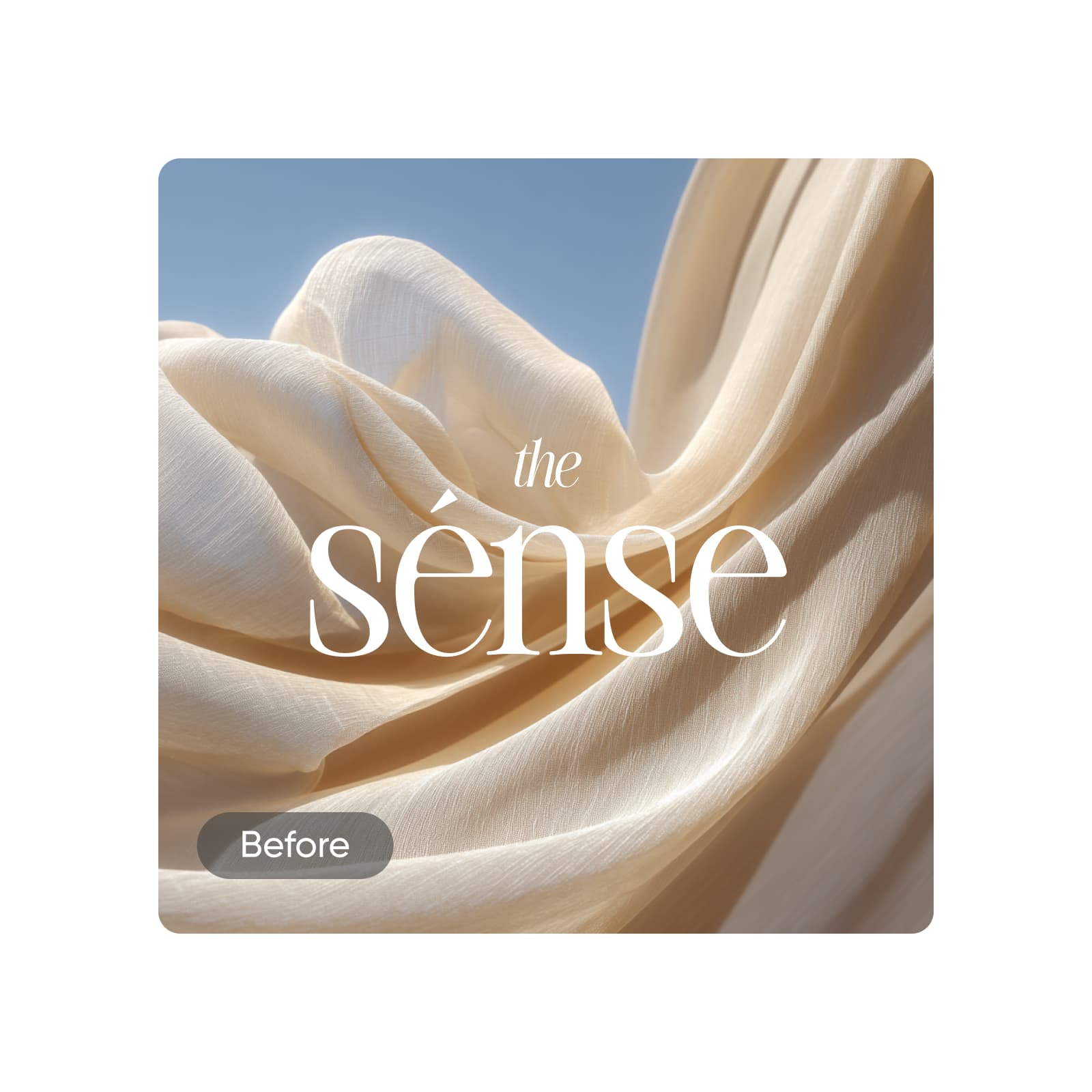
สร้างภาพโปร่งใสให้แบรนด์ของคุณ
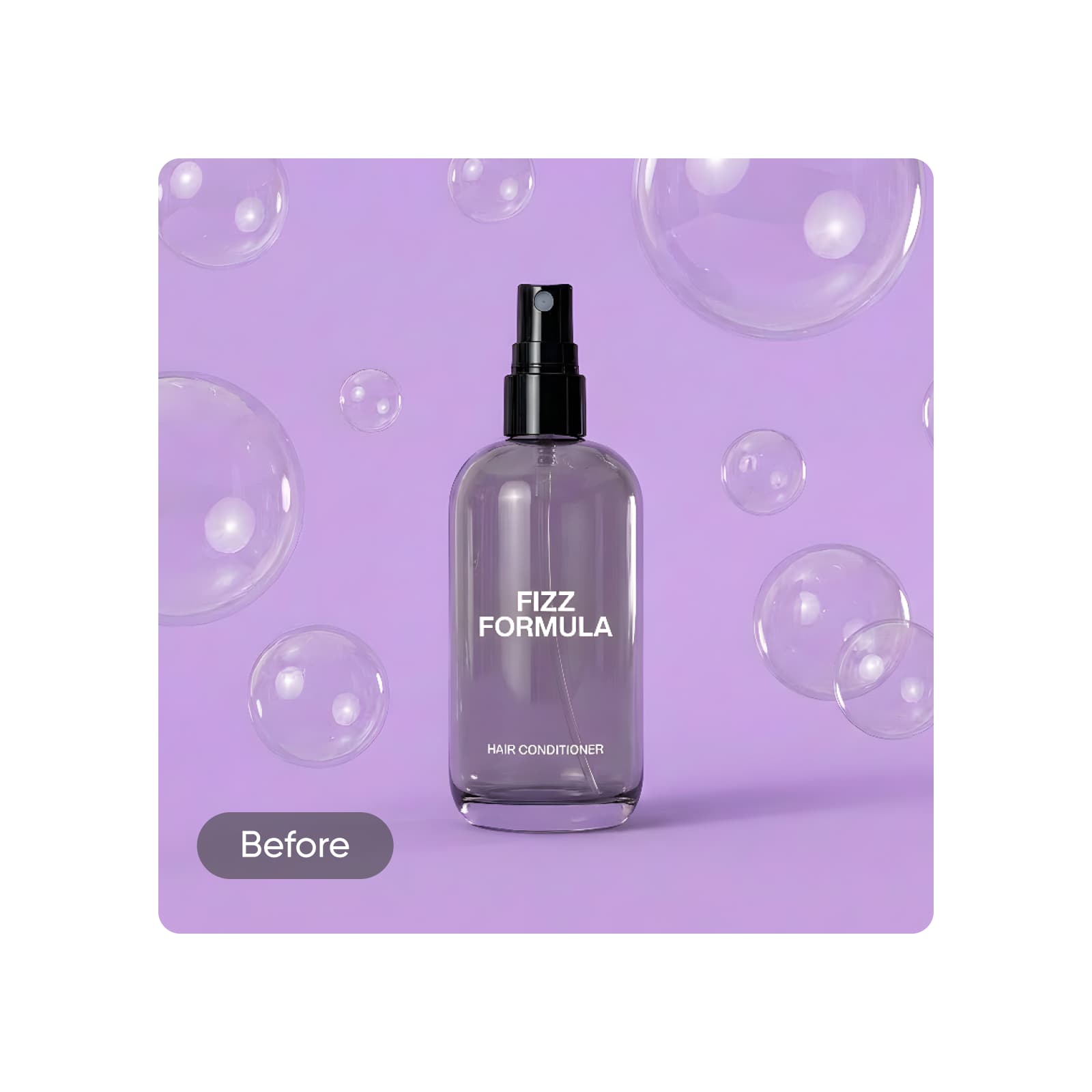
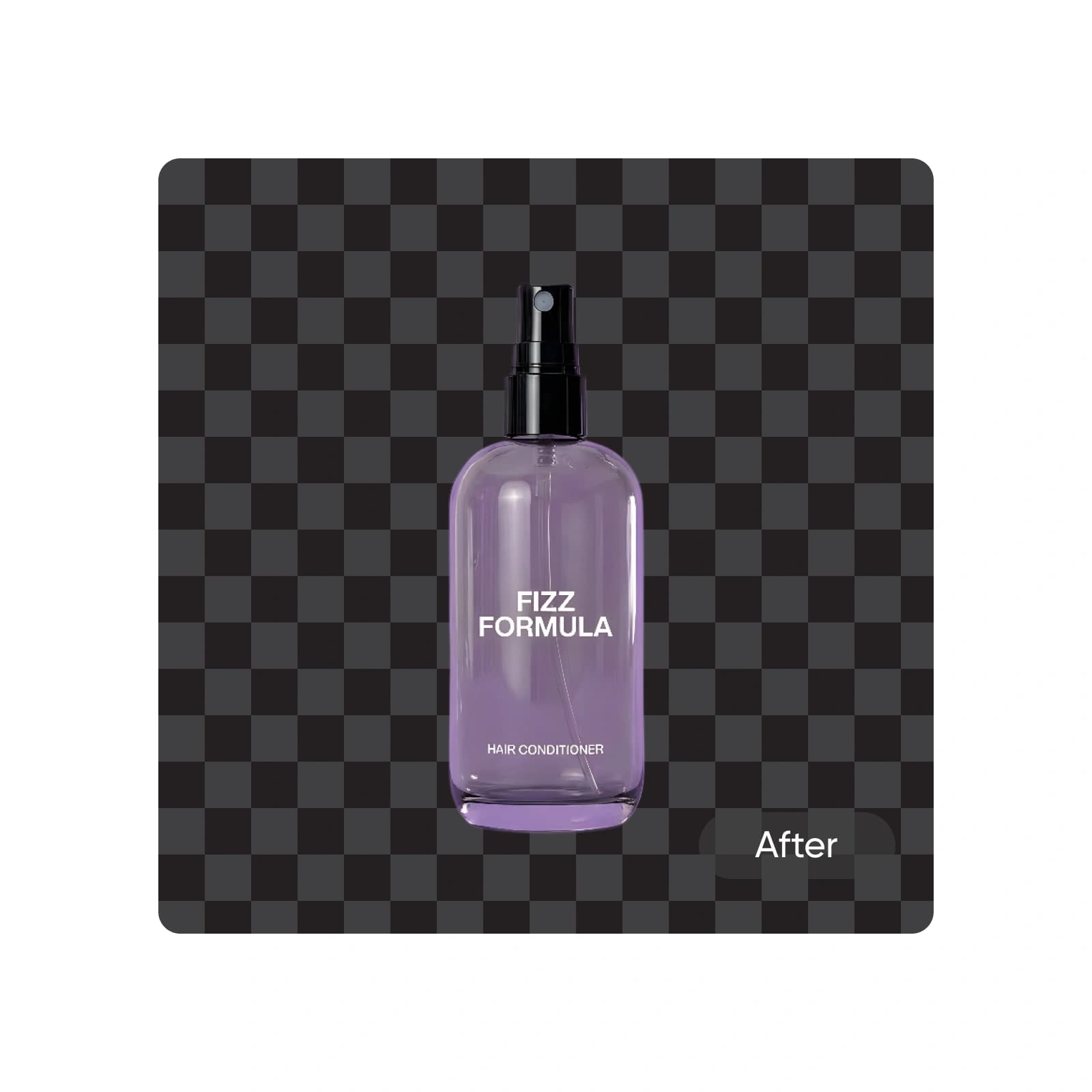
ทำให้ผู้ชมเห็นสิ่งสำคัญด้วยภาพโปร่งใส ลบพื้นหลังภาพสินค้าเพื่อแสดงสินค้าโดยลดสิ่งรบกวน สร้างภาพโปร่งใสที่ดูดีสำหรับหน้าสินค้าอีคอมเมิร์ซ หน้าแลนดิ้ง และโฆษณาได้ง่ายๆ ทำให้เครื่องประดับดูเหมือนลอยอยู่ เน้นสีบรรจุภัณฑ์ หรือเพียงลบพื้นหลังที่รบกวนจากภาพรถ
แก้ไขต่อด้วยชุดเครื่องมือ Picsart
การสร้างภาพโปร่งใสเป็นเพียงจุดเริ่มต้น Picsart มีเครื่องมือแก้ไขด้วย AI ที่ใช้ง่ายอีกมากมายในอินเทอร์เฟซเดียว ไม่ต้องสลับแอป เปลี่ยนพื้นหลังเดิมได้ง่ายและเลือกตัวเลือกที่ออกแบบอย่างเชี่ยวชาญจากคลังในตัว หรือสร้างพื้นหลังใหม่ตั้งแต่ต้นด้วย AI Background Generator เพื่อแทนพื้นหลังโปร่งใส
ทุกสิ่งที่จำเป็นสำหรับการลบพื้นหลังอย่างไร้ที่ติ
ค้นพบสิ่งที่ทำให้เครื่องมือสร้างพื้นหลังโปร่งใส Picsart เป็นเครื่องมือหลักสำหรับการแก้ไขพื้นหลังที่สะอาด ดูมืออาชีพ และปรับแต่งได้ในไม่กี่วินาที
คำถามที่พบบ่อยเกี่ยวกับเครื่องมือสร้างพื้นหลังโปร่งใส
เครื่องมือสร้างพื้นหลังโปร่งใสลบพื้นหลังออกจากภาพ โดยเหลือชั้นโปร่งใสไว้ ทำให้วางภาพบนพื้นหลังใดก็ได้และผสานเข้ากันได้ดีขึ้น
ทำความสะอาดภาพเพื่อเนื้อหาของผู้สร้างที่ดูเสร็จสวยงาม
Pro
Most popularAI tools for everyday creative work.
Ultra
Most powerfulHeavy AI usage for creators & teams.
Enterprise
Custom AI solutions for large organizations.
- Volume discounts on credit rate
- On-demand top-ups


