
Я була вражена тим, наскільки чіткими стали мої фото після використання AI Upscaler. Він заощадив мені години редагування, а відбитки виглядають професійно.
Jasmine L., фотографкаБезкоштовний AI-інструмент для збільшення зображень
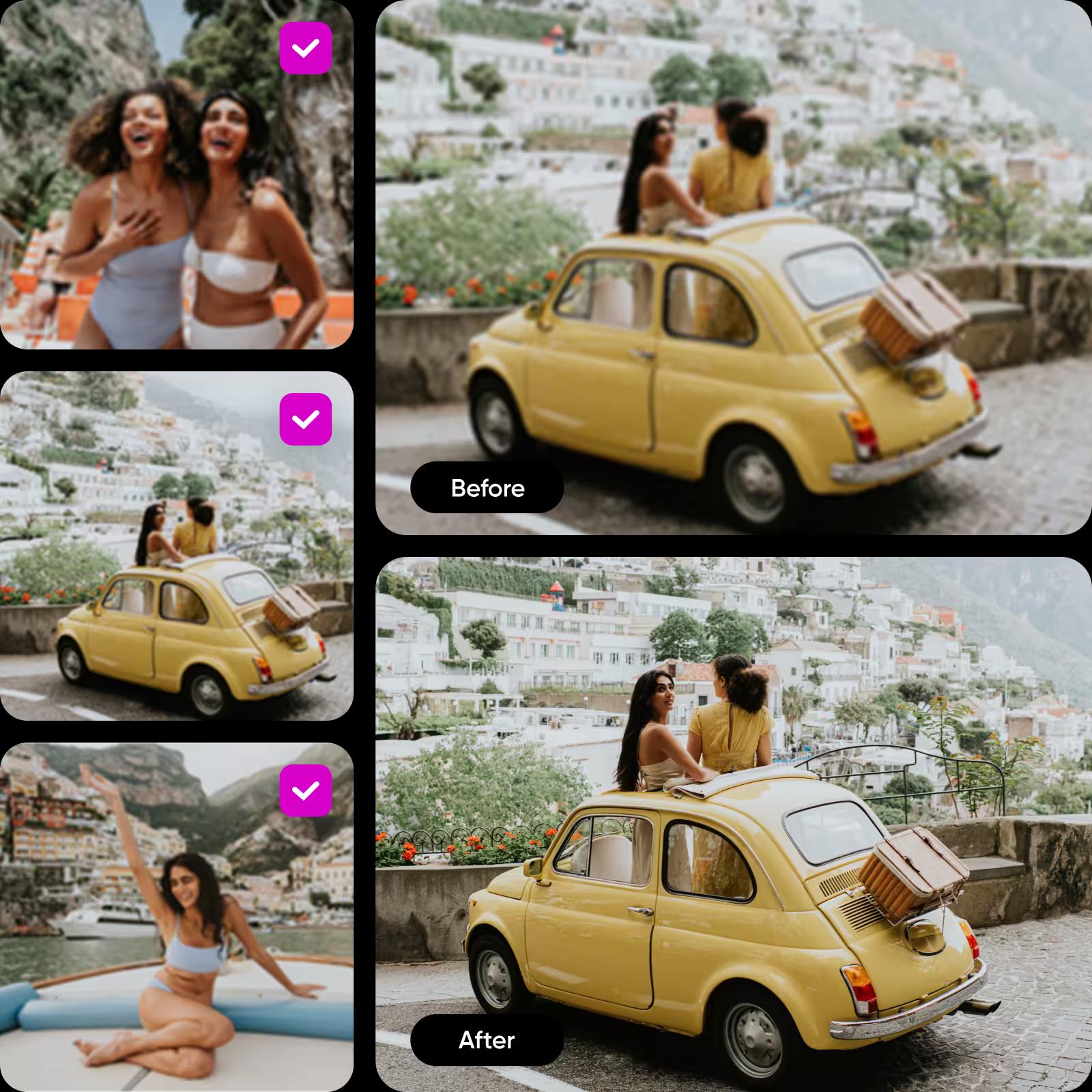
Покращуйте свої зображення за лічені секунди. За допомогою AI-інструмента для збільшення зображень від Picsart ви можете швидко підвищити роздільну здатність будь-якого зображення — без ручного редагування. Просто завантажте зображення й натисніть кнопку, щоб збільшити його до 4× зі збереженням чіткості та деталей.
Оцінка інструмента


Як збільшити зображення за допомогою AI Upscaler
Збільшуйте будь-яке зображення за допомогою AI
Не потрібно вручну редагувати чи відтворювати зображення з низькою роздільною здатністю — це зробить AI. AI Upscaler від Picsart використовує передові технології, щоб підвищити роздільну здатність будь-якого зображення лише одним натисканням. Завантажте фото й дозвольте AI автоматично покращити його розмір, чіткість і деталізацію. Так ви зможете легко збільшити роздільну здатність зображень без зайвих зусиль.
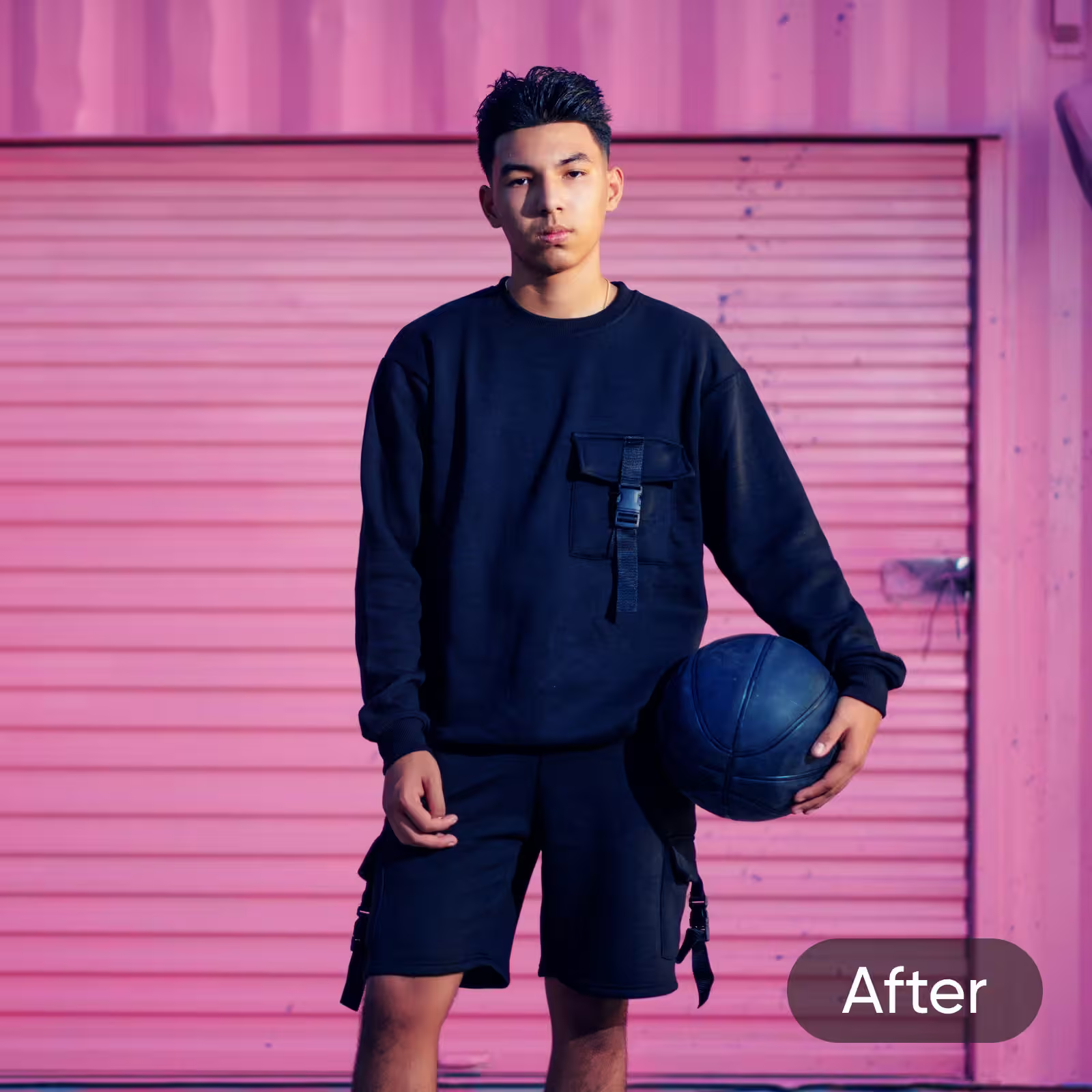
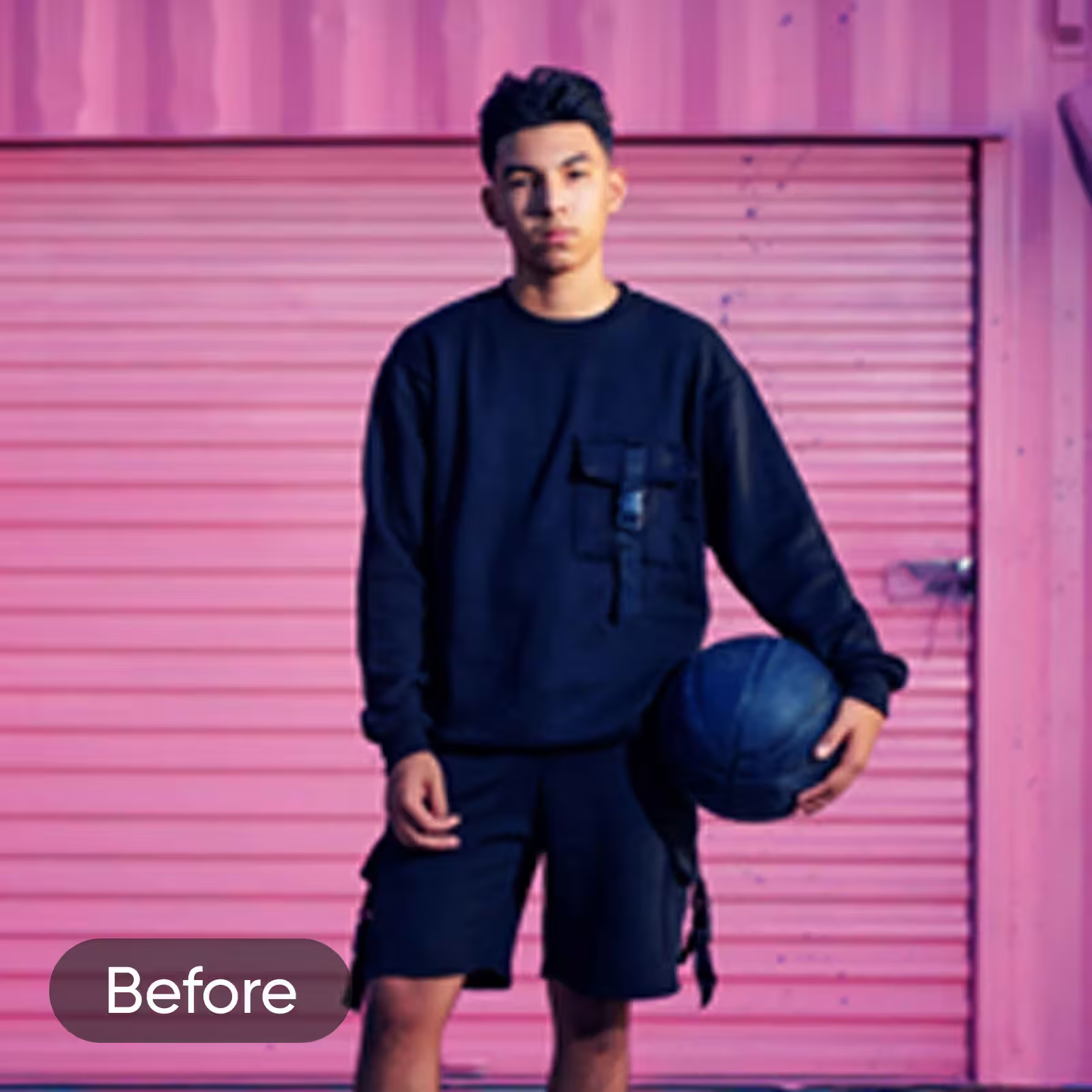
After
Збільшуйте зображення без страху — з покращеною якістю
Маєте ідеальне фото, але його роздільна здатність не відповідає вашим вимогам? Не поспішайте від нього відмовлятися! Скористайтеся AI Image Enhancer, щоб покращити роздільну здатність, не змінюючи розмір. Насолоджуйтеся гнучкішими налаштуваннями роздільної здатності для цифрових зображень і друкованих матеріалів.

Збільшуйте роздільну здатність зображень за допомогою AI
Друк у високій роздільній здатності
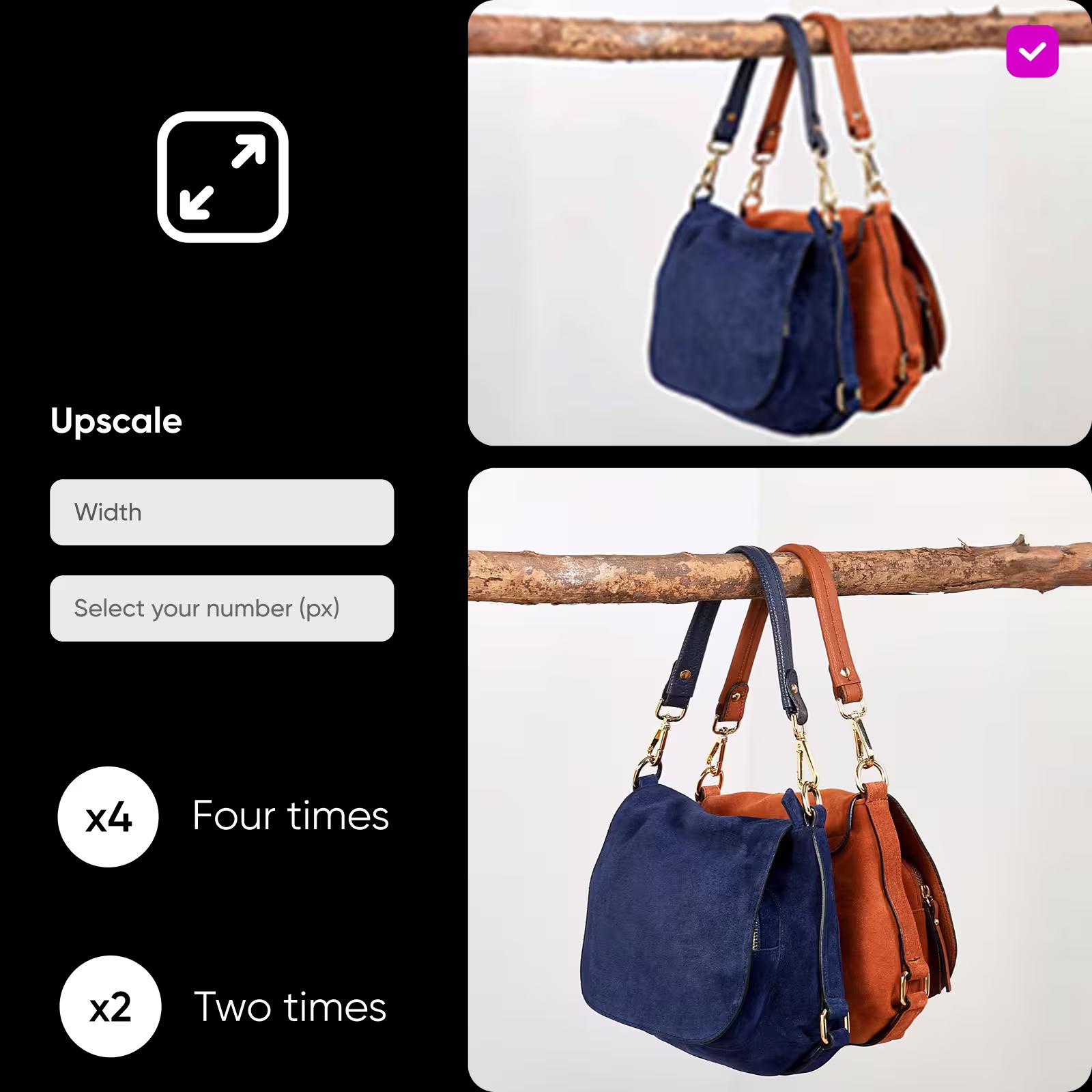
Перетворюйте невеликі цифрові зображення на відбитки високої роздільної здатності без втрати чіткості. Image Upscaler використовує AI, щоб збільшити роздільну здатність зображень, зберігаючи їх чіткими й професійними навіть у великому форматі. Чудово підходить для створення плакатів, флаєрів, фотокниг та інших друкованих матеріалів, для яких важлива висока якість зображення.
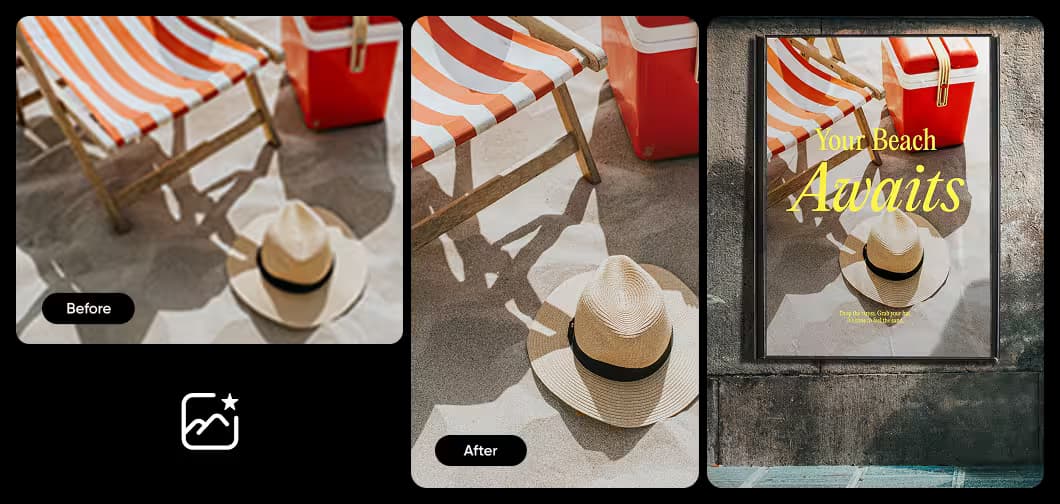
Економте час завдяки пакетному збільшенню
Збільшуйте кілька фото за допомогою AI одночасно. Завантажте кілька зображень в AI Upscaler і збільште їхню роздільну здатність за один раз. Прискорте редагування й заощадьте час без втрати якості. Ідеально для збільшення зображень товарів або старих фото.
Додайте збільшення зображень за допомогою AI у свій застосунок через API
Інтегруйте API для збільшення зображень від Picsart у свій продукт, щоб користувачі могли легко збільшувати роздільну здатність зображень до 4 разів. Швидко налаштуйте API без зайвого клопоту. Оберіть простий тариф на основі використання й платіть лише за те, чим користуєтеся.
Завершіть редагування разом із Picsart
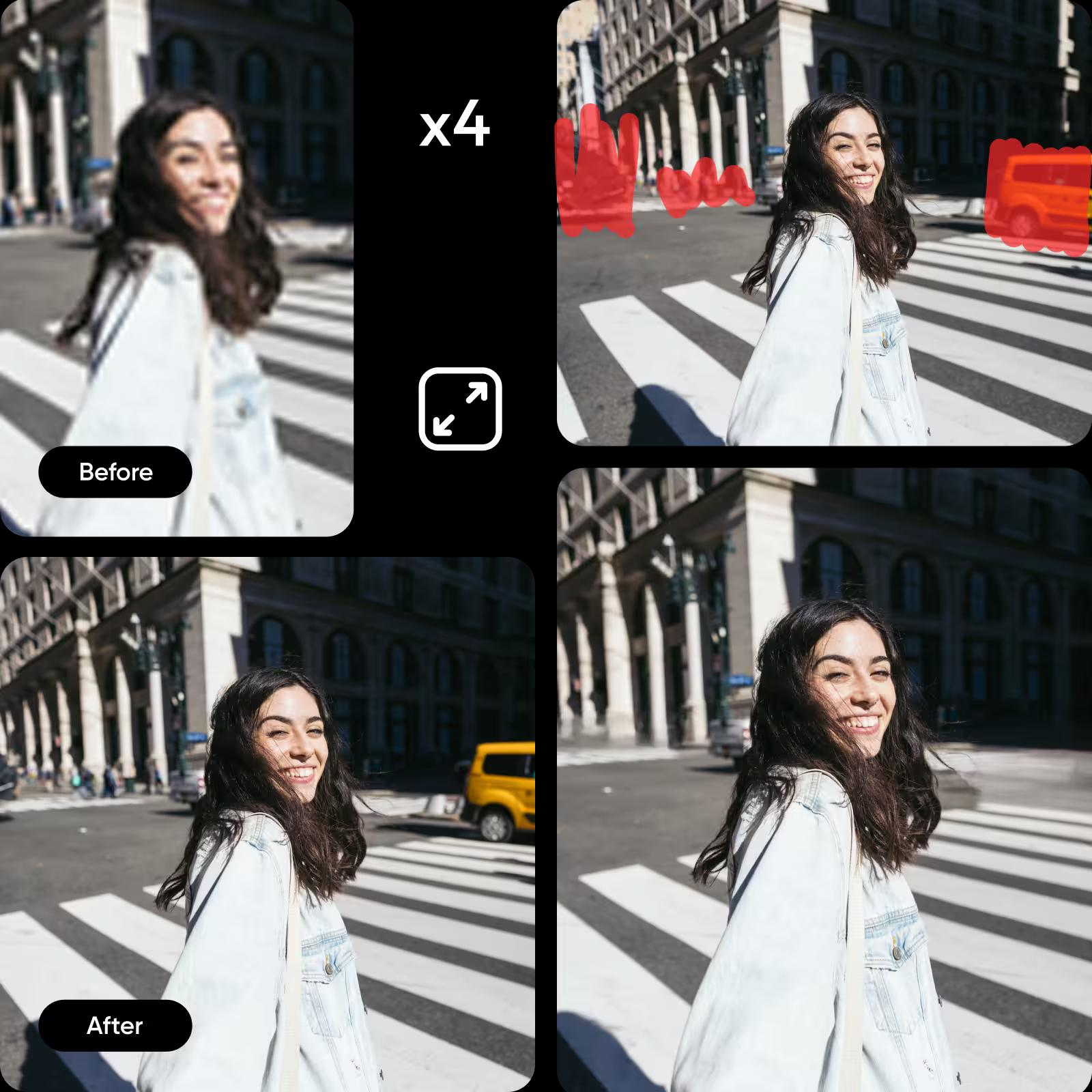
Легко додайте останні штрихи до збільшених фото за допомогою фоторедактора на базі AI. З легкістю виконуйте складне редагування, наприклад видаляйте об’єкти з фото, щоб прибрати зайві деталі. Або видаліть фон, щоб розширити можливості використання зображень. Налаштуйте вигляд зображень за допомогою наліпок, макетів колажів і модних фотофільтрів.
Усе необхідне для швидшого й розумнішого збільшення зображень
Від покращень на базі AI до пакетної обробки й гнучкого експорту — кожна функція допомагає чітко й швидко збільшувати роздільну здатність зображень, зберігаючи контроль над результатом.
Цей інструмент урятував чимало моїх старих фото товарів. Не довелося нічого перезнімати — я просто збільшив зображення й завантажив їх у свій магазин.
Marco D., продавець в інтернет-магазиніЯ використовую Upscaler для всього — від презентацій для клієнтів до публікацій в Instagram. Це швидко й просто, а навіть фото з телефона виглядають професійно.
Lina M., дизайнерка-фрилансеркаПоширені запитання про AI Upscaler
AI Upscaler від Picsart покращує фото всього за кілька натискань. Спершу завантажте зображення за допомогою кнопки «Вибрати файли». Потім AI автоматично відновить і зробить чіткішими деталі — без жодних зусиль із вашого боку. Після обробки ви можете безкоштовно завантажити версію з низькою роздільною здатністю, отримати файл із високою роздільною здатністю з Picsart Plus або продовжити редагування за допомогою творчих інструментів Picsart.
Збільшуйте зображення та робіть більше з кожною візуальною роботою
Pro
Most popularAI tools for everyday creative work.
Billed yearly
Ultra
Most powerfulHeavy AI usage for creators & teams.
Billed yearly, per seat
Enterprise
Custom AI solutions for large organizations.
Custom credit volume
- Volume discounts on credit rate
- On-demand top-ups
Custom
Contact for pricing


