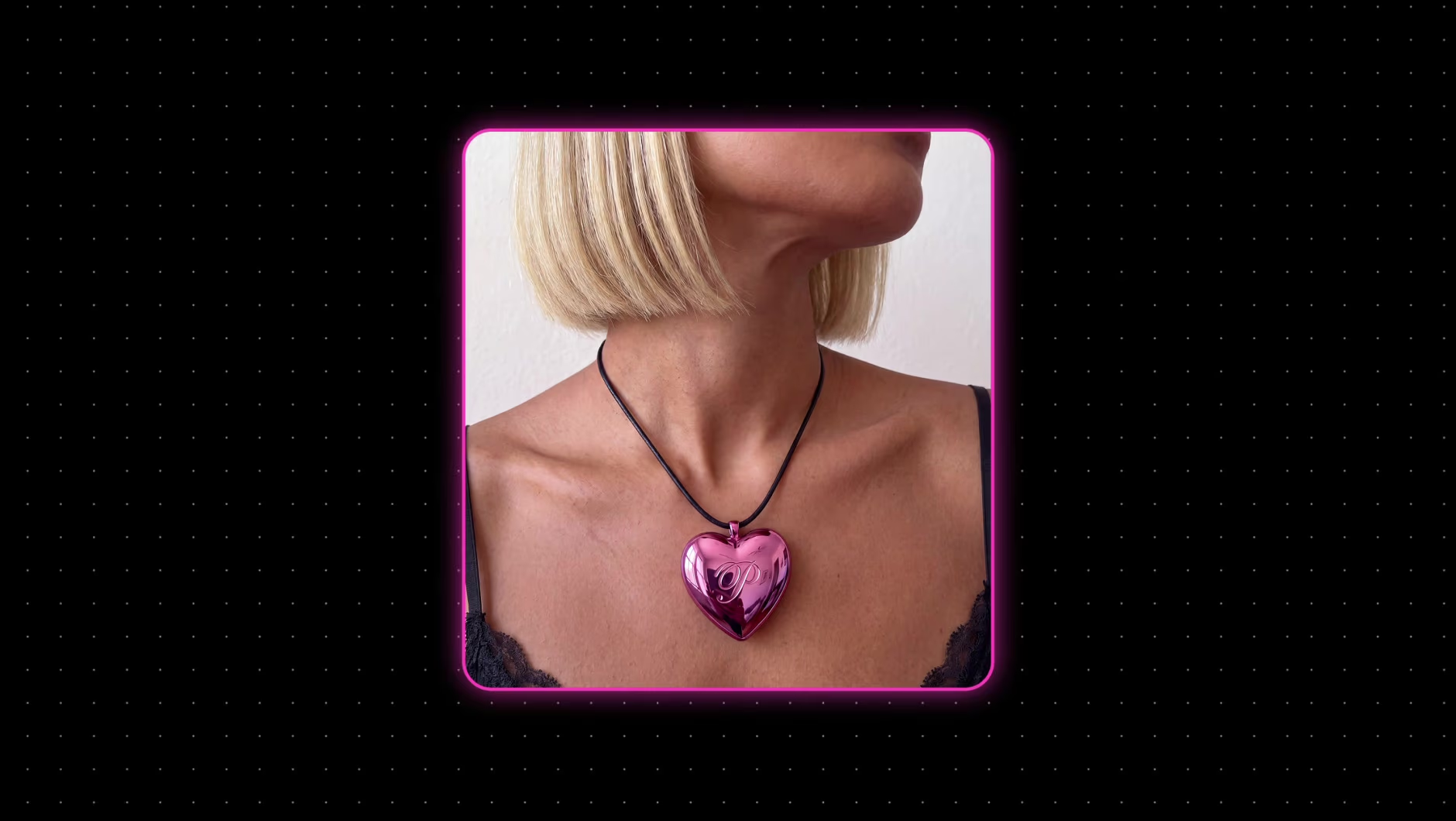
Trình tạo quảng cáo video: tạo quảng cáo video bằng AI cho mọi nền tảng
Ảnh sản phẩm, đường liên kết hoặc bản tóm tắt của bạn sẽ trở thành quảng cáo hoàn chỉnh trong trình tạo quảng cáo video của Picsart Flow. Bắt đầu với mẫu quảng cáo hoặc canvas trống.
- Hơn 100 mô hình AI trong một không gian làm việc
- Gợi ý câu lệnh khi bạn nhập
- Xuất ZIP tất cả phiên bản
Chọn định dạng quảng cáo video phù hợp
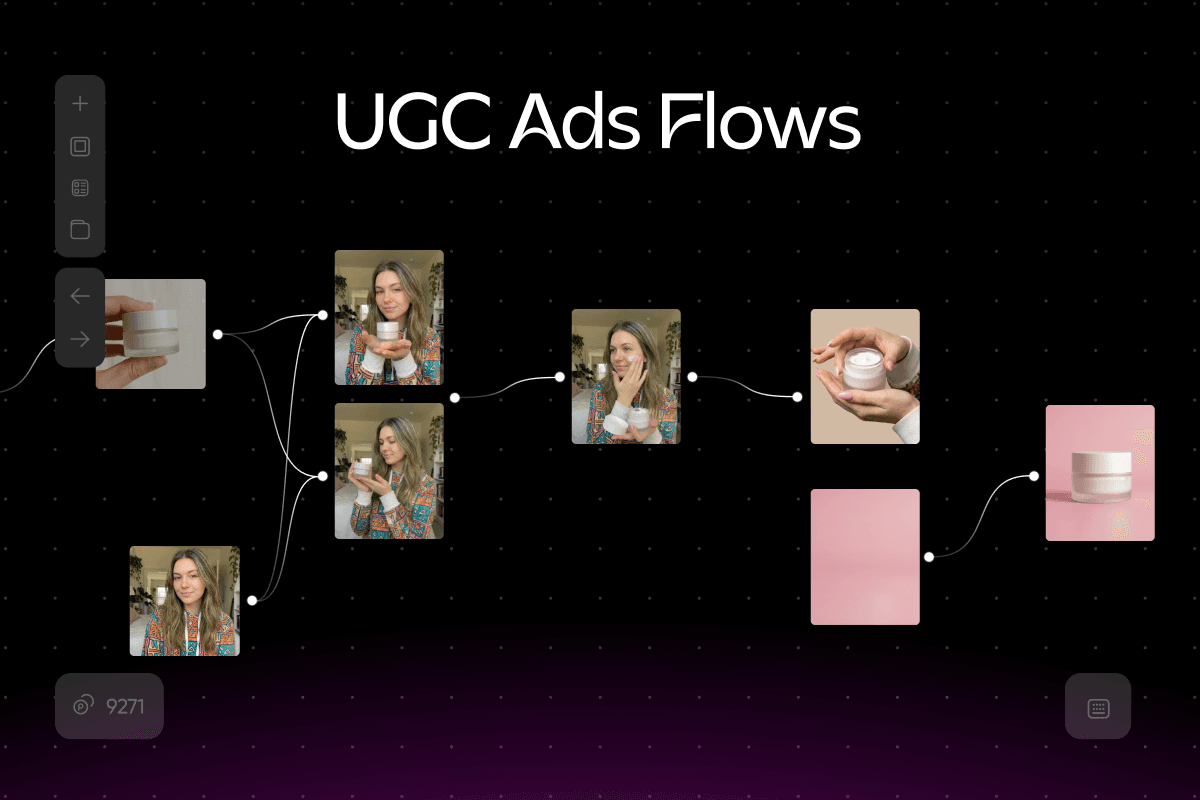
Tạo quảng cáo video UGC trông như được quay bằng điện thoại
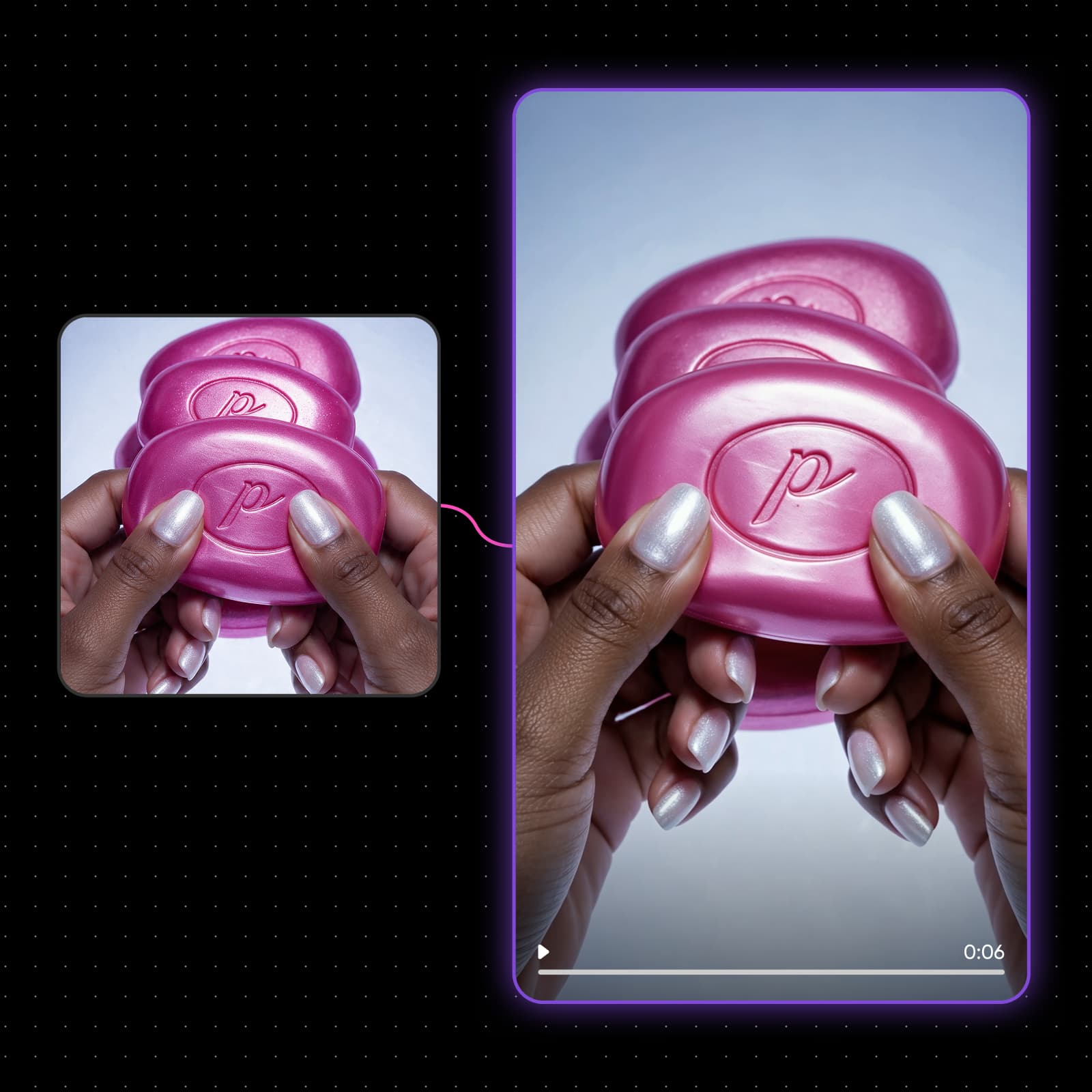
Quảng cáo video UGC hiệu quả khi trông như được quay bởi một người thật bằng điện thoại. Veo 3.1 tạo người dẫn chương trình đọc câu mở đầu của bạn, với lời thoại và đồng bộ môi trong cùng một lần kết xuất, ở định dạng 9:16 gốc. Tách một đoạn nói thành nhiều câu mở đầu rồi chọn câu giữ chân người xem lâu nhất. Đăng UGC trên tài khoản của riêng bạn? Bạn cũng có thể kiếm tiền trên TikTok thông qua Earn.
Tạo quảng cáo video trên cùng một canvas
Cách tạo quảng cáo video trong Picsart Flow
Tạo video quảng cáo qua bốn bước, sau đó lưu lại thiết lập để dùng cho chiến dịch tiếp theo.
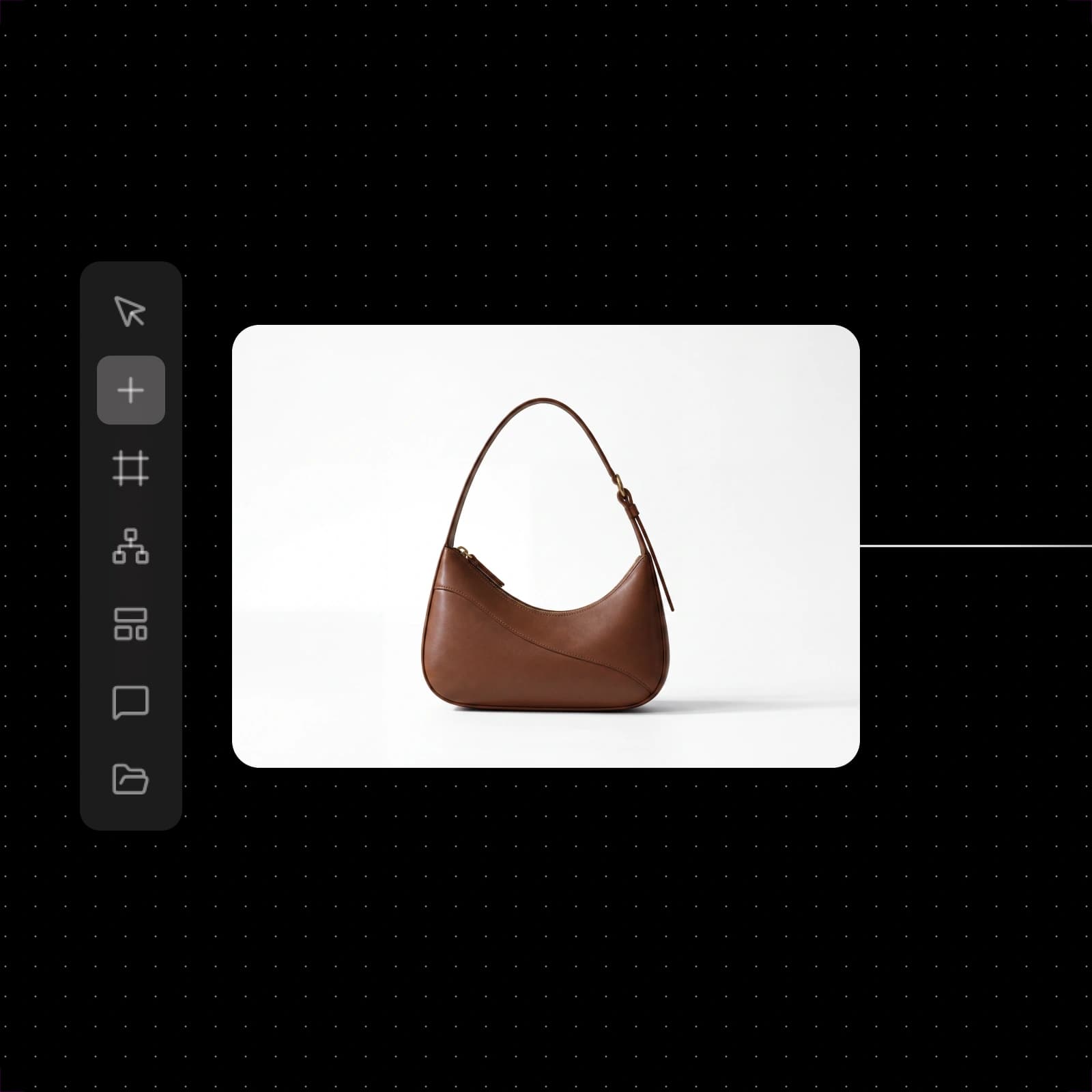
Bắt đầu với các mẫu quảng cáo video
Mỗi thẻ mở một quy trình quảng cáo Picsart Flow có sẵn để bạn chạy với sản phẩm của mình.


Chọn mô hình phù hợp cho từng cảnh quay
Mỗi cảnh trong quảng cáo cần một yếu tố khác nhau, vì vậy bạn có thể chọn mô hình cho từng nút.
Seedance 2.5
Lời thoại bằng 20 ngôn ngữVeo 3.1
Độ phân giải 4K gốc, tối đa 60fpsMiniMax H3 Max
Tạo clip nhanh ở độ phân giải 480p hoặc 768pFlux 3
Hỗ trợ tối đa 10 ảnh tham chiếu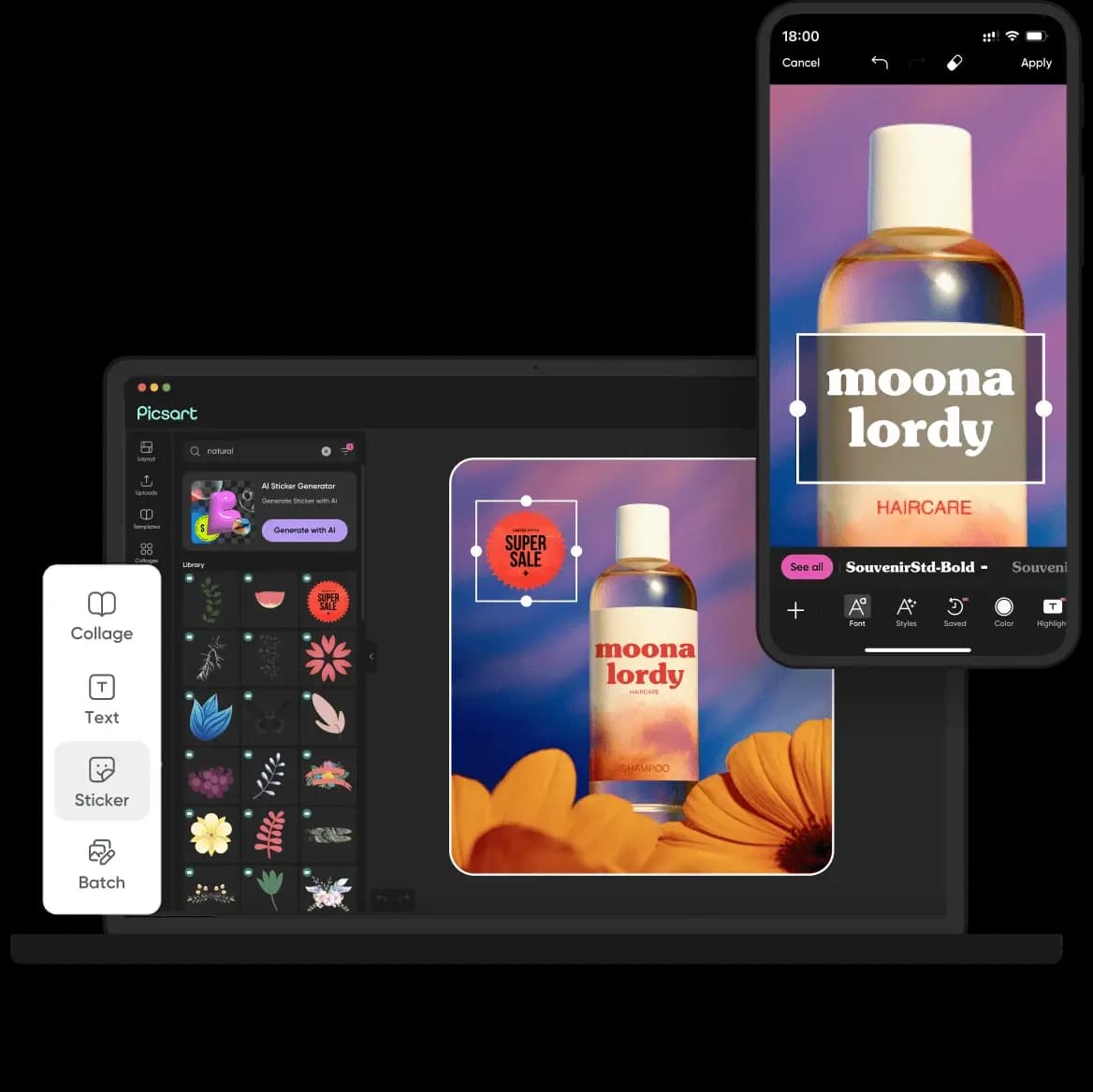
GPT Image 2.5
Ảnh tĩnh sản phẩm lên đến 4KElevenLabs Music v2
Bài hát hoàn chỉnh có giọng hátBiến ảnh sản phẩm thành quảng cáo video
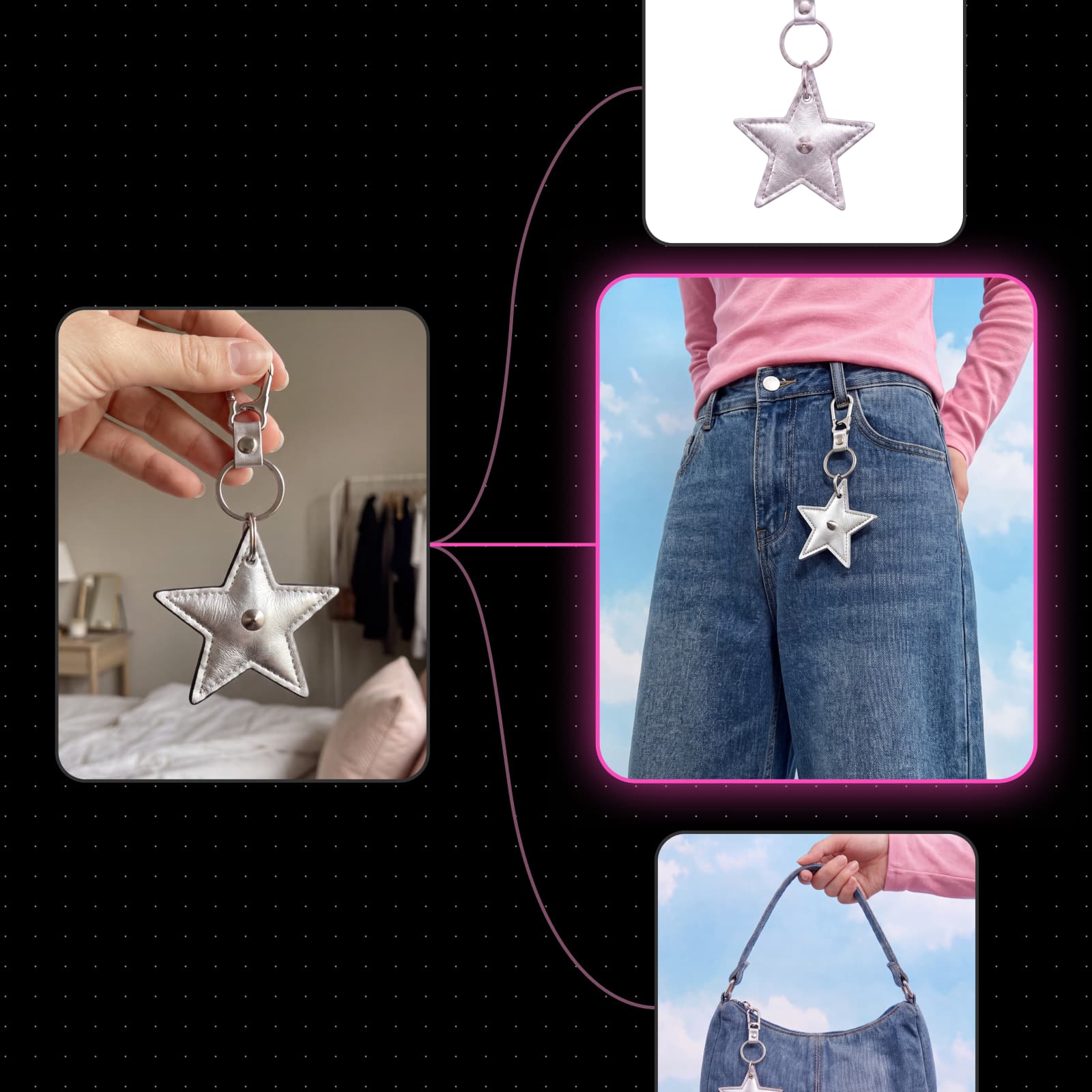
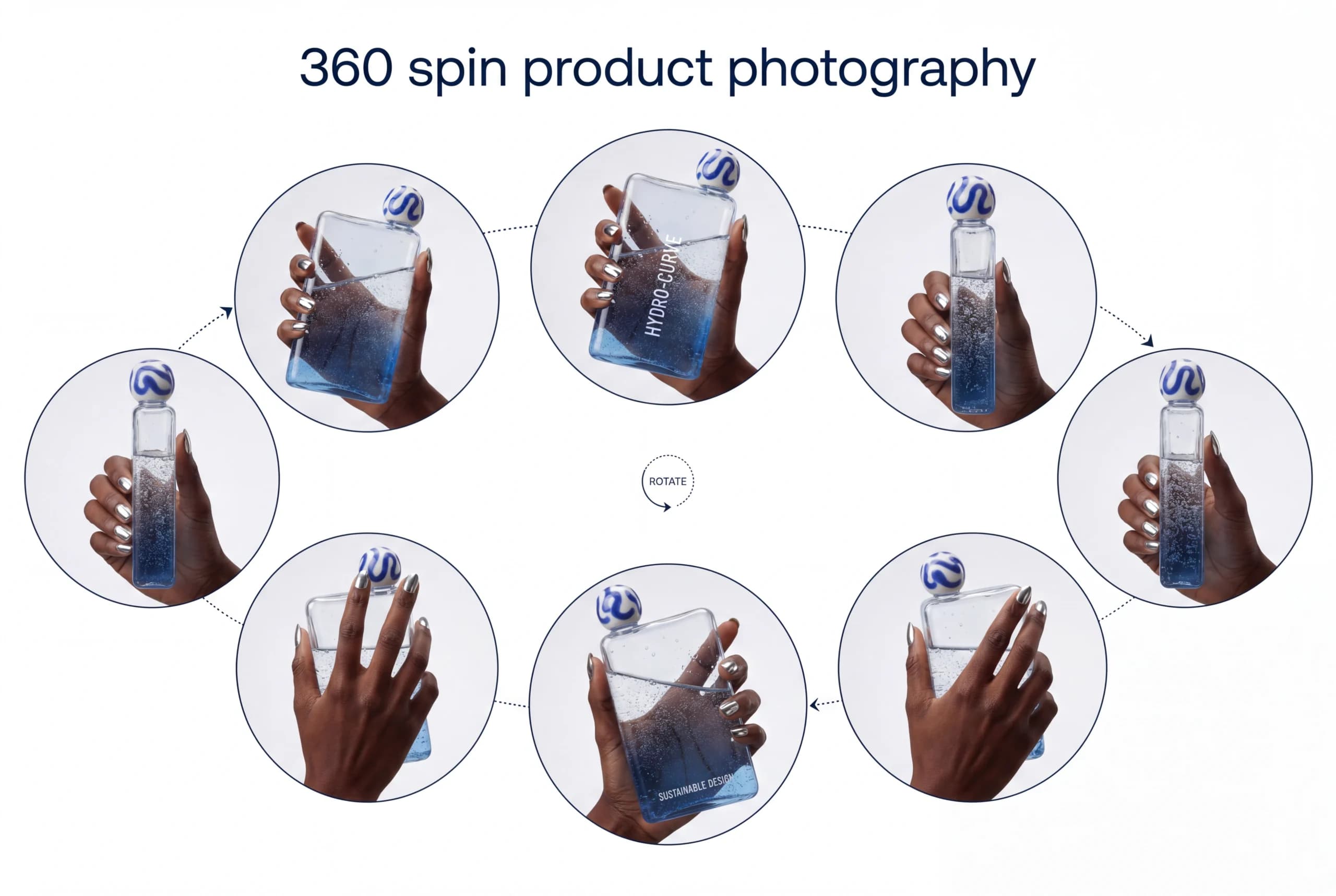
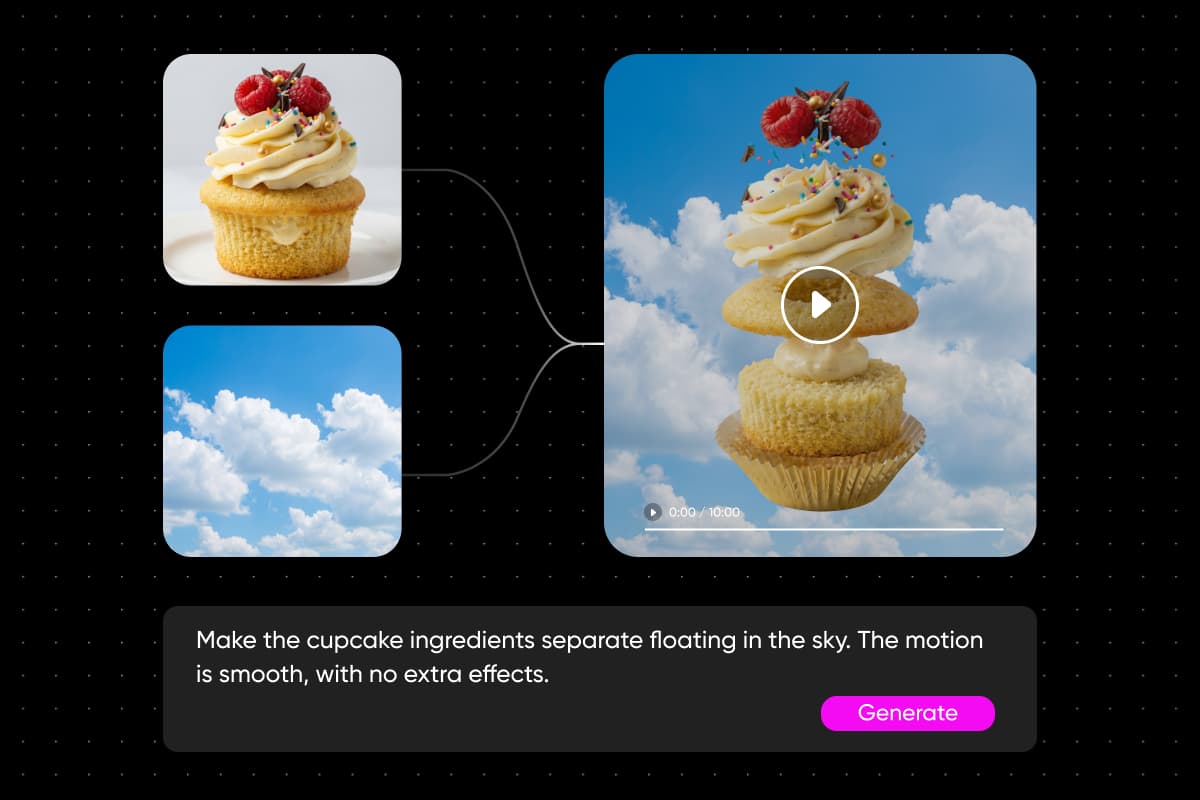
Chưa có cảnh quay? Chỉ cần một ảnh sản phẩm là bạn đã có thể bắt đầu tạo quảng cáo video. Camera Motion biến ảnh tĩnh thành clip dài từ 5 đến 15 giây, trong đó máy quay tiến gần, xoay quanh hoặc lướt qua sản phẩm trong khi sản phẩm vẫn giữ nguyên như ảnh gốc. Camera Angle kết xuất cùng một bức ảnh từ phía trước, bên cạnh hoặc phía trên để dùng cho cảnh tiếp theo. Khám phá thêm quy trình tạo hoạt ảnh từ ảnh sang video trong Flow.
- 18 cài đặt sẵn chuyển động máy quay
- Xem trước đường đi trước khi chạy
- Tạo đường đi tùy chỉnh với 2 đến 12 khung hình chính
Thử nghiệm các phiên bản quảng cáo mà không cần quay lại
Relight chuyển cảnh quay sản phẩm sang ánh sáng chạng vạng, mưa hoặc tuyết, biến một buổi quay thành bộ nội dung theo mùa. Chọn tất cả phiên bản rồi thay đổi độ phân giải hoặc thời lượng cùng lúc, hoặc đổi mô hình cho toàn bộ lựa chọn. Chỉnh sửa hàng loạt và chạy lại toàn bộ quy trình giúp các phiên bản luôn đồng bộ để bạn dễ so sánh. Với quảng cáo ảnh tĩnh, mẫu thử nghiệm A/B ứng dụng AI biến một thiết lập thành 50 phiên bản với tiêu đề, CTA và màu sắc mới.
- Di chuột lên cài đặt sẵn để xem trước
- Chỉ cần hoàn tác một lần để khôi phục chỉnh sửa hàng loạt
- Các nút đang chạy không bị ảnh hưởng
Bản địa hóa một quảng cáo cho mọi thị trường
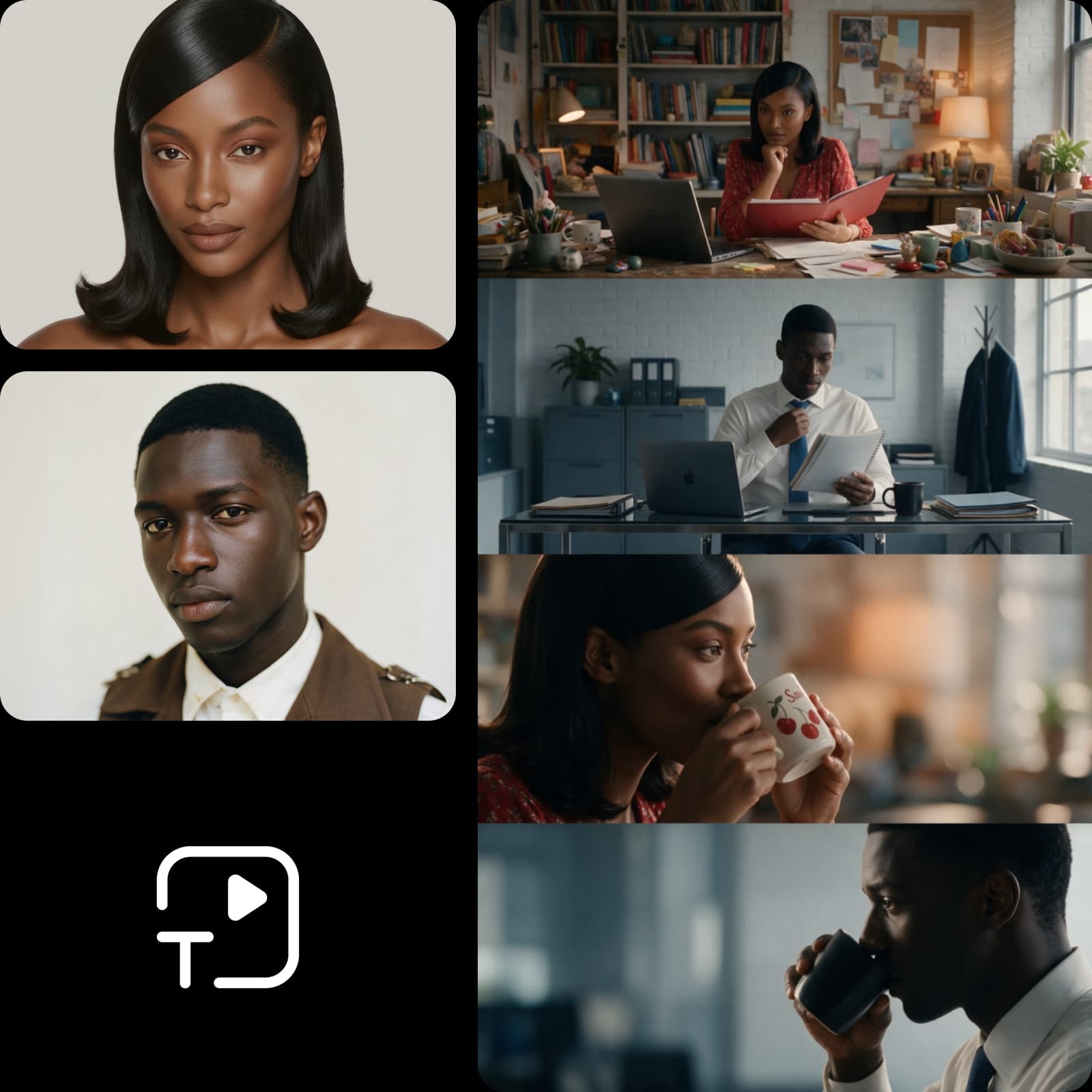
Một chiến dịch chạy ở năm quốc gia không nên cần đến năm buổi quay. Nút Translate xuất quảng cáo hoàn chỉnh bằng ngôn ngữ của từng thị trường, với giọng đọc phù hợp với khán giả địa phương. Để bản địa hóa nội dung người xem đọc và nhìn thấy, các mẫu Localization của Flow dịch nội dung trên ảnh chiến dịch và kết xuất lại trên cùng thiết kế, hoặc dựng lại cảnh cho từng thành phố với địa danh và nội dung phù hợp.
- Lồng tiếng bằng 190 ngôn ngữ
- Giữ nguyên giọng nói của bạn
- Đồng bộ môi theo lời thoại mới
Chia sẻ quy trình quảng cáo với nhóm của bạn
Khi quy trình quảng cáo đã hoạt động hiệu quả, người khác có thể sử dụng mà không cần thao tác trên sơ đồ. Xuất bản một khung hình thành ứng dụng đơn giản có biểu mẫu, để nhóm tiếp thị hoặc khách hàng điền thông tin sản phẩm và ưu đãi rồi tạo quảng cáo mới. Với người xây dựng quy trình, thẻ màu và tính năng tìm kiếm trên canvas giúp sắp xếp chiến dịch có hàng trăm nút. Khám phá thêm quy trình AI cho tiếp thị và sáng tạo nội dung.
- Chi phí mỗi lần chạy do người chạy thanh toán
- Để ở chế độ riêng tư hoặc chia sẻ bằng đường liên kết
- Ứng dụng giữ nguyên trạng thái cho đến khi bạn xuất bản lại
Khám phá ai tạo quảng cáo video bằng Flow
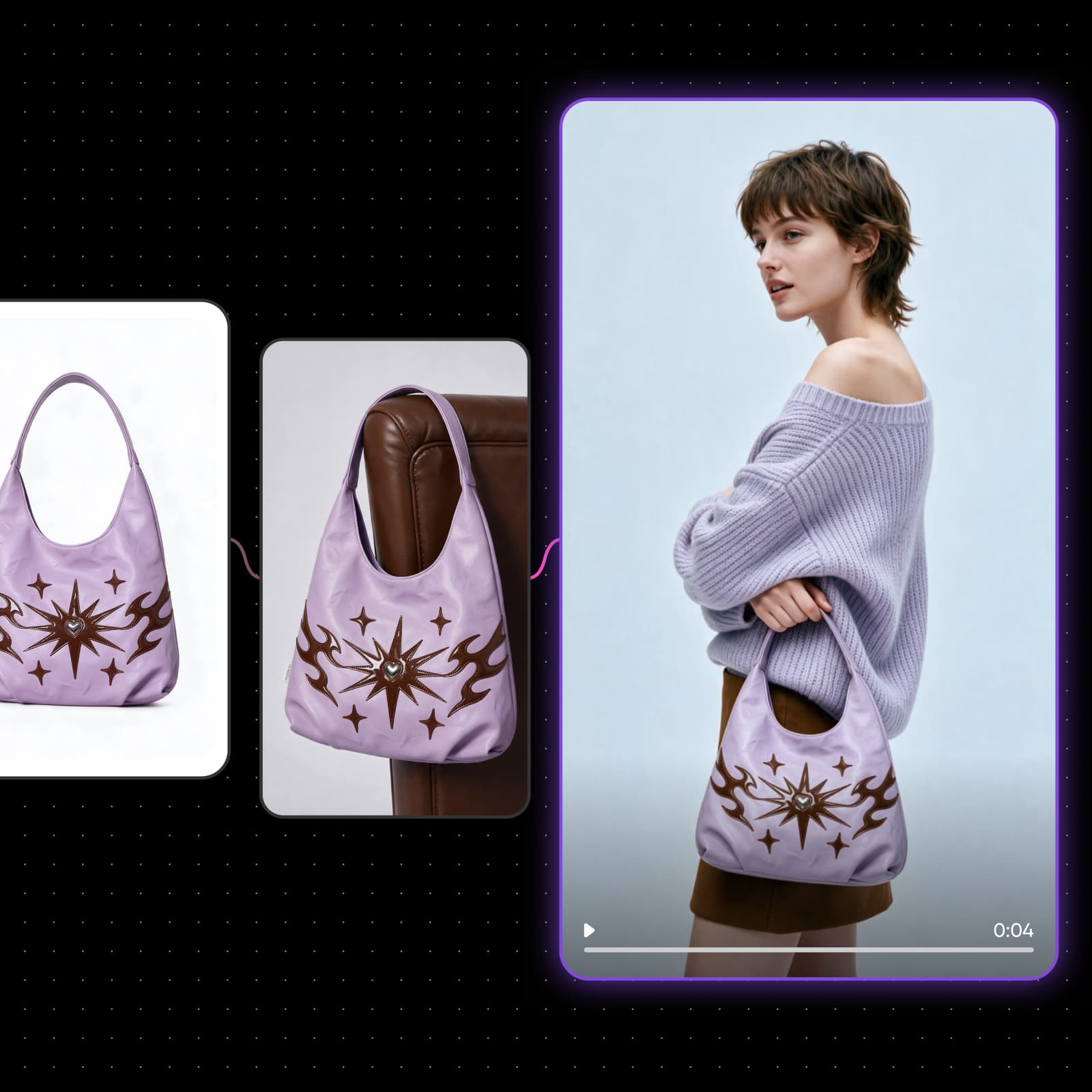
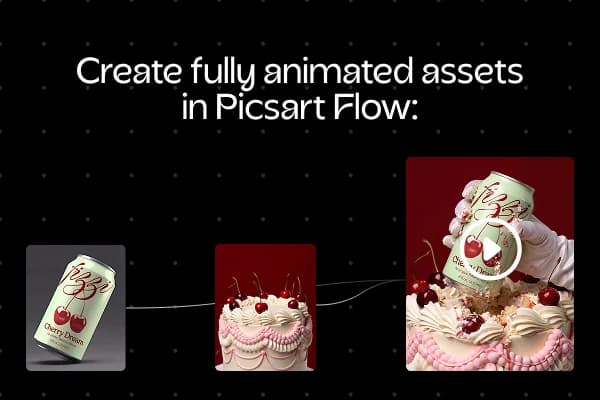
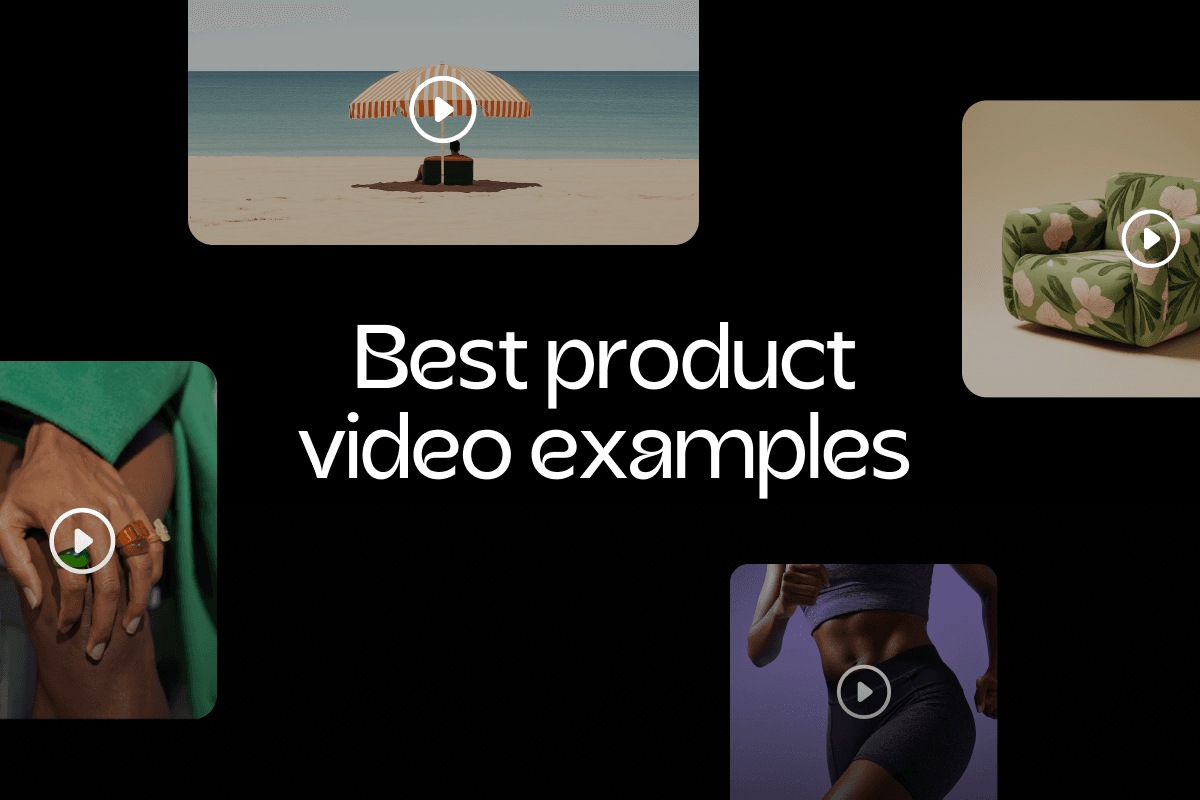
Cửa hàng trực tuyến có thể biến từng trang sản phẩm thành quảng cáo video cho trang niêm yết và quảng cáo trả phí trên mạng xã hội. Chạy cùng một quy trình quảng cáo cho mỗi sản phẩm mới để cả danh mục có diện mạo nhất quán.
Tìm hiểu vì sao người dùng đánh giá Picsart xuất sắc
Điểm số của Picsart dựa trên các bài đánh giá trên Trustpilot.
Lên kế hoạch và khởi chạy toàn bộ chiến dịch
Cần cả kế hoạch lẫn khâu khởi chạy? AI Marketing Studio soạn thảo chiến lược, tạo quảng cáo, thử nghiệm trước khi bạn chi tiền và khởi chạy quảng cáo trên Google Ads, sau đó cho bạn biết nội dung nào đang hiệu quả.
Tìm hiểu thêm về quảng cáo video
Giải đáp thắc mắc về cách tạo quảng cáo video
Trình tạo quảng cáo video trong Picsart Flow sử dụng AI Credits thay vì tính phí cố định, và bạn chỉ dùng credit cho những cảnh quay mình tạo. Các gói Picsart Pro và Ultra có kèm credit, bạn cũng có thể mua thêm bất cứ lúc nào. Mỗi mô hình hiển thị chi phí credit trước khi chạy, vì vậy bạn biết trước giá của từng quảng cáo video.
Tạo quảng cáo video phù hợp với chiến dịch
Pro
Most popularAI tools for everyday creative work.
Ultra
Most powerfulHeavy AI usage for creators & teams.