


真的太棒了!感谢你们提供这么好用的免费工具。我试过很多移除背景的工具,而你们的工具始终能带来出色的效果。谢谢!
Margaret在线移除图片绿幕
使用 Picsart 免费、自动且高品质的在线绿幕移除工具,轻松移除图片中的绿幕。
为什么要去除绿幕?



如何从图片中移除绿幕
How to
选择图片
点击“上传图片”按钮即可。Picsart 会自动移除绿幕。
简化业务中的绿幕移除流程
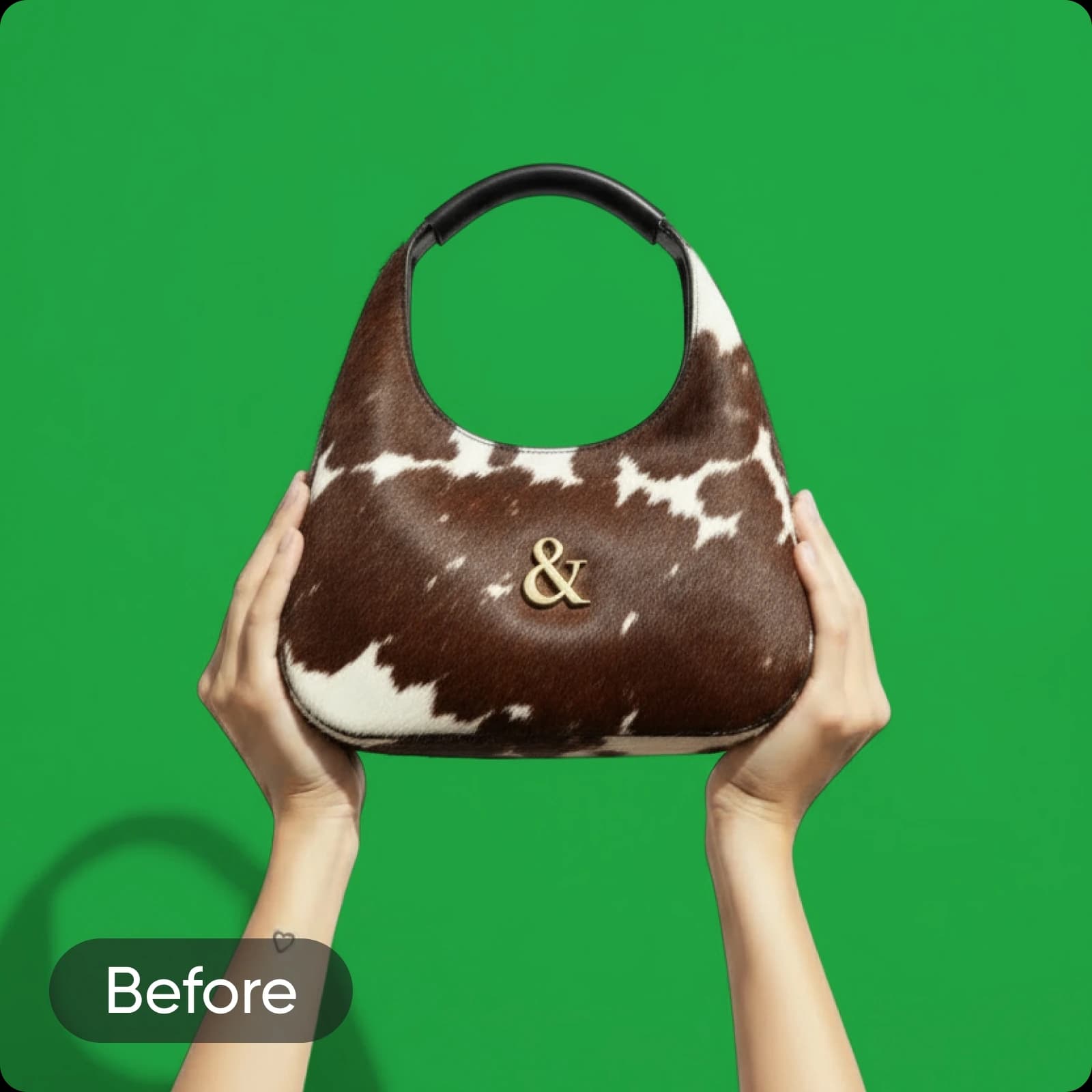
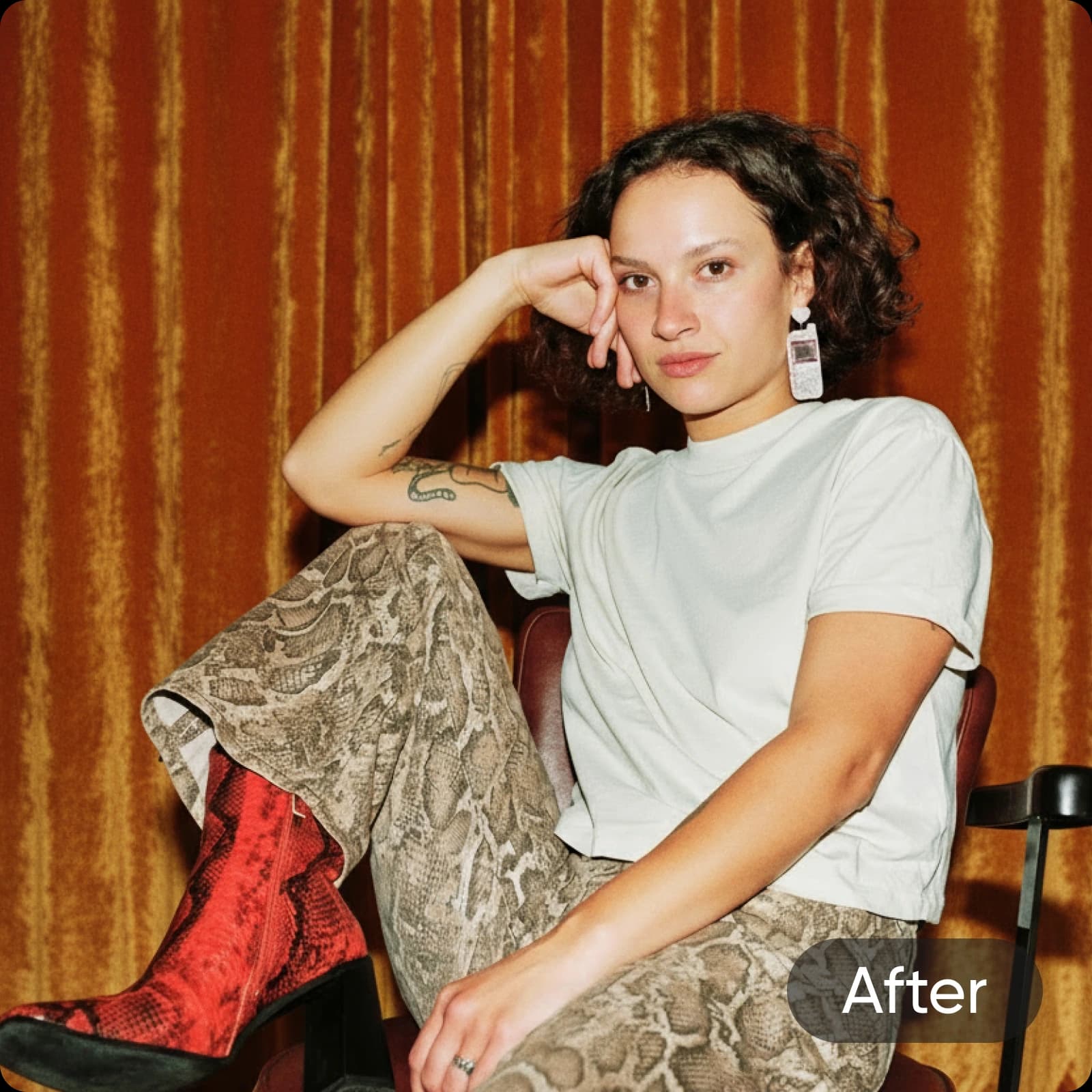
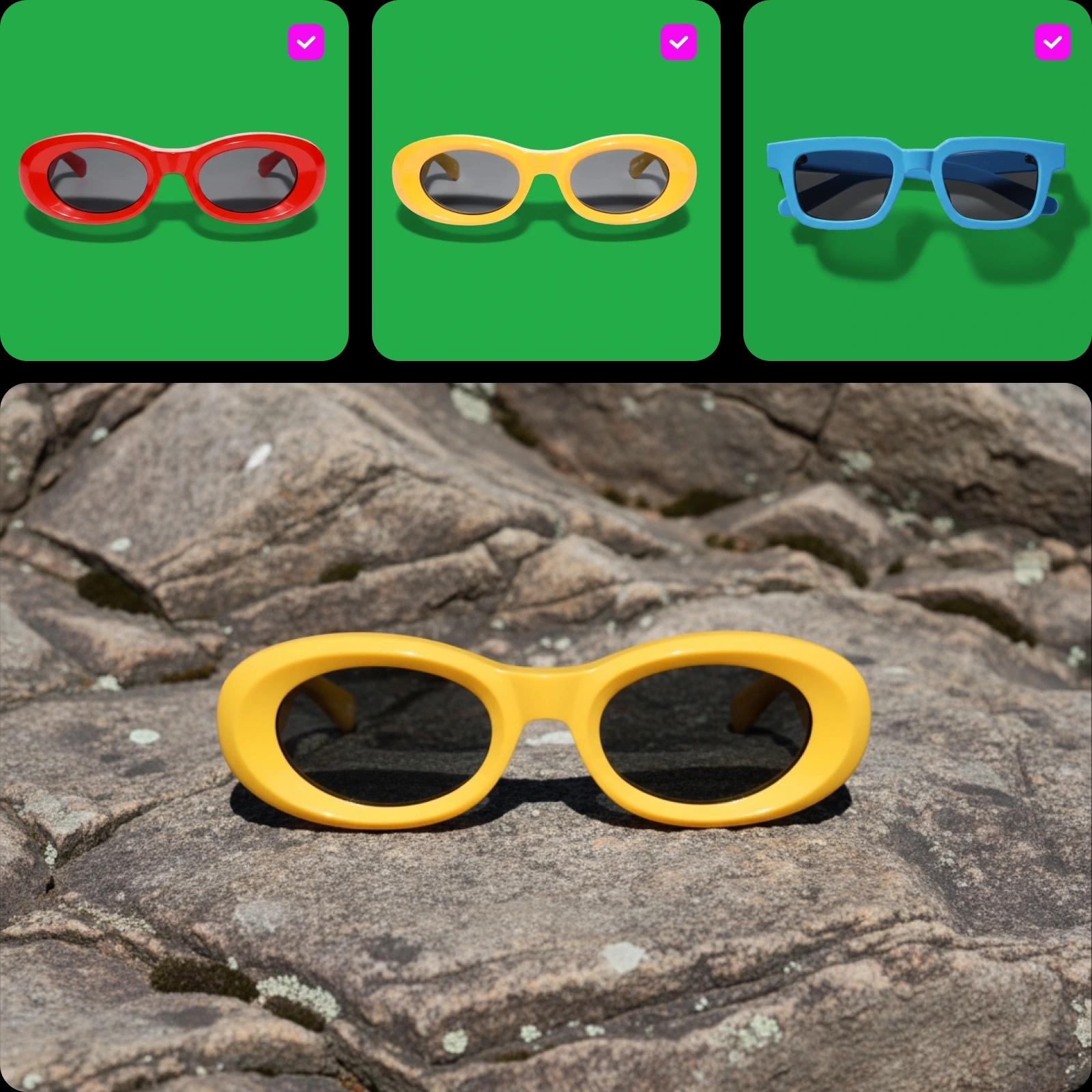
将绿幕和色度键移除工具融入编辑流程,在更短时间内完成更多工作。无论是移除电商产品摄影中的绿色背景,还是处理影棚人像,Picsart 都能轻松应对。为品牌视觉增添精致感,或使用新创建的透明背景照片,为社交媒体帖子、包装设计等制作图形!
- 在品牌视觉中重用主题
Picsart 绿幕移除工具的主要功能
探索 Picsart 绿幕移除工具的强大功能,轻松简化编辑流程,短短几秒即可获得专业品质的效果。
轻松移除绿幕
太棒了!你们的工具从来没出过问题,效果也非常好。真的非常感谢。
Pat非常出色,给我留下了深刻印象!Picsart 堪称最好的产品。
Emmanuel使用 AI 图像模型创建绿幕效果
使用图像模型转换背景、产品照片和抠图,打造精致视觉效果。
绿幕移除工具常见问题
绿幕移除工具可以自动识别并移除图片中的绿色背景。这样你就可以将绿色背景替换为其他背景,或将背景设为透明。
为每个创意项目打造干净利落的抠图效果
Pro
Most popularAI tools for everyday creative work.
Billed yearly
Ultra
Most powerfulHeavy AI usage for creators & teams.
Billed yearly, per seat
Enterprise
Custom AI solutions for large organizations.
Custom credit volume
- Volume discounts on credit rate
- On-demand top-ups
Custom
Contact for pricing
使用 Picsart,让创作灵感持续迸发

背景移除工具使用 AI 精准移除背景,或将其设为透明。

背景更换工具更换背景,或将其彻底移除。

PNG 颜色更换工具为透明 PNG 文件添加背景颜色。

Logo 背景移除工具轻松为 Logo 文件创建透明背景。

AI 照片编辑器使用 AI 照片编辑器加快编辑流程。

批量照片编辑器使用 Picsart 批量编辑器,一次编辑多达 50 张照片。

更换背景颜色轻松将背景换成纯色。

摄影背景移除工具只需点击按钮,即可精准移除照片背景。

产品背景移除工具轻松移除产品照片背景,打造干净无干扰的产品图片。