1. Home
  2. 调整图像大小

使用Picsart的图片调整大小工具免费改变图片尺寸

使用Picsart免费图片调整工具,通过多种布局预设瞬间改变图片尺寸。

适合您调整大小的图像的相关工具

提升图像分辨率调整 Instagram 图像大小拉伸图像调整 JPEG 文件大小裁剪您的照片批量调整图像大小移除图像背景增强图像质量为 YouTube 创建缩略图在线编辑照片翻转或旋转图像批量编辑照片

Use Picsart anywhere

Install the app, or bring Picsart into the AI workspaces your team already uses.

Use Picsart with

  • ChatGPT / Codex
  • Claude
  • Terminal
  • Cursor
  • OpenClaw
  • Hermes

Download the app

Download on the App StoreGET IT ON Google PlayGet it from Microsoft

Follow Picsart

Pinterest
AICPA SOC

Create

  • AI Image Generator
  • AI Video Generator
  • AI Playground
  • Flow
  • AI Photo Editor
  • AI Video Editor
  • AI Agents
  • Content Library
  • AI Models

Creators

  • Earn with Picsart
  • Earn campaigns
  • Clipping
  • For Brands
  • Video Studio
  • Tutorials
  • Challenges

Connect

  • ChatGPT / Codex
  • MCP setup
  • Command line
  • Developers
  • Google Drive

Business

  • Pricing
  • Enterprise
  • Industries
  • Quicktools

Company

  • Support
  • Careers
  • About us
  • Blog
  • Press Center
Terms of UsePrivacy PolicyInternet-Based AdvertisingCommunity GuidelinesDMCASecurity PolicyAccessibility
© 2026 PicsArt, Inc.
4.9/5
ExcellentTrustpilot
G2 Spring 2026 Leader badgeG2 Spring 2026 Momentum Leader badgeG2 Spring 2026 Fastest Implementation badgeG2 Users Love Us badge
免费使用图标

免费使用

使用Picsart一体化照片编辑器免费调整图片大小。

高质量图标

无质量损失

调整图片大小而不会损害外观和质量。

社交媒体图片调整工具图标

完整的文件安全保护

上传的文件仅临时存储,每次使用都安全可靠。

如何在线免费调整图片大小

1

打开图片调整工具

使用下方按钮直接进入Picsart照片编辑器。

2

上传你的照片

3

选择尺寸

4

保存调整大小后的图片


秒速调整图片大小

在不同布局之间切换不再耗时。使用在线图片调整工具快速完成所有调整。上传到热门平台?无需手动搜索正确分辨率,只需使用现成的布局预设即可更快改变图片尺寸。

使用Picsart图片调整工具秒速调整图片大小

缩小图片大小而不损失任何细节

调整图片大小的同时保持每个细节清晰。Picsart在您改变尺寸时保护照片的清晰度,所以不会显得拉伸或模糊。如果照片本身模糊,也可以用Picsart修复。使用内置图片放大器来增强图片质量——使用方式与调整工具一样简单。

缩小图片大小而不损失细节

探索调整图片大小的热门方式

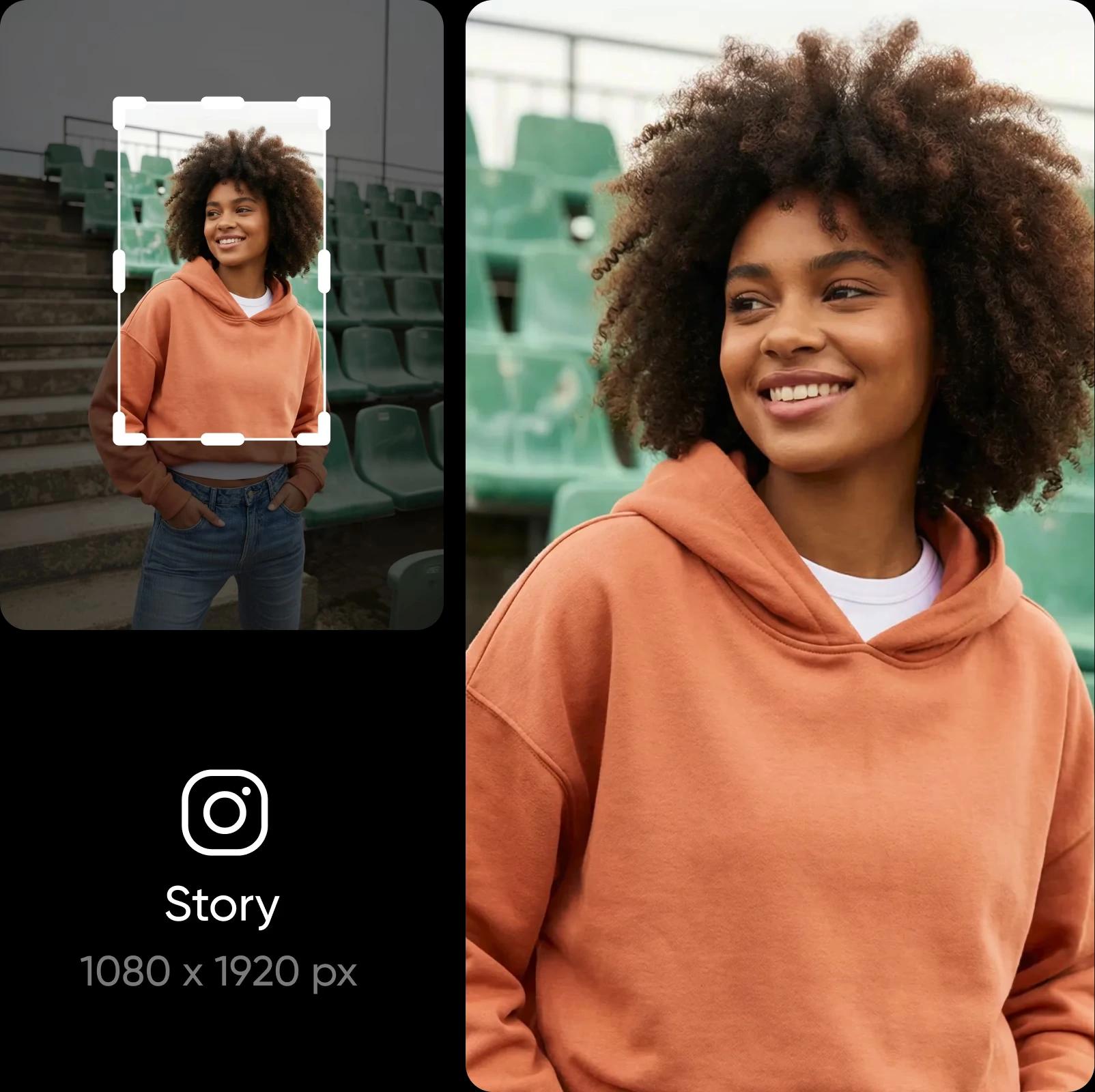
调整图片大小以适应Instagram、Facebook、TikTok、Pinterest和LinkedIn的尺寸。你的帖子、故事、广告、缩略图和页头在每个平台上看起来都整洁一致。

为社交媒体调整图片大小

批量调整图片大小

多张图片因尺寸错误被拒?无需逐一调整。使用Picsart轻松批量调整图片大小,节省宝贵时间。为一张图片进行调整,其他图片将自动应用相同设置。完美适用于批量调整电商照片、调整轮播帖子视觉等情况。


用Picsart照片编辑器做更多事

Picsart满足你所有的照片编辑需求。轻松执行复杂编辑,如更换和移除背景或甚至从照片中删除对象。有了AI,一切都自动简单。通过应用效果和为照片添加文本完成编辑。全部在一个便捷的照片编辑器中完成。

Picsart照片编辑器

更多工具探索

使用Picsart照片增强器提升图片分辨率

AI图片增强器

使用AI一次性放大一张或多张图片的分辨率。

在线AI头像生成器

AI头像

用AI生成多种风格的肖像。

AI图像生成器

AI图像生成器

输入你的想法,让AI将你的文字转化为迷人的图像。

AI艺术生成器

AI艺术生成器

用AI在几秒内生成各种风格和流派的引人注目的艺术作品。

使用Picsart AI替换进行对象交换

AI替换

使用AI交换图片中的任何部分为AI生成的对象。

AI内容生成工具

AI文案写手

让AI为你的视觉作品创意文案和标题。

AI照片编辑器

AI照片编辑器

用AI驱动的照片编辑器加速编辑流程。

使用Picsart AI背景生成器生成背景

AI背景

仅用提示词从零开始生成独特背景。

使用Picsart AI GIF生成器生成AI GIF

AI GIF生成器

轻松从零开始生成自定义GIF视觉效果。


图片调整大小常见问题

Picsart图片调整工具允许你根据不同尺寸要求调整图片分辨率。

是的!你可以免费使用Picsart图片调整工具。

可以,你可以批量调整图片大小。

是的,调整大小时将保持宽高比。

当然可以!Picsart调整照片大小时质量损失最小。

不,Picsart不存储你的图片。

使用Picsart编辑器,只需点击左侧工具栏上的"布局"。然后选择现成的尺寸模板或在顶部设置自定义尺寸。


PricingSave big

编辑照片打造精美创作者内容

Pro

Most popular

AI tools for everyday creative work.

$15 $10.5/mo
Billed yearly
You save $54 with yearly
  • Access to all photo & video editing features
  • Advanced background & object removal
  • Parallel video generations with the world's most powerful AI video models
  • Unlimited image generations with Flex.2 Klein
  • 1-tap image enhancer
  • Millions of stock photos & Getty video clips
  • Selection of trendy fonts, text styles & stickers
  • Thousands of premium templates
  • Support for 3+ brand kits
  • Bulk edit up to 50 images at once
  • 100 GB of cloud storage
New features:
  • Auto-generate content from your terminal or agent with the Picsart CLI
  • Use Picsart inside Claude Code, Cursor, and ChatGPT via MCP — coming soon
  • AI agents for multi-step workflows and batch generation — coming soon

Ultra

Most powerful

Heavy AI usage for creators & teams.

$45 $24.5/mo
Billed yearly, per seat
You save $246 with yearly
  • Everything in Pro
  • Early access to advanced AI features
  • Leading AI models to design & automate workflows (Nano Banana, Veo 3, Seedance 2.0 & more)
  • Parallel video generations with the world's most powerful AI video models
  • Unlimited image generations with Flex.2 Klein
  • Support for 10+ brand kits
  • Add team seats
  • Create ad variations and localize
  • Track ads performance
  • 2000 credits for API services
  • Bulk edit up to 100 images at once
  • 300 GB of cloud storage per seat
New features:
  • Auto-generate content from your terminal or agent with the Picsart CLI
  • Use Picsart inside Claude Code, Cursor, and ChatGPT via MCP — coming soon
  • AI agents for multi-step workflows and batch generation — coming soon

Enterprise

Custom AI solutions for large organizations.

Custom credit volume
  • Volume discounts on credit rate
  • On-demand top-ups
Custom
Contact for pricing
  • Access to photo & video editor SDKs
  • Mobile web SDK support
  • Prepaid or pay-as-you-go creative APIs
  • Embed professional-grade editing into your product or workflow
  • Fully configurable editing experience
  • White-label to match your brand
  • Support for built-in marketing, e-commerce & printing use cases
  • Bring your own assets: images, templates & fonts
  • Enterprise-grade security, SLAs & support
  • Dedicated account manager