HeyGen Video vs Veo 3.1: pick your native-audio video model
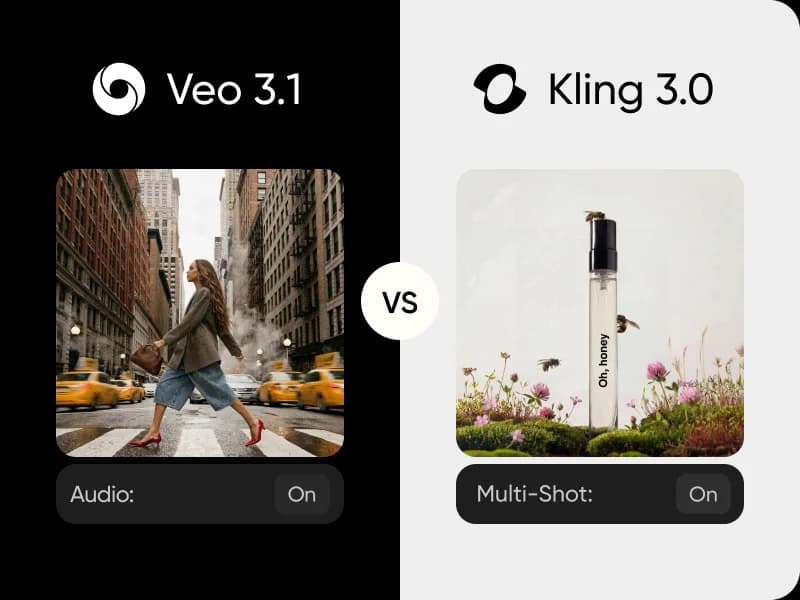
HeyGen Video and Google's Veo 3.1 both turn a single text prompt into a finished video with native audio - sound generated together with the picture in one pass. This HeyGen Video vs Veo 3.1 comparison breaks down native audio, resolution, clip length, aspect ratios, and reference control so you can pick the right native-audio video model. Try both side by side in Picsart AI Video Generator or AI Playground.
Feature comparison overview
Compare HeyGen Video vs Veo 3.1 side by side to see how native audio, resolution, clip length, aspect ratios, and reference control differ for native-audio video generation.
Get to know HeyGen Video and Veo 3.1
At a glance, both HeyGen Video and Veo 3.1 turn a text prompt into video with native audio, but with different priorities. HeyGen Video is built for flexible, reference-guided clips - a first-frame image, up to 12 references, and seven aspect ratios at 480p or 768p. Veo 3.1 is built for cinematic output - native 4K with synchronized dialogue, SFX, and music. Try them both in our AI Playground.
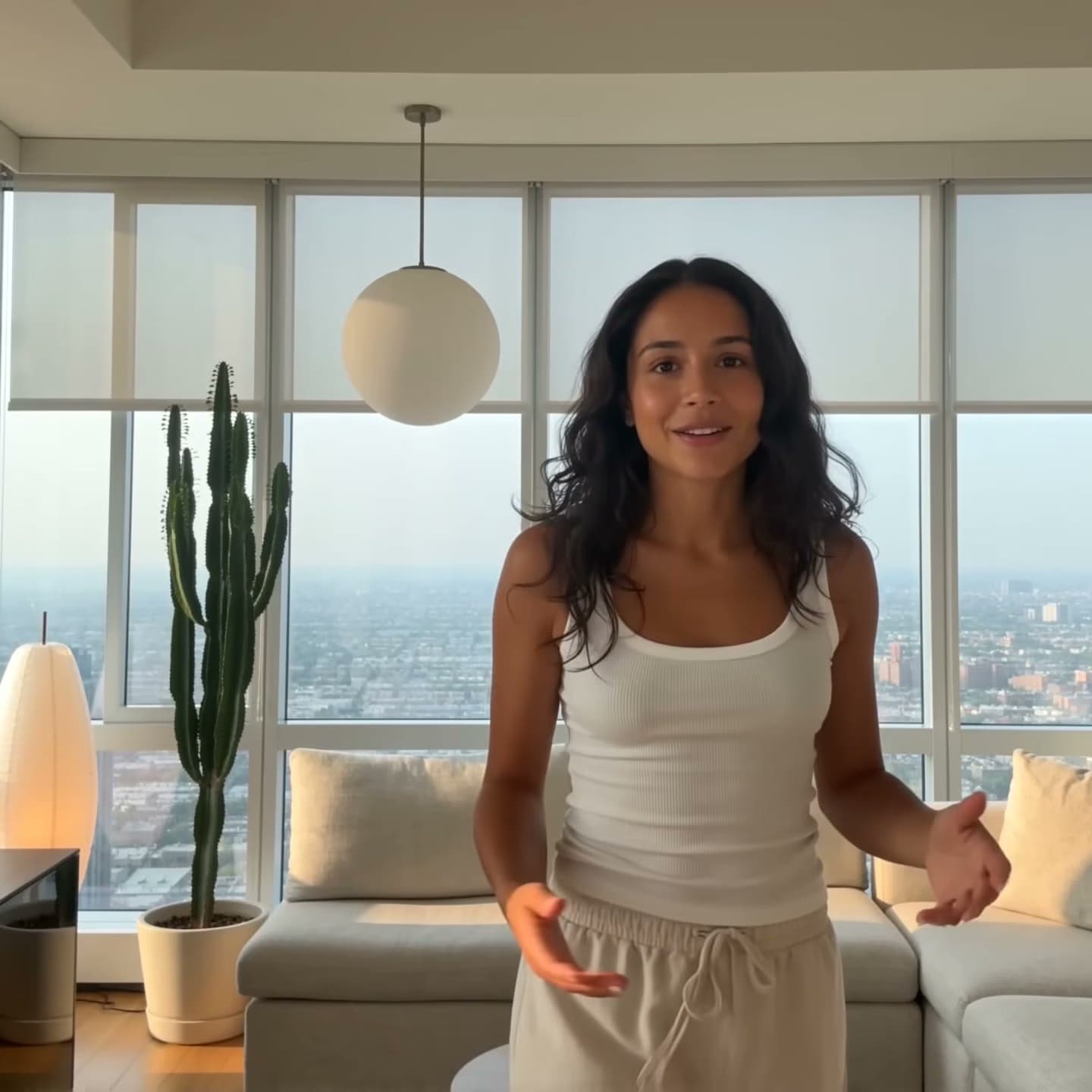
Native audio in a single generation
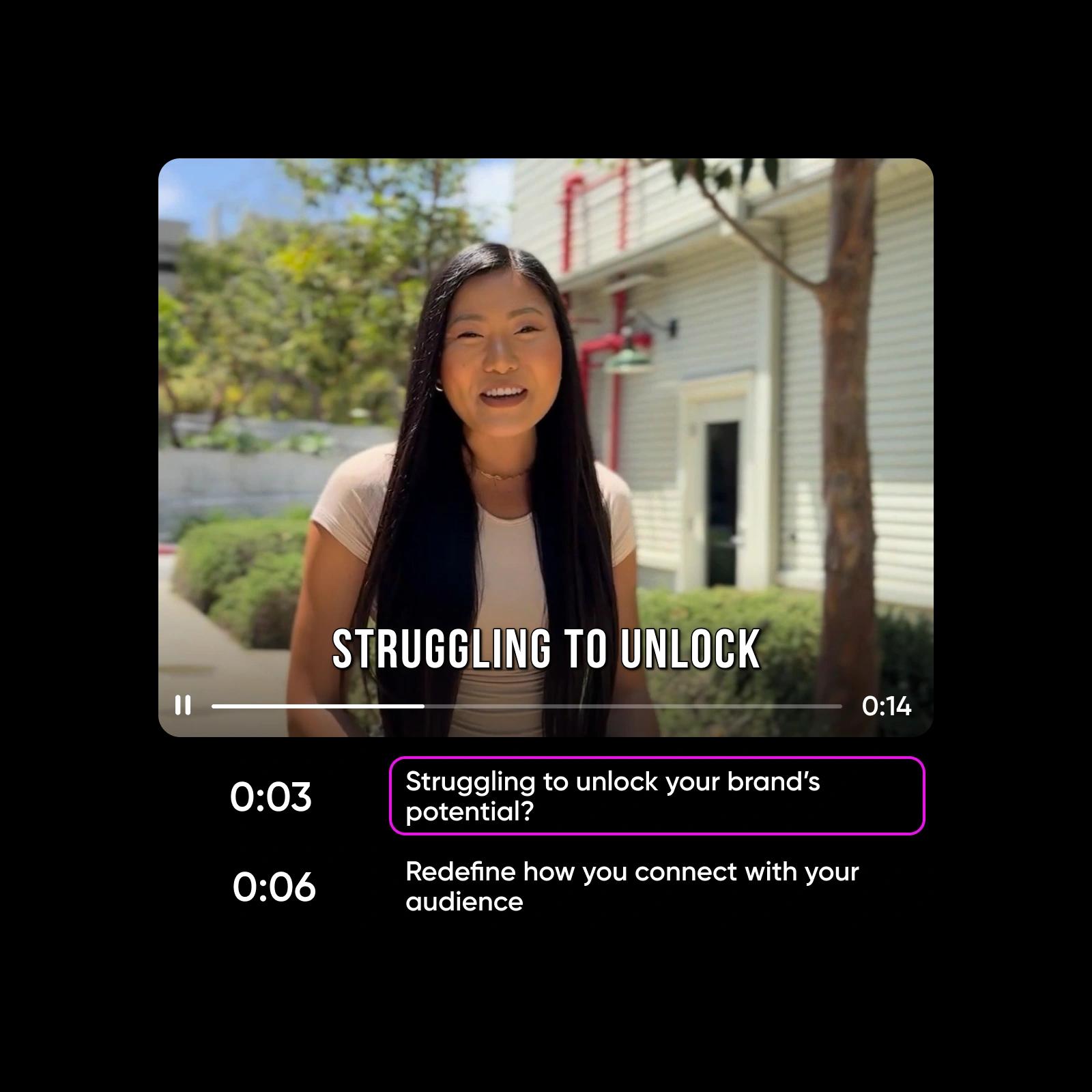
Both models generate sound together with the video, so there's no separate voiceover or music pass. HeyGen Video produces native audio straight from your prompt and lets you steer it with up to 12 reference images, videos, and audio. Veo 3.1 goes further on fidelity: synchronized dialogue, sound effects, ambient audio, and music at 48kHz stereo with lip-sync accuracy under 120ms. For prompt-driven sound with reference control, HeyGen Video leads; for broadcast-grade dialogue and music, Veo 3.1 leads.
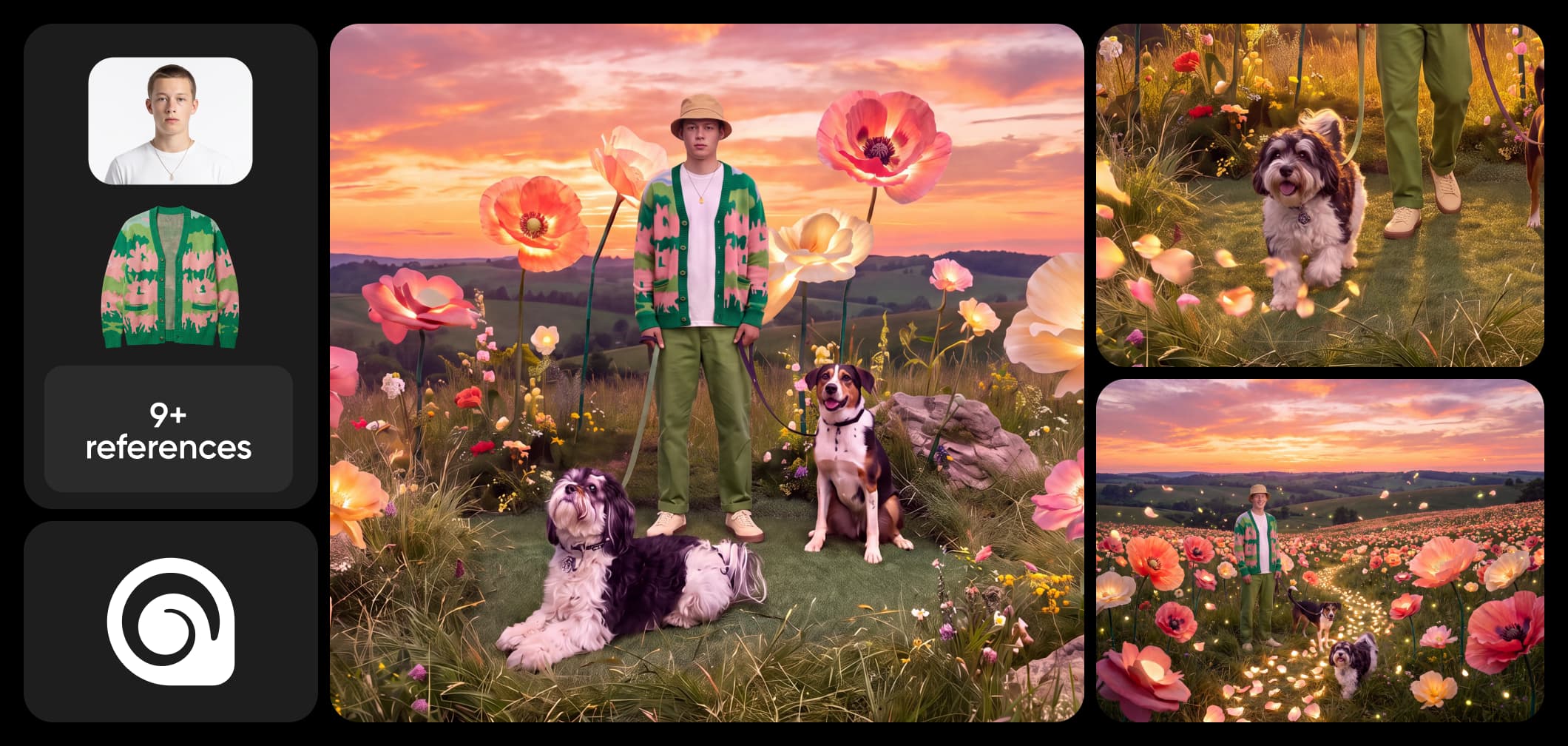
768p with seven ratios vs native 4K
Veo 3.1 outputs native 4K (3840x2160) at selectable 24, 30, or 60fps with 16-bit HDR - the highest-quality output of the two - in 16:9 and 9:16. HeyGen Video outputs 480p or 768p but gives you far more framing freedom: seven aspect ratios including 21:9, 1:1, 4:3, and 3:4 plus an adaptive option. If maximum resolution and HDR matter most, Veo 3.1 leads; if you need lightweight clips in many aspect ratios, HeyGen Video leads.
References, first frames, and clip length
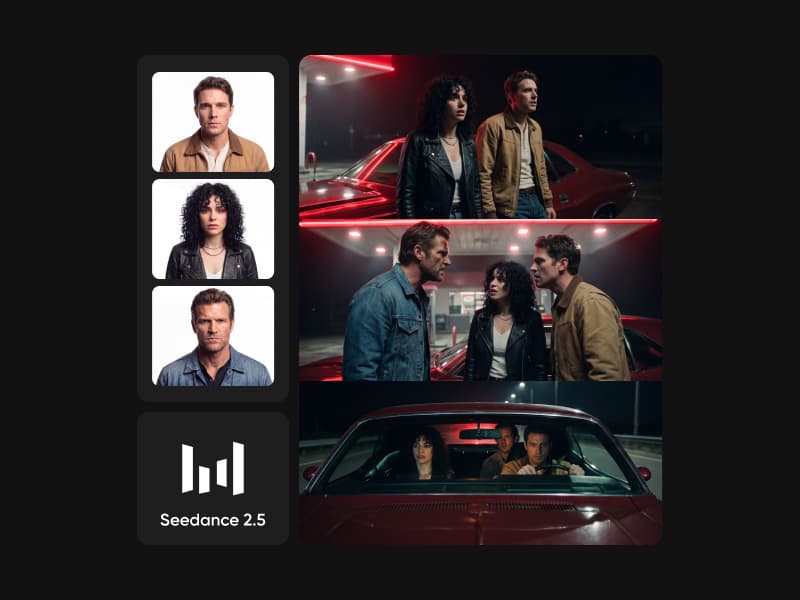
HeyGen Video gives you more inputs to direct a scene: a first-frame image to lock the opening shot, plus up to 12 reference images, videos, and audio you name in the prompt (Picture 1, Video 1), with clips from 5 to 15 seconds and a seed for reproducible takes. Veo 3.1 uses Ingredients to Video - up to 3 reference images for characters, objects, or scenes - and does not publicly specify a maximum clip length. HeyGen Video offers more reference headroom and length control; Veo 3.1 keeps references simple and focused on consistency.
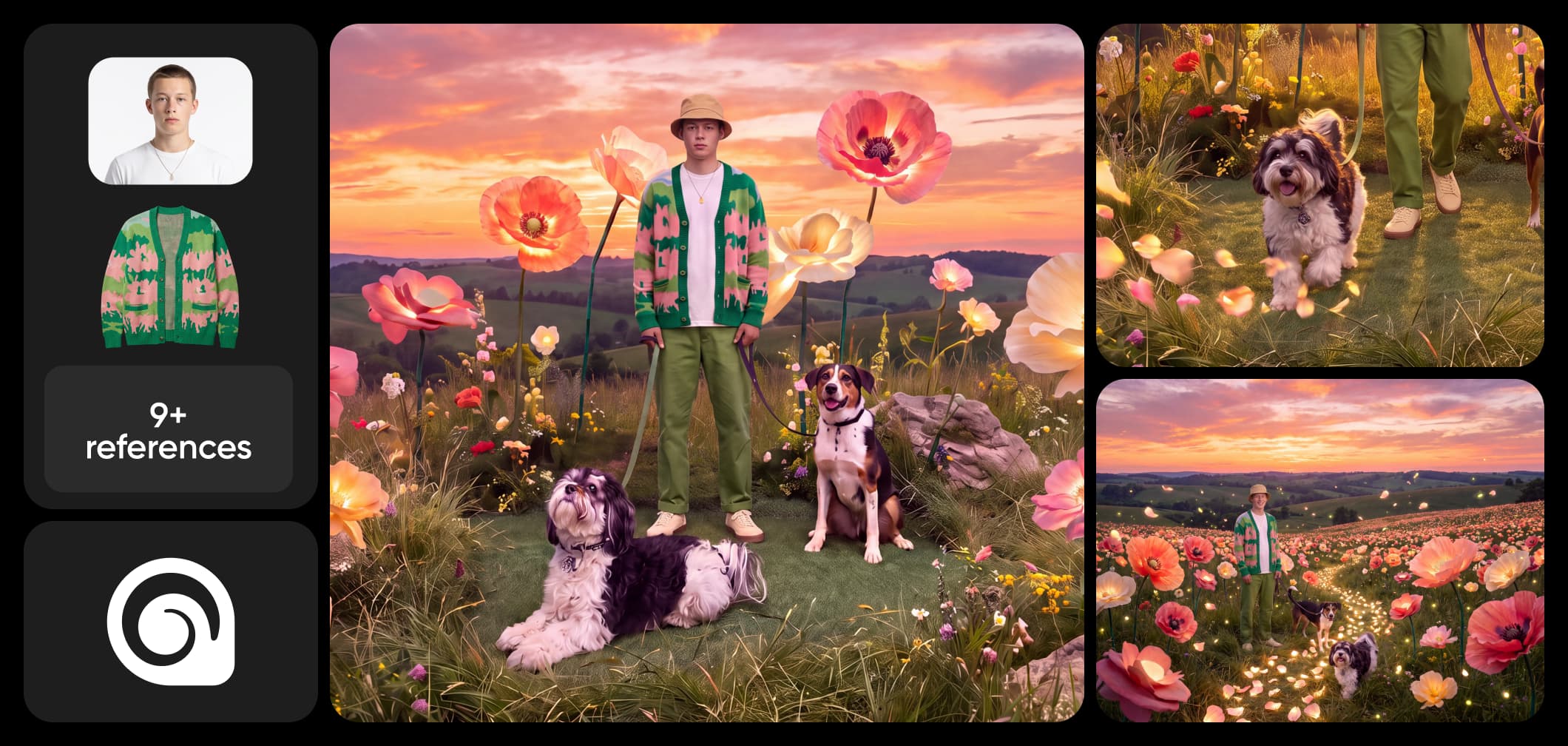
Choose HeyGen Video or Veo 3.1 in Picsart
Choose HeyGen Video for flexible, reference-guided clips with native audio - great when you want many aspect ratios, a first frame, and up to 12 references at a lightweight resolution. Choose Veo 3.1 for cinematic 4K video with synchronized dialogue, SFX, and music and tight lip sync. Choose Picsart to use both - compare HeyGen Video and Veo 3.1 side by side and pick the best model for each project, then finish the result in the editor.
HeyGen Video vs Veo 3.1 FAQ
Answers about generating native-audio video with HeyGen Video and Veo 3.1 in Picsart.
HeyGen Video generates native-audio clips with a first-frame image and up to 12 references at 480p or 768p across seven aspect ratios. Veo 3.1 generates native 4K video with synchronized dialogue, SFX, ambient sound, and music, plus up to 3 reference images via Ingredients to Video.
More AI video comparisons
Explore other AI video model comparisons available in Picsart.