Compare Ideogram Vector vs Recraft V4 Styles Pro Vector for AI SVG generation
Ideogram Vector and Recraft V4 Styles Pro Vector are the two AI SVG generators in Picsart's AI Playground. Both create true vector files for logos, icons and illustrations - Ideogram Vector works prompt-first with optional references, while Recraft locks onto a style you provide and keeps every output on it. This comparison shows where each model wins so you can pick the right one for your vector work.
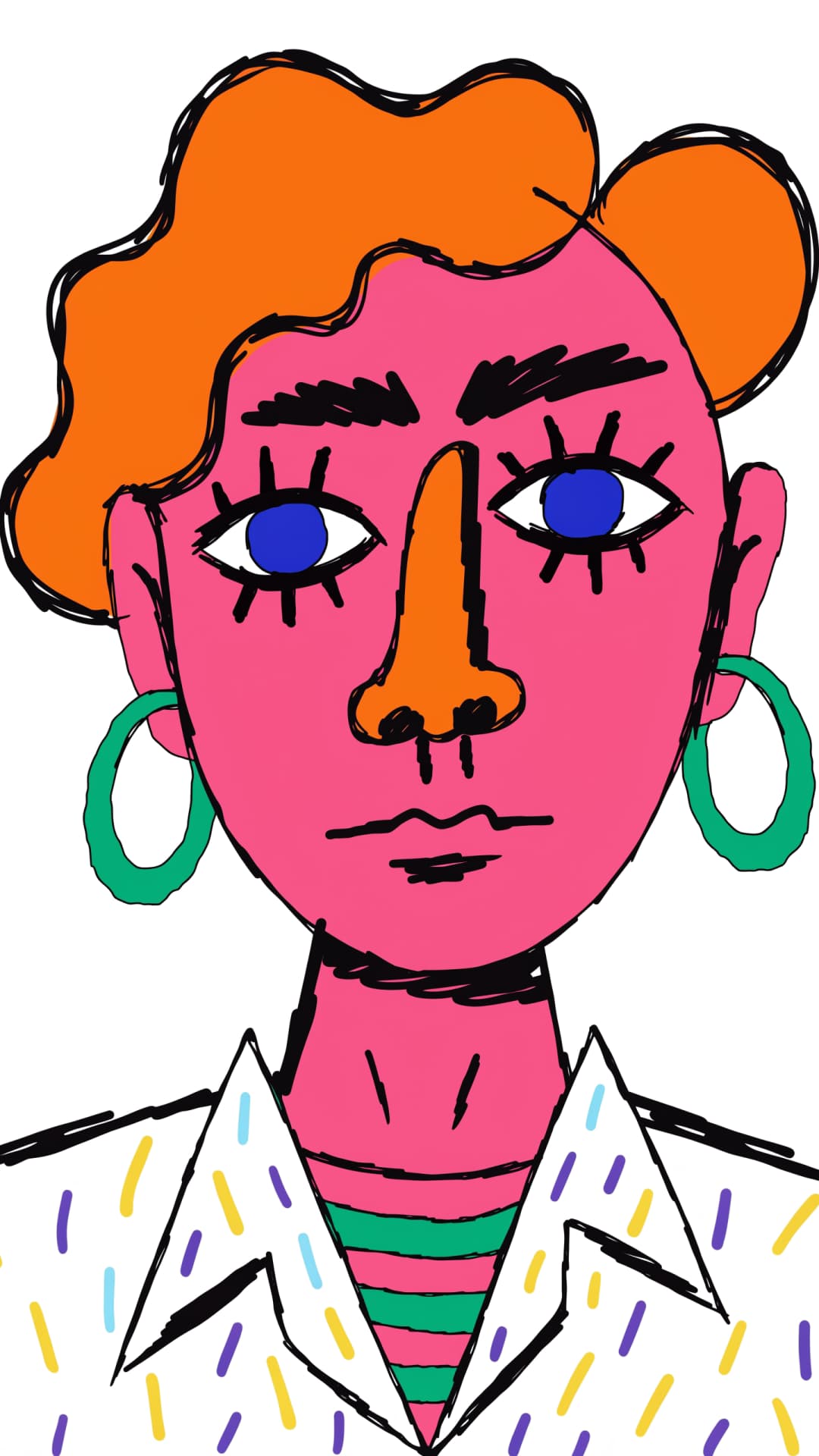
Feature comparison overview
Compare Ideogram Vector vs Recraft V4 Styles Pro Vector side by side to see how they differ in references, style control, formats and batch output.
Get familiar with Ideogram Vector and Recraft V4 Styles Pro Vector
Ideogram Vector is Ideogram's prompt-first vector model: describe the design, optionally add references, and it returns SVG files ready to edit. Recraft V4 Styles Pro Vector approaches the same job from the opposite direction: you hand it reference images, it extracts the palette, linework and composition they share, and every SVG it generates stays on that style.

Prompt-led variety or style-locked consistency
Ideogram Vector rewards exploration. A single prompt can return up to 8 SVGs in one run, with a low, medium or high quality setting and a fixed seed when you want to reproduce a result. References are there when you need them, but the prompt does the driving. Recraft V4 Styles Pro Vector is built for the opposite moment - when the look already exists. Its Precise mode follows your references meticulously and Flexible matches their overall direction, and in blind testing across 159 real-world styles the Recraft V4 Styles engine was preferred for style match 91.6% of the time.
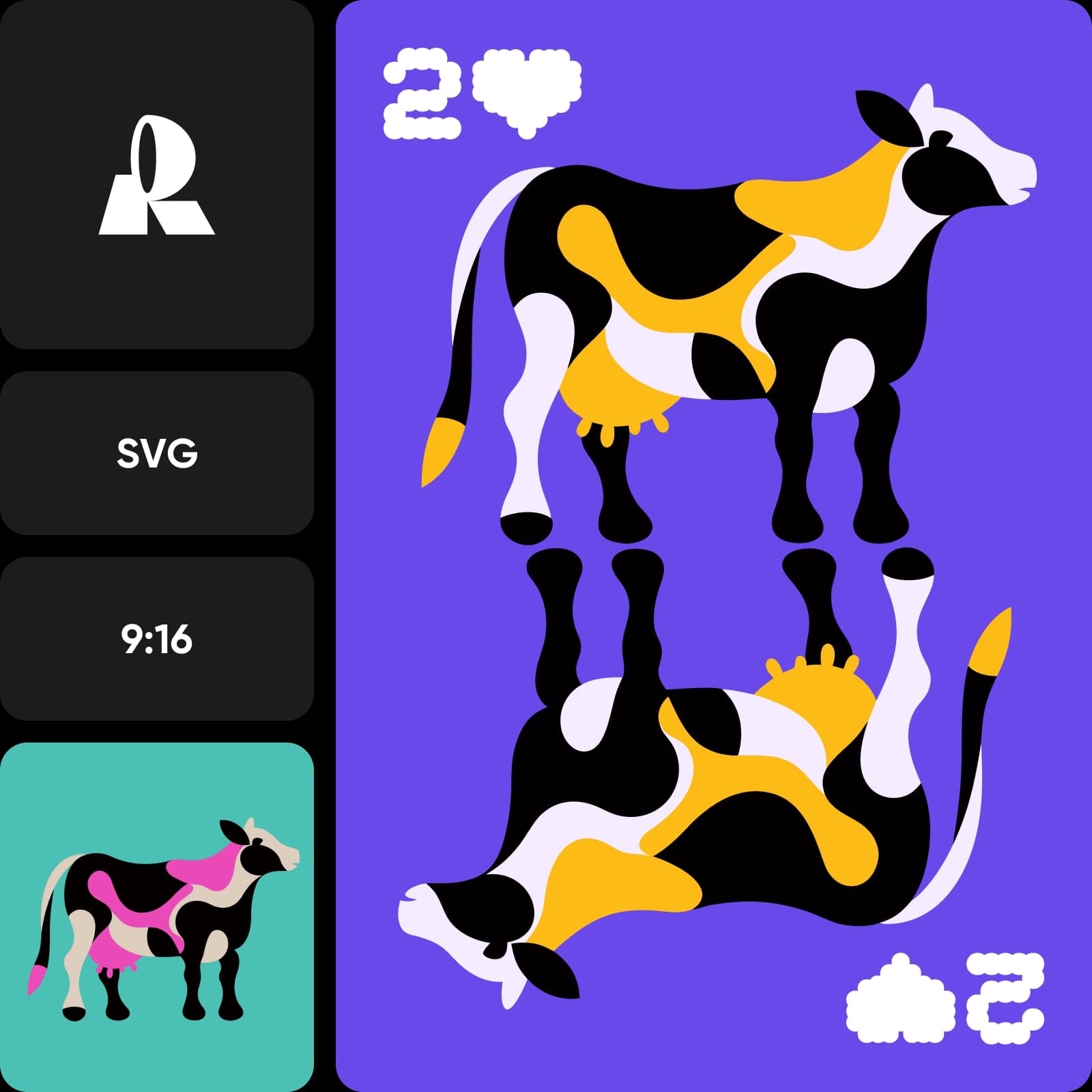
Formats, ratios and batch sizes
Both models output real vector files you can open in any design tool and edit path by path - no pixels, no resolution limits. Ideogram Vector covers 17 aspect ratios, from square app icons through 3:1 and 4:1 banner strips, and generates up to 8 results at once. Recraft V4 Styles Pro Vector covers 9 ratios from 1:1 to 2:1 and 1:2 and produces up to 6 on-style variations per run, with the Pro tier keeping paths clean on complex marks.
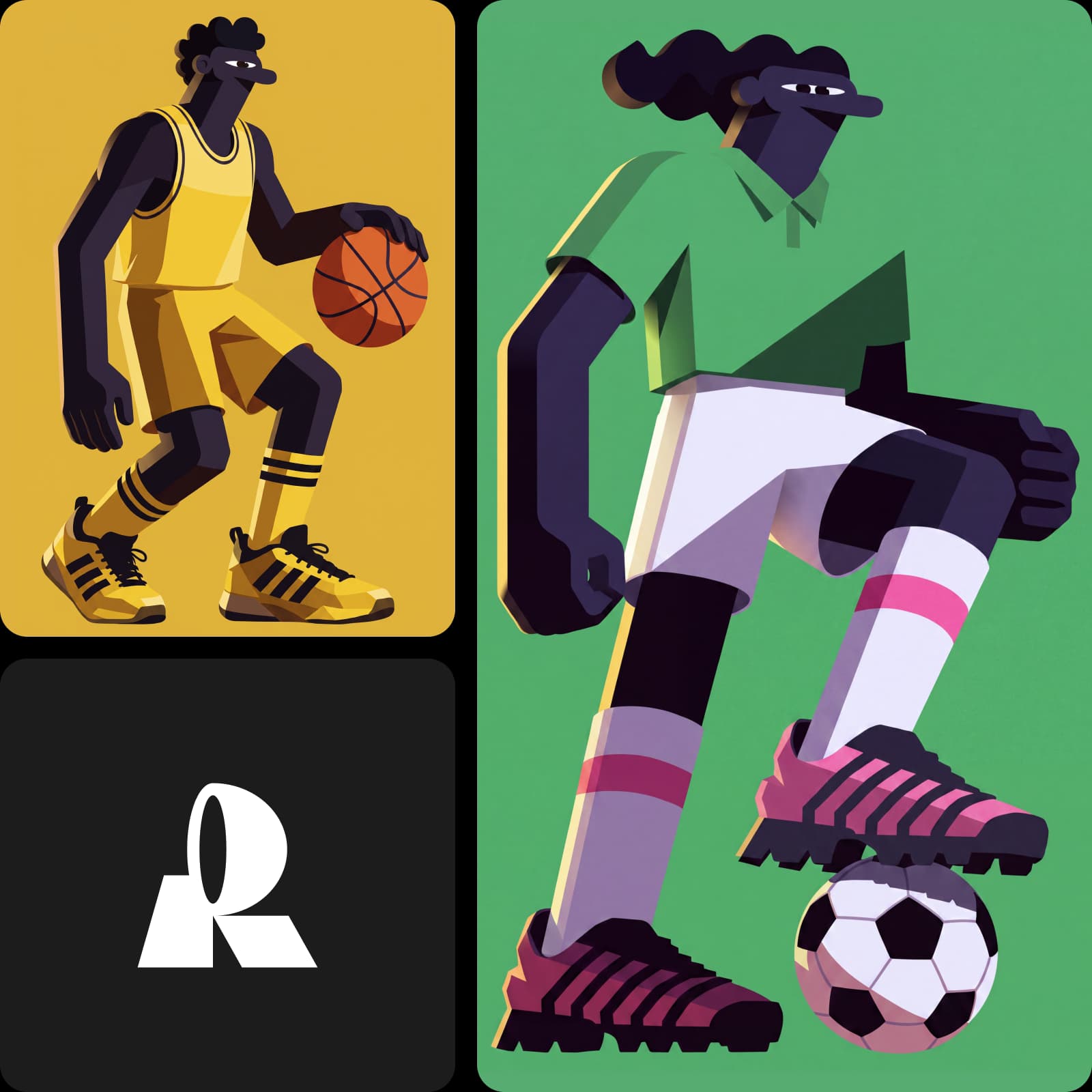
Already have an image? Both families convert to SVG
Generation is only half the vector story. If you have a raster logo or illustration that needs to become scalable, Ideogram Vectorize converts JPEG, PNG or WebP files into SVG, and Recraft Vectorize does the same job from the Recraft side in the AI Playground. Generate new artwork with one model, convert your existing assets with its sibling, and your whole library ends up in the same editable format.
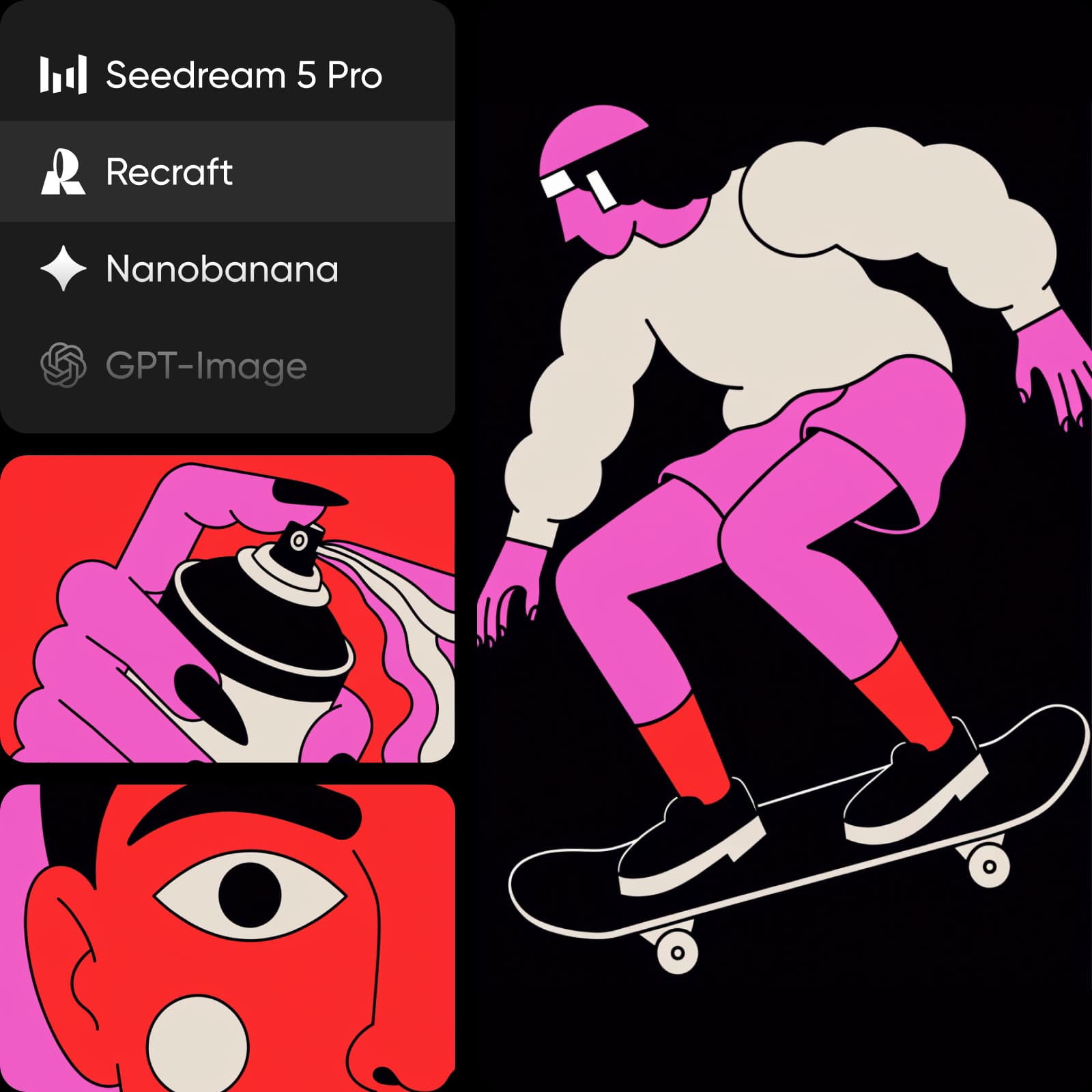
Match your project with the right model
Choose Ideogram Vector when you are starting from an idea: naming a new brand, exploring logo directions, or building icon and illustration sets where variety across 17 formats matters. Choose Recraft V4 Styles Pro Vector when the style is already decided and consistency is the job - extending an existing identity, producing a matching icon family, or keeping a whole campaign's vector assets visually identical.
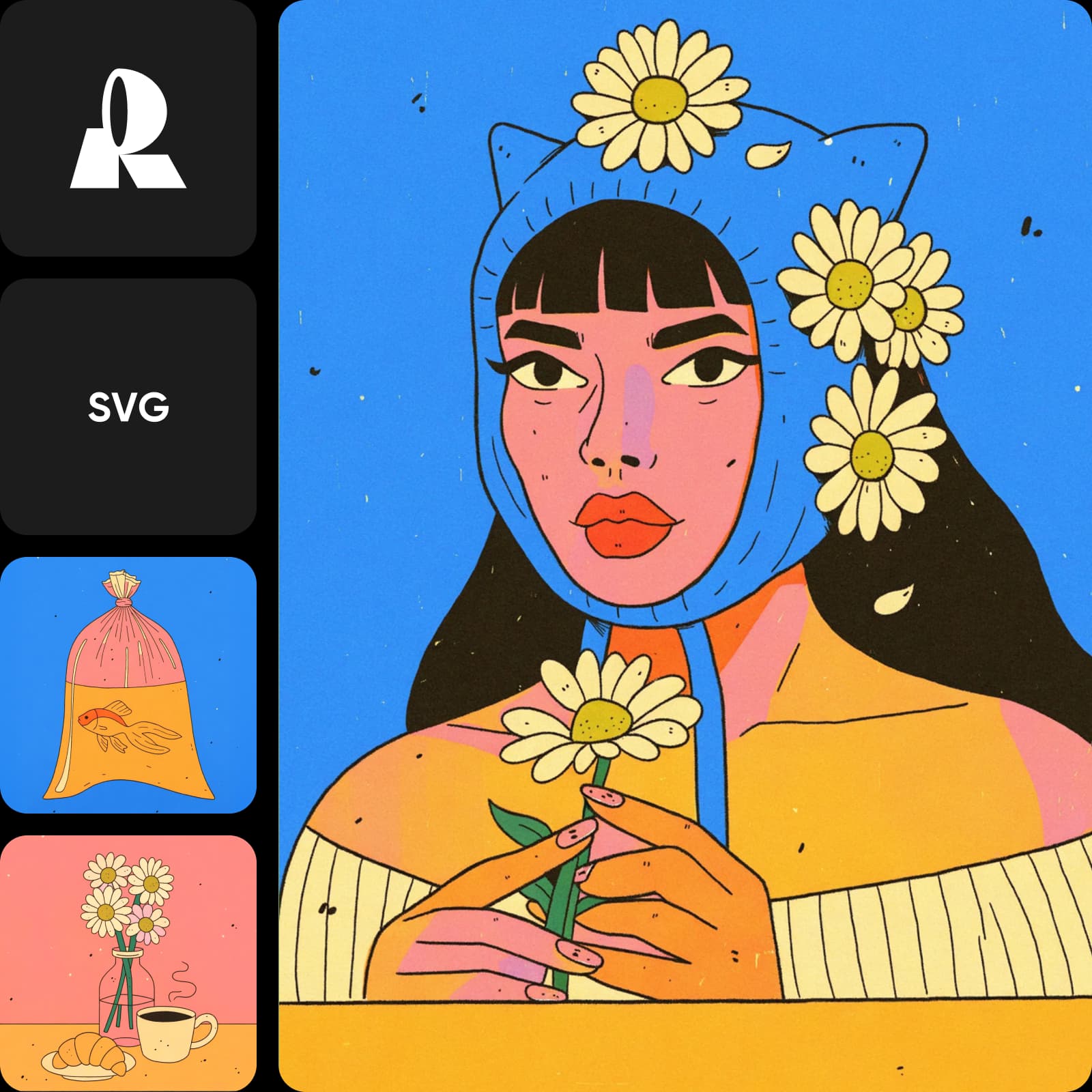
Try both SVG models in one place
In Picsart AI Playground the two models sit side by side, so the same prompt can run through both and the stronger result wins on evidence, not guesswork. Generate, compare the SVGs, and keep working in whichever direction fits - on the web, in the desktop app, or through CLI, MCP, REST API and SDK.
Understand image model choices
Learn how to compare image models and choose an output.

Ideogram Vector vs Recraft V4 Styles Pro Vector FAQ
It depends on where you start. Ideogram Vector is stronger for prompt-led exploration and format variety, while Recraft V4 Styles Pro Vector is stronger when outputs must match an existing visual style.
Generate scalable SVG vectors in Picsart
Pro
Most popularAI tools for everyday creative work.
Ultra
Most powerfulHeavy AI usage for creators & teams.
Enterprise
Custom AI solutions for large organizations.
- Volume discounts on credit rate
- On-demand top-ups