logo
AI Image
AI Video
Library
Solutions
Community
MCP & CLI
Pricing
  1. Home
  2. AI Tools
  3. Photo Restoration

Photo restoration: Restore Old Photos with AI

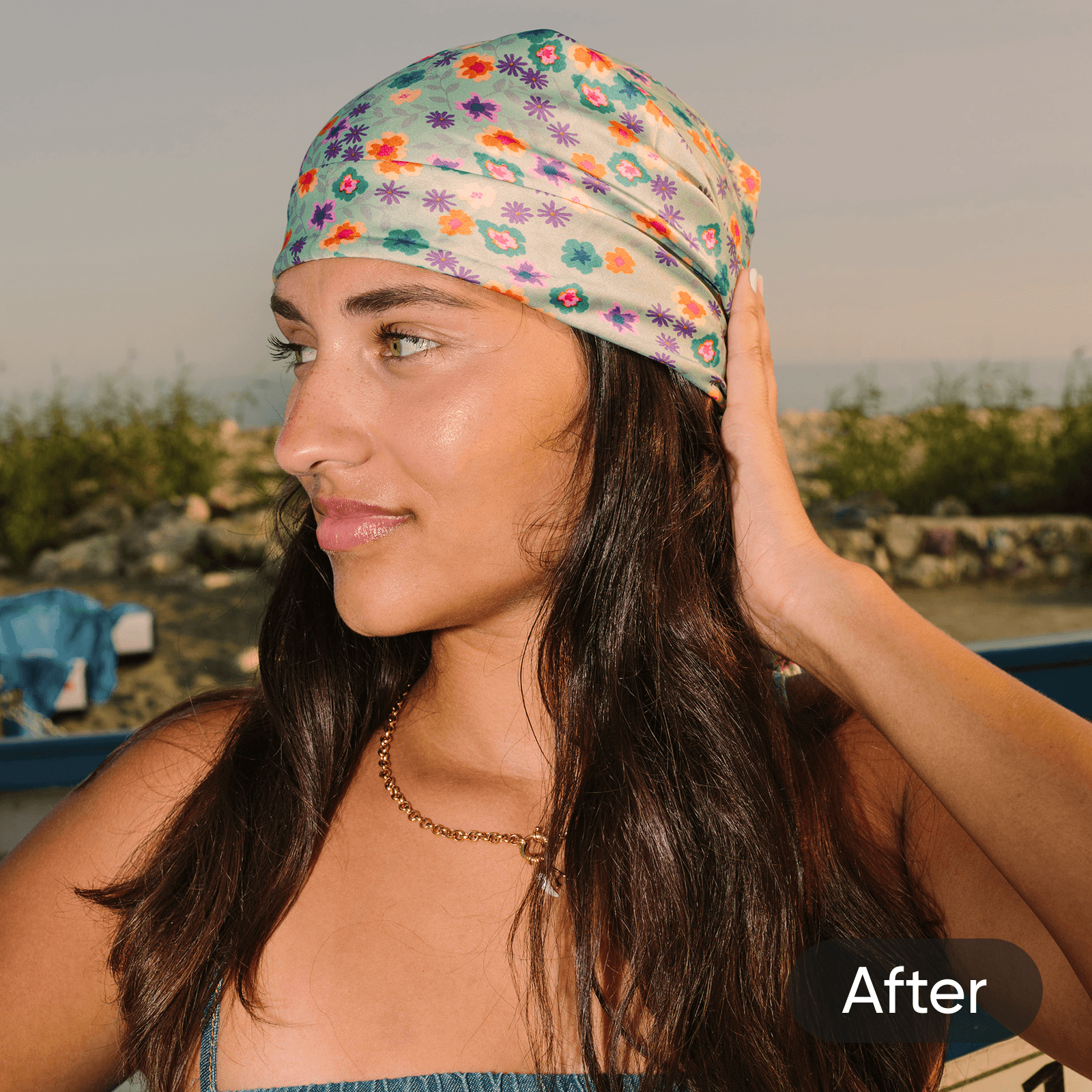
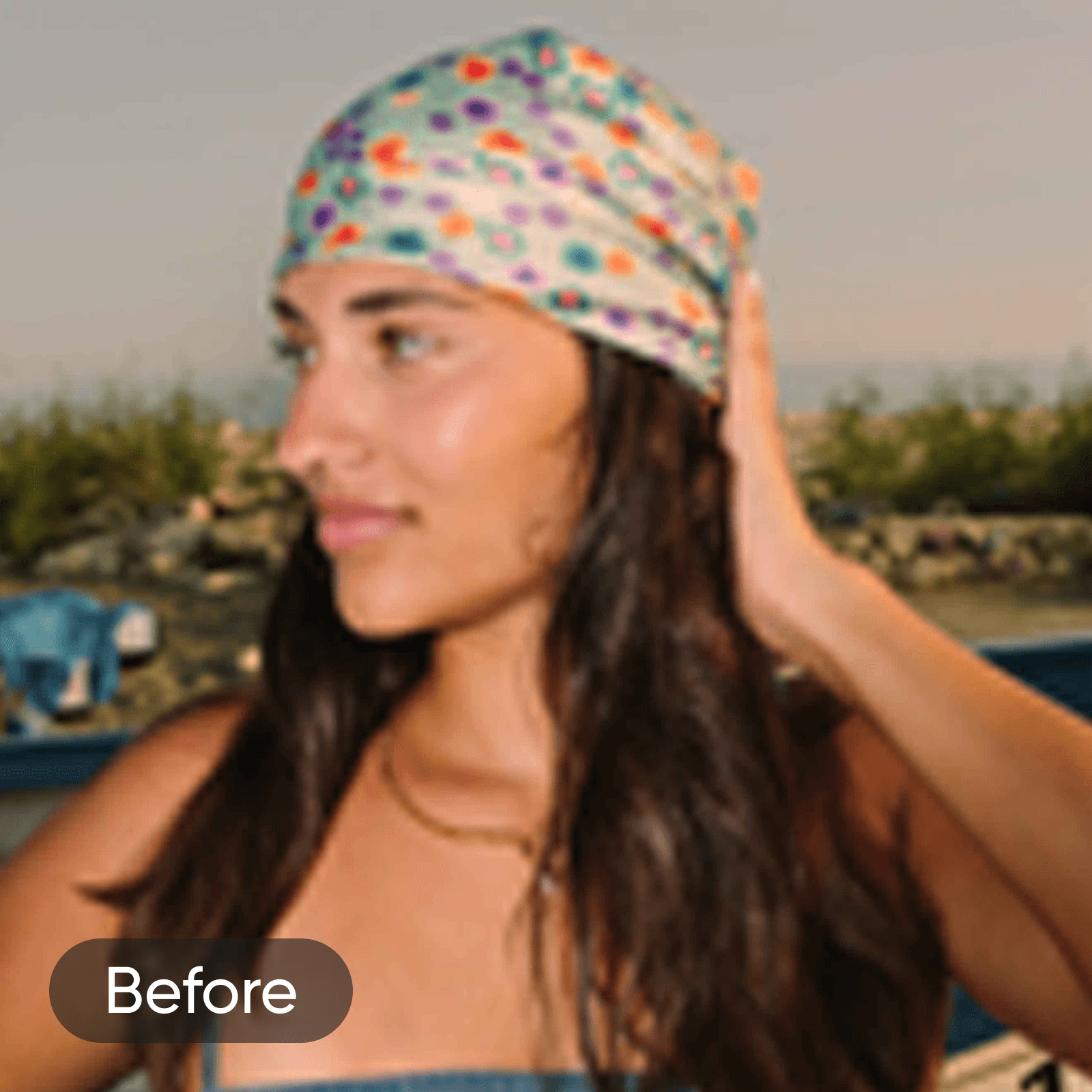
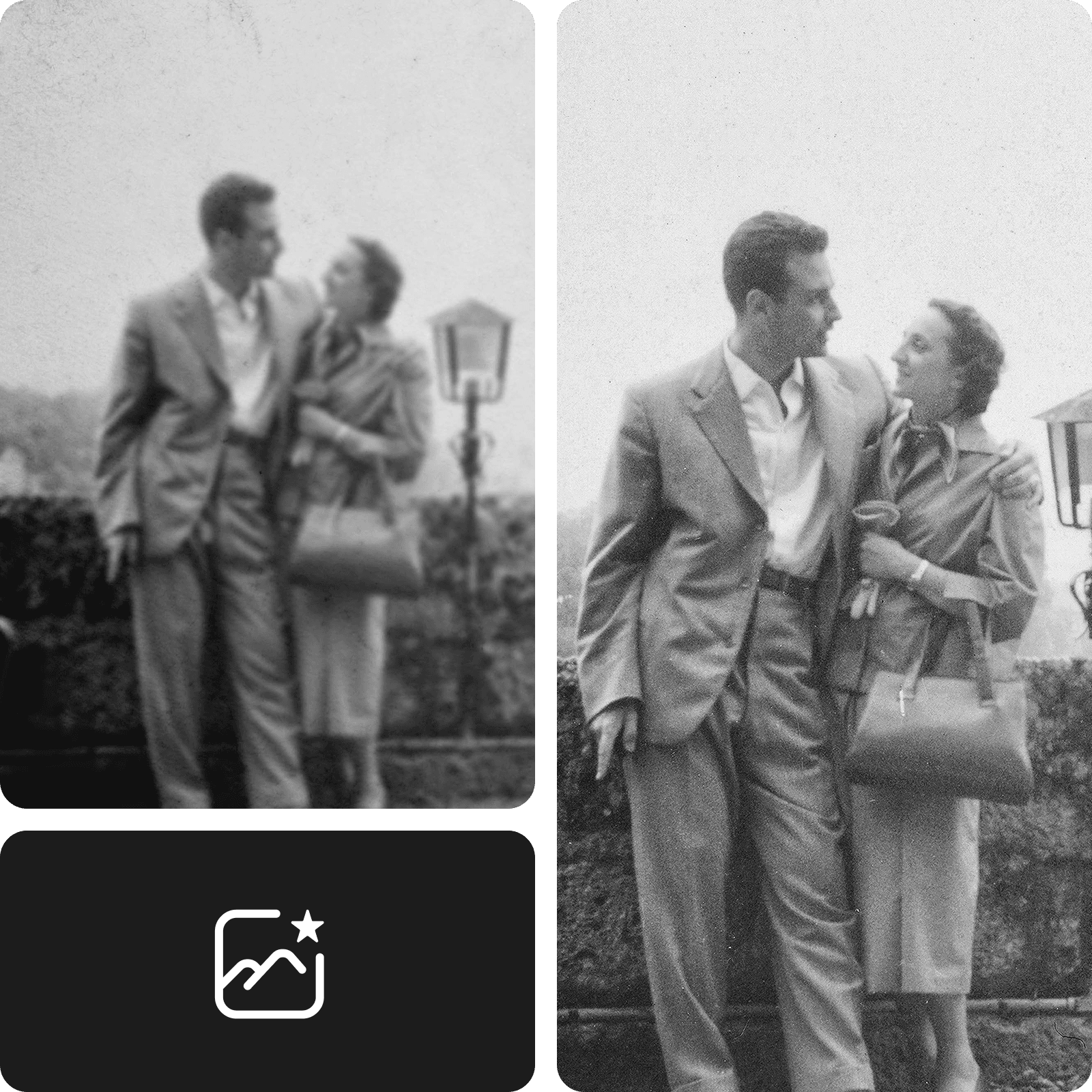
Restore Old Photos online with our free, 100% automatic AI photo restoration tool in seconds. Enhance your photo resolution quickly with AI to relive your favorite memories.

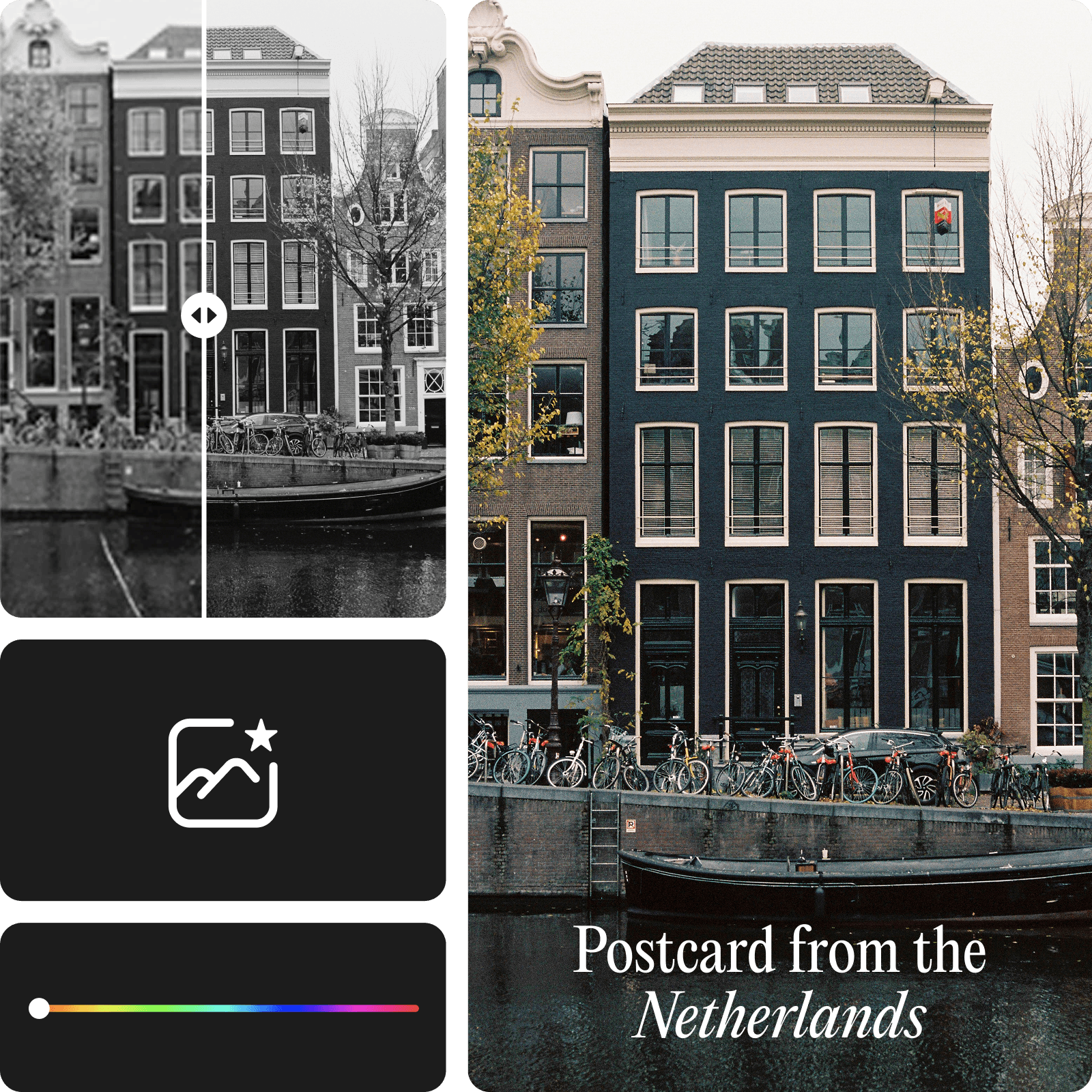
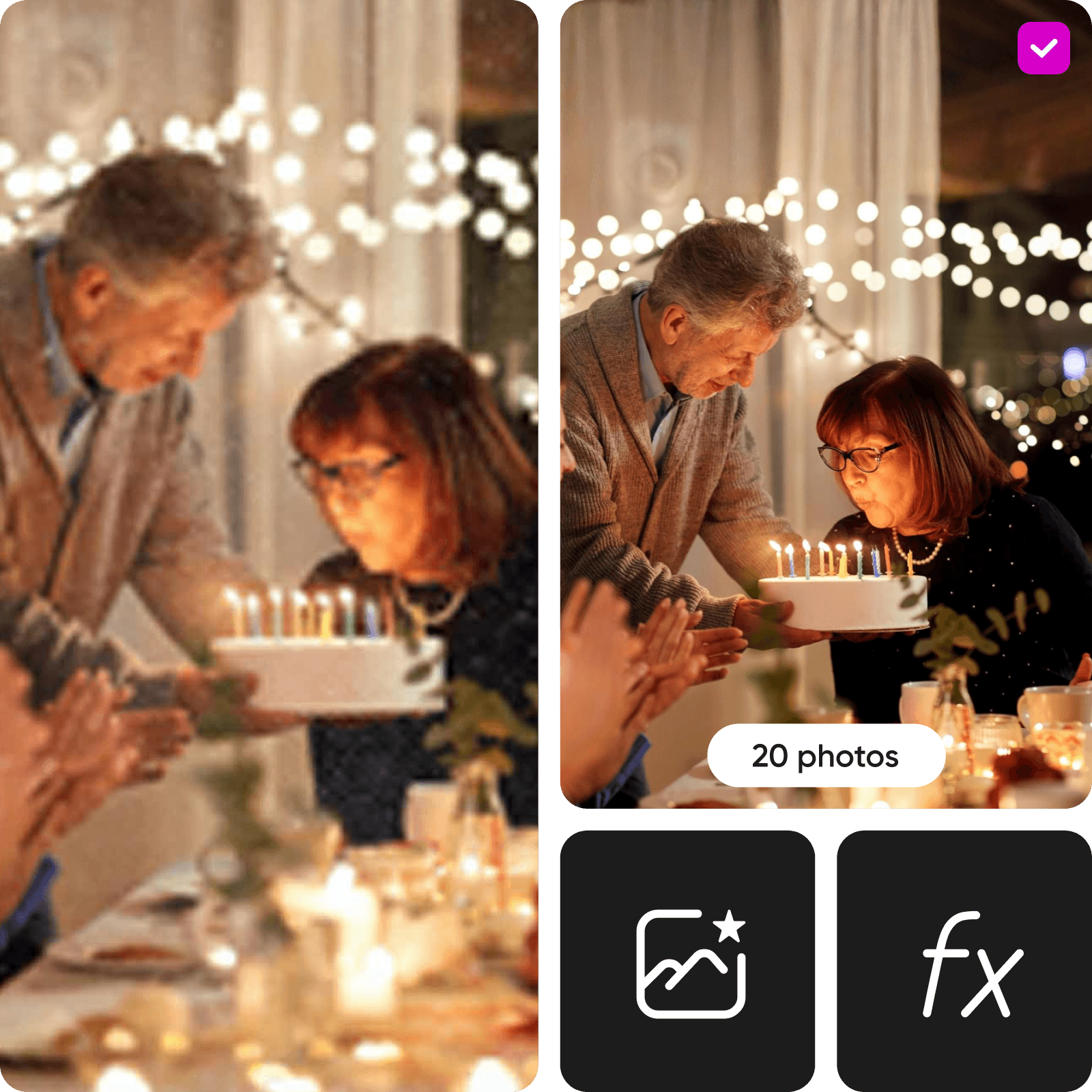
before changeafter change
Ratings
4.9/5 (12,340 reviews)
Trustpilot

photo revival icon

Quick and accurate restoration with AI

Let advanced AI handle the details to clean up damage, sharpen faces and improve clarity - automatically.

photo enhancement icon

Restore old photos in seconds

Bring blurry, faded or aged photos back to life in just a few clicks - no wait, no hassle.

ai photo restoration icon

Restore photos in a batch

Fix multiple photos at once with batch processing. Restore entire albums without doing it one-by-one.


How to Restore Old Photos with AI photo restoration

1

Upload a photo

Use the Browse files button to upload the photo you want to restore.

2

Restore automatically

3

Download or customize


Restore and enhance old images with AI

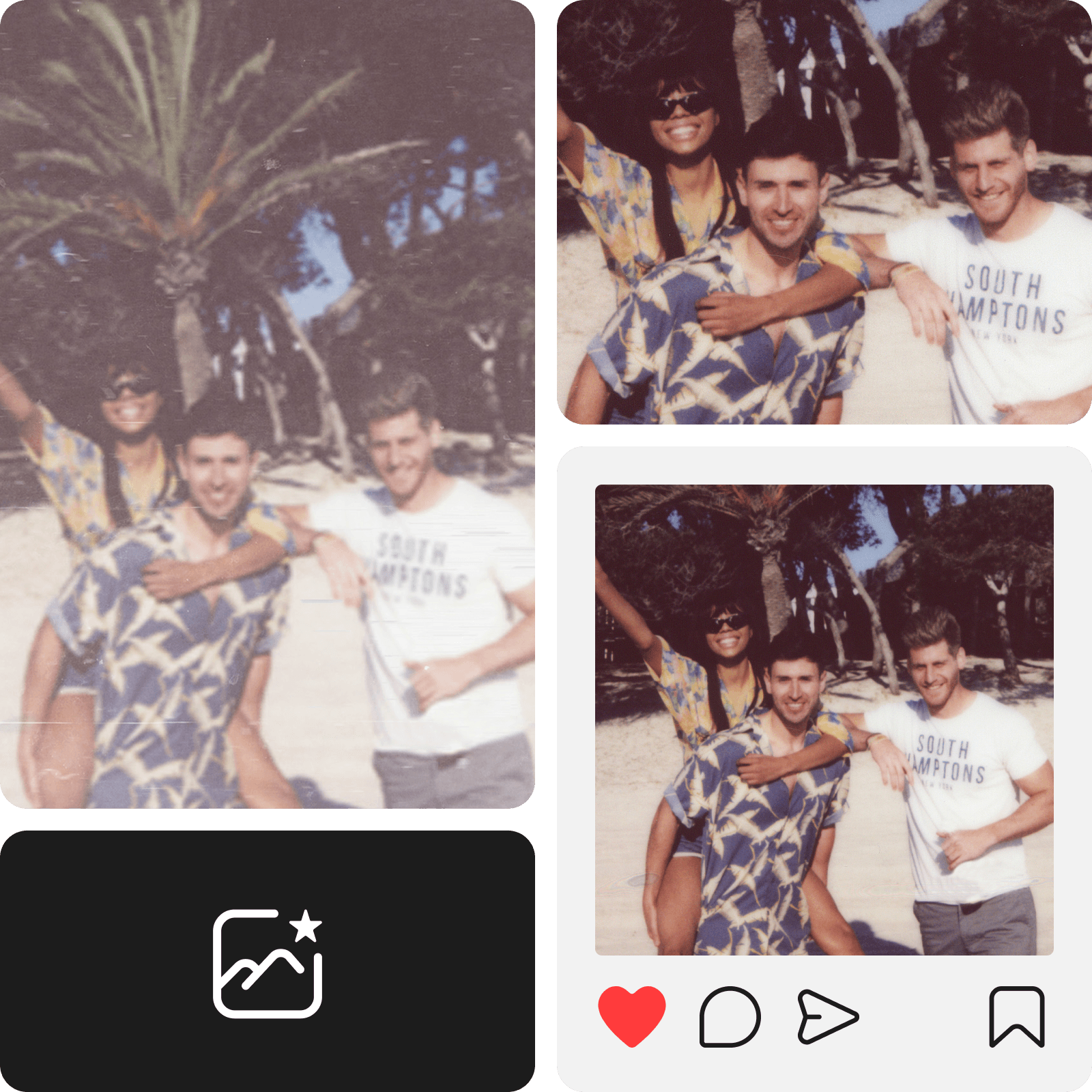
Want to relive your favorite memories? Look no further than Picsart. With our state-of-the-art AI Enhance tool, you can effortlessly recover old images to bring your memories back to life. From blurry images to color fading and scratches, AI photo repair automatically transforms your photos by increasing the sharpness, saturation, and more. Simply upload your photo and let AI work its magic to restore old pictures.

restore old photos online

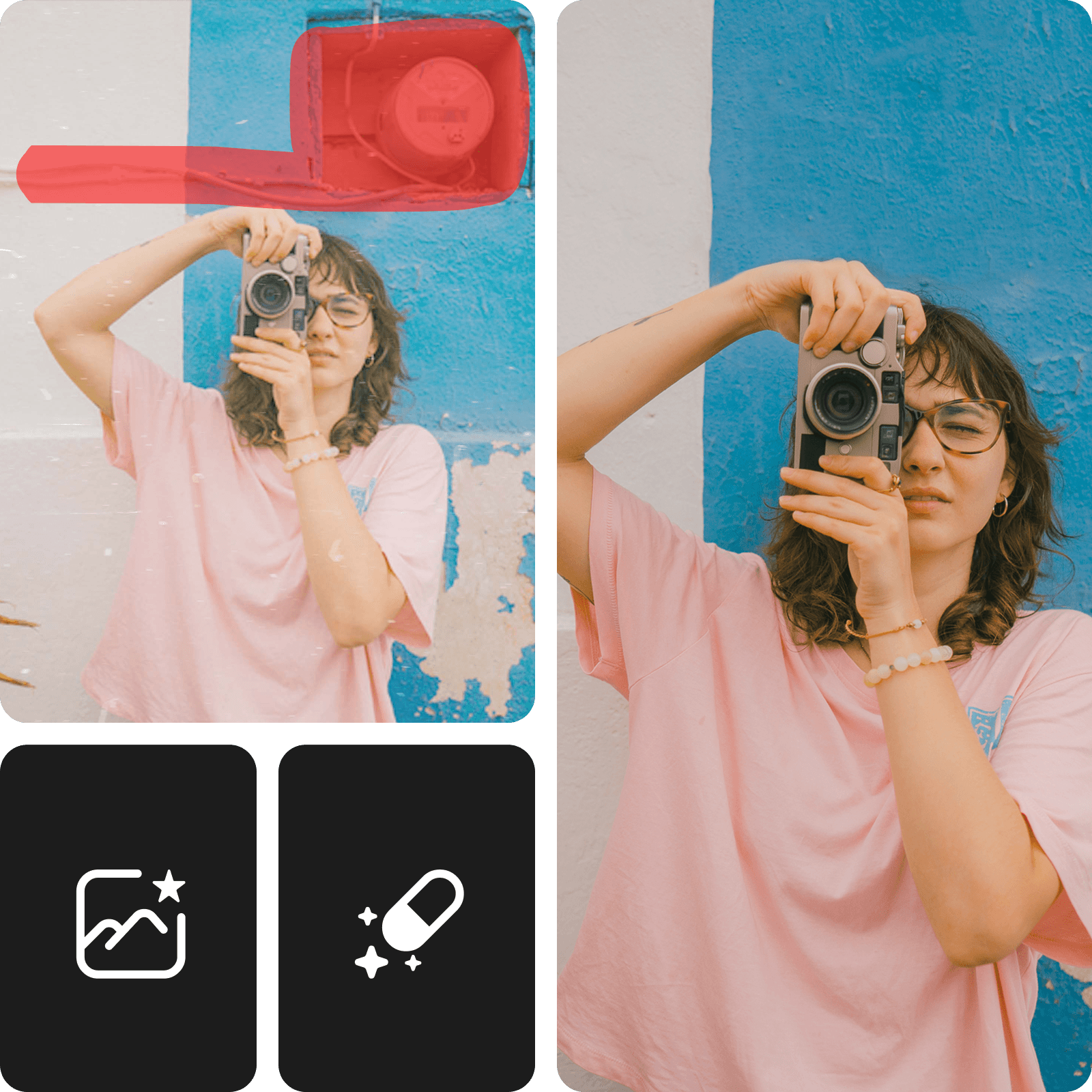
Renew old photos and remove objects in seconds

With Picsart’s AI photo restore tool, you can convert old photos to new photos in just a few seconds to cherish your favorite memories. Even if you don’t have any design skills, AI will automatically improve your photo quality to make it as close to perfect as possible. Need to remove unwanted spots from older pictures? Use the remove object tool to clean up your pictures for a fresh new look.

renew old photos online

Fix old images for enhanced quality

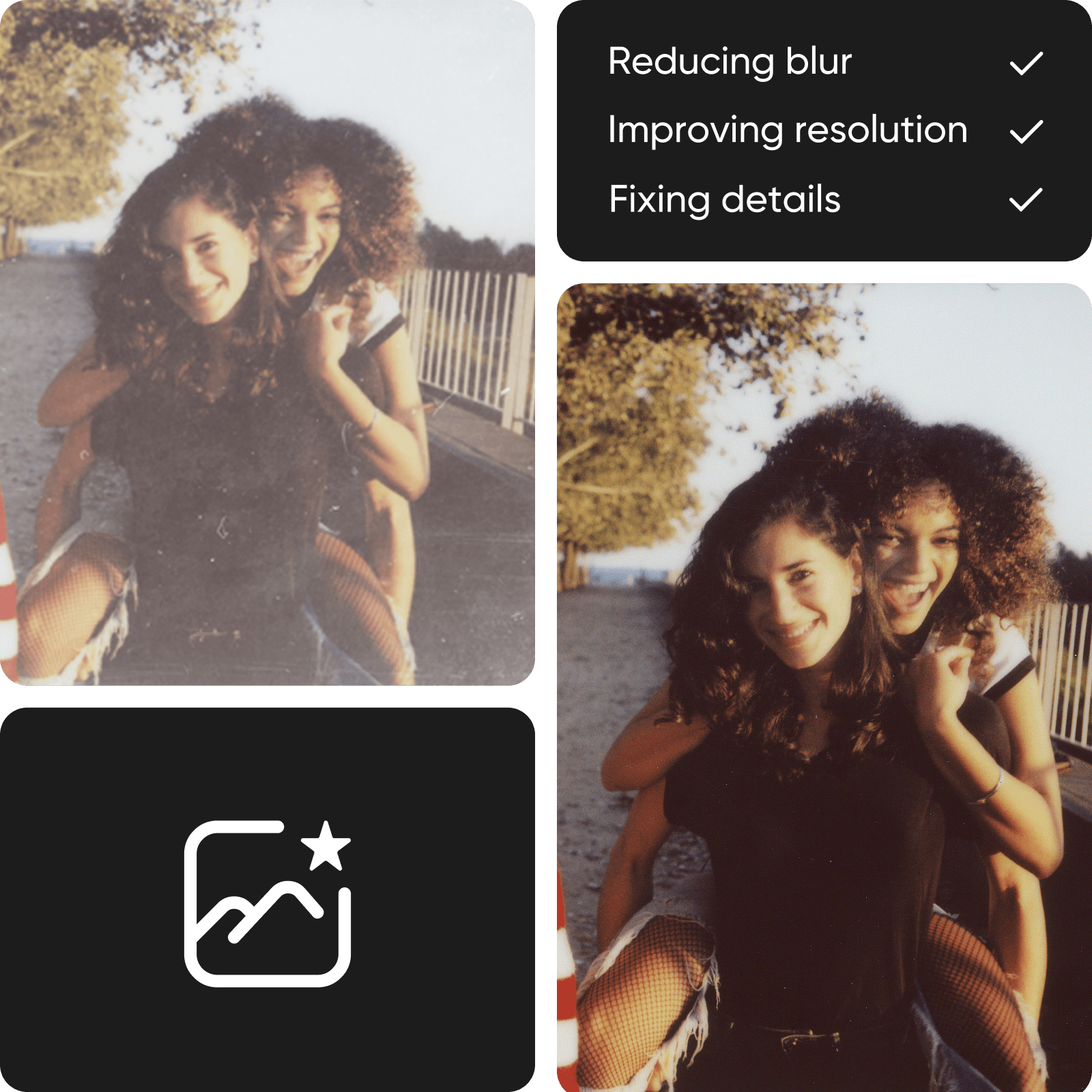
It takes time and technical skills to recover old pictures, but AI can save the day. Picsart’s advanced AI tools can easily transform blurred and pixelated images into high-resolution photos, restoring the tiniest details to older photos. For an instant quality upgrade, you can also use the image upscale tool to bump up your pixel count for crisp image quality. Old photo restoration has never been easier!

enhance old photo quality

Recover and enhance images with AI

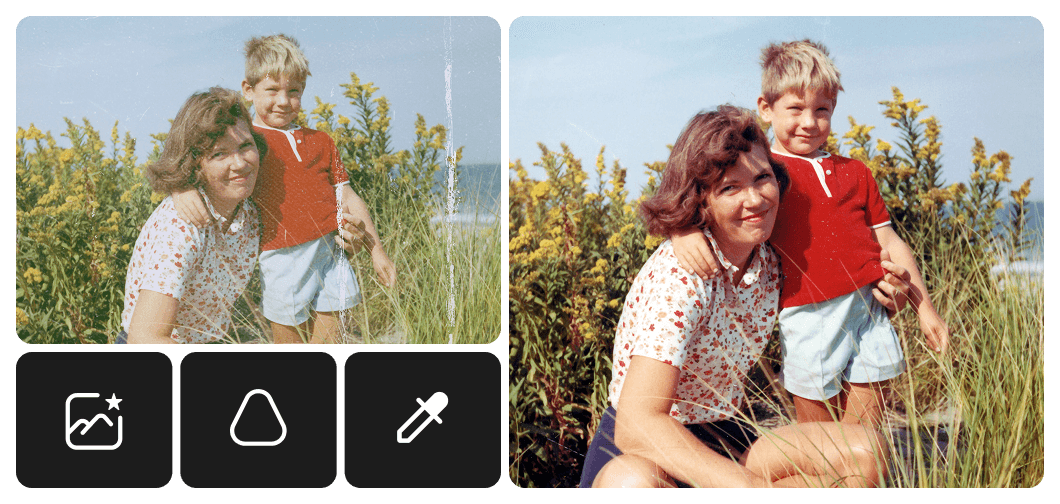
Enhance and repair faded prints, damaged photos, or low-resolution scans. The AI photo restore tool sharpens details, corrects discoloration, and fixes scratches or creases. Perfect for digitizing albums or restoring vintage memories, it transforms old images into clearer, more detailed versions in seconds.

Memories

Save precious memories and heritage with the AI Photo Restorer

Nothing beats the nostalgia of cherishing old memories. With our advanced AI photo restorer, you can relive precious memories and special moments — all while saving your family history in digital form. Tap into the power of artificial intelligence to renew old photos, boost image quality, and transform older photos into print-worthy pieces.

ai photo restorer

Revive black-and-white photos with color

Old photo restoration goes beyond fixing scratches and blurriness. Once you’ve restored old photos with AI Enhance, head to our image colorizer tool to add a pop of color. From vintage black-and-white to faded pictures, you can breathe new life into old photos with colors, special photo effects, and more. Add colors and hues to infuse your vintage pictures with a vibrant look.

colorize black and white photos

Refine old photos with AI tools

When you’re done using Picsart’s old photo enhancer to recover your favorite pictures, it’s time to add the finishing touches with AI photo editing tools. From eye-catching filters to trendy AI effects, AI can instantly elevate your photos with stunning design elements. No matter what your editing skills look like, it’s easier than ever to revive old photos with Picsart. You can even edit multiple photos at once with the batch editor.

old photo restoration with ai photo editing

Explore AI effects for inspiration

See all
See all

Discover more photo editing tools

Image upscale tool on Picsart photo editor tool

Image upscale

Instantly get the resolution bump you need for all your image needs.

picsart photo editor

Photo editor

Finetune your upscaled images with trendy fonts, unique backgrounds, stickers, and more.

background remover tool in Picsart photo editor

Remove background

Let AI masterfully remove the background or create a transparent one to make space for the finishing touches.

change background

Change background

A change of scenery is like a breeze, thanks to AI.

photo effects and filters on Picsart photo editor

Photo effects

Visualize the vibe with eye-catching photo effects & aesthetic filters.

remove object from photo in Picsart photo editor

Remove object from photo

No more ruined photos! Get rid of unwanted texts and backgrounds with just a few clicks.

collage maker tool on Picsart photo editor

Collage maker

Effortlessly combine visuals for social media, vision boards, and more.

Resize images online tool on Picsart photo editor

Image resizer

Get the right fit for your photos with ease and in a matter of seconds.

text editor

Add text to photo

Compliment your enhanced images with a vast library of free fonts.

Photo restoration FAQ

The restoration of old photos involves digitally enhancing old images by correcting color fading, adjusting brightness and contrast, and sharpening blurry areas. This process aims to restore the original appearance of the photograph without altering the content of the image.

Yes! With Picsart’s AI Enhance tool, you can instantly bring old photos back to life with the power of AI — even if you’re not a seasoned editor. After you fix old photos, you can use our beginner-friendly photo editing tools to further refine your image.

To convert old photos, upload them to the AI Enhance tool for a beautiful, brand-new look. It’s that simple!

With AI photo restoration, it only takes a few seconds to transform your older photos into beautiful new images.

No. With Picsart’s online AI photo restorer, you’ll simply upload a photo, so you won’t have to worry about any damage to your original photo.

AI photo repair can help repair color fading, blurriness, smudges, and other blemishes.

Yes, Picsart’s AI photo restorer can restore old photos no matter what condition they’re in. That said, the effectiveness of old photo recovery will depend on several factors, including the degree of fading and the quality of the original image.

To make blurry pictures clearer, upload your photos to the AI Enhance tool for higher image resolution, improved clarity, and increased sharpness.

To submit photos for restoration, all you have to do is upload your photos using the AI Enhance tool.

Yes! Picsart offers old photo restoration online for free so you can easily enhance old photos.

Discover more AI tools to enhance your photos

AI image enhancer

AI Enhance

Upscale the resolution of one or multiple images with AI in one go.

improve image clarity with Picsart’s unblur tool

Unblur Images

Bid farewell to blurry photos with AI blur removal.

Sharpen images with Picsart

AI Sharpen

Bump up the image quality in seconds with the help of AI.

unpixelate images online

Unpixelate Images

Clear up images using Picsart’s AI-powered image enhancer.

online ai image denoiser

Denoise Images

Instantly get rid of grain and blur with Picsart’s AI denoiser.

Learn more about the tool

Picsart Study Uncovers What Creatives Really Think of Generative AI

How to enhance a photo

How To Upscale an Image for Design Projects

Picsart in the press

  • boredpanda
  • COSMOPOLITAN
  • UPROXX
  • yahoo! news

Restore photos, then keep creating with Picsart

Level up your new photo

Enhance image qualityFix blurry photosRemove image noiseSharpen old imagesFix pixelated photosIncrease photo resolutionRemove unwanted objectsCleanup damaged picturesColorize black and white photosEdit photos with AIBrighten faded imagesTry sepia effects

Get the free app

Download on the App StoreGET IT ON Google PlayGet it from Microsoft
Pinterest
AICPA SOC

Explore

  • AI Image Generator
  • AI Video Generator
  • AI Playground
  • AI Image Models
  • AI Video Models
  • AI Photo Editor
  • Templates
  • Design Tools

Solutions

  • For Enterprise
  • For Developers
  • For Google Drive
  • For specific Industries
  • Quicktools
  • AI Avatar
  • Pricing

Company

  • Support
  • Careers
  • About us
  • Earn with Picsart
  • Blog
  • Press Center
Terms of UsePrivacy PolicyDo Not SellInternet-Based AdvertisingCommunity GuidelinesDMCASecurity PolicyAccessibility
© 2026 PicsArt, Inc.

Learn image editing basics

Learn how to make cleaner edits with practical steps.

Remove unwanted objects from photos with AI preview
Image editing

Remove unwanted objects from photos with AI

3 minBeginner
Replace objects in photos with AI-generated content preview
Image editing

Replace objects in photos with AI-generated content

4 minIntermediate
How to expand images beyond their borders with AI preview
Image editing

How to expand images beyond their borders with AI

4 minBeginner
Upscale low-resolution images to HD with AI preview
Image editing

Upscale low-resolution images to HD with AI

3 minBeginner
Edit any part of an image with text prompts preview
Image editing

Edit any part of an image with text prompts

4 minIntermediate
See all tutorials