Batch-Fotoeditor: mehrere Fotos gleichzeitig bearbeiten
Bearbeite, verbessere und exportiere mit dem Batch-Fotoeditor von Picsart einen ganzen Schwung Fotos auf einmal. Schneide Bilder zu, ändere ihre Größe, entferne und ersetze Hintergründe, wende Filter und Effekte an, füge Wasserzeichen hinzu und verbessere bis zu 50 Bilder in einem Durchgang mit KI. Wende ein einheitliches Aussehen auf alle Bilder oder individuelle Einstellungen auf jedes Bild an – und das alles, ohne das Tool zu verlassen.
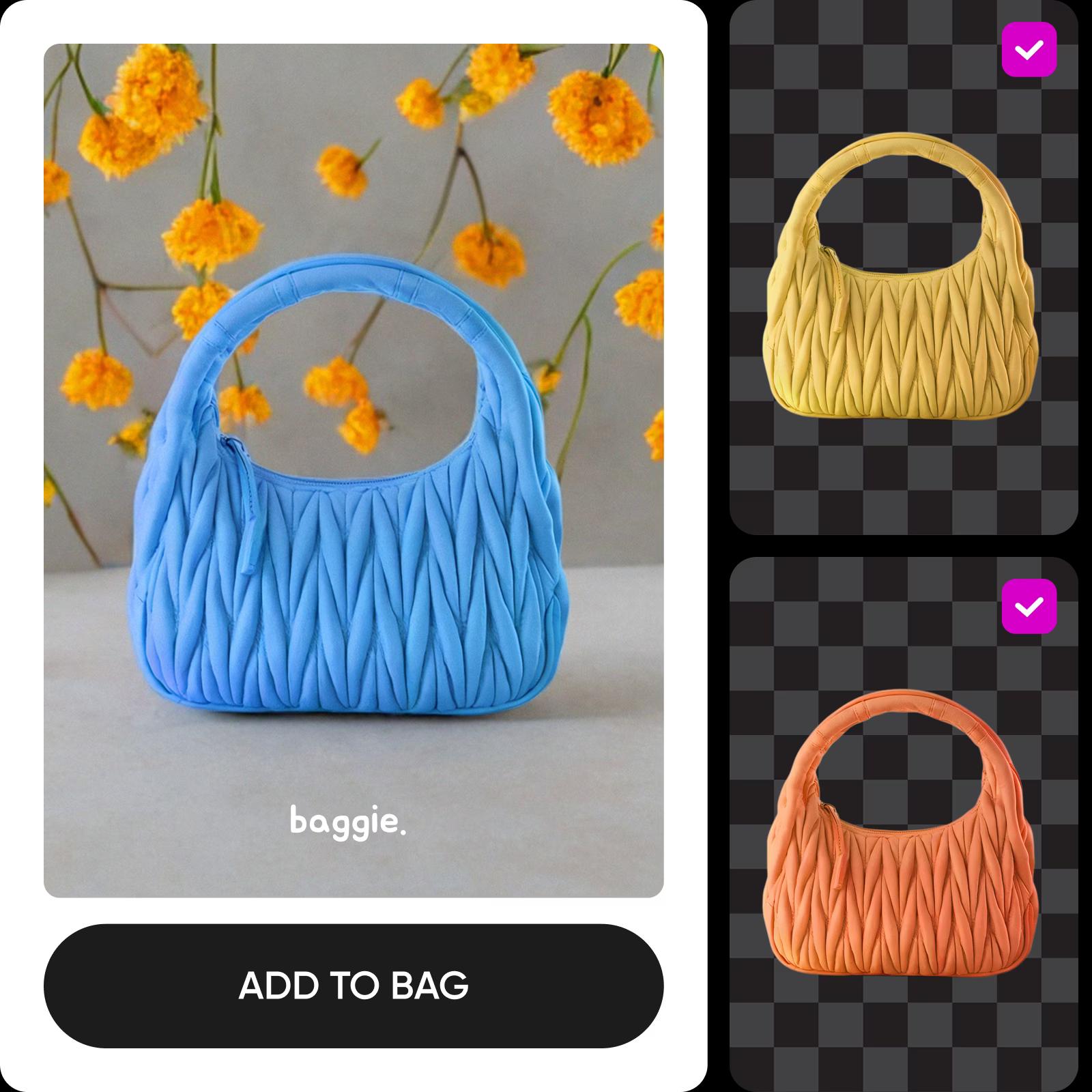
Bearbeite Bildserien mit KI-Bildmodellen
Nutze Bildmodelle, um umfangreiche Fotosammlungen aufzuräumen, neu zu gestalten und für die Veröffentlichung vorzubereiten.
So verwendest du den Batch-Fotoeditor
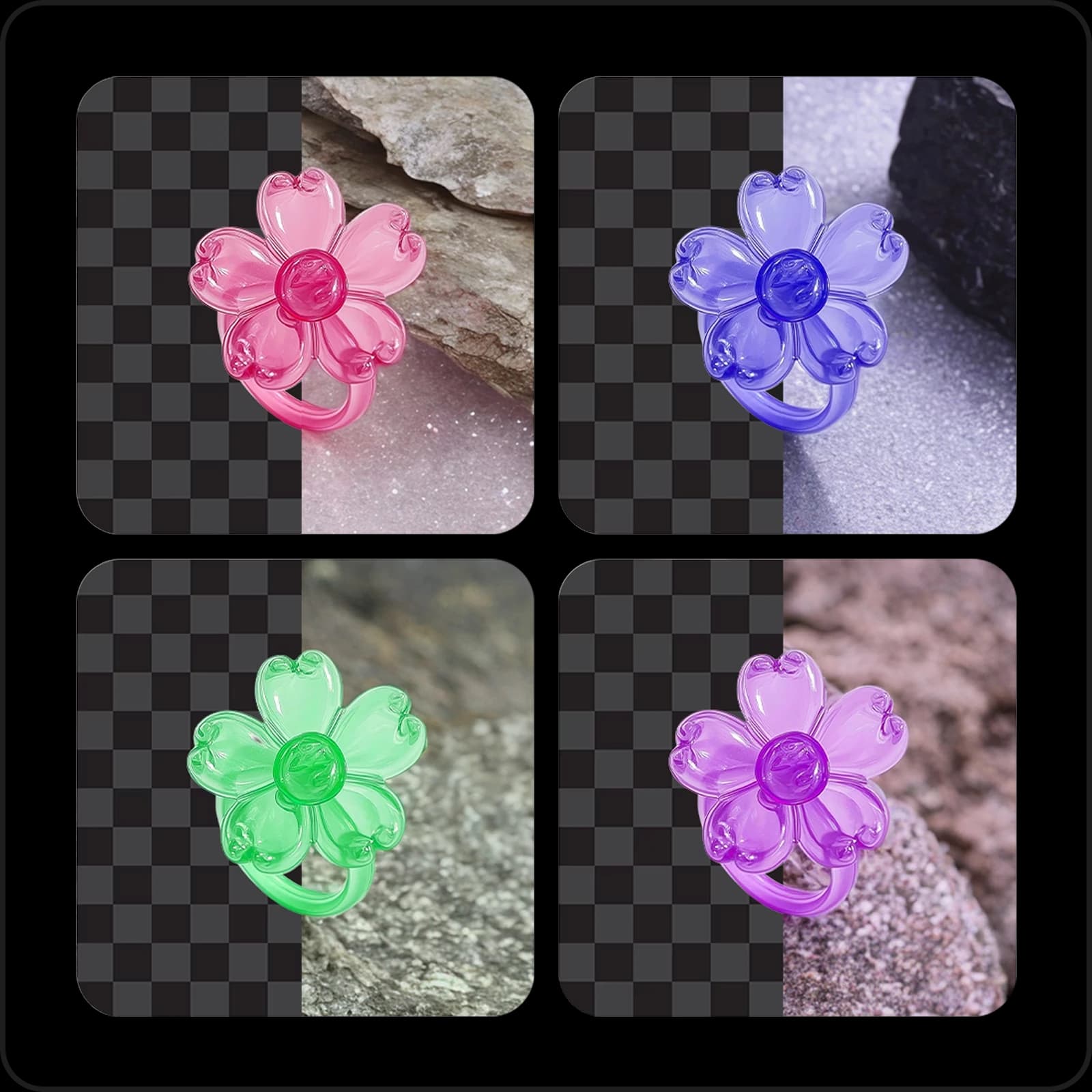
Automatisiere deinen Bearbeitungsworkflow mit dem Batch Editor
Erledige wiederkehrende Bearbeitungen für Dutzende Fotos auf einmal. Bilder einzeln zuzuschneiden, ihre Größe zu ändern und sie anzupassen, kostet Stunden. Der Batch-Fotoeditor von Picsart wendet deine Änderungen auf bis zu 50 Fotos gleichzeitig an und erledigt die Routinearbeit in einem Durchgang.
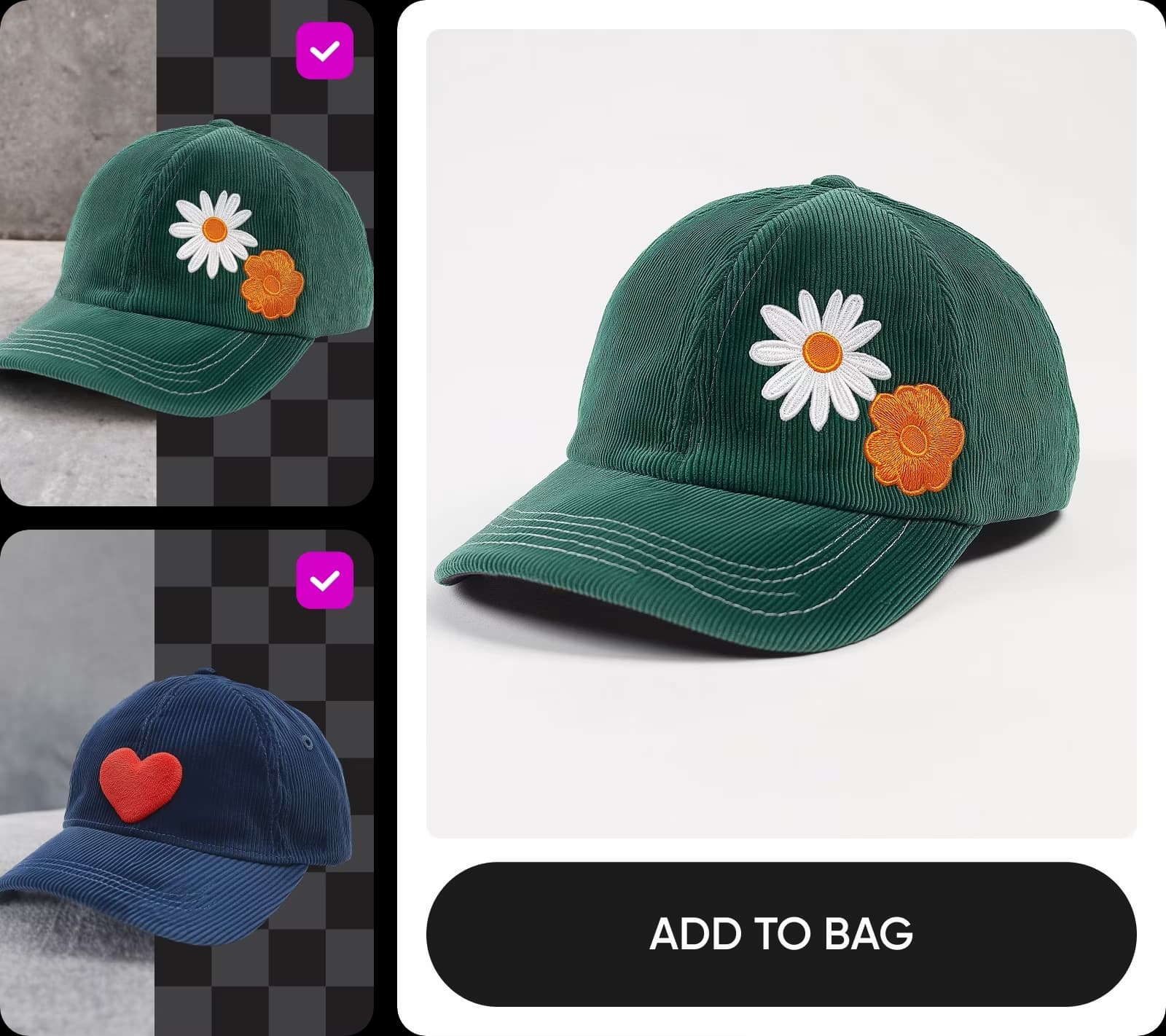
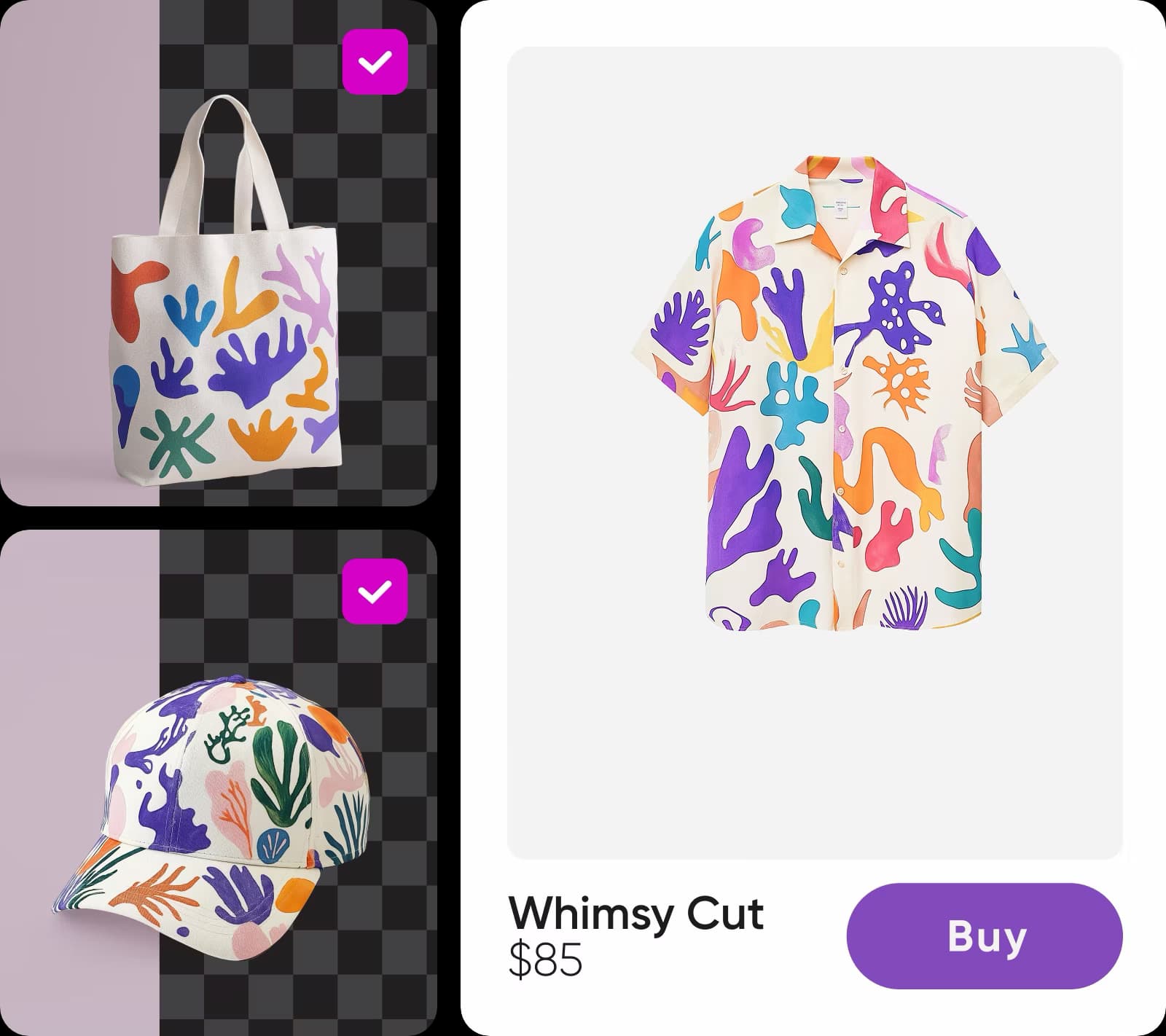
Hintergründe stapelweise entfernen und ersetzen
Bereite Bilder für Social Media und den E-Commerce mit dem integrierten Hintergrundentferner für die Stapelbearbeitung auf. Die KI entfernt Hintergründe in der gesamten Bilderserie automatisch und mit hoher Genauigkeit – egal, ob es sich um Personen oder Objekte handelt. Ersetze sie durch einen transparenten Hintergrund, eine Volltonfarbe, einen KI-generierten Hintergrund oder einen Schatten- oder minimalistischen Stil aus der integrierten Bibliothek. Mit den Positionssteuerungen kannst du dein Motiv verschieben, skalieren und drehen, bis es genau richtig sitzt.
Professionelle KI-Hintergründe stapelweise erstellen
Verändere ein ganzes Fotoshooting in Sekundenschnelle mit der KI-Hintergrundgenerierung. Dank der neu gestalteten, leicht zu findenden Aktion steht sie jetzt im Mittelpunkt. Wähle einen vorgeschlagenen KI-Stil und erstelle Hintergründe in Studioqualität, die allen Bildern einen einheitlichen Look verleihen – ob für professionelle Porträts oder Produktfotos, bei denen deine Motive besonders gut zur Geltung kommen sollen.
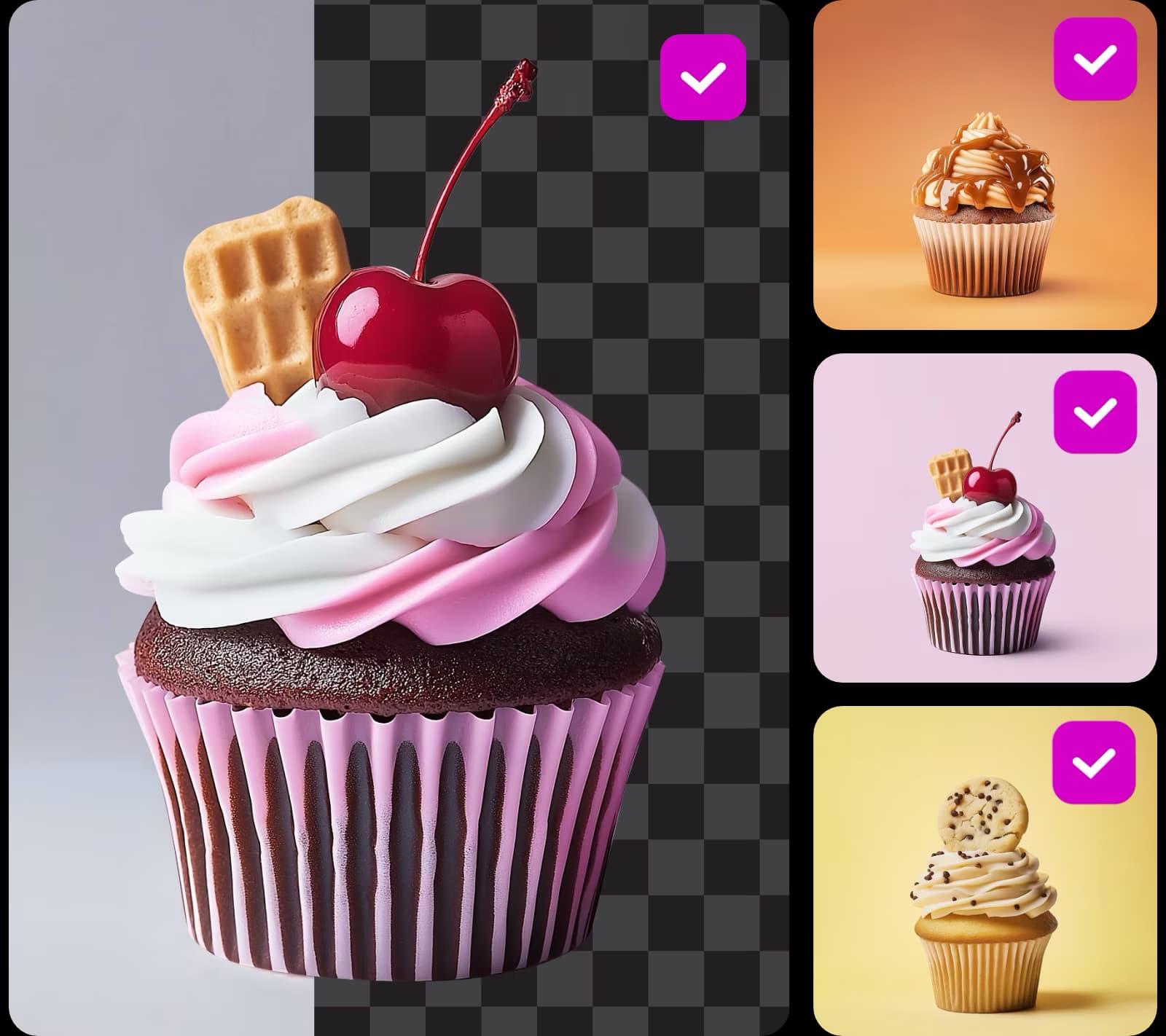
Bildqualität gleichzeitig verbessern
Gib unscharfen oder verpixelten Fotos mit dem integrierten KI-Bildverbesserer eine zweite Chance. Mit nur einem Klick verbesserst du die ganze Bilderserie – ideal für Produkt- und Immobilienanzeigen, Karussell-Beiträge und überall dort, wo Bildqualität zählt. Die KI kümmert sich um den Rest.
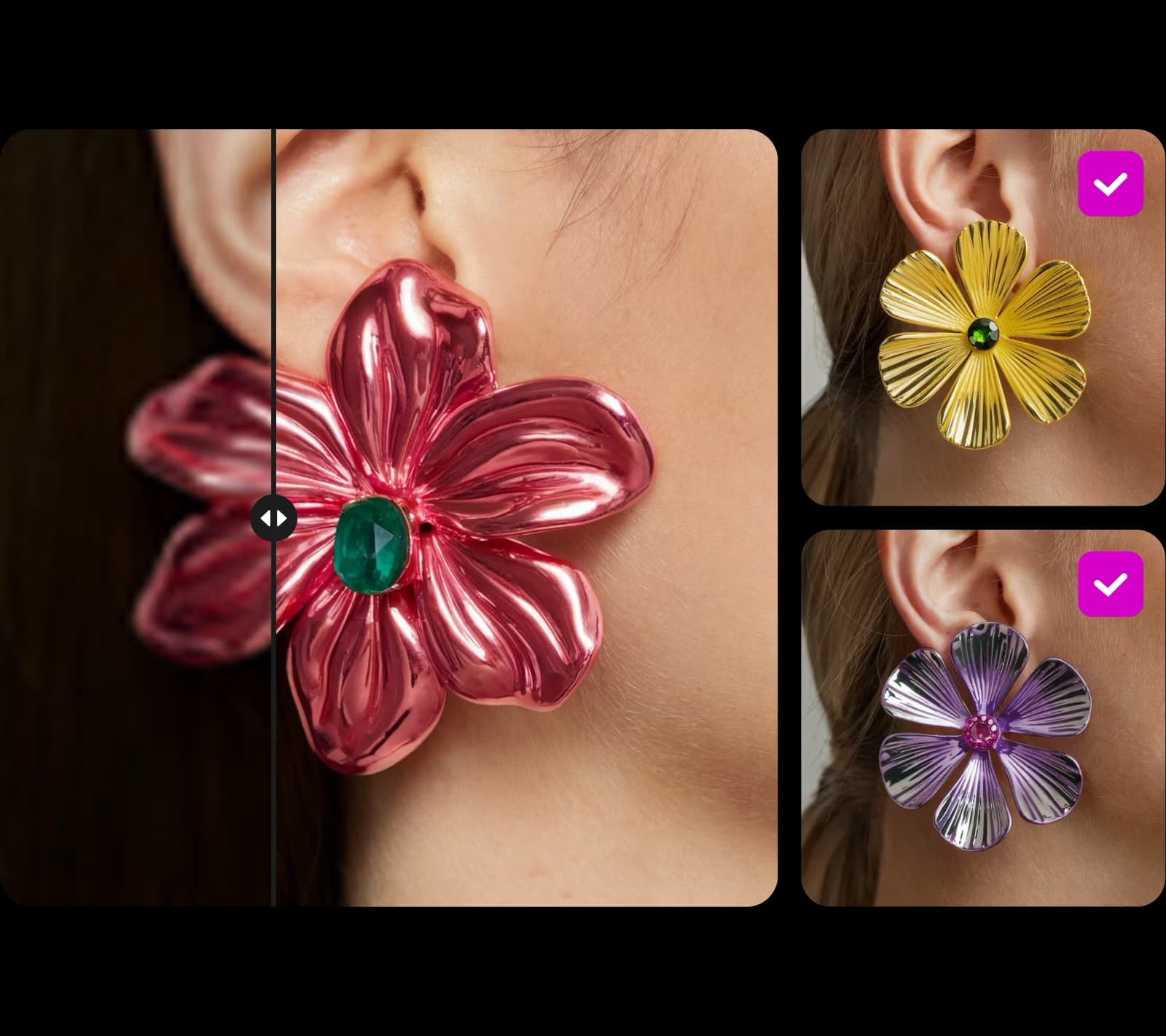
Bis zu 50 Fotos spiegeln, zuschneiden und drehen
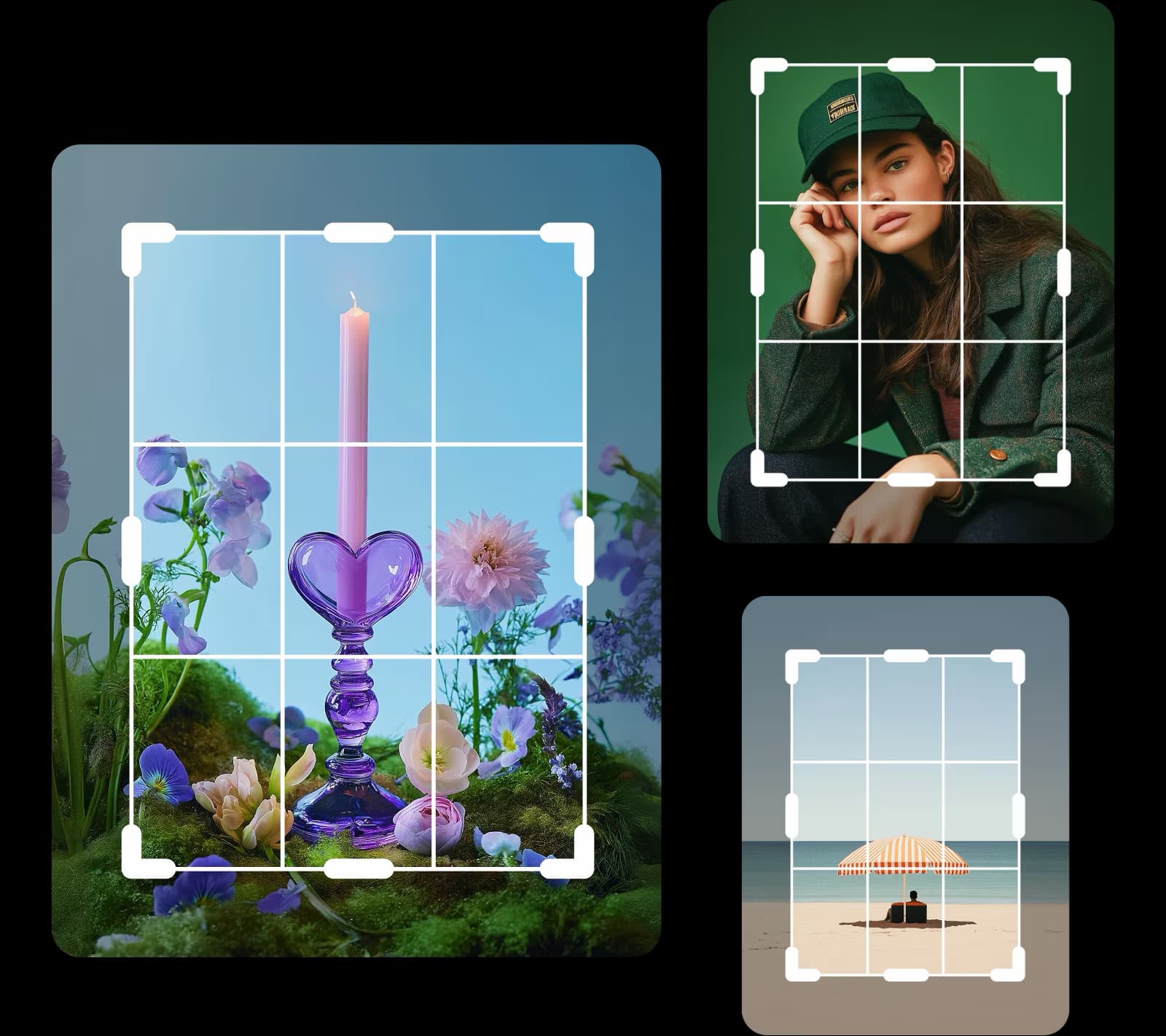
Schneide bis zu 50 Fotos zu, drehe und spiegle sie in einem Durchgang. Schneide jedes Bild vor der Anwendung frei zu oder wähle ein voreingestelltes Format, etwa für eine Instagram-Story, einen Pinterest-Pin, einen TikTok-Beitrag oder einen LinkedIn-Beitrag, um Bilder für jede Plattform stapelweise zuzuschneiden.
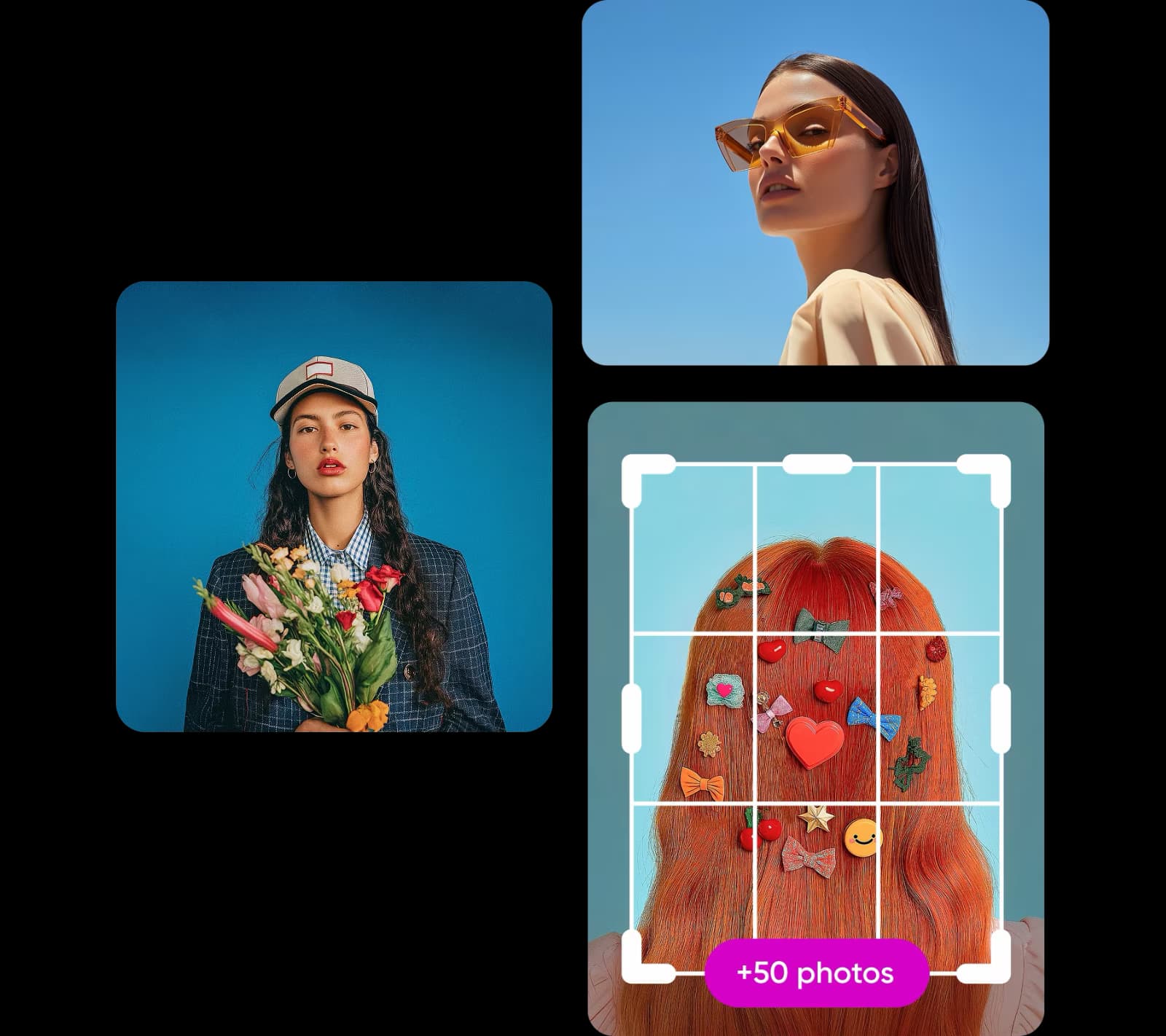
Mit Stapelbearbeitung schnell Wasserzeichen hinzufügen
Füge einer ganzen Bilderserie auf einmal Wasserzeichen hinzu. Lade dein Logo hoch, wähle eine Position oder ein Muster, lege die Deckkraft fest und wende es auf die gesamte Serie an. Schütze deine Fotos und Stockbilder, ohne stundenlang alles von Hand zu erledigen.

Fotos für Social Media und E-Commerce stapelweise skalieren
Ändere die Größe einer ganzen Bilderserie auf die exakten Maße, die eine Plattform benötigt – ohne Qualitätsverlust und ohne Schätzen anhand von Prozentangaben. Lade deine Bilder hoch, lege eine benutzerdefinierte Auflösung fest und der integrierte Bildgrößenänderer für Stapel passt sie in Sekundenschnelle für Social Media und E-Commerce an.
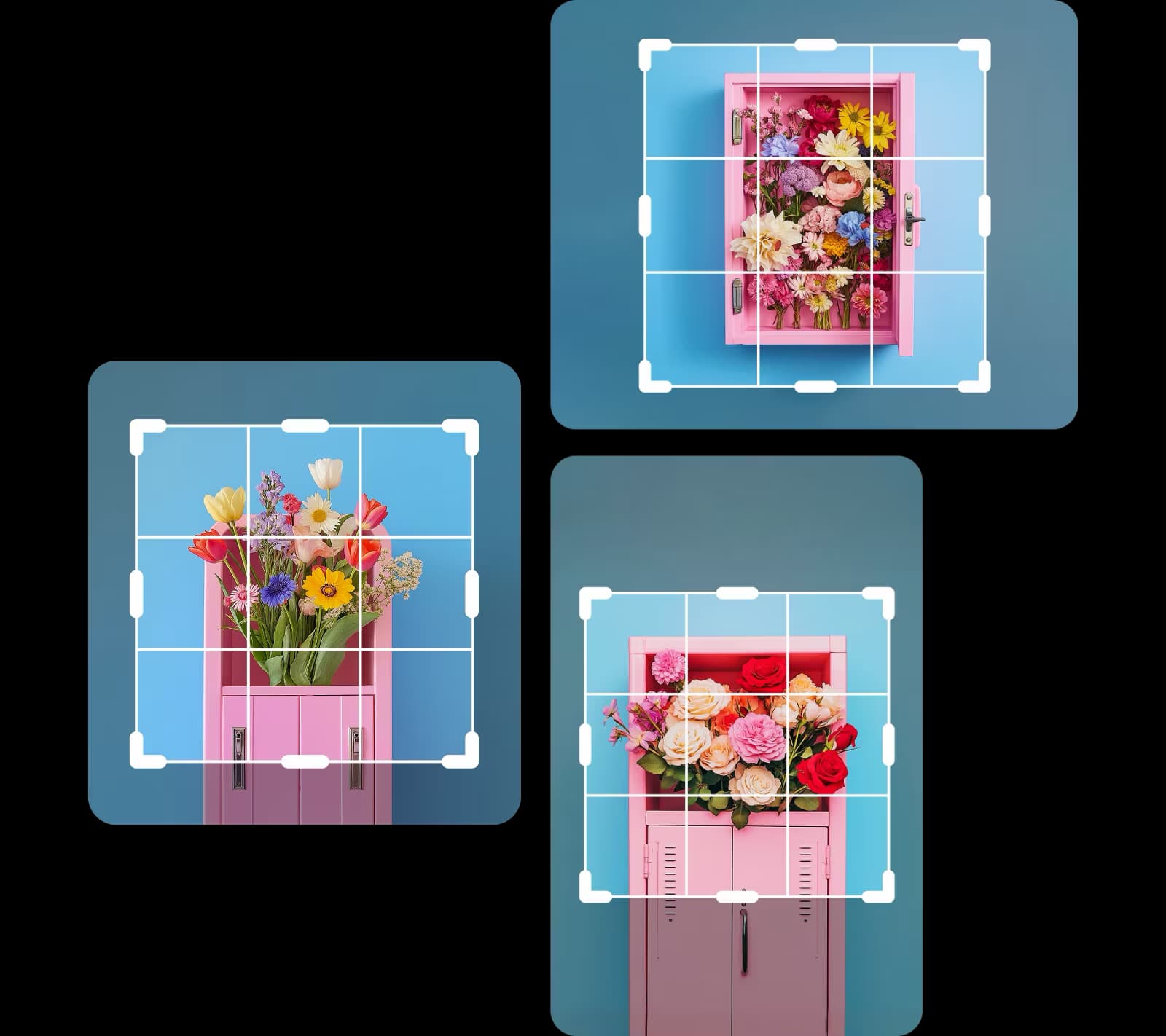
Stärke ganz einfach die Online-Präsenz deines Kleinunternehmens
Spare bei der Führung deines Kleinunternehmens oder deiner freiberuflichen Tätigkeit viel Zeit bei der Bildbearbeitung. Der Batch-Fotoeditor automatisiert wiederkehrende Aufgaben – von Social-Media-Redaktionsplänen bis hin zu E-Commerce-Angeboten und Eventgalerien. So gewinnst du Stunden für die Arbeit, die dein Unternehmen wirklich voranbringt.
Setze deine Bildbearbeitung mit Picsart fort


Grundlagen der Bildbearbeitung lernen
Lerne mit praktischen Schritten, wie du sauberere Bearbeitungen erzielst.

Häufig gestellte Fragen zum Batch Editor
Mit einem Batch-Fotoeditor kannst du dieselben oder unterschiedliche Bearbeitungen auf viele Fotos gleichzeitig anwenden, anstatt jedes einzeln von Hand zu bearbeiten. Mit dem Batch Editor von Picsart kannst du bis zu 50 Bilder pro Stapel bearbeiten.
Bearbeite Fotos für hochwertige Creator-Inhalte
Pro
Most popularAI tools for everyday creative work.
Ultra
Most powerfulHeavy AI usage for creators & teams.