Kostenloser Online-Poster-Maker
Mit dem Online-Poster-Maker von Picsart kannst du ganz einfach Poster für Veranstaltungen jeder Art erstellen. Dank der intuitiven Benutzeroberfläche und einer Bibliothek mit fertigen Vorlagen kann jeder ohne Designkenntnisse oder Erfahrung auffällige Poster gestalten.
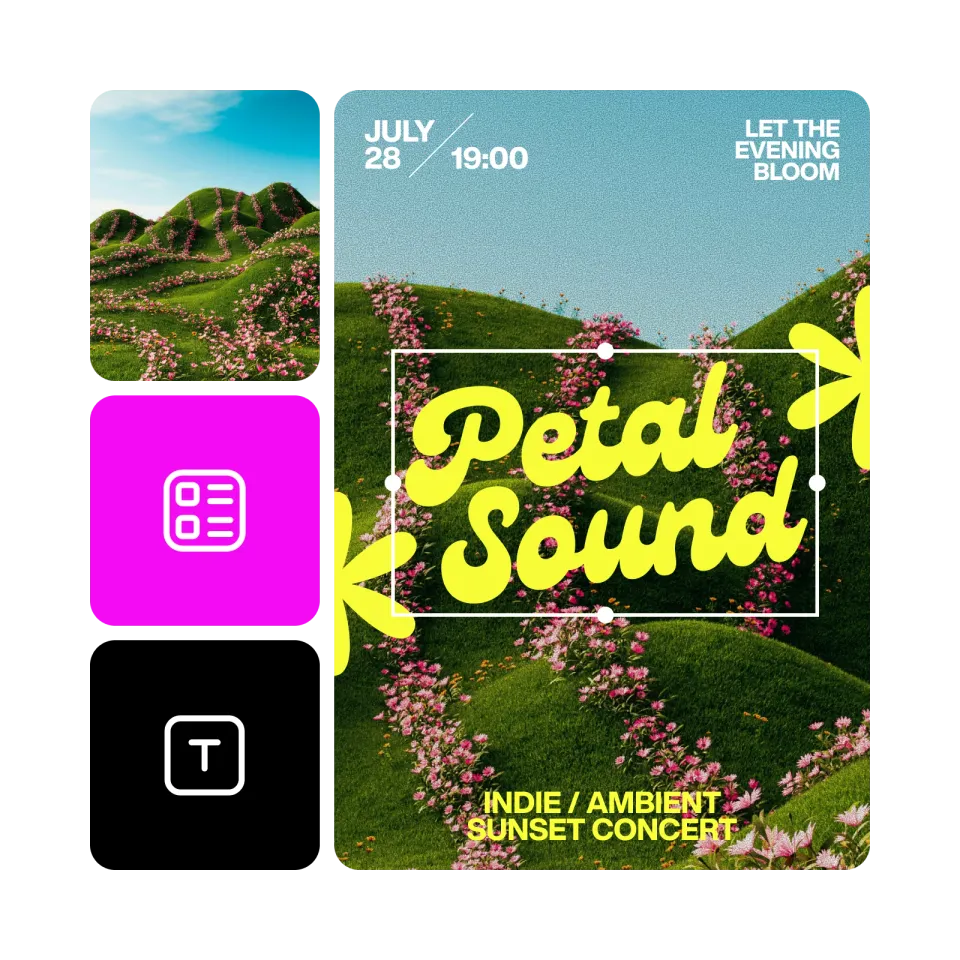
Poster mit KI-Bildmodellen gestalten
Verwandle Poster mit Bildmodellen in ausgefeilte Visuals, Designideen und sofort bearbeitbare Elemente.
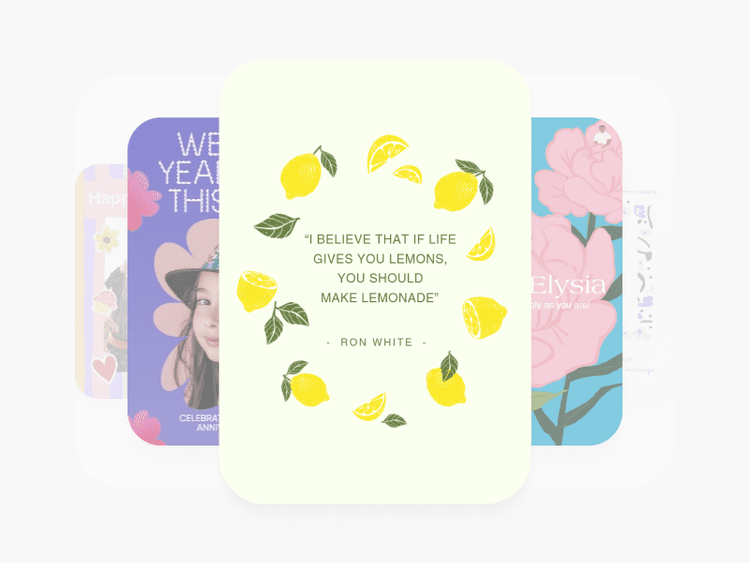
Über 1.000 einzigartige Poster-Vorlagen
Beschleunige deinen Designprozess mit einer Bibliothek professionell gestalteter Poster-Vorlagen.
Einfach anpassbar
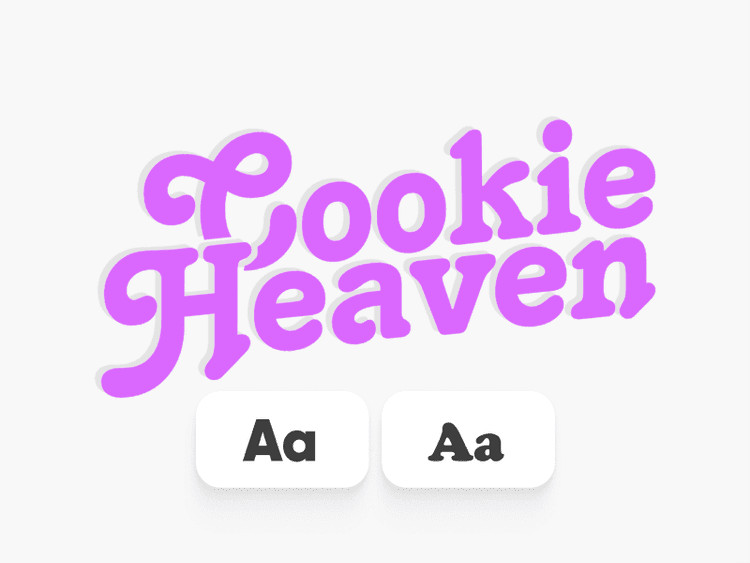
Der Poster Maker von Picsart bietet eine große Auswahl an angesagten Schriftarten und Bildern, mit denen du deine Poster individuell gestalten kannst.
Druckfreundlich
Erstelle Poster, die gedruckt genauso gut aussehen wie auf dem Bildschirm.
So gestaltest du ein auffälliges Poster
Poster Maker öffnen
Klicke auf „Mit der Erstellung beginnen“, um den Picsart Editor zu öffnen und loszulegen.
Vorlagen entdecken
Anpassen
Herunterladen
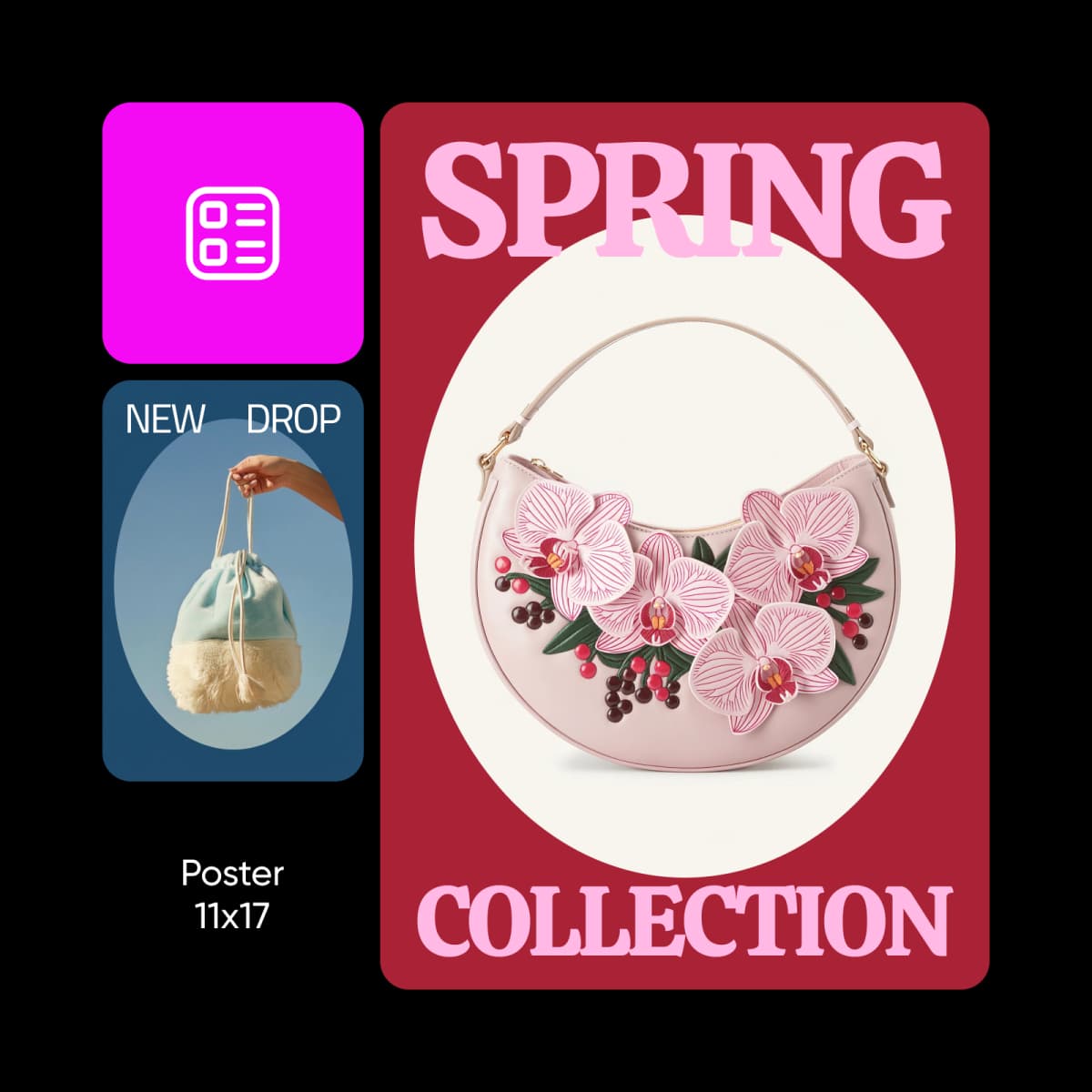
Kostenlose Poster-Vorlagen für jeden Zweck entdecken
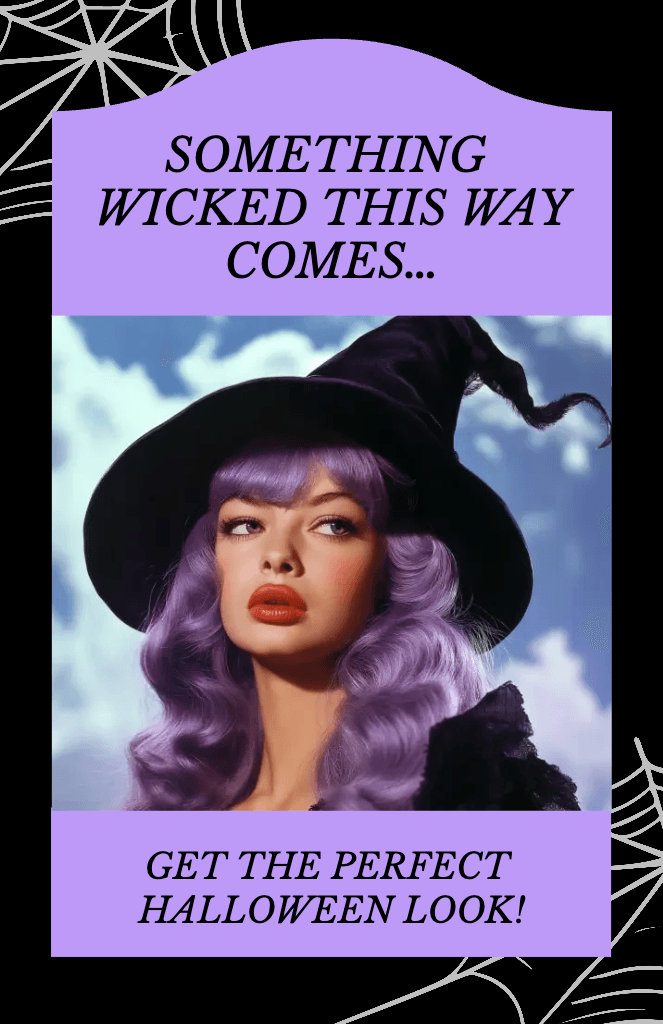
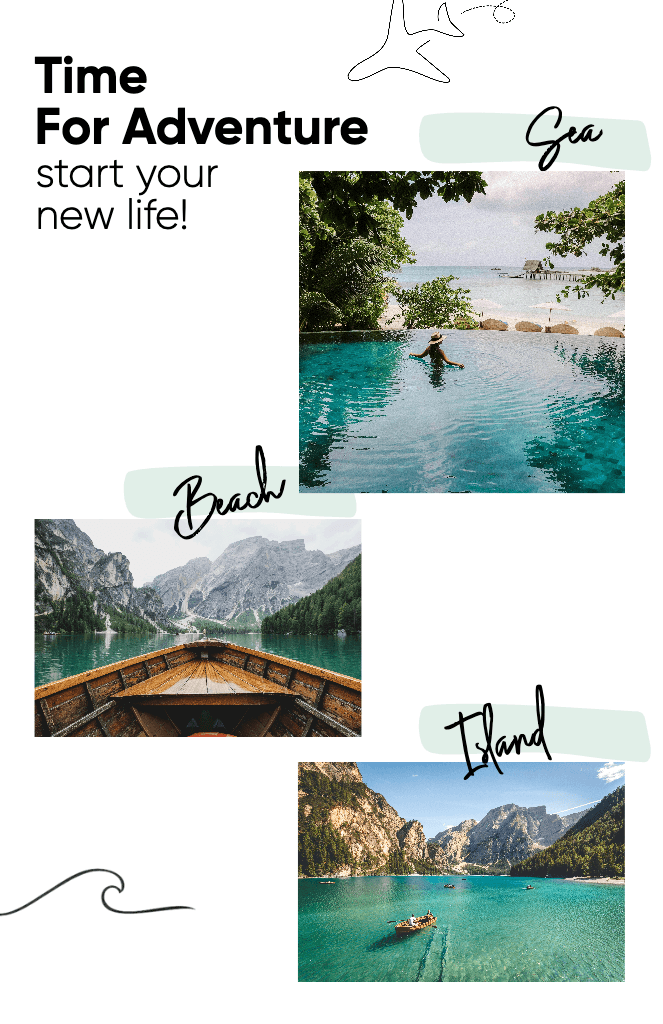
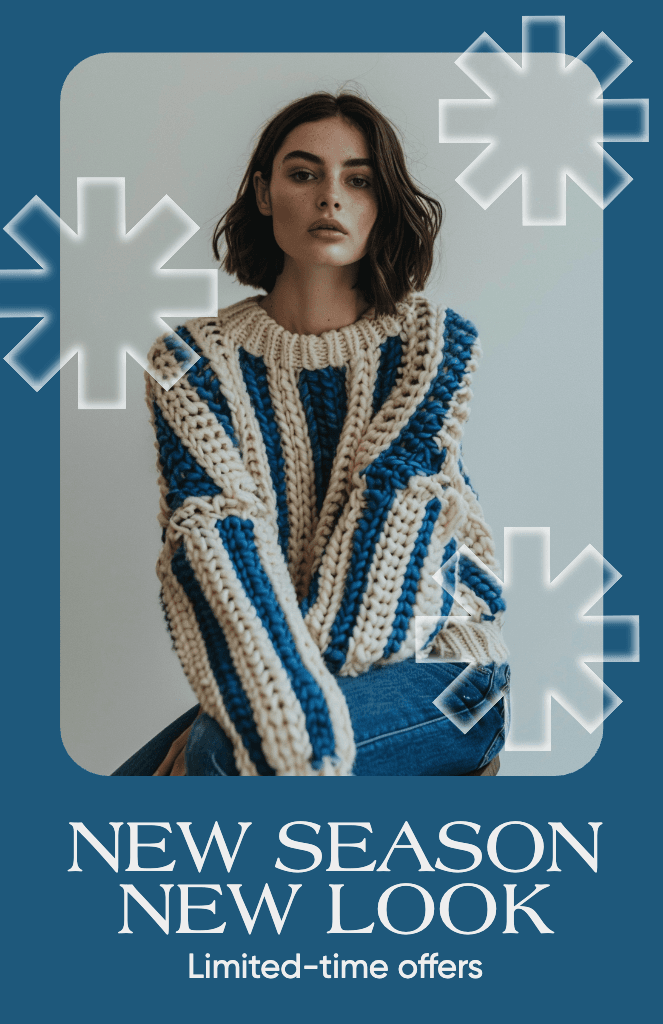
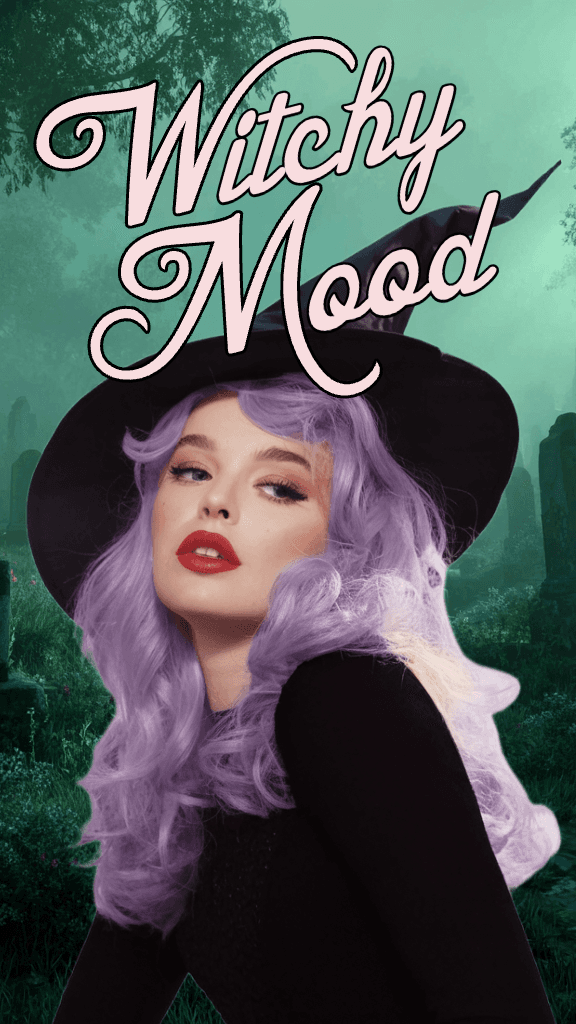
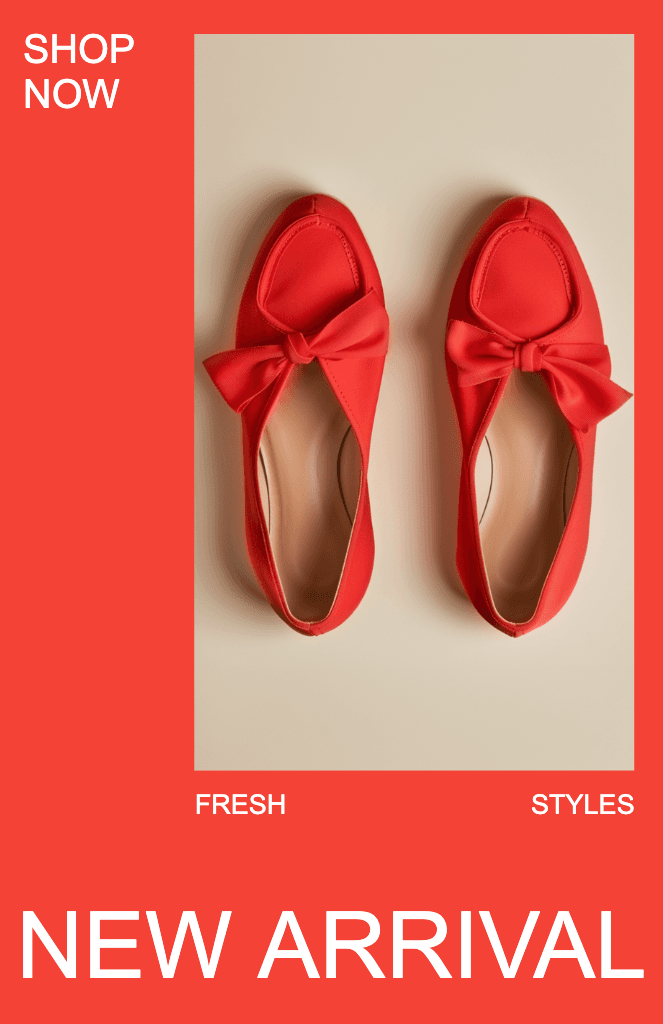
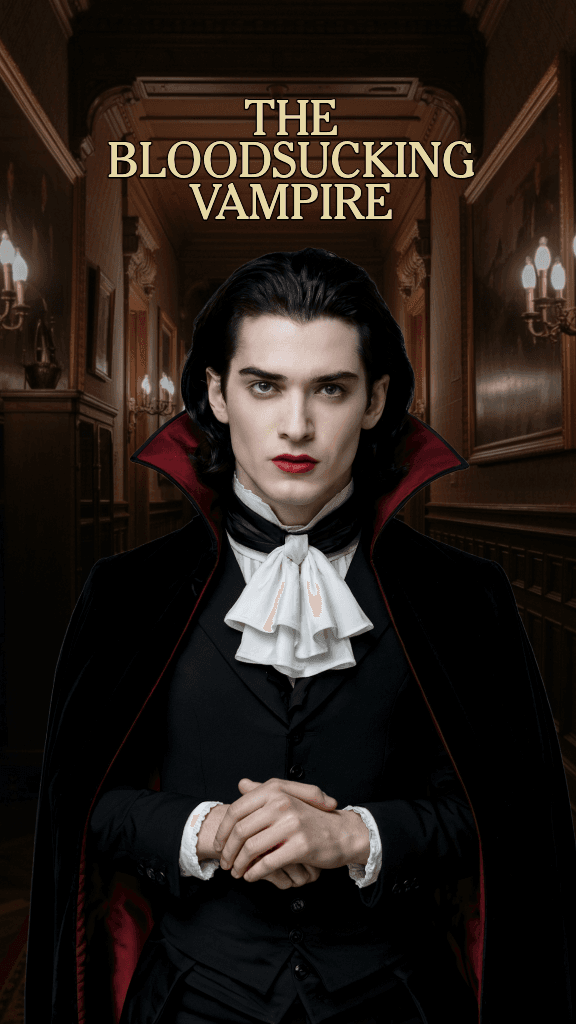
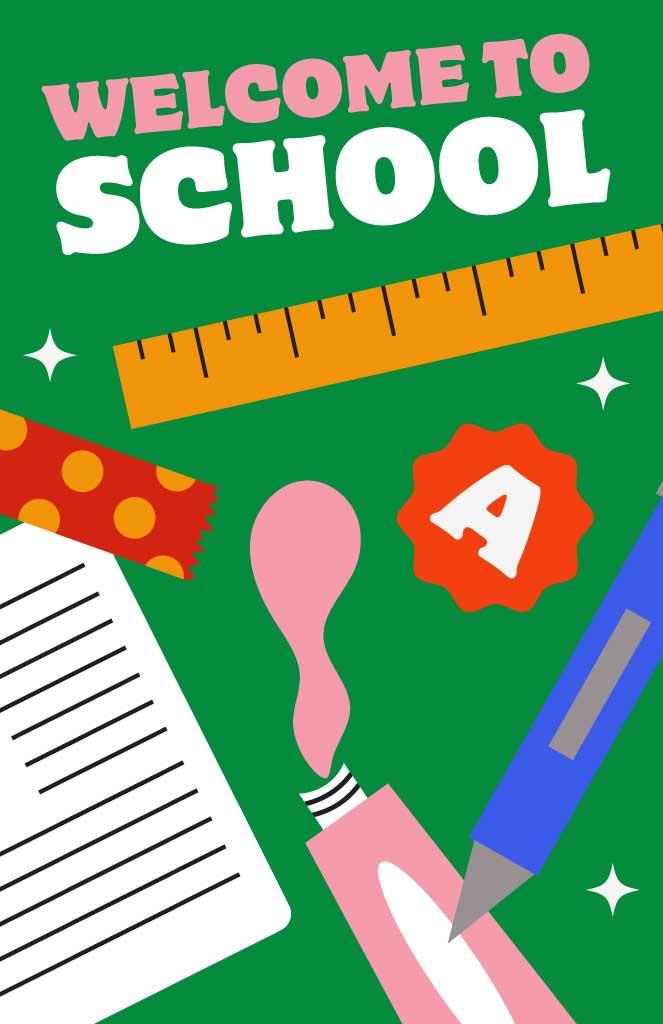
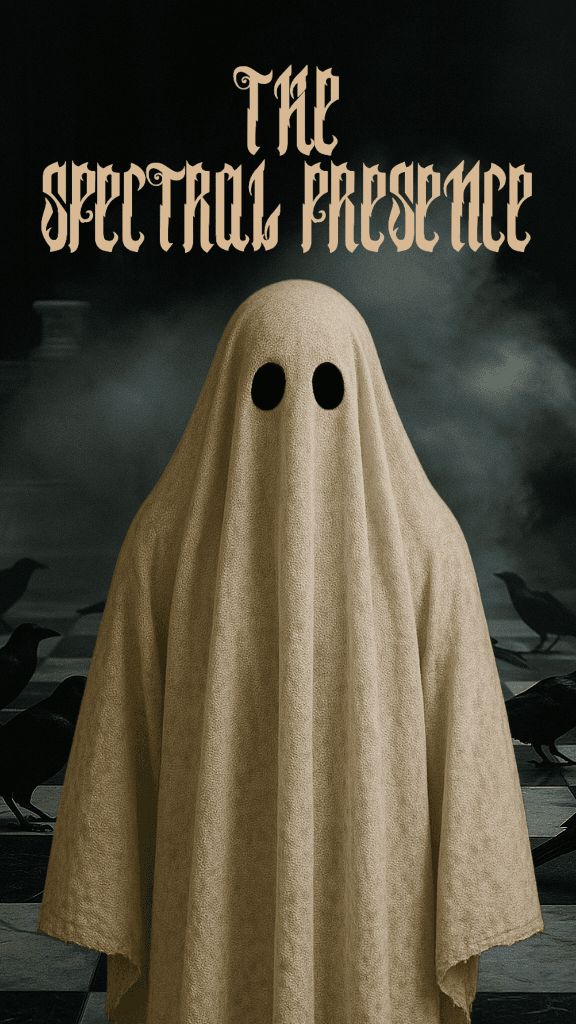
Mit Grafikdesign-Vorlagen lässt sich ganz einfach kreative Kunst gestalten. Wähle aus beeindruckenden Vorlagen von professionellen Designern und bearbeite sie mit nur wenigen Klicks.
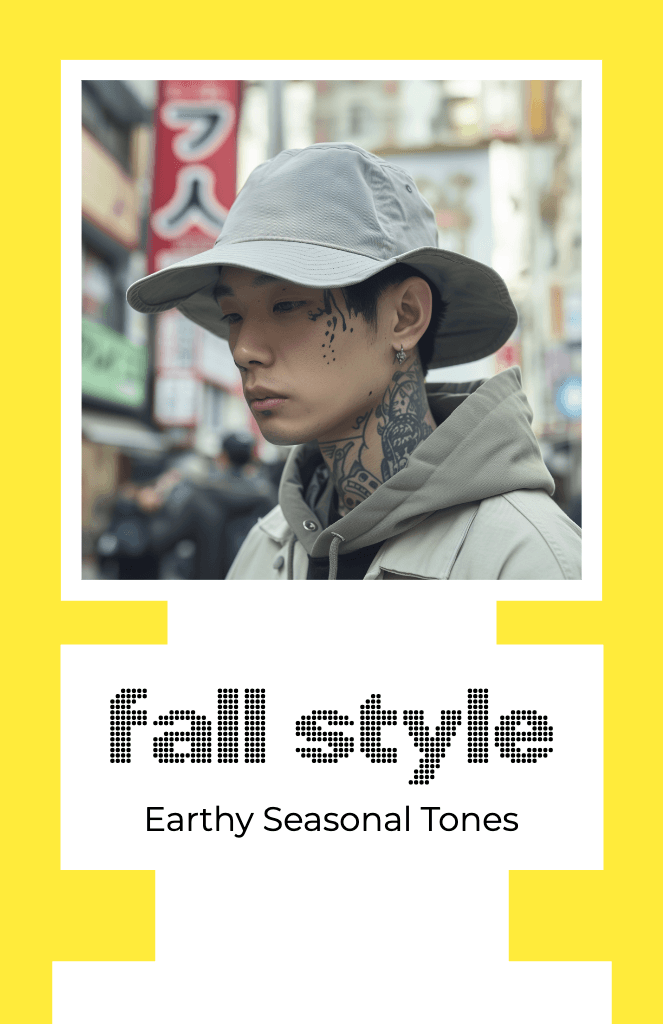
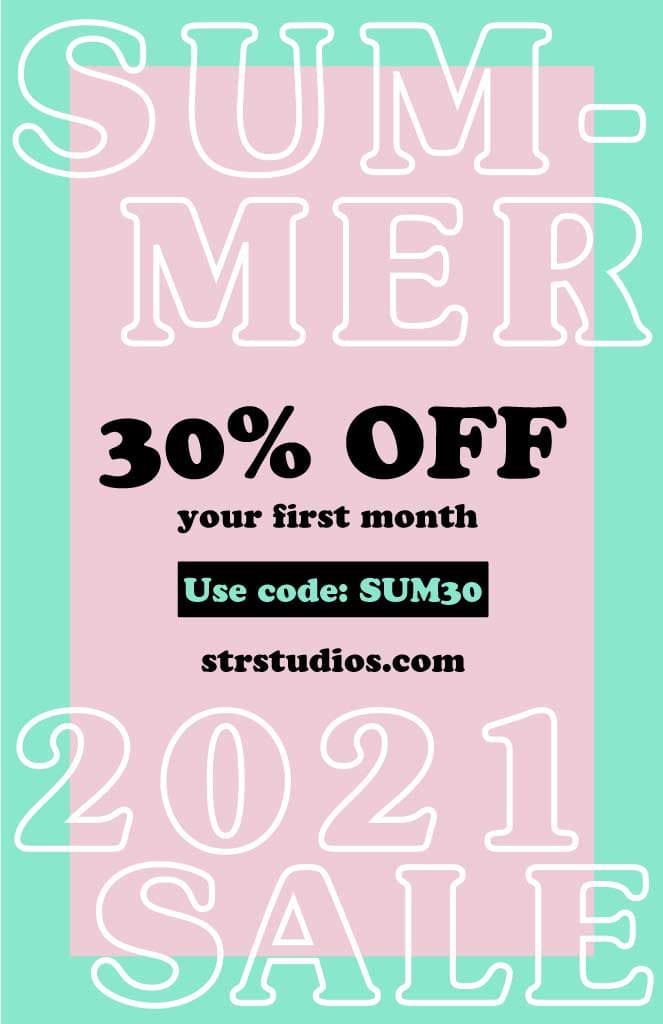
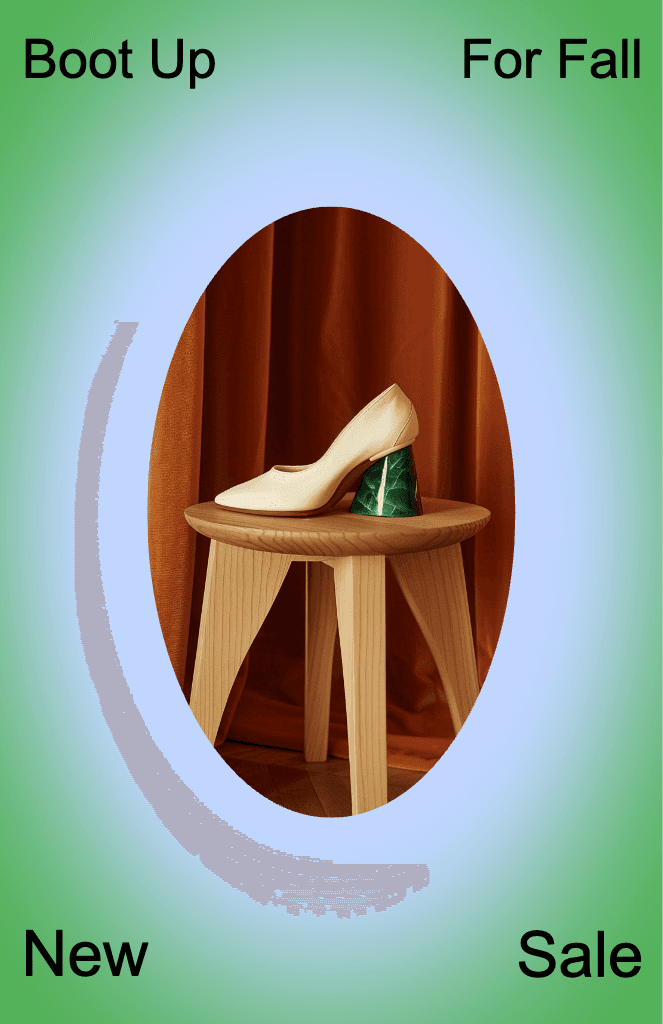
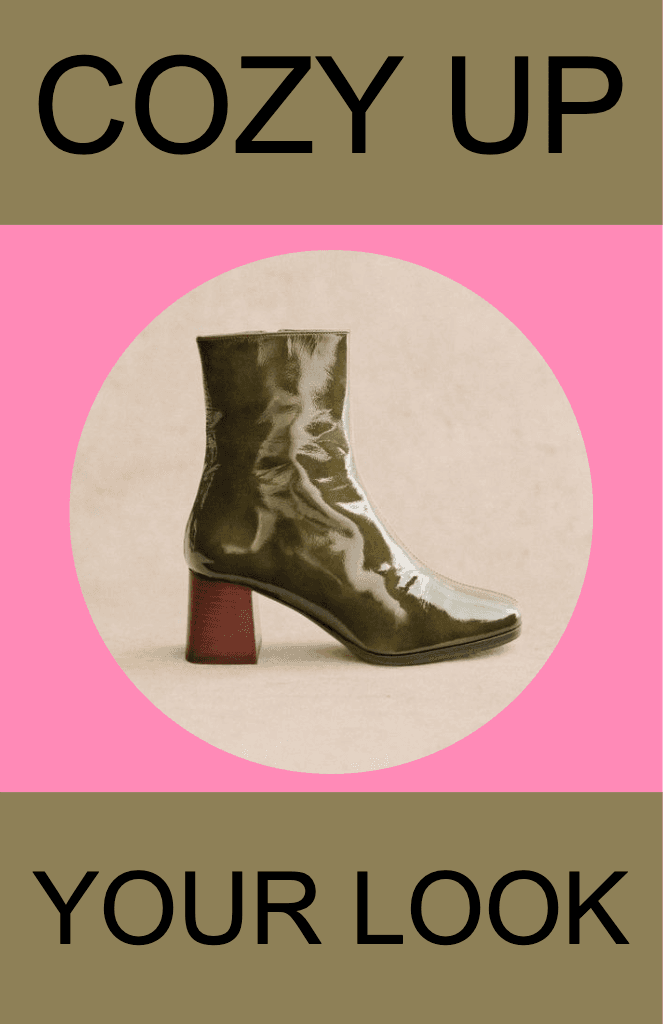
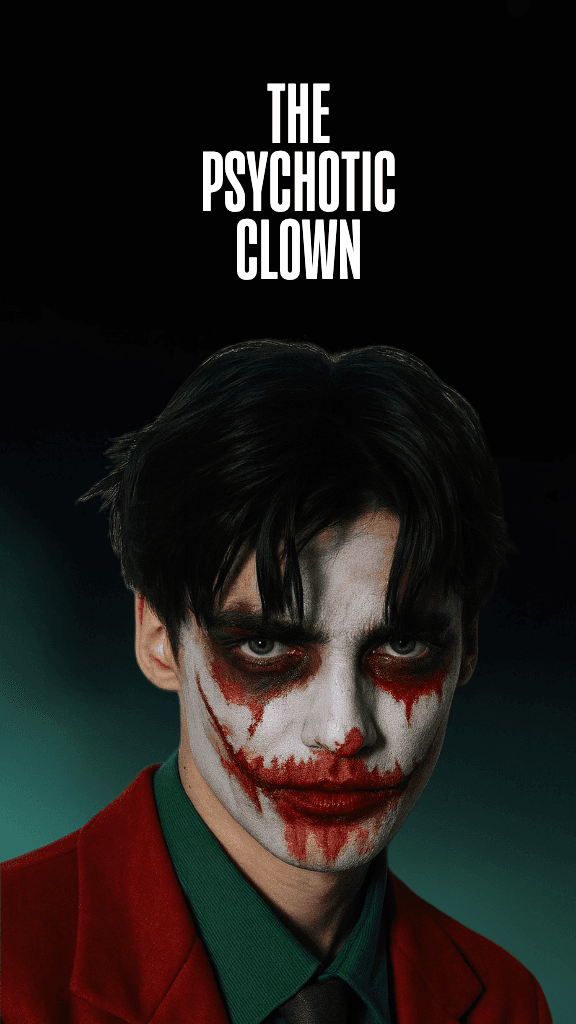
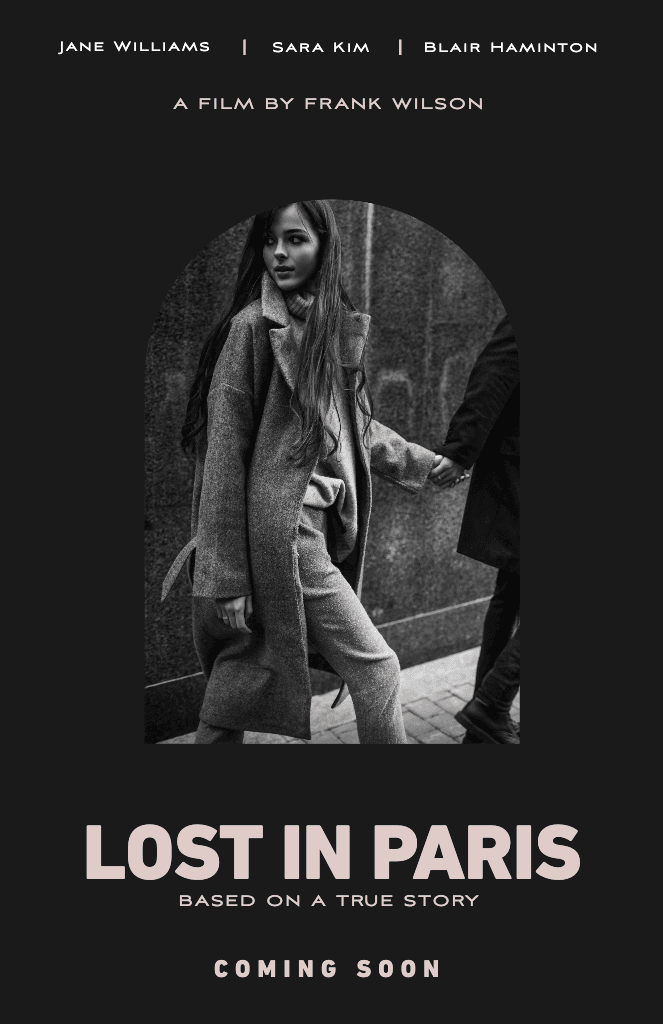
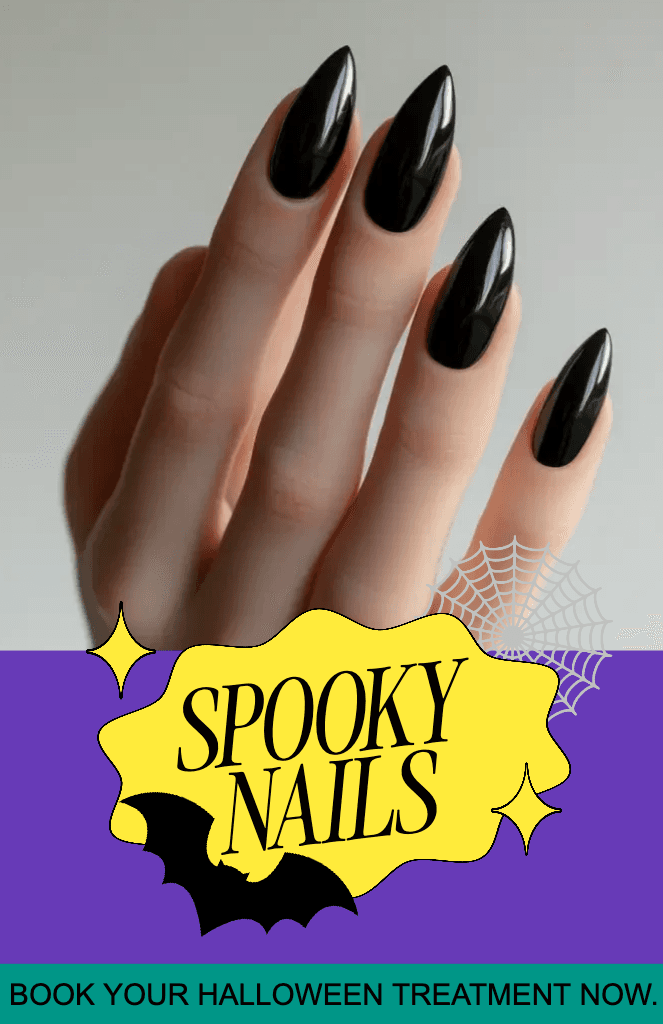
Schnell gestalten mit einem intuitiven Poster Maker
Mit den intuitiven Online-Design-Tools von Picsart kannst du sofort mit der Gestaltung deines Posters loslegen. In einer praktischen Oberfläche findest du alles, was du zum Gestalten von Postern brauchst. Wenn es schnell gehen muss, kannst du auf die Vorlagenbibliothek des Poster Makers zurückgreifen, um deiner Kreativität auf die Sprünge zu helfen, Inspiration zu finden oder ein Design von Grund auf zu erstellen.
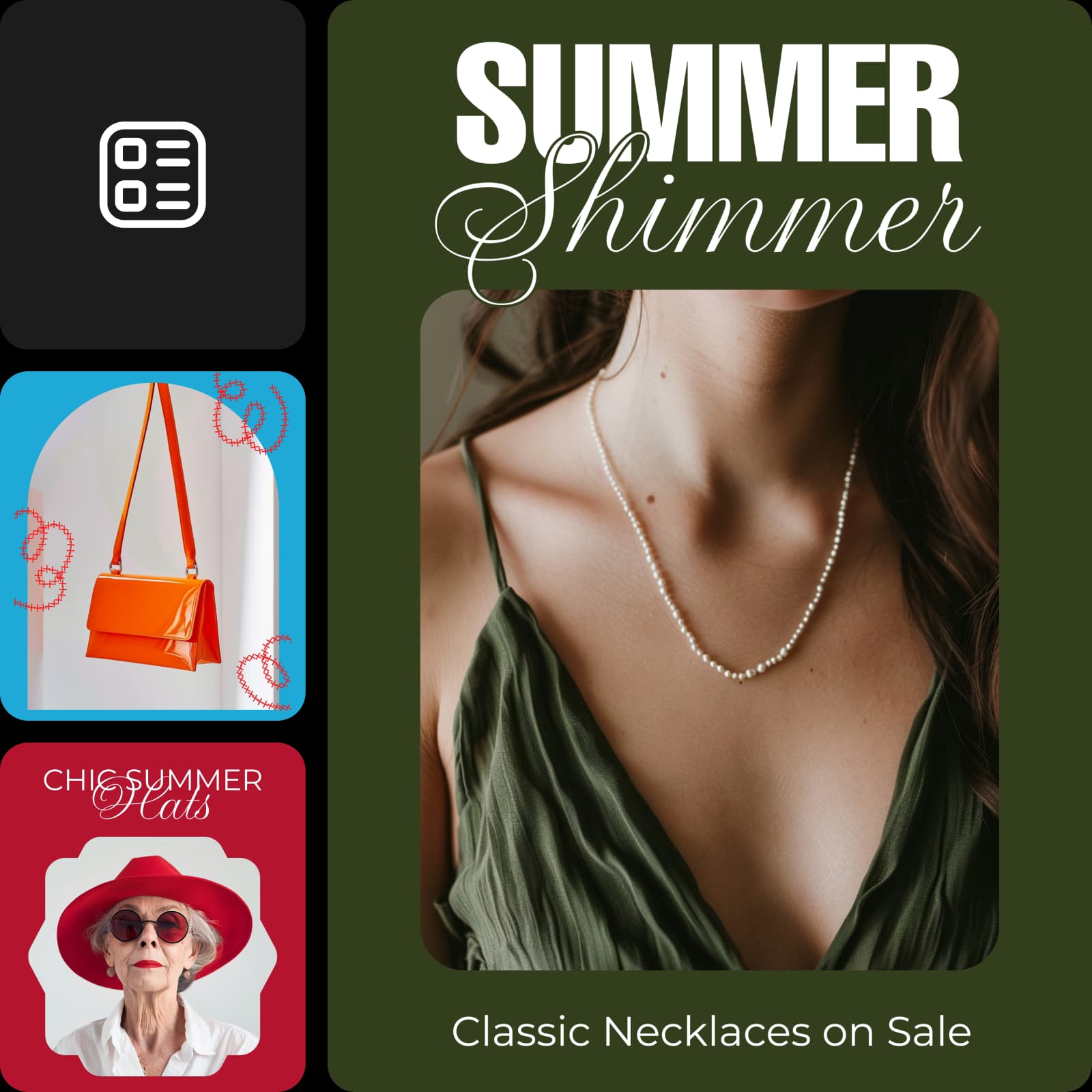
Veranstaltungen, Produkte, Ideen und mehr bewerben
Ob Konzertposter, Anzeige oder Ausstellung: Mit Picsart hast du alles, was du für deine Poster brauchst. Dank der vielfältigen Auswahl an Vorlagen, Stickern und Schriftarten findest du auch für ganz spezielle Anwendungsfälle das Passende.
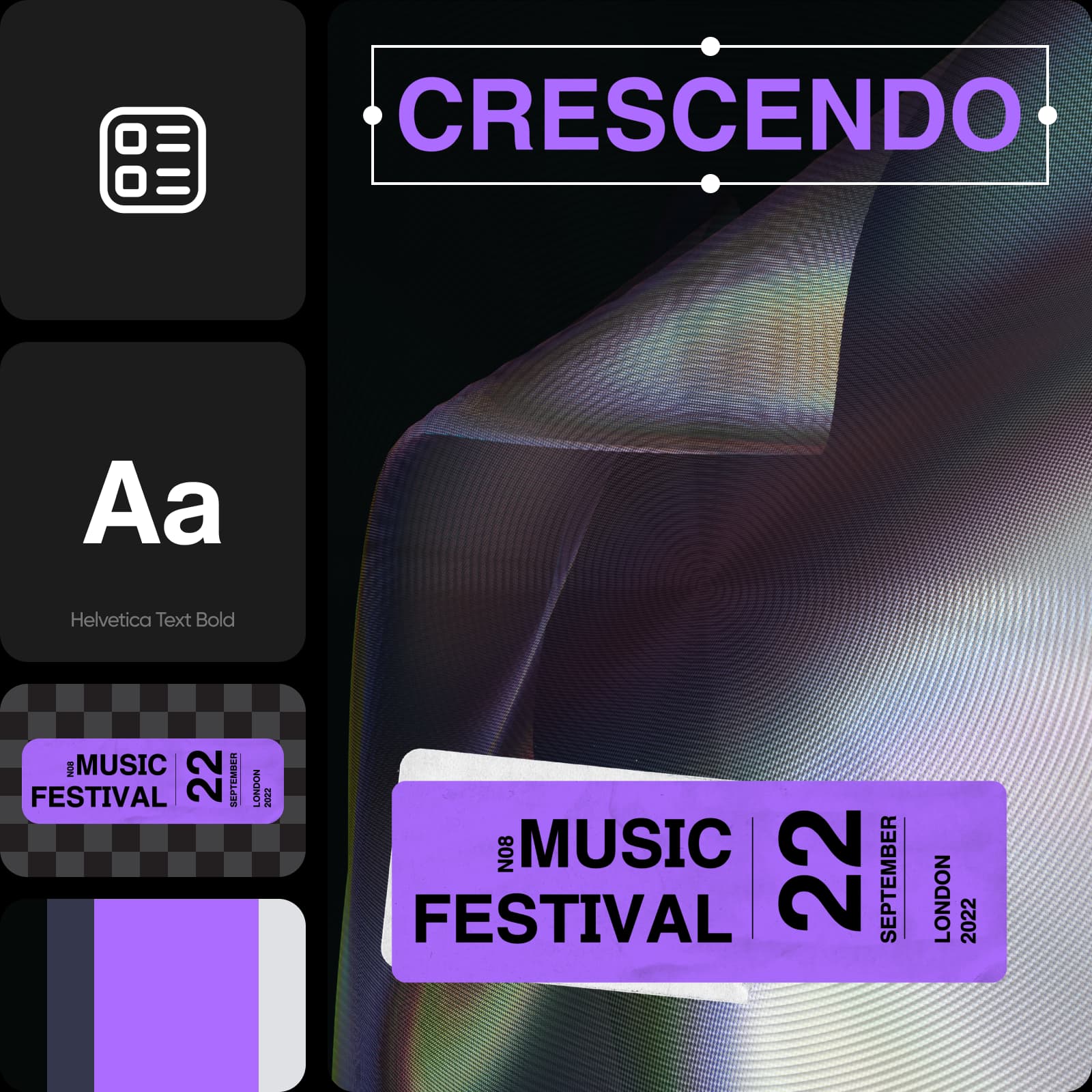
Poster für jeden Anlass gestalten
Feiere Geburtstage mit fröhlichen, persönlichen Postern. Füge Fotos, verspielte Schriftarten und Farben hinzu und gestalte Einladungen oder Partyankündigungen ganz nach deinem Geschmack.
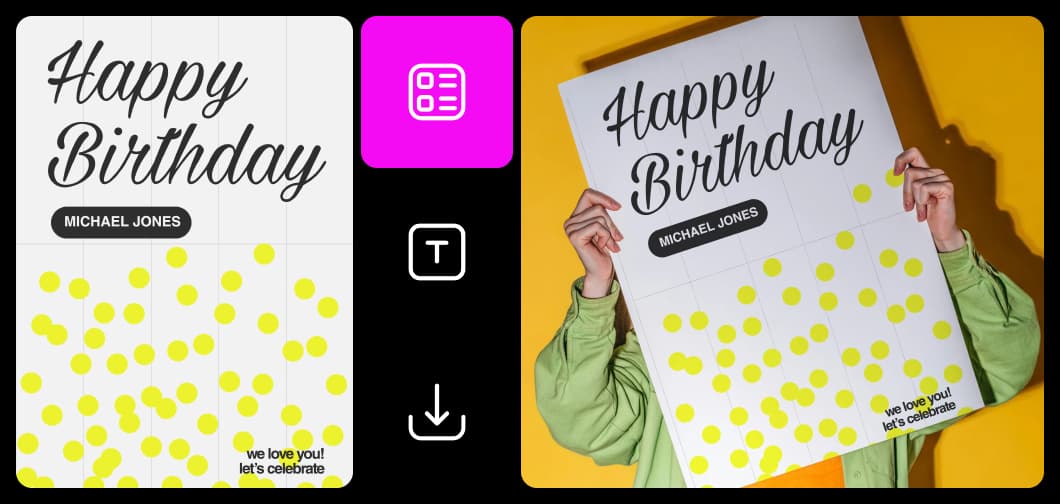
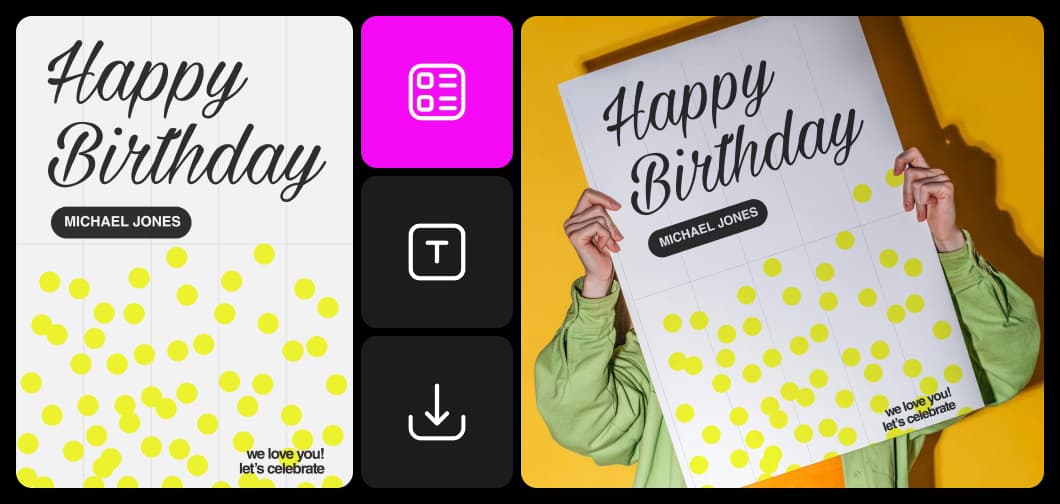
Poster-Designs von Grund auf erstellen
Nimm die Gestaltung selbst in die Hand und erstelle mit dem intuitiven Online-Editor von Picsart Poster-Designs von Grund auf. An einem praktischen Ort findest du alles, was du brauchst: die integrierte Hintergrundbibliothek, Sticker, Fotos, Textstile und vieles mehr. Lade eigene Schriftarten hoch, um sie für deine Poster zu verwenden und sie an deine Markenrichtlinien anzupassen.
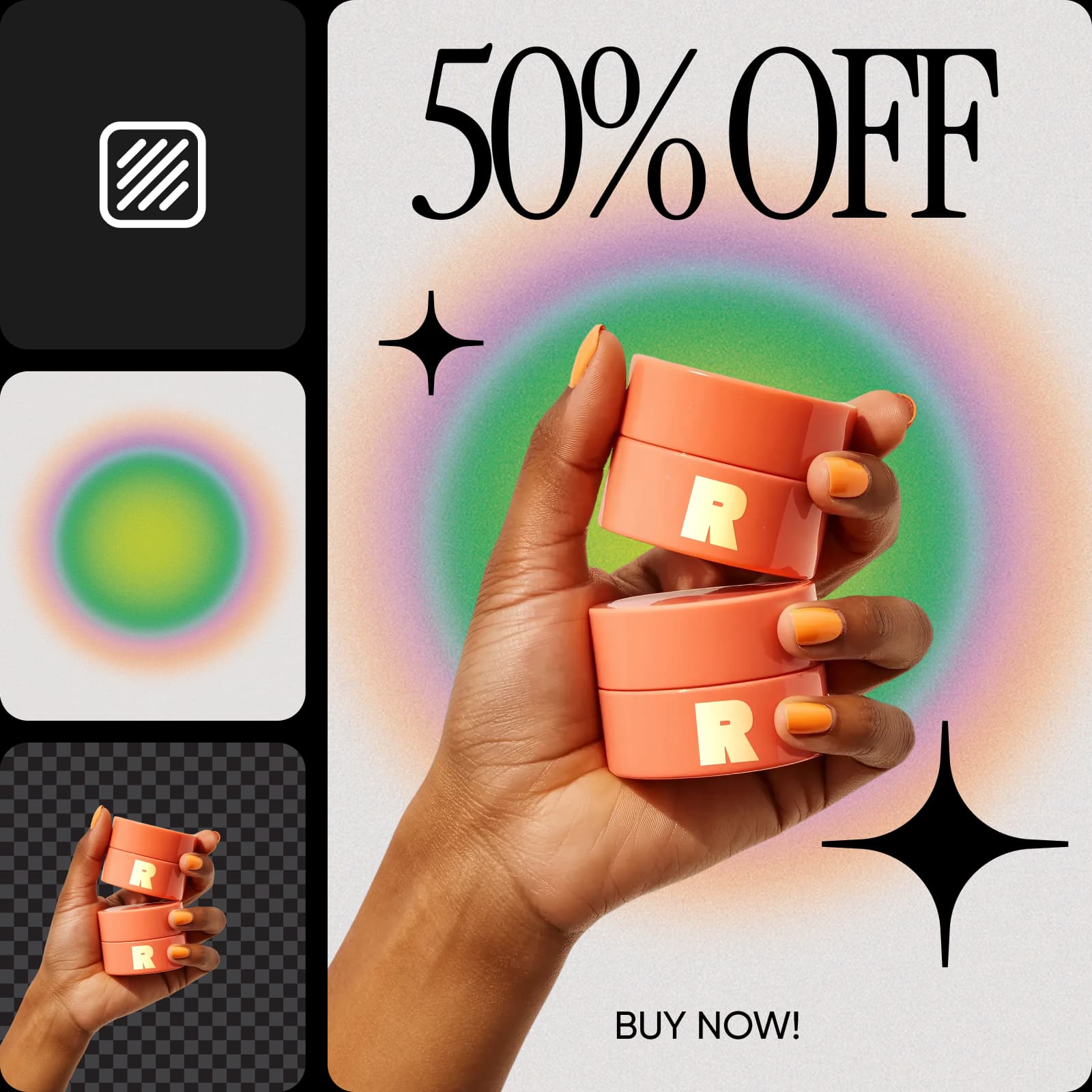
Leistungsstarke Tools zum Anpassen deiner Vorlagen
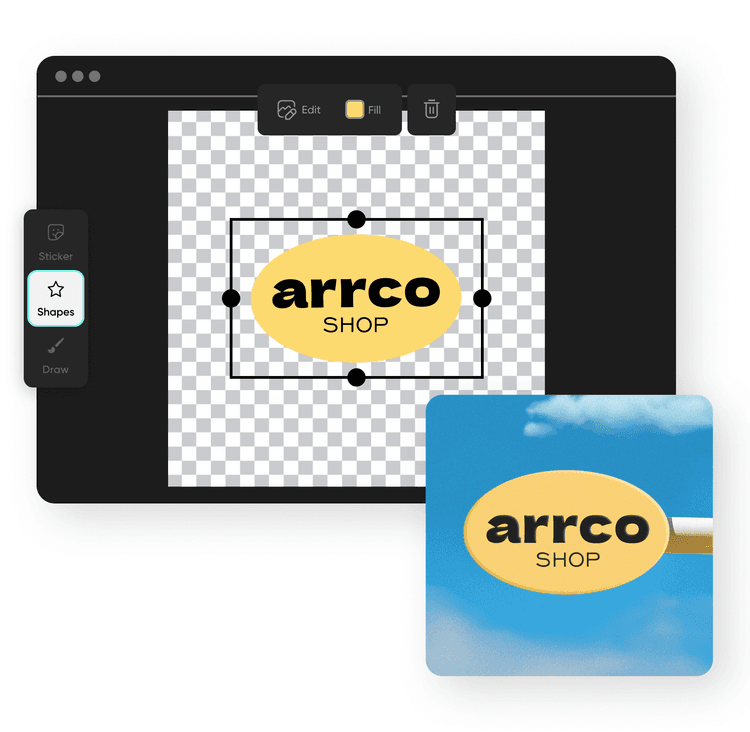
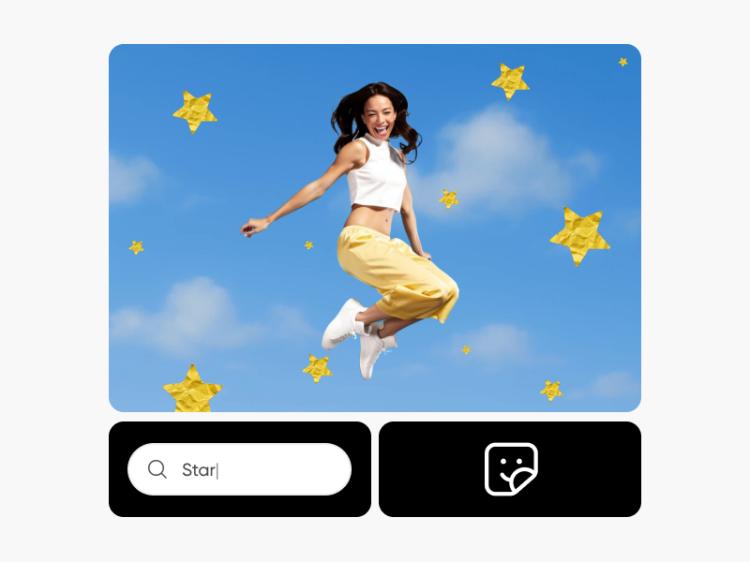
Passe Vorlagen an und erstelle im Handumdrehen wirklich einzigartige Poster-Designs. Ändere alles – vom Layout der Vorlage über die Schriftart bis hin zu grafischen Elementen und mehr. Verwende den integrierten Foto-Editor, um Postern in verschiedenen Schriftarten Text hinzuzufügen, die Fotoqualität deiner Posterbilder zu verbessern und mit KI sogar Bilder zu generieren und Sticker von Grund auf zu erstellen.
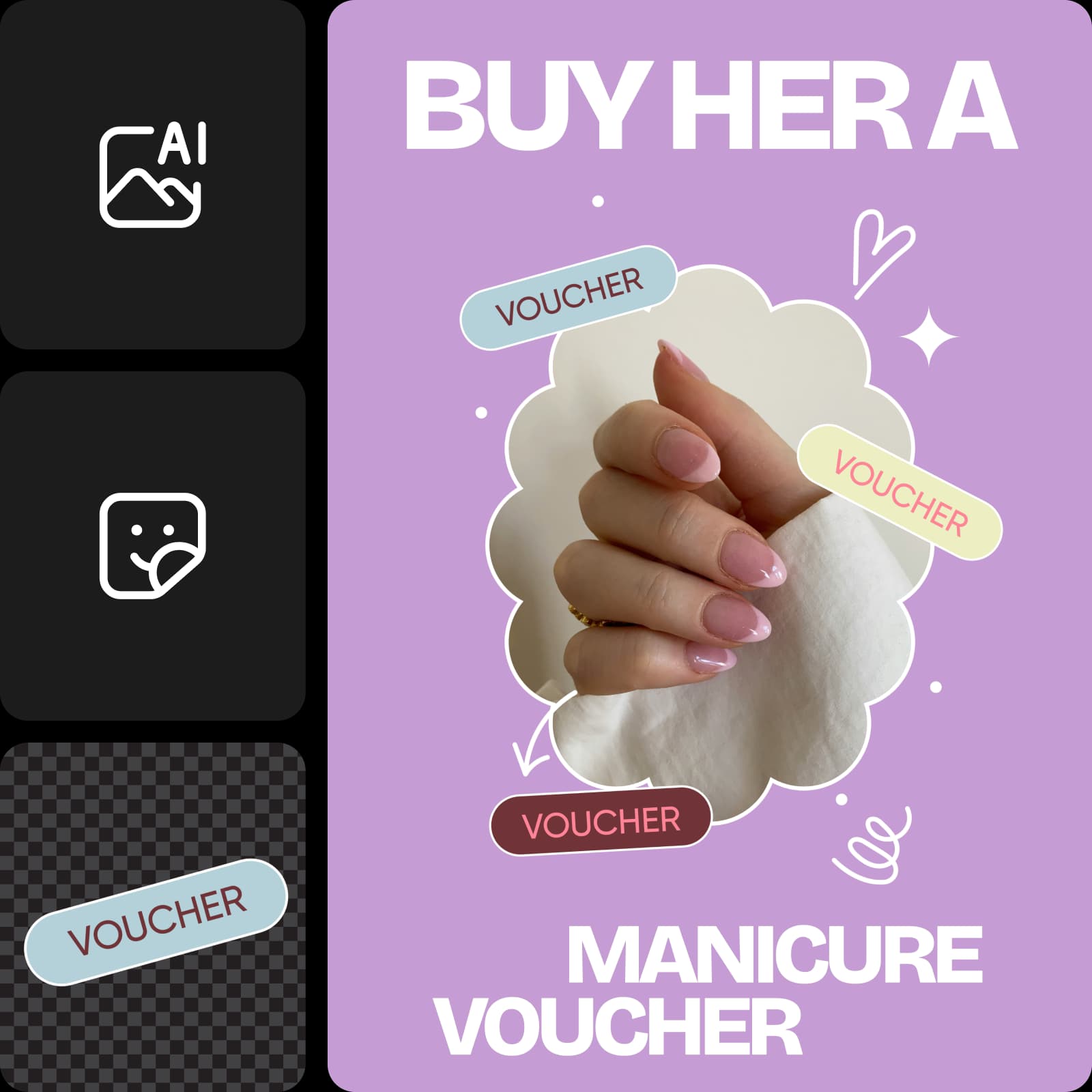
Hochauflösende und druckfreundliche Poster gestalten
Mit Picsart erstellst du Poster, die unabhängig von der Größe der Leinwand gedruckt genauso gut aussehen wie auf einem Bildschirm. Integrierte Tools wie Bild hochskalieren sorgen dafür, dass deine niedrig aufgelösten Fotos selbst auf Postern im Großformat gut aussehen. Mit Picsart kannst du ganz einfach Poster für jeden Anlass gestalten, herunterladen und drucken
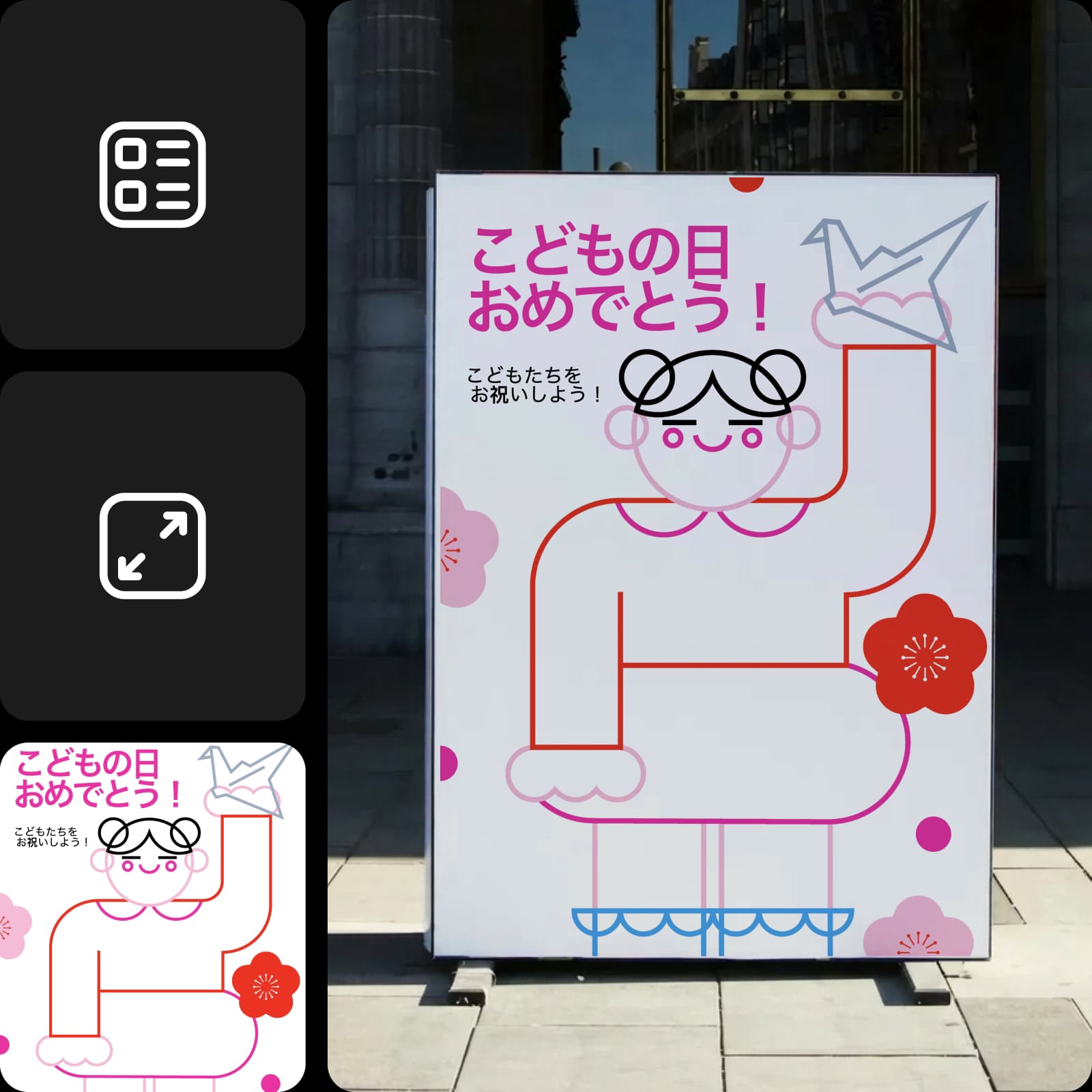
In Sekundenschnelle gestalten mit dem AI Poster Generator
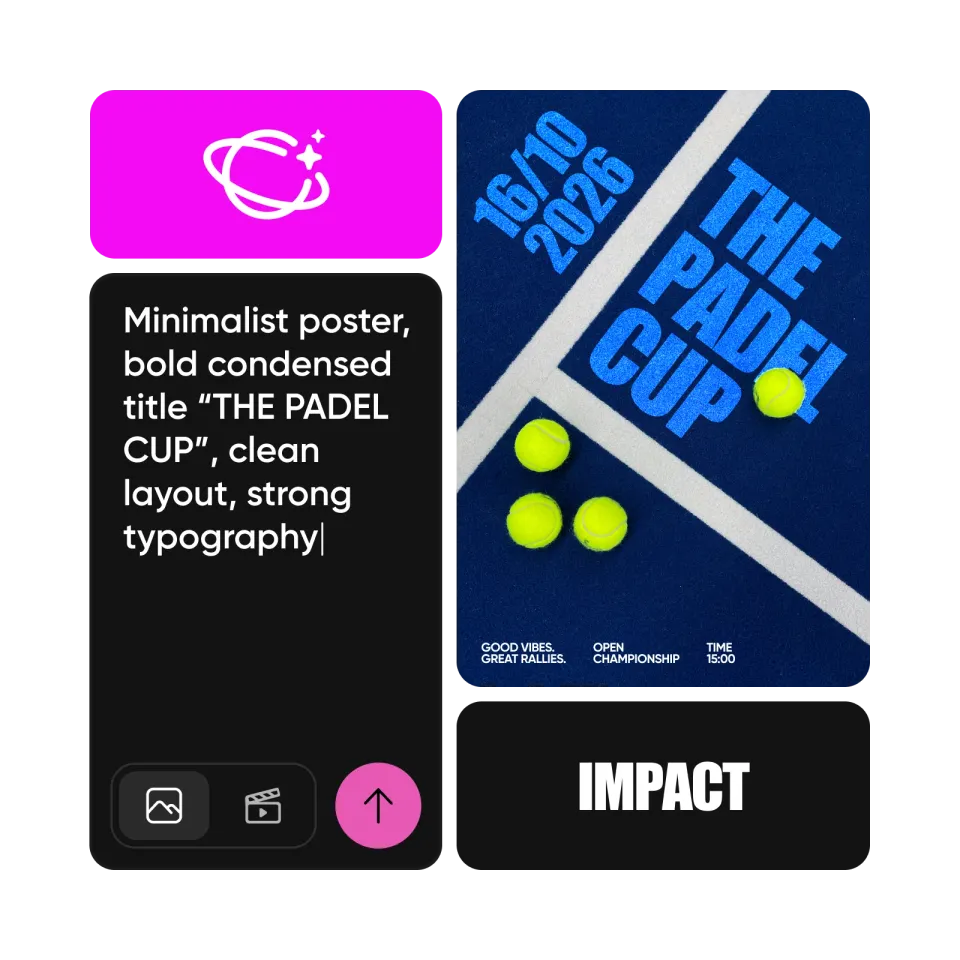
Alternativ kannst du mit Picsart Aura Poster von Grund auf erstellen. Beschreibe einfach, was du gestalten möchtest, und die KI erstellt ein vollständiges Poster mit Bildern, Text und Layout. Anschließend kannst du es ganz nach deinen Vorstellungen anpassen: Bearbeite Inhalte, ändere Schriftarten und Farben, ersetze Bilder und stimme jedes Detail ab.
Häufig gestellte Fragen zum Poster Maker
Poster gibt es je nach Bedarf in allen Formen und Größen. Wandposter sind oft 24x36 Zoll groß, während 11x18 Zoll eine beliebte Größe für Ankündigungsposter und Flyer ist. Letztendlich bestimmst du die Größe passend zu deinem Vorhaben und deinen Zielen.
Mit einer Vorlage von Picsart findest du inspirierende Designs, die du mit Grafiken und Designelementen anpassen kannst. Füge Sticker oder eigene Farben hinzu oder entferne sie wieder. Probiere andere Schriftarten oder Bilder aus. Wage dich über das Traditionelle hinaus und gestalte etwas, das wirklich alle Blicke auf sich zieht.
Das entscheidest du selbst. Für Poster zu formellen Veranstaltungen oder Vereinssitzungen eignen sich oft klassische Schriftarten wie Arial oder Calibri. Für ein Clubtreffen oder ein dekoratives Poster kann eine auffällige oder verspielte Schriftart wie ComicSans besser passen.
Bei einem dekorativen Poster hängt das ganz von der gewünschten Ästhetik ab. Für eine Ankündigung oder informative Zwecke solltest du relevante Details, Treffzeiten und gegebenenfalls Kontaktinformationen angeben.
Ja. Du kannst aus einer Vielzahl kostenloser Vorlagen zur Poster-Erstellung wählen und so für jede Idee einen passenden Ausgangspunkt finden.
Weitere beliebte Tools von Picsart
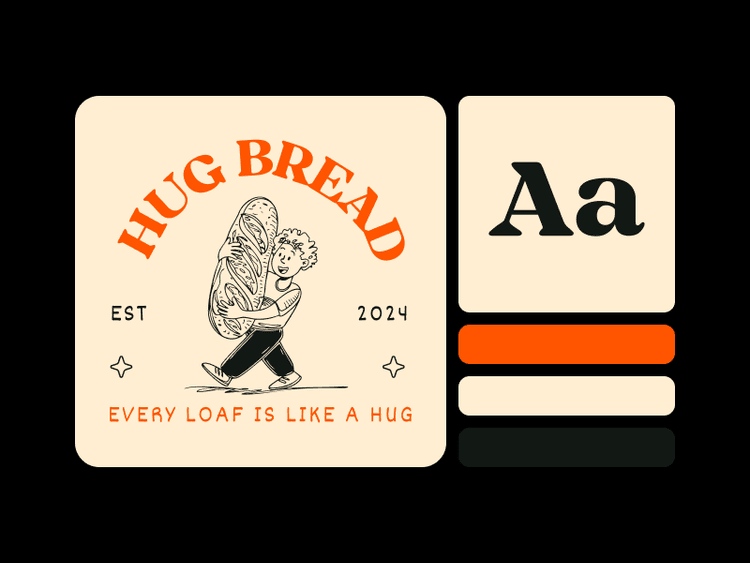
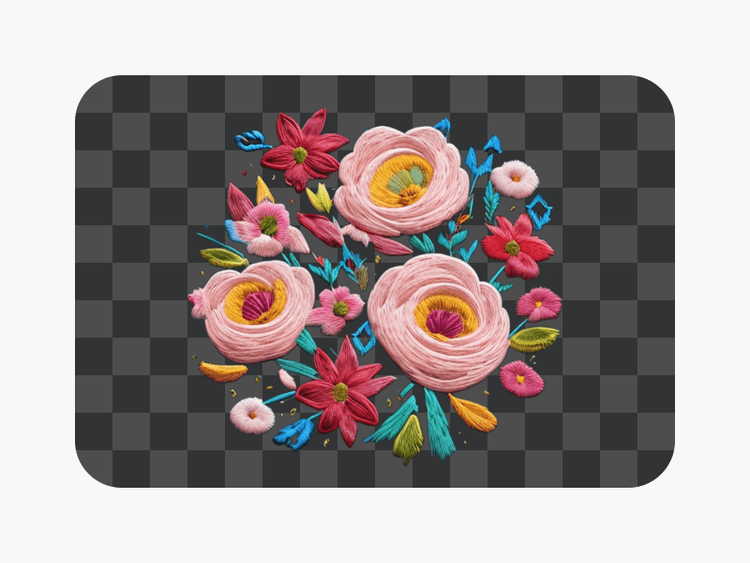
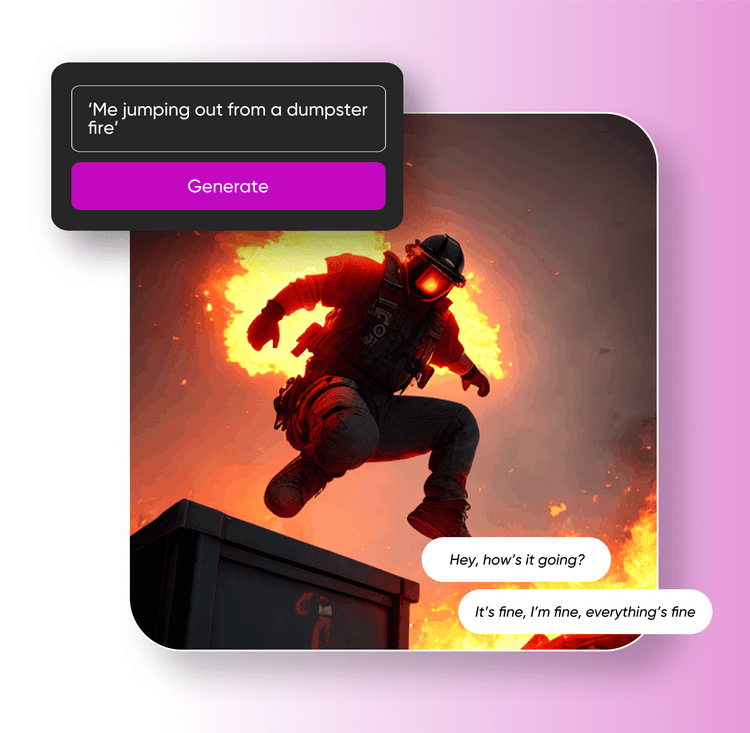
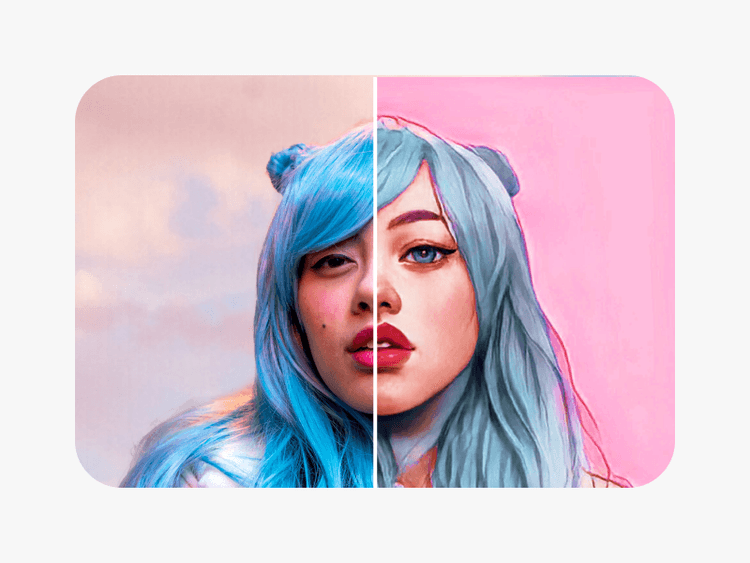
Poster für Marken, Veranstaltungen und Social Media gestalten
Pro
Most popularAI tools for everyday creative work.
Ultra
Most powerfulHeavy AI usage for creators & teams.