Create a Polished Media Kit With Picsart
Design a professional media kit in no time with the Picsart media kit creator.
- Present your work in one place
- Make the layout reflect your brand
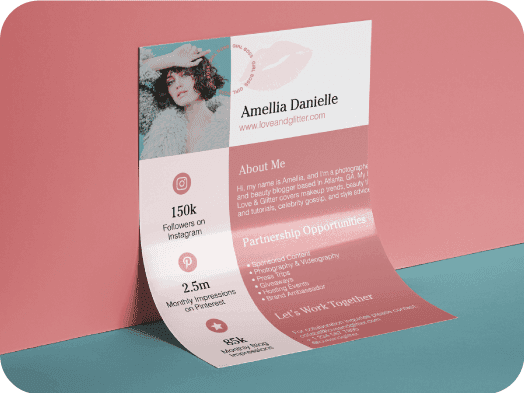
Design media kits with AI image models
Use image models to transform media kits into polished visuals, design ideas, and ready-to-edit assets.
Build a media kit around your brand
Whether you’re an established business or just starting out, having a professional media kit in your armoury is a must. With the Picsart media kit maker, you can create one without having to break the bank or spend countless hours doing it. And if you’re worried about a lack of design skills, rest assured that no experience is necessary. Wondering how to make a media kit on Picsart? It’s a piece of cake. Easily incorporate brand assets and logos by uploading them to the editor. Add signature touches by customizing your media kit using easy-to-use editing tools. With a little bit of creativity and a few clicks, you’ll be on your way to a media kit that’s ready for the press and prospective business partners alike.
- Put the details a partner needs together
Meet the Picsart Media Kit Creator
First thing is first: what exactly is a media kit and why does your business need one? Well, a media kit is official documentation that provides information about your company, brand, products, and/or services. You can send out a digital version or you can have it printed out if necessary. The media kit is a powerful PR tool for a company of any size, so it’s great to have a polished, aesthetically pleasing design to send out to editors, reporters, and other media professionals. Your media kit spreads awareness about your brand, ensuring that you get the best coverage in publications. With the Picsart media kit maker, you can create a classy media kit that will help your brand stand proud and tall when it comes to press coverage.
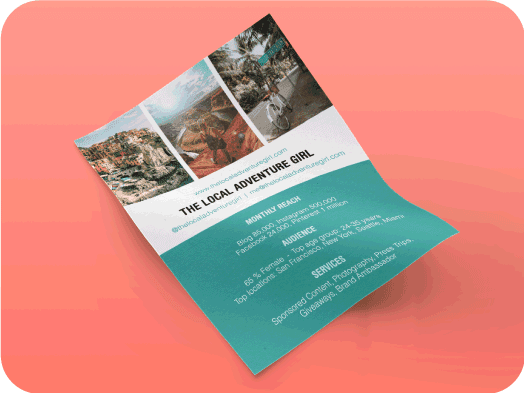
Create a Professional Media Kit in a Flash
Now that you have a better understanding of what a media kit is and why you need one, it’s time for the fun part: creating a media kit on Picsart! With the media kit creator, the process is quick and easy. If you can visualize what you need, you can design it, creating something great that reflects your brand perfectly. Using intuitive Picsart photo editing tools, you can incorporate impressive Effects, Backgrounds, Stickers, Text Tools, and more. Upload your brand assets to the media kit editor or choose from the image library. Members of the press will see tons of media kits, but with the Picsart media kit creator, you can make sure your design stands out.
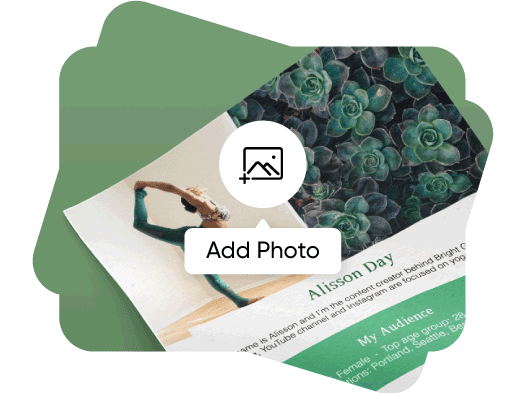
The Media Kit Creator Is Easily Customizable
The Picsart media kit creator gives you the freedom to choose how to design yours. With all the right photo editing tools at your fingertips you could possibly need, you can create your dream media kit with minimal fuss. Play around with classic and trendy effects and filters. Go down the no-filter route. Add stickers for a touch of fun. Throw in a bold background to make pages stand out. Make your words fizz with the perfect font and embellishing Text Tools. Remove objects from photos in a click or get rid of image backgrounds in seconds. Upload a brand logo or any other images that will make your media kit stand out. Once you’re done with design, you can download your media kit in PNG, JPG, or PDF formats. If you’re planning to print your media kit, don’t worry about resolution issues. That’s covered.
- Refine the design before you share it
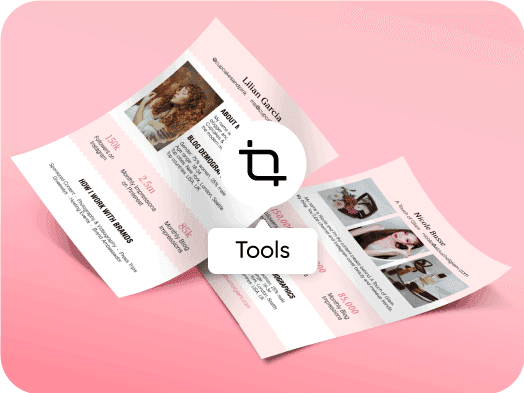
Save Even More Time with Media Kit Templates
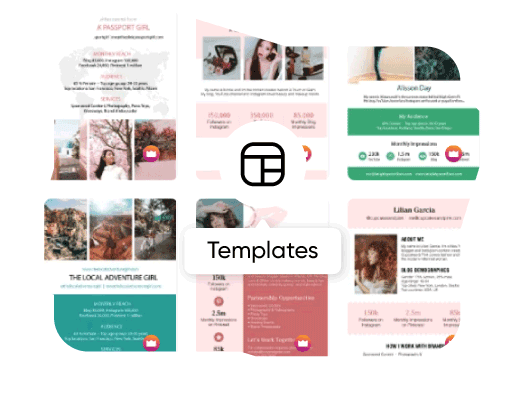
Great news: Picsart has a library of pre-made media kit templates that will save you even more time on your designs. A team of professional designers have already done the hard work creating media kit templates that will make your life easier. All you have to do is select the media kit template that matches your brand’s aesthetic and tweak a few design details. Yep, that’s it. All templates on Picsart are customizable and easy to use, so you can edit as little or as much as you want. Stick with the template’s original color scheme and fonts, or completely change things up. The choice is yours and there’s no wrong or right way when you design on Picsart.
Picsart Featured In






Media kit questions
Organize your introduction, selected work, verified audience information, services, and contact details. Use current figures you can substantiate, and keep the layout consistent across the kit.
Design media kits for brands, profiles, and campaigns
Pro
Most popularAI tools for everyday creative work.
Ultra
Most powerfulHeavy AI usage for creators & teams.