افزودن پسزمینه سفید به عکسها بهصورت آنلاین
فوراً پسزمینه فعلی را حذف کنید و با Picsart به عکسها پسزمینه سفید اضافه کنید. از یک ویرایشگرِ پسزمینه سفیدِ کاربرپسند استفاده کنید تا تصاویرتان را بهصورت آنلاین صیقل دهید و برای فهرستهای تمیزتر محصولات در تجارت الکترونیک، عکسهای پرتره و موارد دیگر آماده کنید.
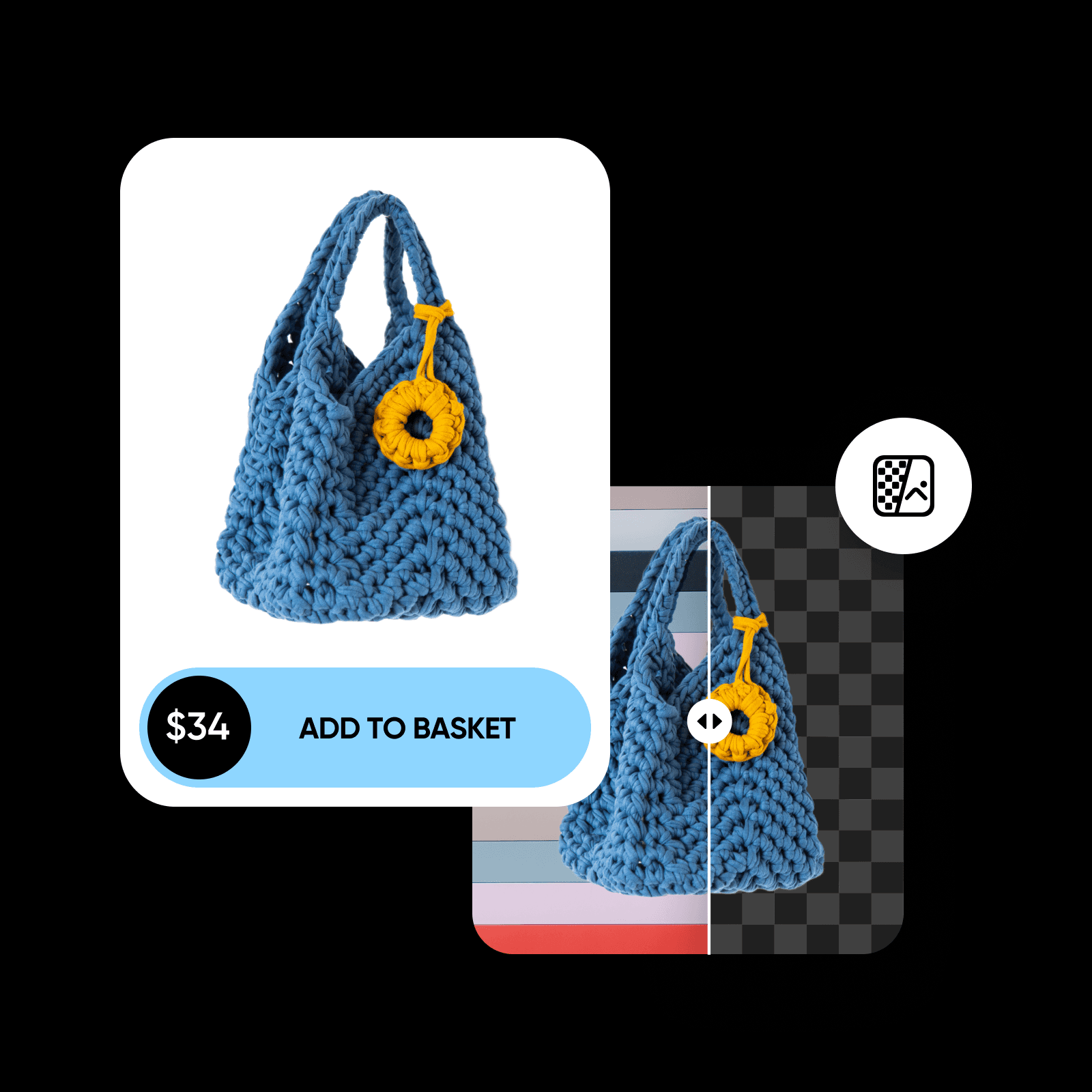
چرا از پسزمینههای سفید استفاده کنیم؟
امتیاز ابزار
Picsart را امتحان کنید تا ببینید چرا ابزار ویرایش محبوب میلیونها کاربر است.



نحوه تغییر پسزمینه عکس به سفید
How to
تصویر خود را بارگذاری کنید
تصویری را که میخواهید به آن پسزمینه سفید اضافه کنید انتخاب کنید.
صیقل دادن تصاویر با ویرایشِ پسزمینه سفید
پسزمینههای شلوغ را بهراحتی با یک پسزمینه سفید جایگزین کنید. عکسهای موجود خود را بدون نگرانی از افت کیفیت تنظیم کنید. ویرایشگر عکسِ پسزمینه سفیدِ مجهز به هوش مصنوعی Picsart استخراج دقیق سوژه از پسزمینه اصلی را بر عهده میگیرد تا بتوانید ضمن حفظ کیفیت، فرایند ویرایش را خودکار کنید.
- موضوع را در محیطی تمیز قرار دهید
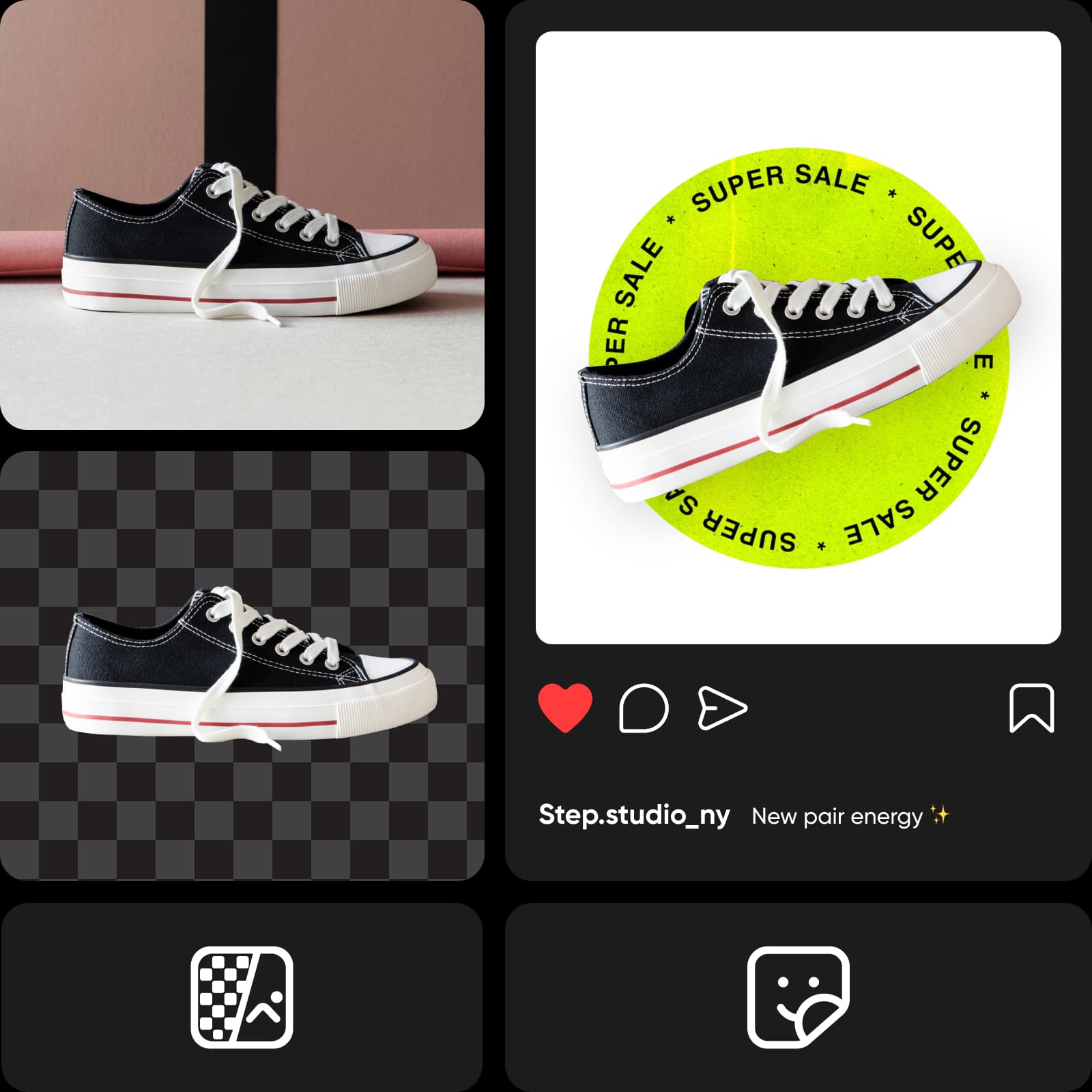
استخراج سوژههای تصویر با دقتِ هوش مصنوعی
دیگر نیازی نیست ساعتها با نشانگر دور سوژه را دقیق ردگیری کنید؛ آن دوران تمام شده است! به لطف یادگیری ماشین، تغییردهنده پسزمینه Picsart میتواند سوژه را تشخیص دهد و آن را استخراج کند، در حالی که حتی ریزترین جزئیات را بهخوبی حفظ میکند. برای محصولات یا پرترهها ویرایشهایِ پسزمینه سفید بسازید و طوری جلوه دهید که انگار در چیدمانی با کیفیتِ استودیویی گرفته شده است.
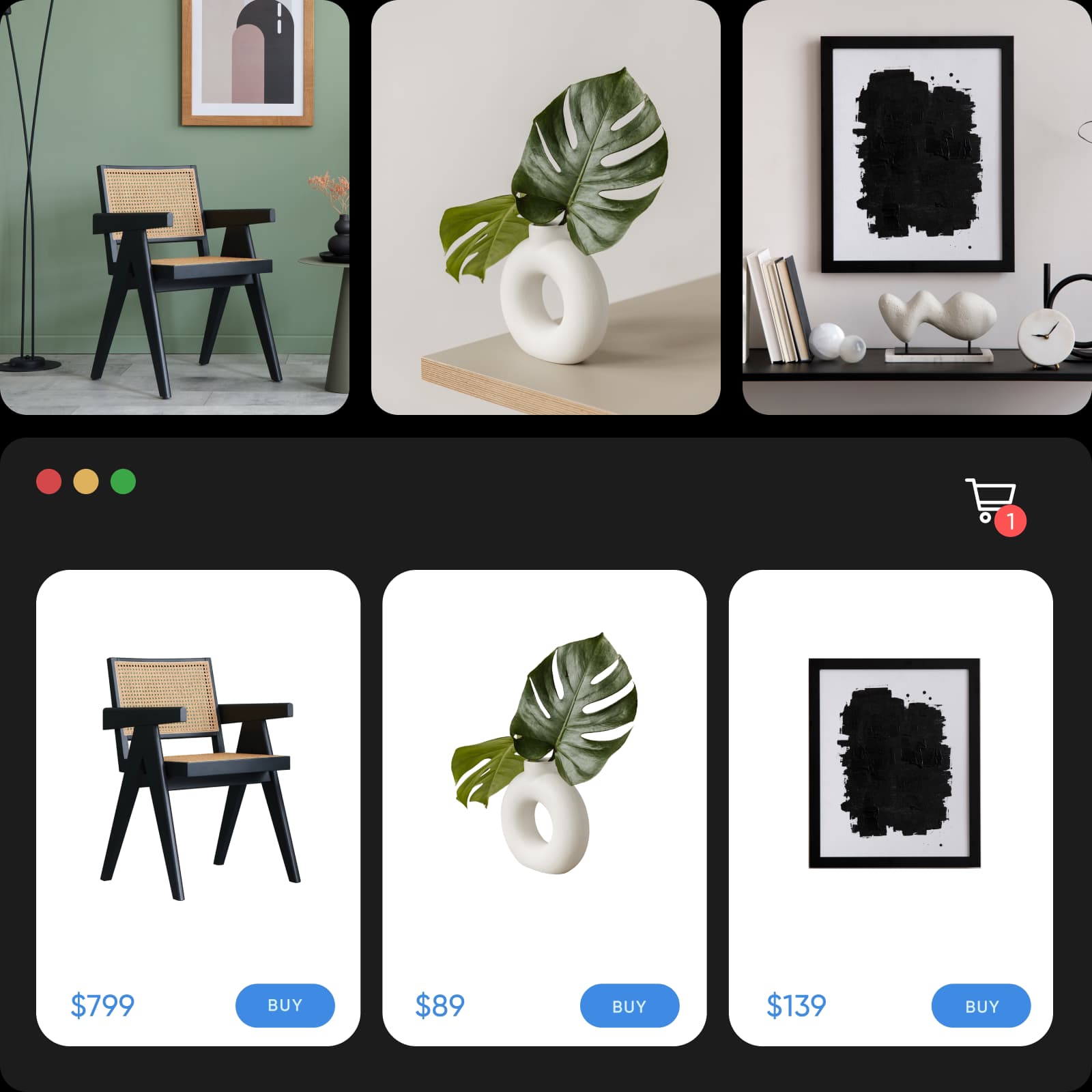
تصاویر تجارت الکترونیک خود را برجسته کنید
پسزمینههای حواسپرتکن را از عکاسی محصولات حذف کنید و با یک ویرایشِ پسزمینه سفید، اثربخشی ارائه آنلاین خود را افزایش دهید. الزامات عکسی پلتفرمهای تجارت الکترونیک را بهآسانی با تغییر رنگ پسزمینه به سفید برآورده کنید. و حتی با ویرایش همزمان چندین تصویر در Picsart فرایند را بهطور چشمگیری تسریع کنید.
- ظاهر یکنواخت در عکسهای محصول حفظ کنید
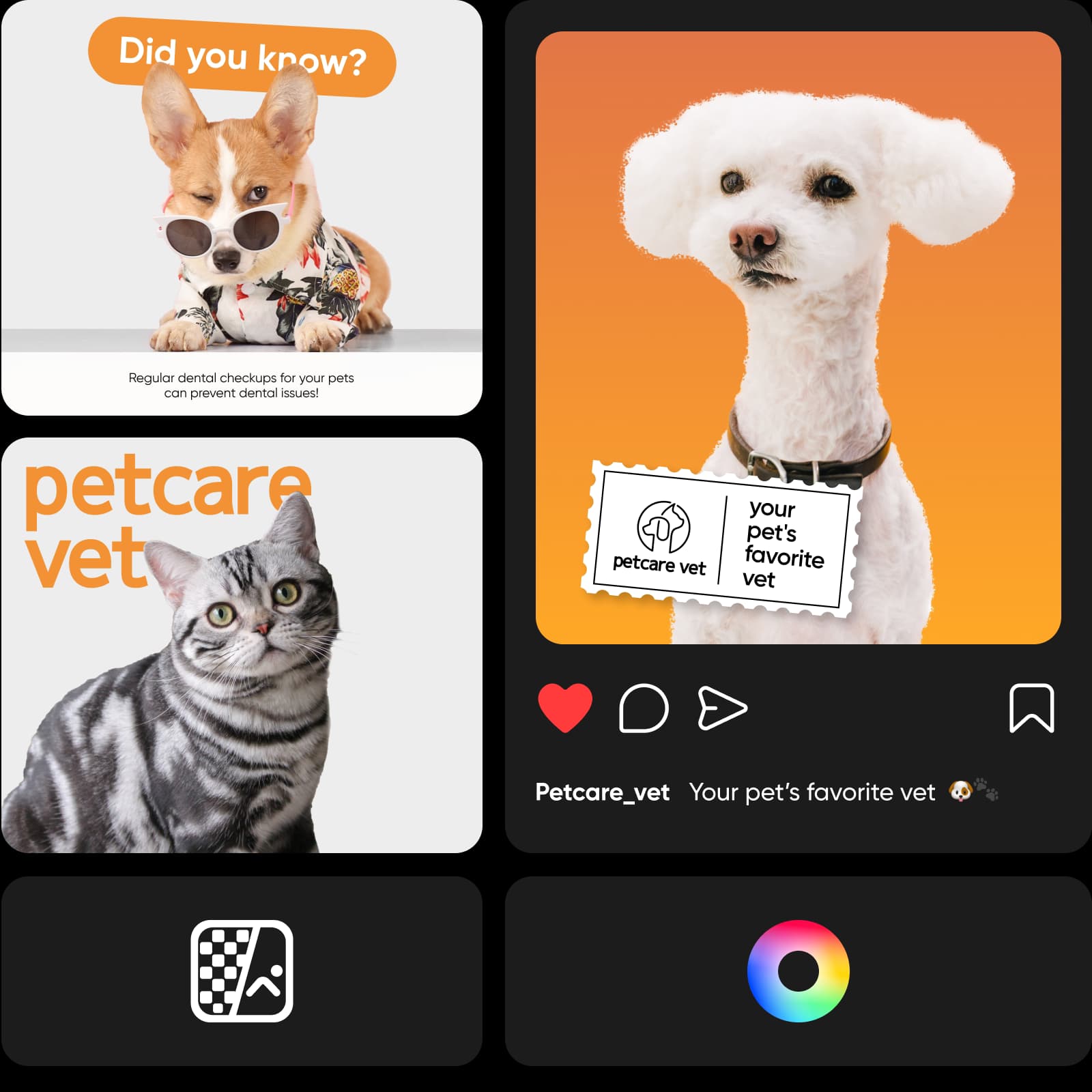
ظاهری یکپارچه در شبکههای اجتماعی حفظ کنید
فرقی نمیکند بهدنبال بهبود برند شخصی خود در LinkedIn باشید یا افزایش آگاهی و فروش از طریق شبکههای اجتماعی؛ ویرایشگر عکسِ پسزمینه سفید Picsart همراه شماست. با حذف پسزمینههای مزاحم، آگهیهای کاروسلی چشمگیر و پرترههای حرفهای بسازید. و اگر میخواهید در عین مینیمال بودن تنوعی ایجاد کنید، تغییر رنگ PNG را امتحان کنید.
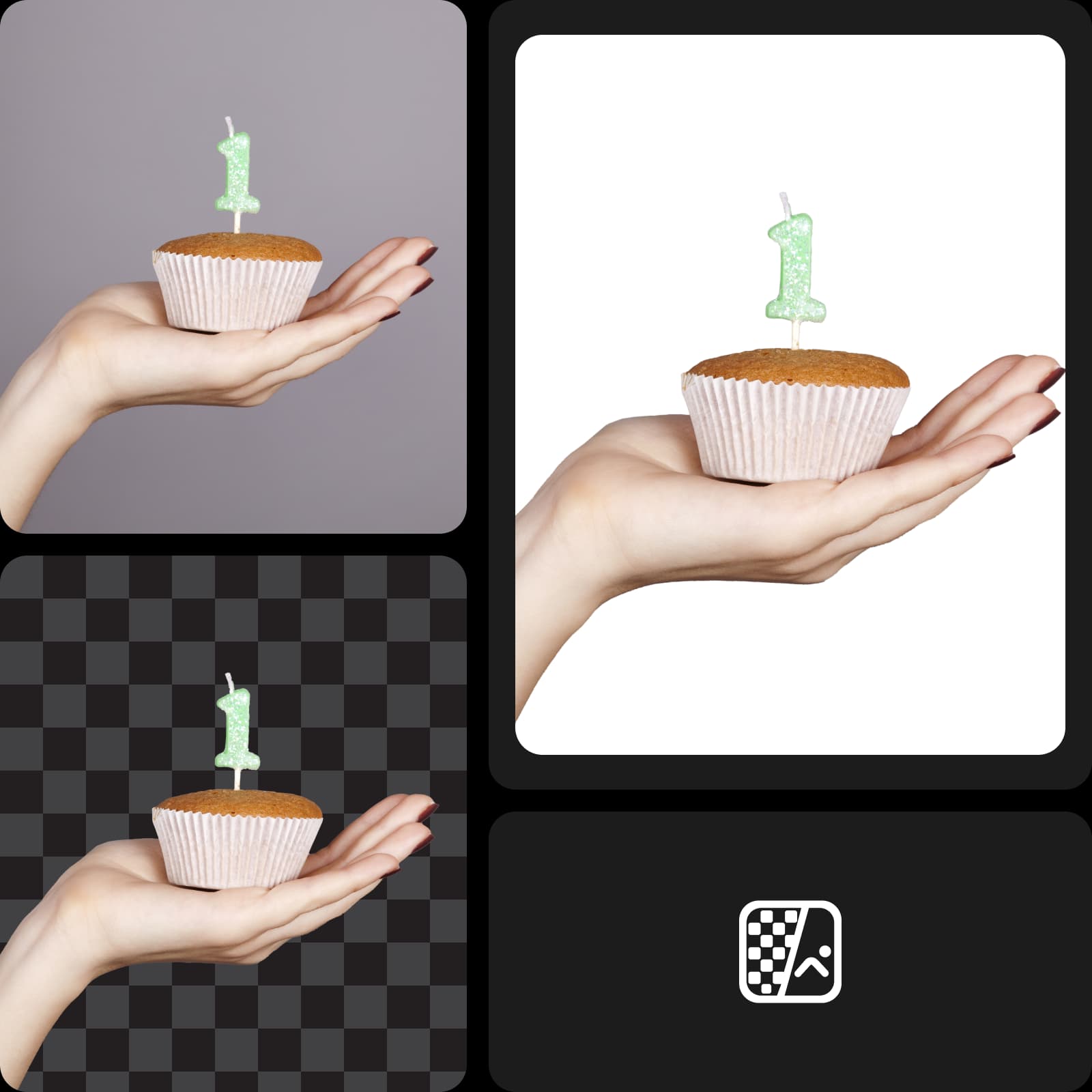
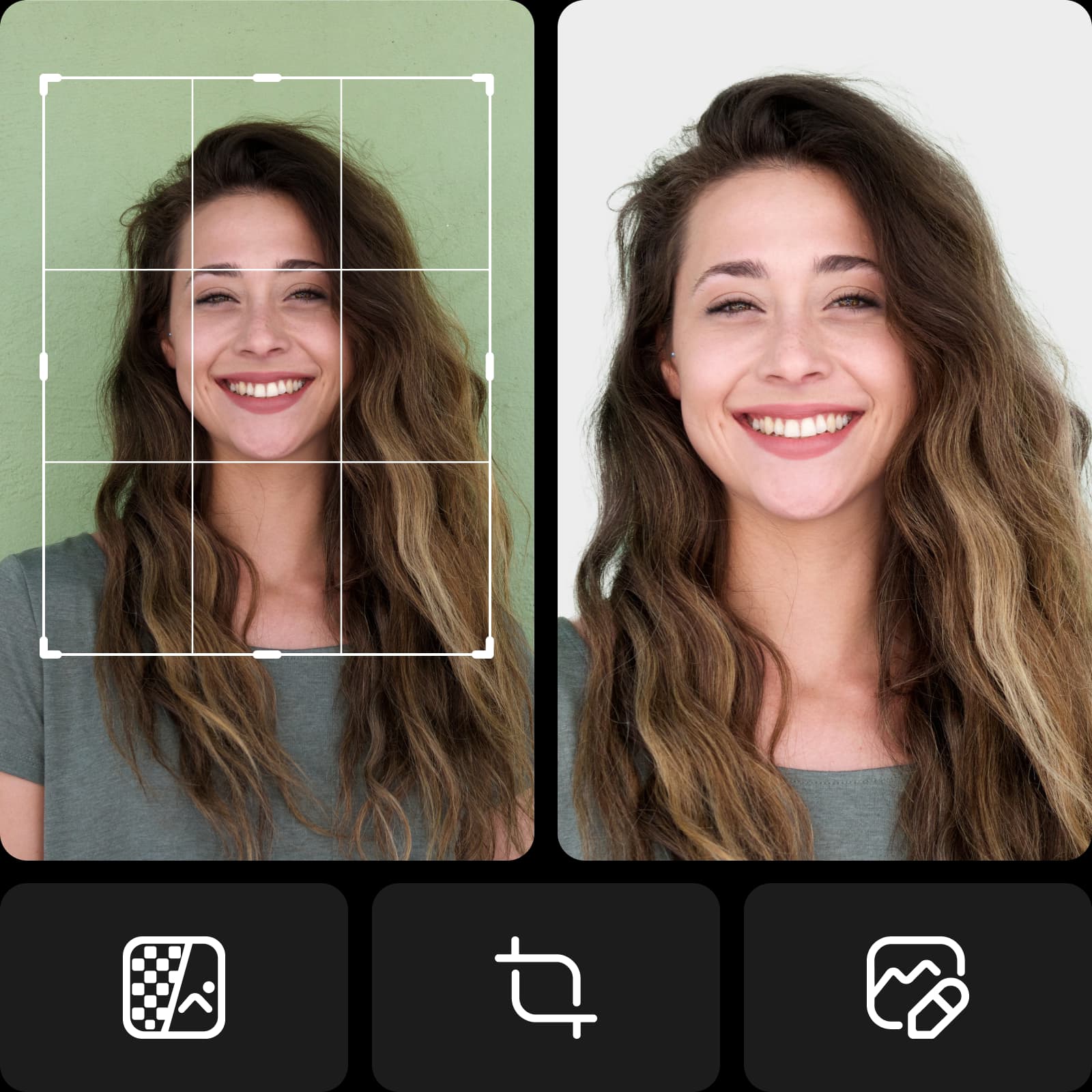
پرترههای با پسزمینه سفید را بهراحتی بسازید
دیگر نیازی نیست آن پرده سبز را باز کنید! با حداقل تجهیزات و چیدمان، پرترههای حرفهای با پسزمینه سفید بسازید. چه برای عکس پروفایل حرفهای یک پلتفرم سازمانی عکاسی کنید و چه برای عکس شناسایی، با ویرایشِ پسزمینه سفید میتوانید حتی معمولیترین شاتها را حرفهای جلوه دهید.
- پرتره را کانون توجه کنید
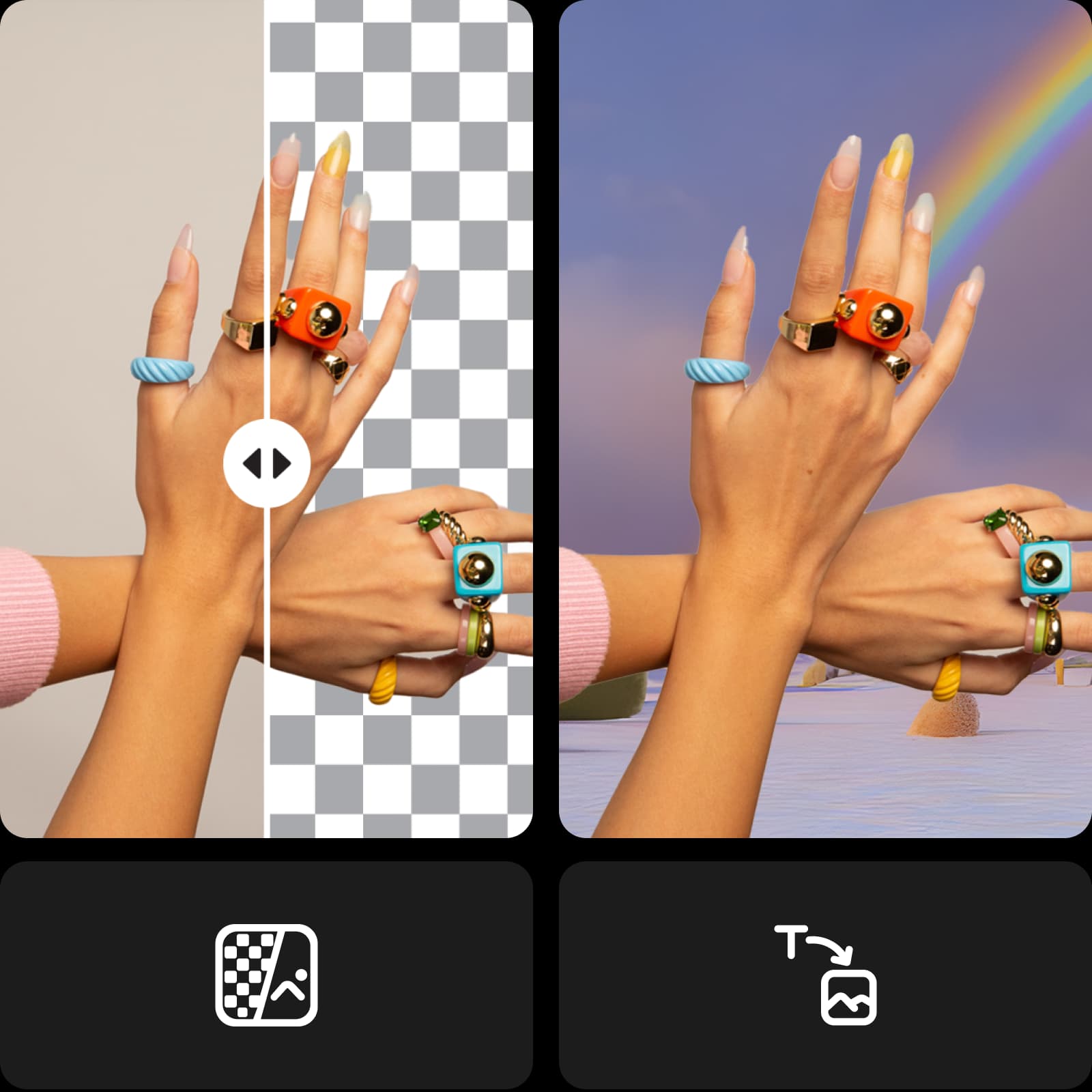
سفر خلاقانه خود را با Picsart ادامه دهید
بدون نیاز به جابهجایی بین ابزارهای ویرایش، جزئیات نهایی را روی ویرایش خود اعمال کنید. از ویرایشگر عکس هوش مصنوعی Picsart که دارای مجموعهای کامل از ابزارها در قالب یک رابط کاربری ساده و بصری است، بهره ببرید. با ابزارهایی مانند تولیدکننده پسزمینه هوش مصنوعی برای ساخت پسزمینههای سفارشی از ابتدا، یا تغییر چشمگیر و آنی ظاهر تصویر با فیلترهای هوش مصنوعی، از جدیدترین و پیشرفتهترین فناوریهای هوش مصنوعی استفاده کنید.
کاوش قالبهای شبکههای اجتماعی Picsart
با قالبهای تخصصیِ Picsart شروعی قدرتمند در تولید محتوا داشته باشید. برای هر هدف و سبکی یک طراحی آماده پیدا کنید که به پروژههای حرفهای و شخصی میخورد. هر قالب را در چند دقیقه بهراحتی سفارشی کنید تا با نیازهای محتوایی و سبک شما هماهنگ شود.


ویرایشگرِ پسزمینه سفید که زمان شما را ذخیره میکند
جریان کاری ویرایش خود را ساده کنید و همزمان نتایج بهتری بگیرید. بدون تلاش اضافی، ظاهری صیقلخورده و حرفهای برای تصاویرتان تضمین کنید. هوش مصنوعی پیشرفته Picsart همه کارها را برای شما انجام میدهد. امتحان کنید و خودتان جادوی آنی را تجربه کنید.
ساخت عکسهای با پسزمینه سفید با مدلهای تصویر هوش مصنوعی
از مدلهای تصویر برای تبدیل پسزمینهها، عکسهای محصول و برشها به تصاویر صیقلخورده استفاده کنید.
سوالات متداول ویرایشگر پسزمینه سفید
کافی است تصویر خود را در Picsart بارگذاری کنید تا پسزمینه بهصورت خودکار و با دقت بالا حذف شود. سپس با دکمه Background در نوار ابزار سمت چپ، رنگ سفید را بهعنوان پرکننده انتخاب کنید.
ایجاد تغییرات پسزمینه برای پروژههای آماده برای تولیدکنندگان محتوا
Pro
Most popularAI tools for everyday creative work.
Ultra
Most powerfulHeavy AI usage for creators & teams.
Enterprise
Custom AI solutions for large organizations.
- Volume discounts on credit rate
- On-demand top-ups
ابزارهای ویرایشی بیشتری را کشف کنید


