Aggiungi sfondi bianchi alle foto online
Elimina subito lo sfondo esistente e aggiungi uno sfondo bianco alle foto con Picsart. Usa un editor di sfondi bianchi facile da usare per perfezionare le tue immagini online e creare inserzioni di prodotti per l'e-commerce più pulite, ritratti e molto altro.

Perché usare sfondi bianchi?
Valutazione dello strumento
Prova Picsart e scopri perché milioni di utenti lo scelgono come strumento di editing.




Come cambiare lo sfondo di una foto in bianco
How to
Carica la tua immagine
Seleziona l'immagine a cui vuoi aggiungere uno sfondo bianco.
Perfeziona le immagini con uno sfondo bianco
Sostituisci facilmente uno sfondo disordinato con uno bianco. Modifica le foto esistenti senza preoccuparti della qualità. L'editor di foto con sfondo bianco basato sull'AI di Picsart estrarrà con precisione il soggetto dallo sfondo originale, così potrai automatizzare il processo di modifica senza compromettere la qualità.
- Dai al soggetto un ambiente più pulito

Ritaglia i soggetti delle tue immagini con la precisione dell'AI
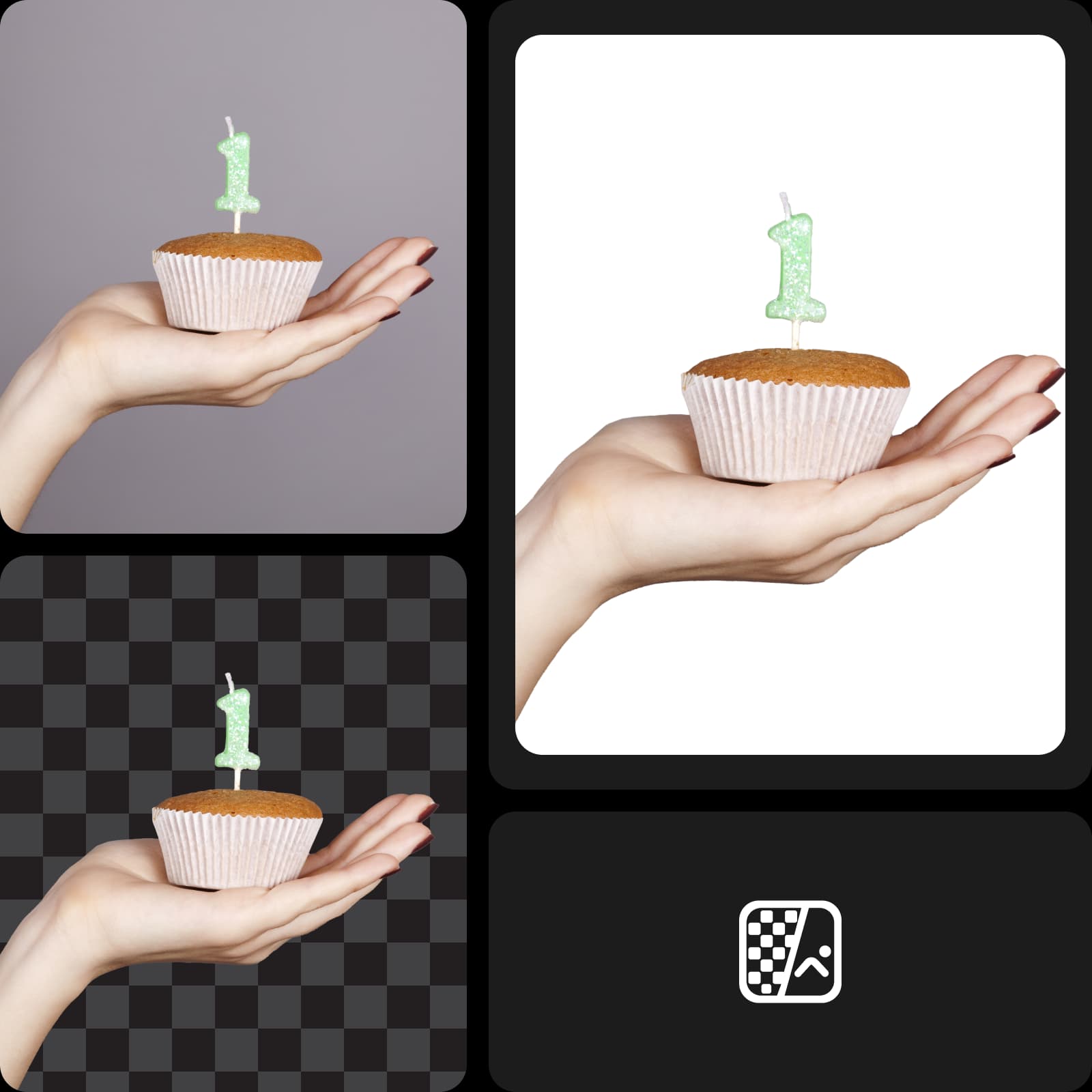
Non serve passare ore a tracciare con il cursore i contorni del soggetto. Ormai è acqua passata! Grazie al machine learning, il cambia sfondo di Picsart è in grado di riconoscere ed estrarre il soggetto, preservando perfettamente anche i dettagli più piccoli. Crea foto con sfondo bianco per i tuoi prodotti o ritratti e dai l'impressione che siano stati scattati in uno studio professionale.
Fai risaltare le immagini dei tuoi prodotti e-commerce
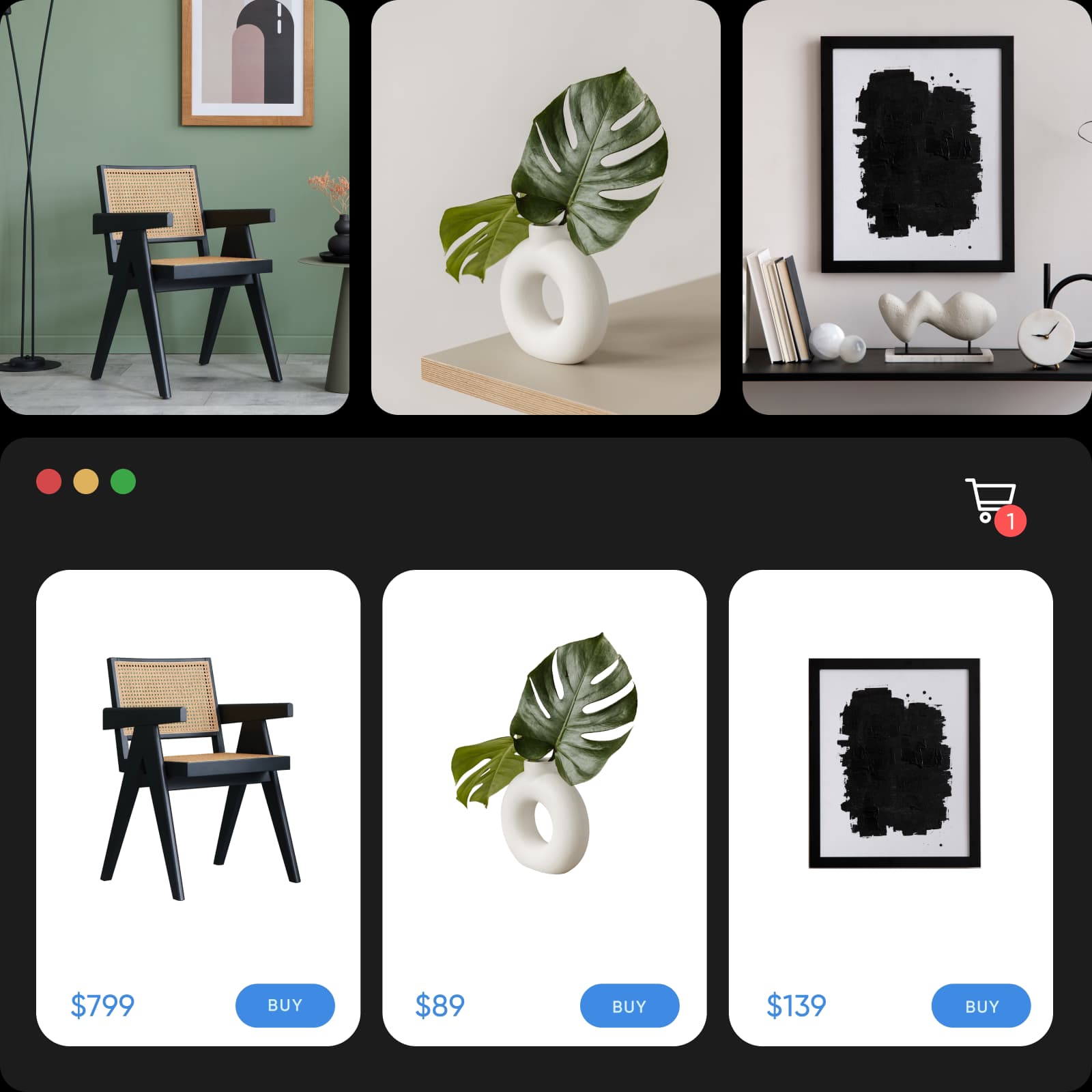
Elimina gli sfondi che distraggono dalle foto dei tuoi prodotti e migliora la presentazione online con uno sfondo bianco. Soddisfa facilmente i requisiti fotografici delle piattaforme di e-commerce cambiando il colore dello sfondo in bianco. Inoltre, velocizza notevolmente il processo modificando più immagini contemporaneamente con Picsart.
- Mantieni uno stile coerente nelle foto prodotto
Assicurati un look coerente sui social media
Che tu voglia migliorare il tuo personal brand su LinkedIn o aumentare la notorietà e le vendite sui social media, l'editor di foto con sfondo bianco di Picsart è quello che fa per te. Crea annunci carosello che catturano l'attenzione e ritratti professionali eliminando gli sfondi che distraggono. E se vuoi aggiungere un tocco in più mantenendo uno stile minimalista, prova il cambia colore PNG.

Crea facilmente ritratti con sfondo bianco
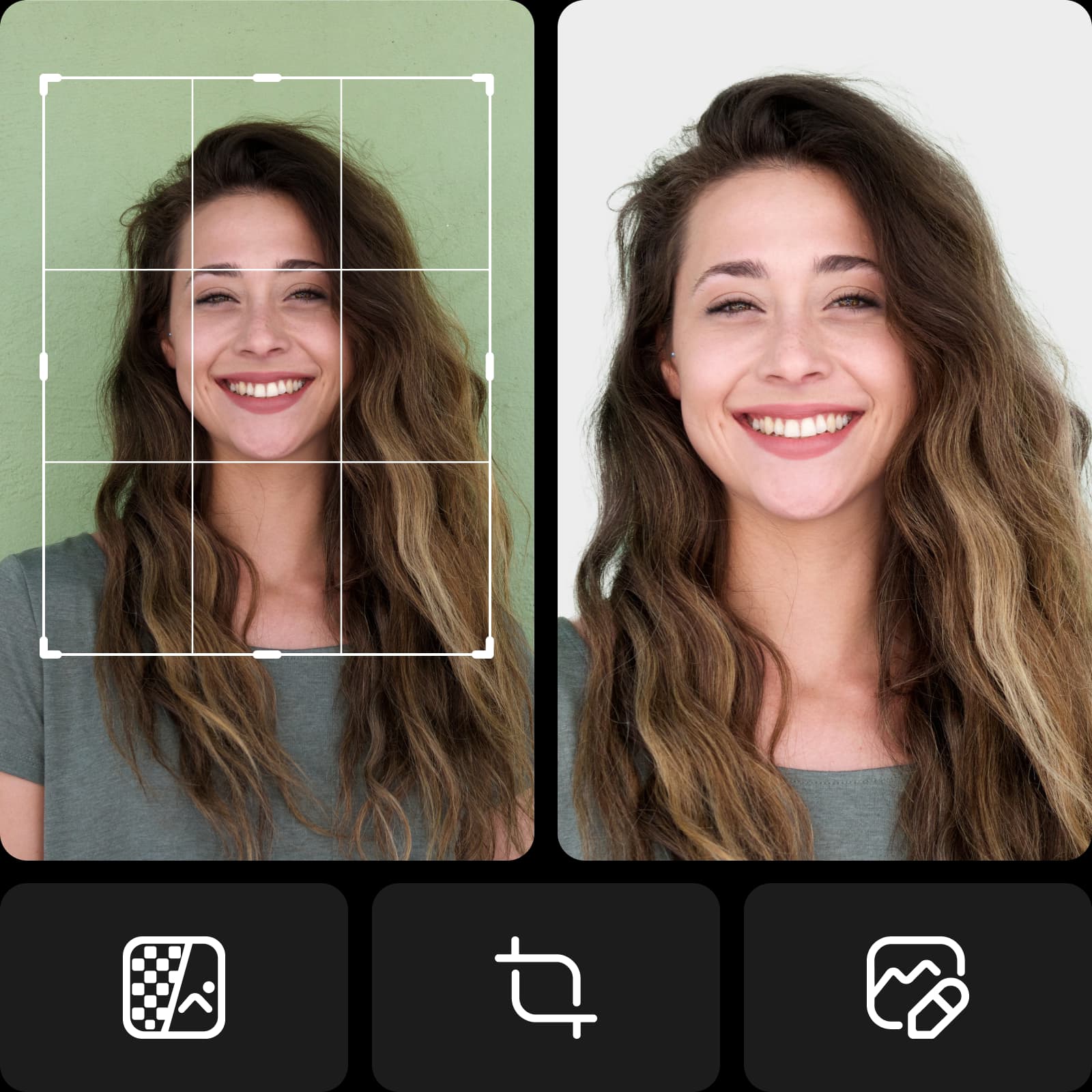
Non dovrai più tirare fuori il green screen! Crea ritratti professionali con sfondo bianco usando attrezzatura e preparativi minimi. Che tu stia realizzando un ritratto professionale per una piattaforma aziendale o una foto per un documento, puoi rendere professionali anche gli scatti più informali con la modifica dello sfondo bianco.
- Fai del ritratto il centro dell’attenzione
Prosegui il tuo percorso creativo con Picsart
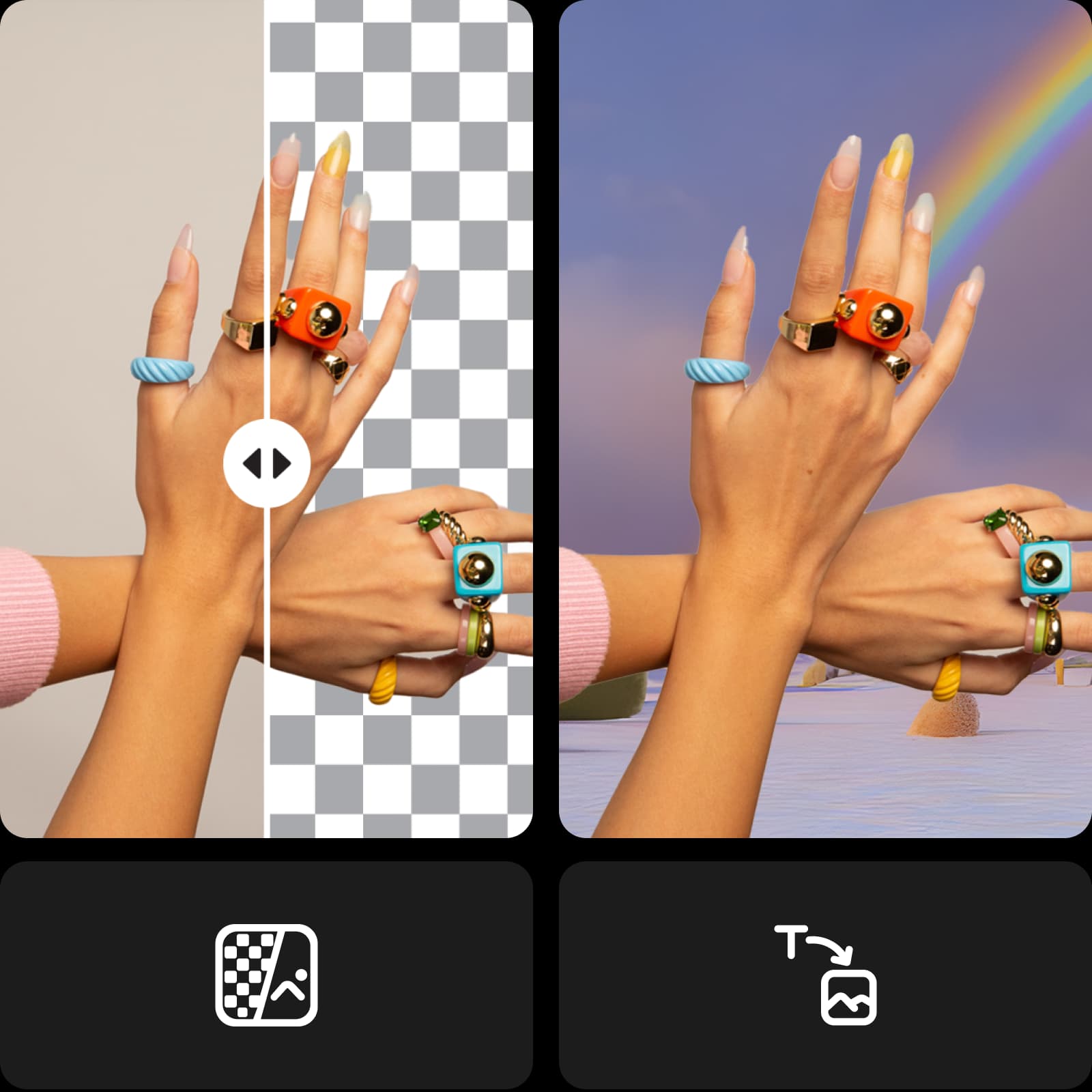
Aggiungi gli ultimi ritocchi alle tue modifiche senza passare da uno strumento di editing all'altro. Approfitta dell'editor di foto AI di Picsart, che offre un set completo di strumenti in un'unica interfaccia intuitiva. Sfrutta le più recenti innovazioni della tecnologia AI con strumenti come il generatore di sfondi AI per creare sfondi personalizzati da zero o rinnovare il look in un attimo con i filtri AI.
Scopri i modelli per i social media di Picsart
Dai una marcia in più alla creazione dei tuoi contenuti con i modelli professionali di Picsart. Trova un design già pronto per ogni esigenza e stile, adatto a progetti professionali e personali. Personalizza facilmente ogni modello in pochi minuti per adattarlo ai tuoi contenuti e al tuo stile.


Un editor di sfondi bianchi che ti fa risparmiare tempo
Semplifica il flusso di lavoro e ottieni risultati migliori. Dai alle tue immagini un aspetto curato e professionale senza fatica. L'AI all'avanguardia di Picsart fa tutto il lavoro al posto tuo. Provalo e scopri la magia in un attimo.
Crea foto con sfondo bianco usando modelli di immagini AI
Usa i modelli di immagini per trasformare sfondi, foto di prodotti e ritagli in immagini curate.
Domande frequenti sull'editor di sfondi bianchi
Carica la tua immagine su Picsart per rimuovere automaticamente lo sfondo con grande precisione. Poi usa il pulsante Sfondo nella barra degli strumenti a sinistra e seleziona un riempimento bianco.
Genera modifiche agli sfondi per progetti pronti per i creator
Pro
Most popularAI tools for everyday creative work.
Ultra
Most powerfulHeavy AI usage for creators & teams.
Enterprise
Custom AI solutions for large organizations.
- Volume discounts on credit rate
- On-demand top-ups
Scopri altri strumenti di editing


