招待状メーカー:AIでオリジナルの招待状カードを作成
写真やイベントの詳細を入力したプロンプトから、Picsart Flowでオンライン招待状を作成しましょう。AIが印刷や共有にぴったりのオリジナル招待状をデザインし、完成したカードを短い動画の招待状にすることもできます。
- イベントの詳細をデザインに直接入力
- 印刷してもオンラインで共有してもOK
- 完成したカードからアニメーション動画の招待状を作成
最先端のAI画像モデルで招待状を作成
AIで招待状カードを作成する方法
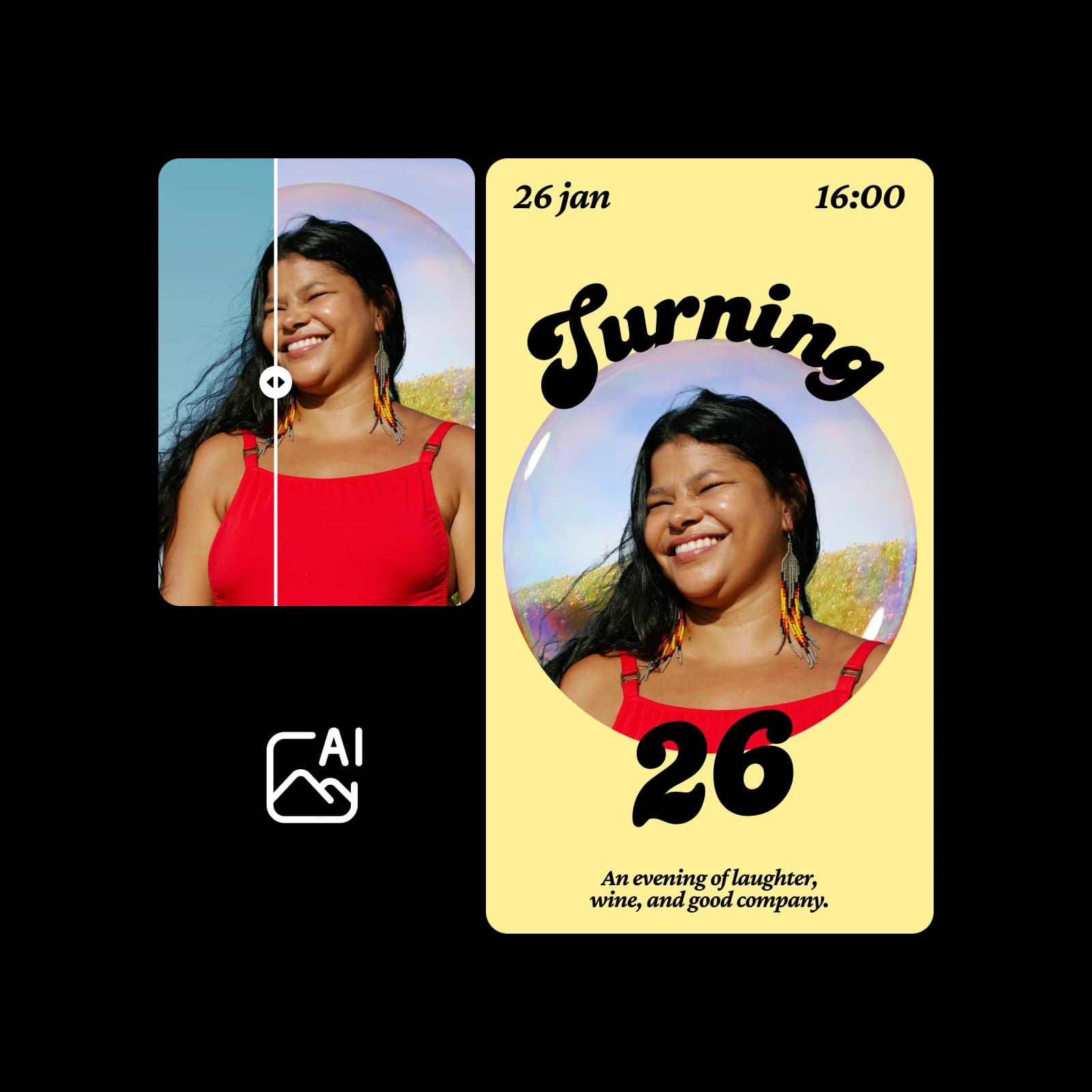
あらゆるシーンに合う招待状のアイデア
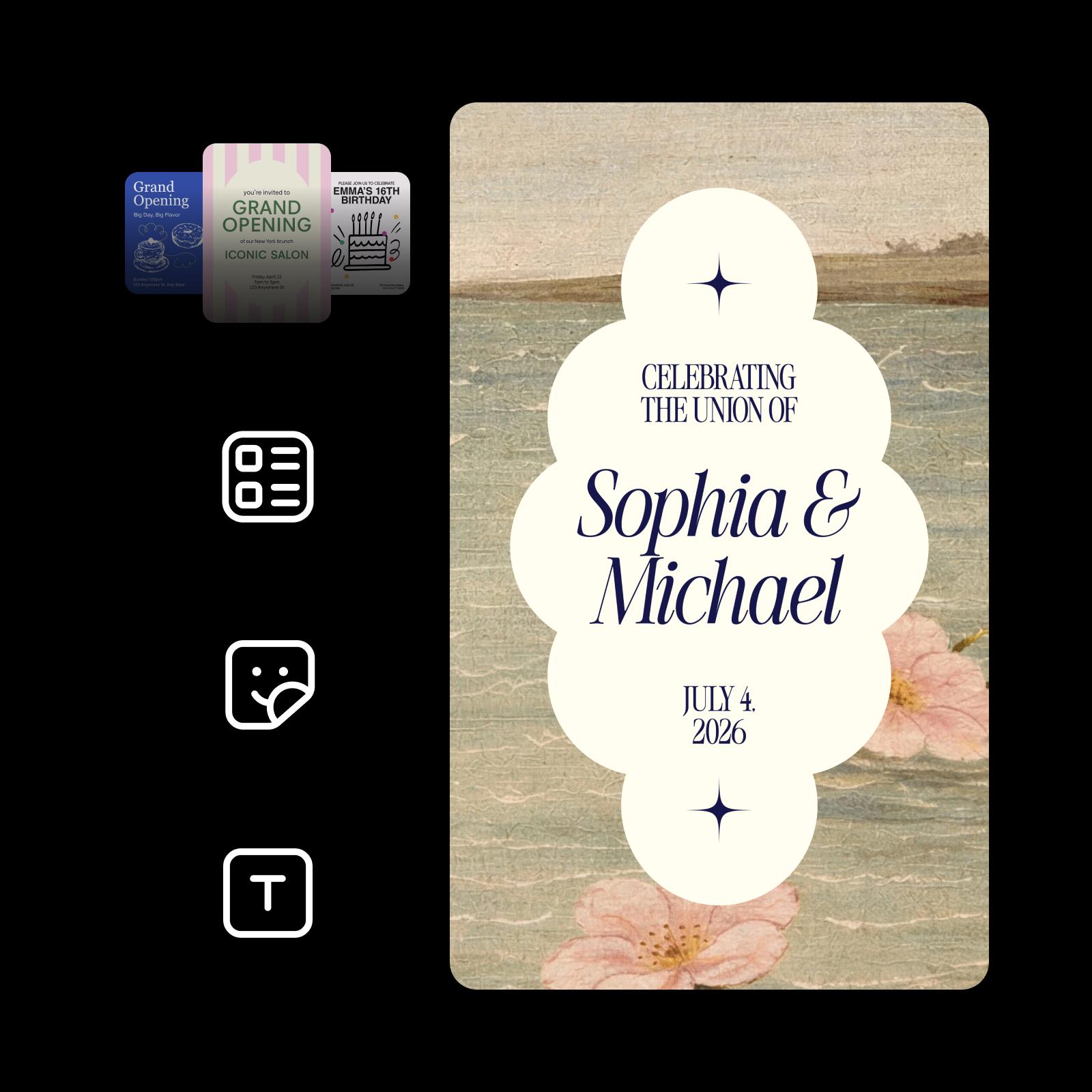
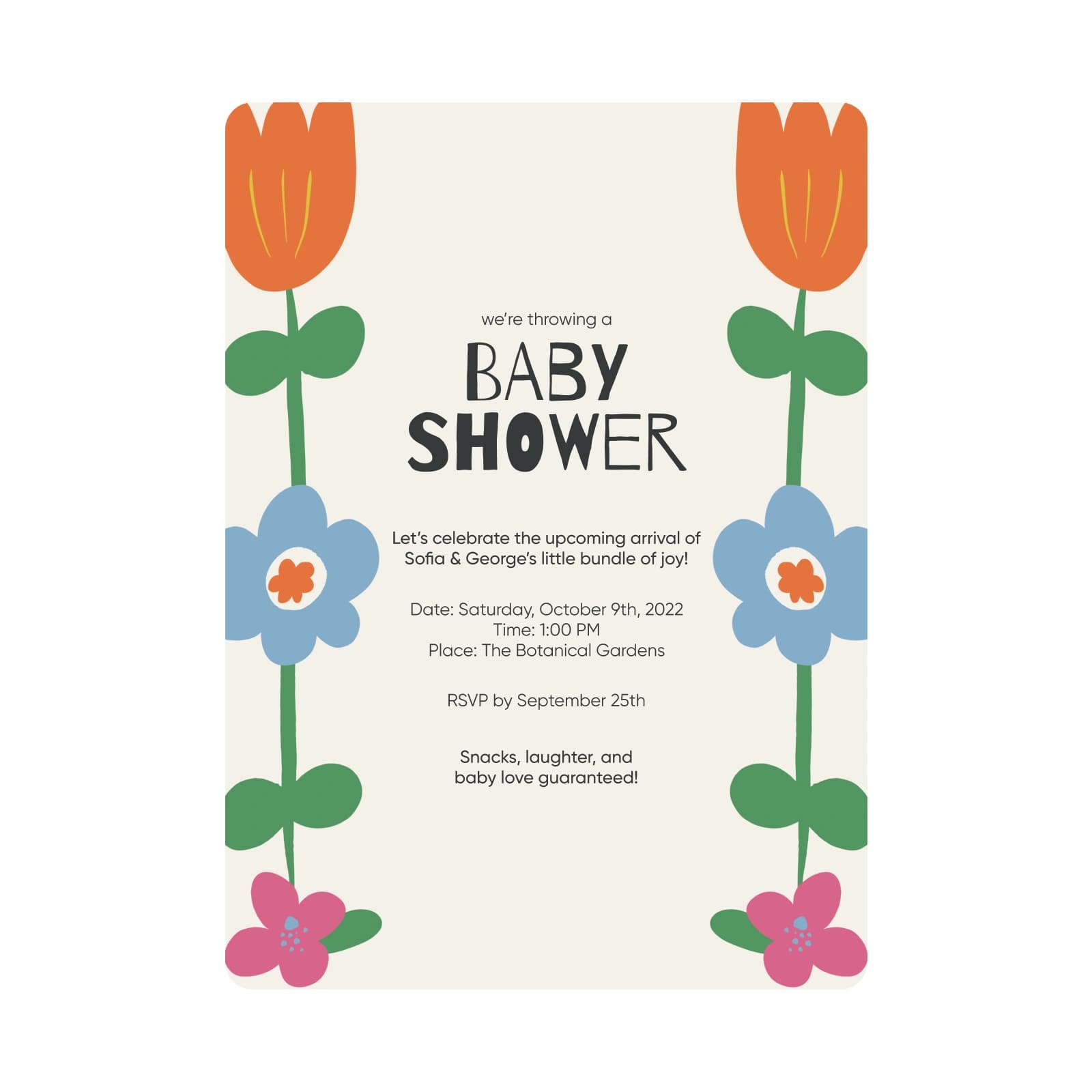
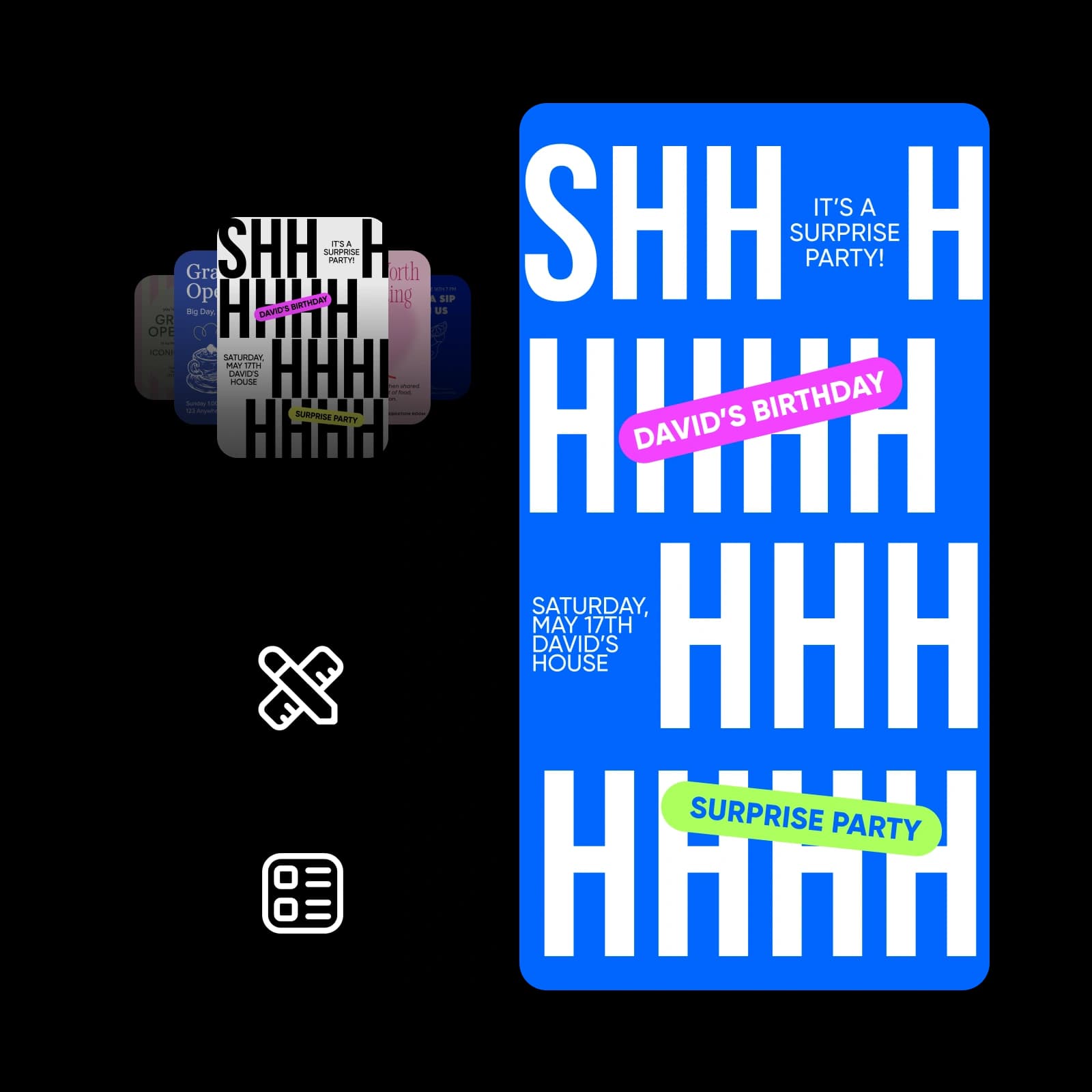


自分らしさを表現した、エレガントな結婚式の招待状をデザインしましょう。
エレガントな3:4の結婚式招待状。背景:くすんだグリーンとベージュを基調とした、穏やかな海と砂浜の柔らかな質感の油絵。下の両隅に淡いピンクの野ばら。中央:クリーム色の雲形スカラップパネル。上下に小さなネイビーの四芒星。ネイビーの文字:「ふたりの門出を祝して」を細いセリフ体の大文字で、「Sophia & Michael」を大きなイタリックのセリフ体で、「2026年7月4日」を小さなセリフ体の大文字で。ロマンチックで、ヴィンテージ感があり、軽やか。
文字に強いモデルで名前や日付もくっきり
Picsart FlowのこれらのAIモデルは、見出しの名前から小さな注記まで、招待状の文字をきれいに表現します。
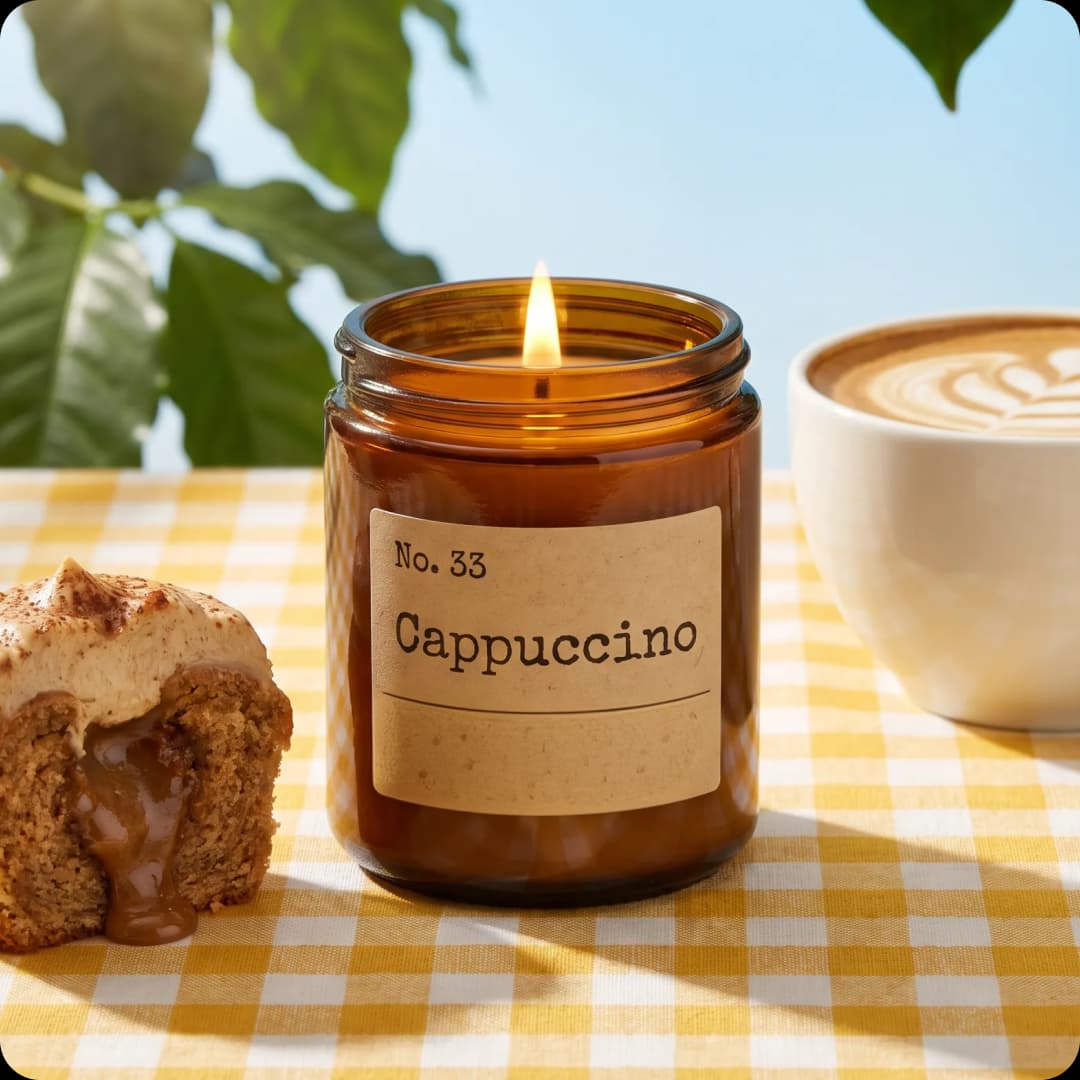


手軽に招待状カードをデザイン
Picsart Flowなら、誰でも簡単に招待状を作成できます。写真をアップロードし、イベントの詳細をプロンプトに入力したら、AIモデルにレイアウトや文字の配置を任せて実行するだけ。印刷するカードもオンラインで送るe招待状カードも、Picsartの招待状デザインはすべてブラウザー上のひとつのキャンバスから始められます。次のイベントでは、プロンプトの日付や会場を変更して、もう一度実行しましょう。
- 主役や会場の写真、またはプロンプトだけから作成
- 名前、日付、会場をデザインに直接入力
- 印刷カードにもオンライン送信用のe招待状にも使えるデザイン

招待状の作成方法を選ぶ
主役の写真や会場の写真、またはプロンプトだけから始められます。空白のFlowキャンバスを右クリックして、招待状に必要なAIモデルを挿入すれば、あらゆるシーンに使えるAI招待状ジェネレーターとして活用できます。すべての手順を編集できるので、写真やモデルを入れ替えて再実行するのも簡単です。Flowには、ワンクリックの接続、多数のノードの一括編集、チェーン全体の再実行など、ワークフローをより速く構築する機能がそろっています。

招待状に自分らしさをプラス
自分の写真を招待状の中心に置き、AIモデルに周囲をデザインさせましょう。日付や名前、会場を修正したいときは、生成AI画像編集でInpaintを使って該当箇所をブラシでなぞり、変更内容を説明するだけ。その部分だけが更新され、ほかの部分はピクセル単位でそのまま保たれます。写真の端を広げたり、新しいカメラアングルで撮影し直したように見せたりすることもできます。編集内容は新しいノードに追加されるので、元のデザインもそのまま残ります。

招待状を動画にする
動きのある招待状は、チャットでも目を引きます。完成した招待状カードにCamera Motionノードを追加し、ズームインや周回などの動きを選ぶと、デザインはそのままに、Flowが5~15秒の動画に仕上げます。Flowを動画招待状メーカーとして使いながら、元のカードを印刷することもできます。さらに動きを加えたいときは、Flowのアニメーション動画ワークフローで、モーションテンプレートやアニメーションテキスト、字幕を追加できます。
画面でも紙でも映える招待状を印刷
Picsart Flowで作成した印刷用招待状は、紙に印刷しても色や文字がきれいに仕上がります。印刷前に、完成したデザインをPicsartのAIアップスケーラーに通しましょう。2倍または4倍に拡大して、質感や細かい文字もくっきり保てます。その後、カード用紙に印刷するか、印刷ショップに依頼しましょう。
- 標準的な招待状カードのサイズ、5 x 7インチに設定。
- 招待する人、内容、日時、場所、出欠の返信方法を記載。
- 大切な情報が読みやすいよう、文面は簡潔に。

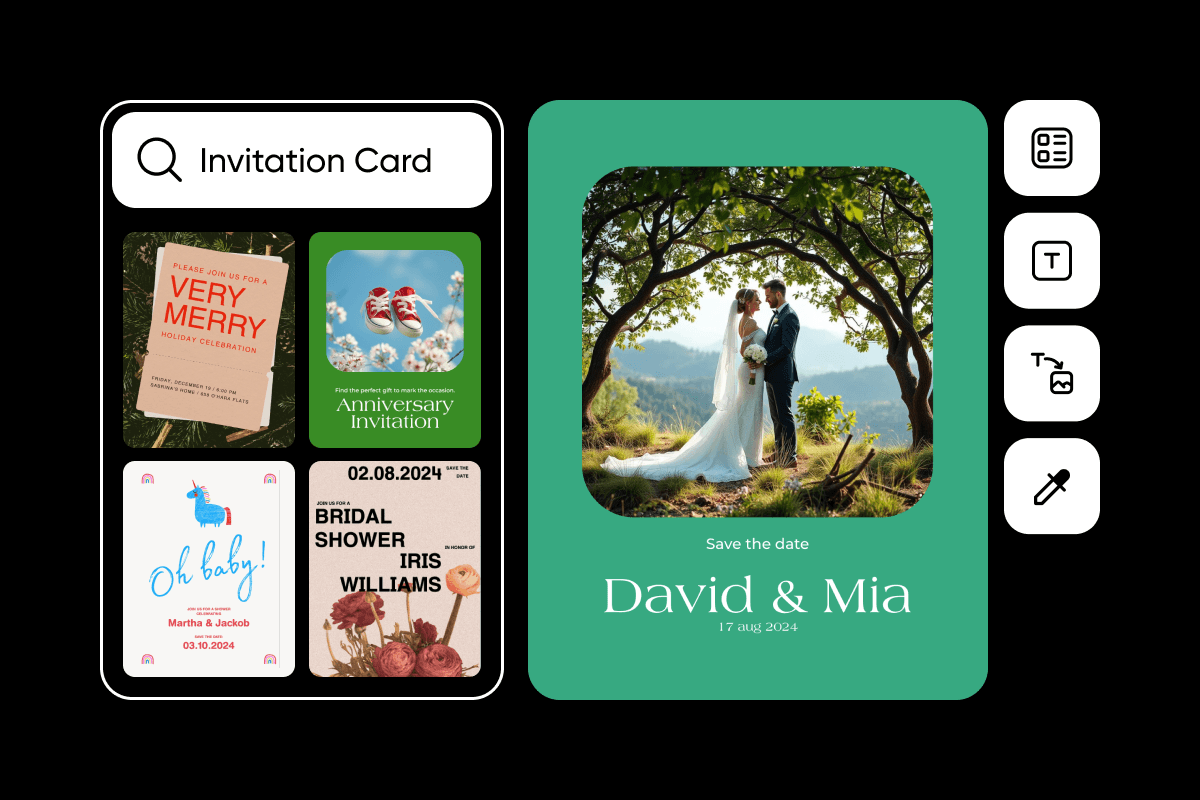
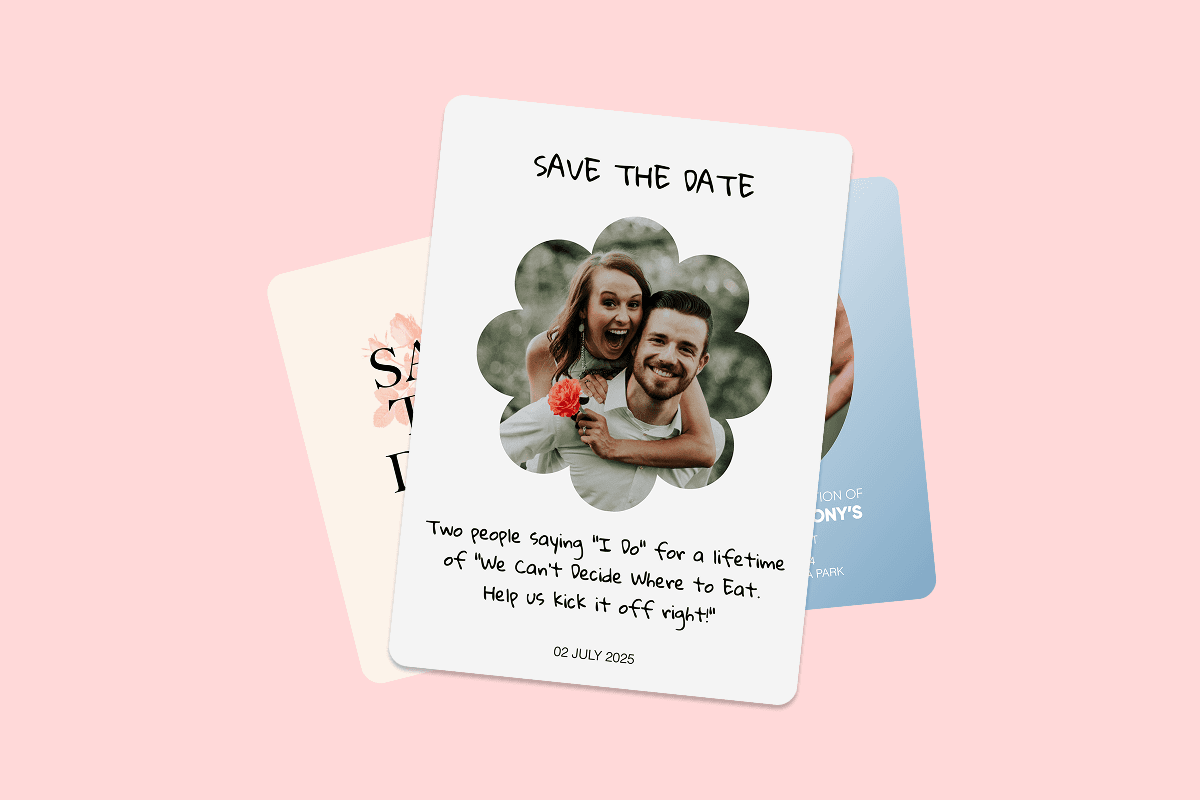
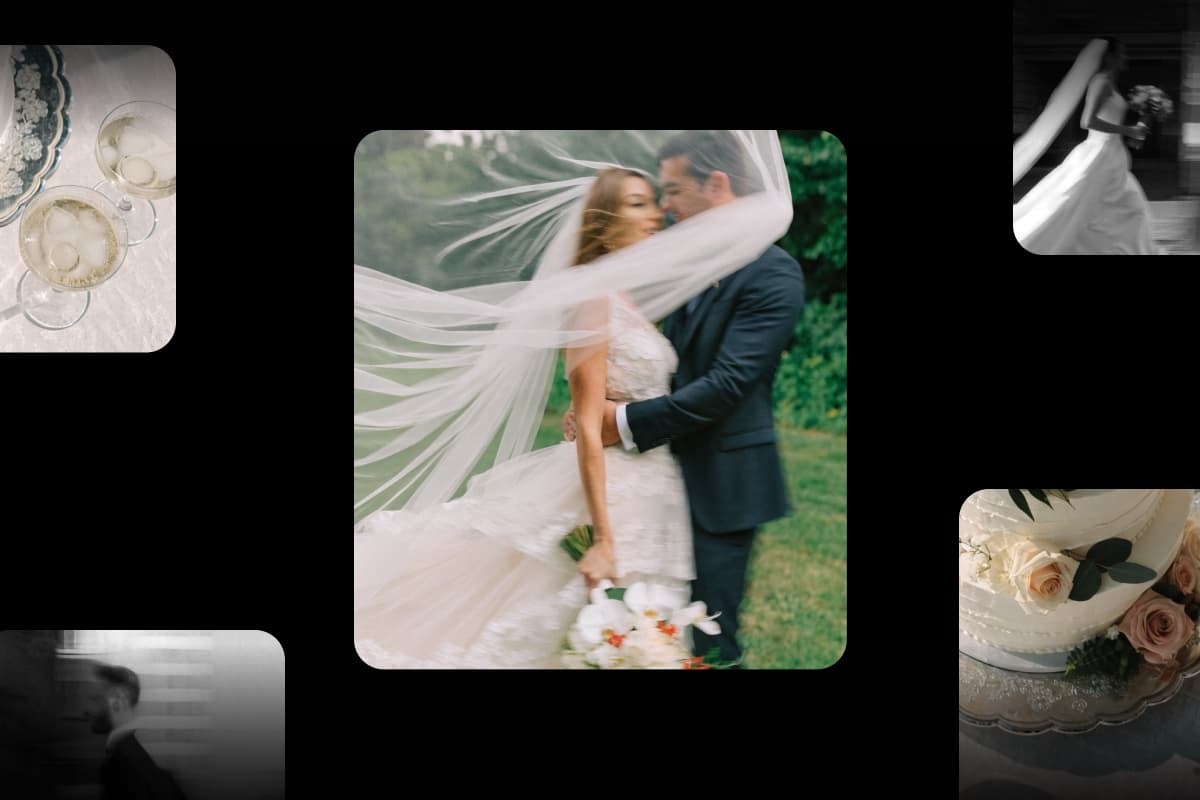




招待状メーカーについてよくある質問
FlowのPicsart招待状メーカーはクレジット制です。どのPicsartプランにも招待状の作成に使えるAIクレジットが含まれ、Flowでは実行前に推定コストを確認できます。Picsart Flowを開いてワークフローを作成するのは無料で、追加のクレジットパックもいつでも購入できます。
イベントやお祝い、キャンペーンに合ったプランを選ぶ
Pro
Most popularAI tools for everyday creative work.
Ultra
Most powerfulHeavy AI usage for creators & teams.
Enterprise
Custom AI solutions for large organizations.
- Volume discounts on credit rate
- On-demand top-ups
イベントに必要なアイテムを招待状と一緒に作成
Picsartのほかのメーカーも使って、お祝いの準備をまとめて進めましょう。