Instagram 게시물 제작 도구: AI로 시선을 사로잡는 게시물 만들기
Picsart Flow에서 완성된 템플릿, 내 사진 또는 프롬프트로 Instagram 게시물을 만들어 보세요. AI가 공유할 피드 게시물, 캐러셀, 캡션을 만들고, 새로운 콘텐츠가 필요할 때마다 같은 워크플로를 다시 실행할 수 있습니다.
- 제품, 브랜드, 캠페인 게시물에 바로 쓸 수 있는 워크플로
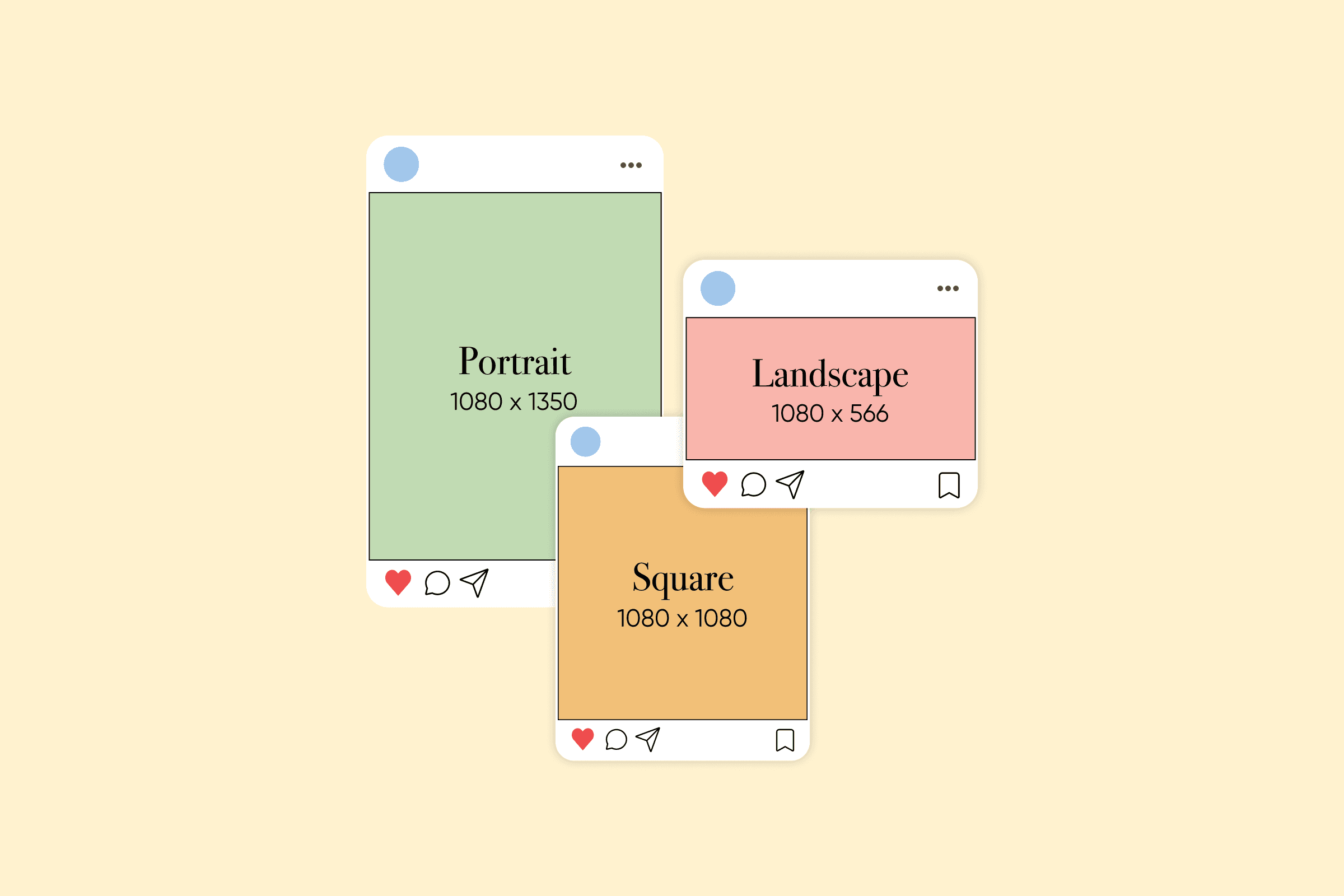
- 하나의 디자인으로 정사각형, 세로형, 캐러셀 게시물 만들기
- 콘텐츠 캘린더 워크플로 하나로 한 달 치 게시물 만들기

최신 AI 이미지 모델로 Instagram 게시물 만들기
AI로 Instagram 게시물 만드는 방법
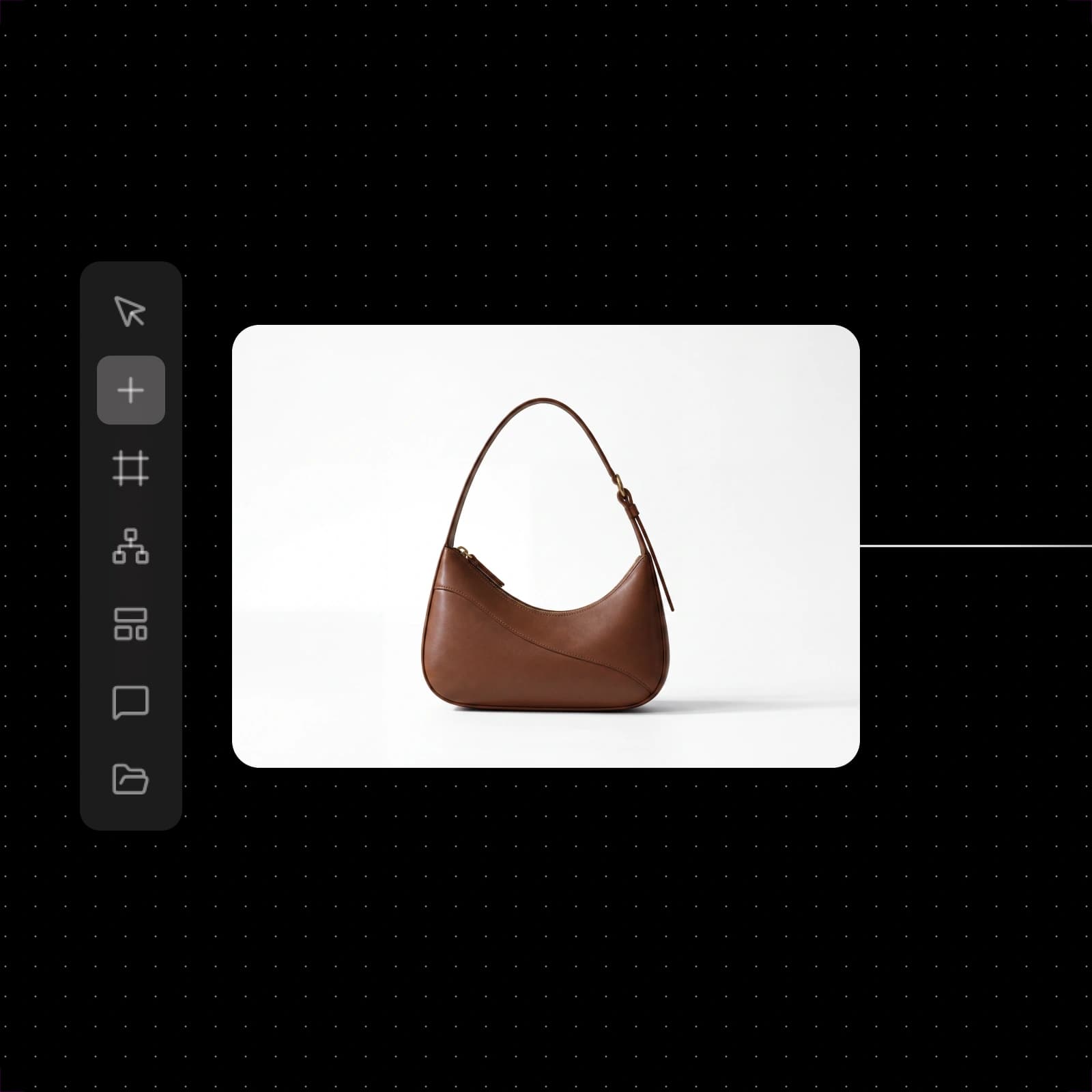
완성된 Instagram 게시물 워크플로로 빠르게 시작하기
아이디어와 가장 잘 맞는 Instagram 워크플로를 선택하고 사진과 텍스트를 바꾼 다음 실행하세요. 원하는 결과가 나올 때까지 단계를 수정해 다시 실행할 수 있습니다.


Picsart Flow로 만들 수 있는 콘텐츠 보기
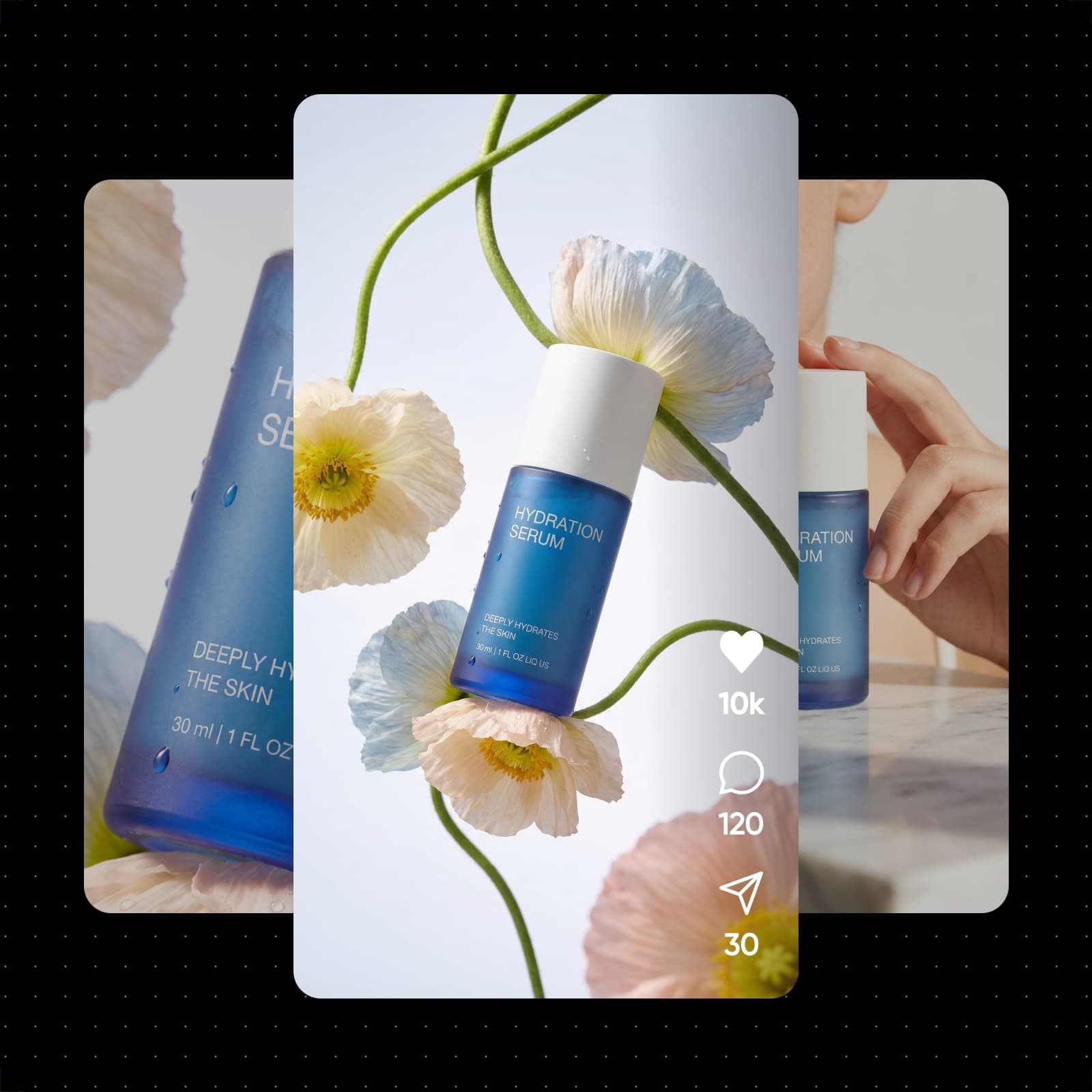
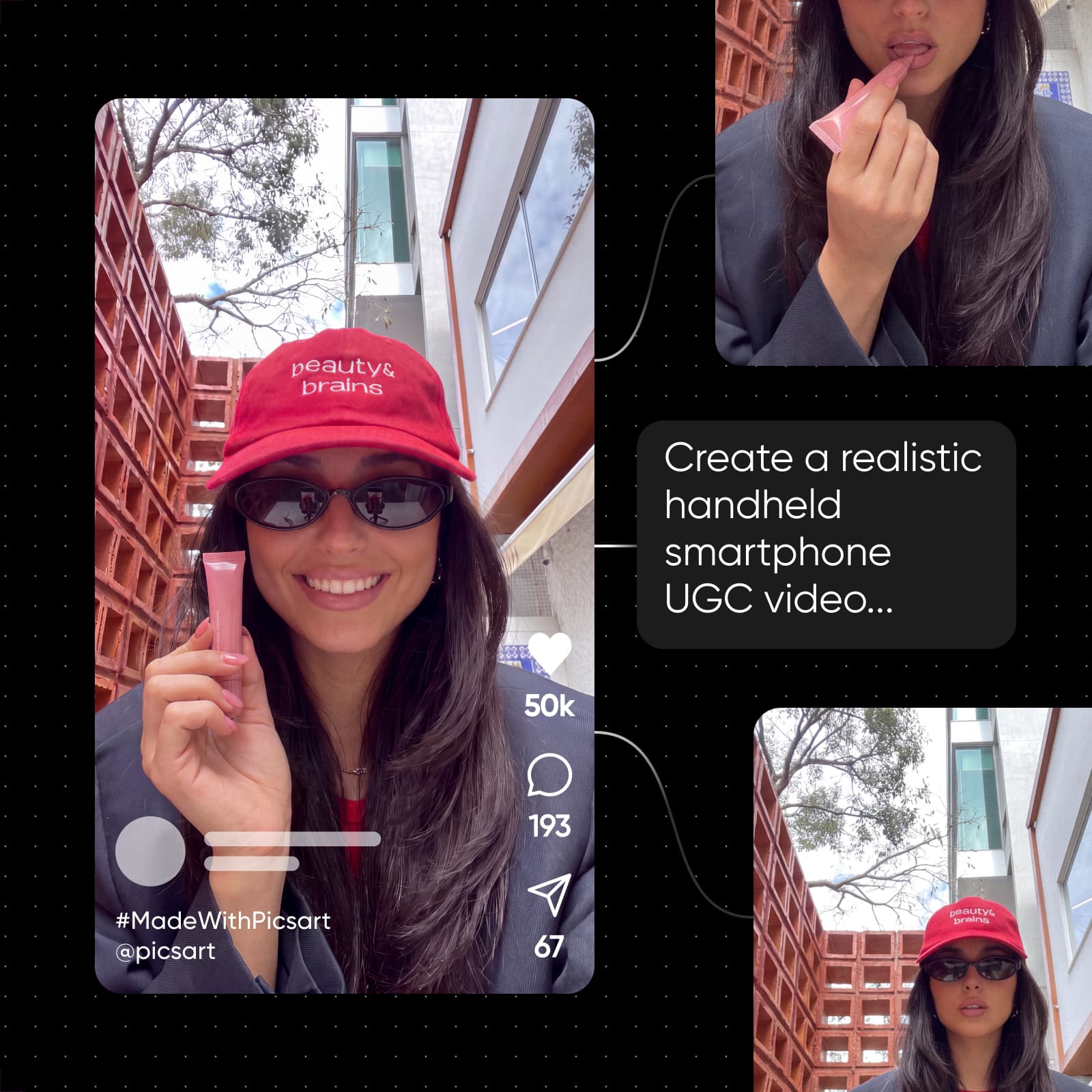
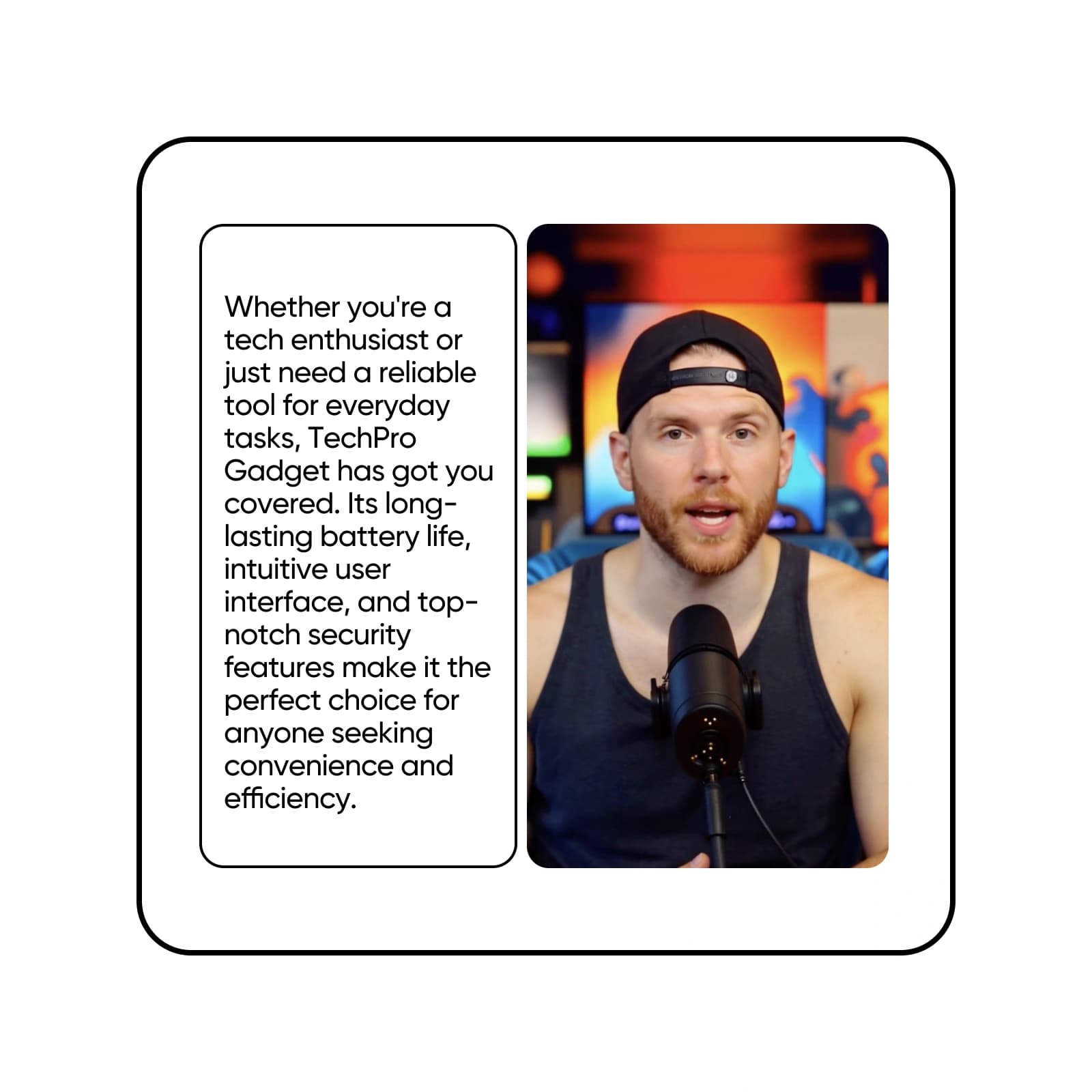
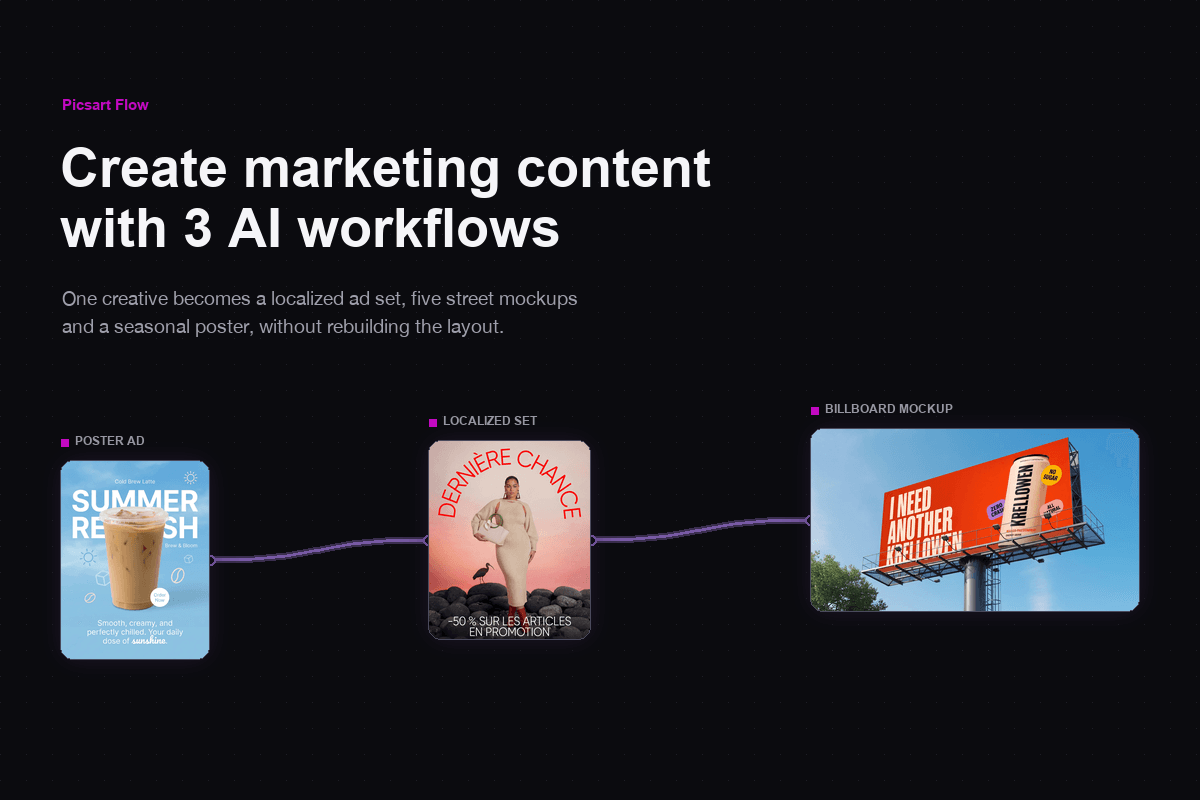
제품 사진을 추가하면 워크플로가 배경을 제거하고 중앙에 배치한 다음, 제목과 슬로건, CTA를 다양하게 조합해 깔끔한 광고를 만듭니다.
AI 도구로 Instagram 게시물을 더 빠르게 만들기
짧은 설명만으로 Picsart Flow에서 완성된 게시물을 만들어 보세요. 장면, 제품 사진 또는 배경을 생성한 다음 GPT Image 2.5나 Ideogram 4.0으로 이미지에 제목을 추가하세요. 테스트용 버전이 필요한가요? A/B 테스트 워크플로는 50가지 버전의 제목과 색상을 바꿔 줍니다. Flow를 AI 소셜 미디어 게시물 생성기로도 활용할 수 있습니다. 가장 효과적인 버전을 게시하고 나머지는 나중에 사용하세요.

몇 분 만에 시선을 사로잡는 Instagram 게시물 디자인하기
콘텐츠 제작에 쓰는 시간을 줄이고 Instagram 피드에 게시하는 데 더 집중하세요. 이 온라인 Instagram 게시물 제작 도구는 브라우저에서 Flow 캔버스 하나로 실행되며 설치할 필요가 없습니다. 모든 Instagram 게시물 디자인은 여기서 시작합니다. 워크플로를 실행하고 결과를 나란히 비교해 시선을 사로잡는 디자인을 선택하세요. 마케터와 크리에이터를 위해 아이디어 하나를 광고, UGC 영상, 소셜 게시물로 바꿔 주는 Flow의 콘텐츠 제작 워크플로 중 하나입니다.

Instagram 게시물 템플릿으로 간편하게 시작하기
분야에 맞는 완성된 워크플로로 시작하거나 빈 Flow 캔버스를 열어 원하는 AI 모델을 연결하고 나만의 워크플로를 만들어 보세요. 어느 쪽이든 모든 단계를 수정할 수 있습니다. 사진을 바꾸고, 프롬프트를 수정하거나, 마우스 오른쪽 버튼을 눌러 다른 AI 모델을 삽입한 다음, Instagram 게시물 제작 도구에서 원하는 모습이 나올 때까지 다시 실행하세요. 노드 간 연결을 한 번에 드래그하고 여러 노드를 일괄 편집하는 등 캔버스 단축 기능으로 제작 시간을 줄일 수 있습니다.

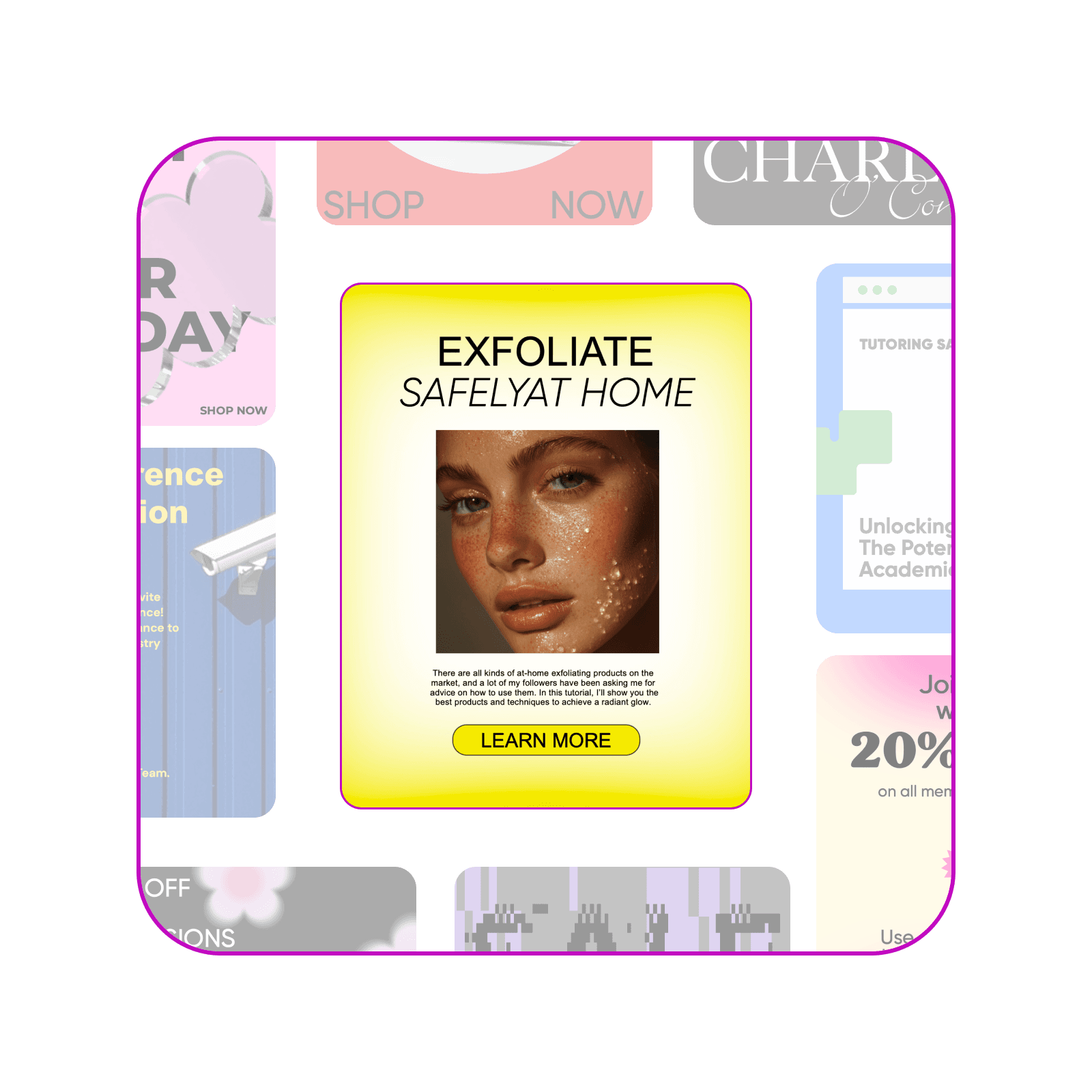
아이디어 하나로 넘겨 볼 수 있는 Instagram 캐러셀 만들기
Instagram 캐러셀 게시물은 사람들이 계속해서 넘겨 보게 합니다. 가이드나 프레젠테이션 자료처럼 여러 페이지로 된 PDF를 업로드하면 PDF 캐러셀 워크플로가 텍스트를 그대로 유지한 4:5 슬라이드로 각 페이지를 변환하고, 페이지마다 짧은 모션 클립도 만들어 줍니다. 교육 자료, 제품 라인업, 단계별 팁을 위한 Instagram 캐러셀 제작 도구로 활용하고, 새로운 이야기를 전할 때마다 PDF를 바꿔 보세요.
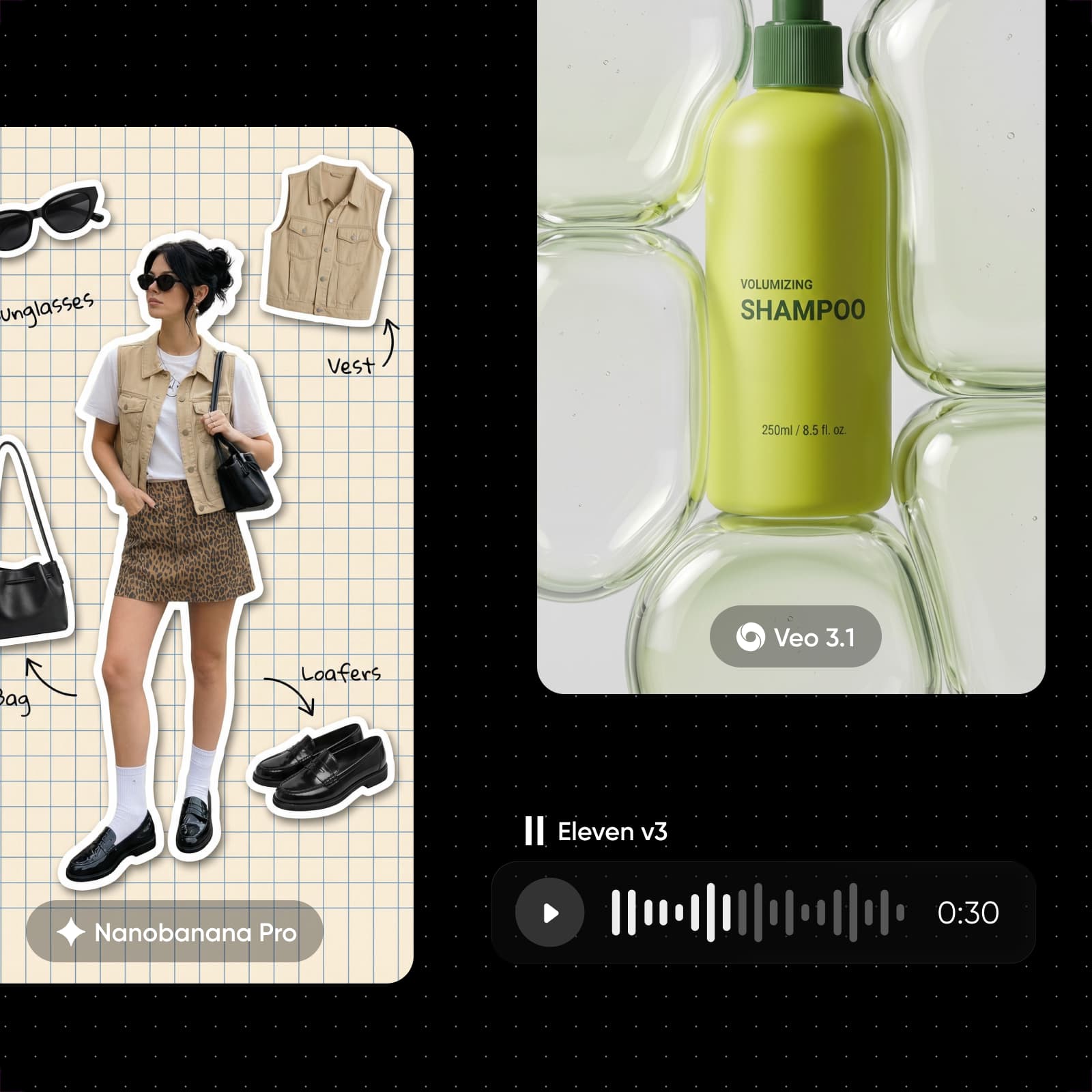
한 달 치 게시물과 캡션 미리 준비하기
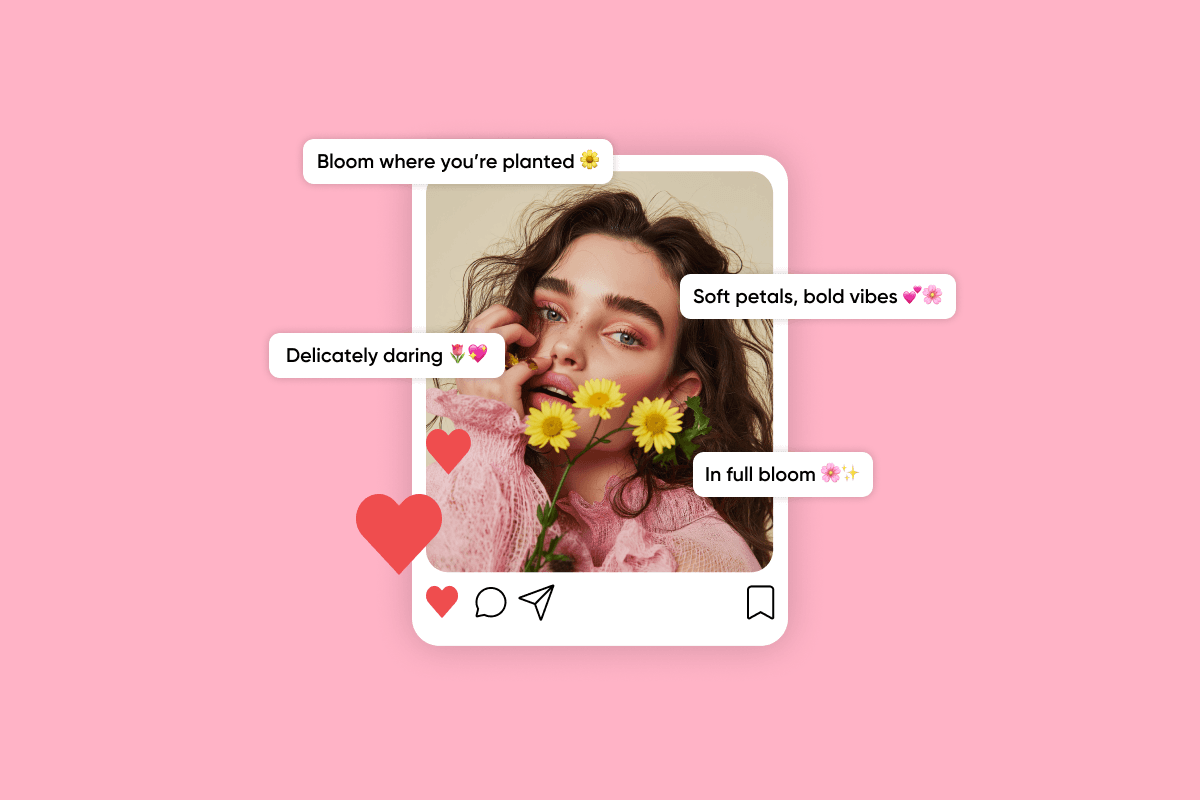
피드를 꾸준히 운영하는 일은 쉽지 않습니다. 30일 콘텐츠 캘린더 워크플로로 바로 복사해 쓸 수 있는 CSV 캘린더와 제품, 비하인드 콘텐츠, 경품 게시물에 어울리는 그래픽을 만들 수 있습니다. 다른 게시물에는 텍스트 노드를 추가하고 텍스트 모델에 이미지에 어울리는 캡션을 요청하세요. 디자인이 완성될 때 게시물 문구도 준비됩니다.
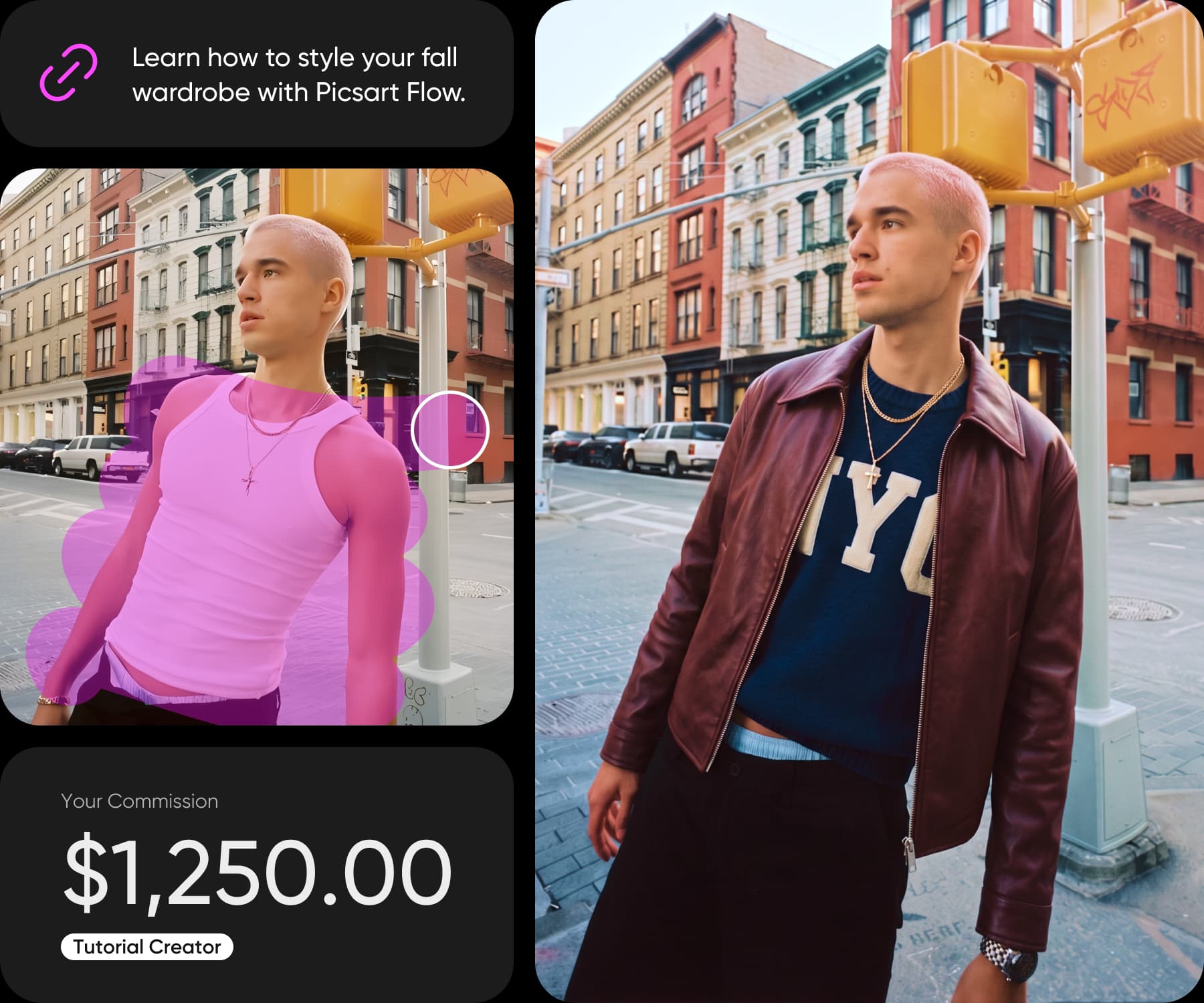
만든 Instagram 게시물로 수익 창출하기
Picsart Earn으로 콘텐츠를 만들고 수익을 올리세요. Picsart 도구로 만든 콘텐츠에 대해 크리에이터에게 보상을 지급하는 열린 프로그램입니다. 대시보드에서 캠페인을 선택해 게시물을 만들고 내 Instagram 계정에 공유하세요. 수익은 팔로워 수가 아니라 오디언스의 참여도에 따라 결정되며, 참여를 위한 최소 팔로워 수는 없습니다.
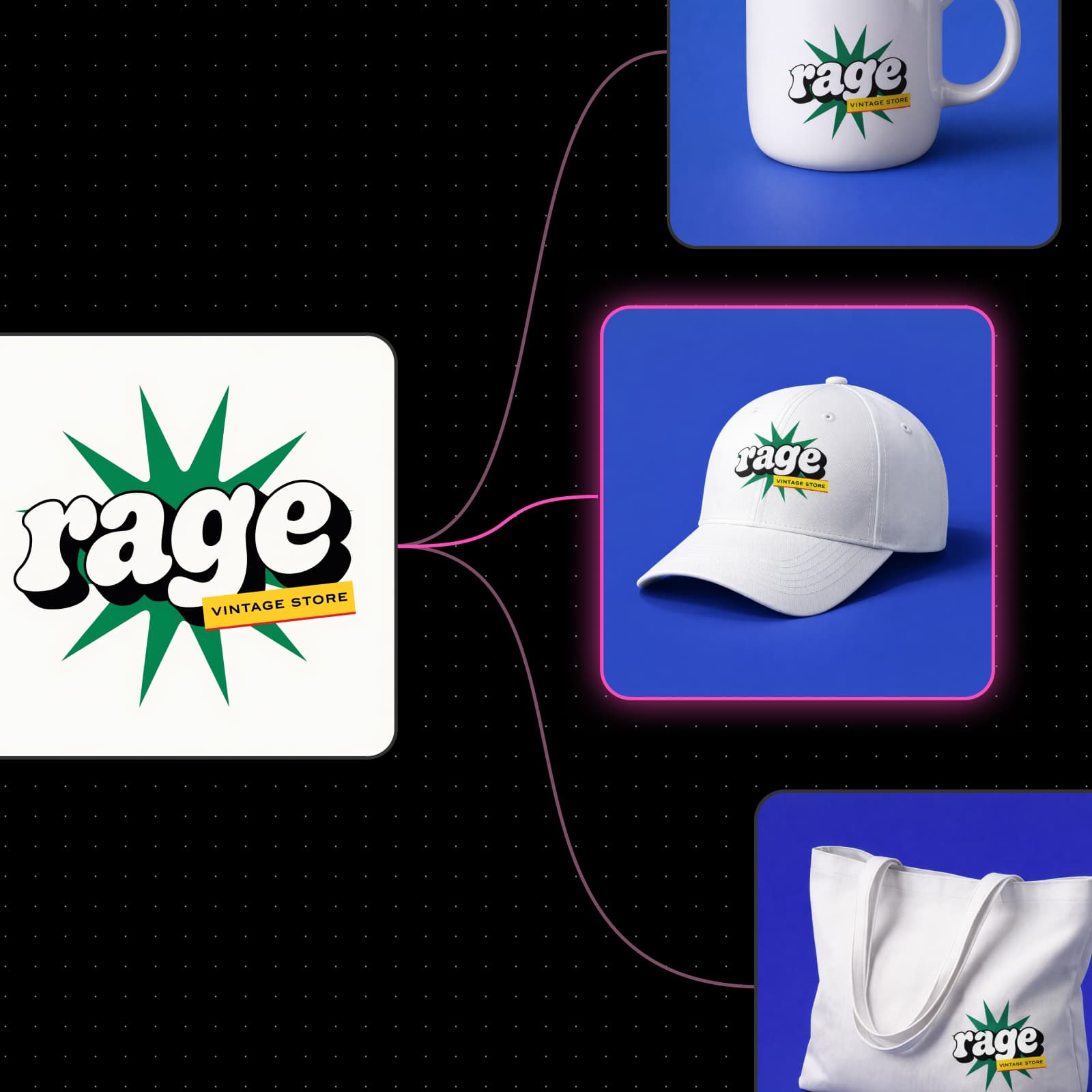
모든 게시물에서 일관된 브랜드 유지하기
브랜드가 한눈에 보이는 피드는 제품 판매에 도움이 됩니다. 제품 사진을 한 번 업로드하고 제품 게시물 워크플로로 깔끔한 스튜디오 사진부터 라이프스타일 장면까지 모든 게시물을 만들어 보세요. 로고, 제품 또는 인물 사진을 Picsart Drive 에셋으로 저장하면 Asset 노드가 실행하는 모든 워크플로에 같은 스타일을 적용해 피드 전체의 브랜드를 일관되게 유지합니다.
Instagram 게시물 만들기에 대해 더 알아보기
Instagram 게시물 제작 도구에 필요한 모든 기능
완성된 워크플로와 AI 모델을 활용해 하나의 캔버스에서 Instagram 게시물을 디자인하세요.




Instagram 게시물 제작 도구에 대한 답변
네, 무료로 시작할 수 있습니다. Picsart 계정을 만들고 Picsart Flow 템플릿을 여는 데는 비용이 들지 않으므로, 생성하기 전에 무료 Instagram 게시물 제작 도구를 사용해 볼 수 있습니다. 디자인을 만들 때는 요금제에 포함된 AI 크레딧이 사용되며, Flow에서 실행 전에 예상 비용을 확인할 수 있습니다.
크리에이터의 모든 순간에 맞는 요금제 선택하기
Pro
Most popularAI tools for everyday creative work.
Ultra
Most powerfulHeavy AI usage for creators & teams.
피드의 다른 콘텐츠와 게시물 연결하기
Picsart의 다른 제작 도구로 스토리, 소셜 콘텐츠, 프로모션의 스타일을 일관되게 유지하세요.