logo
AI Image
AI Video
Library
Solutions
Community
MCP & CLI
Pricing
  1. Home
  2. Design
  3. Logos

Design logos in minutes with the Picsart

Effortlessly create custom logos for your brand or shop with Picsart. With an intuitive and easy-to-use interface and an all-inclusive toolset, everybody can design logos without having to be a graphic designer. Check off your brand identity task in no time with Picsart.

Create a logo
create a logo with picsart
free icon

Free to use

Design custom logos with a selection of free editing tools, templates, and logo assets.

logo template library icon

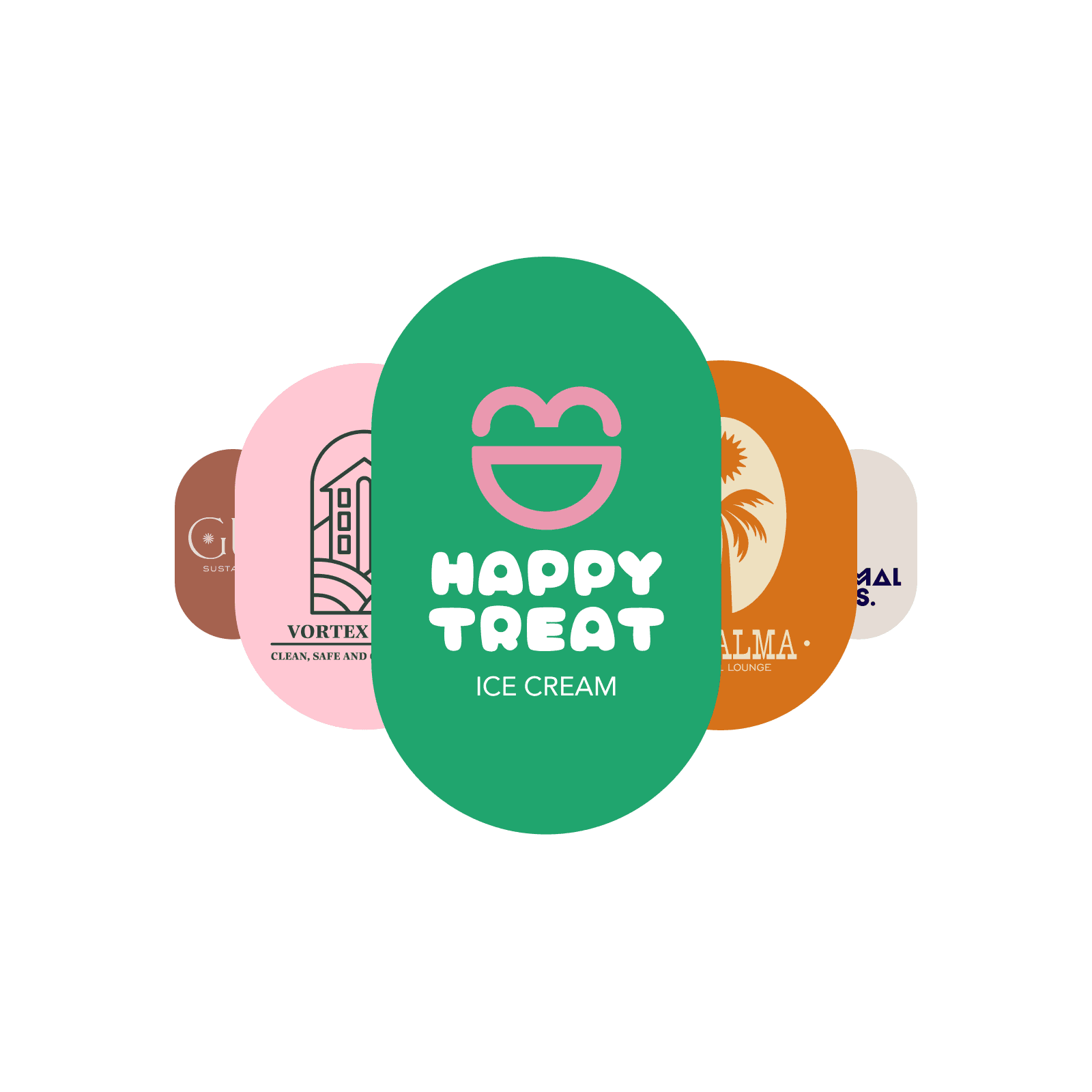
Logo template library

Find inspiration and jumpstart your logo design with a vast library of logo templates.

cuztomization icon

Customization

Fine-tune and personalize your logo design with a built-in, all-inclusive design toolset.

How to design a logo with Picsart

1

Choose a template

For a quick logo design, use the Start creating button to start browsing the logo template library.

2

Add the name

3

Customize the text

4

Add new visuals

5

Save

how to create logos

Become an expert at logo design in no time

The main principle behind Picsart’s interface design, including the logo creator, is to empower everyone to visualize their creativity without needing expert skills and expensive software. Enjoy a simplified approach to logo design as well as state-of-the-art AI integration to help you materialize your logo vision in no time and with minimal effort.

Easy logo design

All-purpose logo designer

AI-generated logos for small businesses 1
AI-generated logos for small businesses 2
AI-generated logos for small businesses 3

Have a specific vision? Design a logo from scratch

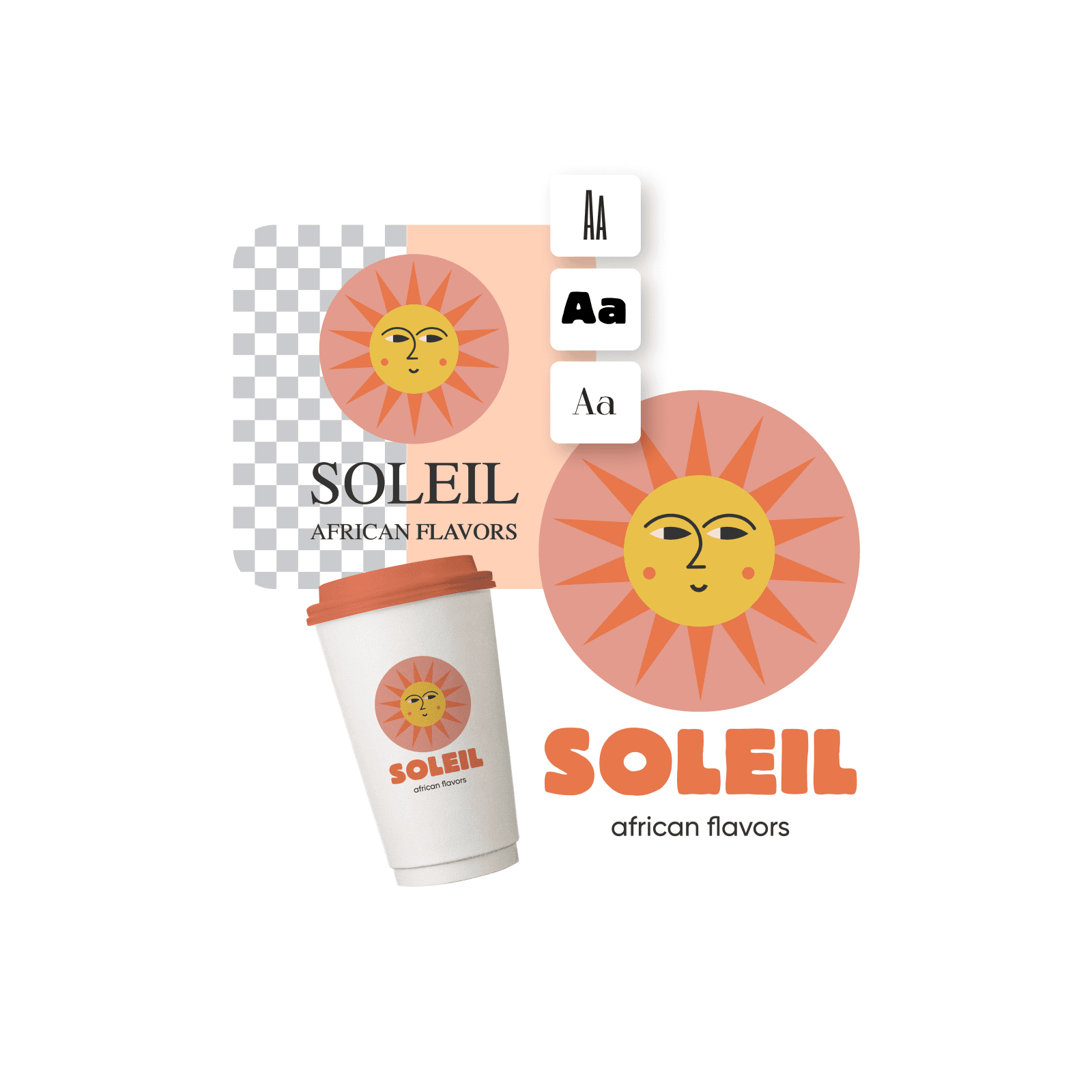
Easily create logos from scratch using Picsart’s design tools. Explore the stickers and shapes library to get access to pre-made graphic elements, or use the Draw tool to get hands-on and draw visuals yourself. Take advantage of the layer functionality to effortlessly tweak the composition of your logo design elements.

create a logo from scratch

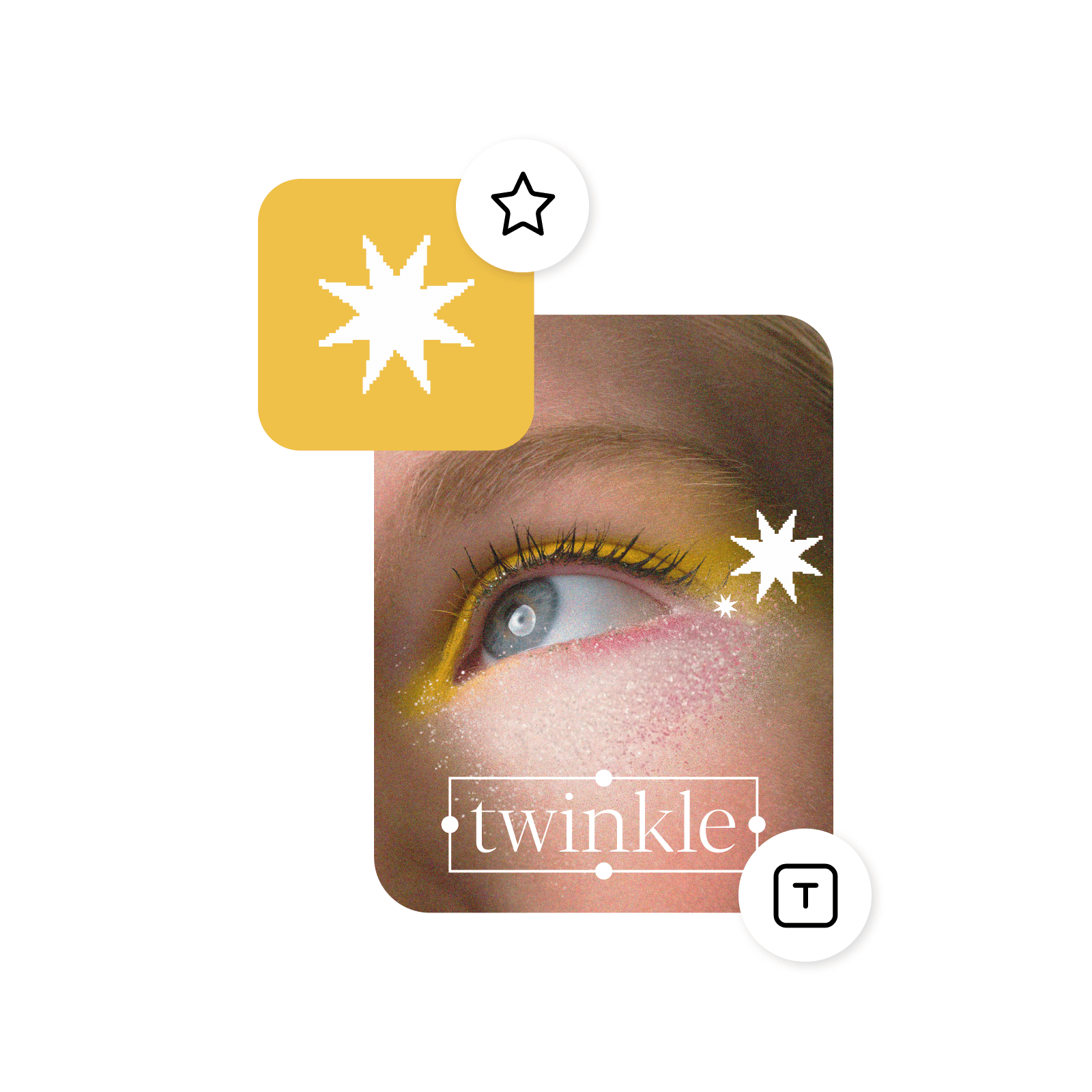
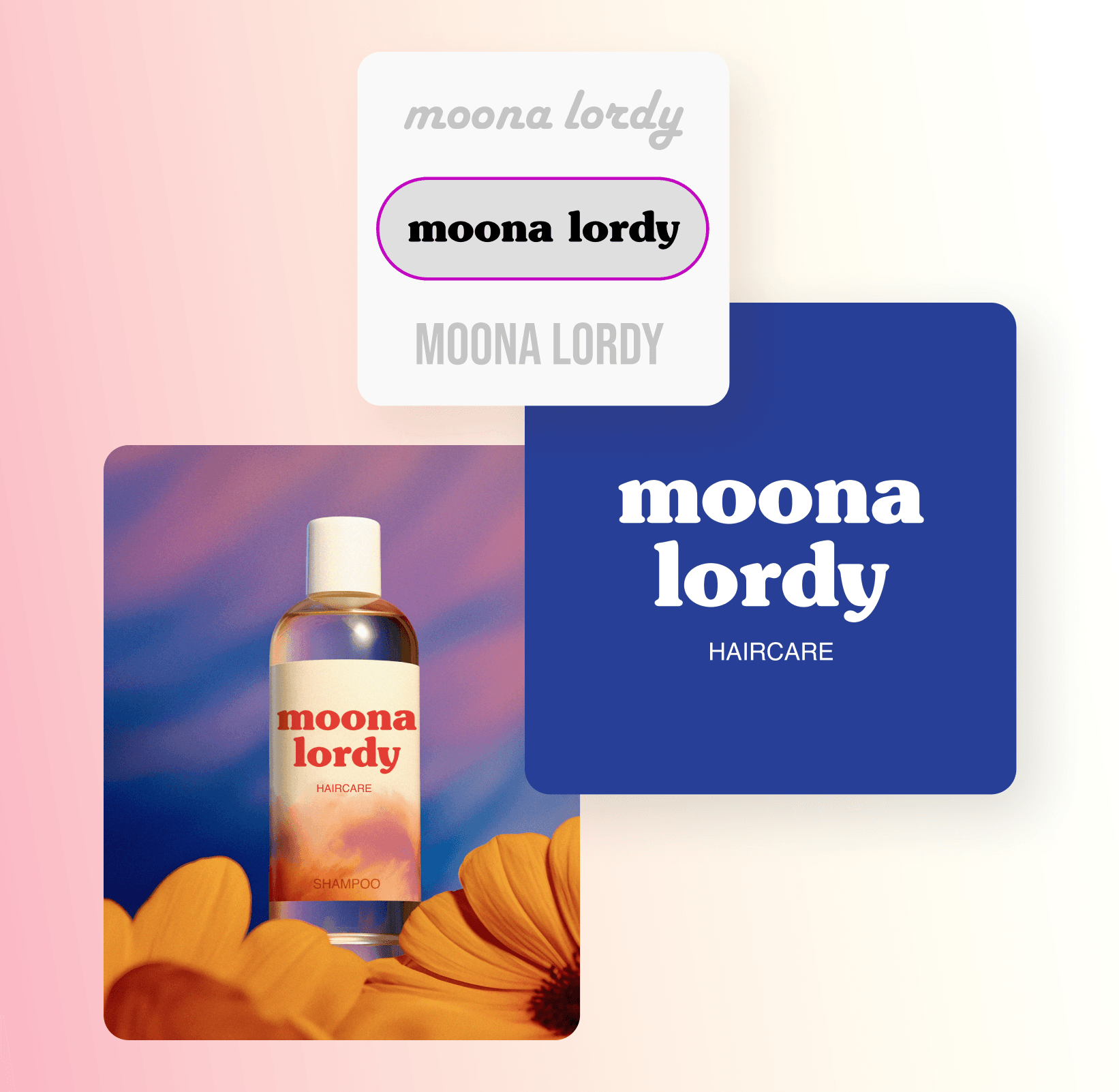
Tap into fonts galore

Write your business name in unique lettering thanks to the fonts library, and effortlessly adjust the layout for a perfect match with your logo design. Find typography inspiration with the text presets for harmonious business name and slogan font combination ideas.

add font to your logo

Design all kinds of logos

Use the Picsart free logo design tools to design logos for any purpose. Need a logo for your Etsy shop? Check. Twitch account? Check. For a small business, a startup, or your personal brand? Check, check, and check! You’ll find plenty of design resources and templates to support you through all sorts of logo design journeys.

design all kinds of logos

Generate a logo in an instant with AI

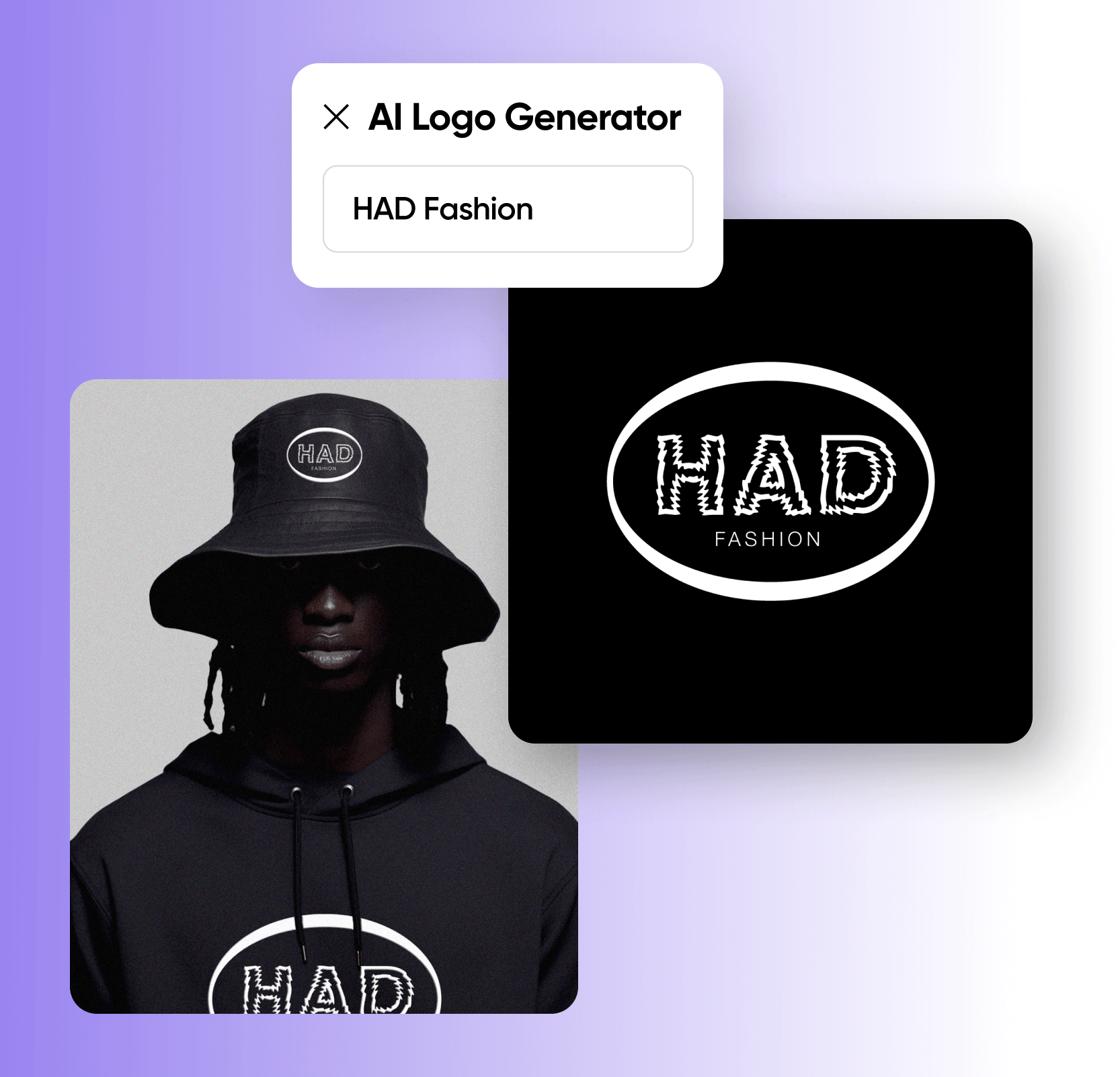
Need a logo in a hurry? Tap into the built-in logo maker to create logos with lightning speed and minimal effort. Just input your business name, select an industry and a color story, and let the state-of-the-art AI do the work for you.

Generate AI logos

Customize logos like a pro with easy-to-use design tools

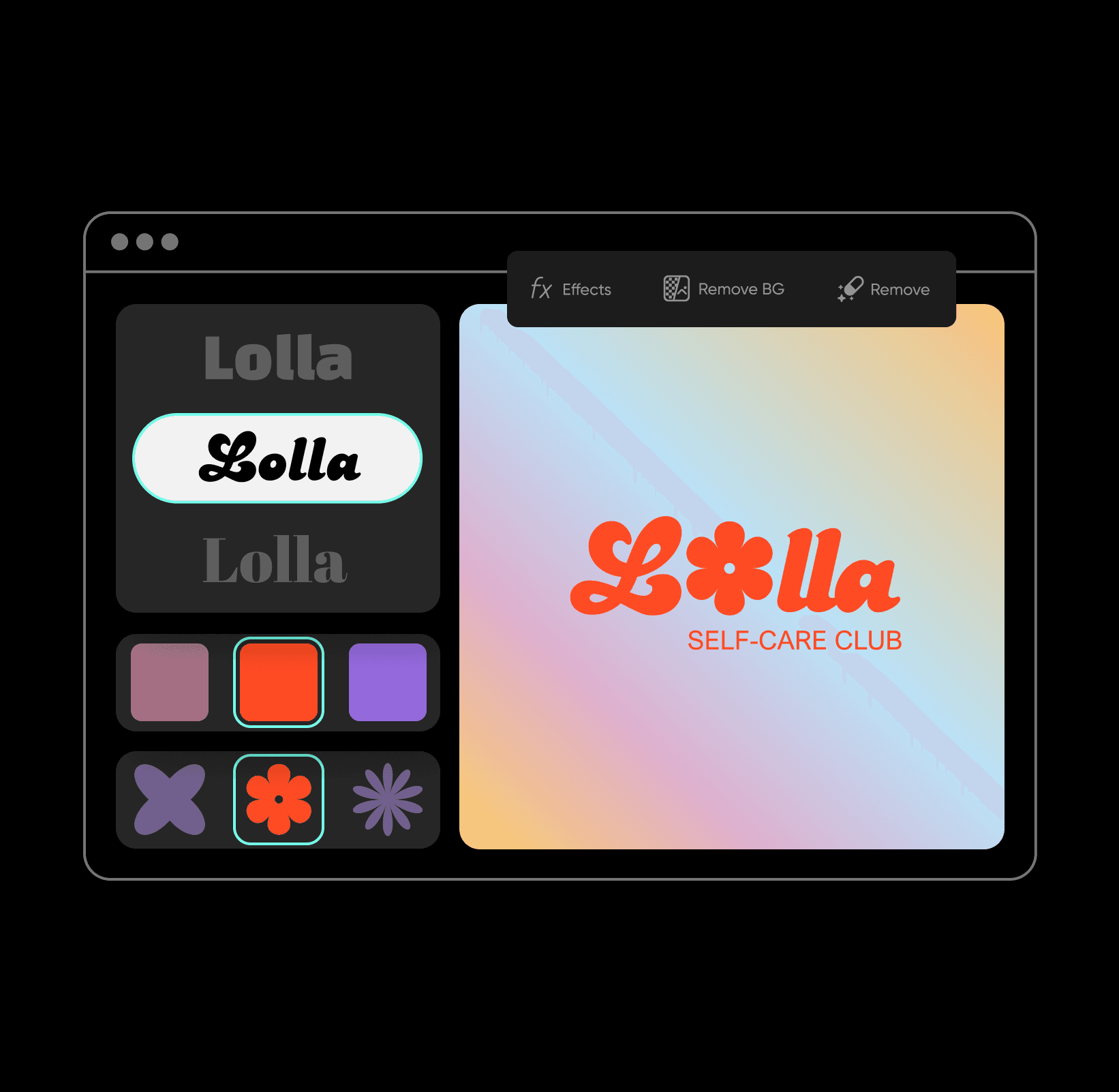
Tap into Picsart’s suite of editing tools to design logos that capture your brand’s identity effectively. Add text in a variety of fonts and layouts, or use the AI image generator to create graphics from scratch without drawing. Tweak the colors in an instant with a variety of photo effects, AI filters, and so much more! All this in one easy-to-use platform.

customize logos

All the tools you need to design and create custom logos in minutes

Take your brand from idea to reality with a complete set of professional logo design tools. Simple enough for beginners yet robust enough for design pros, each tool brings you closer to a logo that captures your unique vision.

Customizable templates

Choose from a wide variety of logo templates tailored for any industry.

Set of free logo design tools

Design logos at no cost with Picsart's free logo-making tools.

Icon and stickers library

Access thousands of icons and stickers to enhance your logo design.

Font options

Explore a diverse range of fonts to match your brand's personality.

Color customization

Adjust colors to create a logo that perfectly represents your brand.

AI-powered suggestions

Get smart recommendations to streamline your logo creation process.

High-resolution downloads

Download your logo in high-quality formats ready for use anywhere.

Quick export options

Save and share your logos instantly with seamless export functionality.


Custom logo design FAQ

Choose a logo template and quickly customize it to make it unique to your brand or start from a blank canvas and add every detail of your logo using a range of creative tools.

Yes. Once you choose a template or create one from scratch, select Upload Image in the left navigation to add your own images to your logo design.

When it comes to logo sizes, there isn't a one-size-fits-all standard since logos need to work across different platforms and materials. However, here are the commonly used dimensions:


For web use:

  • 250 x 100 pixels for website headers
  • 160 x 160 pixels for social media profiles
  • 32 x 32 pixels for favicons (browser icons)


For print materials: 

  • Business cards typically use logos between 1-2 inches wide
  • Letterheads usually feature logos around 1.5-2.5 inches wide
  • Large format printing (banners, signs) requires vector files that can scale without losing quality

Colors often have emotional qualities attached to them. Choose one that fits the impression you want people to have of your brand. Learn more about colors and various attributes attached to them here.

Yes, Picsart's logo design tool offers free tools and content like templates, fonts, and other assets to get started. For full access, a subscription is needed.

Yes! Every logo template can be customized to match your brand. Change colors, fonts, layouts, and graphics with just a few clicks. The drag-and-drop editor makes it easy to adjust every detail until your logo feels distinctly yours.

No design experience needed! Picsart uses simple drag-and-drop tools and ready-made templates to make logo design straightforward. Just pick a template, customize the colors and text to match your style, and the tools will guide you through each step. Even complete beginners can create professional-looking logos in minutes.

As Seen in

  • boredpanda
  • COSMOPOLITAN
  • UPROXX
  • yahoo! news
Design without limits.
Design PNG logosCreate wallpapersMake youtube thumbnailsDesign cardsCreate postersMake invitationsDesign designCreate pdfsMake documentsDesign youtube banners

Get the free app

Download on the App StoreGET IT ON Google PlayGet it from Microsoft
Pinterest
AICPA SOC

Explore

  • AI Image Generator
  • AI Video Generator
  • AI Playground
  • AI Image Models
  • AI Video Models
  • AI Photo Editor
  • Templates
  • Design Tools

Solutions

  • For Enterprise
  • For Developers
  • For Google Drive
  • For specific Industries
  • Quicktools
  • AI Avatar
  • Pricing

Company

  • Support
  • Careers
  • About us
  • Earn with Picsart
  • Blog
  • Press Center
Terms of UsePrivacy PolicyDo Not SellInternet-Based AdvertisingCommunity GuidelinesDMCASecurity PolicyAccessibility
© 2026 PicsArt, Inc.

Design logos with AI image models

Use image models to transform logos into polished visuals, design ideas, and ready-to-edit assets.

GPT Image 2New
Next-gen GPT image model with arbitrary output dimensions and multi-image input.Reference inputImage generationSee model
Nano Banana 2New
Fast 4K generation with accurate text and search-grounded accuracy.4KFast generationImage generationSee model
Nano Banana ProNew
Top-tier 4K images with precise multilingual text rendering.4KPro qualityImage generationSee model
Flux 2 FlexNew
Adaptable generation across varied visual styles at 2K.Image generationSee model
Seedream 5.0 Lite
Speedy 3K output with negative prompt and dual-image input support.Reference inputFast generationImage generationSee model
Kling 3.0 Image
Cinematic visuals with up to 4K resolution and 10 reference images.Reference input4KCinematicSee model
Kling O1 Image
O1-architecture image generation with multi-reference support.Reference inputCinematicImage generationSee model
Kling V2 New Image
Latest V2 image generation with optional restyle via image reference.Reference inputCinematicImage generationSee model
Hunyuan V3
Infographic-friendly generation with readable text and cfg control.Image generationSee model
Luma UNI-1
Luma UNI-1 — agentic image generation and editing with up to 9 reference images.Reference inputCinematicImage generationSee model
Luma UNI-1 Max
Luma UNI-1 Max — higher-quality UNI-1 variant with the same multi-reference editing controls.Reference inputCinematicImage generationSee model
Seedream 4.5
Detailed 4K renders with clean in-image text and dual-image input.Reference input4KImage generationSee model
GPT Image 2New
Next-gen GPT image model with arbitrary output dimensions and multi-image input.Reference inputImage generationSee model
Nano Banana 2New
Fast 4K generation with accurate text and search-grounded accuracy.4KFast generationImage generationSee model
Nano Banana ProNew
Top-tier 4K images with precise multilingual text rendering.4KPro qualityImage generationSee model
Flux 2 FlexNew
Adaptable generation across varied visual styles at 2K.Image generationSee model
Seedream 5.0 Lite
Speedy 3K output with negative prompt and dual-image input support.Reference inputFast generationImage generationSee model
Kling 3.0 Image
Cinematic visuals with up to 4K resolution and 10 reference images.Reference input4KCinematicSee model
Kling O1 Image
O1-architecture image generation with multi-reference support.Reference inputCinematicImage generationSee model
Kling V2 New Image
Latest V2 image generation with optional restyle via image reference.Reference inputCinematicImage generationSee model
Hunyuan V3
Infographic-friendly generation with readable text and cfg control.Image generationSee model
Luma UNI-1
Luma UNI-1 — agentic image generation and editing with up to 9 reference images.Reference inputCinematicImage generationSee model
Luma UNI-1 Max
Luma UNI-1 Max — higher-quality UNI-1 variant with the same multi-reference editing controls.Reference inputCinematicImage generationSee model
Seedream 4.5
Detailed 4K renders with clean in-image text and dual-image input.Reference input4KImage generationSee model
GPT Image 2New
Next-gen GPT image model with arbitrary output dimensions and multi-image input.Reference inputImage generationSee model
Nano Banana 2New
Fast 4K generation with accurate text and search-grounded accuracy.4KFast generationImage generationSee model
Nano Banana ProNew
Top-tier 4K images with precise multilingual text rendering.4KPro qualityImage generationSee model
Flux 2 FlexNew
Adaptable generation across varied visual styles at 2K.Image generationSee model
Seedream 5.0 Lite
Speedy 3K output with negative prompt and dual-image input support.Reference inputFast generationImage generationSee model
Kling 3.0 Image
Cinematic visuals with up to 4K resolution and 10 reference images.Reference input4KCinematicSee model
Kling O1 Image
O1-architecture image generation with multi-reference support.Reference inputCinematicImage generationSee model
Kling V2 New Image
Latest V2 image generation with optional restyle via image reference.Reference inputCinematicImage generationSee model
Hunyuan V3
Infographic-friendly generation with readable text and cfg control.Image generationSee model
Luma UNI-1
Luma UNI-1 — agentic image generation and editing with up to 9 reference images.Reference inputCinematicImage generationSee model
Luma UNI-1 Max
Luma UNI-1 Max — higher-quality UNI-1 variant with the same multi-reference editing controls.Reference inputCinematicImage generationSee model
Seedream 4.5
Detailed 4K renders with clean in-image text and dual-image input.Reference input4KImage generationSee model
GPT Image 2New
Next-gen GPT image model with arbitrary output dimensions and multi-image input.Reference inputImage generationSee model
Nano Banana 2New
Fast 4K generation with accurate text and search-grounded accuracy.4KFast generationImage generationSee model
Nano Banana ProNew
Top-tier 4K images with precise multilingual text rendering.4KPro qualityImage generationSee model
Flux 2 FlexNew
Adaptable generation across varied visual styles at 2K.Image generationSee model
Seedream 5.0 Lite
Speedy 3K output with negative prompt and dual-image input support.Reference inputFast generationImage generationSee model
Kling 3.0 Image
Cinematic visuals with up to 4K resolution and 10 reference images.Reference input4KCinematicSee model
Kling O1 Image
O1-architecture image generation with multi-reference support.Reference inputCinematicImage generationSee model
Kling V2 New Image
Latest V2 image generation with optional restyle via image reference.Reference inputCinematicImage generationSee model
Hunyuan V3
Infographic-friendly generation with readable text and cfg control.Image generationSee model
Luma UNI-1
Luma UNI-1 — agentic image generation and editing with up to 9 reference images.Reference inputCinematicImage generationSee model
Luma UNI-1 Max
Luma UNI-1 Max — higher-quality UNI-1 variant with the same multi-reference editing controls.Reference inputCinematicImage generationSee model
Seedream 4.5
Detailed 4K renders with clean in-image text and dual-image input.Reference input4KImage generationSee model
GPT Image 2New
Next-gen GPT image model with arbitrary output dimensions and multi-image input.Reference inputImage generationSee model
Nano Banana 2New
Fast 4K generation with accurate text and search-grounded accuracy.4KFast generationImage generationSee model
Nano Banana ProNew
Top-tier 4K images with precise multilingual text rendering.4KPro qualityImage generationSee model
Flux 2 FlexNew
Adaptable generation across varied visual styles at 2K.Image generationSee model
Seedream 5.0 Lite
Speedy 3K output with negative prompt and dual-image input support.Reference inputFast generationImage generationSee model
Kling 3.0 Image
Cinematic visuals with up to 4K resolution and 10 reference images.Reference input4KCinematicSee model
Kling O1 Image
O1-architecture image generation with multi-reference support.Reference inputCinematicImage generationSee model
Kling V2 New Image
Latest V2 image generation with optional restyle via image reference.Reference inputCinematicImage generationSee model
Hunyuan V3
Infographic-friendly generation with readable text and cfg control.Image generationSee model
Luma UNI-1
Luma UNI-1 — agentic image generation and editing with up to 9 reference images.Reference inputCinematicImage generationSee model
Luma UNI-1 Max
Luma UNI-1 Max — higher-quality UNI-1 variant with the same multi-reference editing controls.Reference inputCinematicImage generationSee model
Seedream 4.5
Detailed 4K renders with clean in-image text and dual-image input.Reference input4KImage generationSee model
GPT Image 2New
Next-gen GPT image model with arbitrary output dimensions and multi-image input.Reference inputImage generationSee model
Nano Banana 2New
Fast 4K generation with accurate text and search-grounded accuracy.4KFast generationImage generationSee model
Nano Banana ProNew
Top-tier 4K images with precise multilingual text rendering.4KPro qualityImage generationSee model
Flux 2 FlexNew
Adaptable generation across varied visual styles at 2K.Image generationSee model
Seedream 5.0 Lite
Speedy 3K output with negative prompt and dual-image input support.Reference inputFast generationImage generationSee model
Kling 3.0 Image
Cinematic visuals with up to 4K resolution and 10 reference images.Reference input4KCinematicSee model
Kling O1 Image
O1-architecture image generation with multi-reference support.Reference inputCinematicImage generationSee model
Kling V2 New Image
Latest V2 image generation with optional restyle via image reference.Reference inputCinematicImage generationSee model
Hunyuan V3
Infographic-friendly generation with readable text and cfg control.Image generationSee model
Luma UNI-1
Luma UNI-1 — agentic image generation and editing with up to 9 reference images.Reference inputCinematicImage generationSee model
Luma UNI-1 Max
Luma UNI-1 Max — higher-quality UNI-1 variant with the same multi-reference editing controls.Reference inputCinematicImage generationSee model
Seedream 4.5
Detailed 4K renders with clean in-image text and dual-image input.Reference input4KImage generationSee model