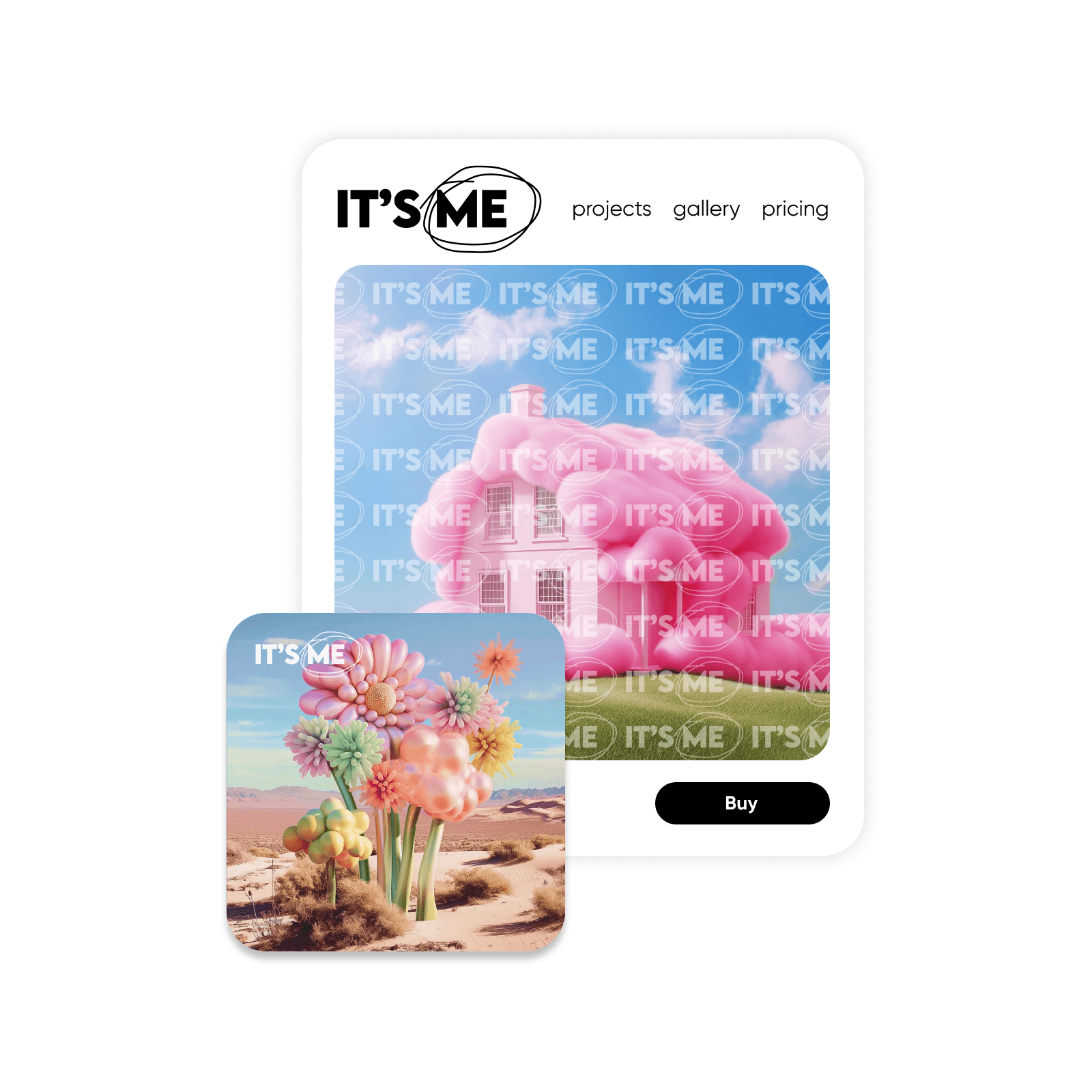
Watermark photos: Protect and personalize your images
Boost your brand and make sure you get full credit for your assets. Picsart's free, online tool makes it quick and easy for you to add watermarks to photos.

How to add watermarks to photos
Pick a photo
Use the Uploads button to select the image you want to add a watermark to.
Insert your watermark
Select a placement
Download
Add watermarks to photos to protect them forever
Safeguard your designs and digital artwork no matter where they end up on the internet. When you add a watermark to an image, it’s like telling intellectual property thieves to back off! Prove your ownership and make sure everyone knows they’re looking at your work. Add a full pattern or, for a more subtle look, put a watermark just on the corner of your image.

Use built-in tools to perfect your design
Upload your photo, choose your watermark, and drag and drop it on. If your watermark doesn’t fit, simply resize or flip the image and, if you lose clarity, sharpen the picture. Picsart’s Photo Editor make it easy for you to maintain a consistent brand across platforms. Watermark photos for free in seconds then tweak your design in the same tool.

Create your own watermarks
Make a watermark from scratch in less than a minute with Picsart’s logo maker or shape library. Customize a logo template, upload and tewak your own SVG file to customize with a library of shapes and fonts, colors, and backgrounds. Export your watermark design as a transparent PNG, JPG, or PDF.

Improve your watermark workflow with AI
Need a quick logo design? Tap into the Picsart AI logo generator to get unique watermark designs in minutes. All you have to do is describe what you want with a short sentence. Can’t find the transparent version of your watermark? Just run it through Picsart and with the help of the AI-powered background remover get rid of the backdrop and download a transparent PNG logo.

Add watermark to photos online for free
Protect your images from unauthorized use while reminding everyone who you are. Easily create custom watermarks inside Picsart and access dozens of photo editing tools in the same platform.
Watermark tool FAQ
Watermarking your photos helps you protect yourself against property theft and boost brand recognition.
You can watermark photos online for free with Picsart. All you have to do is upload your photo and watermark or create your watermark directly on the platform.
Yes, you can use Picsart to add a watermark on photos for free!
Inside Picsart, you can create a watermark that’s completely personalized to you. Adjust font, colors, text, and more.
Creating a watermark for photos with Picsart is simple. Use Picsart to customize text or try out the logo maker tools and then upload the image as a watermark.
Yes, using logos as watermarks is a great way to remind people of your brand!
More tools to love from Picsart