
Претворете ги вашите визуелни содржини во уметност со AI филтрите на Picsart
Освежете го изгледот на вашите визуелни содржини и создадете уникатни уметнички дела неверојатно брзо. Само поставете ја сликата и испробајте различни AI ефекти со едно притискање на копче. Претворете ги вашите слики во слики, илустрации, цртани или дури и кукли со онлајн уредувачот на фотографии на Picsart. Пробајте бесплатно уште сега.
Испробајте AI ефекти што се во тренд


Како да примените AI филтри во Picsart
How to
Поставете ја фотографијата
За да започнете, изберете слика на која сакате да примените AI филтер.
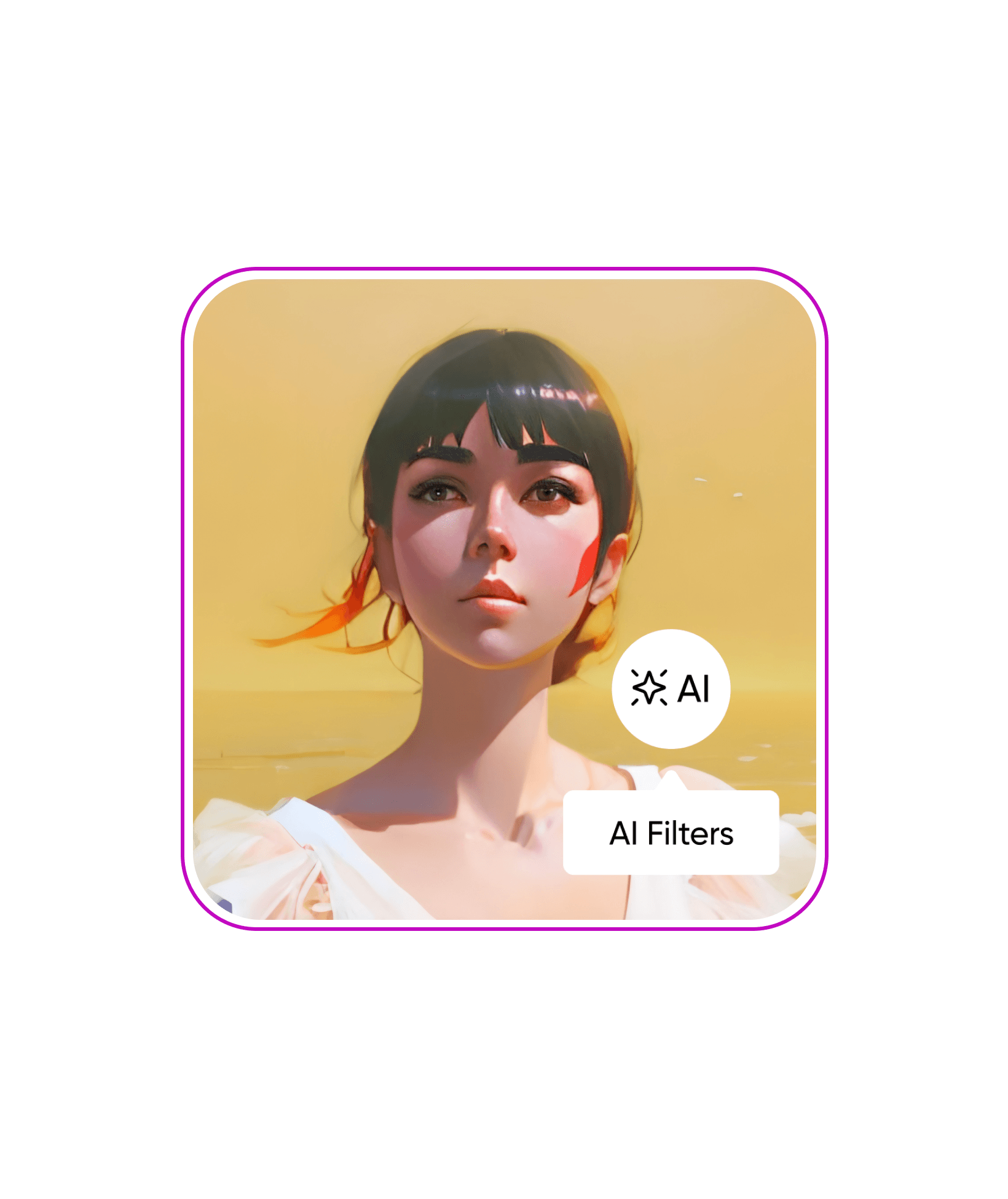
Пробајте AI филтри
AI филтри наспроти обични филтри
Се прашувате која е разликата? Таа е значителна. Обичните филтри користат однапред зададени слоеви на бои што се поставуваат врз вашата оригинална слика. AI филтрите, пак, користат генеративна AI уметност за да создадат нова визуелна содржина од почеток, врз основа на вашата оригинална слика. Може да го замислите тоа како генерирање AI уметност од слика во слика.
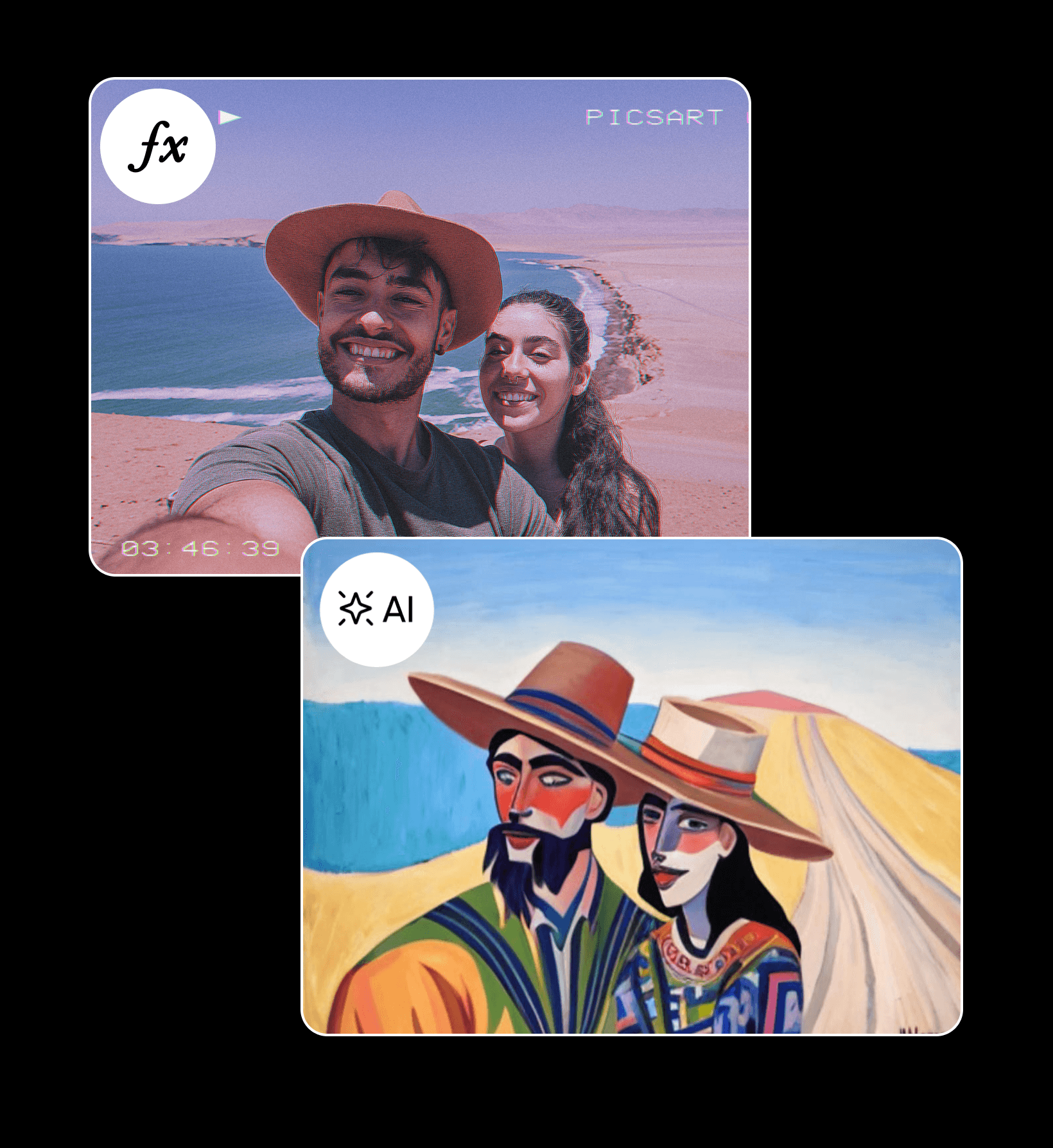
Создавајте дигитална уметност без да цртате
Без разлика дали сакате да ги разубавите објавите на социјалните мрежи или да создадете илустрации за промотивна кампања, со AI филтрите ќе заштедите многу време. Користете ги постојните фотографии наместо да пишувате детални описи и избирајте меѓу различни стилови за целосно да ги преобразите вашите визуелни содржини. А ако сакате да визуелизирате посмели идеи, секогаш можете да го користите AI генераторот на уметност на Picsart за да создадете уметност од почеток.
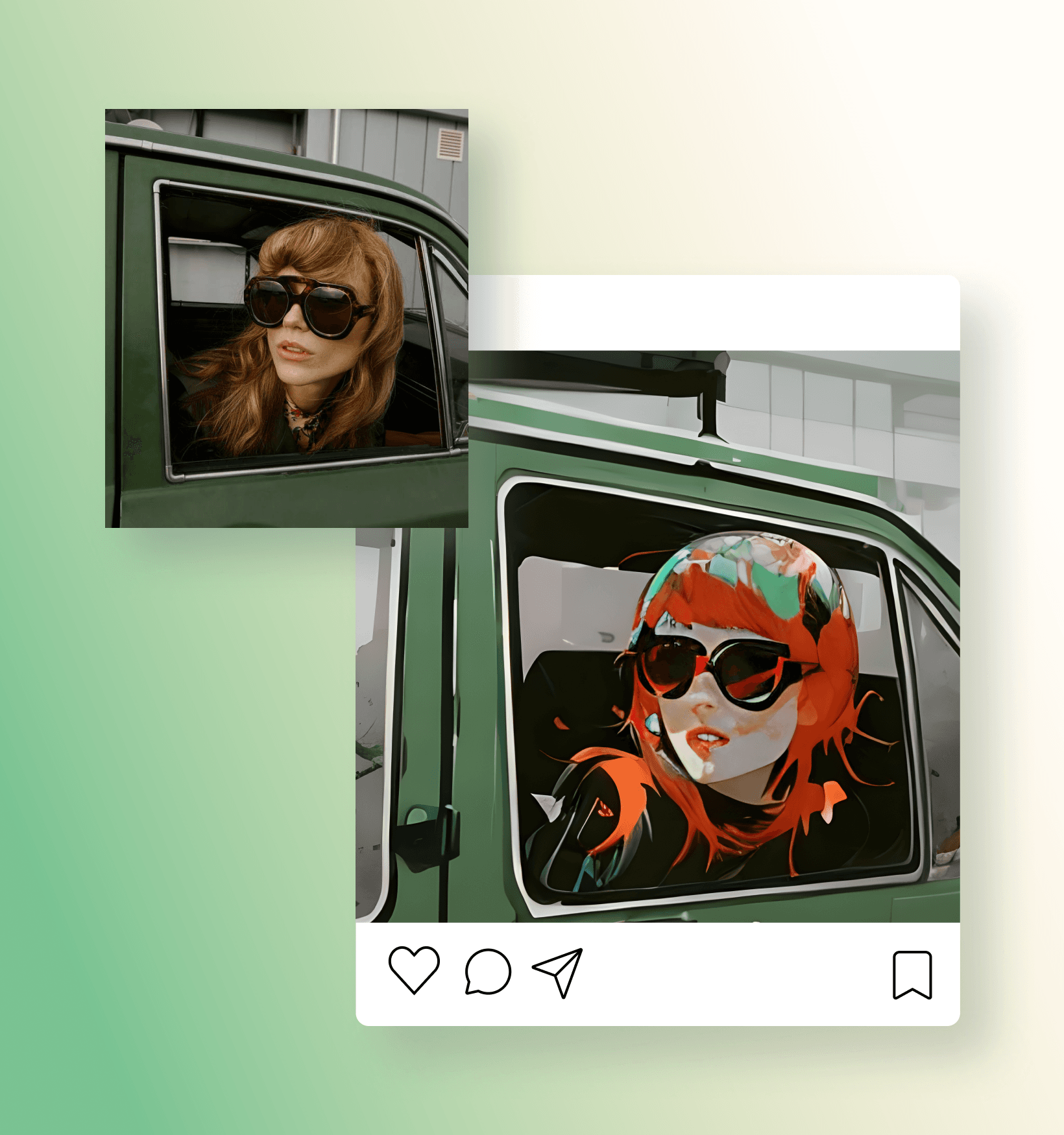
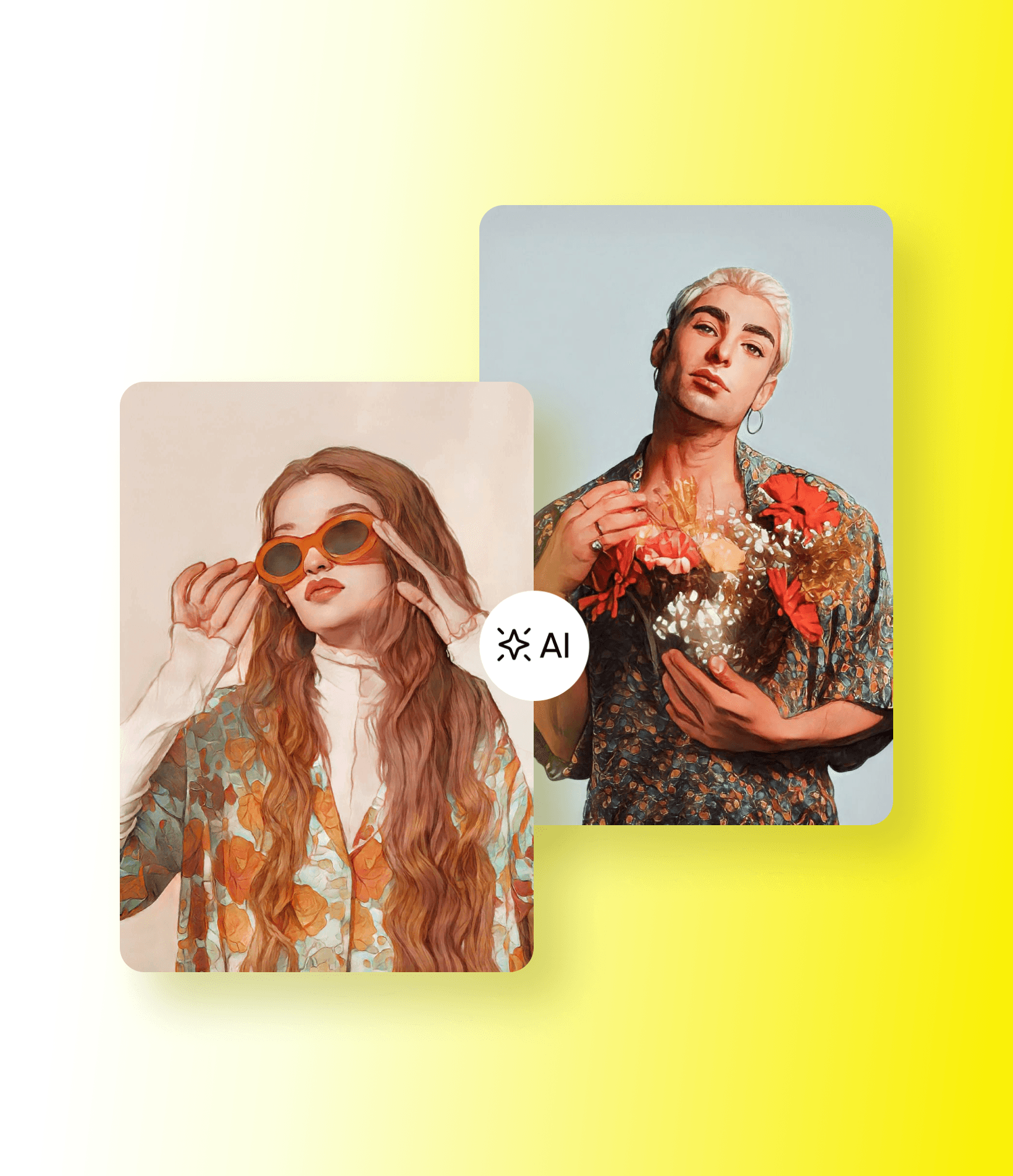
Разбудете го уметникот во себе со AI филтри инспирирани од уметноста
Претворете ги вашите фотографии во слики достојни за музеј со AI филтрите за уметност. Дозволете AI да ги претвори вашите оригинални фотографии во уметнички ремек-дела во различни стилови. Изберете го филтерот Fine Art за покласичен изглед. Користете го филтерот Abstract за покреативни, пошарени и... апстрактни резултати. А ако барате нешто помодерно, изберете го филтерот Pop Art.
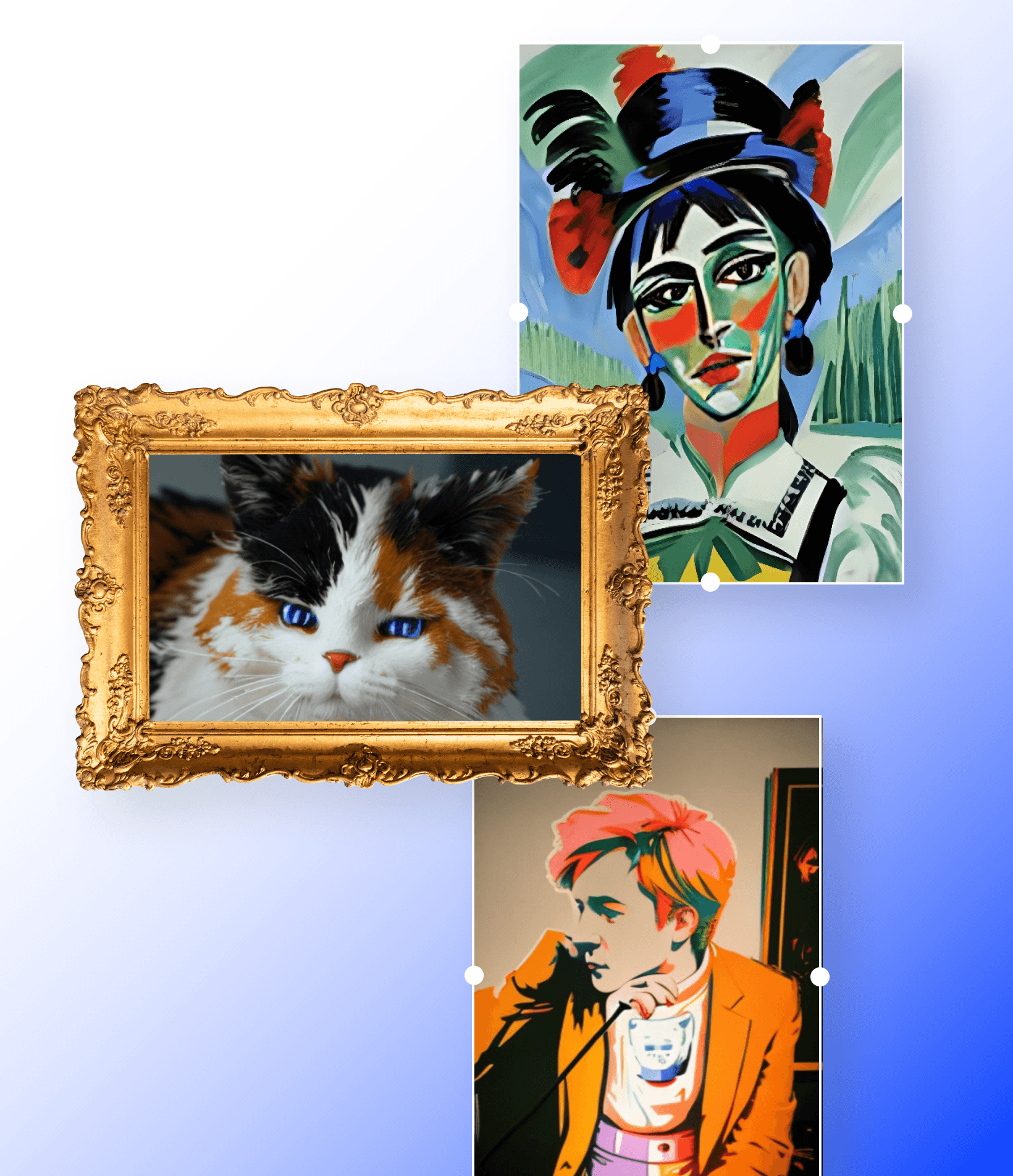
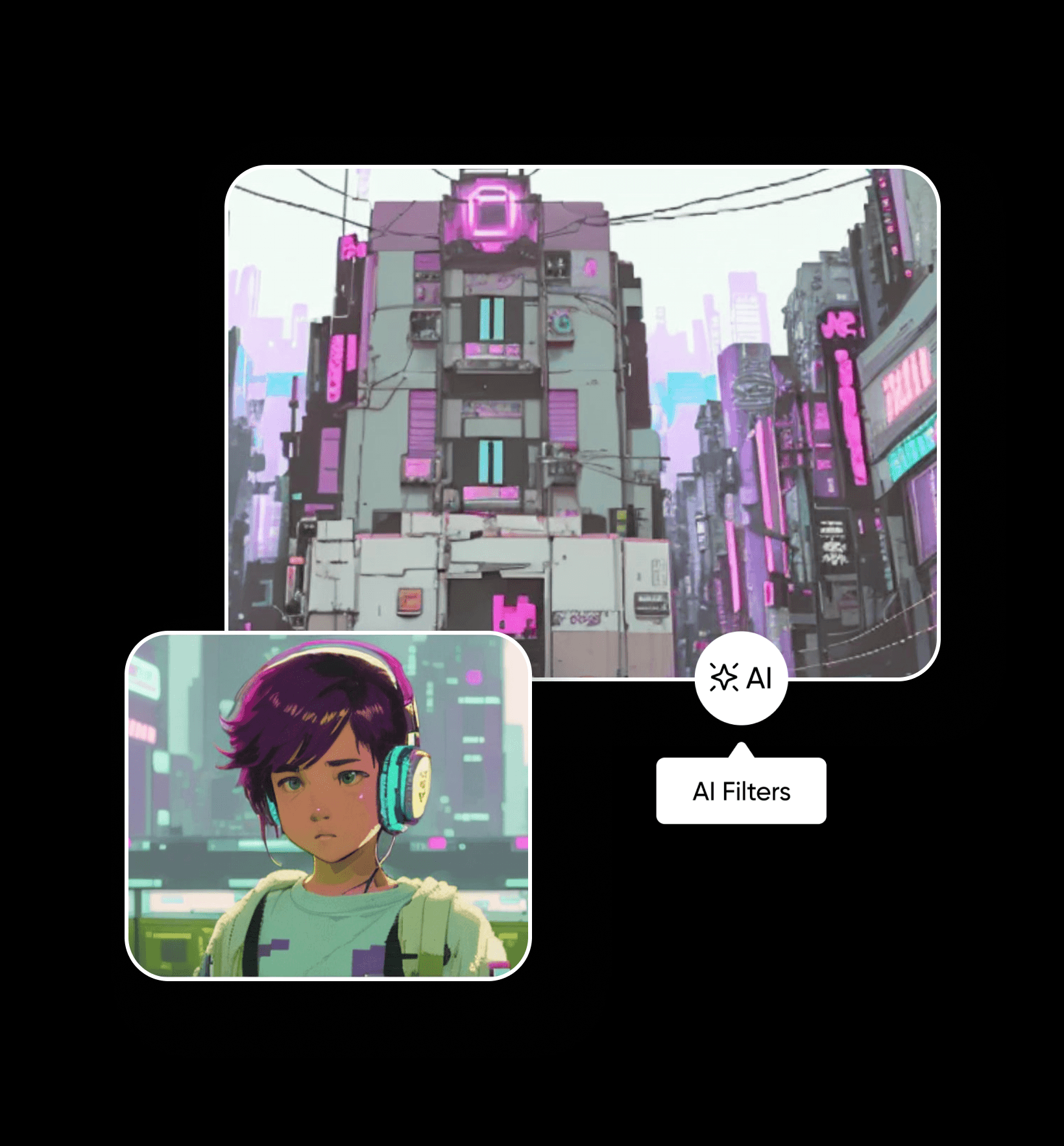
Станете главен лик во сајберпанк приказна
Секогаш сте се прашувале како би изгледале вие или вашиот град во блиска дистописка иднина? Не мора повеќе да се прашувате. Користете го бесплатниот AI филтер Cyberpunk за да ги претворите вашите фотографии во впечатливи визуелни содржини налик на концептуална уметност. Одлично функционира и со портретни и со пејзажни фотографии. AI прецизно ги пресликува деталите на облеката и пејзажот за да создаде импресивно уверливи имитации на оригиналната слика. А ако барате нешто поперсонализирано, пробајте го AI аватарот за да генерирате уникатни профилни фотографии.
Создадете своја анимирана приказна со филтри за цртани
Претворете се во анимиран лик со AI филтерот Cartoon. Претворете ги вашите фотографии во цртани и создадете симпатични портрети за објави на социјалните мрежи и профилни фотографии. Благодарение на напредните алгоритми за машинско учење, кои создаваат цртани црти на лицето врз основа на вашиот изглед, ќе добиете верен приказ на себе.
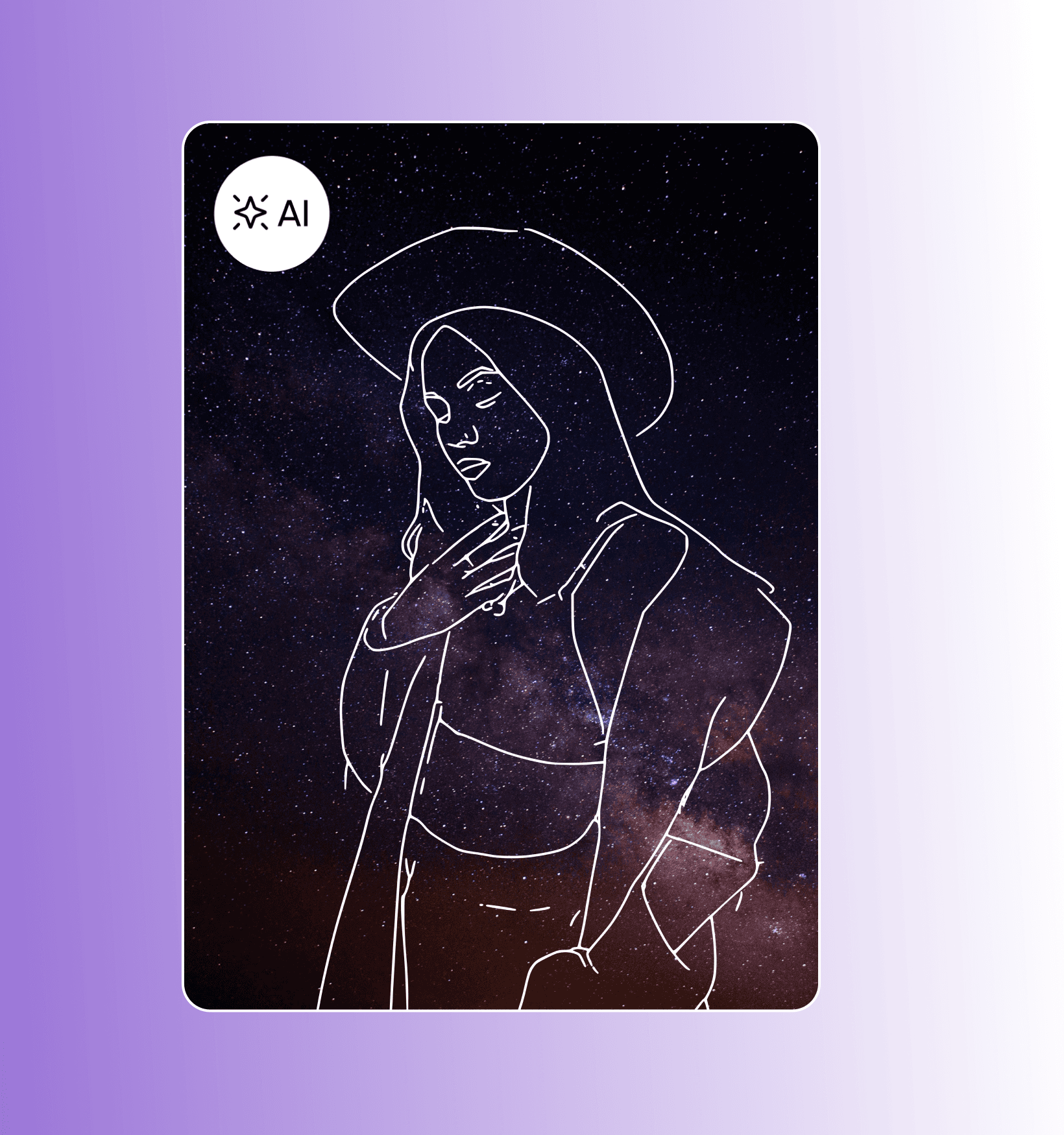
Откријте го ремек-делото што се крие во вас со филтри за скици
Додајте креативен шмек на вашите фотографии без напор со AI фото ефектите за претворање фотографија во скица на Picsart. За секунда добијте прецизна, минималистичка скица од портретот. Изберете меѓу различни варијанти на филтри: самостојна скица што можете да ја поставите на која било заднина или скица како горен слој врз оригиналната слика. А ако сакате да создадете професионални скици од почеток, пробајте го SketchAI за да претворите брзи цртежи во професионални илустрации со AI.
Откријте уште стилови што ќе ви се допаднат на Picsart
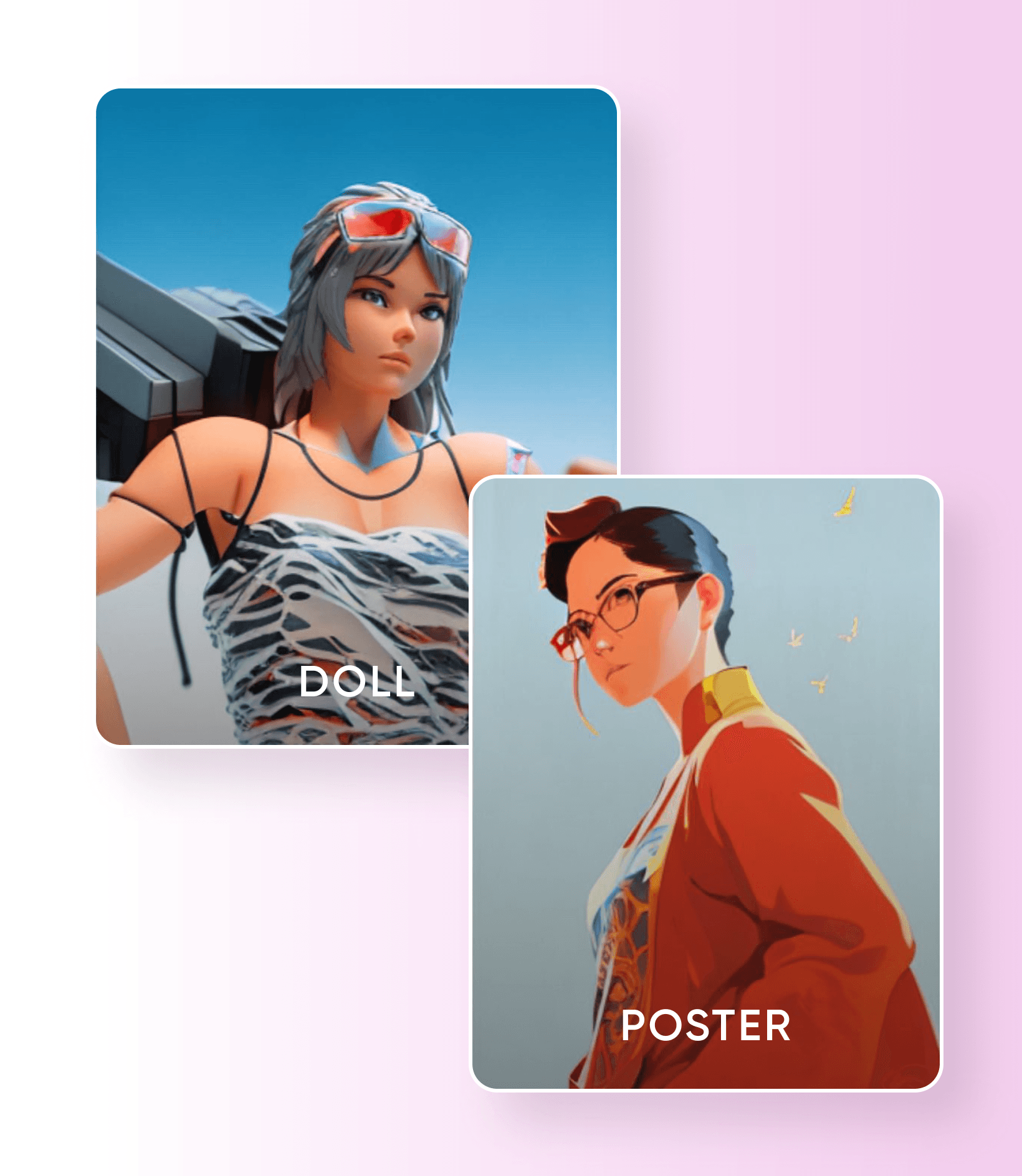
На Picsart ве чекаат многу други бесплатни AI филтри за испробување. Користете го AI ефектот Poster за брзо да ги претворите фотографиите во уметност што ќе сакате да ја закачите на ѕид. А не пропуштајте да го доживеете животот во пластика со AI ефектите Doll, кои ќе ве претворат во омилената кукла на сите. И тоа не е сè. На Picsart ве чекаат многу други AI филтри за испробување. А за уникатни визуелни содржини, секогаш можете да го користите AI генераторот на слики за да создадете слики од почеток.
Наскоро достапно во Picsart Web Editor
AI филтрите се достапни бесплатно во апликациите Picsart за iOS и Android.
Моментално, AI филтрите се достапни само во апликациите Picsart за iOS и Android. Додека работиме на нивното воведување во Web Editor, можете да ги користите многубројните фото ефекти што се веќе достапни.
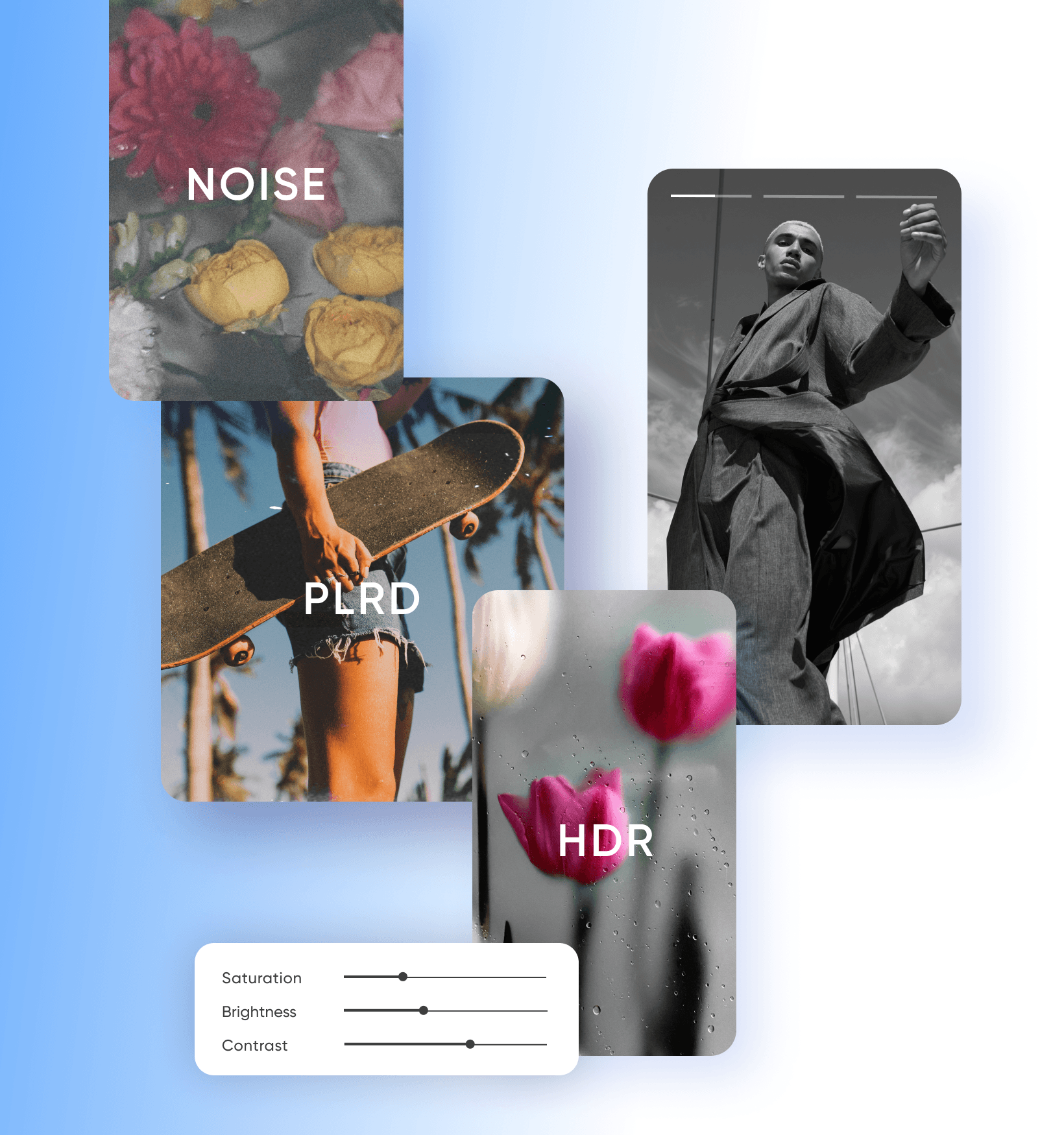
Испробајте ги алатките за уредување фотографии со AI на Picsart


Запознајте се со генерирањето слики со AI
Дознајте како промптовите, стиловите и изборот на модел влијаат врз сликите.
ЧПП за AI филтрите
AI филтерот во суштина е уметност генерирана со AI, која користи слика како влезен податок наместо текстуален промпт.
Пробајте AI филтри
Објавено во


Уредувајте фотографии за квалитетни содржини за креатори
Pro
Most popularAI tools for everyday creative work.
Ultra
Most powerfulHeavy AI usage for creators & teams.
Enterprise
Custom AI solutions for large organizations.
- Volume discounts on credit rate
- On-demand top-ups