Онлајн алатка за изработка на брошури: креирајте сопствени брошури
Пренесете ја вашата порака директно до публиката со промотивни брошури. Онлајн алатката за изработка на брошури на Picsart ви овозможува да изберете професионално дизајнирани шаблони и да го приспособите секој елемент за да го претставите вашиот бренд. Лесно креирајте сопствени брошури за промоција на производи, услуги, настани и каузи. Со интуитивни алатки за уредување и богата библиотека со дизајнерски материјали, никогаш не било полесно да креирате брошури што ќе ја воодушеват вашата публика.
- Водете ги читателите низ вашата порака
- Одржете доследност на сите панели
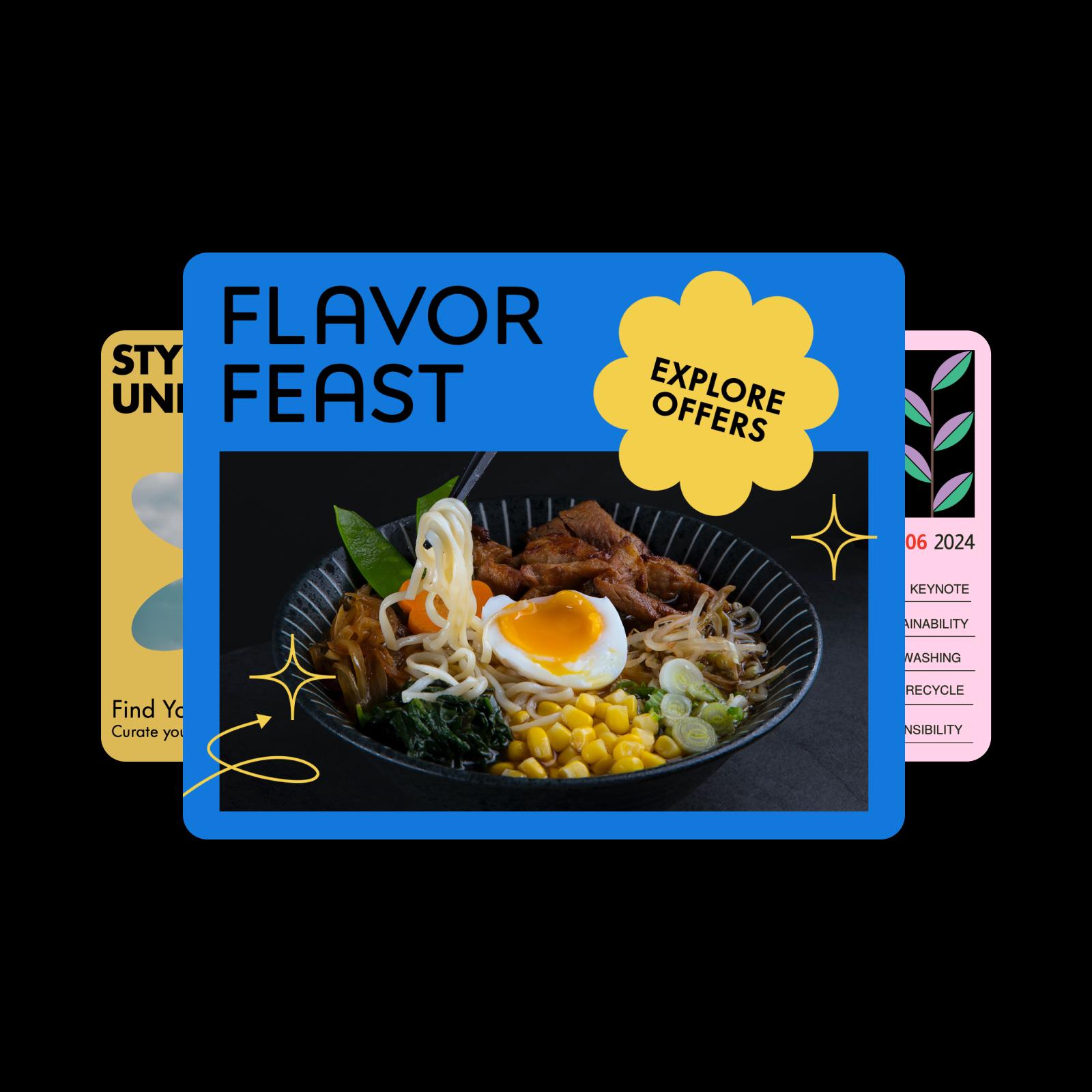
Дизајнирајте брошури со модели за генерирање слики со AI
Користете модели за генерирање слики за да ги претворите брошурите во впечатливи визуелни материјали, идеи за дизајн и елементи подготвени за уредување.
Откријте шаблони за брошури за секоја намена
Креирајте летоци на професионално ниво со шаблони за брошури. Промовирајте го вашиот бизнис, настан или производ со приспособливи готови дизајни.


Како да направите брошура со Picsart
How to
Отворете го Picsart
Кликнете на копчето „Започнете со креирање“ за да пристапите до алатката за изработка на брошури.
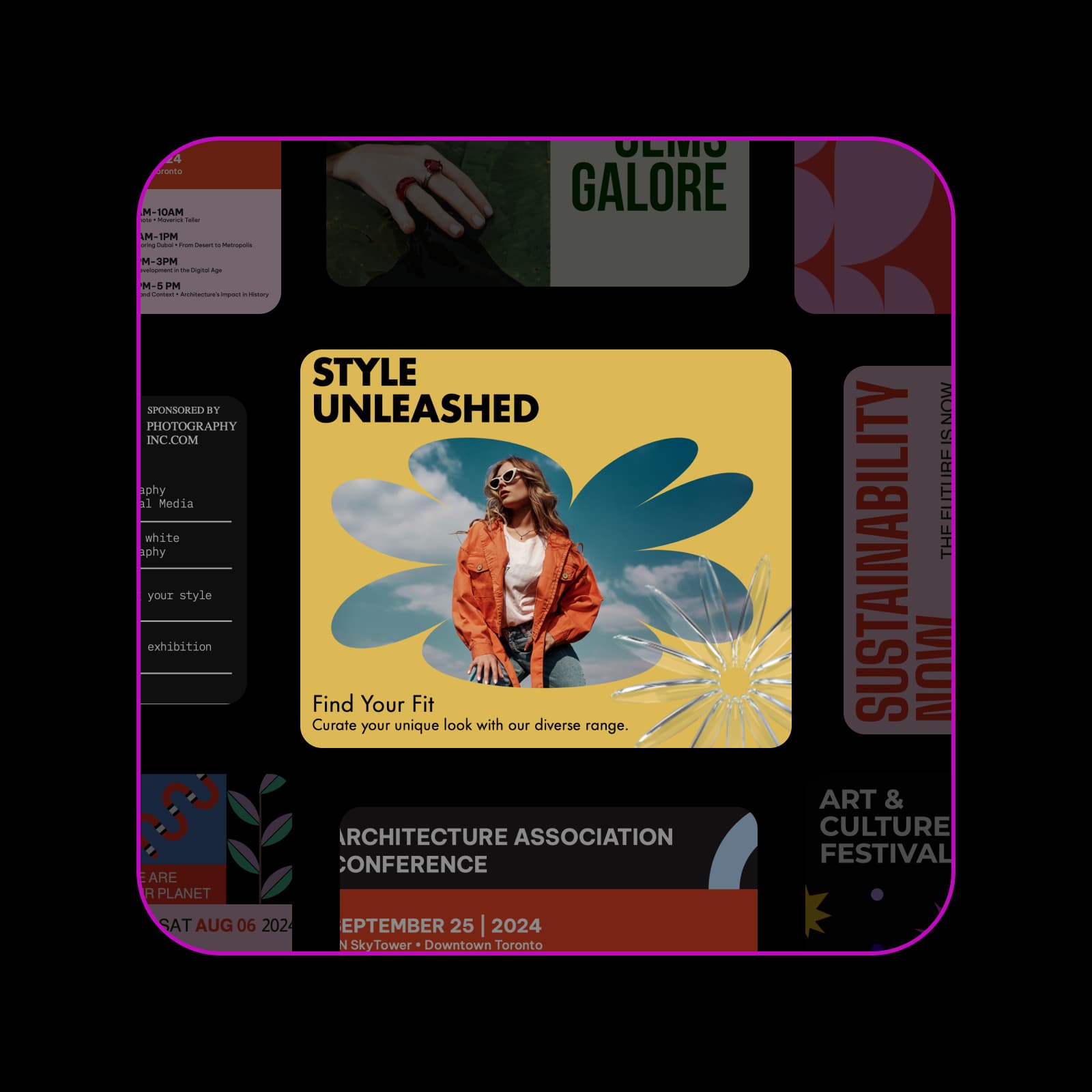
Поедноставете го дизајнот со професионални шаблони за брошури
Заштедете време и лесно унапредете го вашиот бренд. Онлајн алатката за изработка на брошури на Picsart нуди стручно изработени шаблони што ви помагаат да креирате дотерани брошури без напредни дизајнерски вештини. Совршени за бизниси, маркетери и креатори, претходно форматираните шаблони имаат визуелно впечатливи распореди што можете целосно да ги приспособите на вашиот бренд и порака. Само изменете го дизајнот, преземете го и споделете го дигитално или отпечатете го.
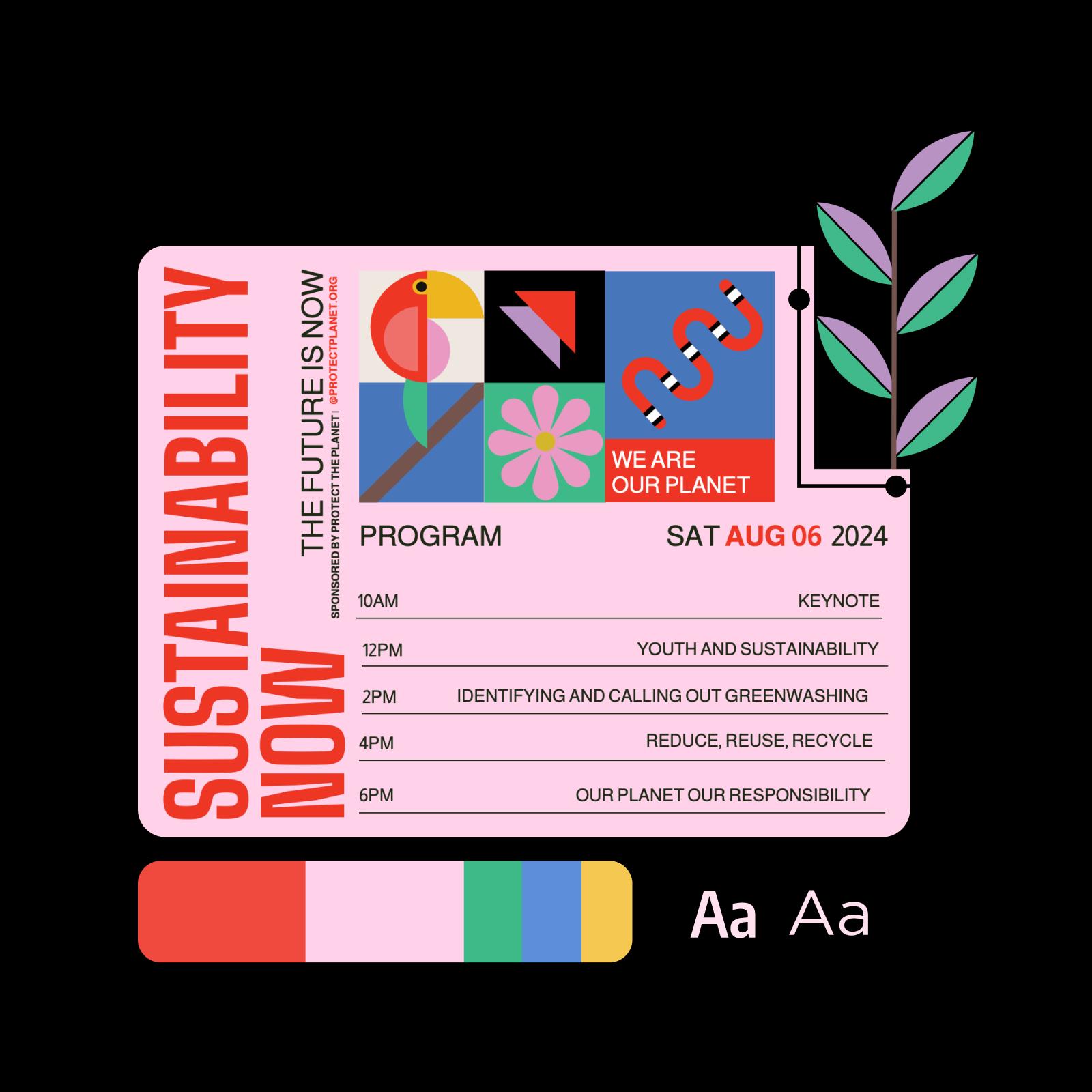
Креирајте софистицирани промотивни материјали со алатка за изработка на брошури
Добро дизајнираните брошури допираат до широка публика и поттикнуваат повторна интеракција. Дизајнирајте летоци и брошури со алатката за изработка на брошури на Picsart за да привлечете внимание и да ги претставите придобивките од производите или настаните. Додајте впечатливи слики, икони и текст за да креирате професионална и незаборавна брошура. Не ви треба дизајнерско искуство, па креативниот процес од почеток до крај ќе тече непречено.
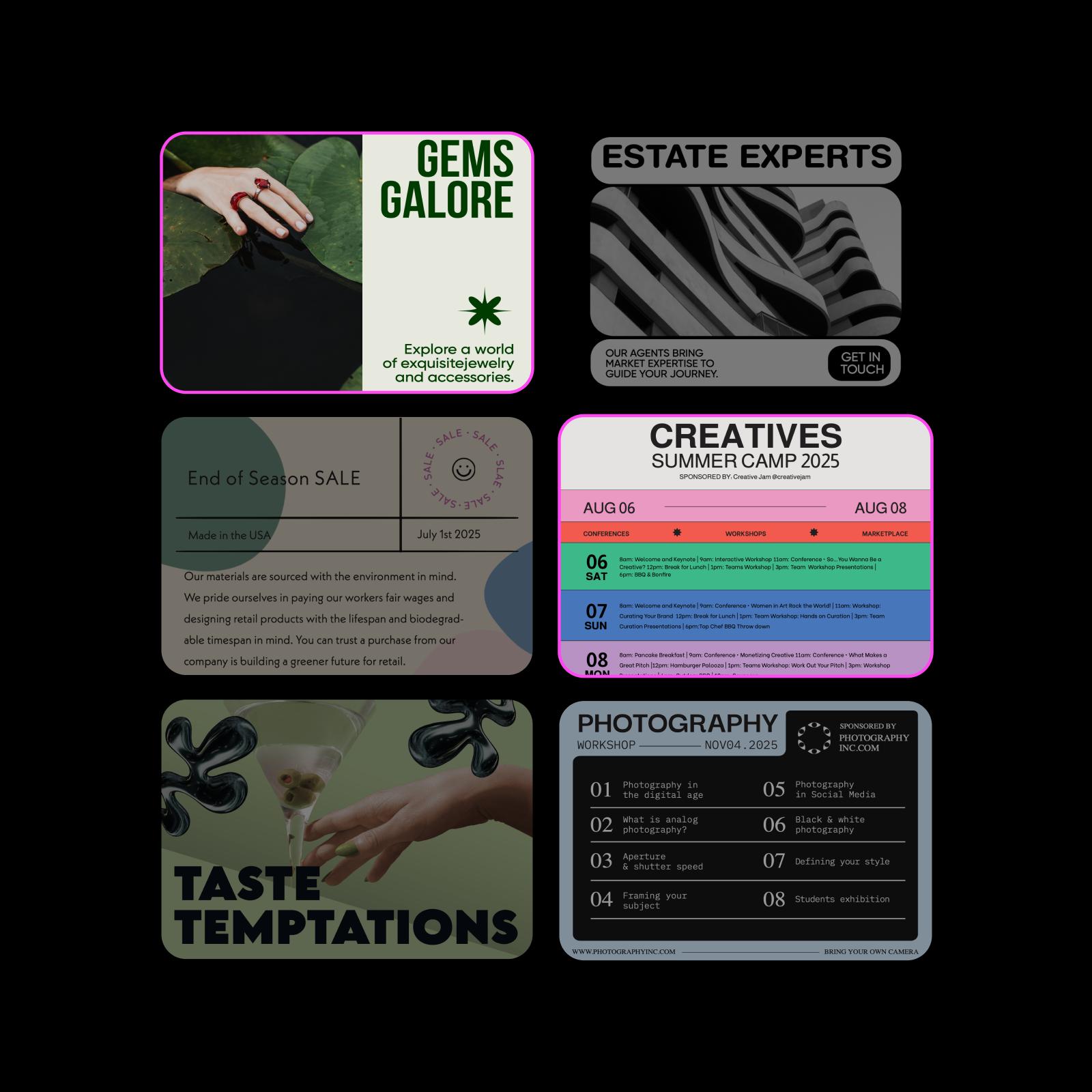
Приспособете ги брошурите без ограничувања
Уживајте во бескрајни можности за приспособување. Алатката за изработка на брошури на Picsart нуди брз и едноставен процес за дизајнирање впечатливи брошури. Започнете со висококвалитетни шаблони и приспособете го дизајнот со елементи од вашиот бренд. Логото, боите, фонтовите—приспособете го секој елемент за да ги направите брошурите уникатни. Додајте фотографии или илустрации и испробајте различни распореди и креативни стилови. Со вградените алатки како отстранувачот на заднина и подобрувањето слики со AI, лесно ќе постигнете дотеран, професионален изглед.
- Дотерајте ги деталите во уредувачот
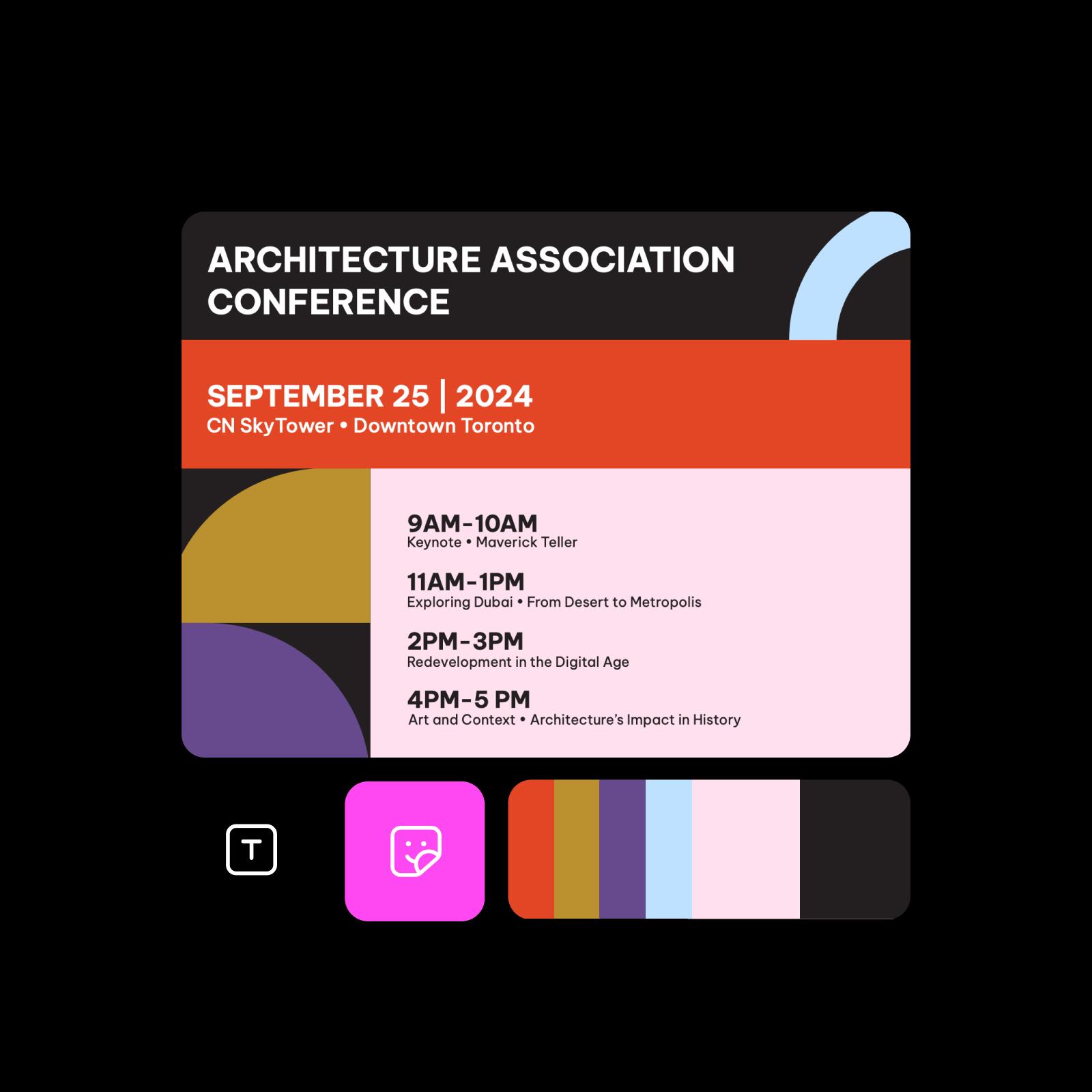
Креирајте маркетиншки материјали со сè-во-едно алатката за изработка на брошури на Picsart
Откријте сè што ви е потребно за да креирате и приспособувате брошури во еден флексибилен уредувач.
ЧПП за алатката за изработка на брошури
Овој дизајнерски процес се плаќа. Пред да започнете, проверете ги тековните планови и вклучените функции на страницата со цени на Picsart.
Дизајнирајте брошури за брендови, настани и содржини за социјални мрежи
Pro
Most popularAI tools for everyday creative work.
Ultra
Most powerfulHeavy AI usage for creators & teams.
Enterprise
Custom AI solutions for large organizations.
- Volume discounts on credit rate
- On-demand top-ups