Лесно отстранување на објекти од видеа
Лесно отстранувајте непосакувани објекти од видеа со помош на алатката за отстранување објекти од видео на Picsart дизајнирана за почетници. Брзо отстранете објекти од видеата за да го исчистите вашиот содржински материјал без мака. Достапно сега на iOS, наскоро на други платформи!
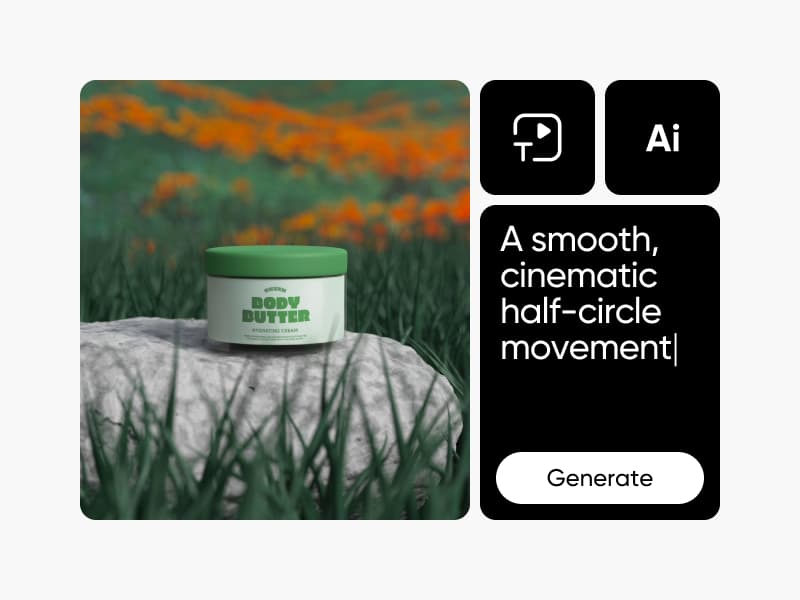
Направете почисти видеа со AI видео модели
Користете видео модели за да ги трансформирате клиповите, материјалите и поттикнувачите во почисти видеа за социјални мрежи, реклами и креативни работни текови.
Како се отстрануваат објекти од видеа
How to
Постави видео
Поставете видео за да започнете со отстранување објекти.
Отстранете непосакувани објекти од видеа без никакви вештини за уредување
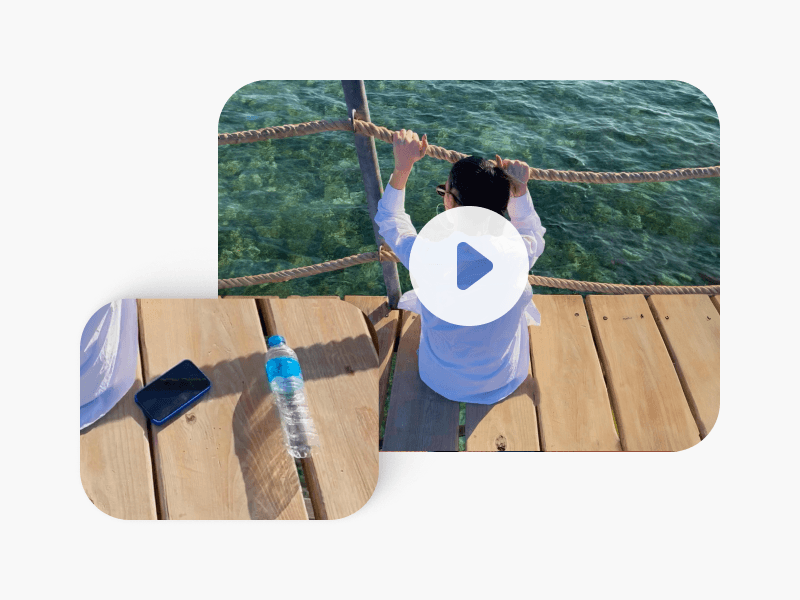
Бришењето на објекти од видеа обично бара време и експертски вештини за уредување, но отстранувачот на објекти за видео на Picsart може да помогне да избришете што било од вашето видео. Моментално достапно за iOS, сè што треба да направите е да го поставите вашето видео во алатката и да бојадисате над непосакуваниот објект (или бојадисајте над повеќе објекти од повеќе рамки) за да го отстраните. Откако ќе отстраните статични или движечки објекти, можете да извезете висококвалитетни видеа без губење на квалитетот. Барате онлајн отстранувач на објекти за видео? Почекајте за нови ажурирања!
Забрзајте го процесот на уредување со отстранување на објекти од видео
Уморни сте од трошење време на уредување? Од пост-продукциски неред во видеото до непосакувани одвраќања, ќе го намалите времето на уредување на неколку секунди со апликацијата за отстранување објекти од видео на Picsart. Наместо да ги снимате повторно видеата додека не ги направите исправни, едноставно бојадисајте над објектите за да отстраните нешто од видео. Плус, можете ефикасно да ги трансформирате пејзажите и градските снимки со отстранување на дрвја, електрични жици, и други нереди за професионални, полиран видеа.
Лесно отстранете луѓе од видеа за секунди
Кога снимате во јавни простори, не е секогаш можно да избегнете луѓе кои ви влегуваат во кадар. Добрата вест? Со Picsart, можете инстантно да отстраните луѓе и непосакуван брендирања од вашите реклами, објави на социјални медиуми и многу повеќе. Дури и ако се движат, можете лесно да отстраните човек од видео и да уживате во неверојатен, без одвраќања видео материјал секогаш.
Лесна за користење алатка за отстранување објекти од видео за секого
Од инфлуенсери до дигитални креатори и мали бизнис сопственици, секој може да го користи отстранувачот на објекти за видео за објави на социјални медиуми, промоција на недвижности, eCommerce маркетинг и многу повеќе. Потребни се само неколку моменти за полирање на видео снимки пред да ги споделите онлајн — дури и ако немате никакви вештини за уредување. Ако барате да отстраните неред од фотографии, пробајте ја алатката отстрани објект од фотографија за да отстраните непосакувани лица, текст и објекти.
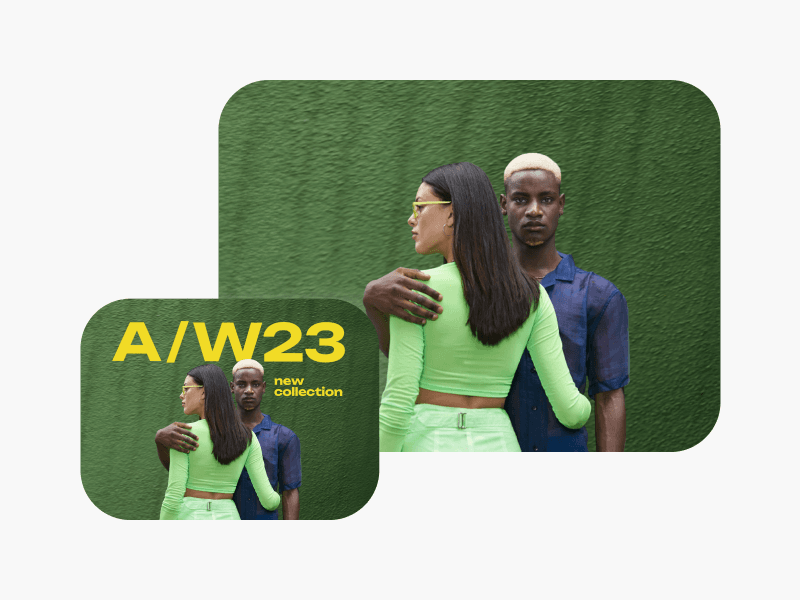
Отстранете заднини од било каков видео содржина
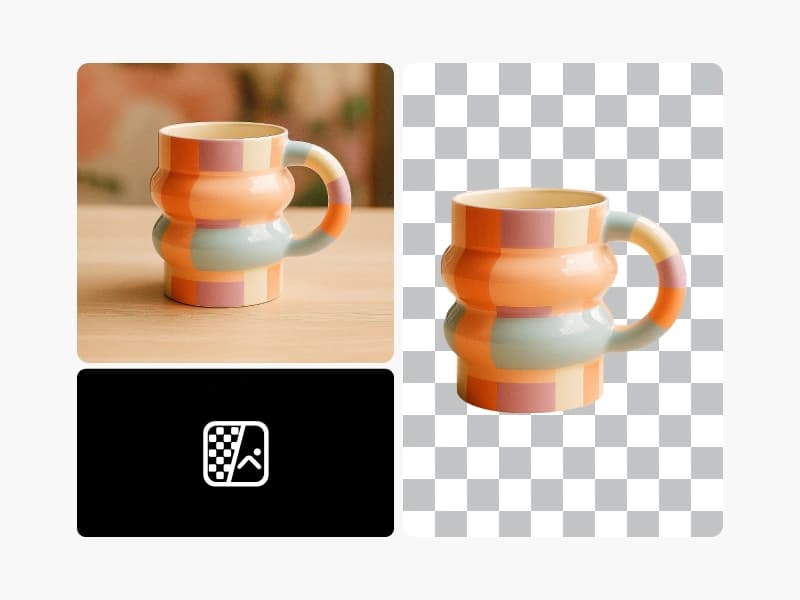
Подобрување на видеа на производи
Исчистете одрази, жици или случајни реквизити од демонстрации на производи и e-commerce клипови. Секој кадар изгледа исполнет и професионален.
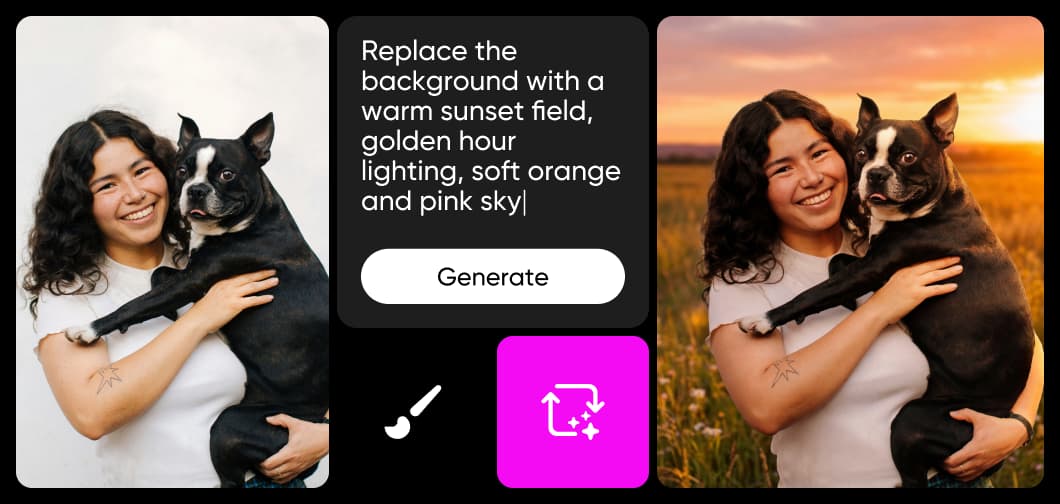
Научете основи на уредување на слики
Научете како да правите почисти измени со практични чекори.
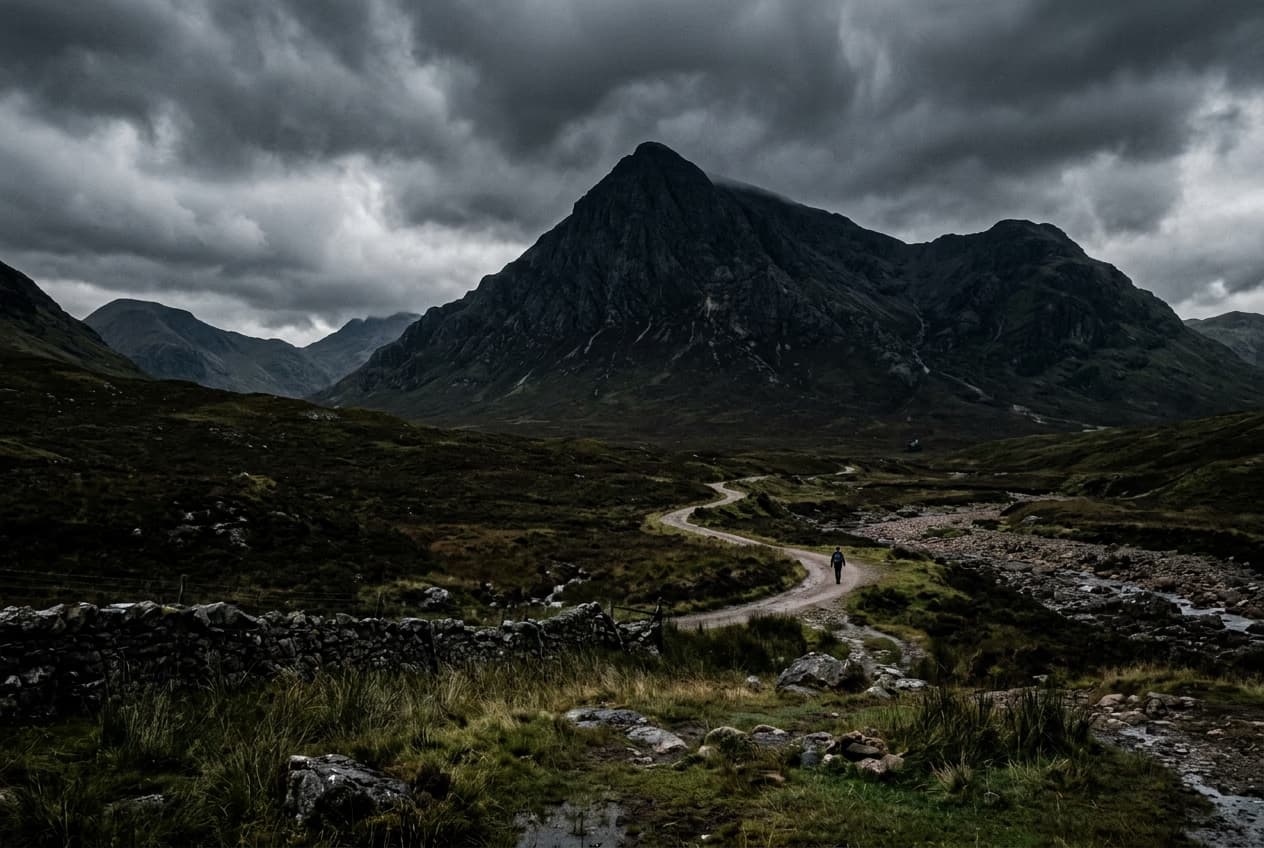
Remove unwanted objects from photos with AI
3 minBeginner
Replace objects in photos with AI-generated content
4 minIntermediate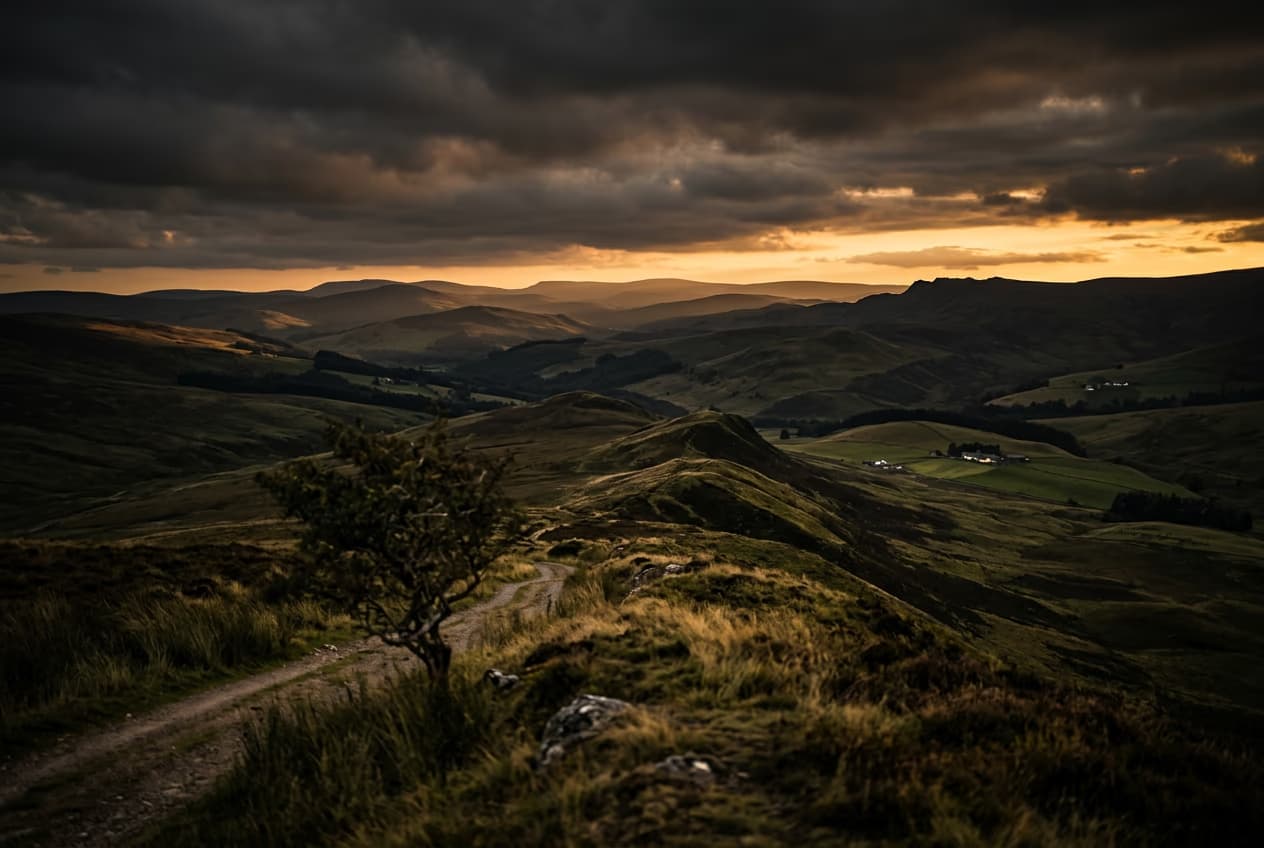
How to expand images beyond their borders with AI
4 minBeginner
Upscale low-resolution images to HD with AI
3 minBeginner
Edit any part of an image with text prompts
4 minIntermediate
Најчесто поставувани прашања за отстранување на објекти од видео
Видео Објект Отстранувачот на Picsart е алатка за уредување потпомогната од AI која детектира и брише непосакувани елементи од вашите видеа. Автоматски го реконструира заднината по отстранувањето, справувајќи се со сè од статични реквизити до движечки субјекти додека ја одржува природната движења и визуелниот тек на вашето видео.
Откријте повеќе функции за уредување

Уредете почисти видеа за секој креаторски проект
Pro
Most popularAI tools for everyday creative work.
Ultra
Most powerfulHeavy AI usage for creators & teams.